Kling 4.0 AI Video Generator: Create Cinematic Videos with Ease

Easily create AI videos up to 30 seconds long in up to 4K with Kling 4.0. Combine images, video clips, and voice references to bring your ideas to life. Take control of actions and scene changes with up to 10 keyframes for smoother transitions and more coherent storytelling.

Result

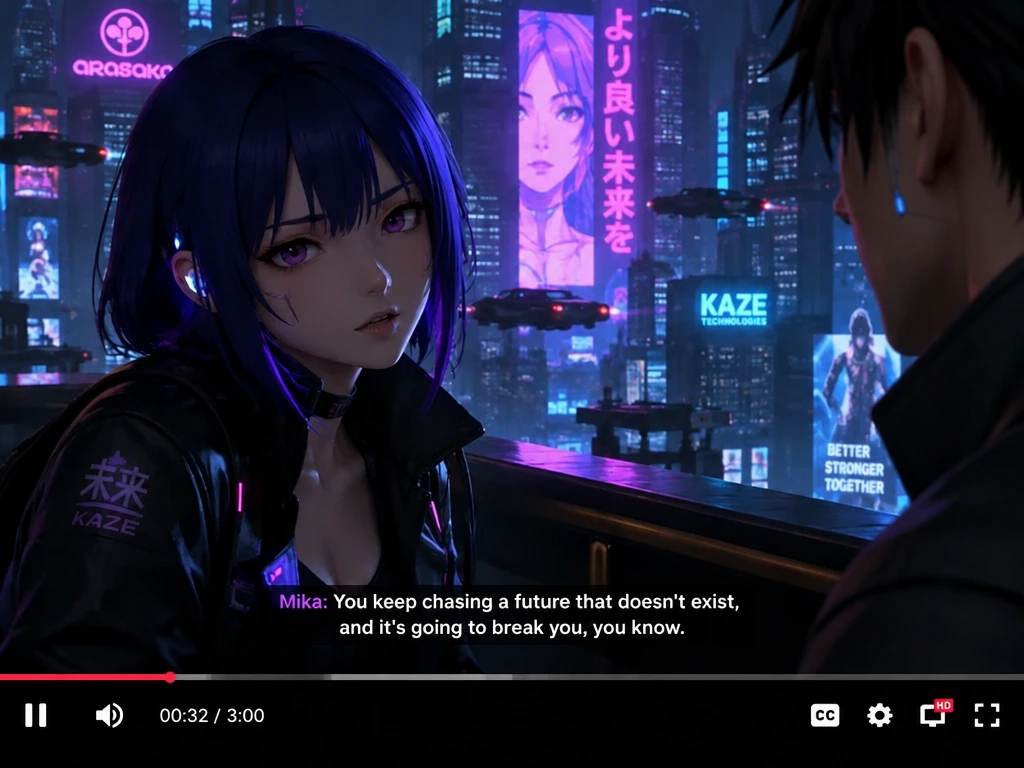
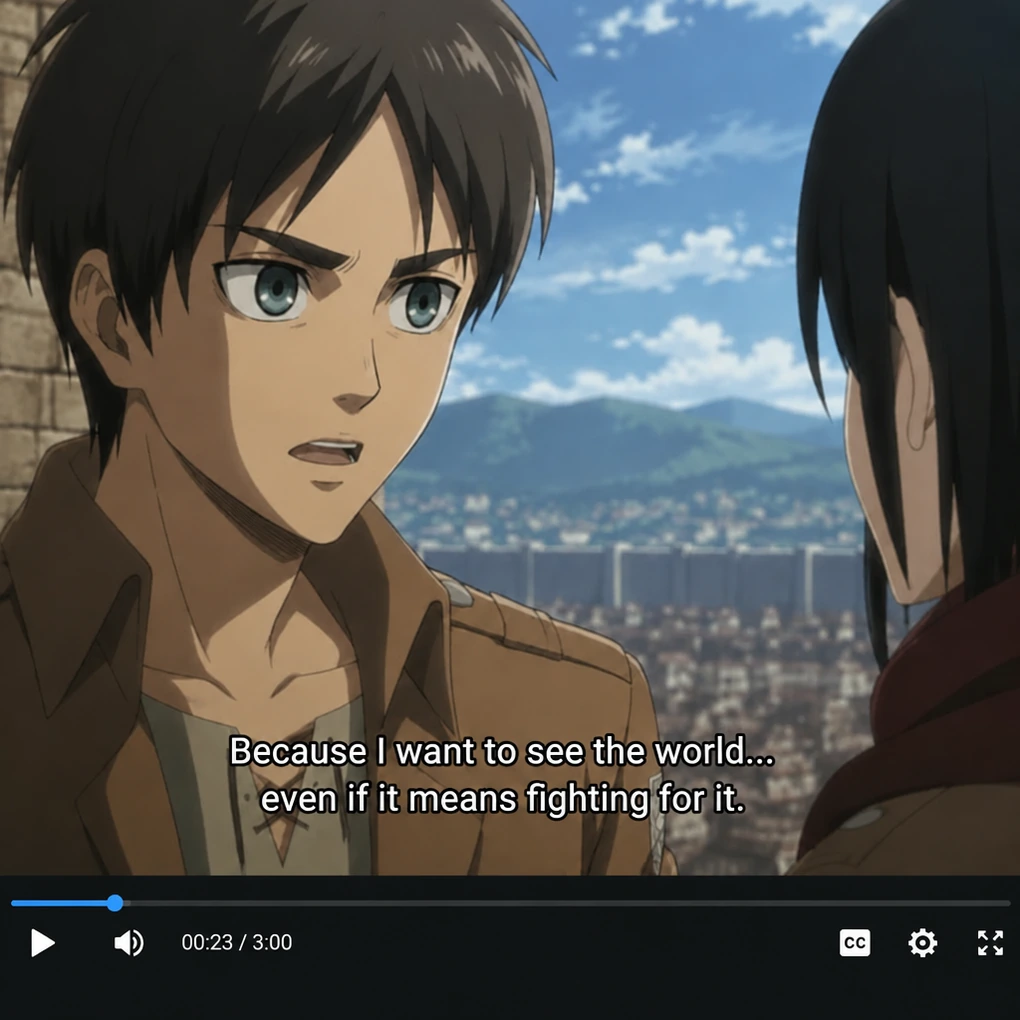
Anime characters in a subtitled dialogue scene preview in Kling 4.0 AI Video Generator

What Is Kling 4.0?

Kling 4.0 is the latest multimodal AI video model developed by Kuaishou. With this model, you can create videos with natural character movements, lifelike expressions, and fine visual details. It also generates lip-synced dialogue, sound effects, and background audio that match your scenes.

It offers several ways to create and edit videos:

  • Text & Image to Video: Turn written ideas or still images into videos.
  • First/Last Frames & Keyframes: Guide the opening, ending, and key moments with up to 10 keyframes.
  • Omni Reference: Combine images, videos, voice references, and subjects to guide your video.
  • Video Editing: Add, remove, or replace elements and change backgrounds or styles.
  • Video Extension: Extend existing videos in multiple steps to reach up to two minutes.
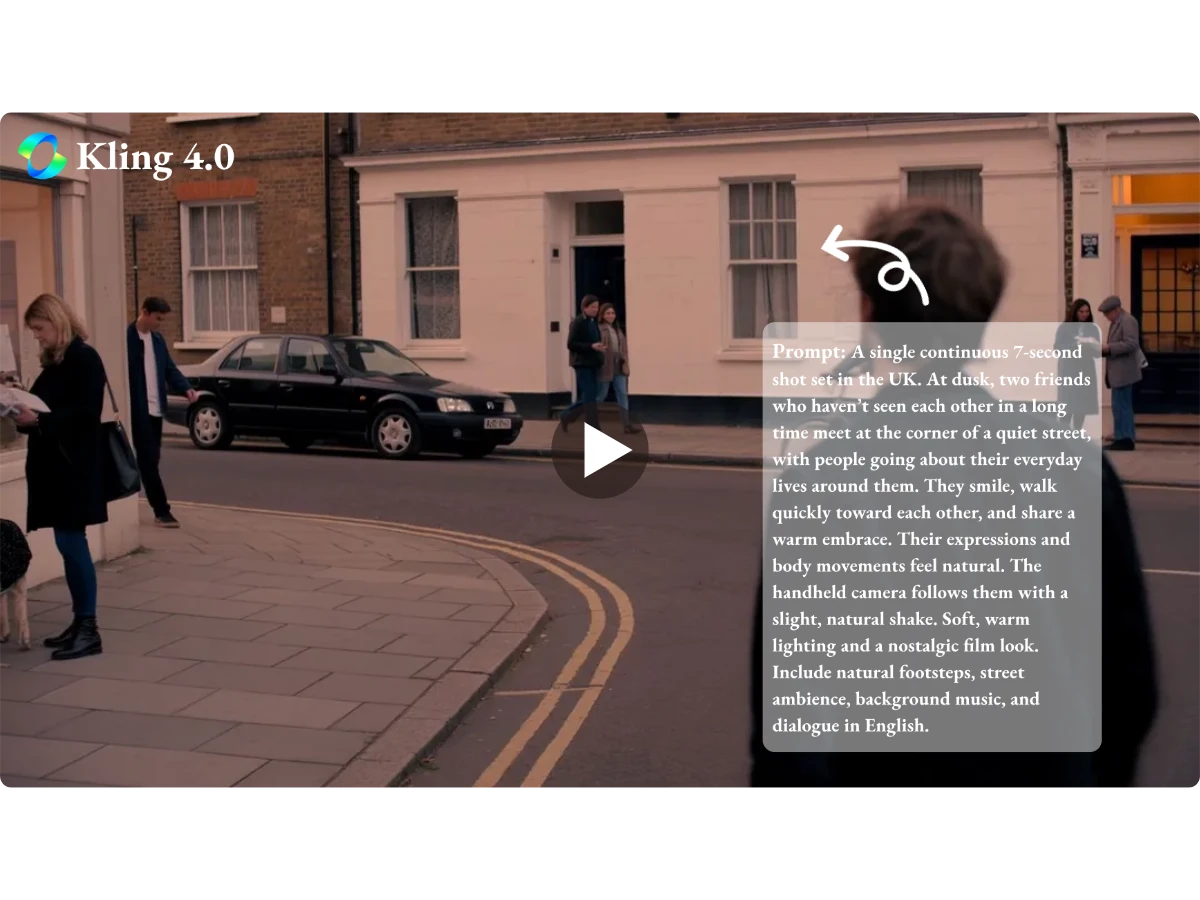
Kling 4.0 AI Model preview showing a city street scene with an overlaid video prompt

What Can You Create with the Kling 4.0 AI Video Generator?

Generate Product Videos & Ads with Kling 4.0

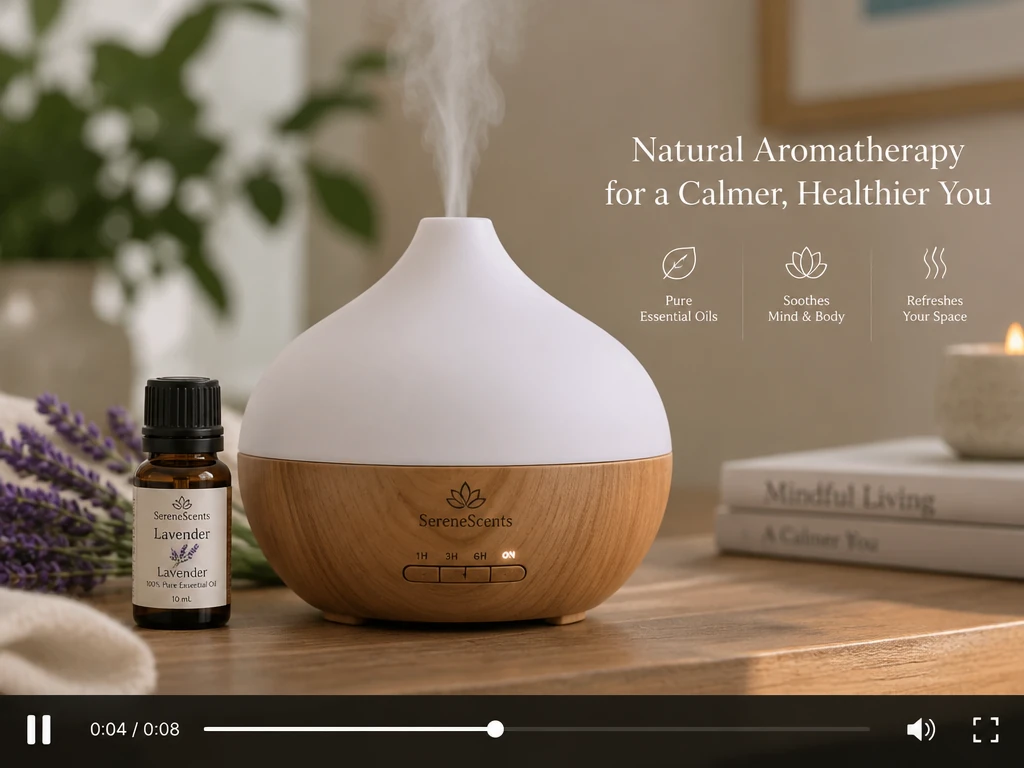
Turn your ideas and existing assets into product showcases, brand stories, and promotional ads with Kling 4.0. Highlight product details in native 4K and make key messages stand out with clear on-screen text. Create versions for different audiences faster, without a new shoot each time, saving time and production costs.

An aromatherapy diffuser and lavender oil in a product video ad created with Kling 4.0

Create AI Short Dramas & Animated Stories

Easily create short dramas, animated stories, and podcast videos from your scripts and character designs. Kling 4.0 keeps a consistent look across shots, with lip movements that match the dialogue. This lets you focus on telling compelling stories and creating engaging characters that keep viewers watching.

A blue-haired animated character in a neon city dialogue scene with English subtitles

Produce Engaging AI Videos for Social Media

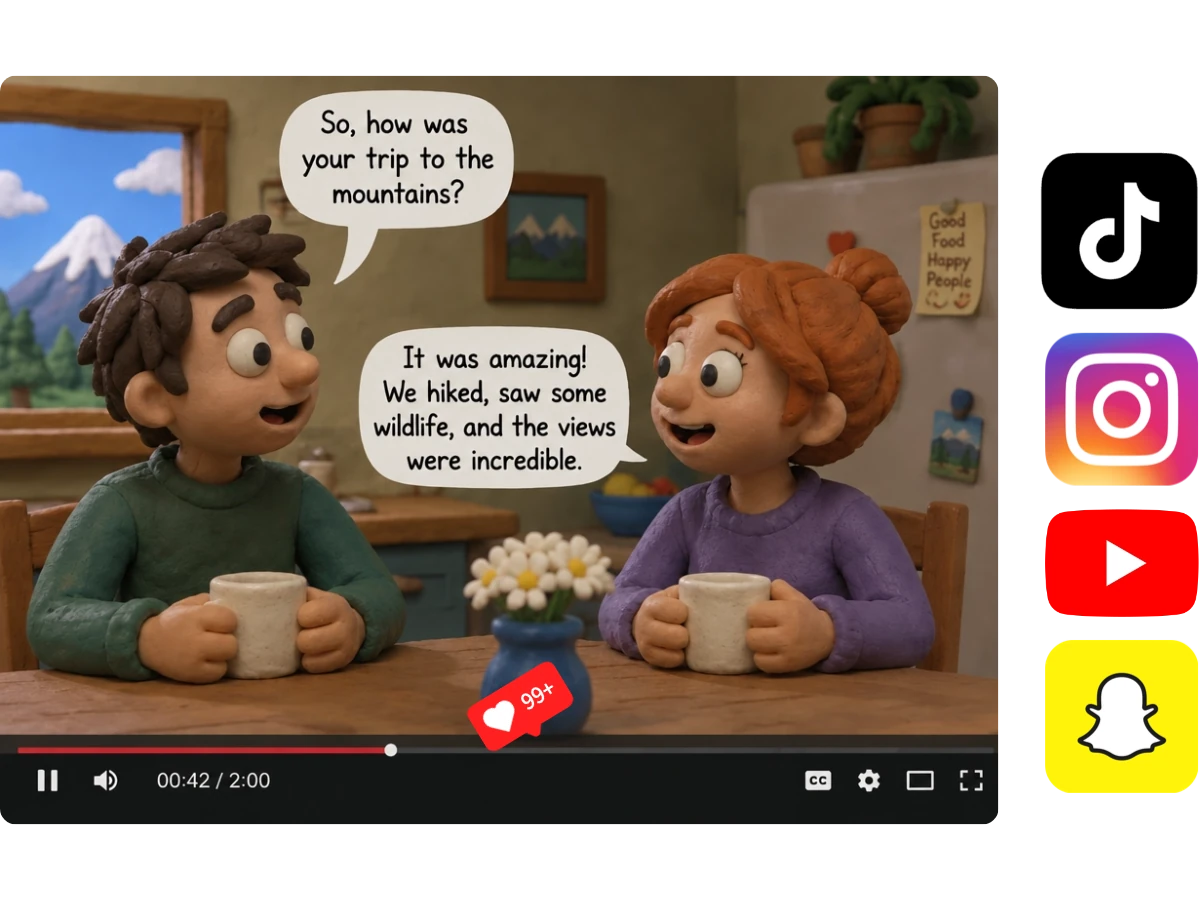
Create videos in minutes with Kling 4.0, from funny skits to stylized animations. Share your creations on TikTok, Reels, Shorts, and other social media platforms. Respond to trends faster and try different visual styles to stand out in the feed. Engage your audience and encourage more likes, comments, shares, and follows.

Clay-style characters chatting over mugs in a social video preview with platform icons

How to Generate AI Videos with Kling 4.0

1

Add Your Prompt or References

Start with text, or upload images, video clips, and voice references. For better results, choose clear images, clips with easy-to-follow movements, and voice samples without background noise.

2

Describe Your Video in Detail

Describe the characters, setting, actions, dialogue, and camera movement. If you add references, explain what each should guide. Use time cues to organize the sequence and put dialogue in quotation marks.

3

Generate, Refine & Share

Click Generate to get your video in minutes. Preview it, then edit, extend, or upscale the result directly. You can also download your video to share on social media or use in your projects.

Key Features of Kling 4.0 AI Video Model

Generate Up to 30 Seconds in One Go

Create videos up to 30 seconds long in a single generation, without stitching together short clips. The model follows detailed prompts for actions, dialogue, and scene. With up to 10 keyframes, you can guide key moments and keep your video on track from start to finish.

Diverse Voices with Accurate Lip Sync

Enjoy more accurate lip sync and background sound effects that match your scenes. With support for different languages, dialects, and accents, you can shape characters with distinct personalities and create stories set in a wider range of cultures.

Native 4K Videos with Natural Motion

Kling 4.0 delivers lifelike characters and detailed scenes in native 4K. Even complex actions and camera transitions stay smooth, while people, objects, and backgrounds remain consistent with fewer sudden changes or distortions.

Explore a Wide Range of Video Styles

From everyday vlogs and realistic documentaries to clay animation, felt art, glitch effects, and 3D cyberpunk, you can explore a wide range of visual styles. Give the same idea a different look, or choose a style that suits your story and audience.

What Creators Say About Kling 4.0 on MindVideo AI

Frequently Asked Questions

Can I use Kling 4.0 for free on MindVideo AI?
You can earn free credits by signing up, checking in daily, and inviting friends. No paid membership is required to generate videos, but you’ll need enough credits for your chosen settings. Check the credit cost in the generator before you start.
Why doesn’t my video match everything in my prompt?
A prompt with too many actions or conflicting instructions can be harder to follow. Start with the main subject and action, then add camera movement and dialogue. For longer scenes, specify when each event should happen. If you use references, explain what each one should guide.
How can I keep a recurring character or product looking consistent?
Reuse the same clear references and keep important details consistent in your prompts, such as clothing, hairstyle, or product colors. Avoid mixing references with conflicting appearances. Check each result before using it in a series or campaign, as details can still vary between generations.
Can I add product names, prices, or other text to my video?
Yes. Include the exact wording in your prompt and specify where it should appear. Short, simple text is easier to review and refine. Always check spelling, prices, and brand names before publishing. For text that must be exact, you can add the final wording in a video editor.
Can I share my videos or use them commercially?
Free users can share their videos on social media, use them in personal projects, and edit them further. Paid users can download videos without watermarks and use them commercially. Make sure you have permission to use any images, clips, voices, or other materials included in your project.
Are my uploaded photos, videos, and voice references private?
Your uploads are handled privately on MindVideo AI. They aren’t made public or used to train AI models, and uploaded files are automatically deleted after 24 hours.

Big Ideas. Less Production Work.

From product ads to character stories, make the videos you have in mind without organizing a full shoot.

Try Kling 4.0

Join MindVideo AI official community on Discord.