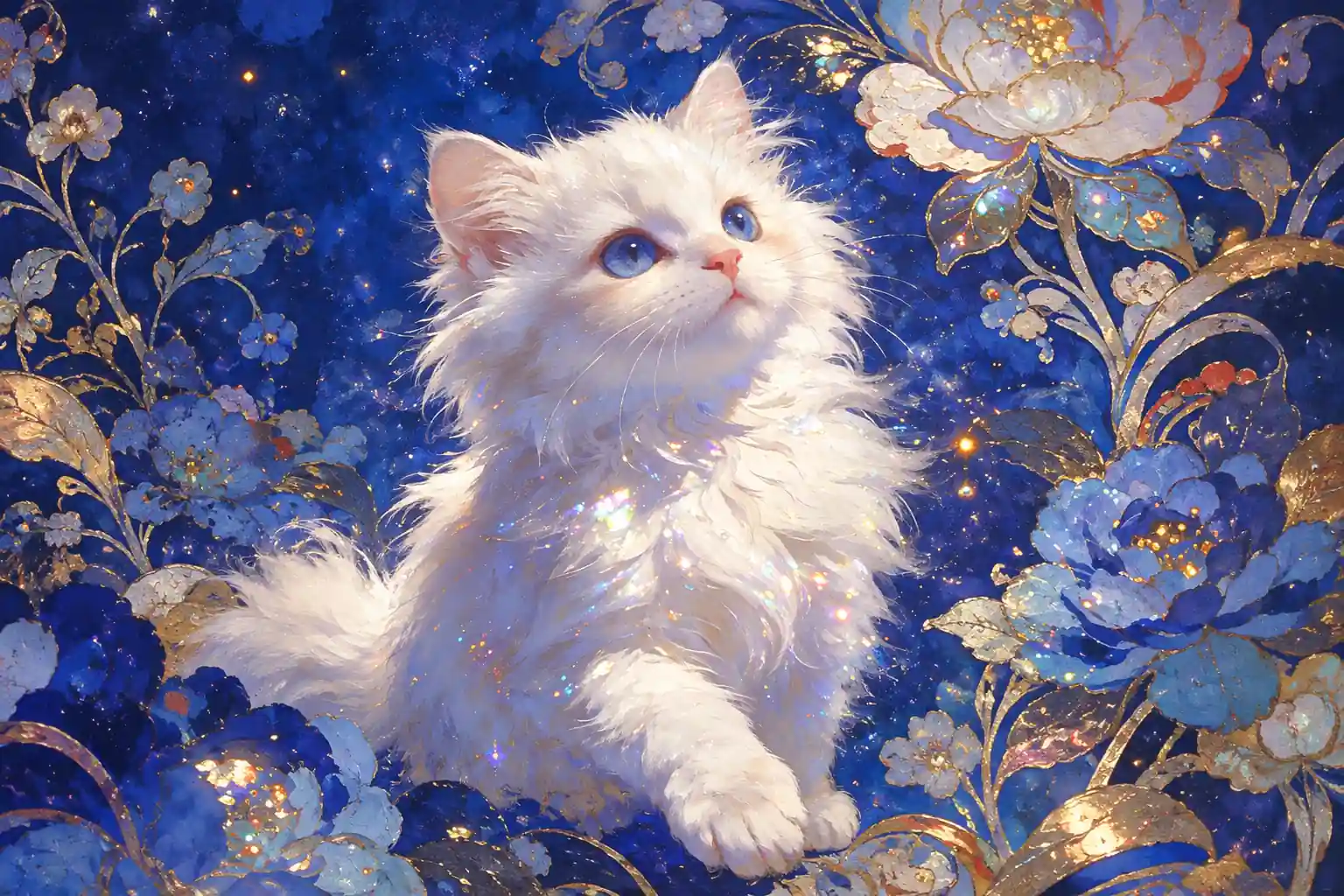
Visual Generation
Transform text prompts into highly detailed, cinematic video scenes instantly.
Concept Trailers • Faceless B-Roll • Storyboarding

A2E AI is not limited to video generation; it also connects images, characters, voices, and media tools in one workflow. MindVideo offers an online alternative for creating and enhancing videos with visual effects, entertainment tools, and presenter-led content.
Result

See how creators, marketers, and enterprises leverage our AI video generator to overcome video production limits.
Transform text prompts into highly detailed, cinematic video scenes instantly.
Concept Trailers • Faceless B-Roll • Storyboarding
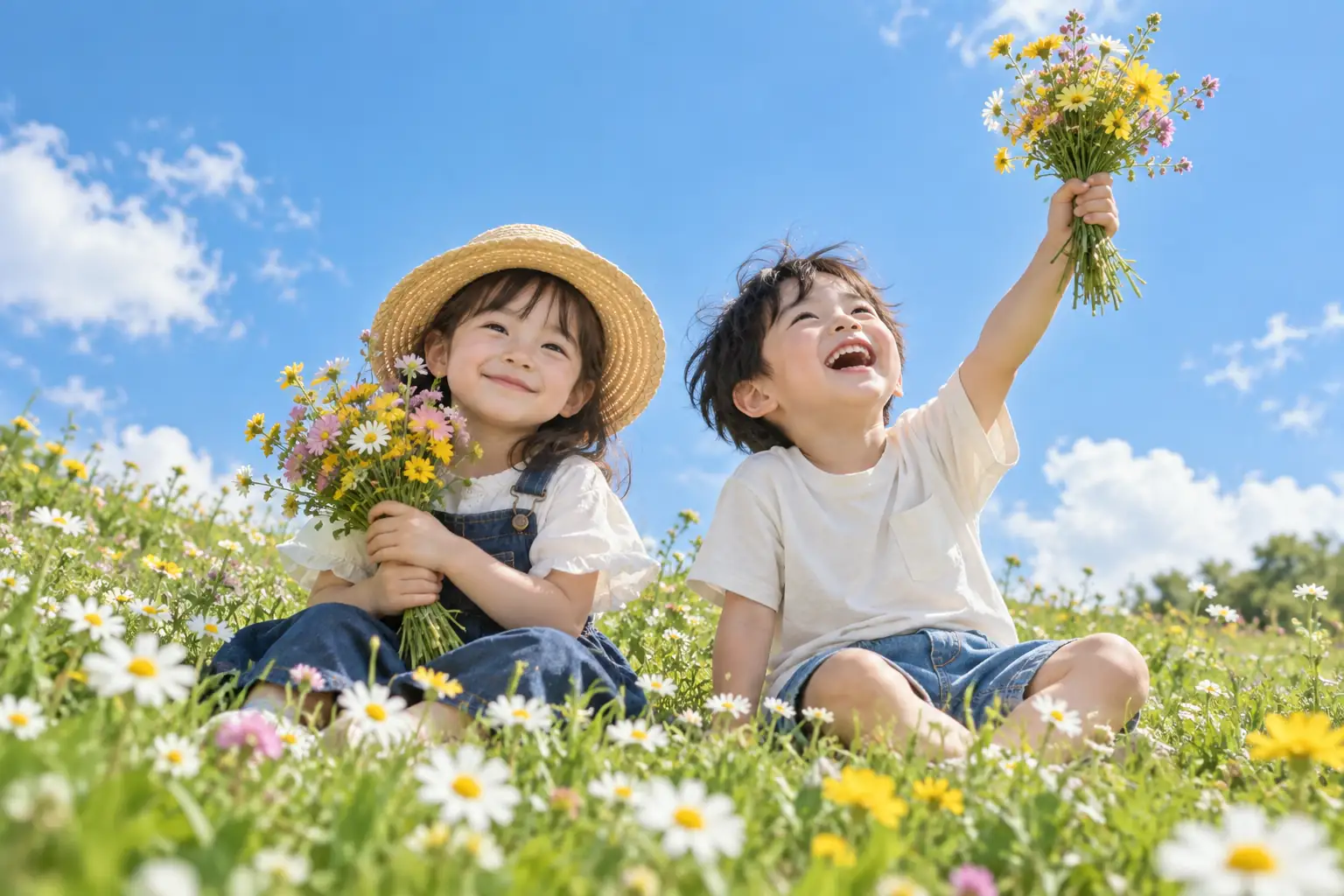
Bring static images, artworks, and product photos to life with fluid motion.
Product Ads • Digital Art • Social Content
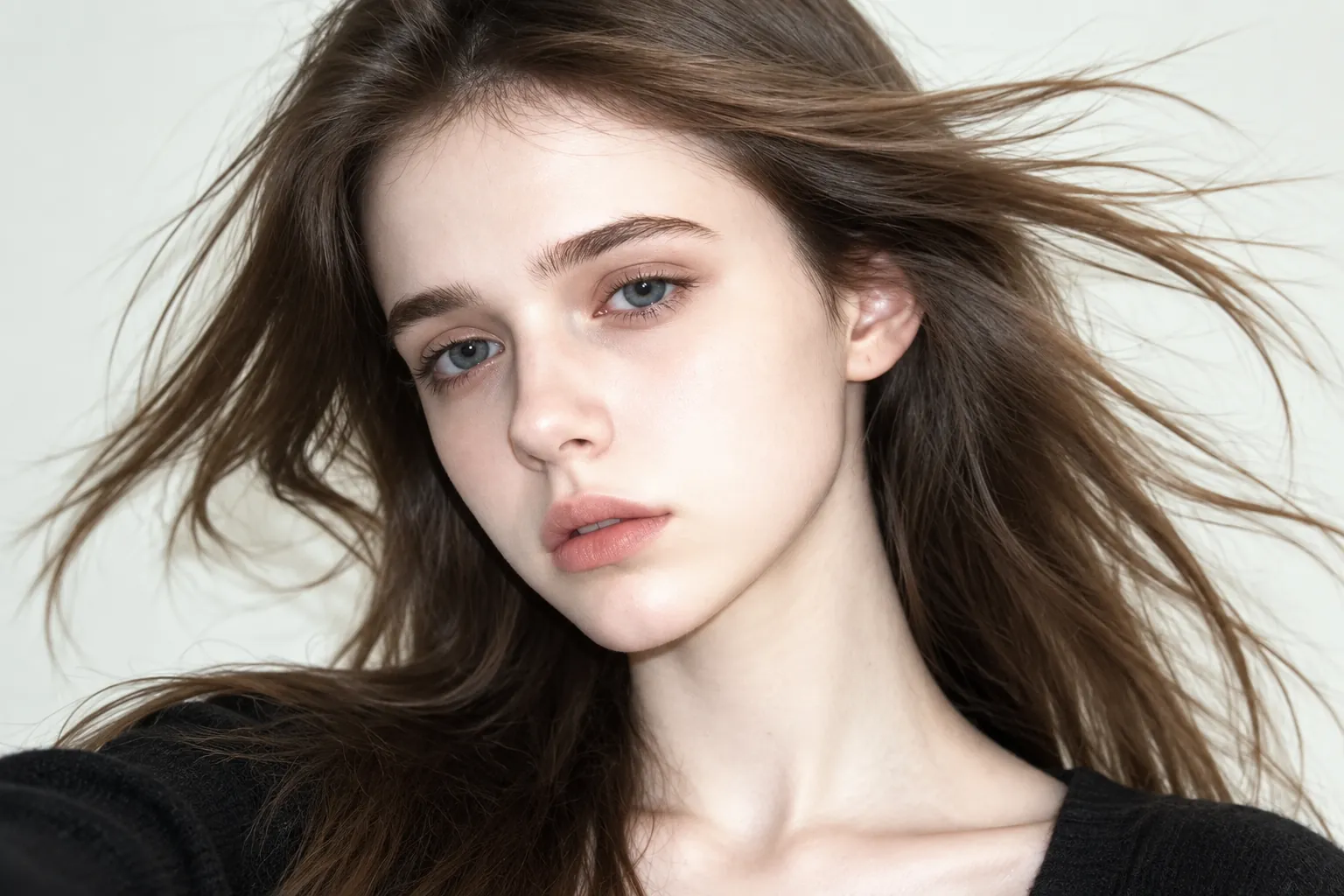
Perfectly align speaker mouth movements with any new audio track or language.
Video Translation • Dialogue Correction • Virtual Avatars
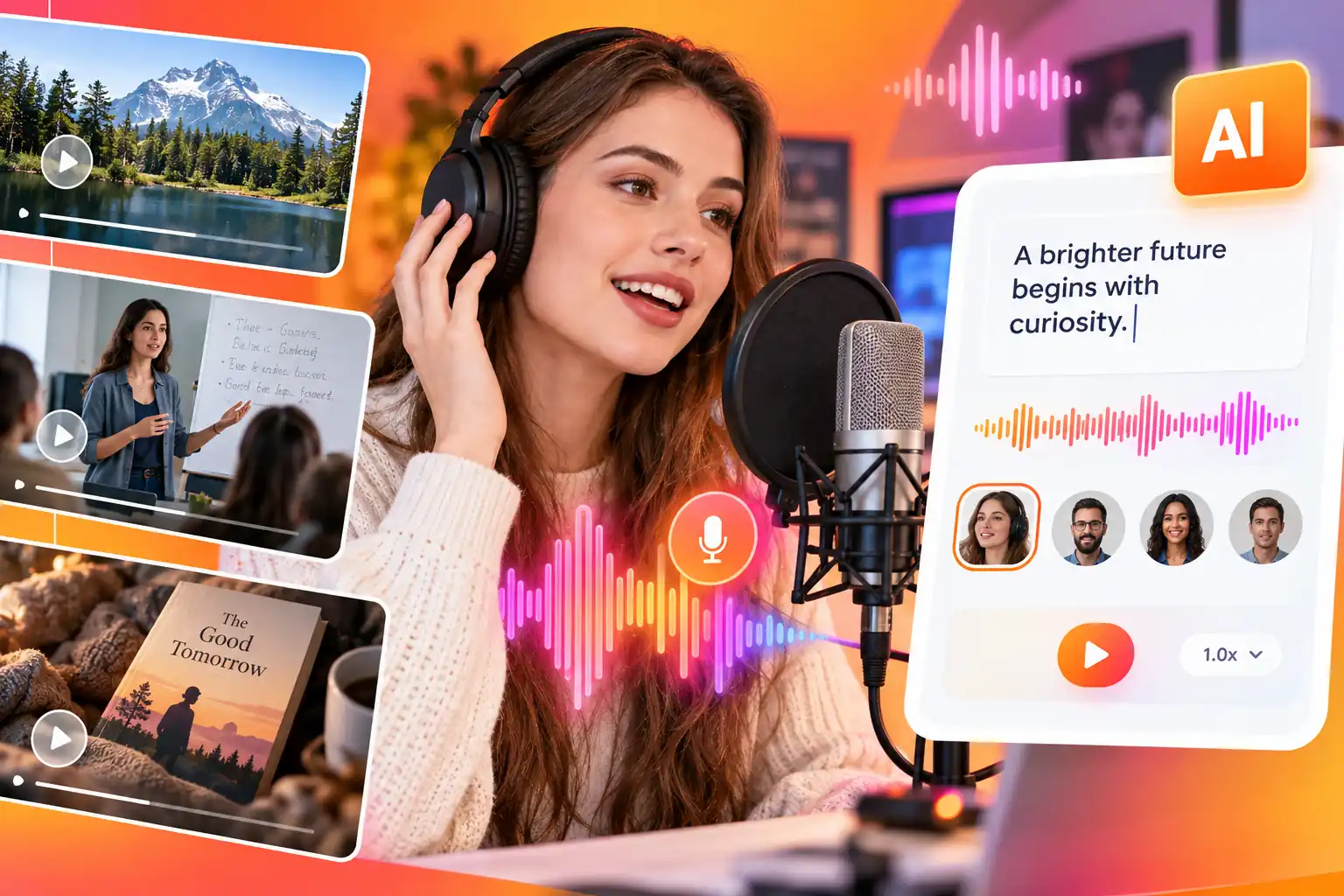
Generate human-like, broadcast-quality voiceovers without microphones or actors.
Documentaries • E-Learning • Audiobooks
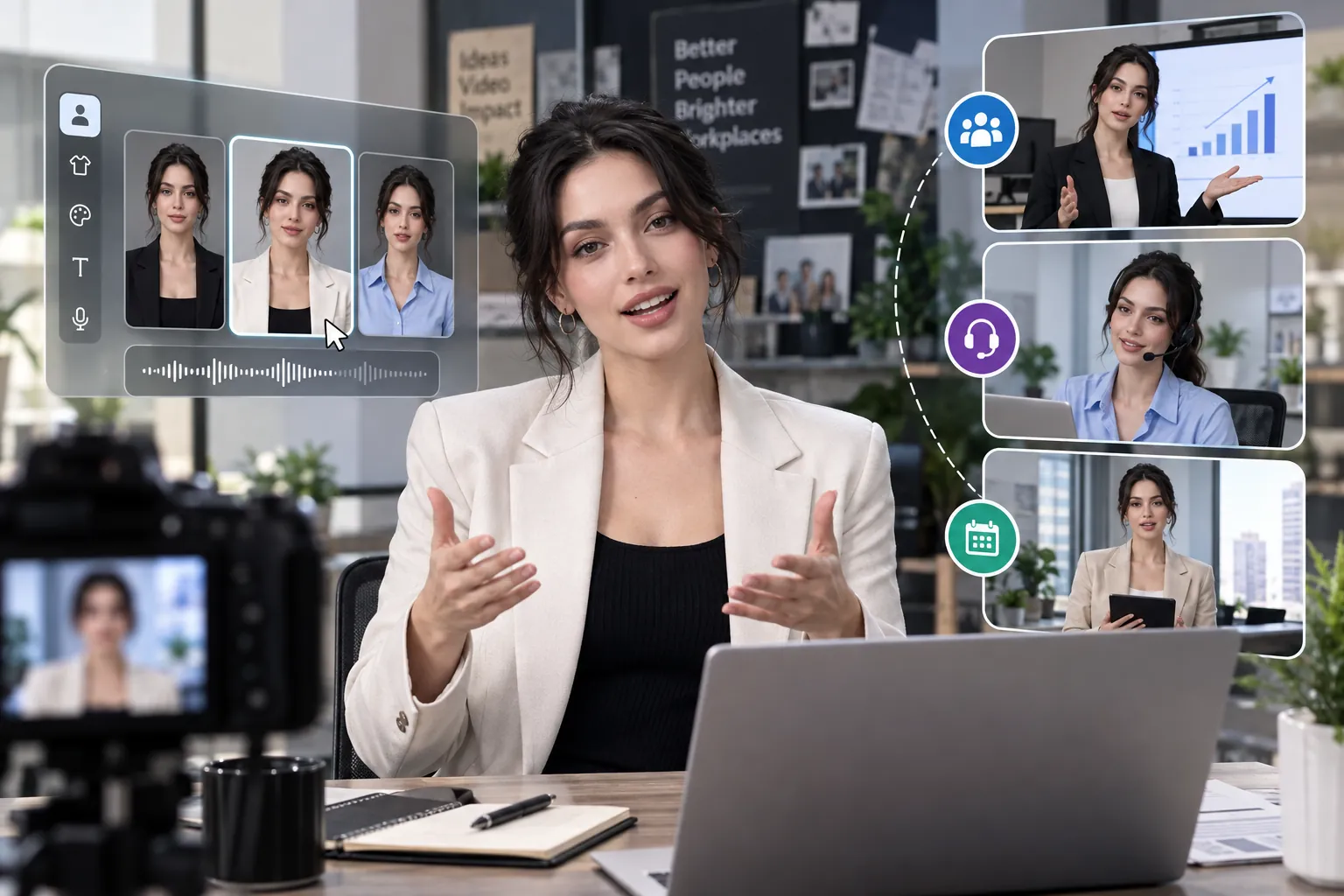
Create engaging video content at scale using photorealistic digital human avatars.
HR Training • 24/7 Support • Daily Briefings
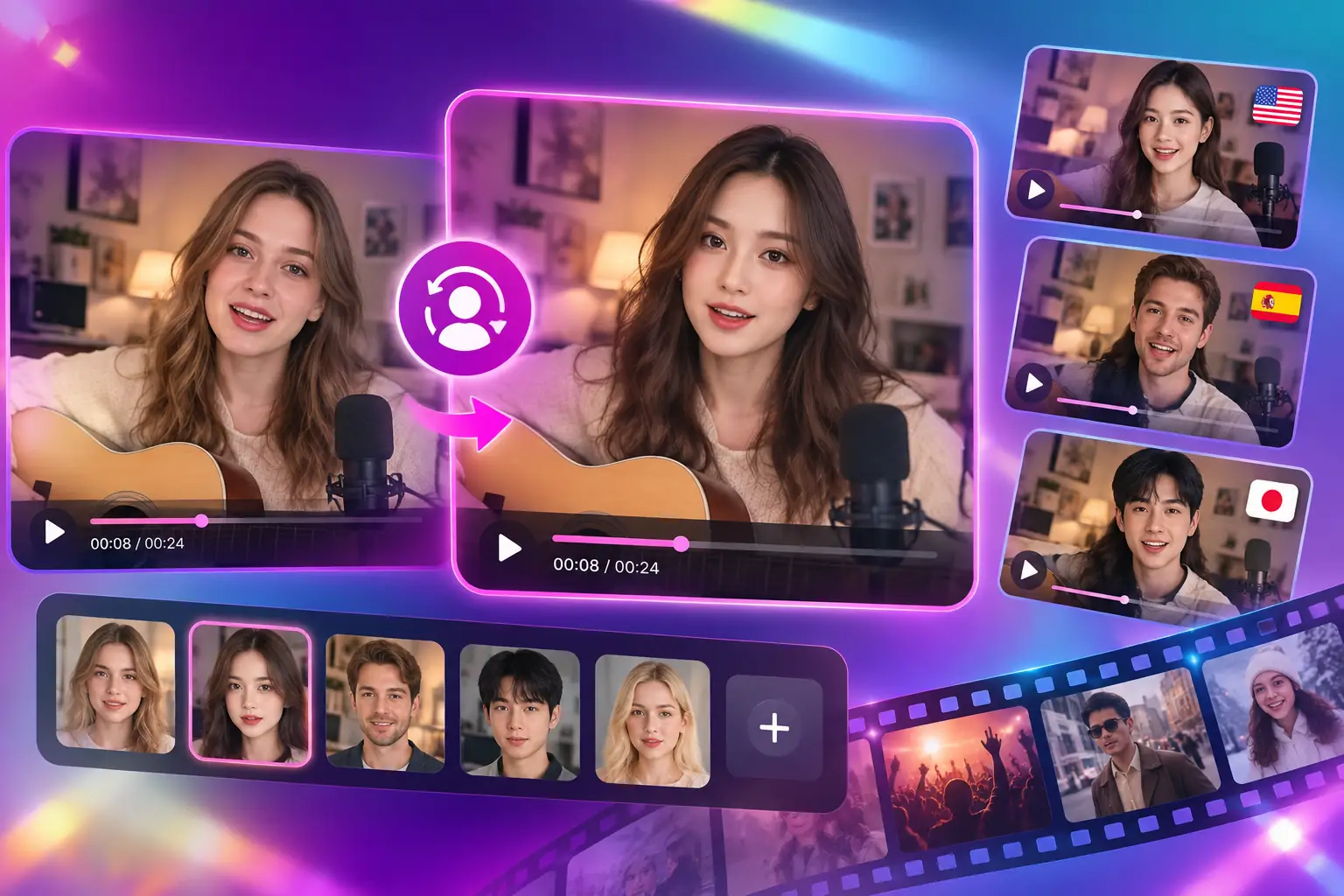
Replace faces in existing videos to adapt content for different audiences or creative needs.
Ad Localization • Actor Replacement • Creative Edits
Each feature caters to different creative needs, helping you develop early ideas into content that is easier to adjust, express, and publish. You can also try similar online creation tools on MindVideo AI.
Instantly visualize scenes without stock footage or a camera crew by typing your concepts into our text to video generator. Detailing the subject, lighting, and camera movement guides the AI to produce a tailored visual draft, quickly turning raw ideas into workable assets for marketing or social media.
Generate Video from Text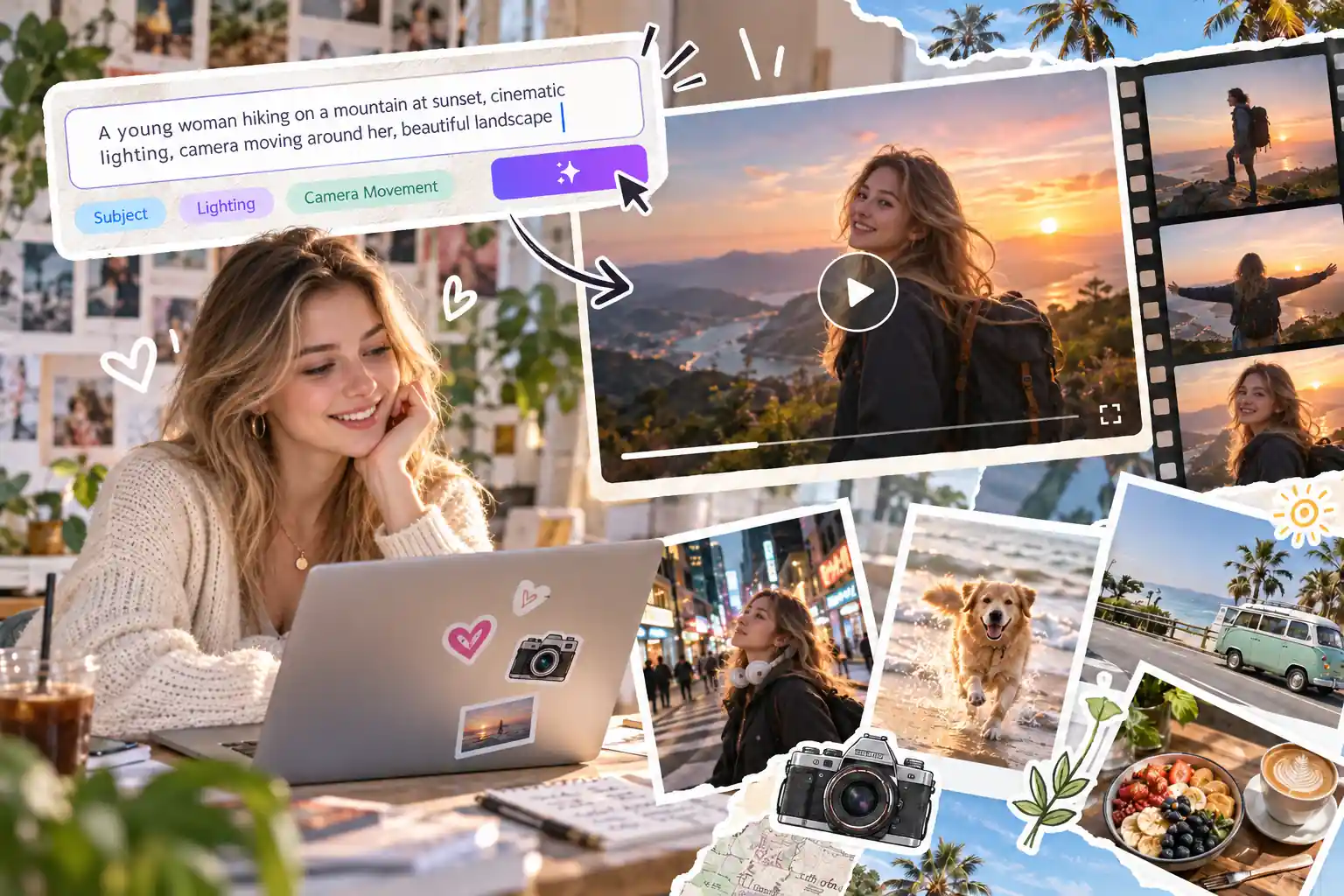
Breathe life into still portraits, product photos, or illustrations by using them as the base frame for your image to video creation. This allows you to efficiently repurpose existing visual assets into motion-rich content, maintaining original aesthetics while controlling camera pans and dynamic movements.
Animate Your Image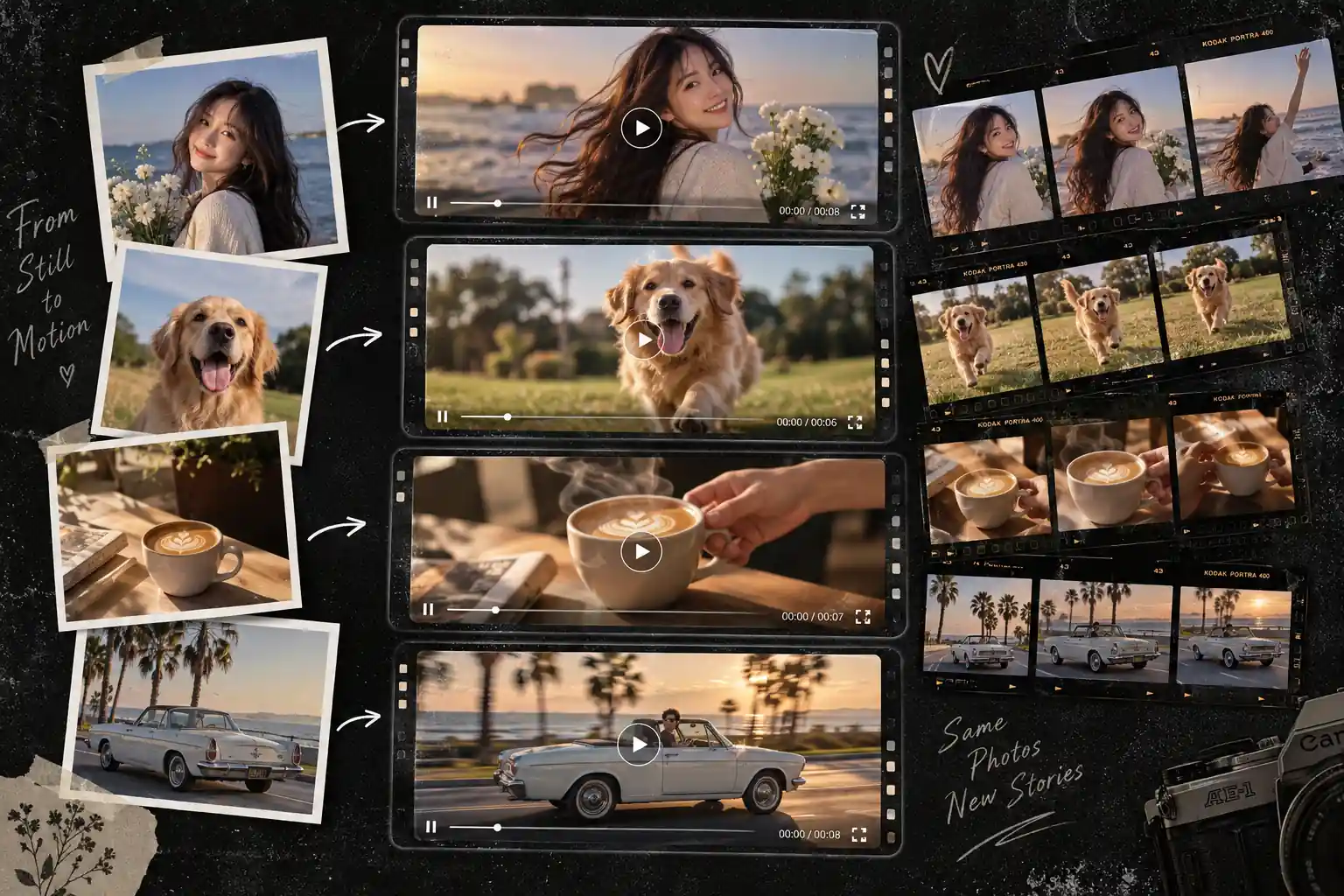
Transform a standard portrait or digital character into a lifelike on-screen speaker driven by your written script or uploaded audio. This AI avatar generator eliminates the hassle of camera setups for explainer videos, allowing you to update messaging on the fly while maintaining a consistent brand identity.
Make a Talking Avatar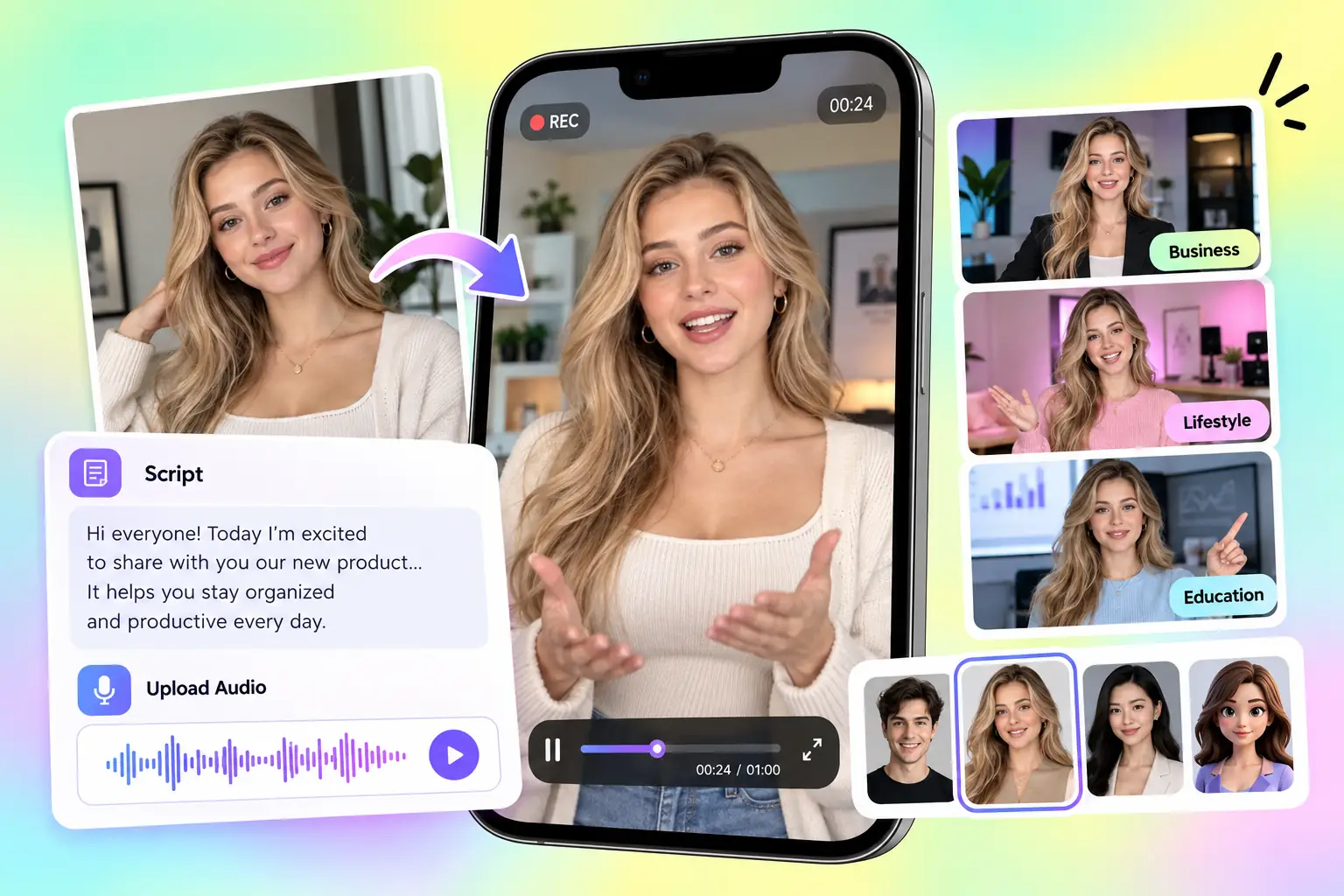
Accurately align the mouth movements of any on-screen face or avatar with a newly generated voiceover or imported audio file. Instead of reshooting scenes for script changes or language translations, our AI lip sync tool lets you seamlessly dub new dialogue over existing footage to maintain natural expressions.
Sync Audio and Video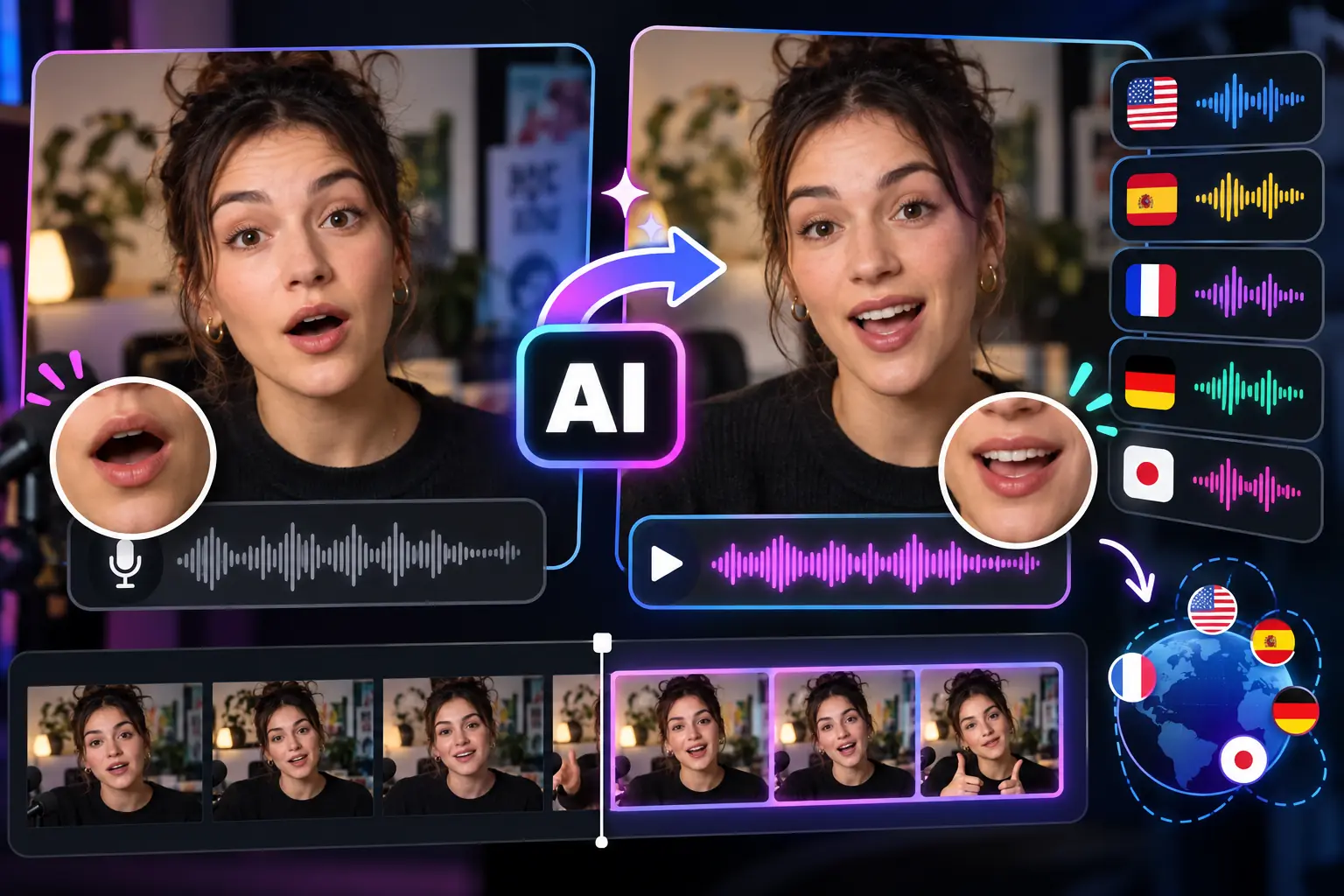
Build a reusable, realistic vocal profile from a short, authorized audio sample to consistently narrate your future video content. AI voice cloning preserves the unique tonal characteristics of your original speaker across multiple languages, saving studio hours while ensuring your brand sounds authentic.
Create a Custom Voice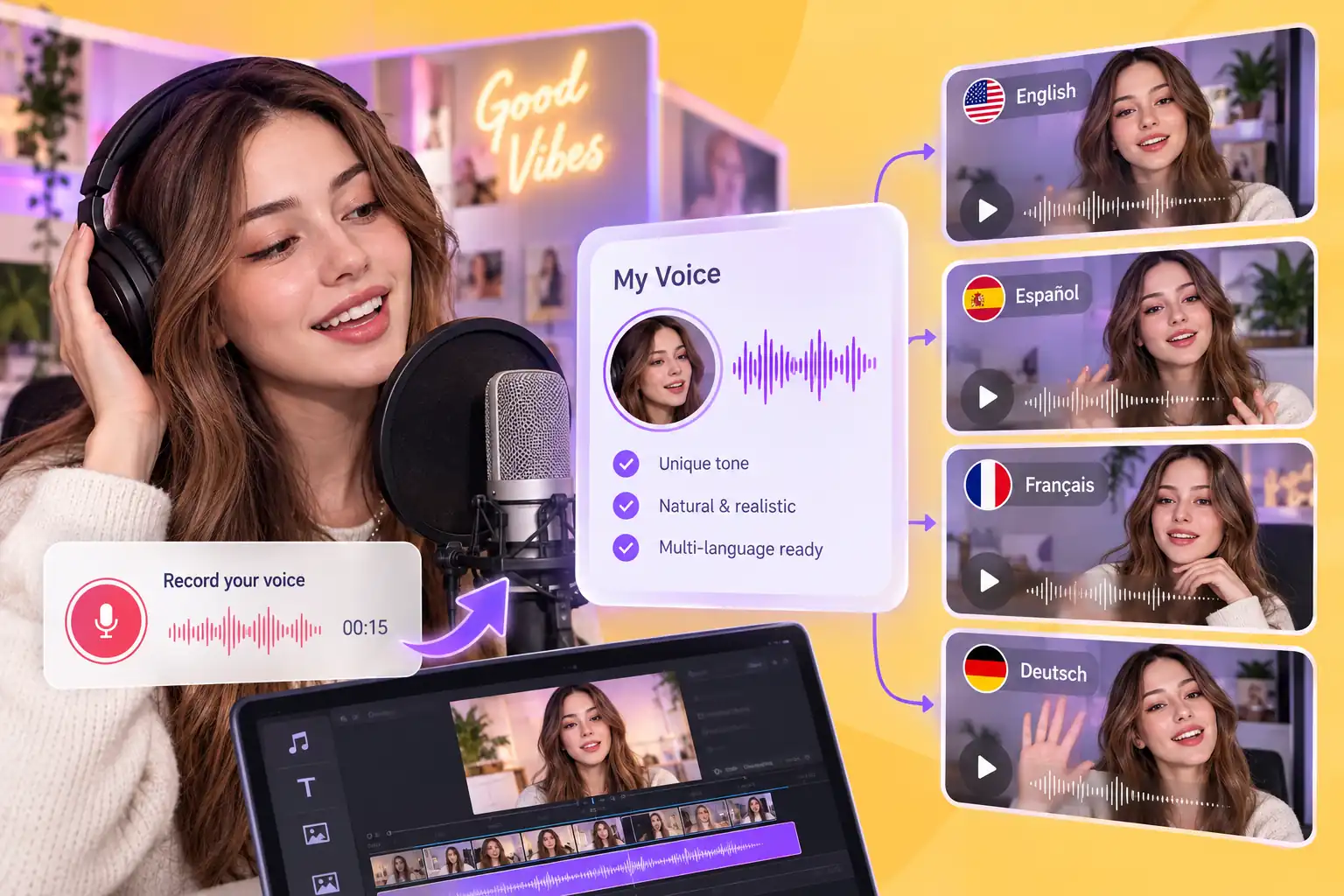
Use MindVideo to explore the core creation methods covered by A2E AI Video Generator, from scene generation and image animation to voice-based video creation.
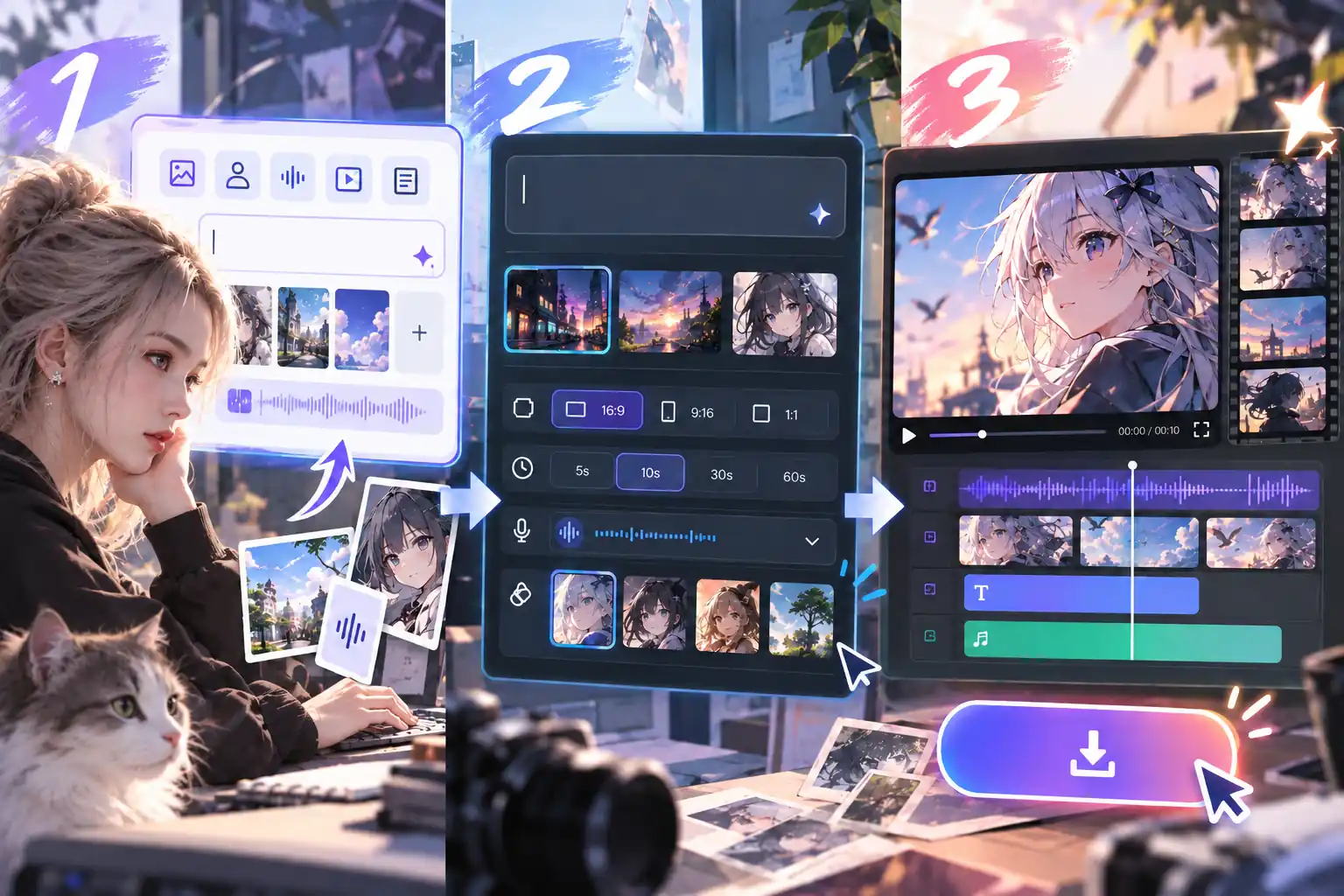
Open the editor and select the tool that matches your goal. Enter a prompt, or upload the image, portrait, audio, or video you want to use.
Describe the scene, action, or delivery you have in mind, then adjust the available options for aspect ratio, duration, voice, and visual style.
Generate the video and check the motion, subject details, voice, and on-screen text where relevant. Revise the input or add effects and music before downloading.
Generate, edit, and export videos in one unified workflow. Keep all your visual and audio assets together without constantly switching tools.
Easily switch between specialized video and image models. Select the right rendering engine based on your specific style, motion, and output needs.
Start creating from a text prompt, photo, script, or audio track. Effectively leverage existing materials instead of being restricted to one input format.
Use simple text prompts to modify elements, swap backgrounds, or extend clips. Gradually refine your drafts, minimizing the need to start over.
Generate voiceovers, sound effects, and background music directly on your video timeline. Easily align audio tracks to complement your visual content.
Use detailed text prompts for precise control, or apply ready-to-use AI styles and effects for a faster, streamlined production process.
Both platforms support AI media creation, but they organize their tools around different priorities. Compare six key areas to find the platform that better matches your project.
| Comparison Area | A2E AI | MindVideo AI |
|---|---|---|
| Main Creative Focus | Centers on AI video generation, digital humans, voice cloning, facial transformation, and programmable media tools. | Brings video, image, audio, editing, enhancement, and creative effects into a creator-facing online platform. |
| Choice of Generation Models | Provides access to multiple video and image models for prompts, reference images, and multimodal generation. | Offers different video and image models so creators can match the engine to the desired style, movement, and source material. |
| Digital Humans and Voice Production | Includes custom and community avatars, live digital humans, multilingual lip sync, video translation, and voice cloning. | Provides AI avatars, lip sync, voice cloning, text-to-speech, and custom audio for creating character-led content. |
| Work After Video Generation | Offers selected tools for upscaling, adding audio, removing captions, and transforming faces, heads, clothing, or movement. | Lets creators continue with prompt-based editing, object or background changes, video extension, enhancement, and style transfer. |
| Creative Range Beyond the Main Clip | Supports image generation, voice tools, facial transformations, motion transfer, and product-avatar content. | Adds image creation, AI music, sound effects, visual styles, ready-made effects, and playful generators to the video process. |
| Developer and Product Integration | Provides REST APIs, MCP access, live-avatar services, and available dedicated or on-premise deployment options. | Provides model-specific APIs across image, video, and audio for teams that want structured access to different AI models. |
Choose A2E AI when: your project centers on digital humans, multilingual speech, live avatars, or specialized avatar and voice integrations.
Choose MindVideo AI when: you want to create different types of content, then continue editing, enhancing, adding sound, or applying effects without switching between multiple creative platforms.
