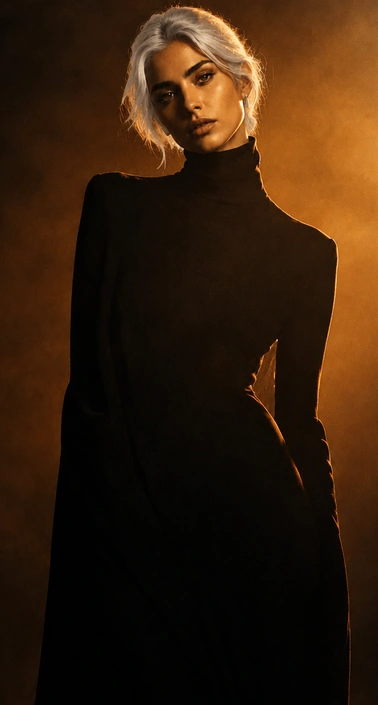
Free GPT Image 2.5 Generator for Image Creation and Precise Editing

Create stunning visuals from prompts, reference images, or rough sketches with GPT Image 2.5. Generate new images, change specific details, and keep refining your result without starting over. Start with free credits—no membership required.

Try GPT Image 2.5
Free credits available

Result

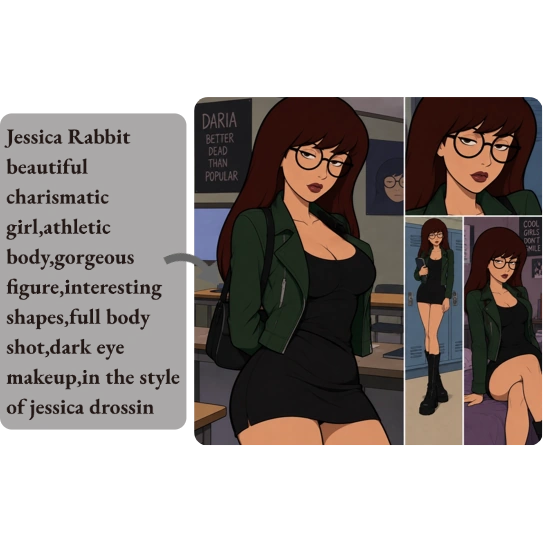
AI image generator result showing a prompt beside illustrated portraits of a woman with glasses

What Is GPT Image 2.5?

GPT Image 2.5 is OpenAI’s latest image model for creating new visuals and refining existing ones. It improves generation control, reference-image fidelity, and consistency across repeated edits.

On MindVideo AI, you can use GPT Image 2.5 to:

  • Generate from text — Create images from prompts.
  • Create with reference images — Guide new creations with existing visuals.
  • Turn sketches into images — Start creating from a simple sketch.
  • Make multi-turn edits — Continue adjusting the same image across multiple rounds.
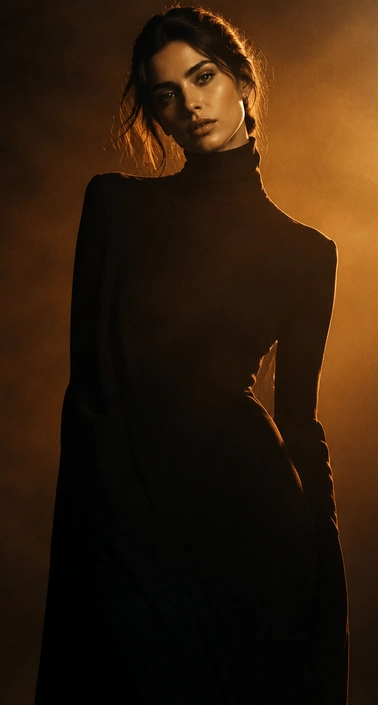
Reference portrait of a woman with shoulder-length brown hair in a black turtleneck and warm lighting
GPT Image 2.5 portrait edit with a blonde bob, retaining the black turtleneck, pose, and warm lighting

What Can You Create with GPT Image 2.5?

Create AI Product Images, Ecommerce Photos & Ad Creatives

Create studio product shots, ecommerce photos, and ad creatives with GPT Image 2.5. Place the same product in new backgrounds or styles while keeping it recognizable. Produce ready-to-use visuals for product pages, ads, promotions, and other marketing channels without the time and cost of repeated shoots.
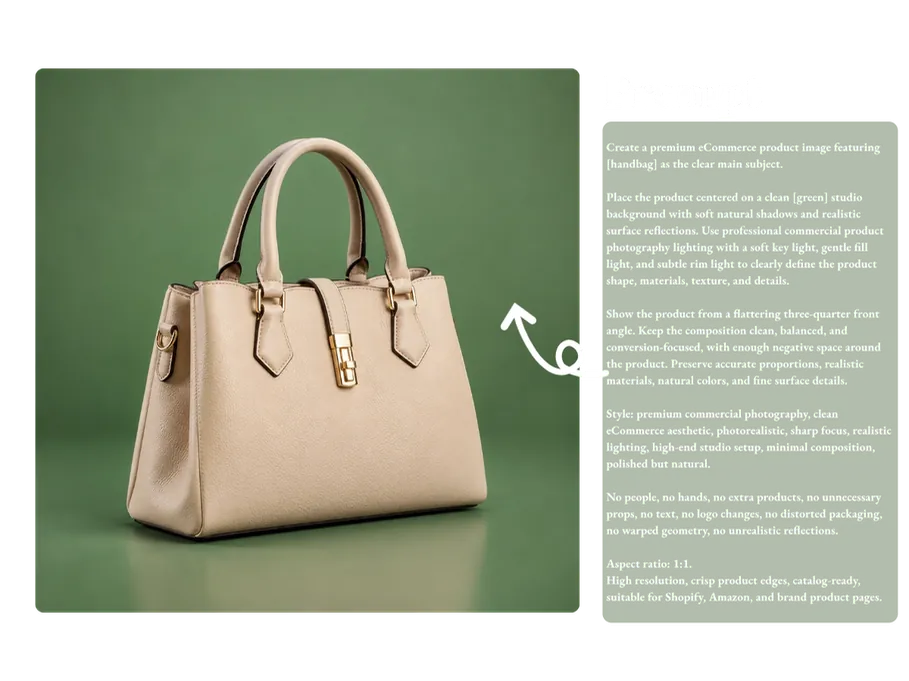
GPT Image 2.5 product creative with a beige handbag on a green background beside generation instructions

Turn Ideas into Social Media Content with GPT Image 2.5

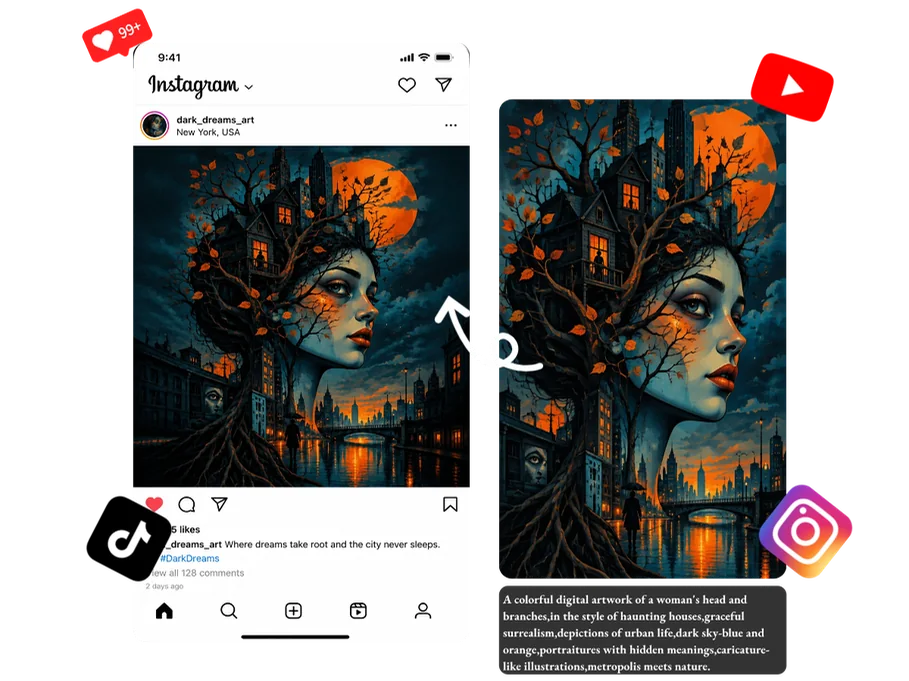
Instantly transform your creative ideas into polished images for Instagram, TikTok, YouTube, Pinterest, and other social platforms. Create eye-catching posts, covers, thumbnails, and stories that make your content stand out, encourage likes, comments, and shares, and attract new followers.

AI image generator artwork adapted into square social posts and vertical stories with platform icons

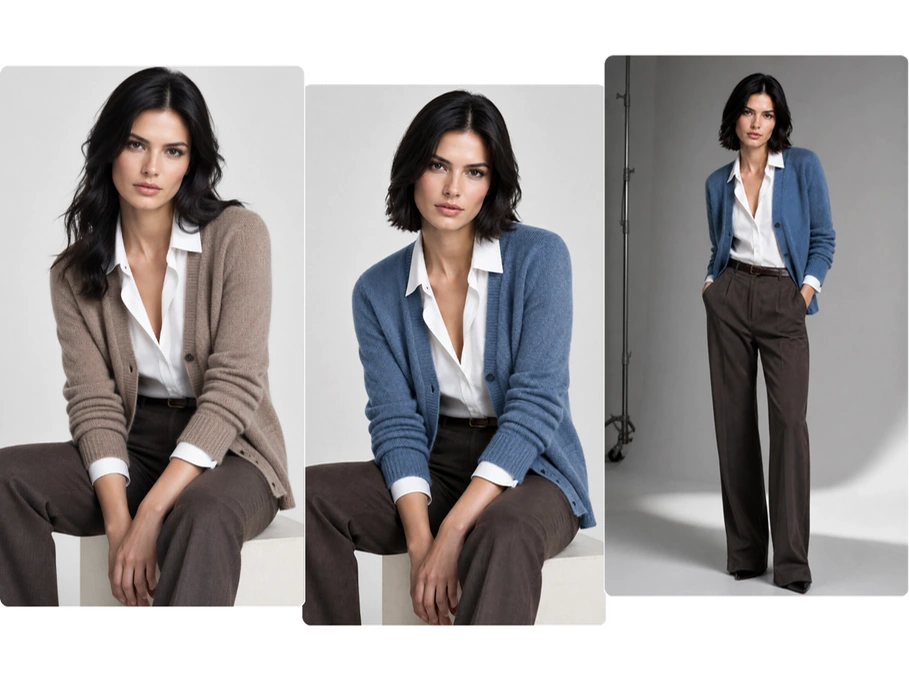
Generate Consistent AI Portraits for Different Occasions

Turn your selfie or everyday photo into portraits for different occasions. Try new outfits and hairstyles, or explore different settings and styles while keeping your facial features consistent. Create professional profile photos, social media avatars, artistic portraits, or photos for special occasions—all without leaving your couch.

GPT Image 2.5 portraits of the same woman in taupe and blue jackets, with seated and standing poses

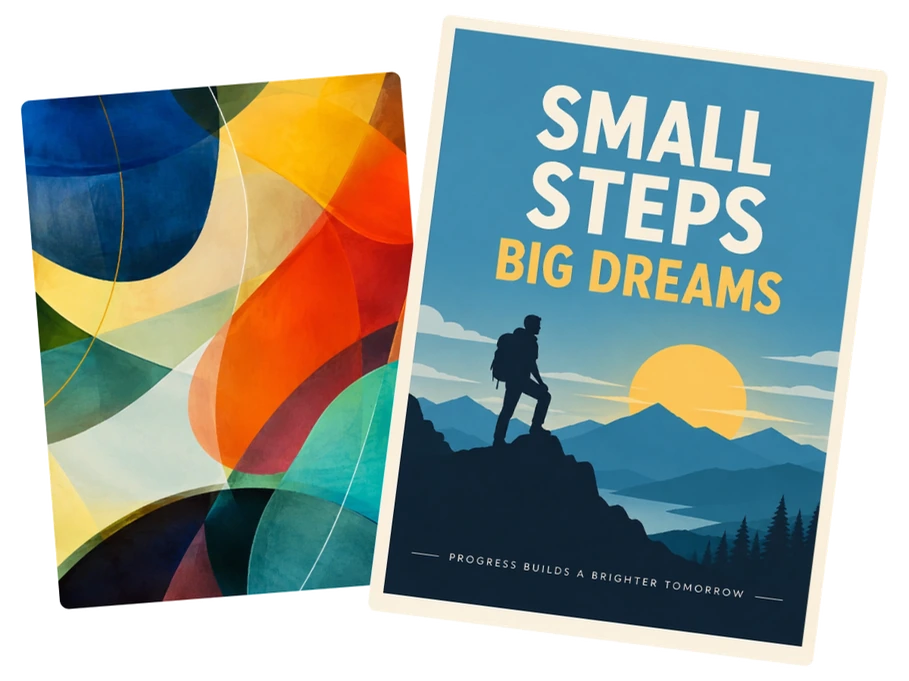
Transform Creative Ideas into Posters & Visual Designs

Start with a rough idea and turn it into a complete poster, cover, presentation slide, or creative image. Skip the blank canvas and bring your ideas to life without professional design skills. This model brings the composition, visual elements, and overall style together, turning your concept into a refined visual that is ready to use.

AI image generator designs showing colorful abstract artwork and a Small Steps Big Dreams hiking poster

GPT Image 2.5 vs GPT Image 2 vs Nano Banana 2

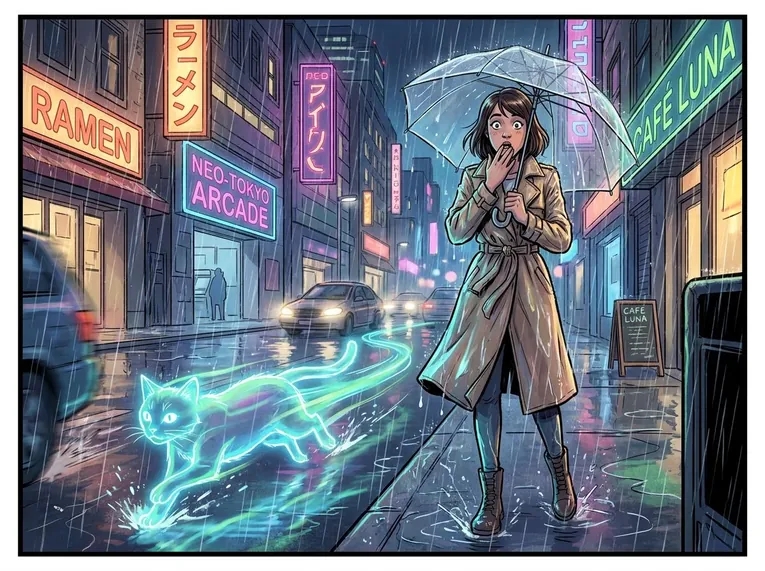
One prompt. Three models. Compare the details across comics, posters, product images, and photography.

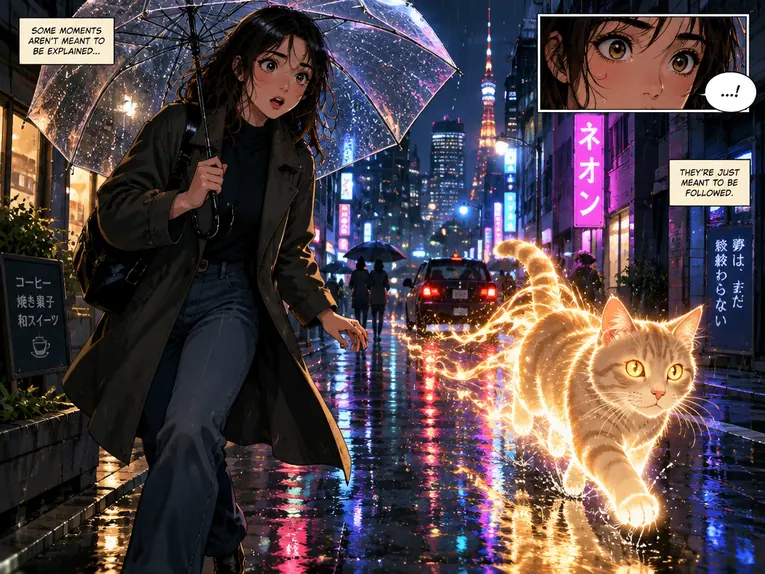
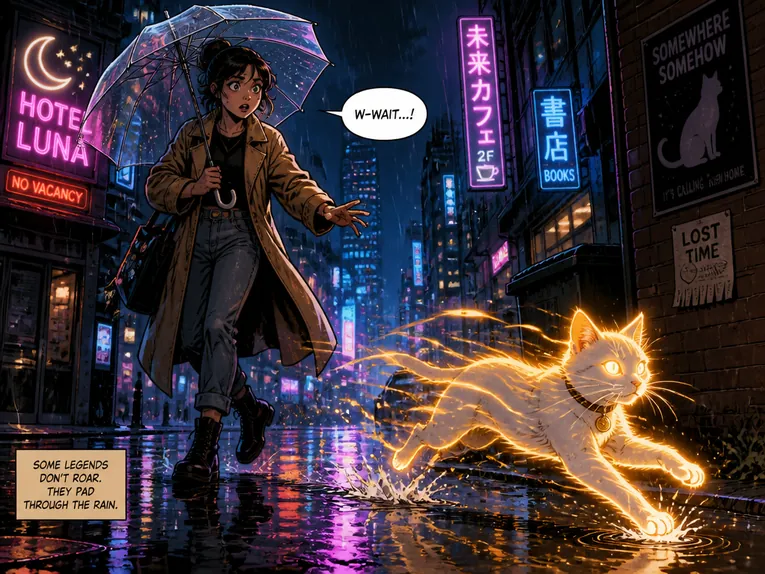
Manga

GPT Image 2.5
GPT Image 2.5 comic of a woman with a clear umbrella watching a glowing golden cat on a neon-lit street
GPT Image 2
GPT Image 2 comic of a woman with a clear umbrella watching a glowing golden cat on a neon-lit street
Nano Banana 2
Nano Banana 2 comic of a woman with a clear umbrella watching a glowing cyan cat on a neon-lit street

Shared prompt

Create a full-color comic panel in a clean modern graphic-novel style. Show a young woman standing on a rainy city street at night, holding a transparent umbrella and looking surprised as a glowing cat runs past her. Use dramatic lighting, expressive facial details, dynamic motion, and a cinematic composition. Include reflections on the wet pavement, neon signs in the background, and a sense of movement and atmosphere. Make the scene visually rich, story-driven, and highly detailed.

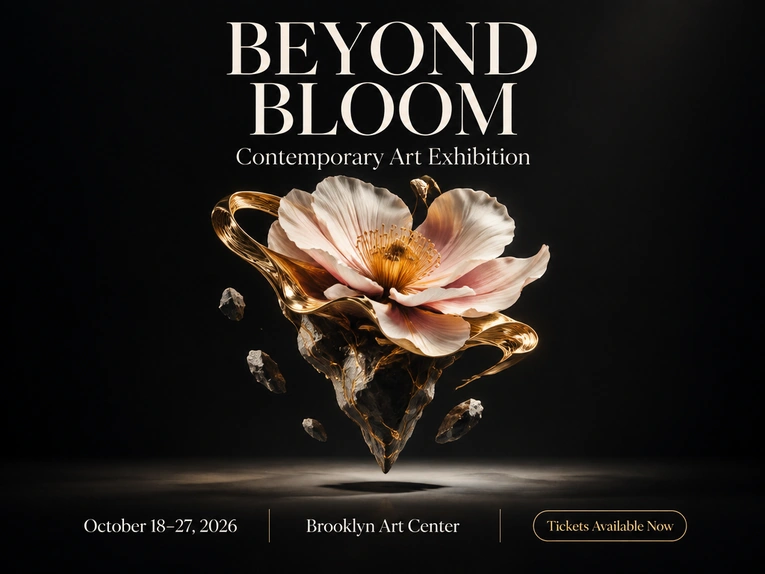
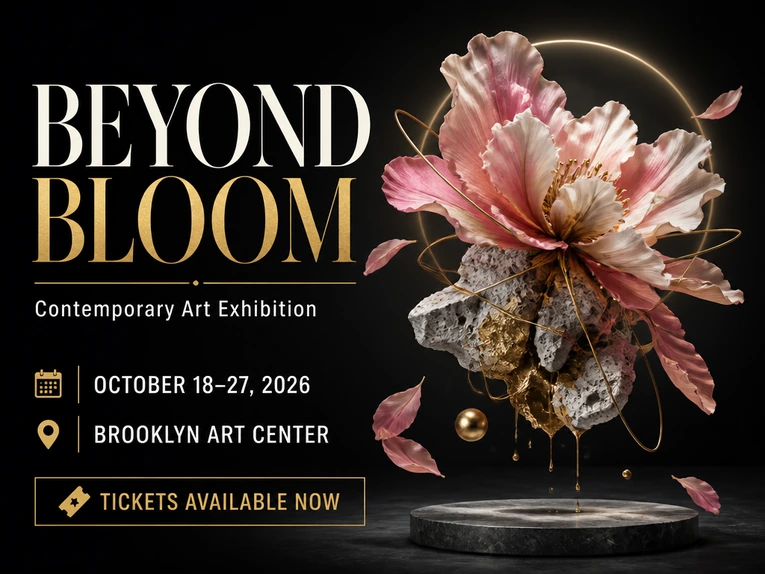
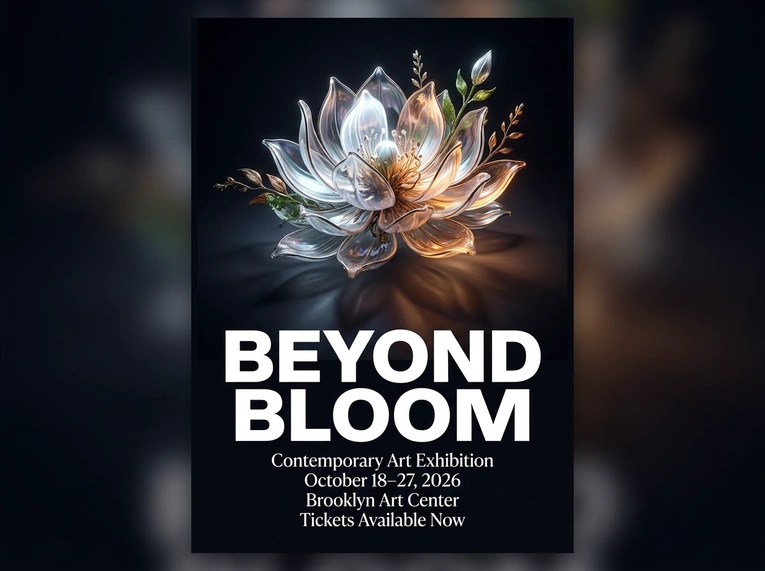
Poster

GPT Image 2.5
GPT Image 2.5 Beyond Bloom exhibition poster with a floating flower sculpture and event text on black
GPT Image 2
GPT Image 2 Beyond Bloom exhibition poster with a floating flower sculpture and event text on black
Nano Banana 2
Nano Banana 2 Beyond Bloom exhibition poster with a floating flower sculpture and event text on black

Shared prompt

Design a bold, modern poster for an art exhibition. The poster should feature a surreal floating flower sculpture in the center, with a dark background and elegant lighting. Use a clean, premium layout with strong visual hierarchy. Render the following text clearly and accurately: "BEYOND BLOOM" "Contemporary Art Exhibition" "October 18–27, 2026" "Brooklyn Art Center" "Tickets Available Now" Make the typography stylish and readable, and ensure the final result looks like a polished promotional poster ready for print or social sharing.

Product Image

GPT Image 2.5
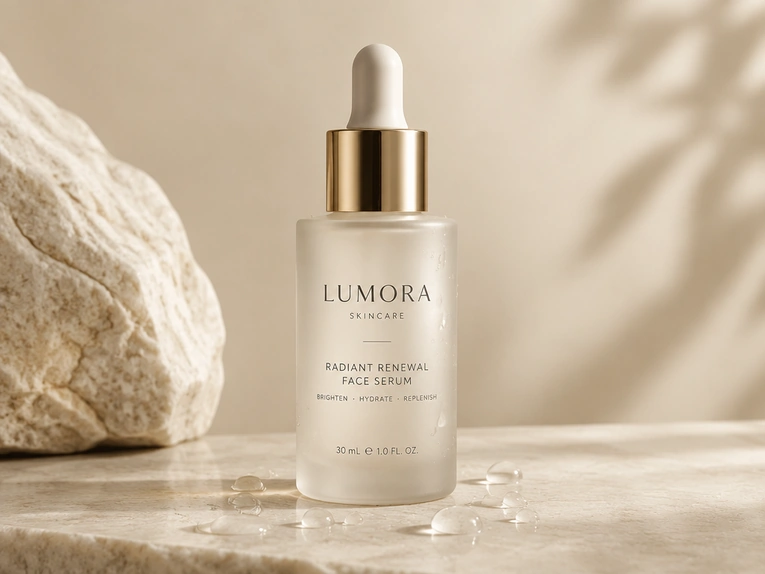
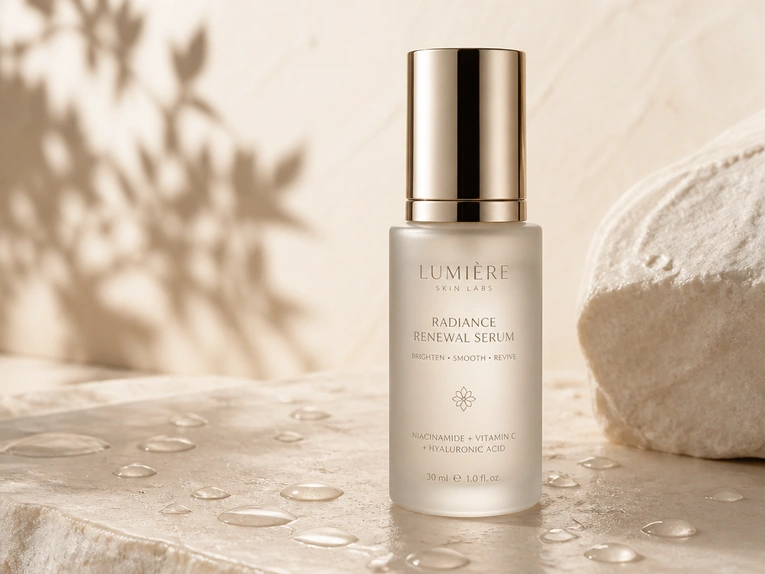
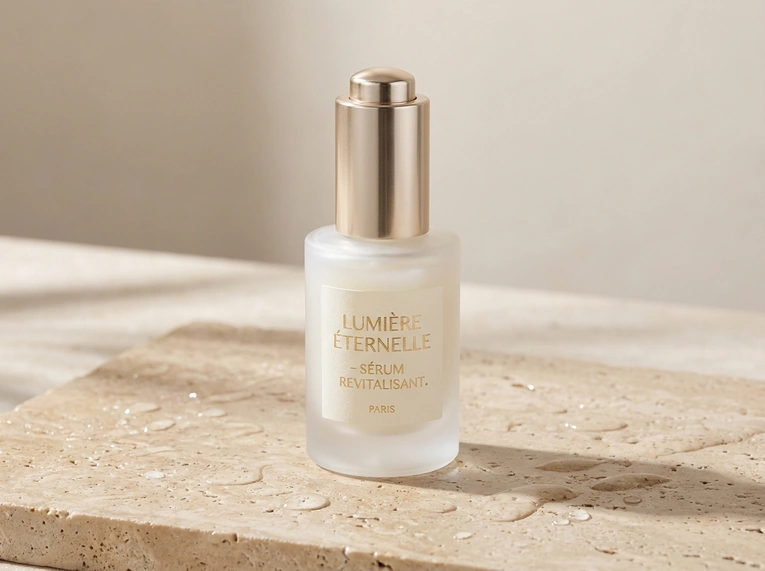
GPT Image 2.5 product photo of a frosted serum bottle with a gold cap on pale stone in soft natural light
GPT Image 2
GPT Image 2 product photo of a frosted serum bottle with a gold cap on pale stone in soft natural light
Nano Banana 2
Nano Banana 2 product photo of a frosted serum bottle with a gold cap on pale stone in soft natural light

Shared prompt

Create a high-end product image of a luxury skincare serum bottle for ecommerce and advertising. Show the bottle standing on a smooth stone surface with soft water droplets around it. Use a clean premium background in light beige tones, with soft natural lighting and realistic shadows. Make the packaging elegant and minimal, with a frosted glass bottle, metallic cap, and refined label design. The image should look polished, realistic, and ready for a product page, ad creative, or beauty campaign.

Photograph

GPT Image 2.5
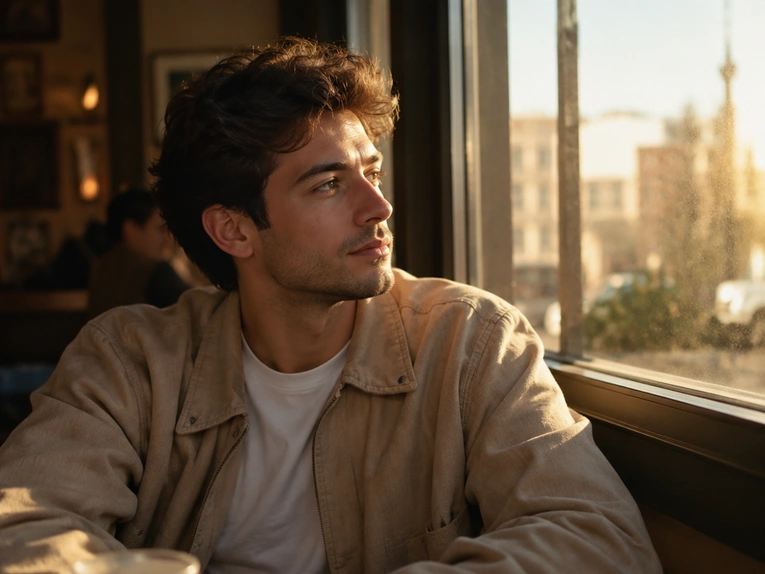
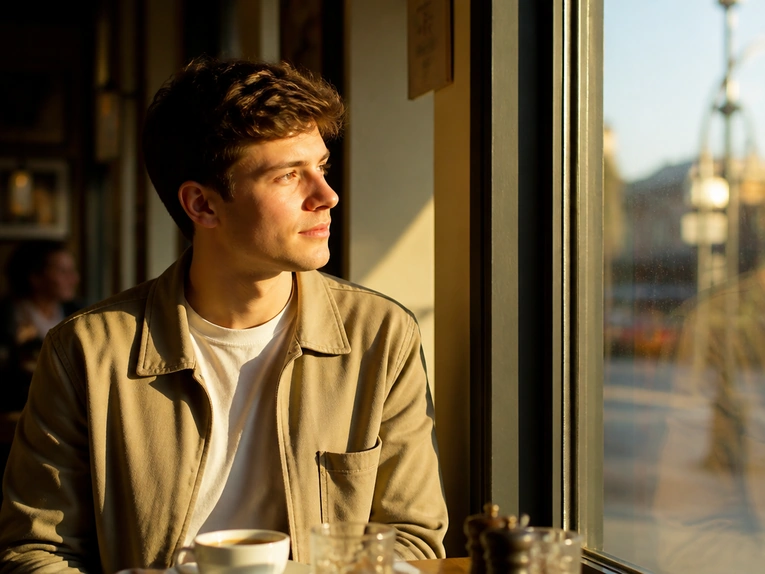
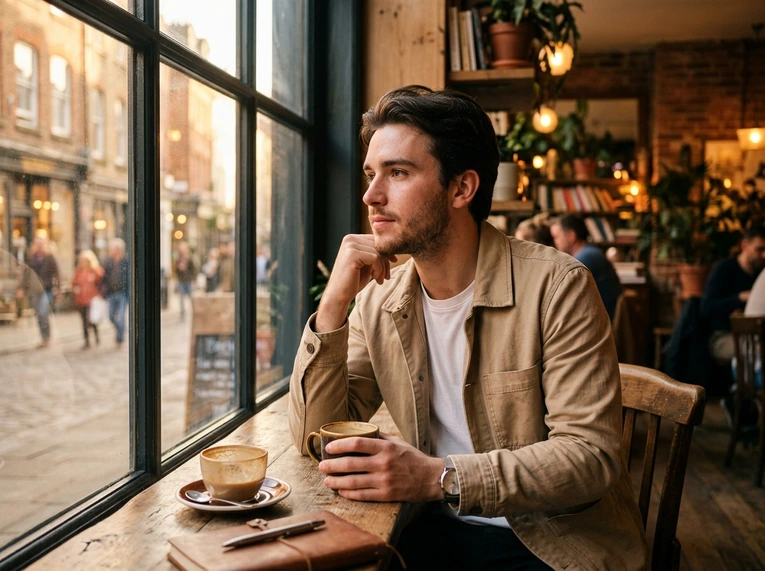
GPT Image 2.5 lifestyle portrait of a man in a beige jacket beside a sunlit cafe window
GPT Image 2
GPT Image 2 lifestyle portrait of a man in a beige jacket beside a sunlit cafe window
Nano Banana 2
Nano Banana 2 lifestyle portrait of a man in a beige jacket beside a sunlit cafe window

Shared prompt

Create a realistic lifestyle portrait photo of a young man sitting by a window in a cozy café during golden hour. He is wearing a casual beige jacket over a white T-shirt and looking out the window with a relaxed, thoughtful expression. Use natural lighting, soft shadows, realistic skin texture, and a shallow depth of field. Include warm sunlight, subtle background blur, and a cinematic photography feel. The result should look like a professional editorial photo with authentic detail and natural atmosphere.

Why Use GPT Image 2.5 on MindVideo AI?

Start with Free Credits

Start creating without a paid membership or plan. Earn free credits through signup, daily check-ins, invitations, and other activities.

Access GPT Image Models in One Place

Use GPT Image 2.5, GPT Image 2, and other versions all in one place. Switch between them easily without leaving the platform.

Private & Secure Processing

Your upload images and generated results are processed privately, never made public or used for training, and automatically deleted after 24 hours.

How to Use GPT Image 2.5 on MindVideo AI

Using GPT Image 2.5 on MindVideo AI takes just three steps—no complex setup needed.

1

Choose Flare or Sunburst

Choose Flare for everyday image creation and faster generation. For detailed edits, complex creative work, or images that need greater precision and control, choose Sunburst.

2

Add a Prompt and Reference If Needed

Describe what you want to create or change. For reference-based generation, image editing, or sketch-to-image, upload an image or sketch and add a prompt explaining the result you want.

3

Generate and Download

Click Generate to get a ready-to-use image in seconds. Download the result for social media, marketing, product visuals, design projects, or other creative work.

Try GPT Image 2.5

What Users Say About GPT Image 2.5

Frequently Asked Questions

Will GPT Image 2.5 follow every prompt exactly?

Not always. Clear prompts usually give you more control, especially when several subjects, edits, or layout requirements are involved. Describe the main subject, what should change, what should stay the same, and any important style or composition details. If the first result is close but not quite right, adjust the specific part that missed your intent rather than rewriting everything.

Will my face or product look exactly the same after editing?

GPT Image 2.5 is designed to preserve recognizable subjects and distinctive details more consistently, but generated images are not guaranteed to be identical to the original. A clear reference image and specific instructions about what should remain unchanged can help reduce unwanted differences.

What kind of reference image gives better results?

Use a clear image where the main subject is easy to see. For portraits, avoid heavily blurred, covered, or extremely small faces. For products, make sure the shape, packaging, logo, and other important details are visible. A cleaner reference gives the model more information to work from.

What should I do if the text in a poster or graphic is wrong?

Put the exact wording in your prompt and clearly separate it from the rest of the description. Shorter, clearly structured copy is usually easier to render accurately. GPT Image 2.5 improves text-heavy layouts, but spelling, spacing, or small text can still need another generation or edit.

Do I need a long prompt to get a good image?

No. A useful prompt can be short as long as it clearly explains what matters. Start with the subject and intended result, then add details such as setting, composition, lighting, style, or exact text only when they are important. More words do not automatically mean a better result.

Can I use the generated images commercially?

Free users can use generated images for personal projects, social media posts, and other non-commercial purposes. If you plan to use the image for advertising, ecommerce, client work, branded content, or other commercial projects, you’ll need a paid plan.

Explore More Image Models on MindVideo AI

Create It. Change It. Keep Going.

Generate a new image or keep improving an existing one without starting over. Explore your ideas with free credits today.

Start Creating

Join MindVideo AI official community on Discord.