Seedream 5.0 AI Image Generator portrait of a woman in purple silk beside an alpine lake

Seedream 5.0 AI Image Generator: Turn Your Ideas into Striking Visuals Online

Quickly bring your ideas to life with Seedream 5.0 on MindVideo AI. Generate and edit images using text prompts or reference images. From natural portraits to bold illustrations and eye-catching product visuals, simply describe your preferred composition, lighting, and style to guide the results.

Get Started with Free Credits

Try Seedream 5.0 Online

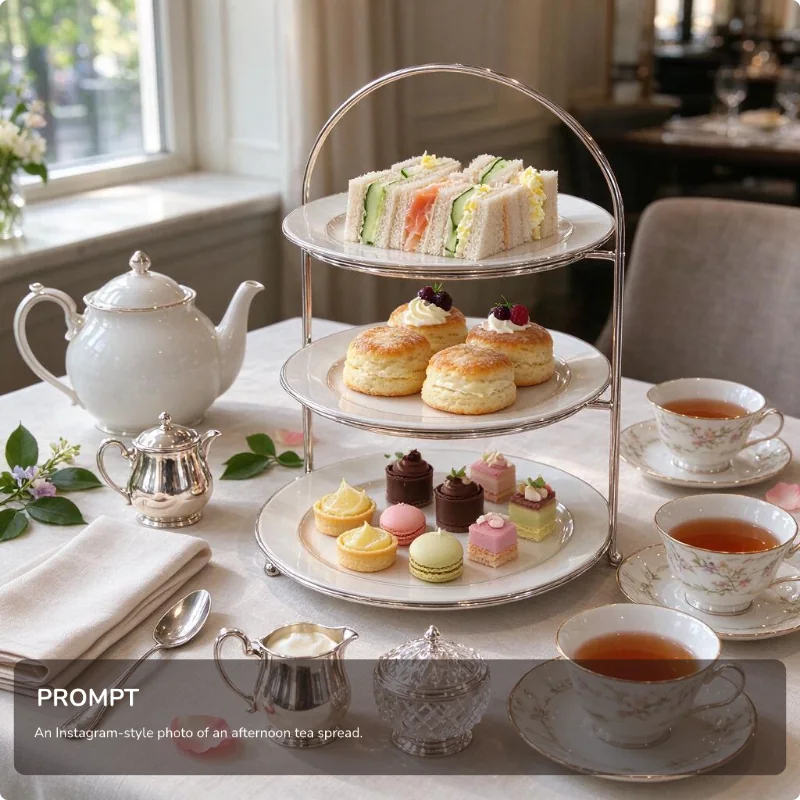
Result

Seedream 5.0 result showing an afternoon tea spread with sandwiches, scones, pastries, and floral teacups

Find Inspiration for Your Own Seedream 5.0 Images

What Is Seedream 5.0 AI Image Generator?

Seedream 5.0 is a multimodal AI image model developed by ByteDance. It supports image generation and editing using text prompts or visual references. Suitable for professional designers, illustrators, independent creators, and hobbyists.

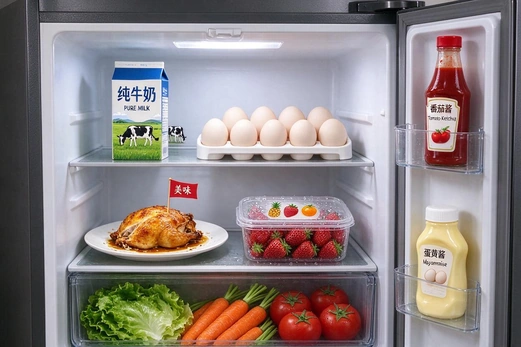
Smart Understanding for Images That Reflect Your Vision

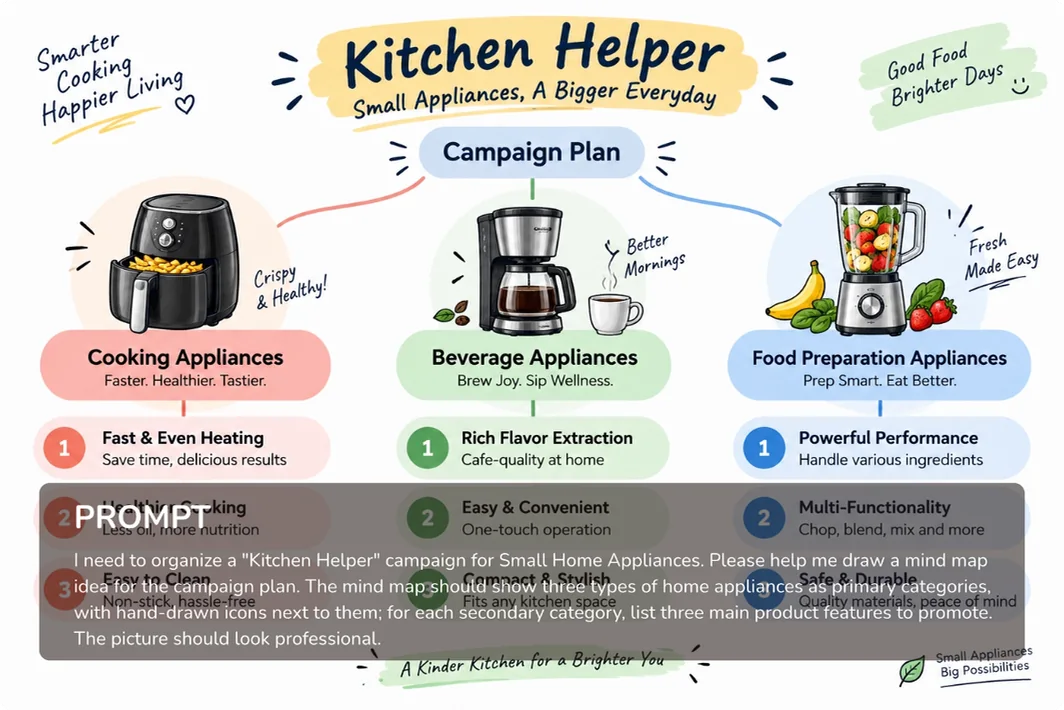
From the overall concept to the finer details, the model interprets your creative intent through understanding and reasoning. Whether you share a simple idea or a detailed brief, it translates your requirements into images that closely reflect what you have in mind.

Kitchen Helper infographic arranging appliances, labels, and notes from a detailed design brief

Accurate Style Rendering and Balanced Layouts

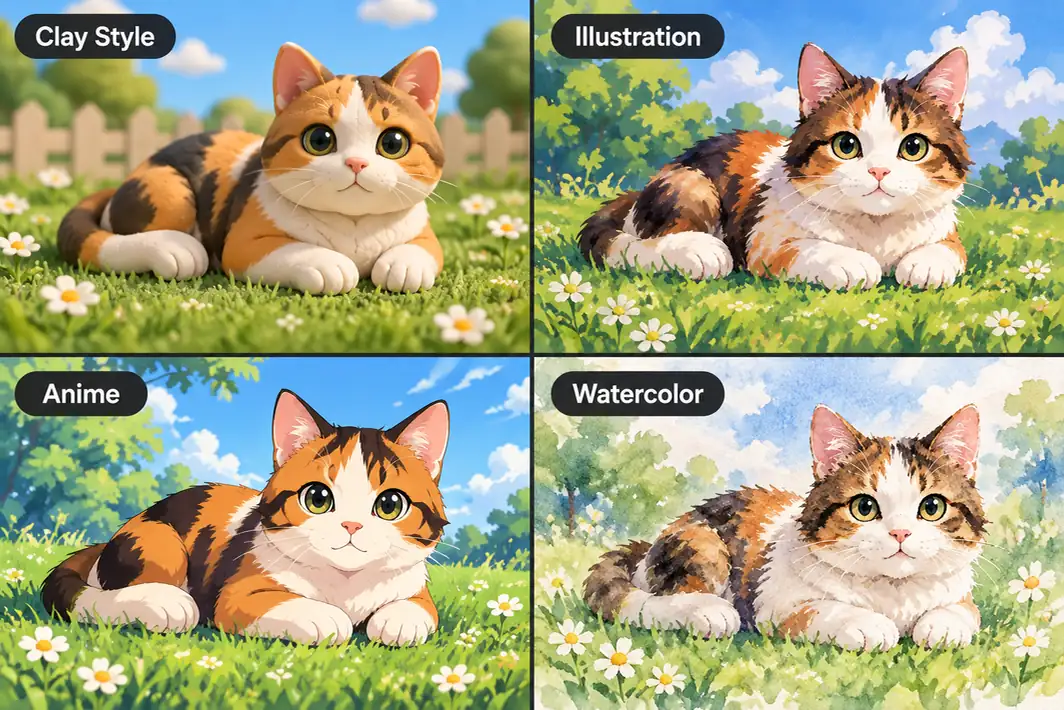
Explore a wide range of styles, including watercolor, pixel art, clay, and more. Each style is rendered with its defining features. People, text, and other elements are arranged with clear spacing and visual balance, even in multi-panel compositions.

Seedream 5.0 AI Model cat examples in clay, illustration, anime, and watercolor styles

Generate Clear Images at Up to 2K Resolution

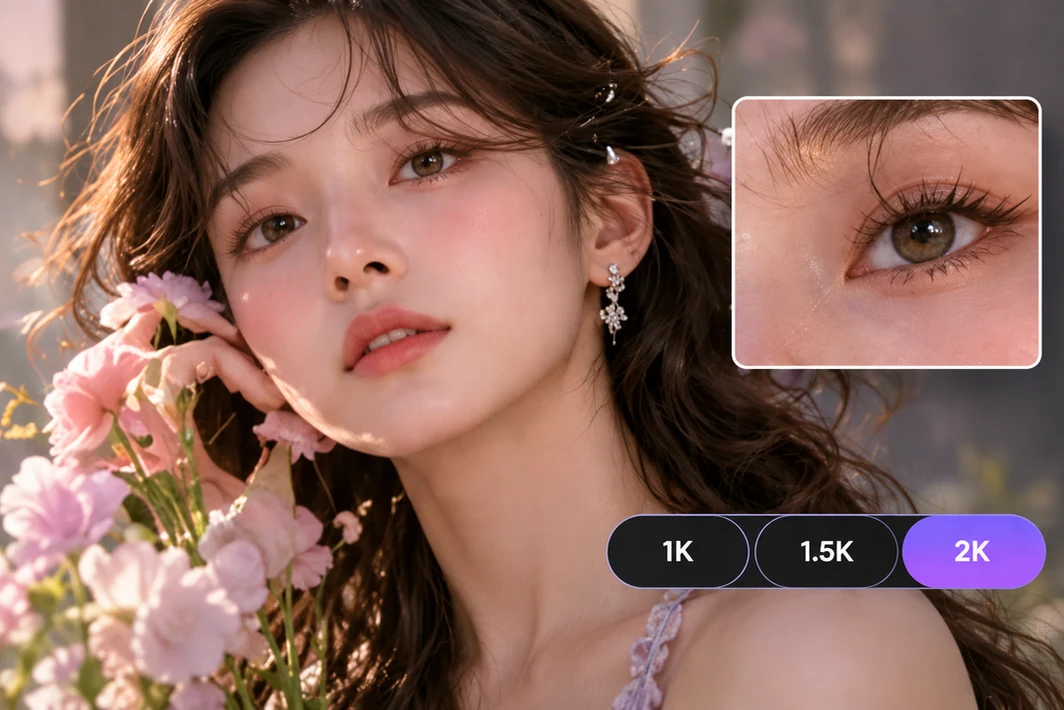
Choose from 1K, 1.5K, or 2K to suit your needs. Whether it’s facial features, fabric textures, or intricate patterns, the model brings out fine details. The results are ideal for websites, social posts, ad designs, and other creative projects.

Portrait with an enlarged eye detail and 1K, 1.5K, and 2K resolution labels

More Precise Edits with Sketches and Marks

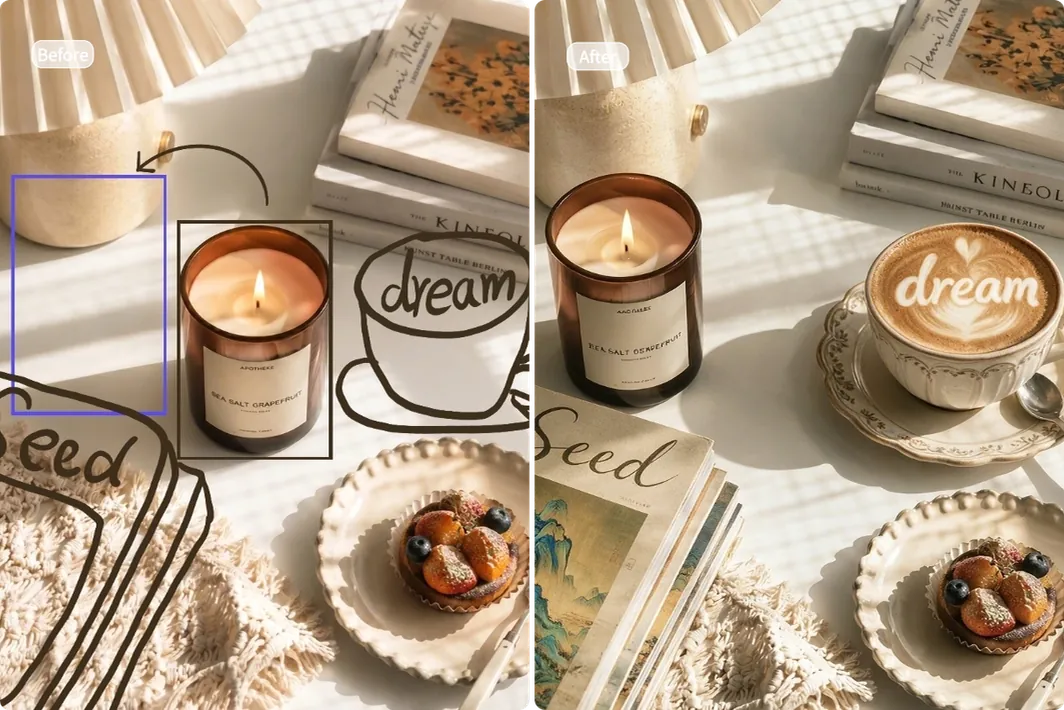
Edit images accurately with hand-drawn sketches, boxes, lines, or other marks. Describe what you want to change, and the model combines your instructions with these visual cues to guide the edits. You can redraw selected areas, replace objects, and adjust positions.

Candle product scene before and after a hand-marked label edit from Seed to dream

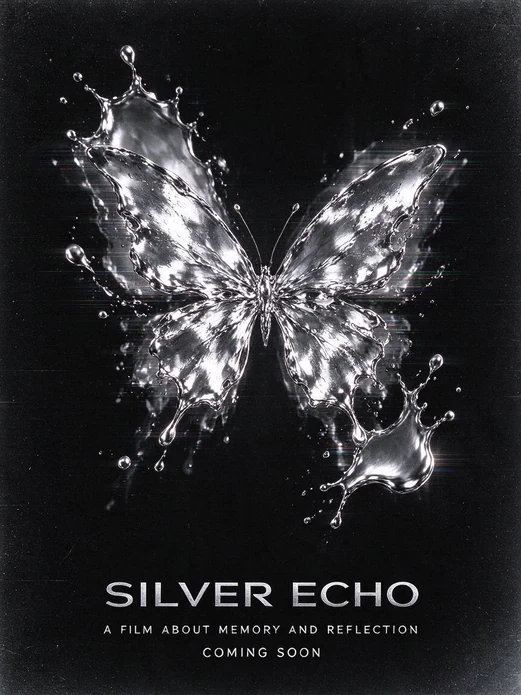
Split Images into Editable Layers

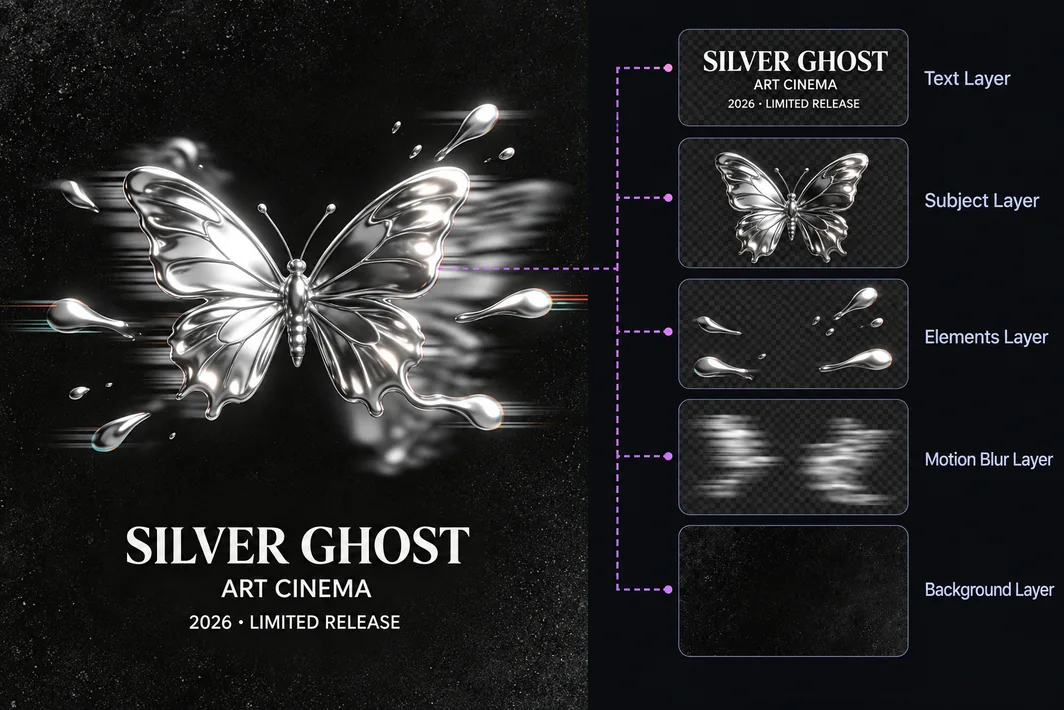
Split an image into separate layers for subjects, text, and decorative elements. Use these layers in further editing to change a background, update a headline, or rearrange the composition without starting over. Ideal for professional designers and creators.

Silver butterfly poster separated into text, subject, elements, and background layers

How to Generate and Edit Images with Seedream 5.0

  1. Upload Reference Images or Enter Your Idea

    Start with a text prompt to create a new image. For image-to-image generation or editing, upload your reference images first, then describe what you want to create or change.

  2. Set the Resolution & Aspect Ratio

    Choose from 1K, 1.5K, or 2K resolution. Then select an aspect ratio to suit your project. Available options include 1:1, 16:9, 9:16, 4:3, 3:2, 21:9, 3:4, and 2:3.

  3. Generate, Preview & Download

    Click Generate to create your image in seconds. Preview the result and download it for sharing, further editing, or use in your projects.

What Can You Create with Seedream 5.0 AI Image Generator?

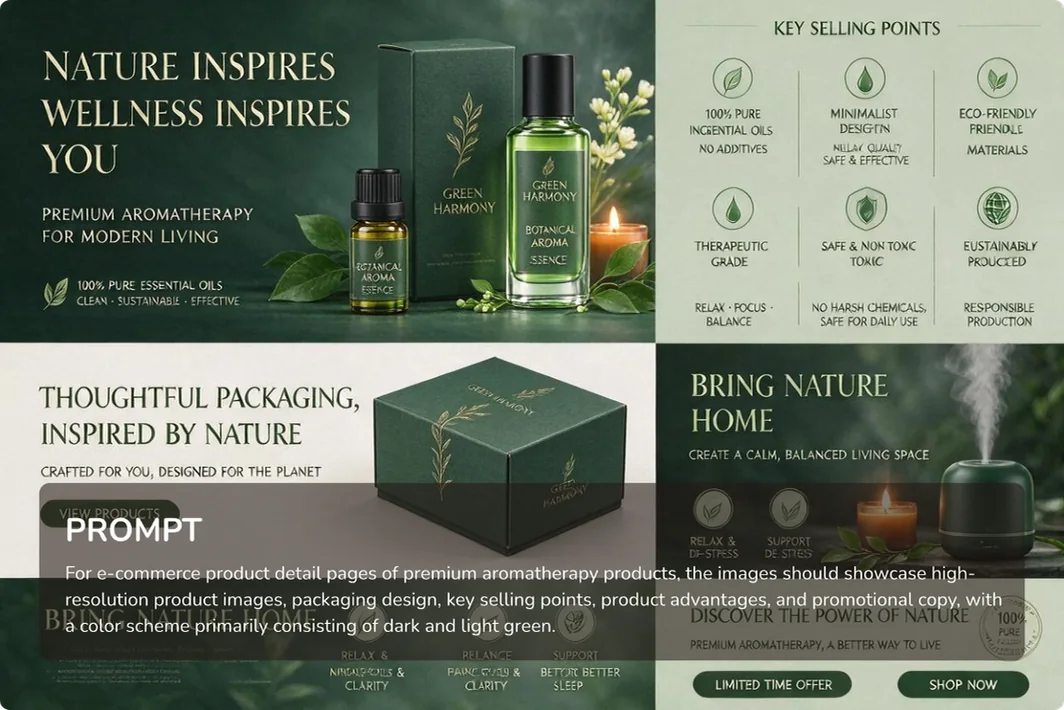
Botanical skincare campaign combining product photography, packaging, and advertising layouts

Create AI Images for Ads & E-commerce with Less Effort

Transform your existing product photos into e-commerce listing images, promotional banners, product launch graphics, and other ad creatives. Create fresh materials for different campaigns, markets, and audiences without a new shoot each time, saving time and production costs.

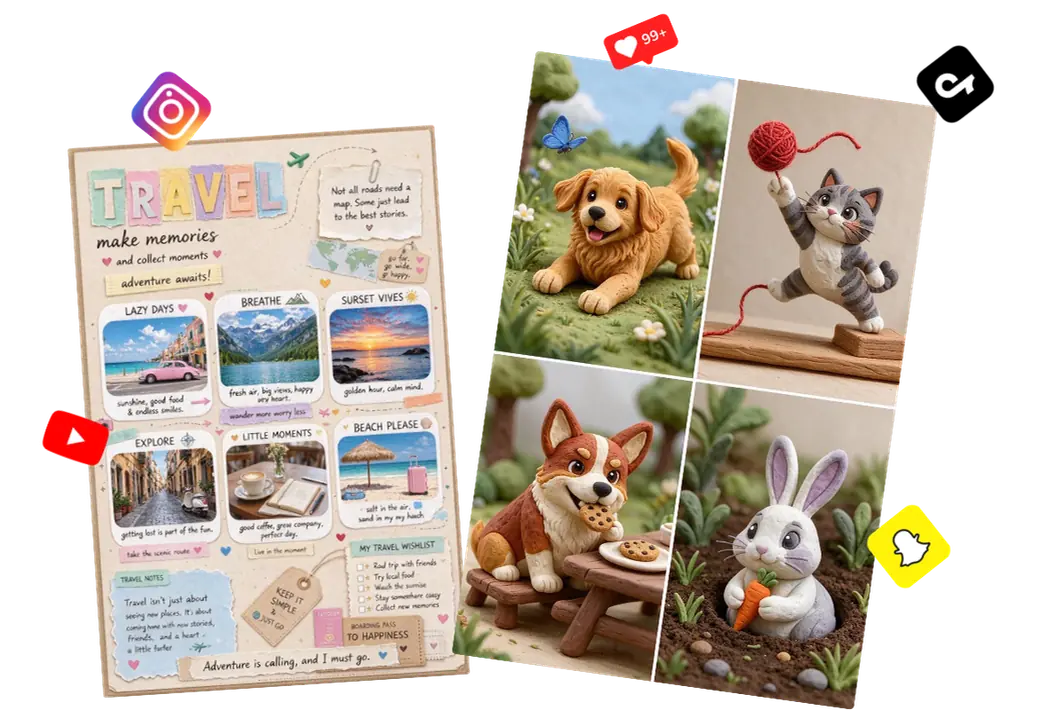
Travel scrapbook and playful pet imagery arranged as AI Image Generator social media examples

Generate Eye-Catching Social Media Images & Thumbnails

Easily create eye-catching post images, video covers, and thumbnails for YouTube, TikTok, Instagram, and other social platforms. Turn your travel ideas into cute scrapbook pages or give your pet photos a playful clay style. Make your content stand out and encourage likes, comments, and shares.

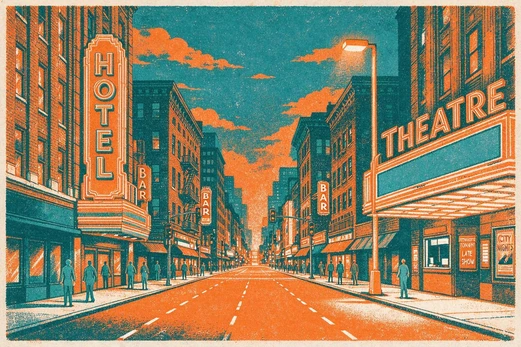
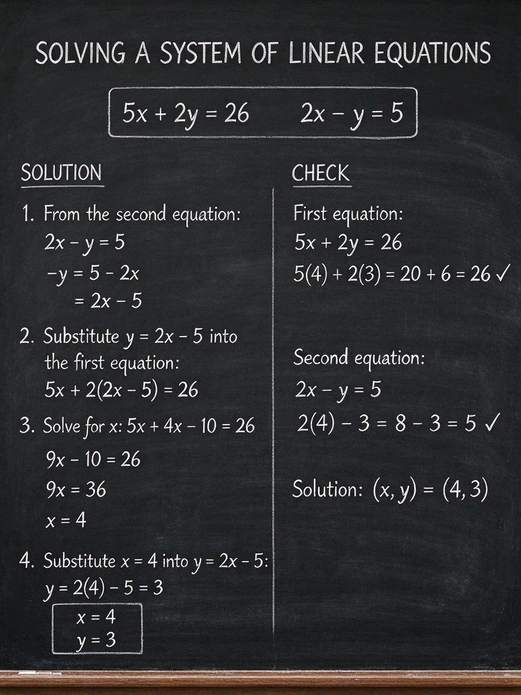
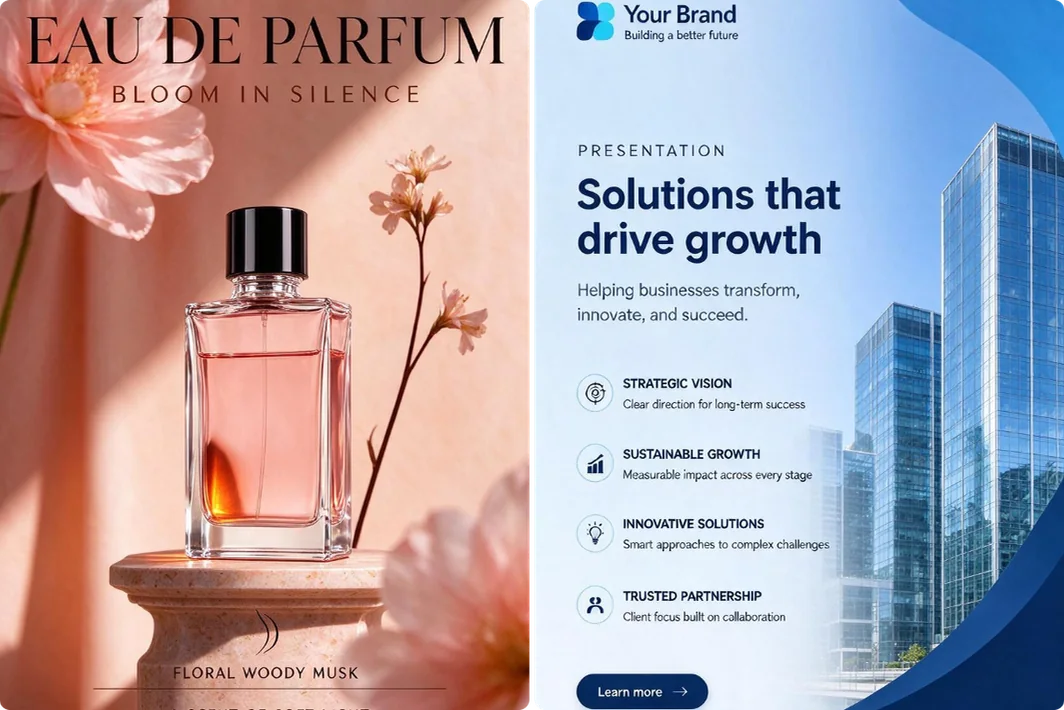
Perfume advertising poster beside a business presentation slide with a city skyline

Turn Complex Ideas into Clear Posters & Presentation Visuals

Need to explain a complex idea but have no design experience? From event posters to classroom slides and business presentations, create clear visuals without manually arranging every element. Make your message easier to understand and help your audience grasp the key points.

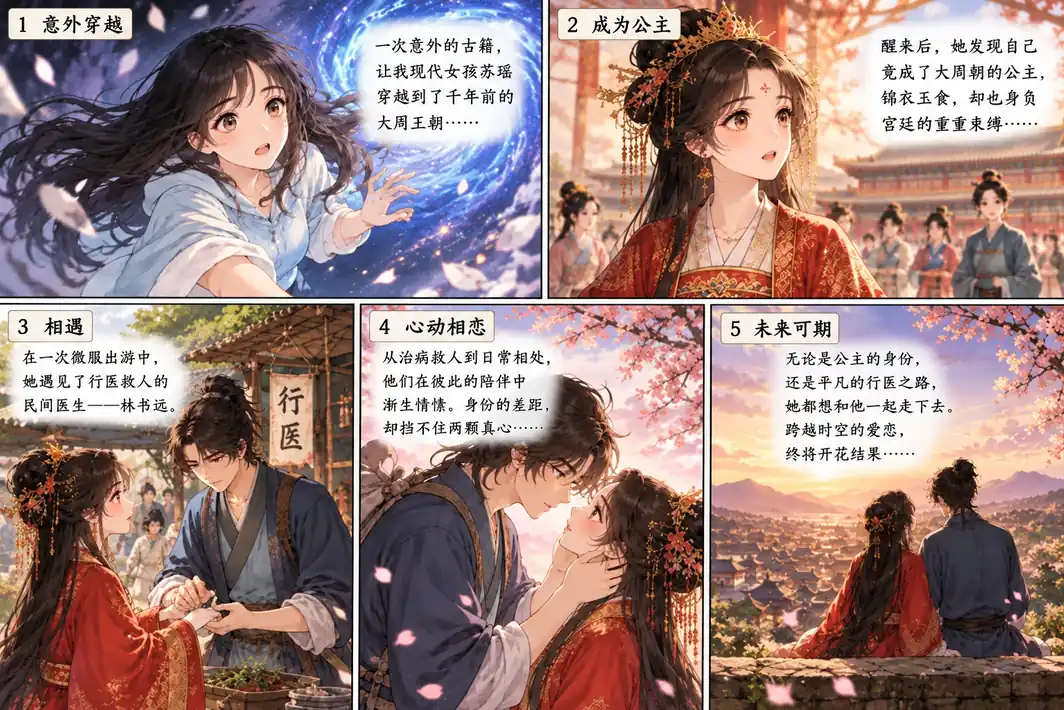
Illustrated storyboard panels featuring recurring characters, dialogue, and changing scenes

Bring Your Stories to Life with AI Illustrations & Storyboards

Turn your scripts and ideas into illustrations, comic panels, and storyboards. Describe the characters, scenes, and actions to quickly create images that tell your story. Spend less time on manual drawing and streamline your creative workflow, so you can focus on refining your plot.

What Users Say About Seedream 5.0 AI

Ryan T.
“Easy enough to use, and 1 credit for a 1K image is nice when you’re just trying things out. Not every result was a keeper, but I got a few good ones.”
Michael B.
“I’m not great at design, so this was helpful for my presentation. I changed a bit of the text afterward, but overall I was happy with it.”
Ashley R.
“I needed a few images for a sale and didn’t have much time. Got a couple I liked pretty quickly. I’ll probably use it again for the next one.”
Lauren M.
“The watercolor style turned out really nice. I tried a few different prompts and ended up saving more images than I expected.”
David W.
“It took a few tries to get the background right. Once I was more specific about what I wanted to keep, the result was much closer.”
Jessica H.
“Made a few pictures for a story I’ve been writing. Seeing the characters actually pictured was pretty exciting. Now I want to try a few more scenes.”

Frequently Asked Questions

Can I use Seedream 5.0 without a paid membership?

Yes. No paid membership is required, and each image generated at 1K costs just 1 credit. You can earn free credits through registration, daily check-ins, and invitations. Check the credit cost shown in the tool before generating at other resolutions.

Will I lose credits if a generation fails?

No. If a generation fails, the credits used for that attempt are immediately returned to your account.

How many reference images can I upload?

You can upload up to 10 reference images per generation. Explain what each image should contribute, such as the subject, style, or background, so the model can use your references as intended.

How can I get better results?

Use clear, natural language to describe the subject, action, and setting. Mention the image’s purpose, such as an event poster or product listing, and add any style, lighting, or layout requirements. Put text you want in the image in double quotation marks. When using references, specify what to use from each image. For edits, explain what should change and what should stay the same. Keep your prompt focused rather than repeating descriptive words.

Will my downloaded images have a watermark?

Images created with a free account include a watermark when downloaded. A paid membership gives you watermark-free downloads.

Can I use the generated images commercially?

Free users can use their images for personal projects and share them on social media. For commercial projects, such as ads, product listings, or client work, you’ll need a paid membership. Make sure you have the necessary rights to any uploaded photos, logos, or other reference materials.

Are my images and creations private?

Your uploaded images and generated creations are private and are not made public unless you choose to share them. They are not used for AI training and are automatically deleted after 24 hours.

Explore More Image Models on MindVideo AI

Bring Your Idea to Life with Seedream 5.0

Start with a prompt or your own images and create something worth sharing.
Explore Seedream 5.0 on MindVideo AI with free credits.

Start Creating

Join MindVideo AI official community on Discord.