AI Image Combiner Online: Blend Photos Naturally in Seconds

Merge two photos into one while keeping faces, products, and key details recognizable. Upload your images, describe how you want them blended, and let our AI Image Combiner create a natural, high-quality result with matched lighting, composition, and background.

Combine Images Now
Free to Try Generated in Seconds Your Photos Stay Private

Result

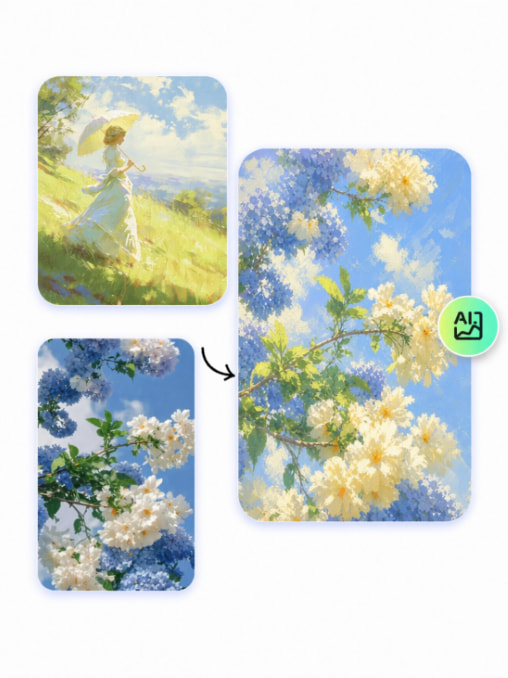
AI Image Fusion combines a pastoral painting and flower reference into soft blue floral artwork.

What Can You Create with an AI Image Combiner?

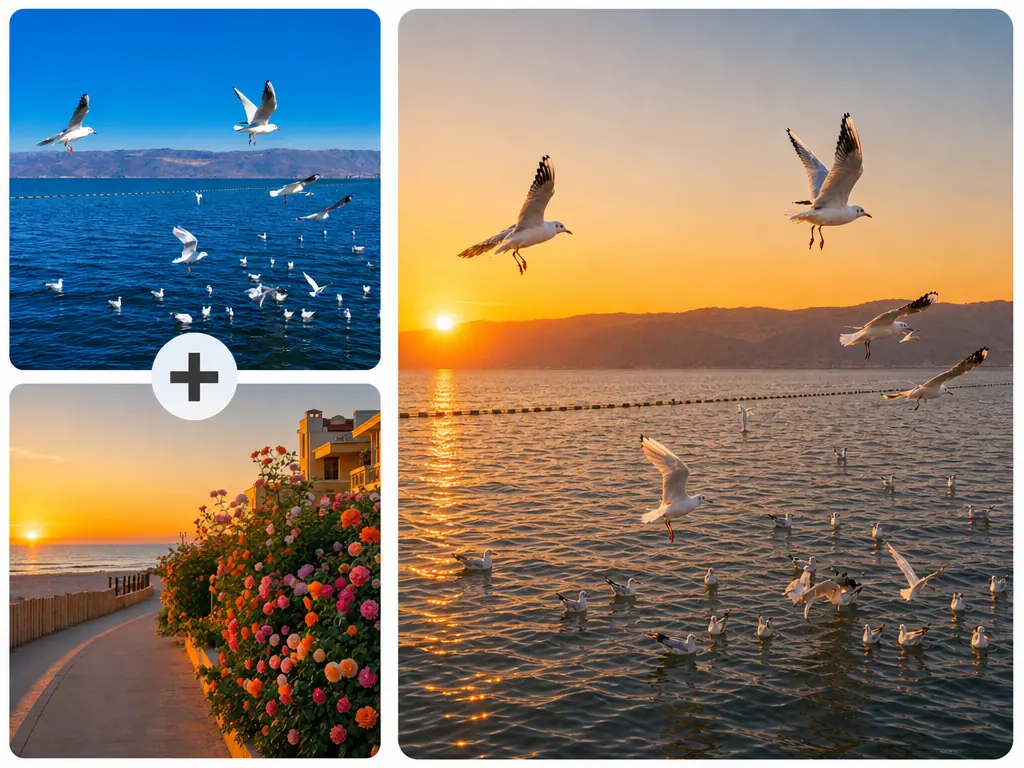
Turn portraits, scenes, and product photos into polished visuals for personal projects, creative work, and commercial use.

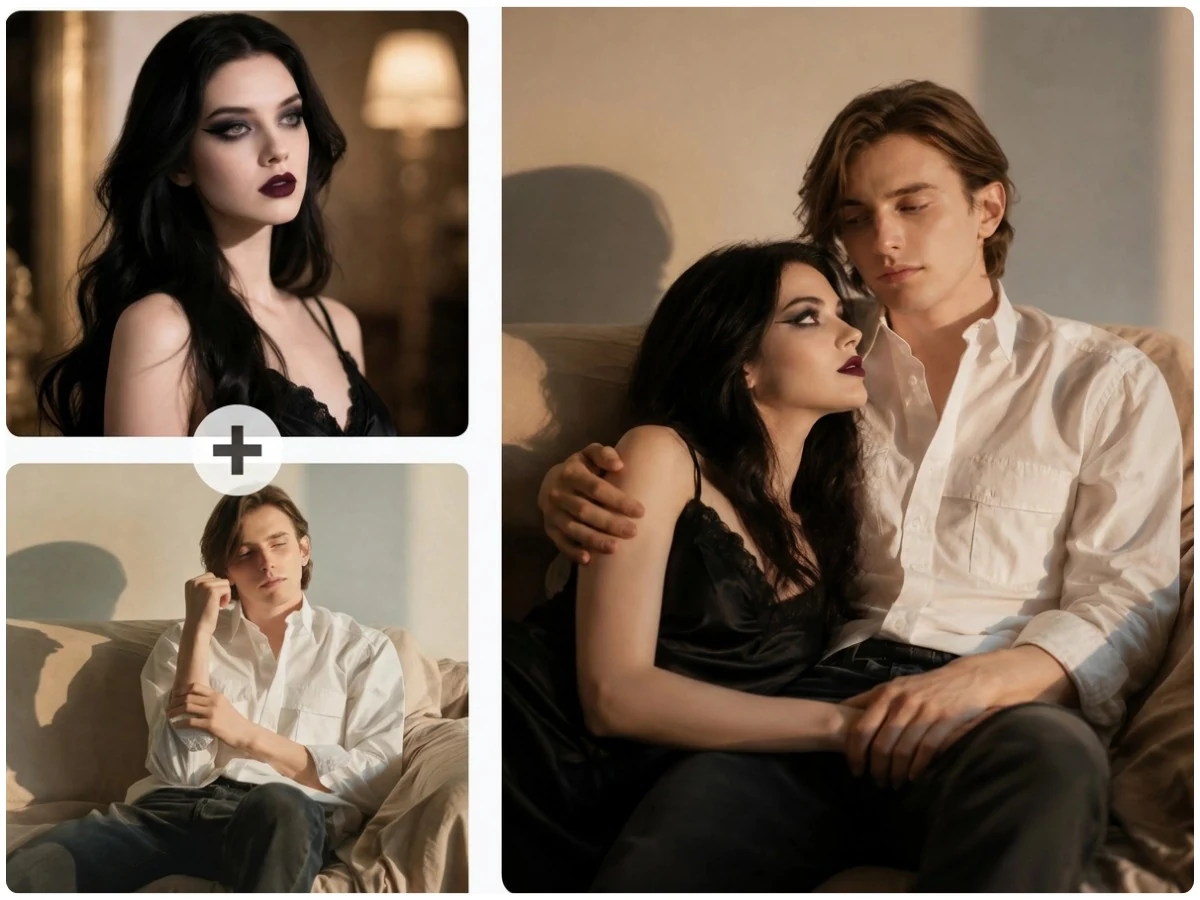
Turn Separate Portraits into a Natural Group Photo with AI

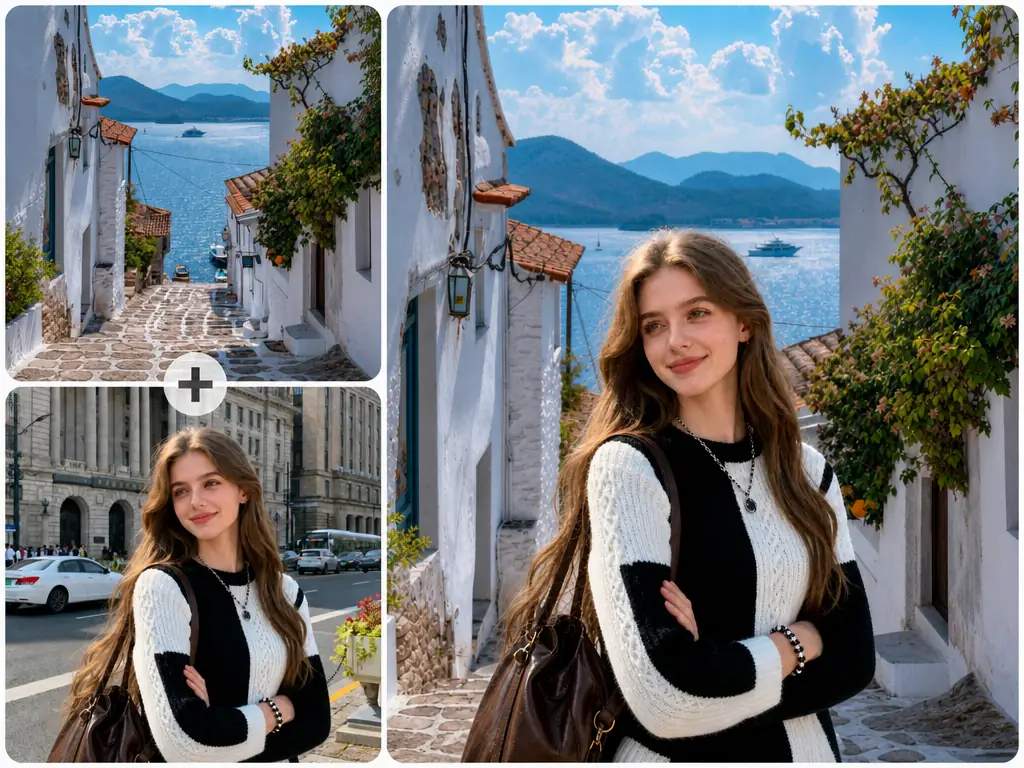
Long-distance couples, friends living in different places, family members, and other loved ones who cannot meet in person can still appear in one shared photo. MindVideo AI keeps each person's face and key features recognizable, creating a lifelike result that looks like everyone was photographed together.

Create a Group Photo
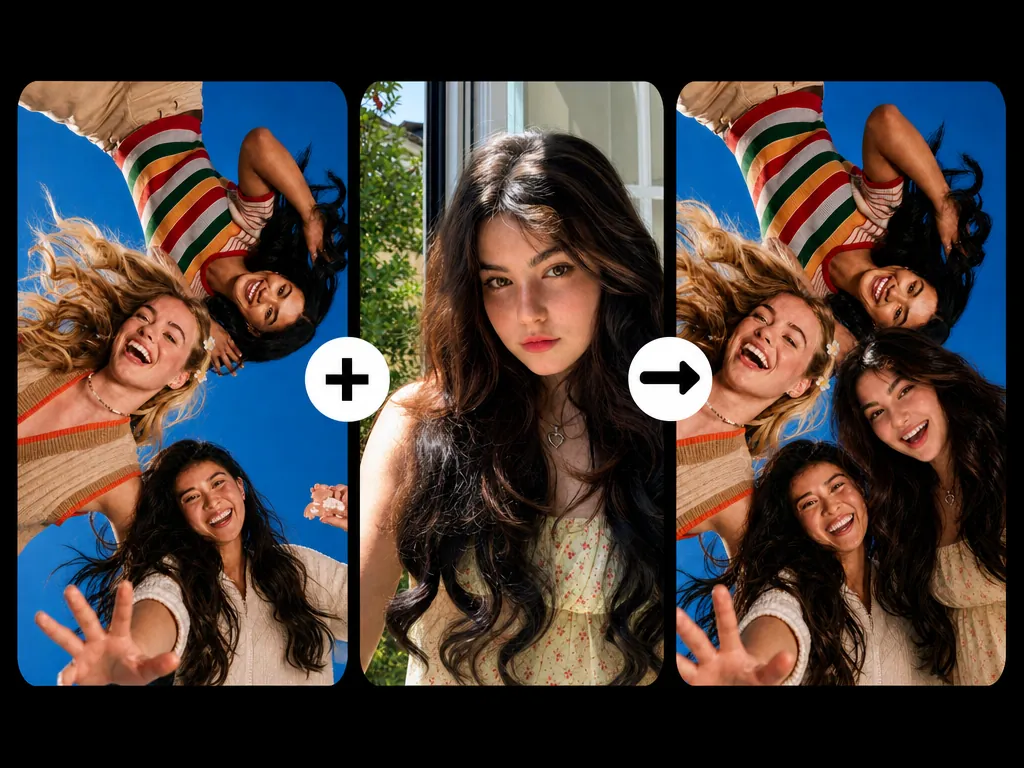
AI Image Combiner merges separate portraits into a natural group photo of friends

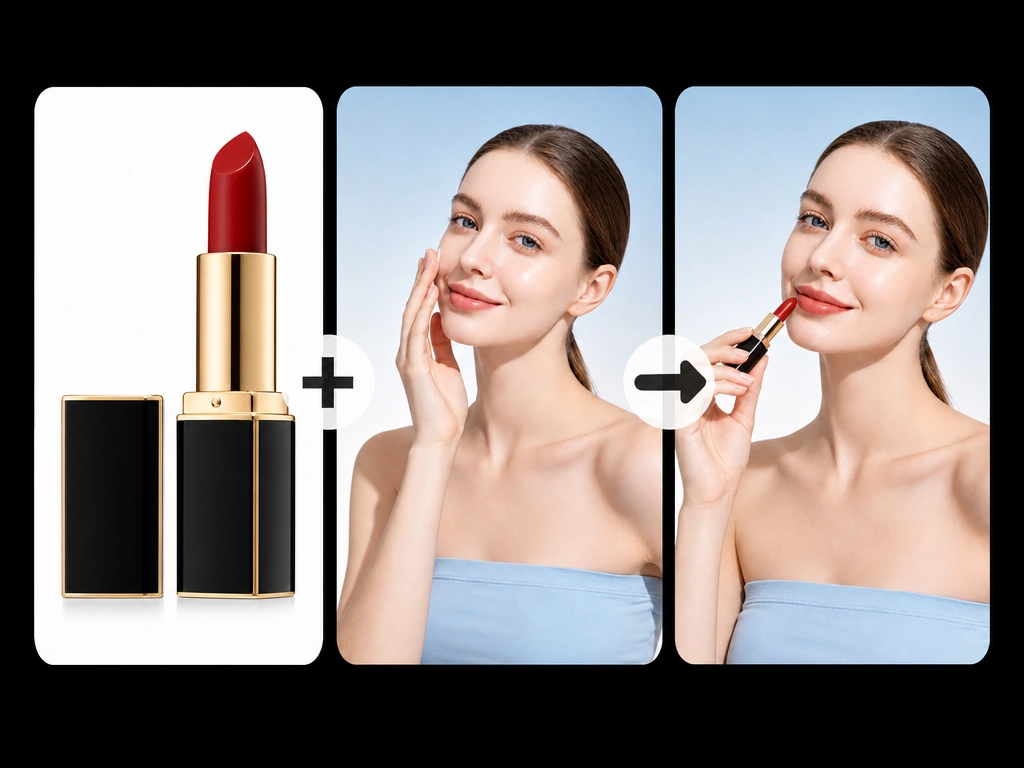
Build Campaign-Ready Visuals from Existing Product Photos

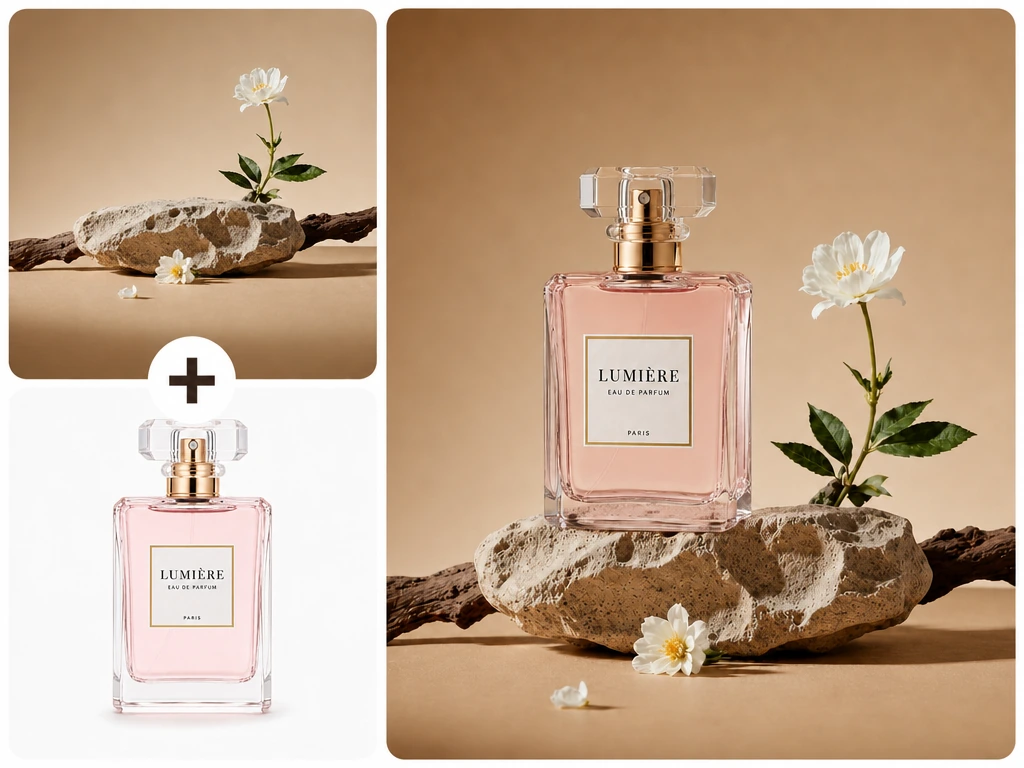
Give basic product images a more polished commercial setting by blending them with high-quality creative assets. Small businesses and independent sellers can produce content for product pages, ads, and social campaigns faster, with lower production costs and less need for repeated photoshoots or manual editing.

Build Product Visuals
AI Photo Merger combines a lipstick product shot with a model for campaign content

Place Any Subject into a New Scene with Our AI Photo Merger

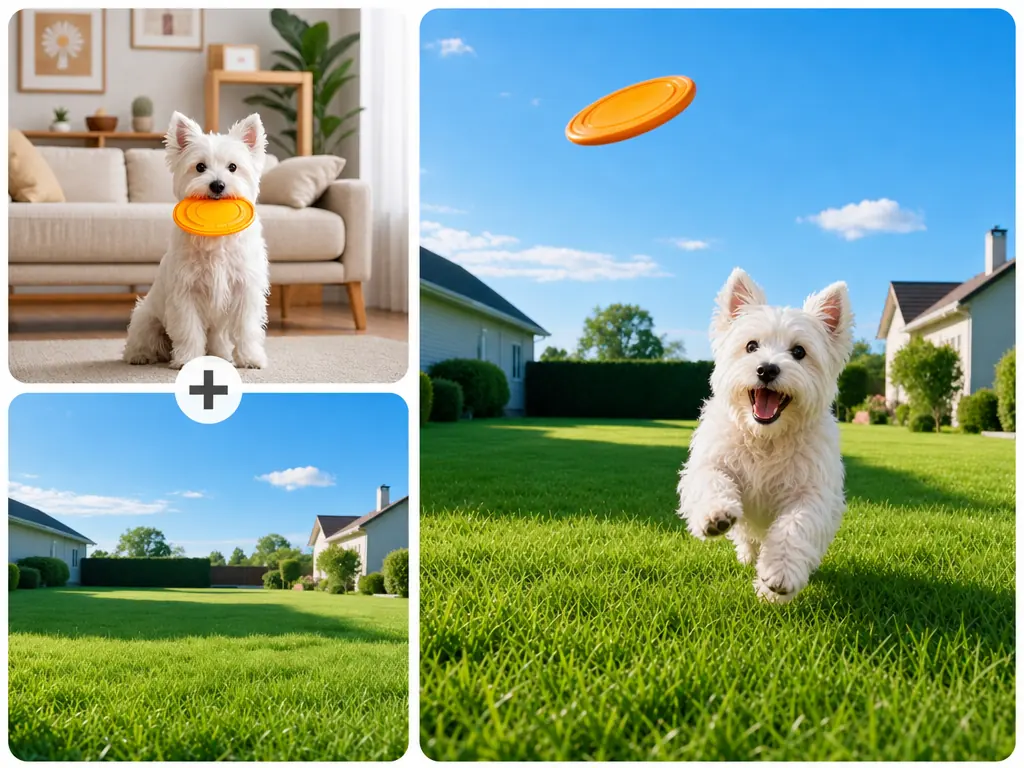
From portraits and pets to cars and everyday objects, our AI Photo Merger helps you place any subject into a new scene. Use it to create travel photos, themed images, creative artwork, or just-for-fun edits that look like they belong in the scene.

Place into a Scene
AI Photo Merger places a white dog into a sunny lawn scene while catching a frisbee

AI Style Transfer: Apply the Style of One Image to Another

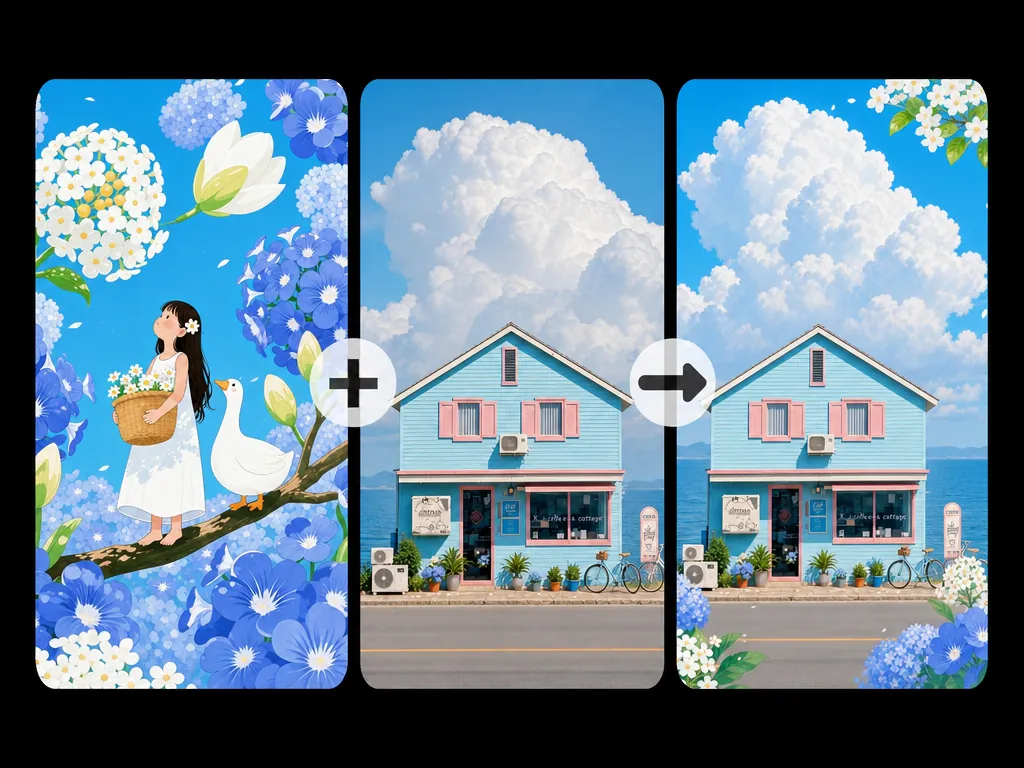
Bring the color palette, texture, and overall mood of a reference image into an existing design. Designers and creators can quickly test different visual treatments, create new variations, and refine concepts without rebuilding each version from scratch.

Transfer Style
AI Image Fusion applies a blue floral illustration style to a house photograph

AI Interior Design Visualization for Real Spaces

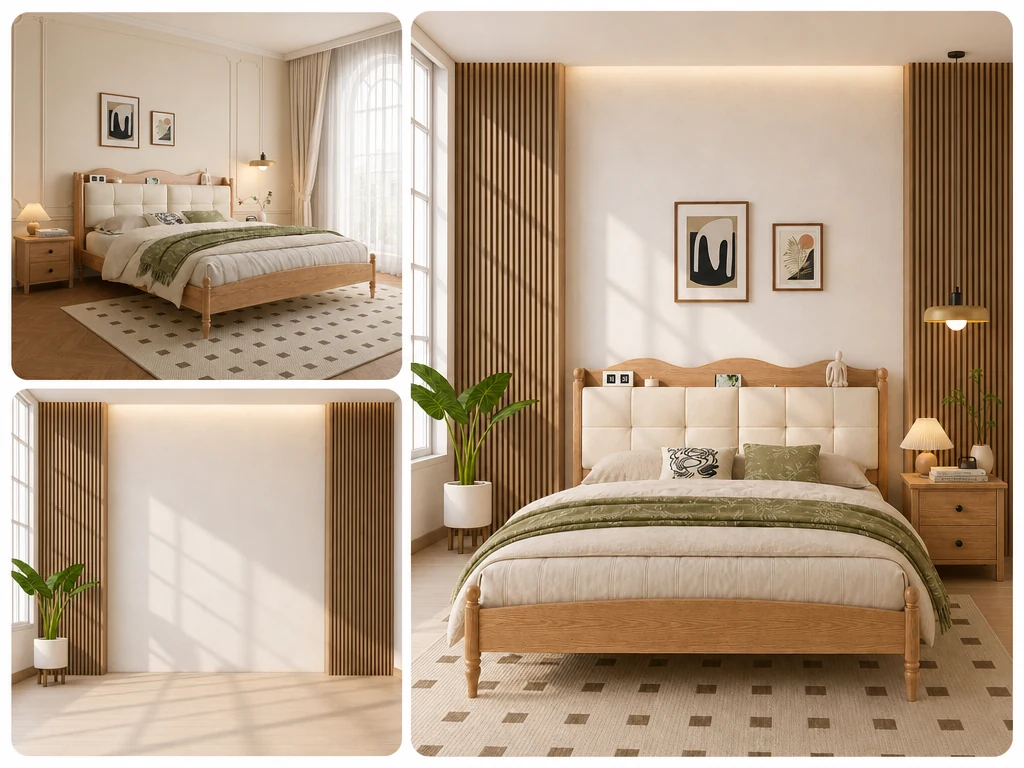
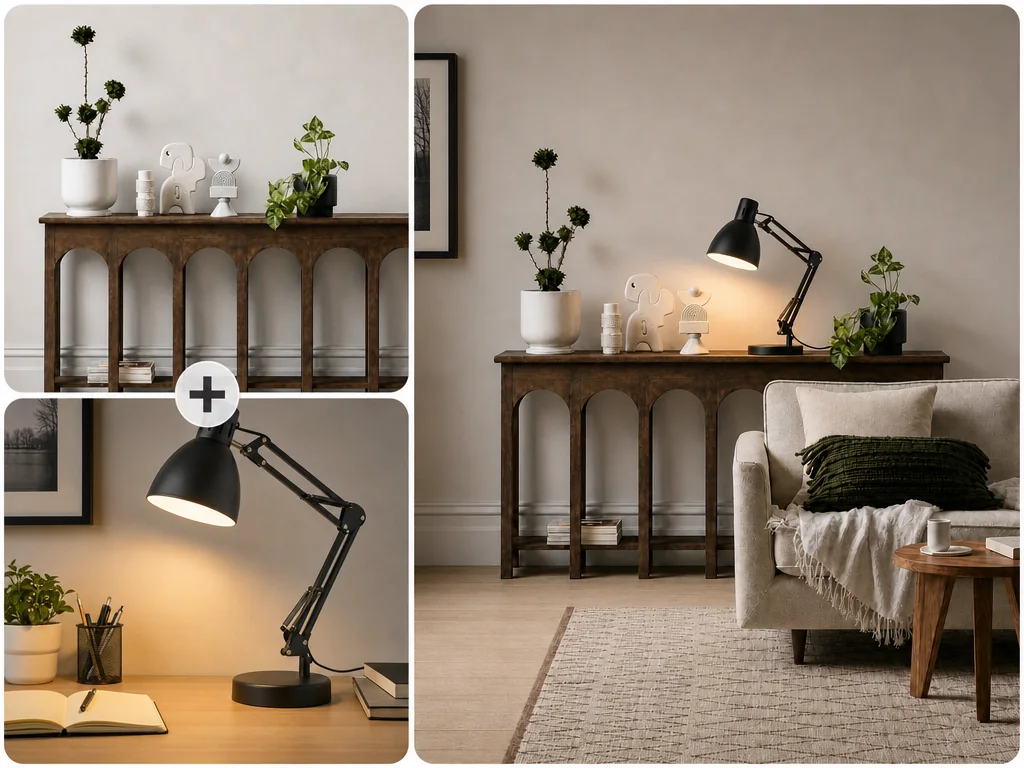
Combine an actual room photo with furniture and décor references or an interior designer's concept to preview how the finished space could look. Homeowners can compare different options more clearly, while designers can show clients how an idea may work in their own space.

Visualize Interiors
AI Image Combiner previews a bedroom redesigned with warm wood panels and modern decor

Why Choose MindVideo AI Image Combiner?

Recognizable Subjects, Well-Blended Results

Faces, product features, logos, and other important details stay recognizable after the merge. The images come together as one cohesive visual rather than looking pieced together.

Guide the Image Merge with a Simple Prompt

Describe the result you want in everyday language—for example, which subject to keep, what background to use, or which visual style to follow. No prompt-writing skills are needed.

Free to Try, No Paid Membership Required

Each image merge uses only 3 credits. Get free credits when you sign up, check in daily, or invite friends, so you can try the tool without paying for a subscription.

Your Photos Stay Private

Your images are processed securely and never made public. They are not used to train our models and are automatically deleted after a short period.

How to Combine Images with AI in 3 Steps

Upload your images, describe how they should come together, and create a new visual in seconds. No photo-editing experience is required.

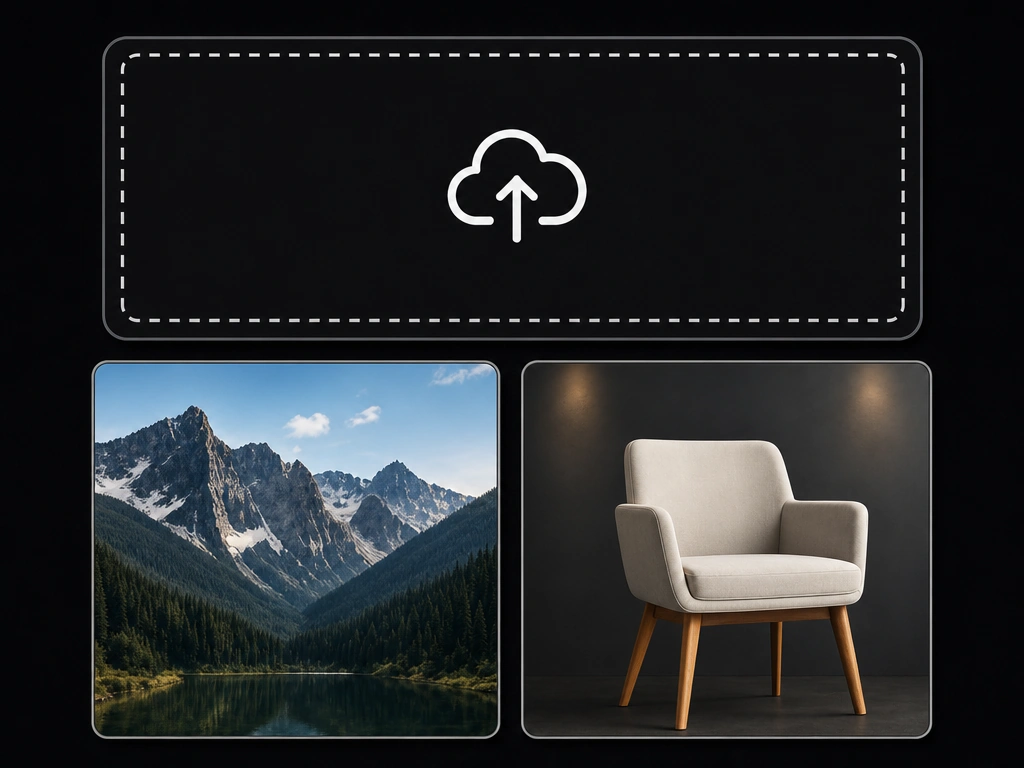
AI Image Combiner upload area with mountain and chair reference images ready to merge

Upload the Images You Want to Merge

Upload images in any type or style, from photos and illustrations to product shots and design references. Common file formats such as JPG, JPEG, and PNG are supported.

Prompt field for describing how the AI Image Combiner should merge uploaded images

Describe How to Combine Them

Write a short prompt explaining what you want the AI to do. For example, specify which subject to keep, which image should provide the background, or which style to apply. Even a simple, direct description is enough to guide the AI.

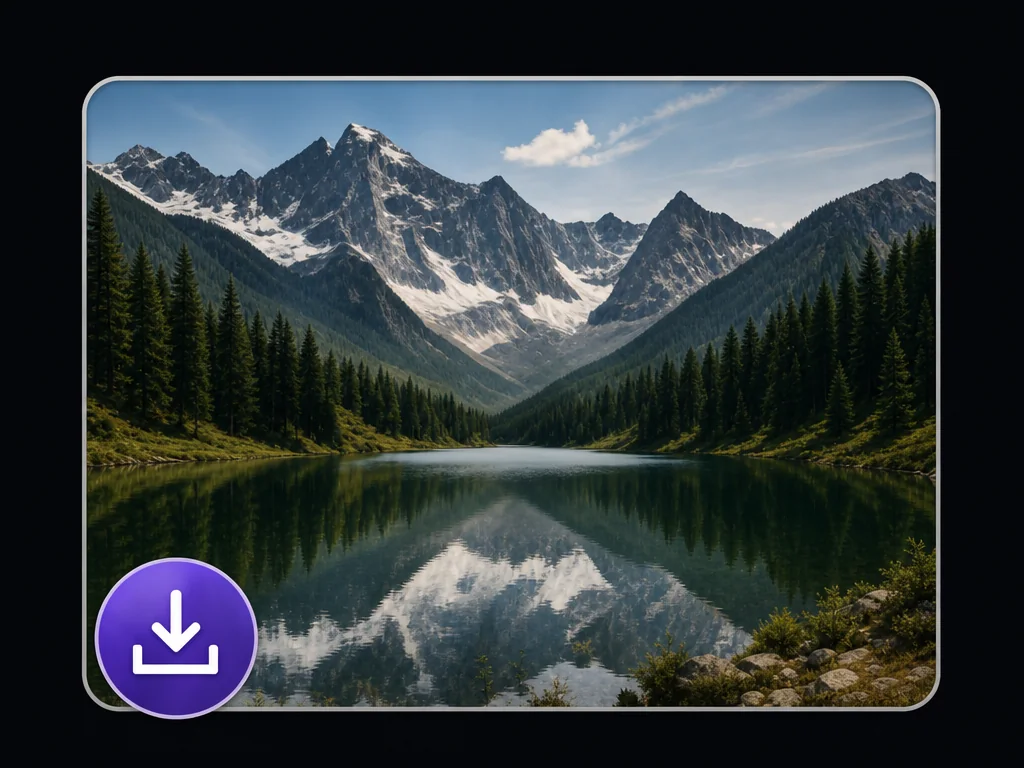
Finished mountain lake result ready to download from the AI Image Combiner

Generate and Download Your Image

Click Generate to begin. Results are usually ready within a few seconds, although processing time may vary depending on the complexity of your request. Once the image is ready, download it for your projects or share it online.

Upload Your Images to Combine

What Users Say About Our AI Image Fusion Tool

AI Image Combiner FAQ

What is an AI Image Combiner?

An AI Image Combiner merges elements from separate images into one new visual. You can use it to put people in the same photo, combine a subject with a different background, apply a reference style, create product marketing images, or preview design ideas.

How do I combine two images with MindVideo AI?

Add the two images, then explain what role each one should play. For example, you can ask AI to keep the person from the first image and use the setting from the second. Click Generate, review the result, and adjust your description if you want a different layout, background, or style.

Will the AI keep the original faces and product details?

Yes. MindVideo AI aims to keep important features recognizable, but the result can vary depending on the source images and your instructions. Images where these details are easy to see usually give the AI a better reference.

Is the AI Image Combiner free to use?

You can try the tool without purchasing a paid membership. Each generation costs 3 credits. Free credits are available when you create an account, check in daily, or invite friends.

Are my uploaded photos private?

Yes. Your uploads are processed in a secure environment and are not displayed publicly. They are not used to train AI models and are automatically removed after a short retention period. Avoid uploading content you do not have permission to use, especially private photos or business assets belonging to someone else.

Can this replace professional photo editing?

It can save time on image merging, concept testing, and everyday promotional content without requiring manual cutouts or complex editing. For highly detailed commercial work or precise retouching, you may still want to make final adjustments in a professional editing tool.

Combine Your Images into Something New

Turn the images you already have into one convincing visual while keeping important details recognizable, with no reshoot or manual editing required.

Combine Images Now

Join MindVideo AI official community on Discord.