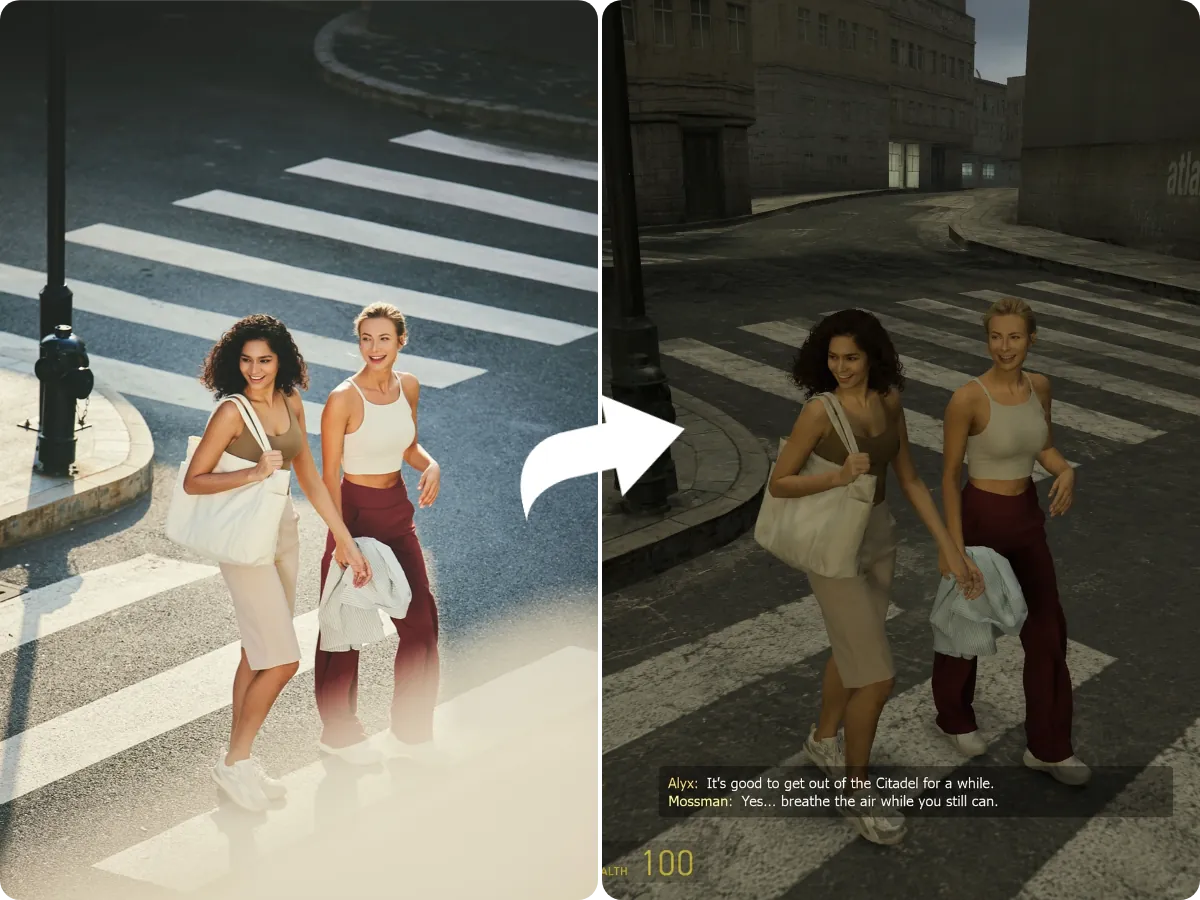
Free Retro Game Art Generator: Turn Photos into 3D Game Screenshots

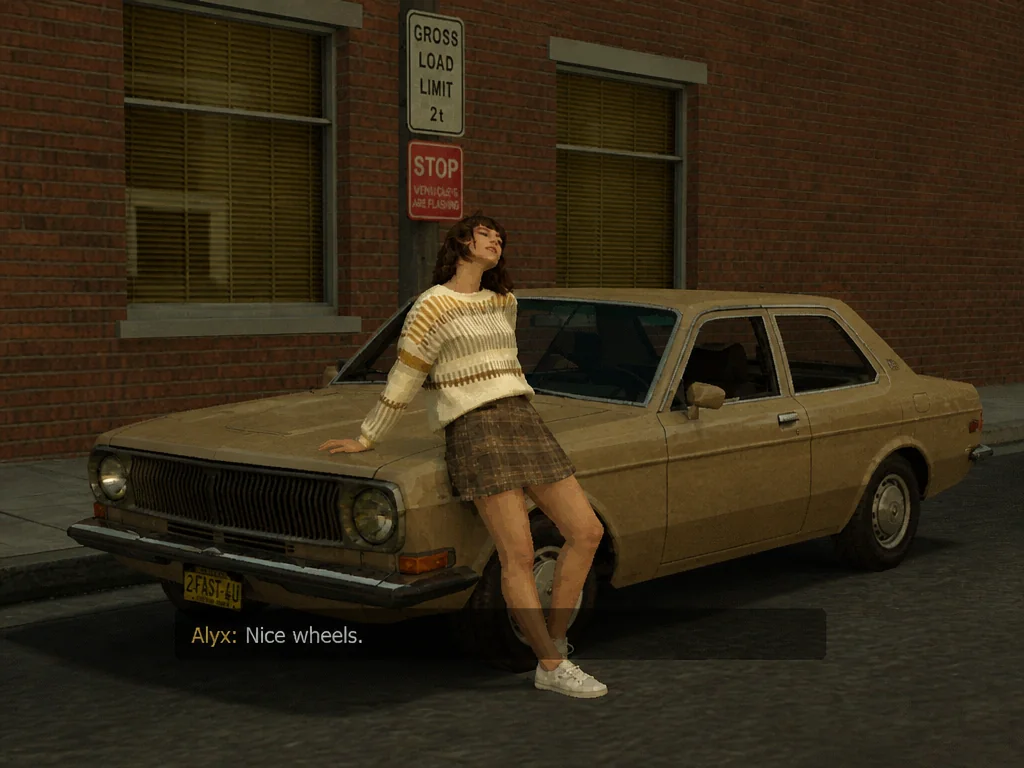
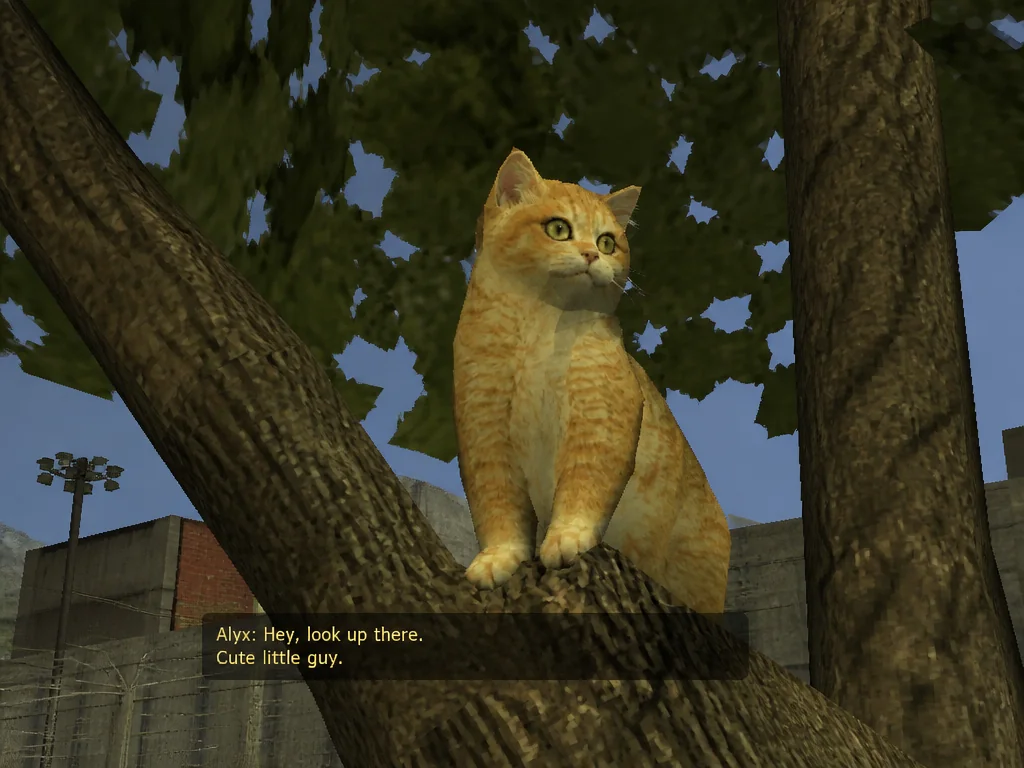
Rebuild your photos as old-school PC game screenshots with MindVideo AI. From selfies and group photos to pet pictures and landscapes, our Retro Game Art Generator transforms any image into Source engine-style while preserving the look of key subjects and surroundings. No prompt writing or 3D editing required.

Generate Retro Game Art
Free to Try Generated in Seconds Keep Subjects Recognizable

Result

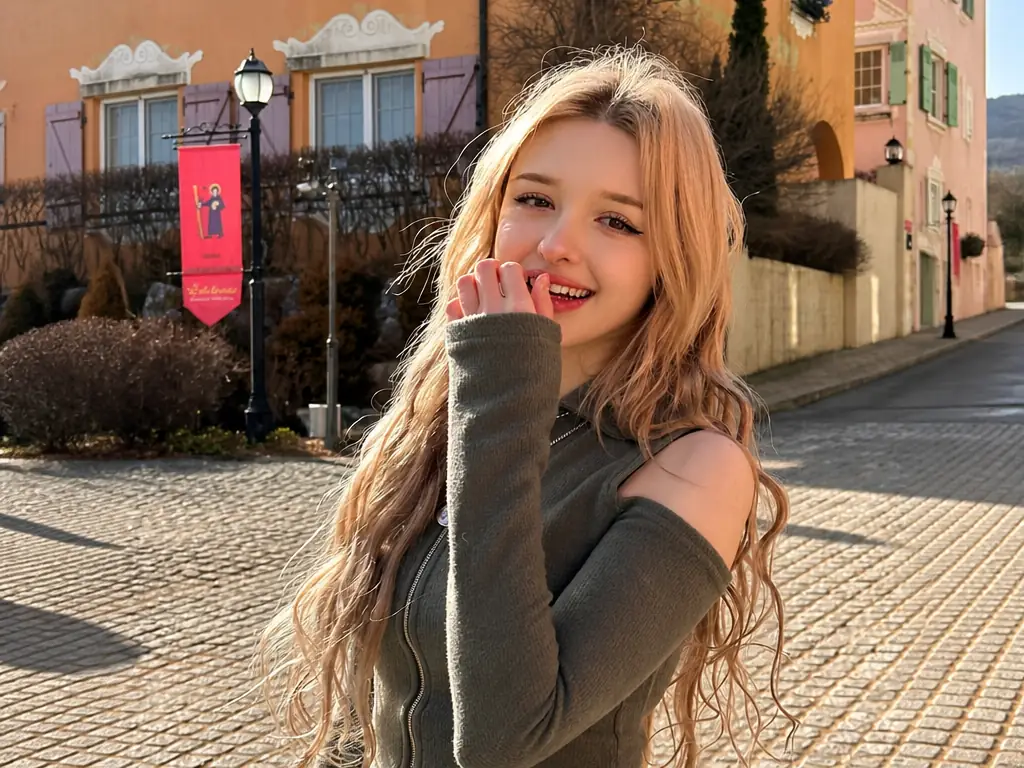
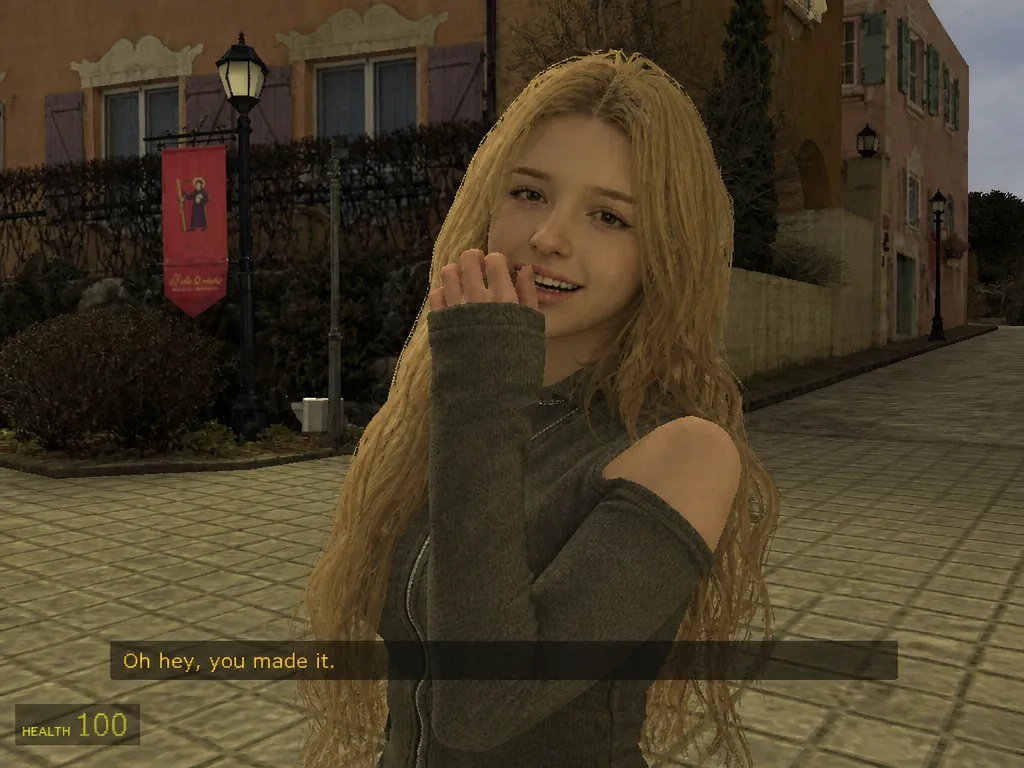
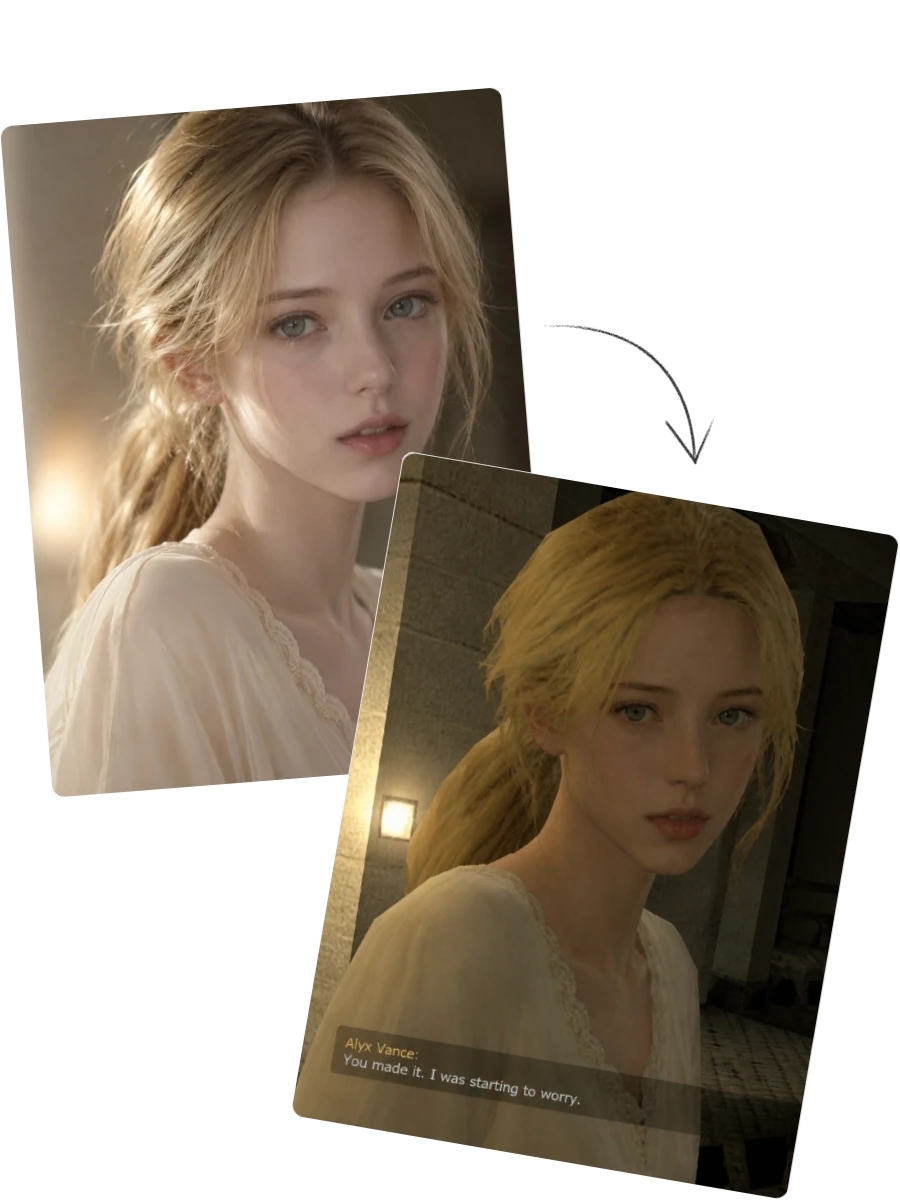
Portrait reference and generated retro 3D game character shown in the result preview
Group photo compared with its transformation into a retro 3D game screenshot

What Is a Retro 3D Game Art Generator?

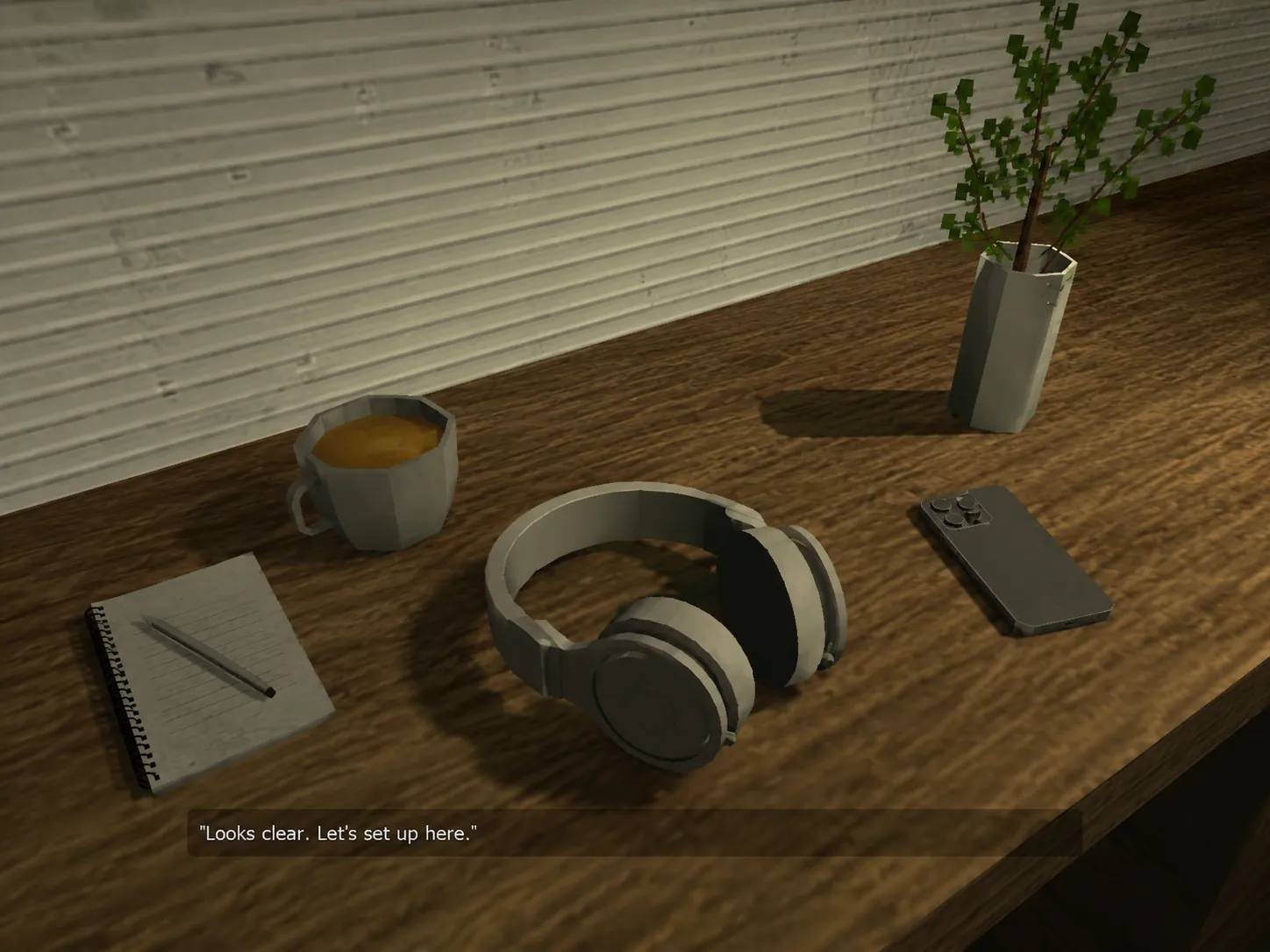
Our retro 3D game art generator is an AI tool that quickly turns different types of photos into early 2000s-style 3D game screenshots. Unlike a pixel art tool or a basic vintage filter, it recreates the uploaded image as a classic game scene using low-poly models, rough low-resolution textures, and old-school game lighting. It can also add a short line of dialogue based on the visible context, making the result feel like a moment captured during gameplay.
What Can You Create with Our AI Retro Game Art Converter?

Transform any image into an old-school 3D game scene, create a distinctive gaming avatar, step into the role of an NPC, or make social content that invites more reactions.

Transform Any Photo into a Retro 3D Game Scene

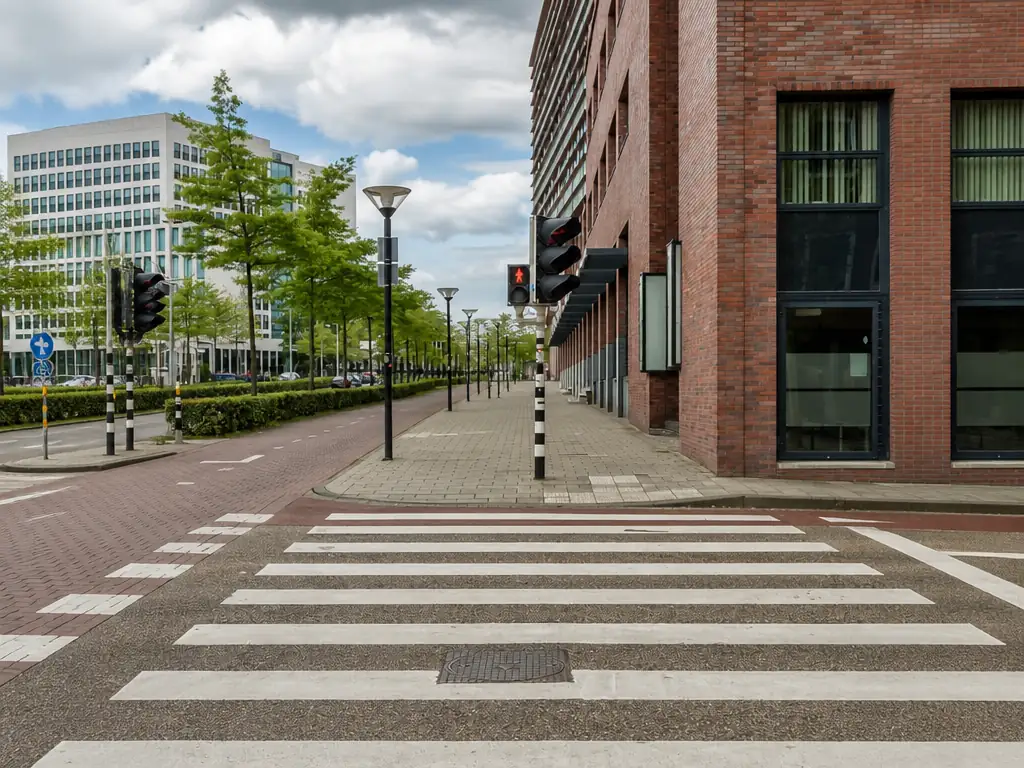
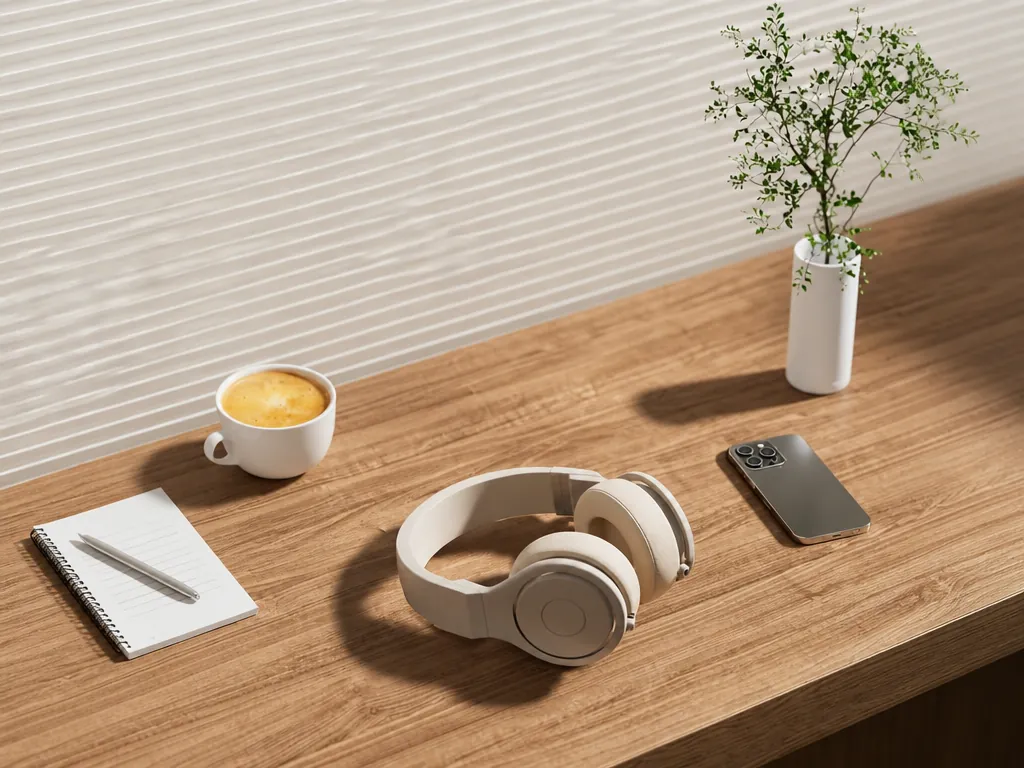
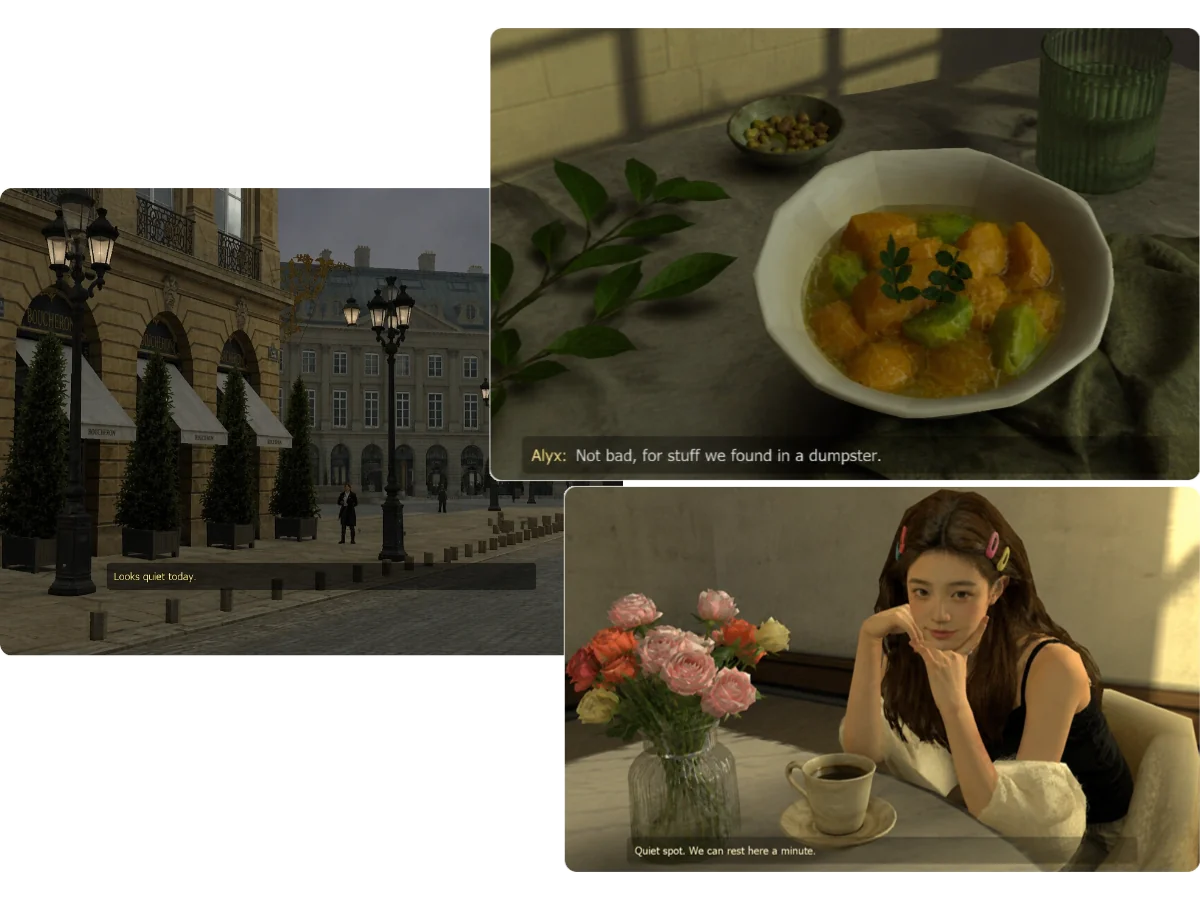
Turn people, animals, objects, places, products, and any other type of image into an authentic old PC game screenshot. Instead of limiting yourself to selfies or portraits, you can explore a much wider range of creative ideas. Our Retro Game Art Generator automatically recognizes the content of your image and recreates the full scene with a nostalgic game atmosphere, without requiring 3D tools or manual editing.

Generate Retro Game Art
Photos of a city, meal, and portrait transformed into retro 3D game scenes

Turn Yourself into a Retro Game NPC

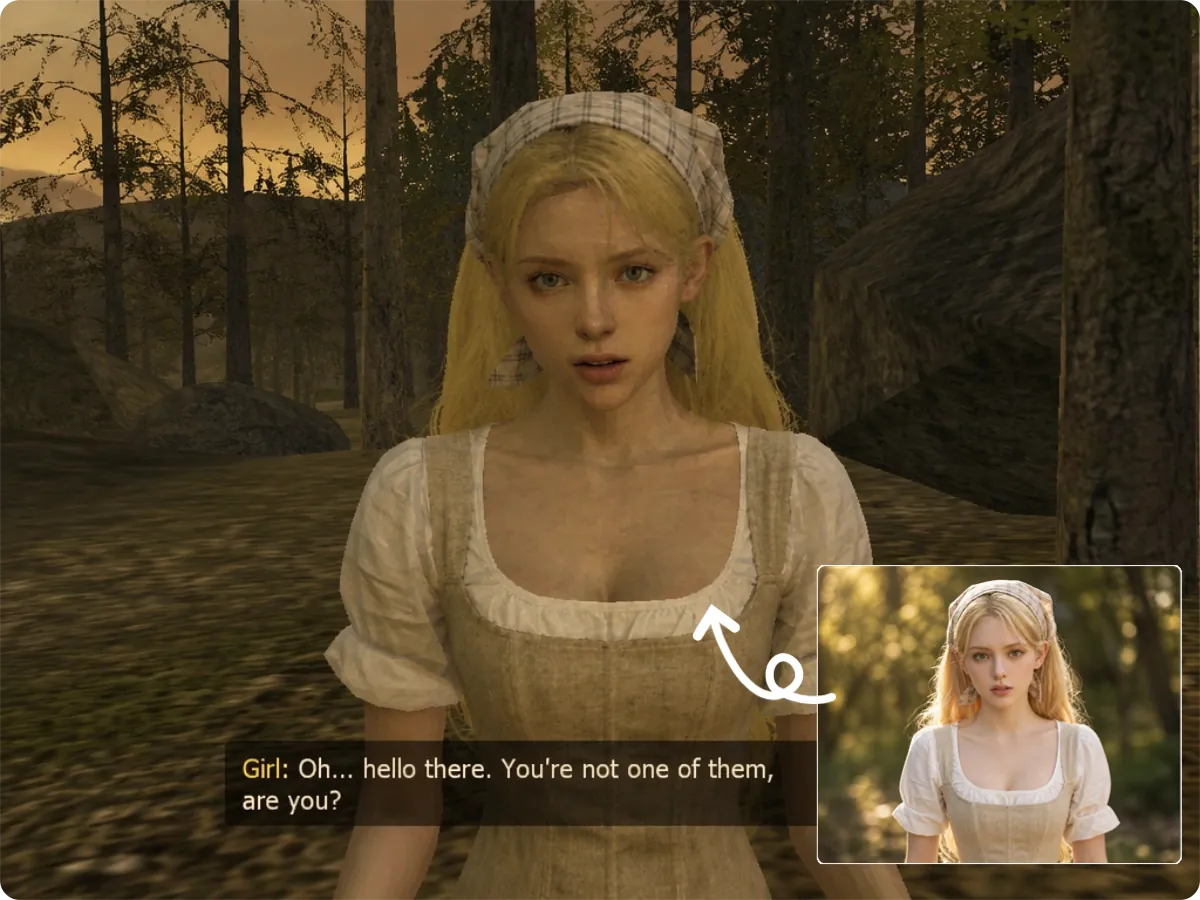
Ever wondered what you would look like in an old 3D game? With our AI Retro Game Art Generator, you might become a quest giver, a background character, or someone awkwardly frozen in the middle of a cutscene. Turn yourself, your friends, or an everyday moment into a scene that feels like it came from an early 2000s game and looks like a real moment from gameplay.

Generate Retro Game Art
Woman transformed from a portrait into a retro game NPC with dialogue in a forest scene

Create Eye-Catching Retro Game Content for Social Media

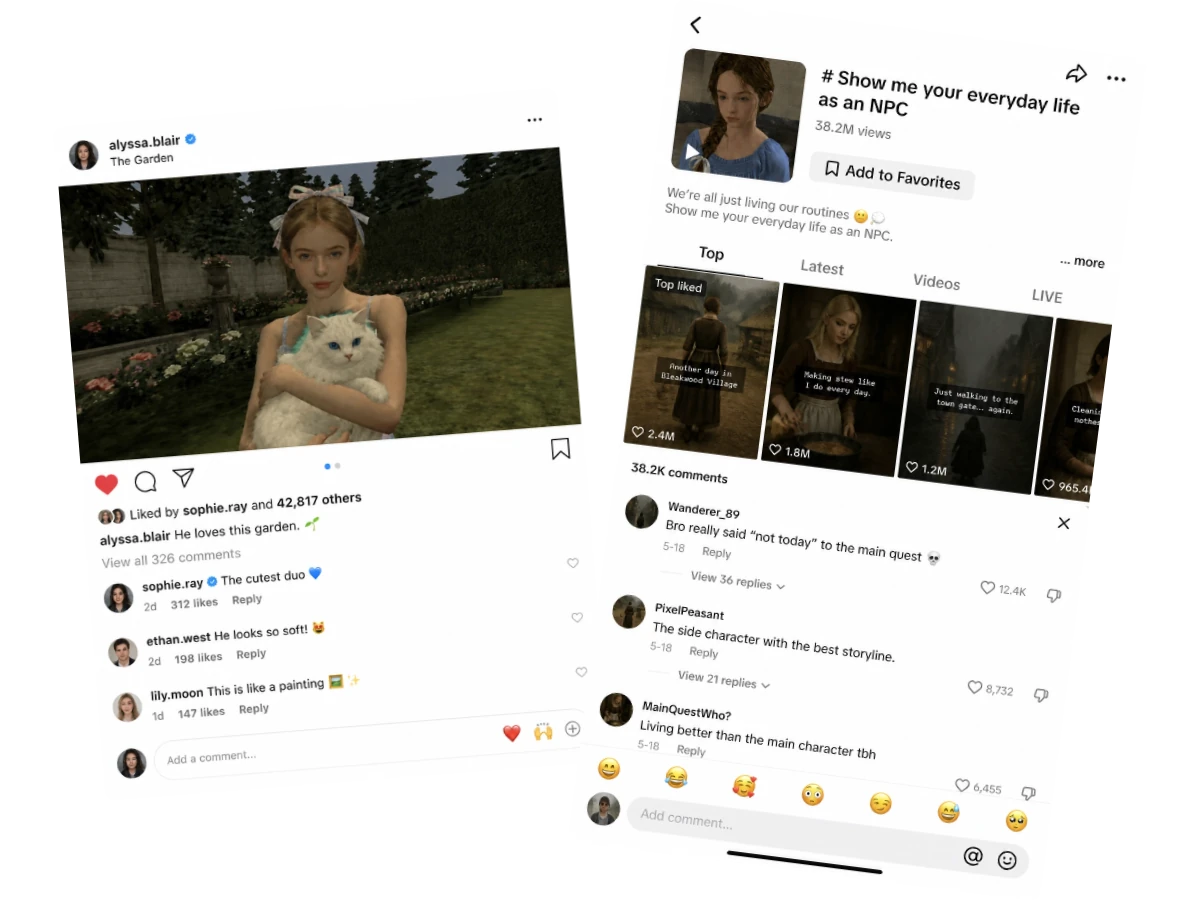
Give ordinary photos an early 2000s game look and share them on Instagram, TikTok, X, Reddit, or other social platforms. You can even start a trend like, “Show me your everyday life as an NPC,” inviting friends and followers to create their own versions, compare results, and react to the characters and dialogue. Turn a creative idea into a shared topic that brings more comments, likes, and shares.

Generate Retro Game Art
Retro game character posts and comments displayed across social media feeds

Create a Distinctive Avatar for Gaming Communities

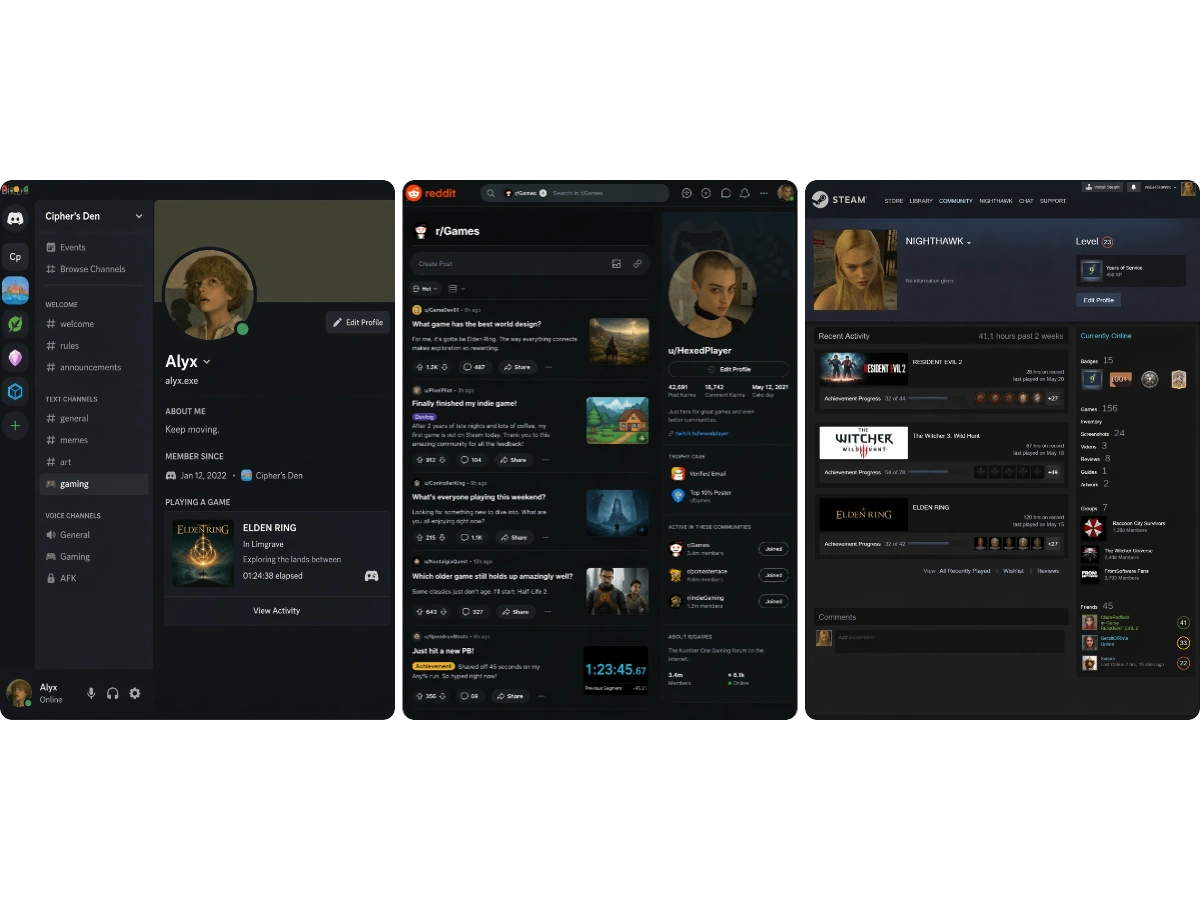
Prefer not to use a real photo on your gaming profile? Turn your image into a retro 3D game avatar while retaining familiar traits such as your hairstyle, face, and outfit. It gives you a more private and distinctive way to represent yourself on Steam, Discord, Reddit, and other gaming communities.

Generate Retro Game Art
Retro game portrait used as a personalized avatar across gaming community profiles

Why Choose MindVideo AI Retro Game Art Generator?

Authentic Retro 3D Game Transformation

MindVideo AI rebuilds your image as an early Source-style game scene, giving it a consistent old-school look. The final image is more like a genuine retro PC game screenshot than a modern photo with a simple filter applied.

Keep Details Recognizable

Our tool changes the visual style while retaining important features in people, animals, objects, clothing, and backgrounds, so the result still feels connected to the original image.

Free to Try, No Paid Membership Required

Try our Retro Game Art Generator without needing a paid membership. Each generation uses only 1 credit, and you can earn more free credits through daily check-ins, friend referrals, and other available rewards.

Private and Secure Generation

Your images are processed securely and remain private unless you choose to share them. Uploads are automatically deleted after a limited retention period and are not used to train AI models.

How to Turn a Photo into Retro Game Art with AI in 3 Steps

Creating a retro 3D game version with MindVideo AI only takes a few simple steps.

Upload area for adding a photo to the Retro Game Art Generator

Step 1: Upload Your Photo

Upload any image you want to transform. For a stronger NPC or in-game screenshot feel, choose a full-body or medium-distance photo with a visible background. A wider view gives the AI more space to rebuild the scene as a complete retro game moment.

Uploaded lakeside photo ready for automatic retro game scene generation

Step 2: Generate the Retro Game Version

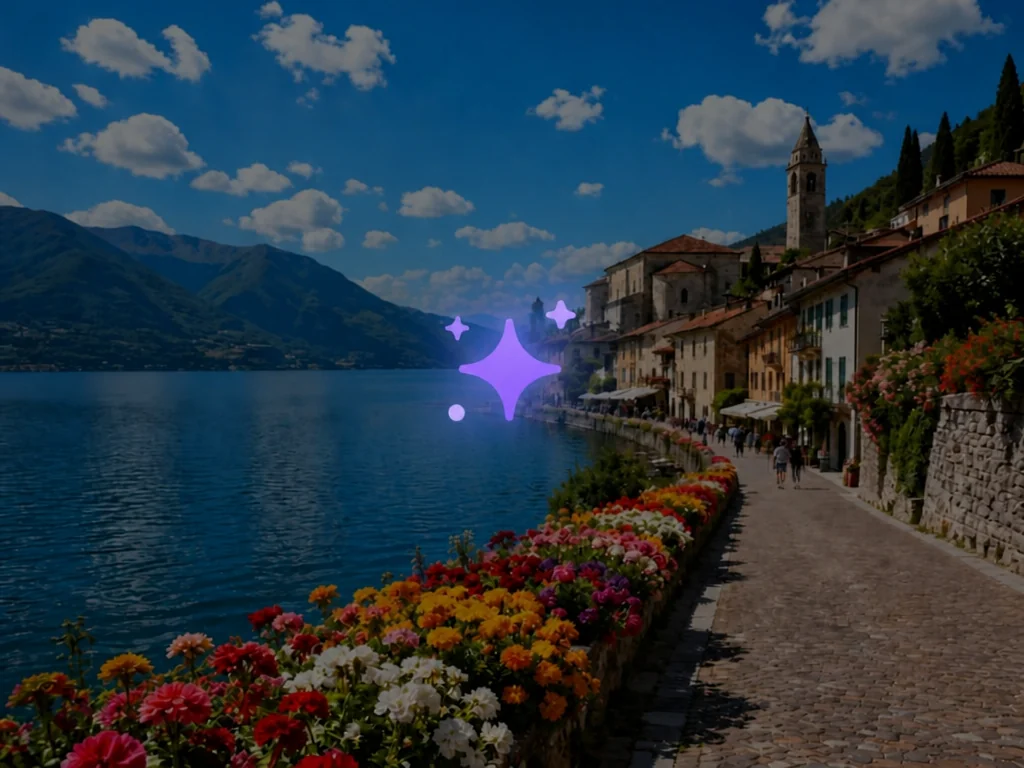
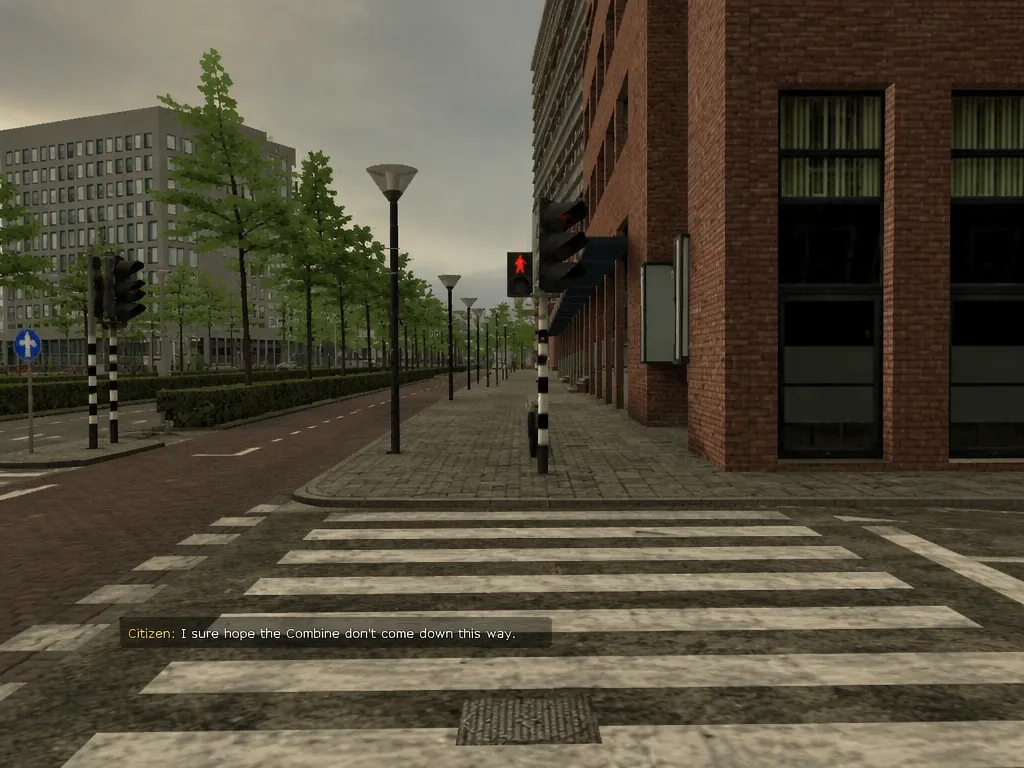
Click "Generate", and the AI automatically applies low-poly forms, rough low-resolution textures, early-game lighting, and dialogue that fits the scene. In most cases, your result will be ready within seconds.

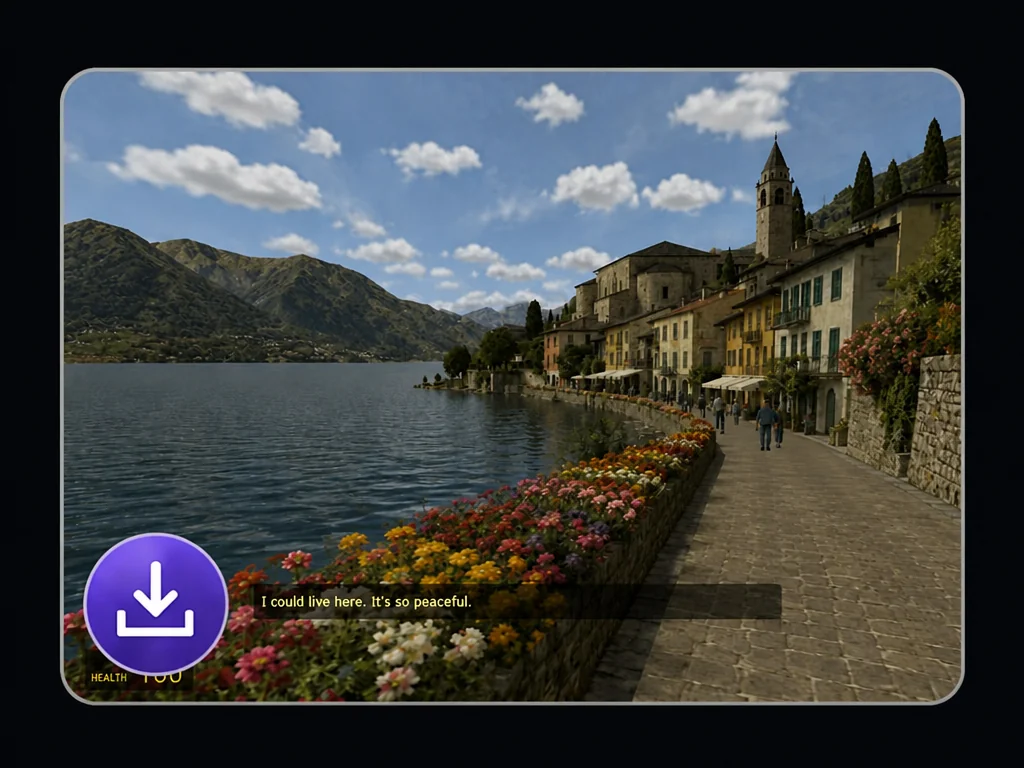
Generated lakeside retro game screenshot ready to preview and download

Step 3: Preview and Download Your Result

Preview the generated image and download it when you are happy with the result. You can use it as a gaming avatar, social media post, meme, community image, or visual for other creative projects.

Generate Retro Game Art Now

What Our Users Are Saying

FAQs About Our AI Retro 3D Game Art Generator

What does the Retro Game Art Generator do?

It turns an uploaded image into an early Source engine-style game screenshot. The AI recognizes the subjects, background, and overall scene, then recreates them with an old-school PC game look and dialogue that matches the image.

Is your Retro Game Art Generator free?

Yes, you can try it without a paid membership. Each generation uses 1 credit. More free credits can be earned through daily check-ins, friend referrals, and other available rewards.

Is this a pixel art generator or a retro filter?

No. This tool creates retro 3D game art, not 8-bit or 16-bit pixel art. It also goes beyond adding vintage colors, lowering the resolution, or placing a simple effect over the original photo. Instead, it restyles the subjects and surroundings together to create a more complete old-school game scene.

What types of images can I upload?

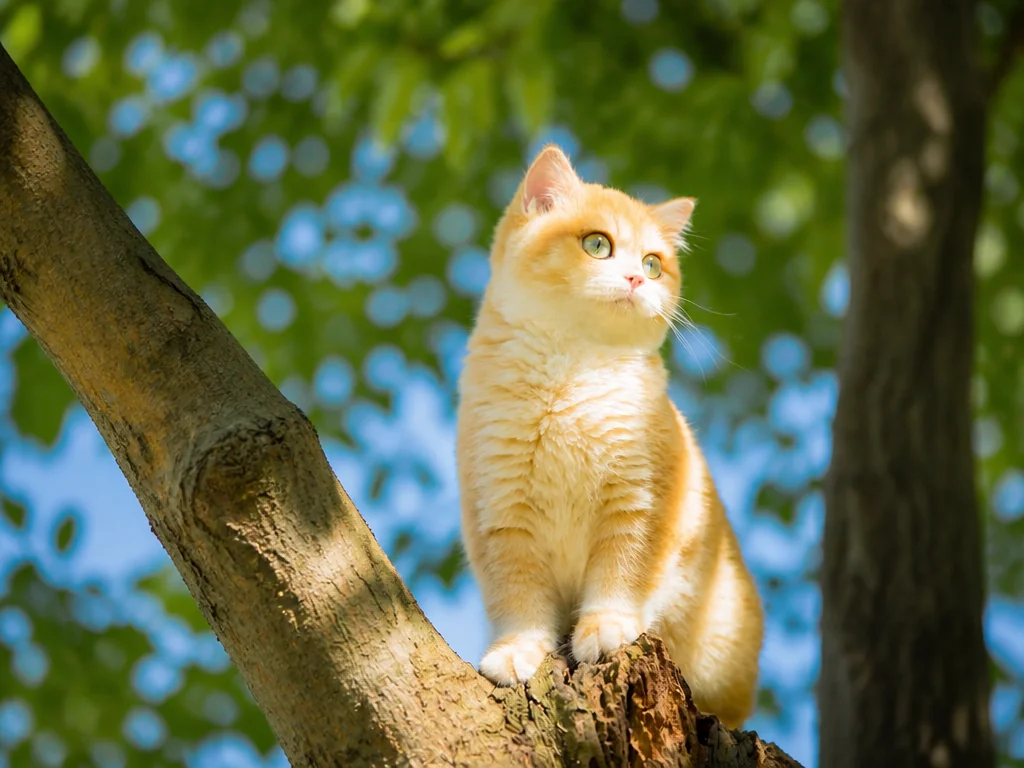
You can try portraits, full-body photos, group pictures, pets, products, vehicles, buildings, landscapes, illustrations, and many other types of images. JPG, JPEG, and PNG files are supported.

Do I need to write a prompt?

No. The retro game style is already built into the tool. Upload your image and click Generate without describing low-poly models, textures, lighting, or other style details.

How is the in-game dialogue created?

The AI reads the visible context and mood of the uploaded image, then adds a short line that fits the scene. The wording may vary each time, so generating another version can produce a different in-game moment.

How long does generation take?

Results are usually ready within seconds. The exact time can vary depending on the image, file size, network connection, and current processing demand.

Can I use the generated image on social media?

Yes. You can share the result on platforms such as Instagram, TikTok, X, Reddit, and Discord. Make sure you own the original image or have permission to use it. You should also avoid uploading content that infringes another person’s copyright, privacy, trademark, or other rights.

See What You Would Look Like as a Retro Game NPC

Would you be a quest giver, a background character, or someone caught in the middle of a strange cutscene? Upload your photo and discover your role in a retro 3D game world.

Create Your NPC Scene

Join MindVideo AI official community on Discord.