Native 30-Second Video in 1080P
Generate videos up to 30 seconds long at 1080P in a single creation—no need to stitch shorter clips together or upscale lower-resolution output afterward.

Create longer AI videos with synchronized sound from text, images, video, audio, and other supported references. Use Wan 3.0 for ads, product demos, social posts, short films, character stories, and other creative projects—no paid plan required.
Result
Wan 3.0 is Alibaba Cloud’s multimodal AI model for creating longer, more complete videos from text and reference media. It can generate videos up to 30 seconds long at resolutions up to 1080P, with native dialogue, music, and sound effects.
Wan 3.0 supports up to 20 multimodal references, including images, videos, audio, documents, and web pages, giving you more ways to guide the final result. It also supports video editing and extension.
Describe the scene, action, style, and sound you want. Add references for any visual details you want the model to follow.
Set the duration, aspect ratio, resolution, and other available options based on your needs.
Generate your video and get the result in minutes. Download it for your project or share it on social media.
Wan 3.0 gives creators a straightforward way to generate longer, higher-quality videos with more reference types and synchronized audio.
Generate videos up to 30 seconds long at 1080P in a single creation—no need to stitch shorter clips together or upscale lower-resolution output afterward.
Use up to 20 image, video, and audio references to guide the video. It can also read documents and public web links, such as blog posts, public articles, reports, and product pages.
Generate video and synchronized audio in a single creation, including dialogue, background music, and sound effects. Get a more complete result without adding each audio element separately.
Create ads, character stories, social content, and training videos with one flexible AI video model.
Turn product shots, pages, or campaign ideas into demos, launch videos, social ads, and branded content. Create marketing videos faster without the cost of a full production shoot, making it easier to run A/B tests or adapt campaigns for different audiences and markets.

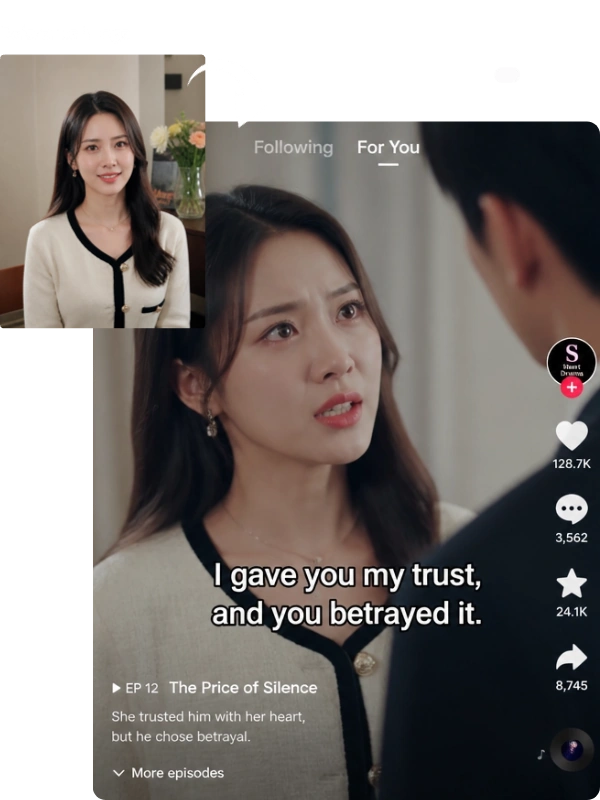
Start with a script, character image, video clip, or audio reference and turn it into connected video stories. Keep characters consistent across scenes while generating dialogue, music, and sound together for short dramas, series, podcast channels, and other narrative content.

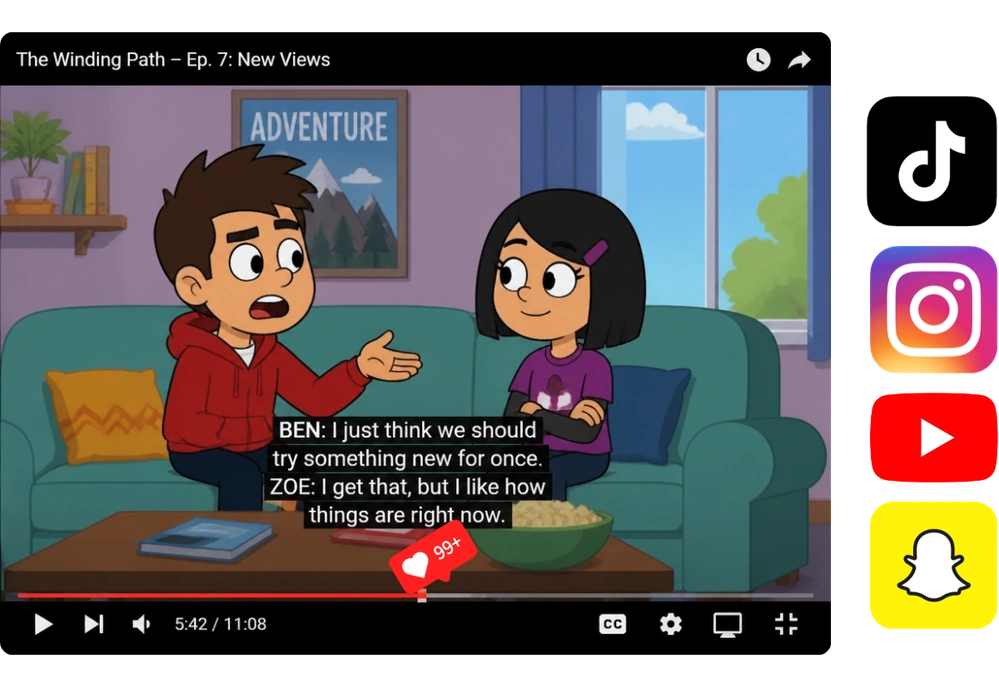
Transform your ideas into viral videos, memes, challenge clips, short stories, and other social content for TikTok, Instagram, YouTube, and more. Create scroll-stopping content that grabs attention faster, sparks more interaction, and helps your posts reach a wider audience.
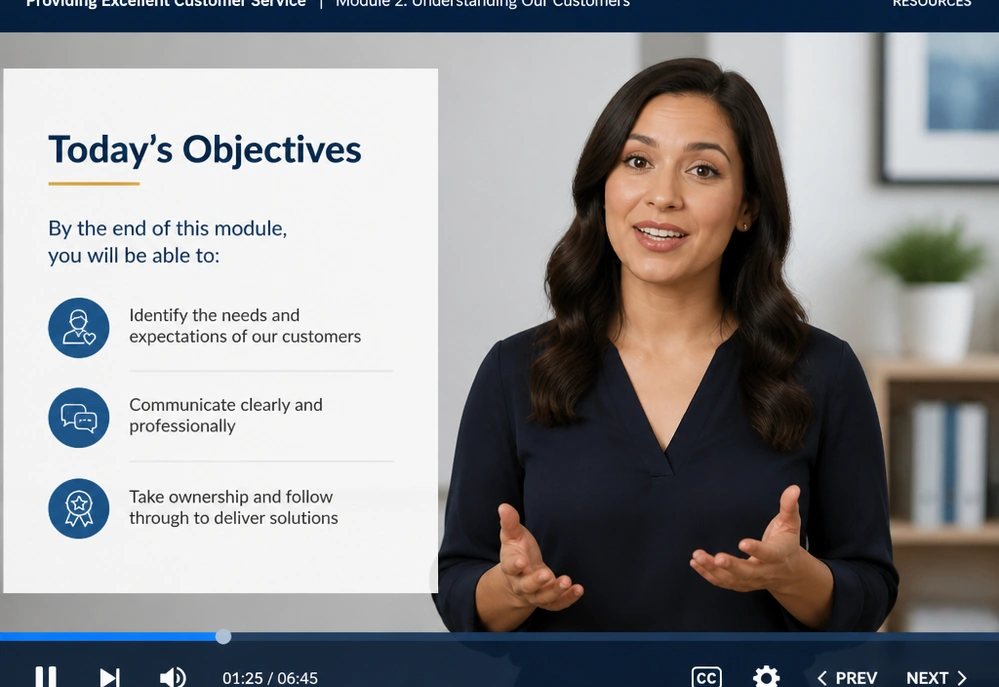
Transform lesson plans, training documents, course notes, guides, or reports into videos for teaching, onboarding, and employee training. Present key ideas in a clearer, easier-to-follow format that helps learners and other viewers grasp important information faster.
MindVideo AI makes it easy to start creating with Wan 3.0 while keeping your data secure.
Use Wan 3.0 with free credits—no subscription or paid membership required. Earn more credits through available activities and use them for future video generations.
Switch between Wan 3.0, Wan 2.6, and other available models in one place. MindVideo AI continues to add new releases, so you can explore more versions from the same workspace.
Your uploaded files are processed securely. They are not made public or used for model training, and all uploads and generated content are automatically deleted after 24 hours.
Choose Wan 3.0 for native 1080P output and public web link input. Choose Seedance 2.5 when you need more references and more granular video editing.
| Feature | Wan 3.0 | Seedance 2.5 |
|---|---|---|
| Maximum Video Length | Up to 30 seconds | Up to 30 seconds |
| Maximum Resolution | Up to 1080P | Up to 720P |
| Multimodal References | Up to 20 | Up to 50 |
| Reference Inputs | Images, video, audio, documents, and public web links | Images, video, and audio |
| Synchronized Audio | Yes — native dialogue, BGM, and sound effects | Yes |
| Video Editing | Video editing and extension | Precision, localized editing and extension |
| Language Support | — | Native support for 10+ languages |
Yes. You can use Wan 3.0 with free credits, and no paid subscription or membership is required. MindVideo AI offers multiple ways to earn additional free credits for video creation.
Yes. You need a MindVideo AI account to receive credits and generate videos. Once signed in, you can use your available credits across supported creation tools.
Most videos can be generated within a few minutes. Actual generation time may vary depending on video length, resolution, input materials, and current processing demand.
Free users can use generated videos for personal creative projects and social media sharing. Paid users can use their generated videos for commercial purposes. Make sure you have the necessary rights to any images, video, audio, brands, or other materials you upload.
Paid users can download the videos without a watermark. Videos generated by free users include a watermark.
Use clear, relevant references that match what you want to see in the final video. For specific characters, products, motion, or visual details, provide corresponding images, video, audio, or supported source materials and describe your intended scene clearly in the prompt.
Yes. Your uploads and generated results stay private to your account and are not used to train AI models. MindVideo AI removes uploaded and generated files automatically after 24 hours.
Turn your ideas into AI videos with Wan 3.0. Start with free credits and create your first video on MindVideo AI today.
