Now Available on MindVideo AI

Seedance 2.5 AI Video Generator: Create Cinematic Videos with Multimodal References

Use Seedance 2.5 on MindVideo AI to create videos from text and multimodal references with greater control. Use your own images, videos, and audio clips to guide characters, scenes, motion, camera work, and sound—all directly in your browser.

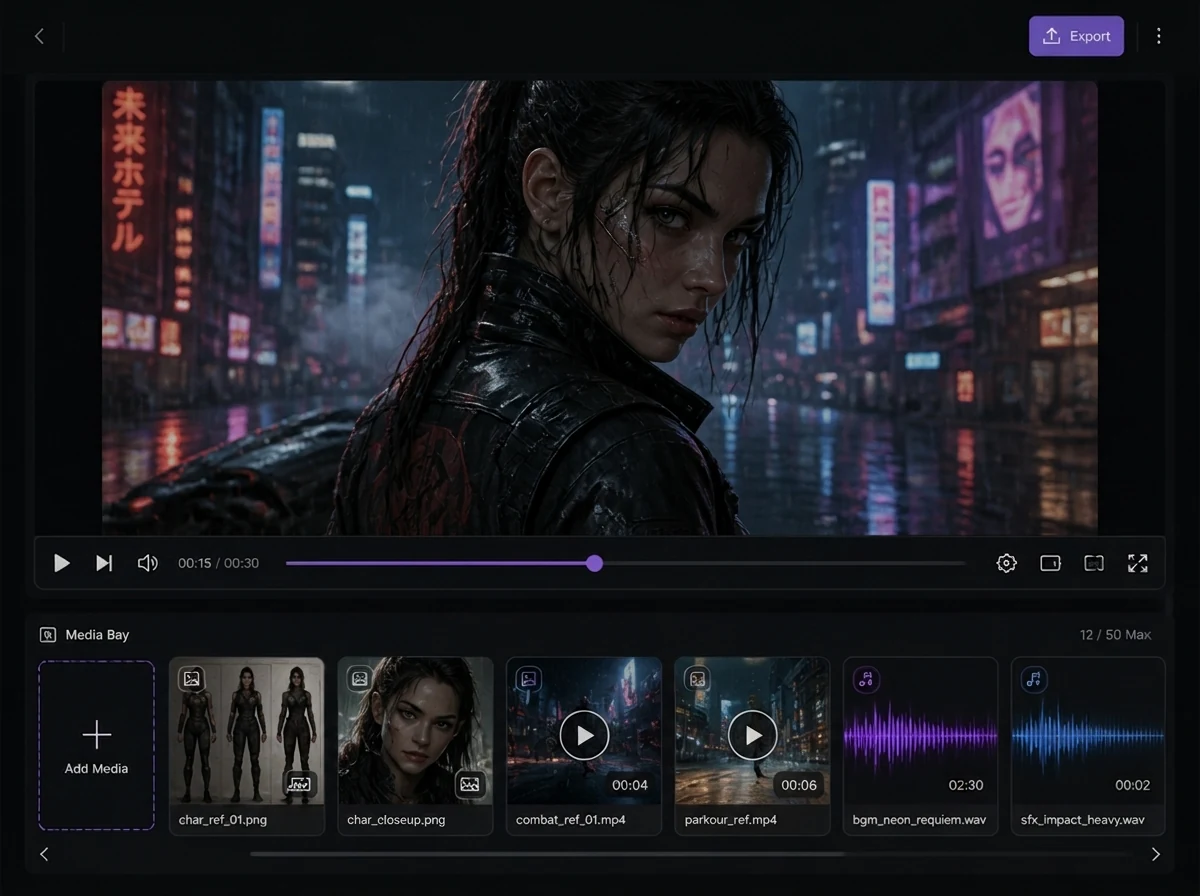
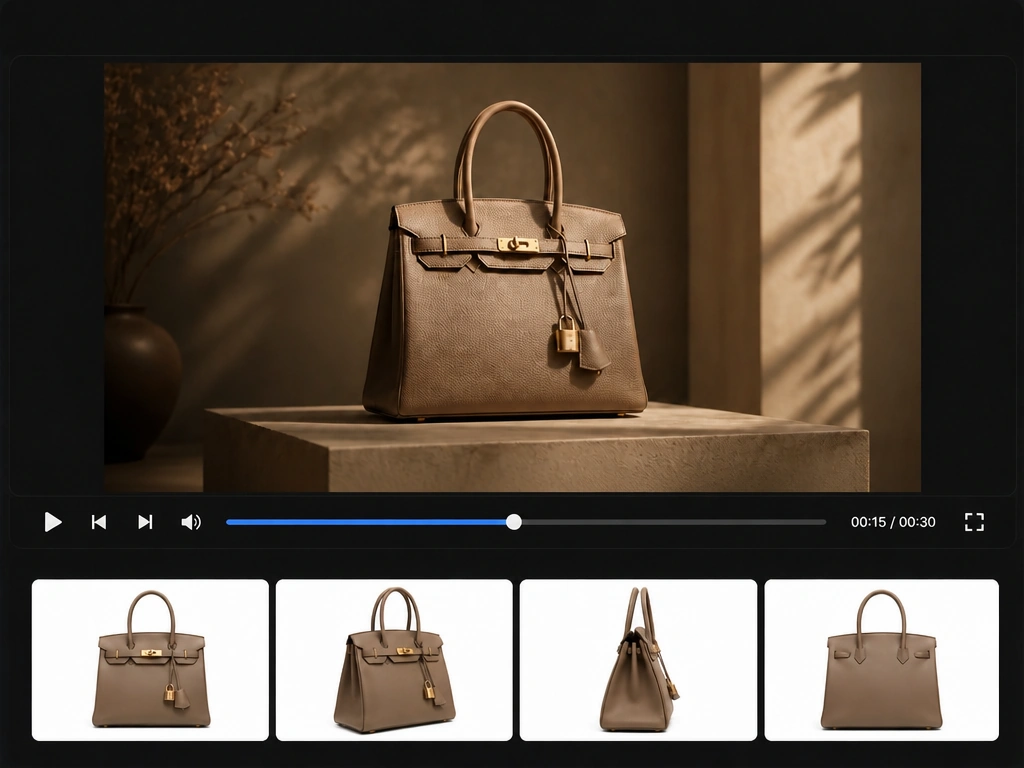
Seedance 2.5 AI video workflow with preview, multimodal references, and audio assets

Create AI Videos with Seedance 2.5 Online

Result

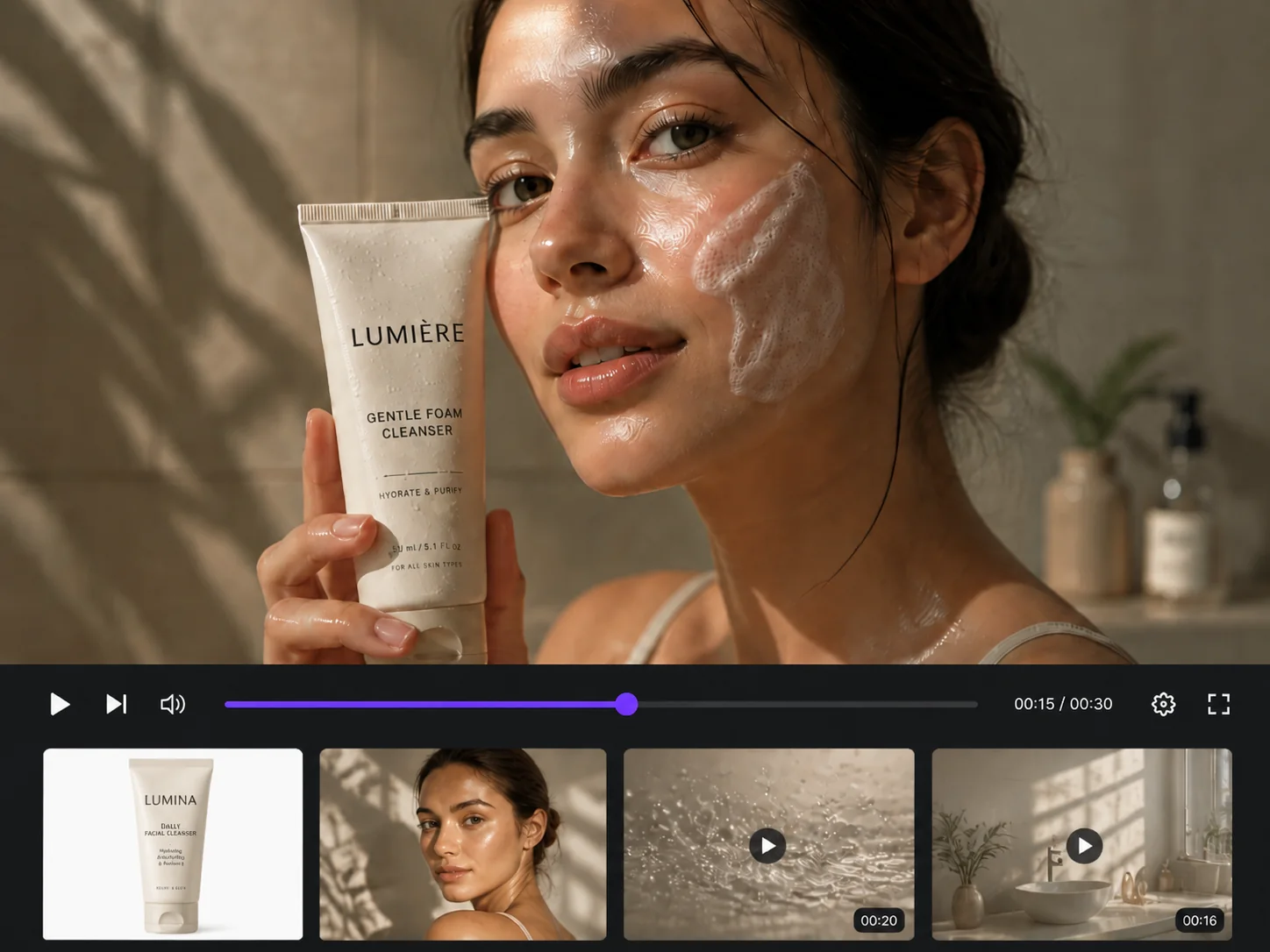
Seedance 2.5 product video showing an essential oil diffuser ad with playback controls

What Is Seedance 2.5?

Seedance 2.5 is ByteDance’s latest multimodal video creation model, built for longer, more controllable AI video generation. It supports native video generation up to 30 seconds, up to 50 multimodal references, multi-round video extension, more precise editing, and improved audiovisual coordination.

On MindVideo AI, you can use Seedance 2.5 online to create videos with greater control over characters, scenes, motion, camera work, and audio. Perfect for ads, short stories, product videos, social content, and more.

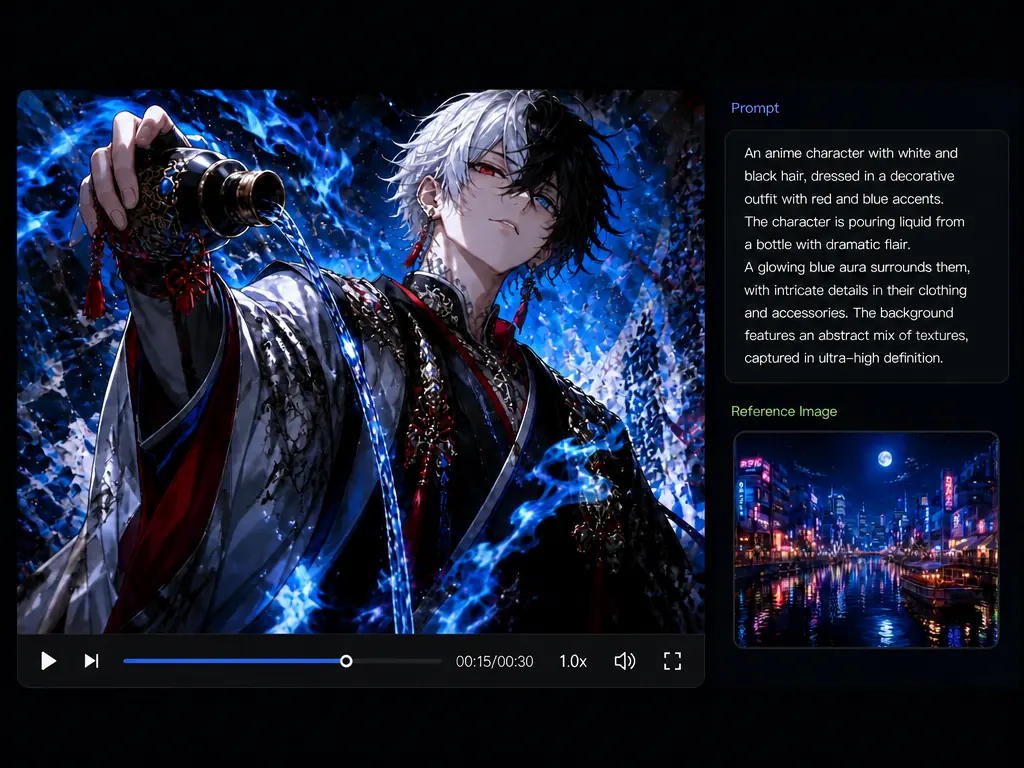
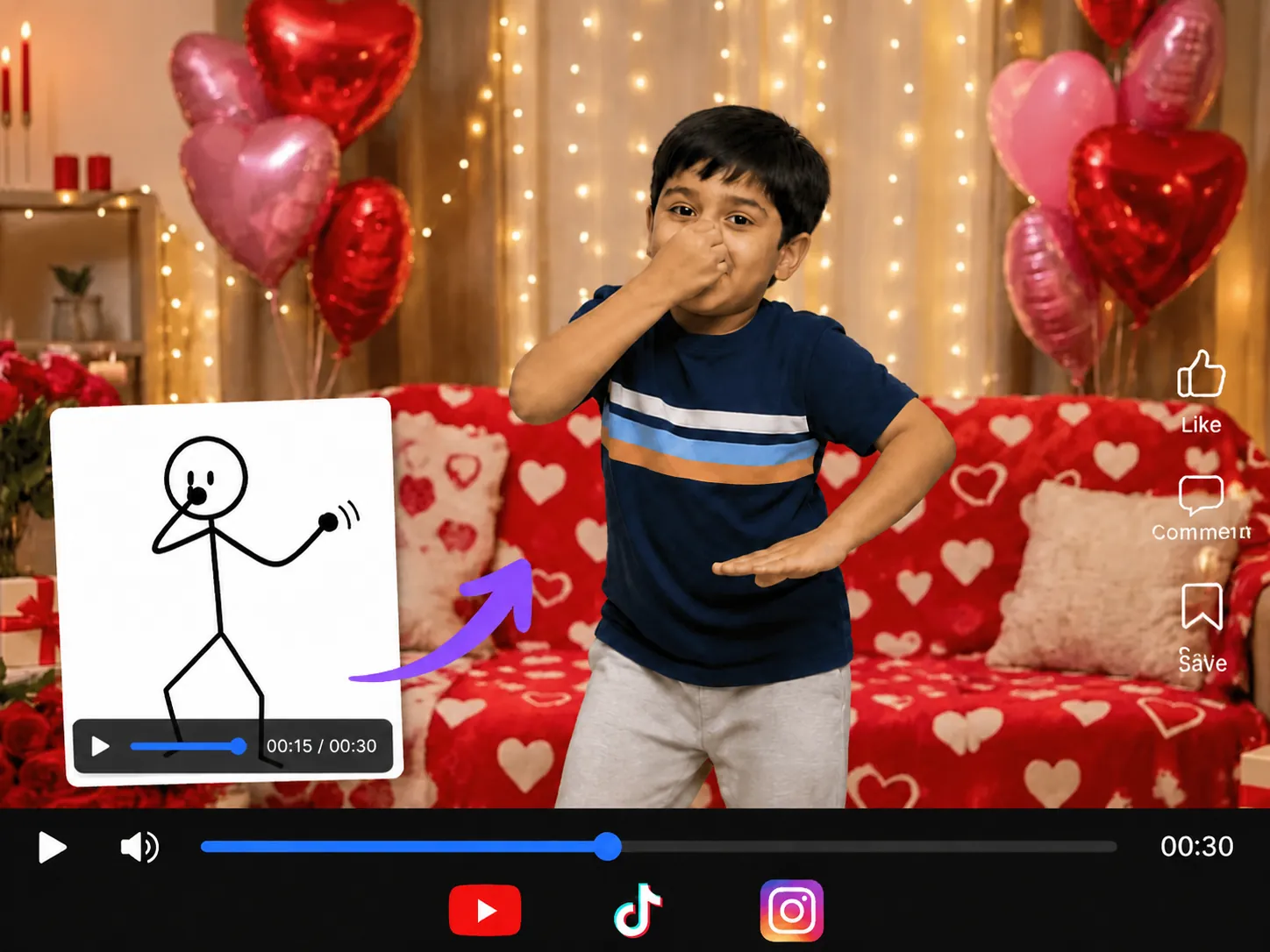
Seedance 2.5 workflow showing a video preview, prompt panel, and reference image controls

Key Features of Seedance 2.5 AI Model

Seedance 2.5 adds more flexibility for creators who need longer videos, stronger control, and better continuity across scenes.

Up to 30 Seconds in One Generation

Create videos with synchronized audio up to 30 seconds long in a single generation. Produce a complete product showcase, dialogue scene, story sequence, or social video without generating multiple short clips and stitching them together.

Up to 50 Multimodal References

Use up to 30 images, 10 videos, and 10 audio clips as references in a single project. Add character photos, product shots, locations, motion examples, style references, voices, music, and more to give Seedance 2.5 a clearer direction for the final video.

Multi-Round Video Extension

Keep a video going when your scene or story needs more time. Extend it across multiple rounds while maintaining key characters, environments, visual style, audio, and narrative direction from one sequence to the next.

Improved Audio and Lip Sync

Create videos with better coordination between dialogue, lip movements, actions, sound effects, and scene timing, which makes Seedance 2.5 ideal for talking characters, short dramas, explainers, and other content where audio needs to match the action on screen.

Timestamp-Level Video Editing

Update specific moments in a video without recreating the entire sequence. Describe the changes you want with prompts and use reference materials to guide characters, objects, styles, motion, or scenes while keeping the rest of the video consistent.

Clay Render References

Use clay renders or simple 3D blockouts to plan a scene before generation. Set camera paths, character positions, movement, composition, and lighting in advance, then use that layout as a reference for your video.

Seedance 2.5 vs Seedance 2.0

FeatureSeedance 2.5Seedance 2.0
Model statusAvailable on MindVideo AIAvailable on MindVideo AI
Core inputsText, images, videos, audioText, images, videos, audio
Supported workflowsText to video, image to video, video to video, video editing, and reference-based generationText to video, image to video, video to video, video editing, and reference-based generation
Video durationUp to 30 seconds in a single generation4 to 15 seconds
Reference materialsUp to 30 images, 10 video clips, and 10 audio clipsUp to 9 reference images, 3 reference videos, and 3 reference audio files
Multi-round extensionSupports more coherent video extension for longer sequencesSupports video extension
Audio generationImproved native audio-video generationSupports native audio generation
Audio and lip syncImproved coordination between dialogue, sound, motion, and scene timingSupports audio-visual sync and lip sync
Visual consistencyBetter continuity for characters, products, scenes, and visual style across longer sequencesImproved subject consistency, with room for improvement in multi-subject scenes
Targeted editingMore targeted changes with prompts, references, and localized editingPrompt-based editing control of clips, characters, actions, and storylines
3D workflowClay renders and 3D references to guide composition, movement, camera direction, and lightingNot mentioned

What Can You Create with Seedance 2.5 AI Video Generator?

Seedance 2.5 FAQ

What is Seedance 2.5?

Seedance 2.5 is ByteDance’s latest multimodal video creation model, officially released on July 31, 2026. It supports 30-second video generation, up to 50 multimodal references, multi-round extension, and more precise reference-based and timestamp-level editing.

Is Seedance 2.5 available now?

Yes. Seedance 2.5 is now available on MindVideo AI. Select the model in the video generator, enter your prompt, add any supported reference materials, and start generating.

What is the difference between Seedance 2.5 and Seedance 2.0?

Compared with Seedance 2.0, Seedance 2.5 supports videos up to 30 seconds per generation, multi-round extension, more reference materials, improved long-form storytelling, and more precise editing.

What are multimodal references?

Multimodal references are images, video clips, and audio clips used to guide the generated result. They can help define characters, products, scenes, movement, camera work, voices, music, and visual style.

How many reference materials can Seedance 2.5 use?

The Seedance 2.5 model supports up to 30 images, 10 video clips, and 10 audio clips in one generation.

How long can Seedance 2.5 videos be?

Seedance 2.5 can generate videos up to 30 seconds in a single pass and supports multi-round extension for building longer sequences.

Is Seedance 2.5 free to use?

MindVideo AI provides free credits, but Seedance 2.5 is a higher-cost model and the free credit balance alone is not enough to complete a Seedance 2.5 generation. The required credit amount is shown before you generate, so you can check the cost before starting.

How can I get a 4K Seedance 2.5 video?

4K upscaling is handled separately from Seedance 2.5 generation. After creating your video, you can use MindVideo AI Video Enhancer to upscale the finished result to 4K. This improves the output resolution as a post-processing step rather than changing the native capabilities of the Seedance 2.5 model.

Create Your First Video with Seedance 2.5 Now

Try Seedance 2.5 Now

Join MindVideo AI official community on Discord.