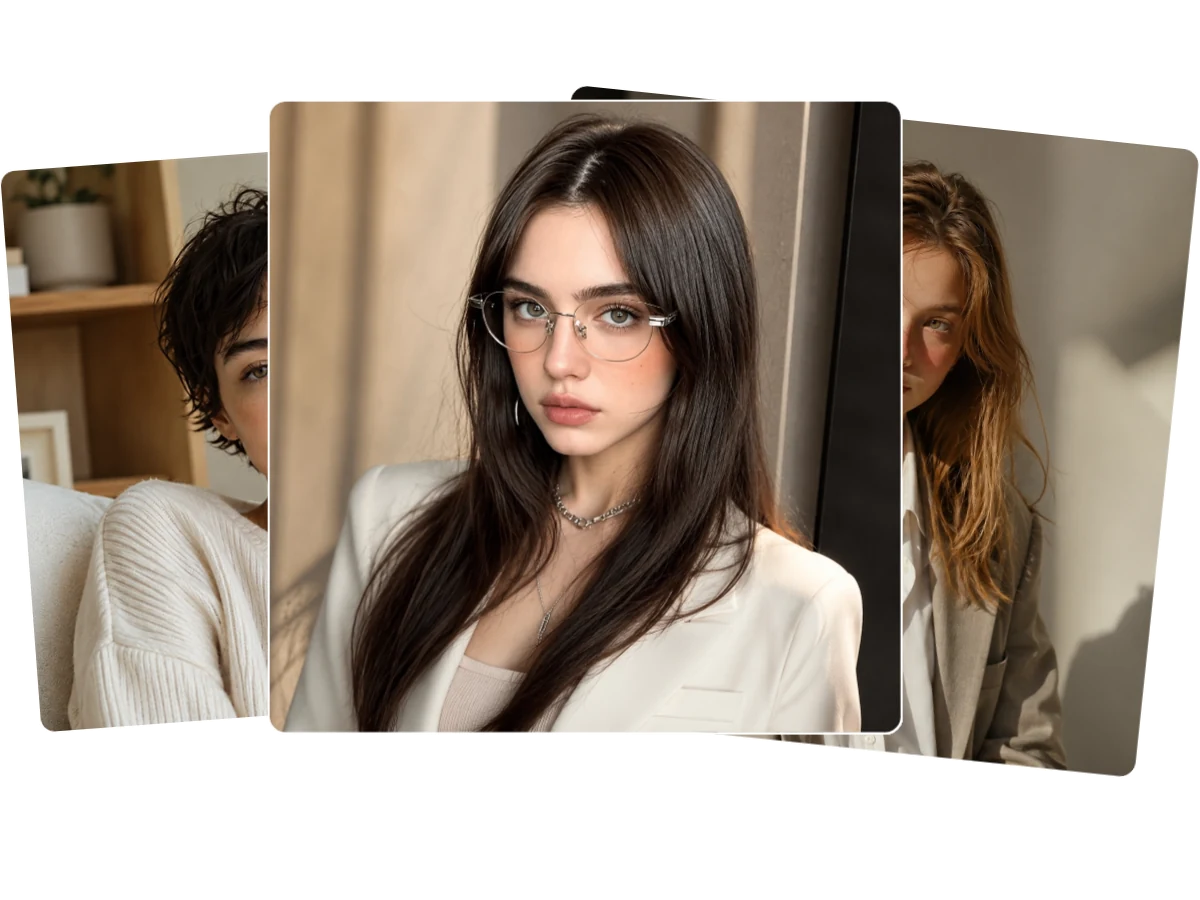
AI Headshot Generator: Instantly Turn Your Selfies into Studio-Quality Headshots

Skip the photo studio. Upload your everyday selfie and let our AI headshot generator create hyper-realistic portraits for LinkedIn, resume, or social media.

★★★★★ Rated 4.9/5 by 10,267+ professionals

Result

AI headshot generator result preview with a business portrait and style options
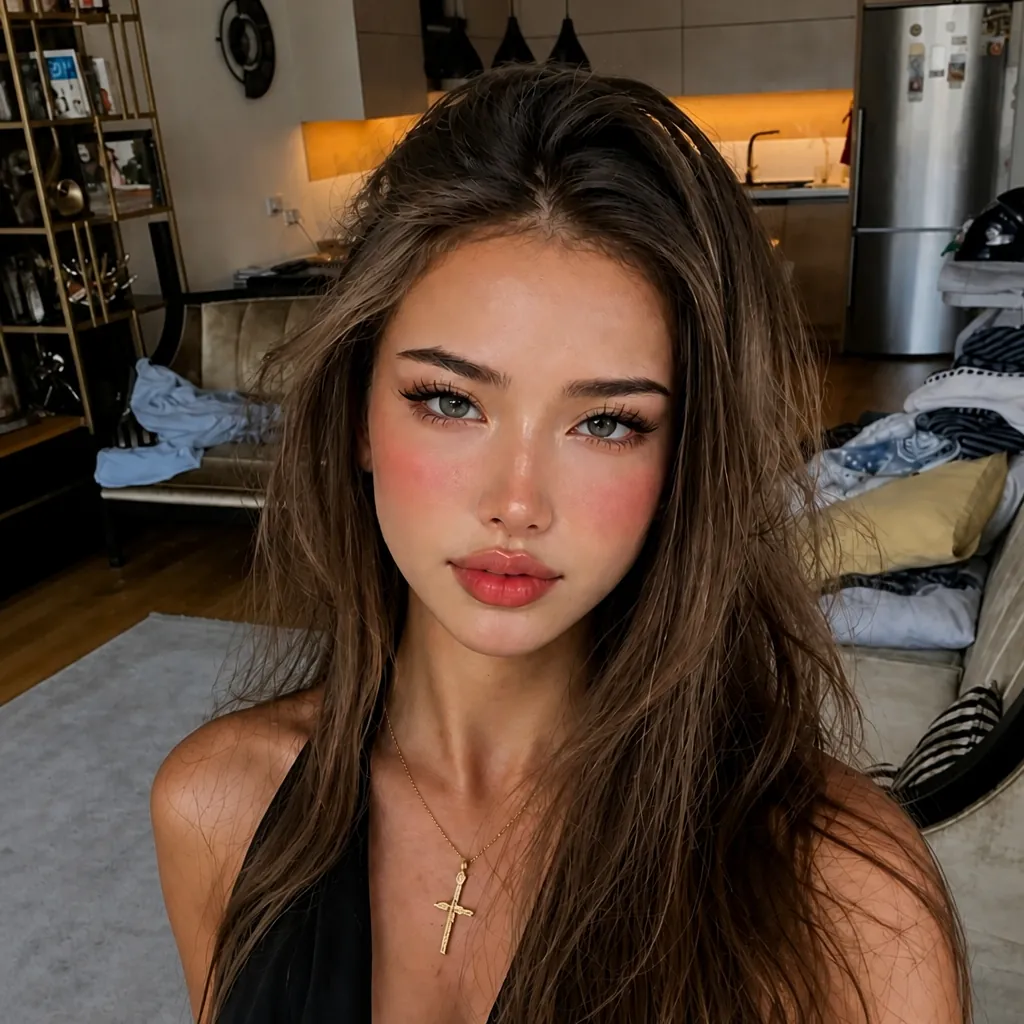
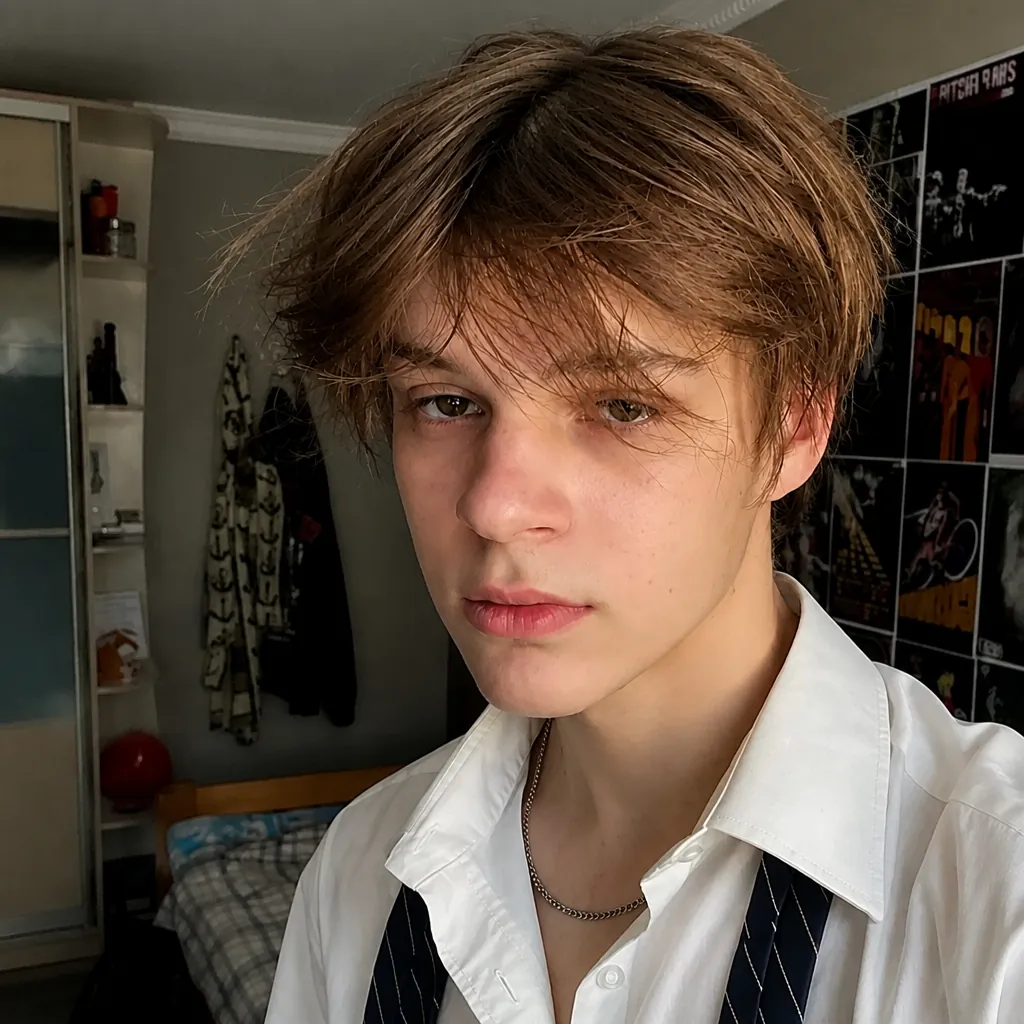
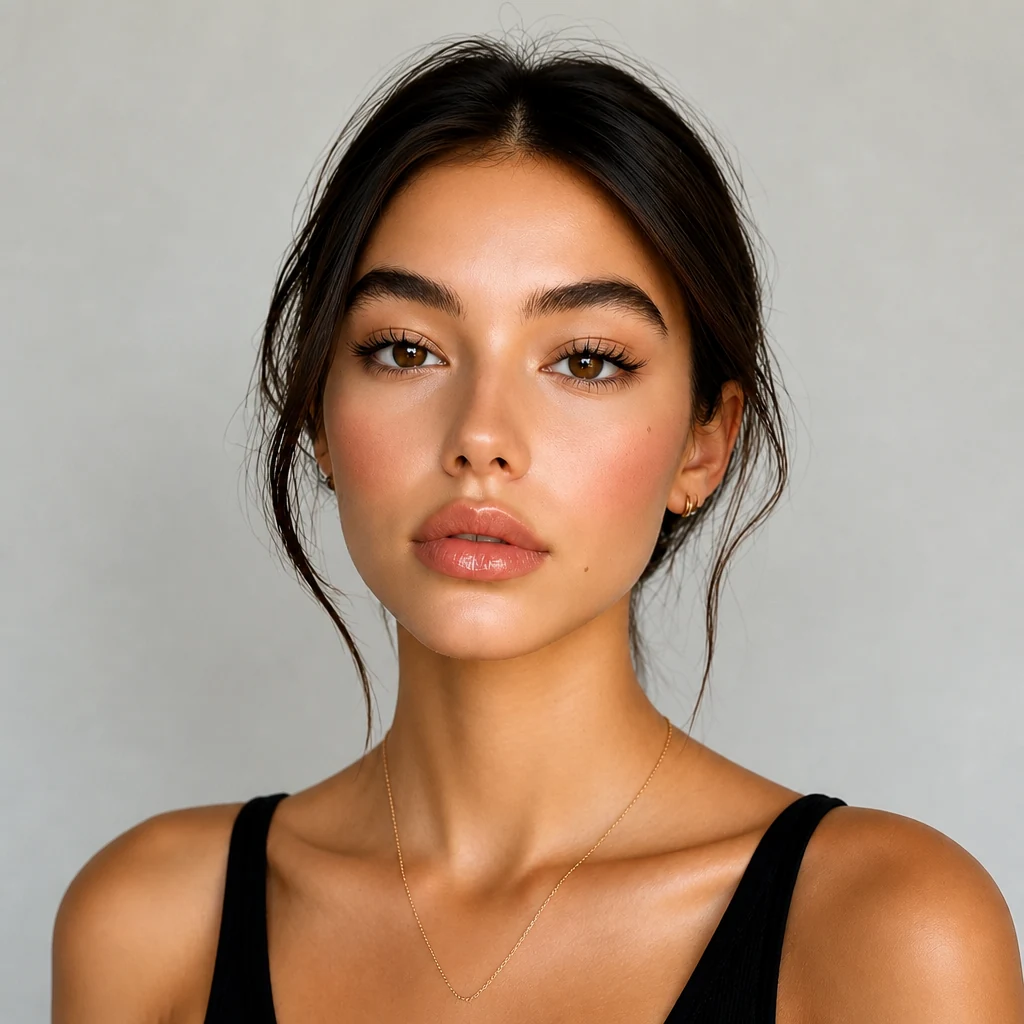
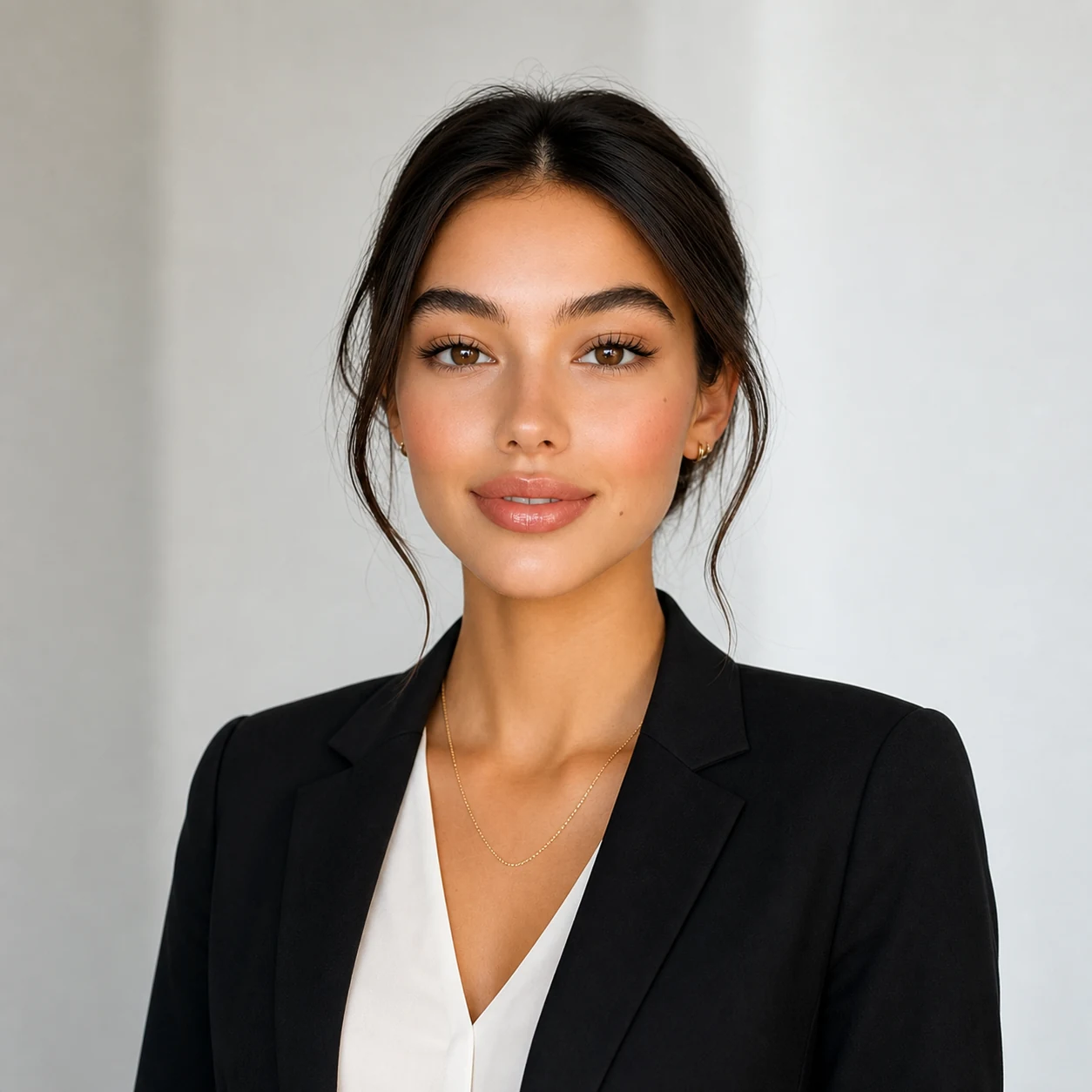
Casual selfie before using an AI headshot generator for a polished profile portraitBefore
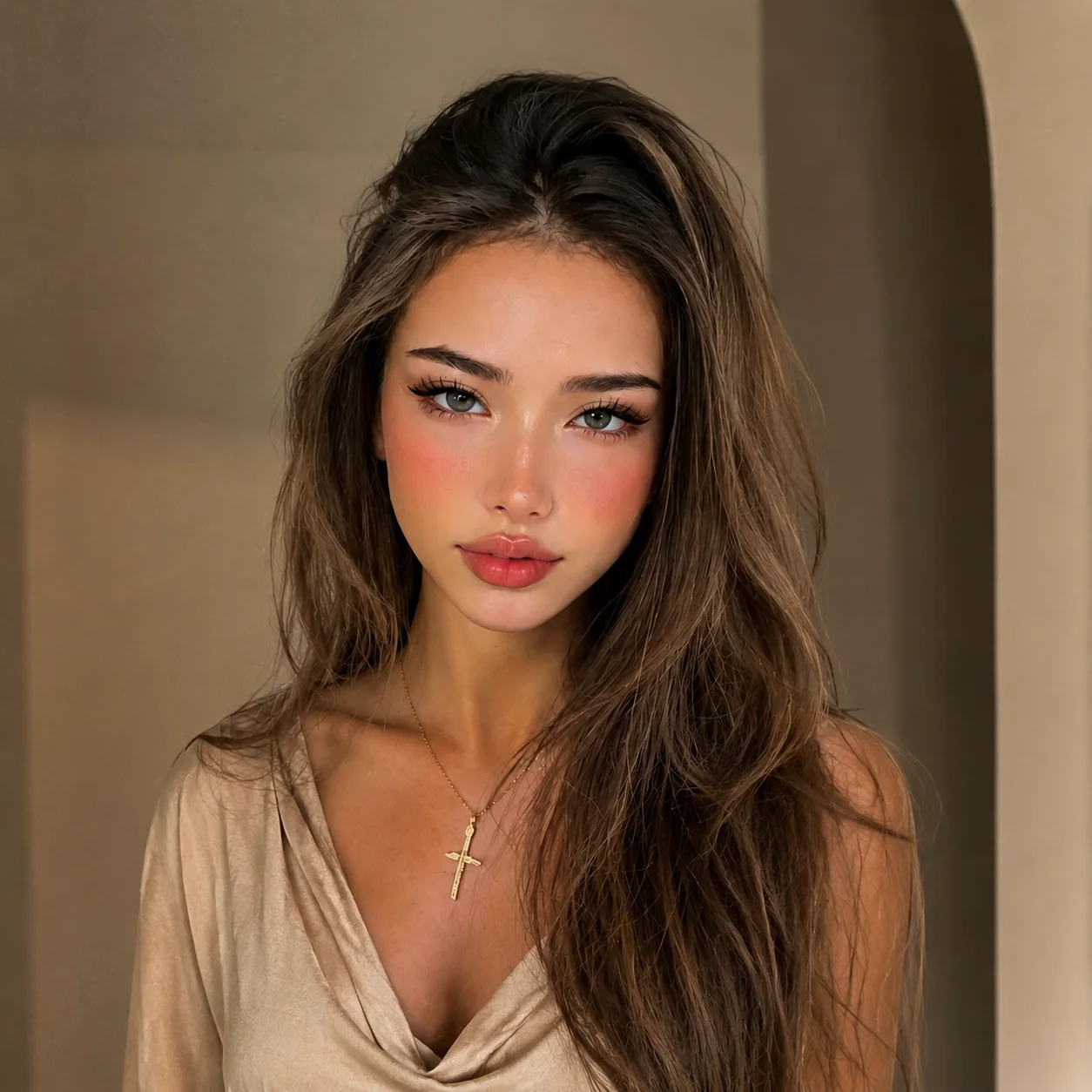
Polished AI headshot result with soft studio lighting for professional profilesAfter
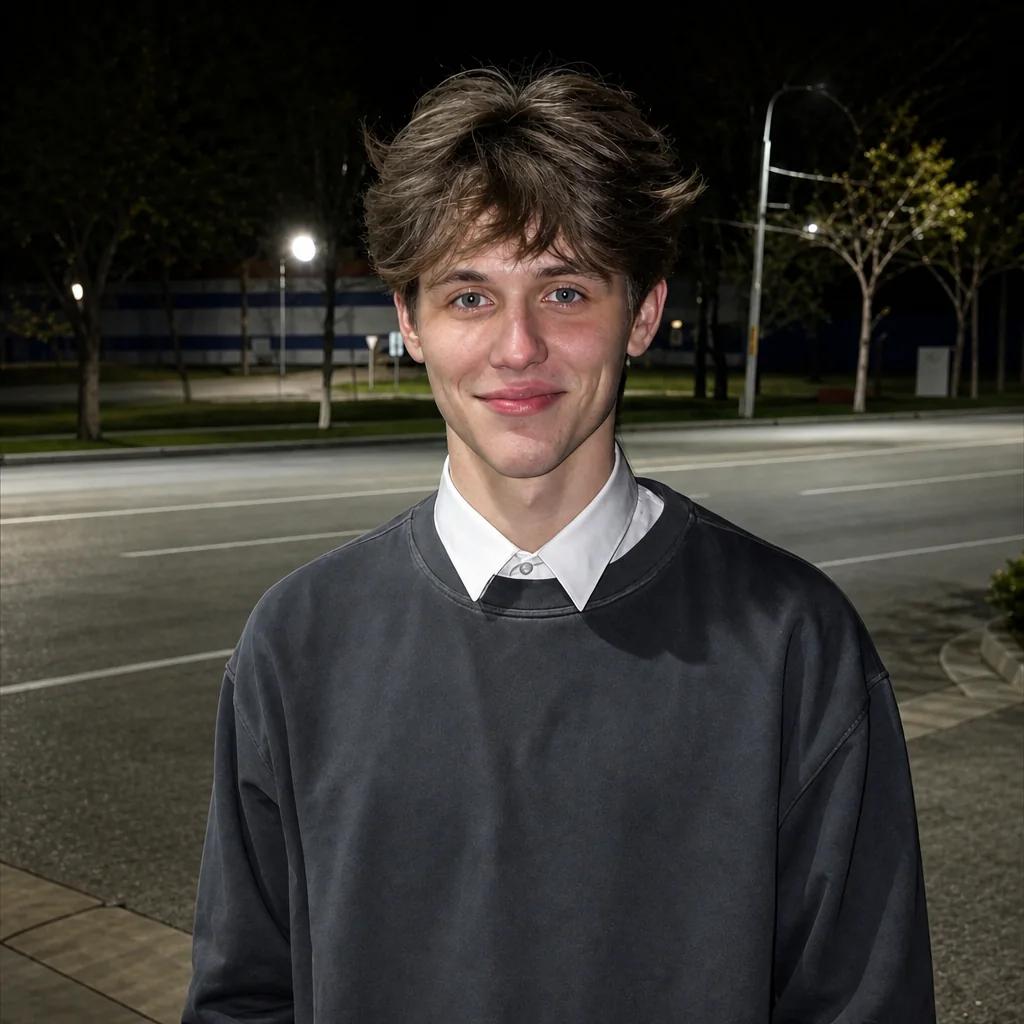
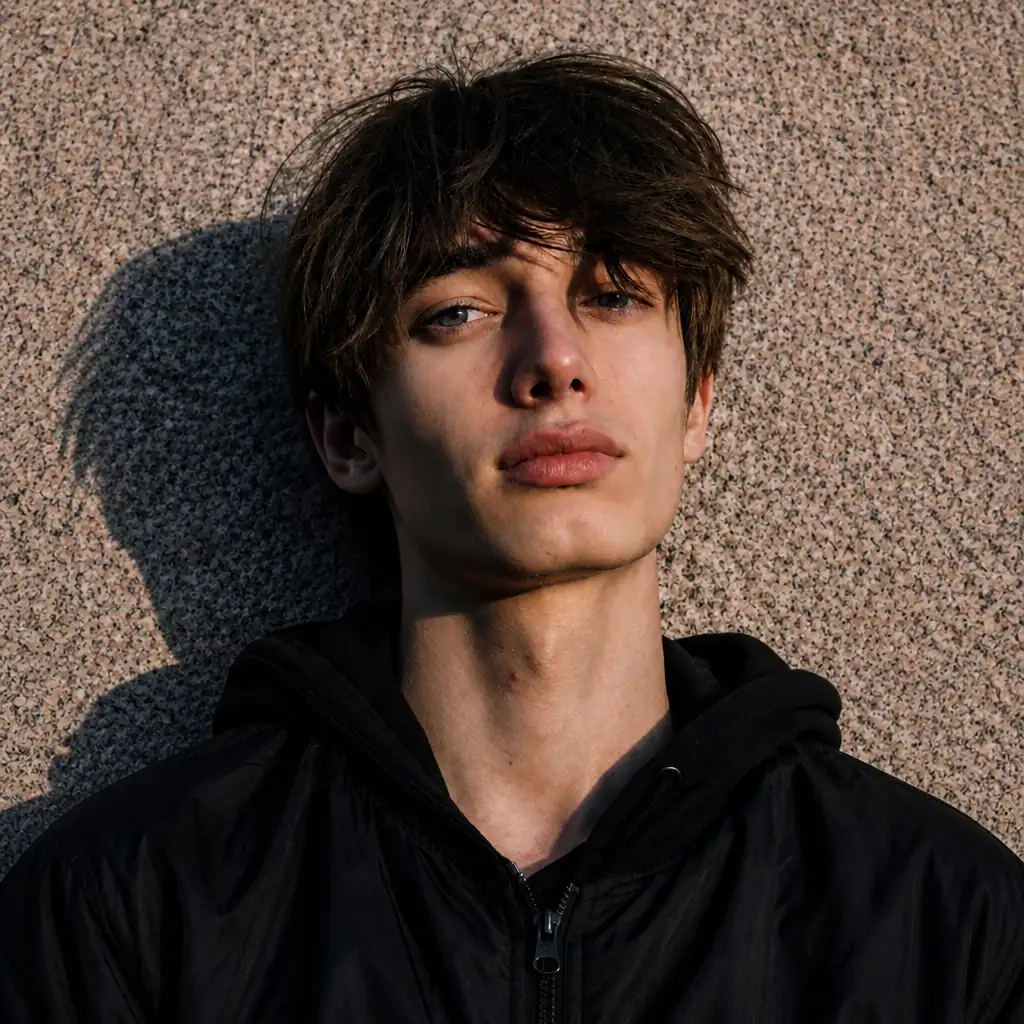
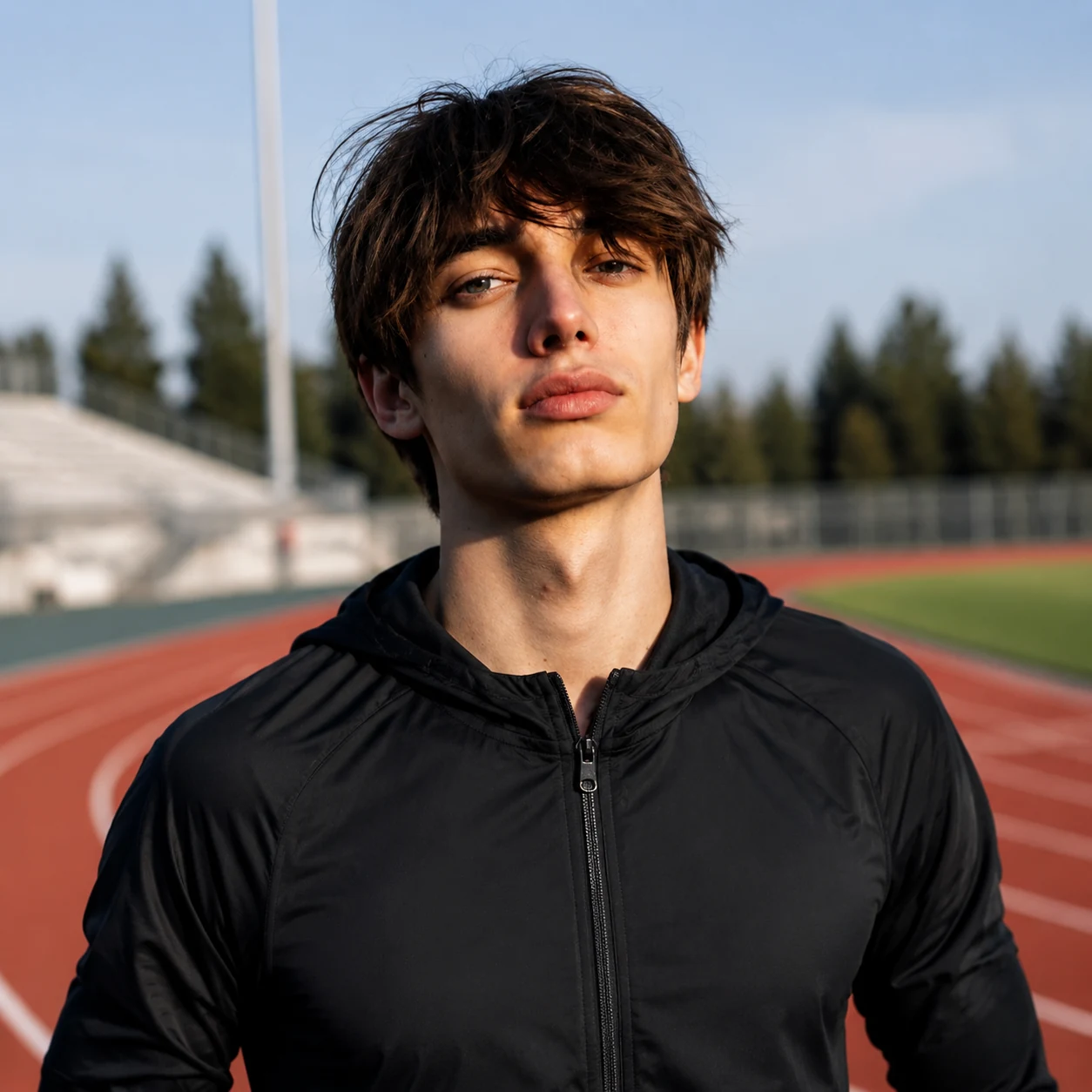
Casual outdoor portrait before AI transforms it into a professional headshotBefore
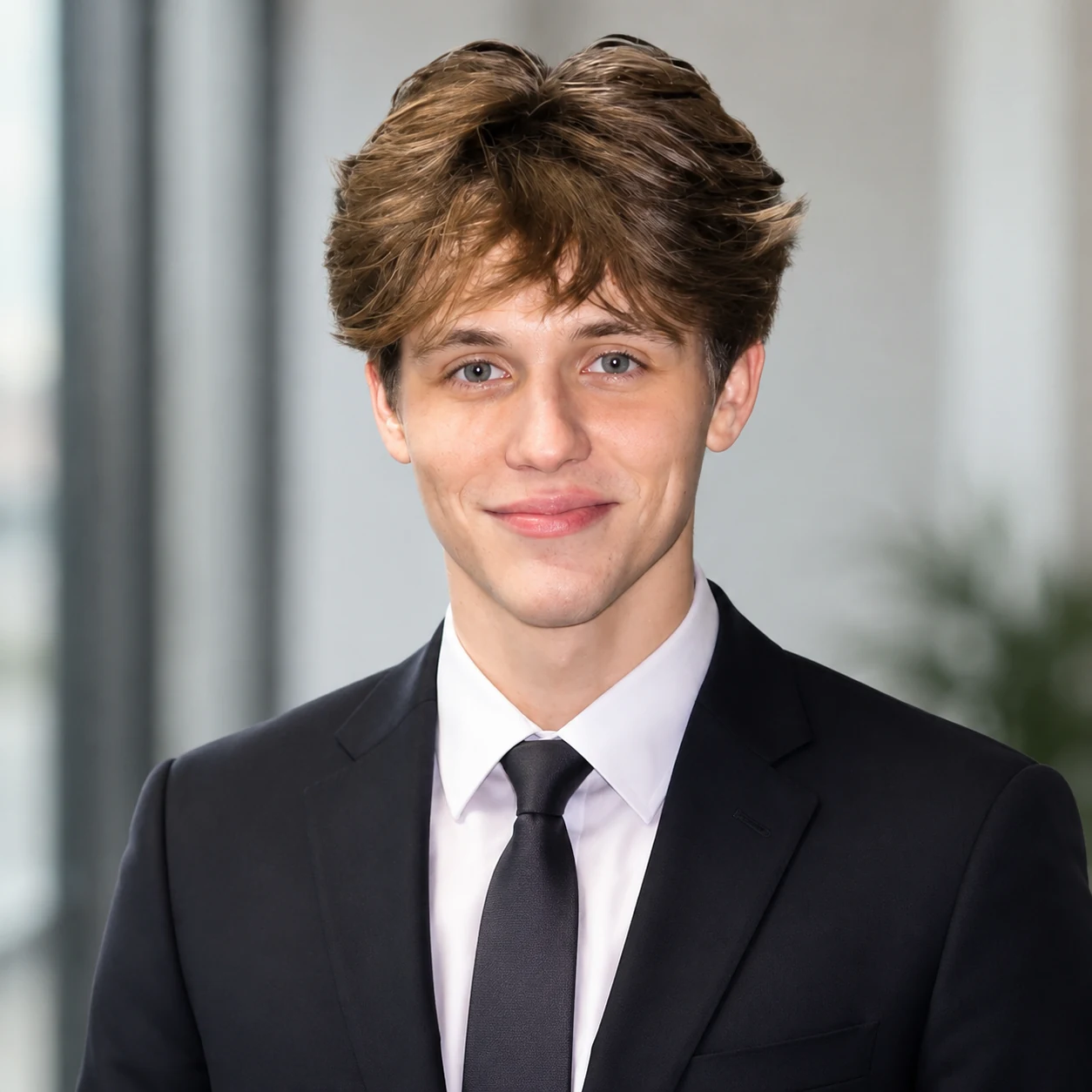
Professional AI headshot result for resumes, LinkedIn, and business profilesAfter
Indoor casual selfie before AI creates a formal business headshotBefore
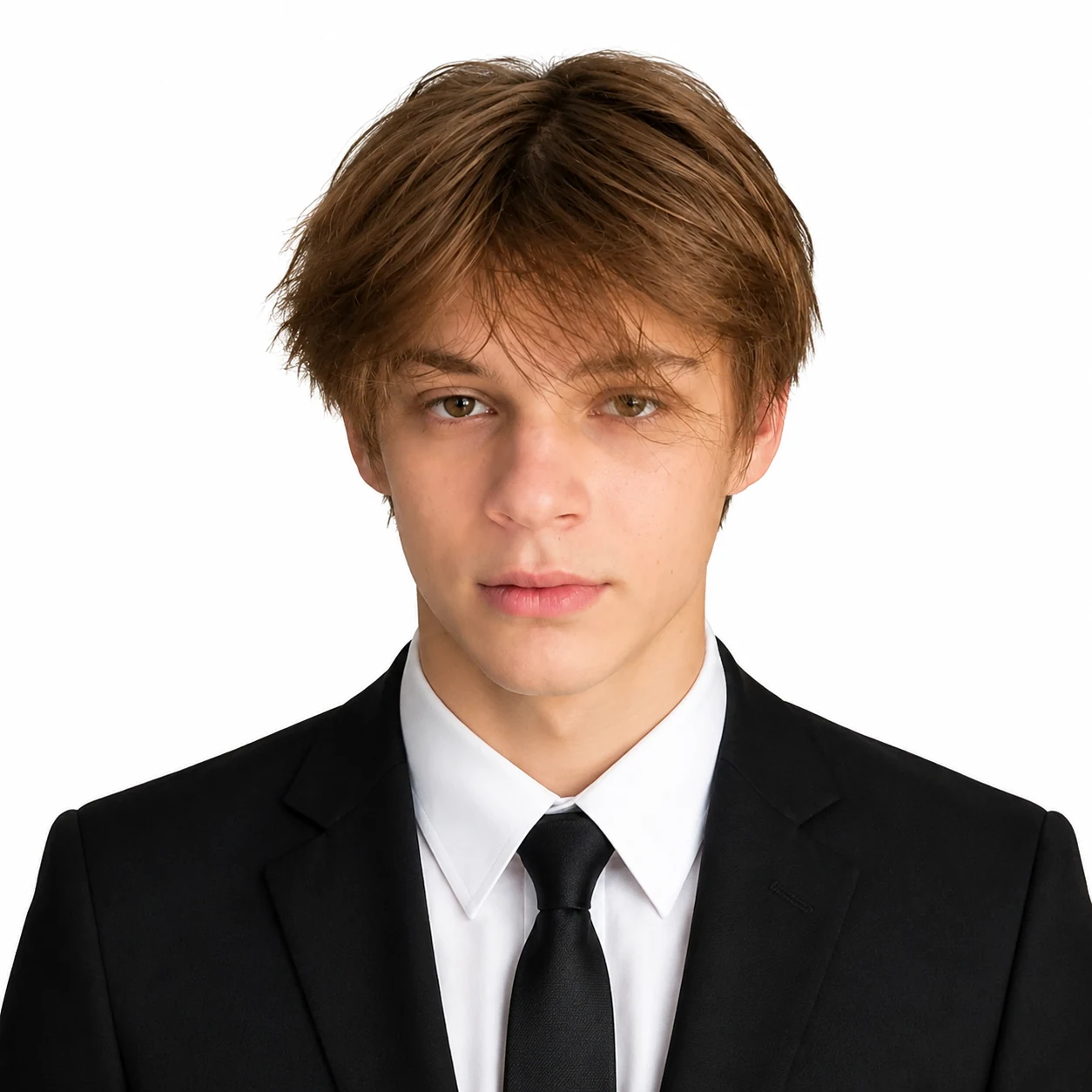
Formal AI headshot result with a clean suit and white backgroundAfter
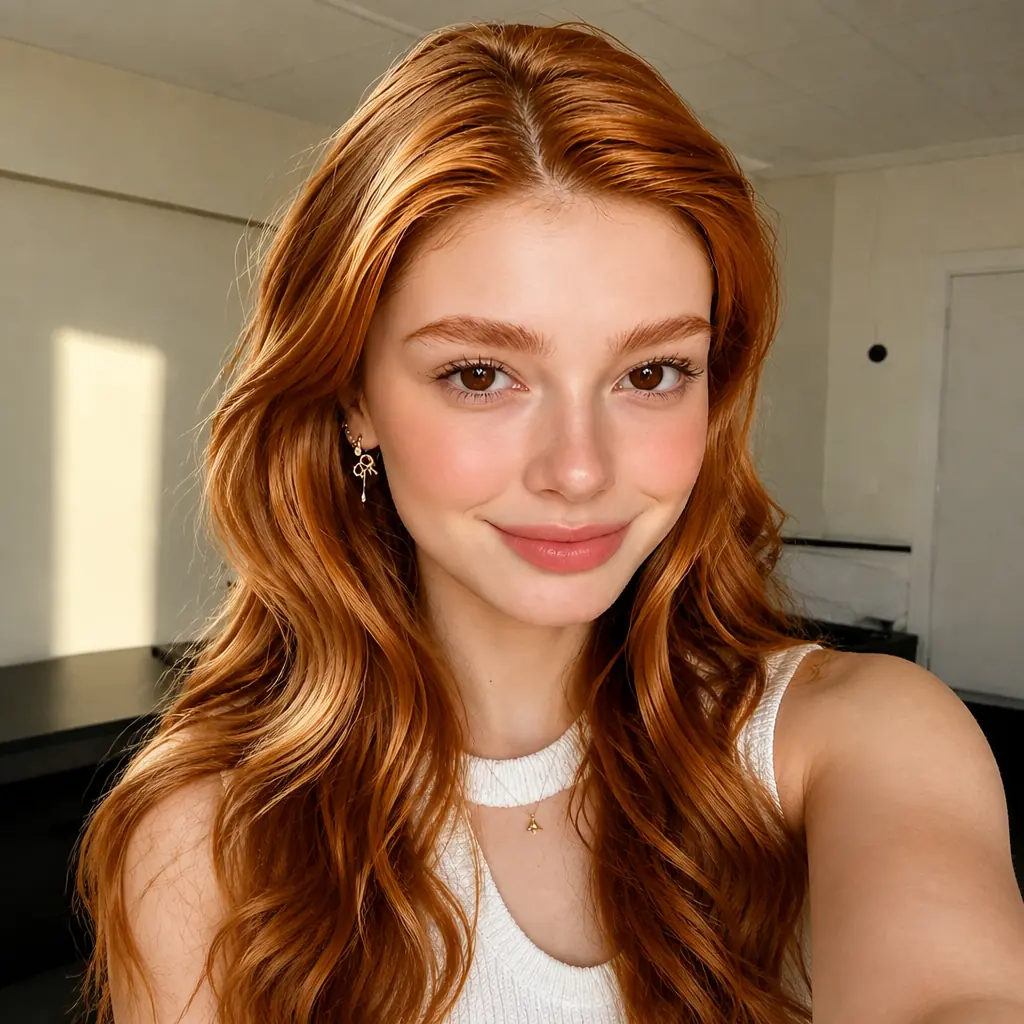
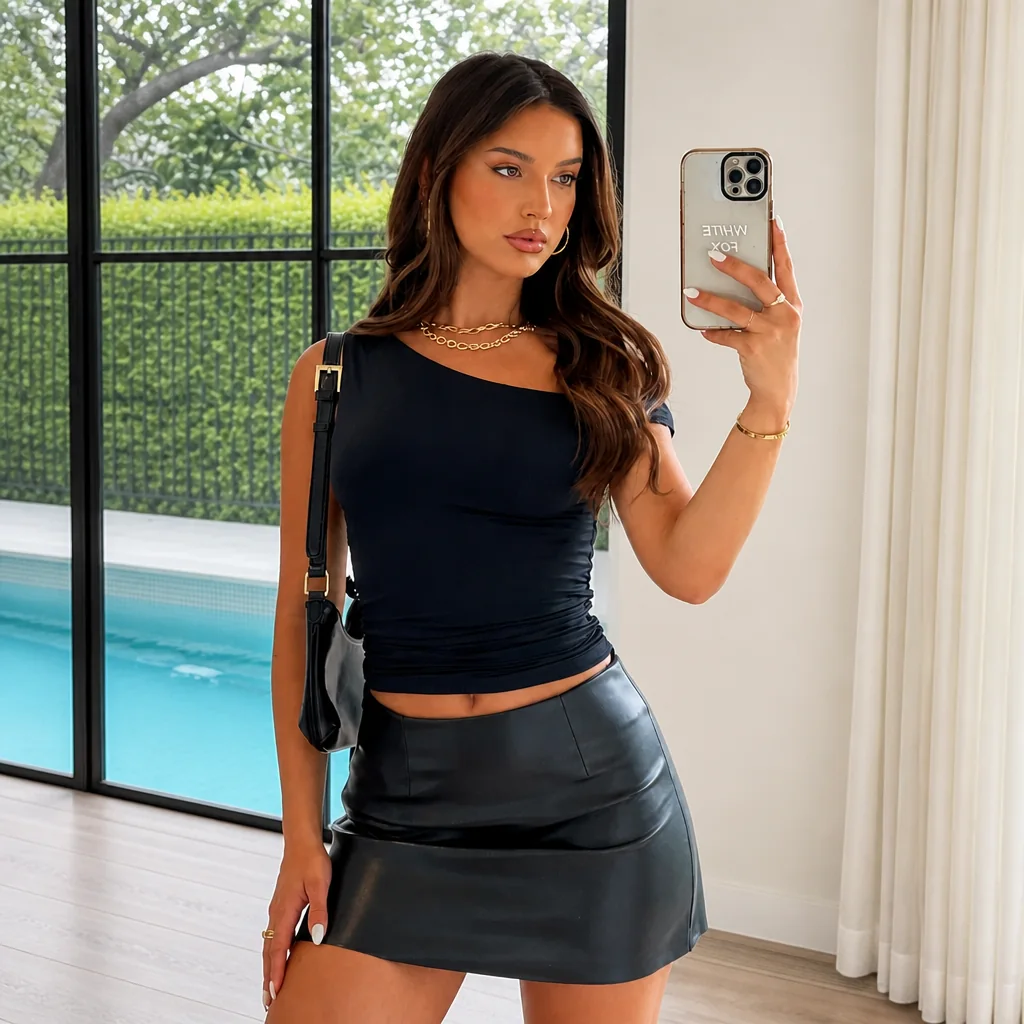
Relaxed home selfie before generating a cleaner social profile portraitBefore
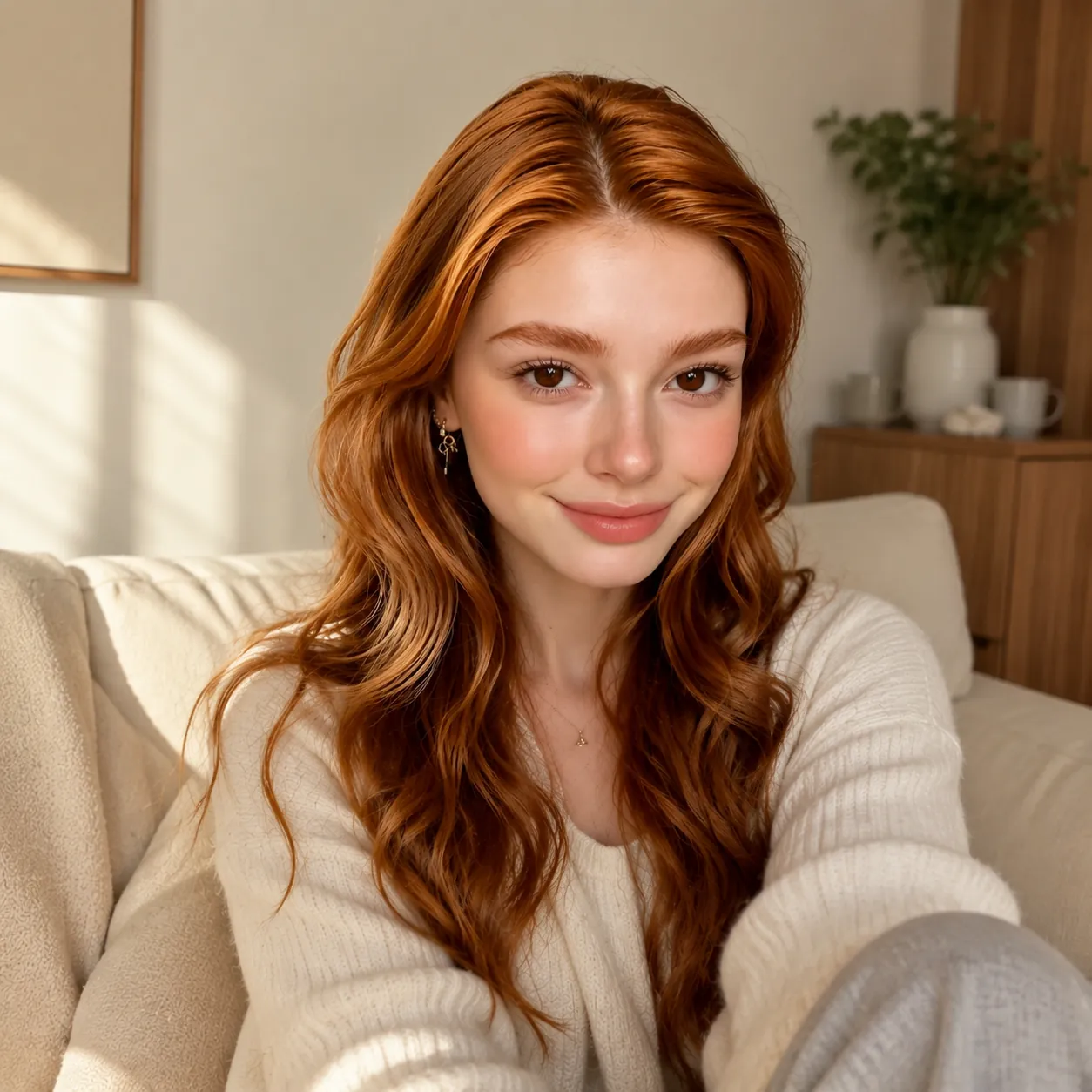
Cozy AI portrait result for approachable social and community profile pagesAfter
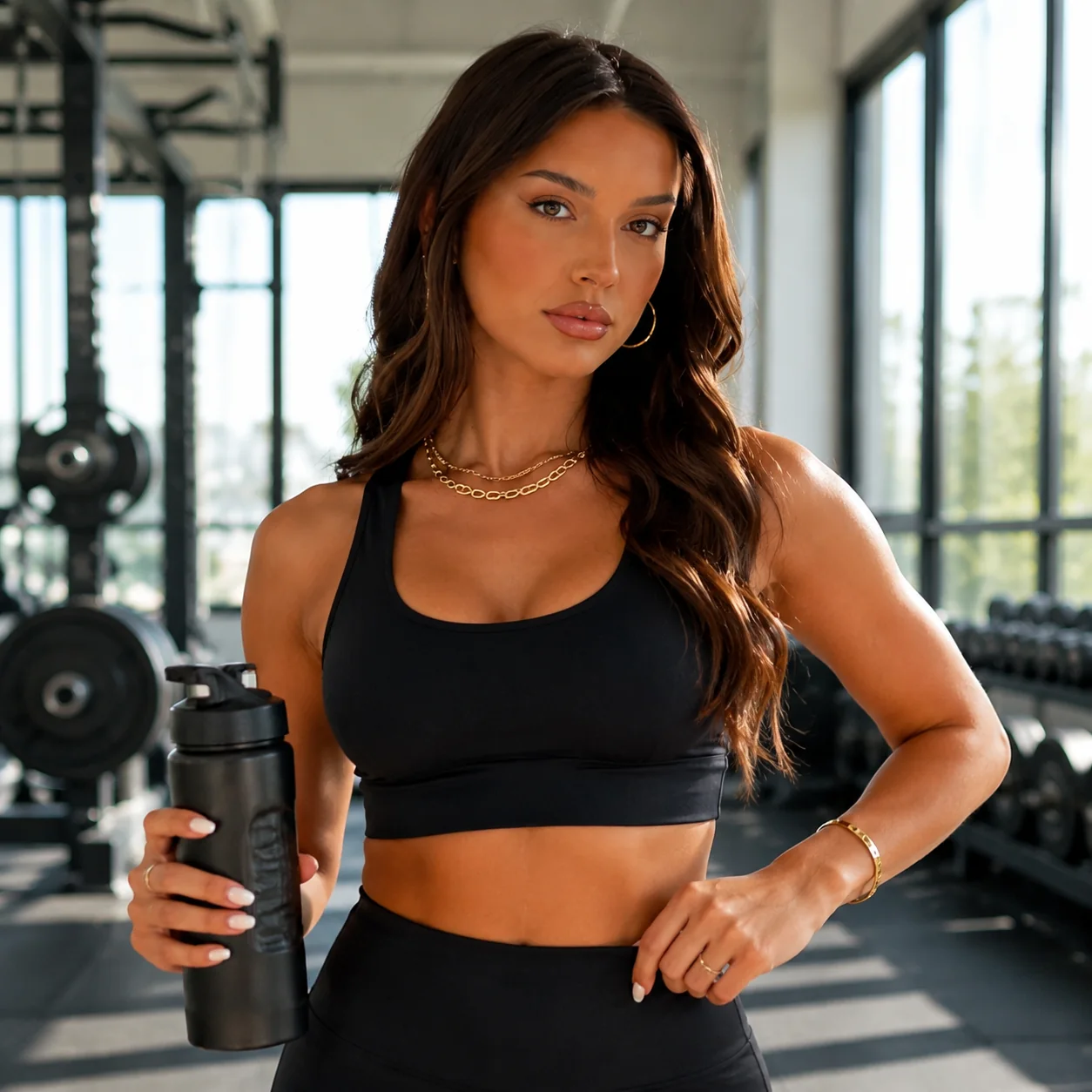
Gym mirror selfie before AI creates a sporty profile headshotBefore
Sporty AI headshot result for fitness, lifestyle, and social profilesAfter
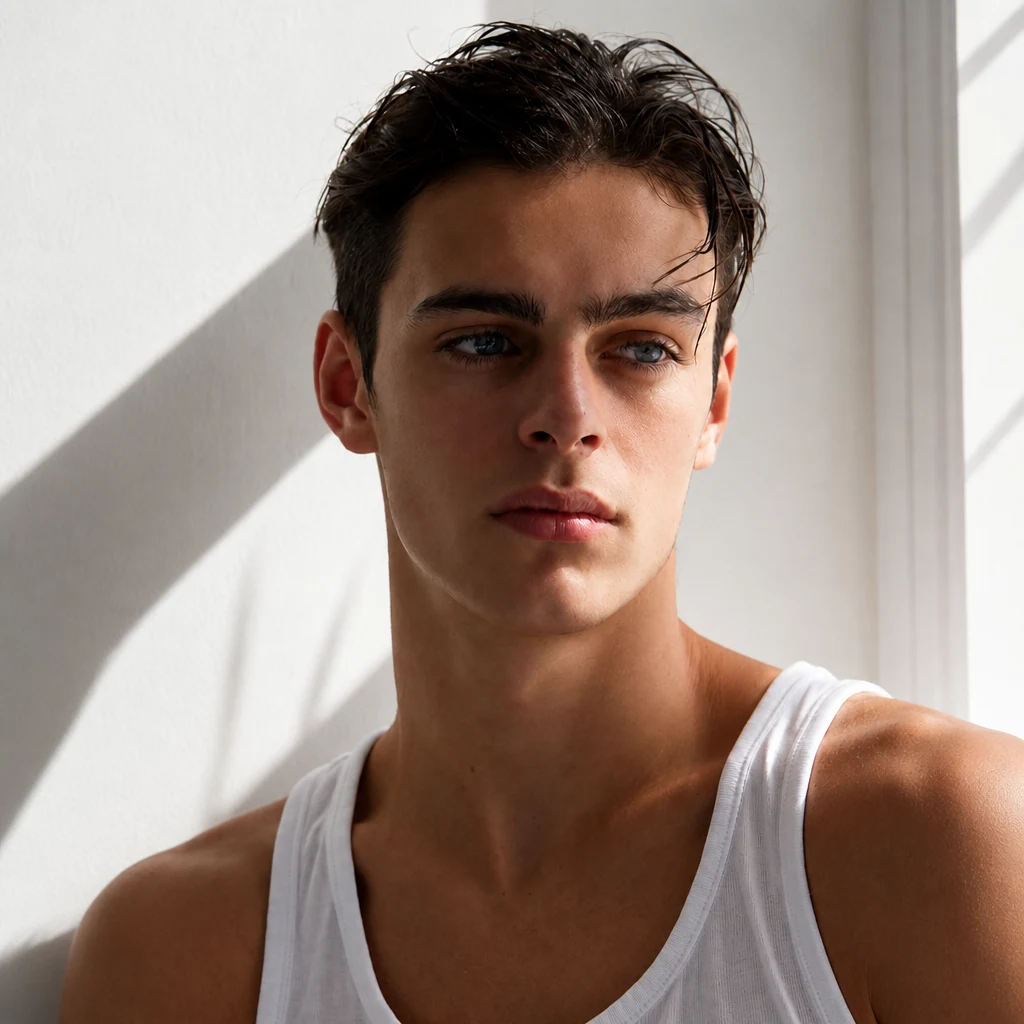
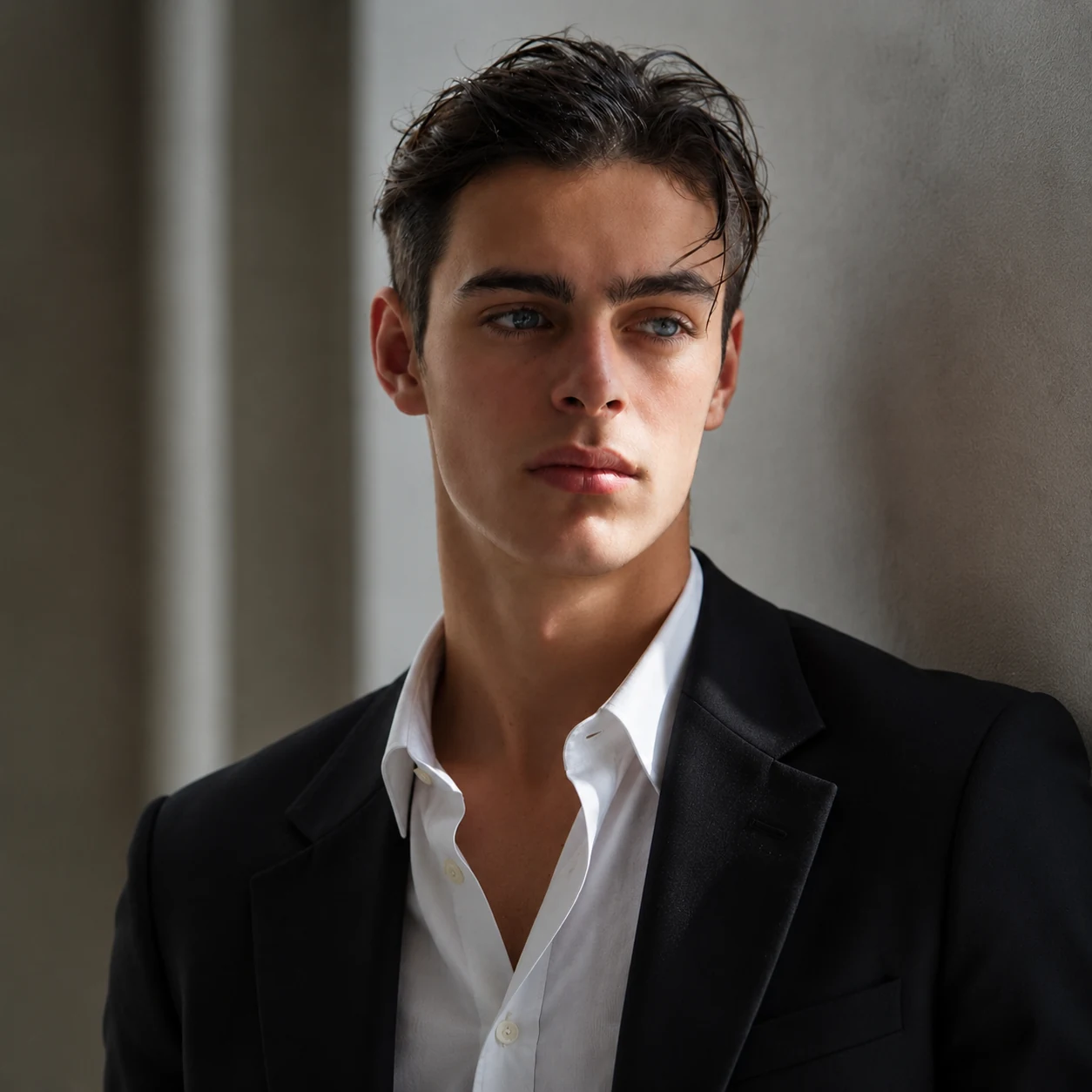
Casual portrait before AI turns it into an editorial profile headshotBefore
Editorial AI headshot result with dramatic lighting for personal brandingAfter
Simple portrait before AI creates a business-ready profile headshotBefore
Business AI headshot result with a clean background for work profilesAfter
Outdoor portrait before AI produces a polished sporty headshotBefore
Sporty AI headshot result for an active personal profile photoAfter

Trusted by professionals across various industries

Join thousands of users who have upgraded their profiles. Over 30,039+ headshots generated with our tool.

Technology & IT Finance & Consulting Real Estate Healthcare Education & Academia Social Media Dating Apps

AI Headshots for Every Profile, Platform, and Occasion

Whether you are updating your resume, building a personal brand, or refreshing your social media, generate the exact look you need to stand out anywhere.

Create AI Headshots for LinkedIn, Resumes, and Business Profiles

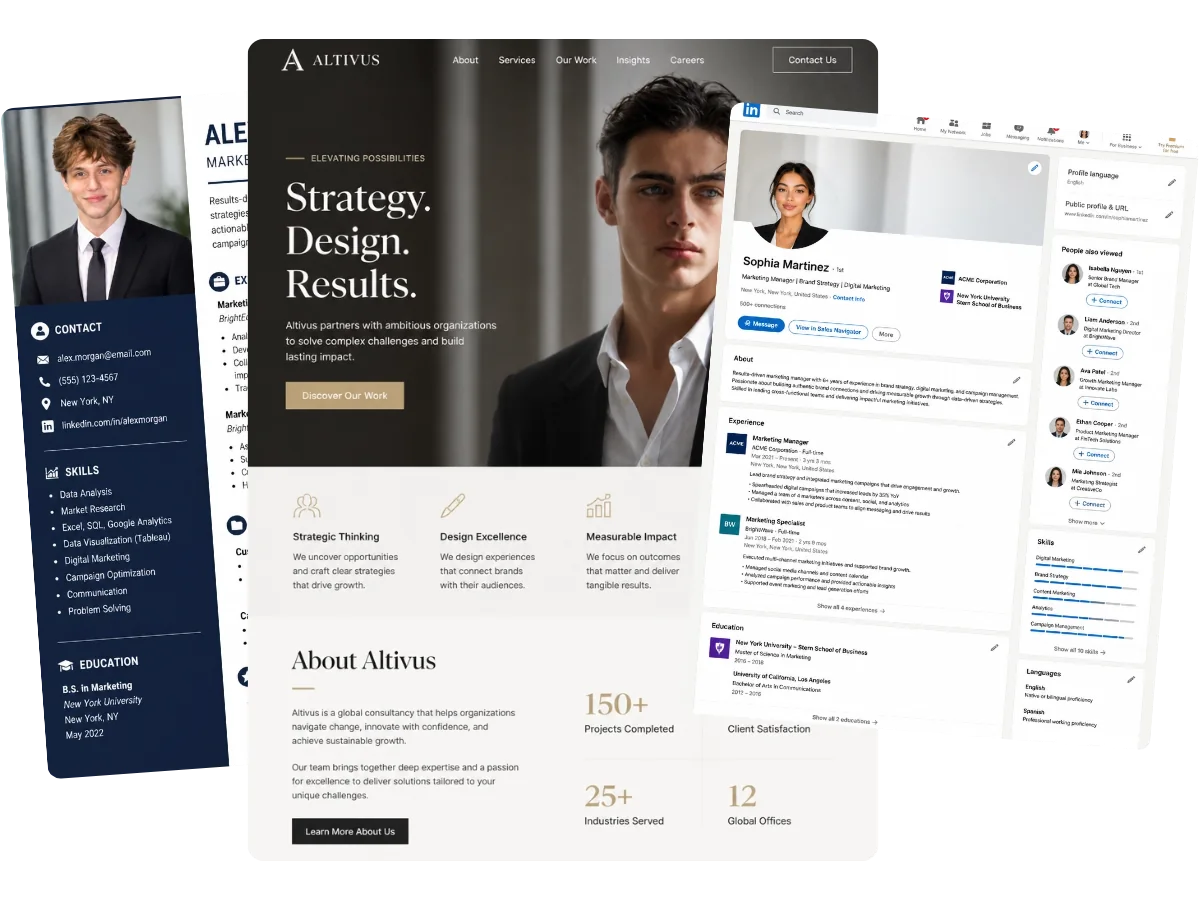
Create a clean, business-ready headshot for LinkedIn, resumes, company pages, and client-facing profiles. With Business and Sophisticated styles, you can turn a simple selfie into a polished professional photo that helps you look more credible, prepared, and trustworthy — no studio required.

Create Business Headshot
AI headshot generator preview showing polished LinkedIn, resume, and business profile portraits

Generate Clean ID-Style Photos for Work and School Profiles

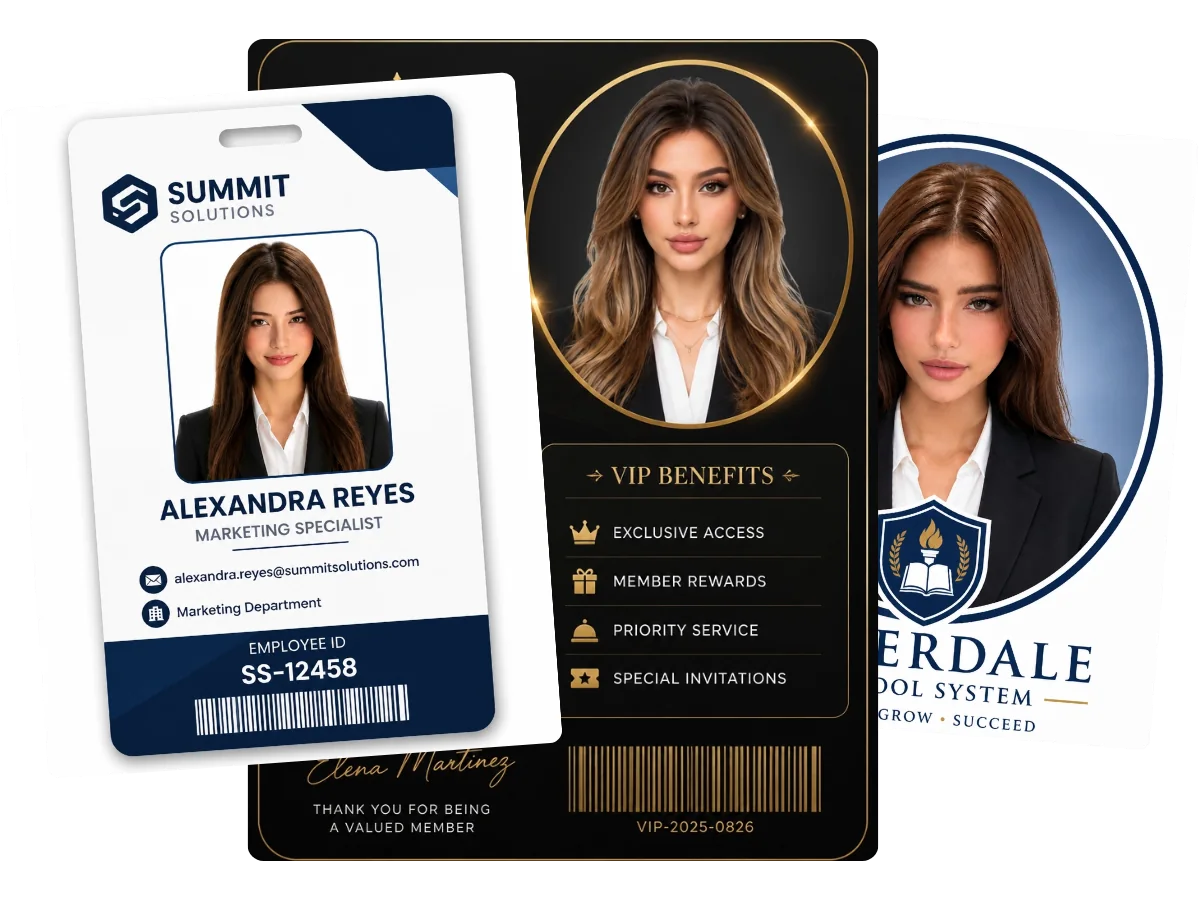
Need a standard front-facing picture for a school or company system, internal directory, or membership page? Choose the ID Photo style to instantly generate a neat, clean-background photo that is ready to use across everyday profile pages.

Generate ID Photo
AI headshot generator preview for clean ID-style photos used in work and school profiles

Get a Natural and Approachable Look Across Every Social Profile

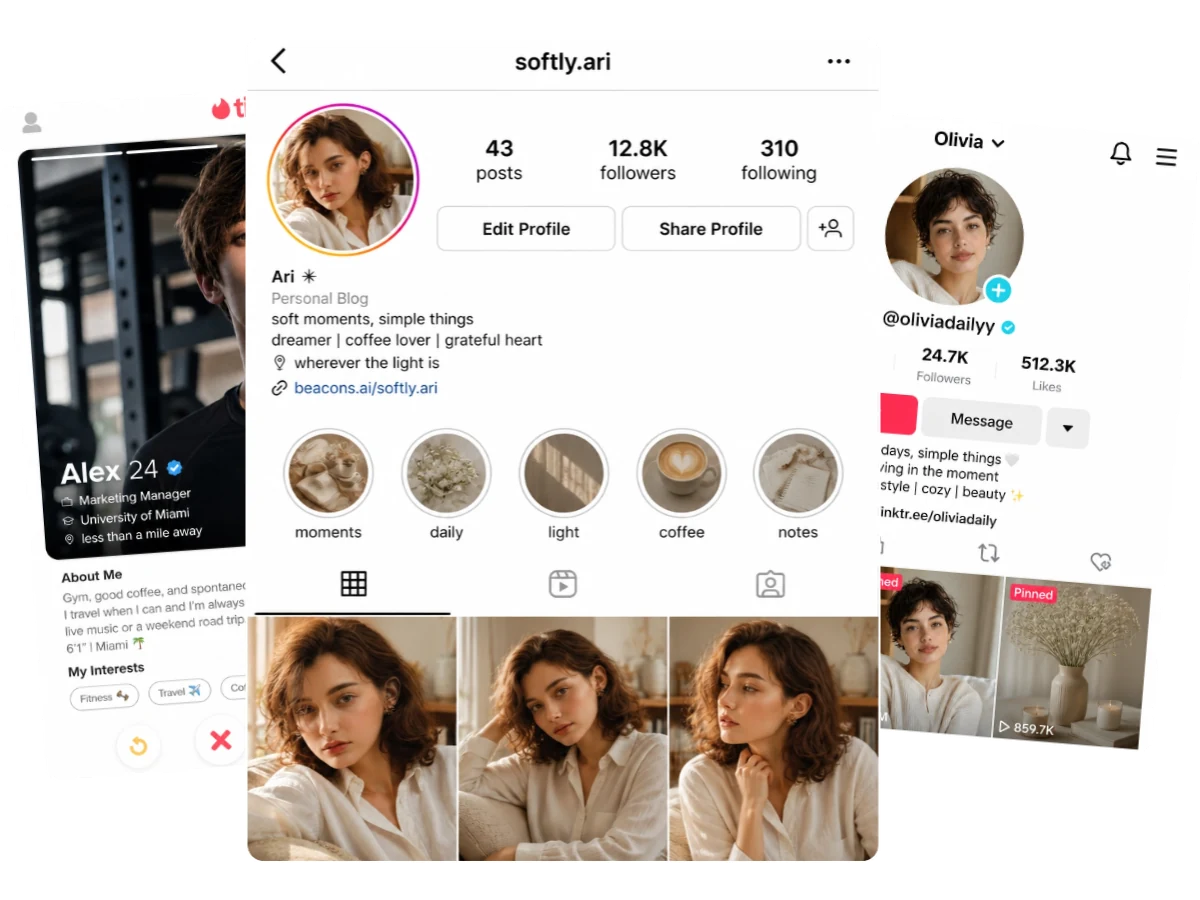
Want a relaxed, approachable photo for Instagram, Facebook, X, TikTok, community accounts, or dating apps? From cozy everyday portraits to sporty lifestyle looks, our AI headshot generator transforms ordinary photos into polished, eye-catching images that show your true personality.

Explore Social Styles
AI headshot generator preview showing social profile portraits and app-ready profile looks

Build a More Memorable Personal Brand Image with AI

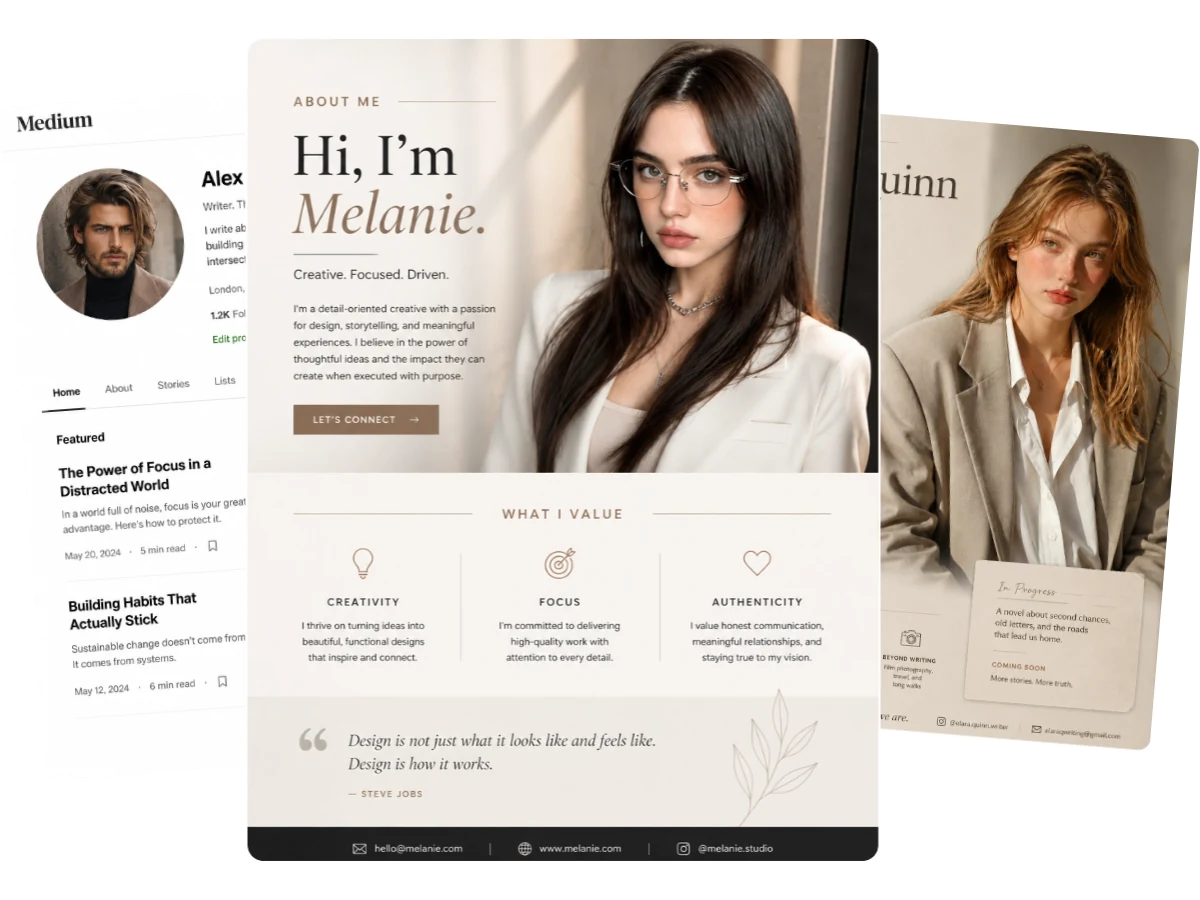
Effortlessly elevate your personal brand image with our AI headshot generator. Just upload your selfie, choose the Editorial style, and create expressive, distinctive photos for your portfolios, About pages, creator profiles, and social media accounts. Perfect for creators, designers, bloggers, and musicians.

Build Your Brand
Personal branding portrait preview with editorial layouts created from AI headshots

Why Choose MindVideo AI Over a Traditional Photo Studio?

FeatureTraditional Photo StudioMindVideo AI Headshot Generator
TimeDays to book, commute, shoot, and wait for edits.Seconds. Instant generation from a single selfie.
CostExpensive upfront fees for a full photoshoot.Free to try. (Only 3 credits used per generation).
SetupRequires outfits, makeup, and awkward posing.None. Upload a photo, pick a style, and generate.
Style OptionsStuck with 1-2 outfits and a plain background.Business, ID, Editorial, Sporty, Cozy & more.
Photo ResultsRaw shots highlight flaws; requires manual retouching.Instantly polished & natural while keeping your true likeness.
ConvenienceRequires scheduling a physical studio visit.100% online. Generate a new photo anytime, anywhere.
PrivacyPhotos are manually handled by third parties.Private & Secure. Not stored permanently or used for training.
Best ForFull brand shoots, team photography, or events.Fast LinkedIn, resume, social, dating, and personal branding photos.

How to Make AI Headshots in 3 Simple Steps

No photography skills or studio lighting required. Get professional results in seconds.

Step 1. Upload a Clear Photo

Start with a front-facing photo. For better results, use a clear selfie with good lighting and a natural expression. Avoid glasses, masks, or anything that covers your face. Keeping your facial features and face shape clearly visible helps AI create a more natural and accurate headshot.

Step 2. Pick a Headshot Style

Select a style based on where you want to use your photo. Business and Sophisticated work well for LinkedIn, resumes, and professional profiles. ID Photo is better for clean front-facing profile pages, while Cozy, Sporty, and Editorial are useful for social media, lifestyle profiles, or personal branding.

Step 3. Generate Your AI Headshots

Click generate, and MindVideo AI instantly transforms your selfie into professional, natural-looking headshots. Download the version that keeps your look recognizable and is ready to use across different platforms — no extra editing needed.

AI Headshot Generator — Frequently Asked Questions

An AI headshot generator helps turn your uploaded photo into a new headshot style. Instead of taking a new photo in a studio, you can use an existing selfie and let AI adjust the overall look, background, lighting, and style based on the option you choose.
MindVideo AI offers free ways to try the tool. Each generation uses 3 credits, and you can get free credits through options such as new registration, invitations, and daily check-ins when available.
Use a clear photo where your face is easy to see. Good lighting, a natural expression, and a front-facing angle usually work better. Try not to upload photos with heavy blur, strong shadows, sunglasses, masks, or anything that covers your face shape or main facial features.
Yes. For LinkedIn, resumes, company profiles, or other work-related pages, Business and Sophisticated styles are usually the better fit. They are made for users who want a more professional-looking image.
MindVideo AI is built to keep your face recognizable, but the final result also depends on the photo you upload. A clear, unobstructed selfie gives the tool more facial detail to work with, which can help the result look closer to your actual appearance.
No. MindVideo AI does not use your uploaded photos to train AI models. Your images are used for the generation request and are not stored permanently.
Usually, no. The generated images are designed to be ready for common profile uses. If a platform asks for a specific file size, crop ratio, or image format, you may still need to make small adjustments before uploading.
It depends on the purpose. Business and Sophisticated are better for work-related profiles. ID Photo is good for simple front-facing profile pages. Cozy and Sporty are more relaxed options for social or lifestyle images. Editorial works well when you want something more expressive for personal branding or creator profiles.

Explore More AI Photo Tools on MindVideo AI

Studio-Quality Portraits, Just One Selfie Away.

Create a professional, stunning AI headshot from your photo in seconds. No skills needed, no studio shoots required.

Try It for Free
Studio-style portrait preview showing professional headshot results from one selfie

Join MindVideo AI official community on Discord.