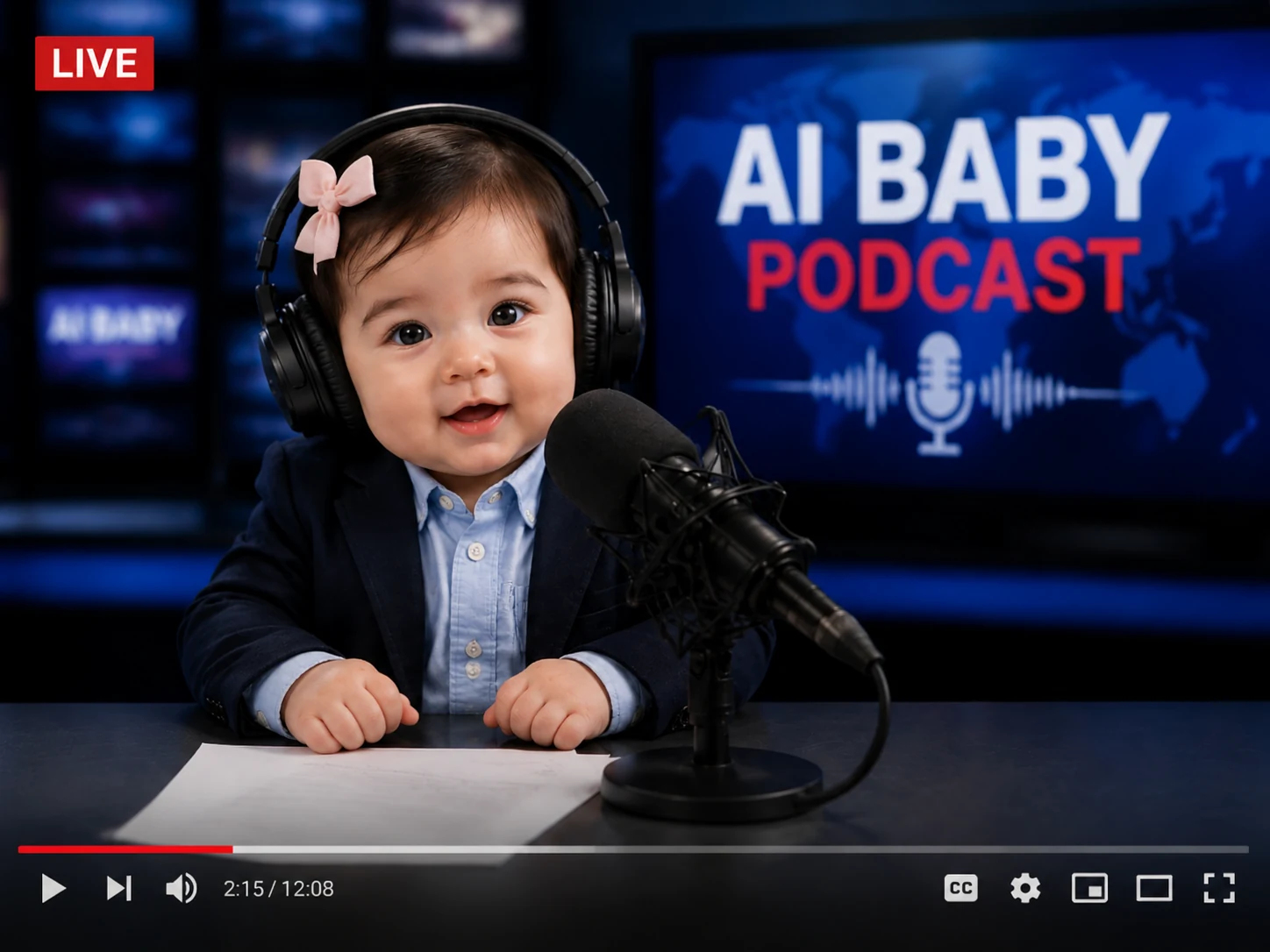
AI Baby Podcast Generator: Create Lifelike Talking Podcast Videos

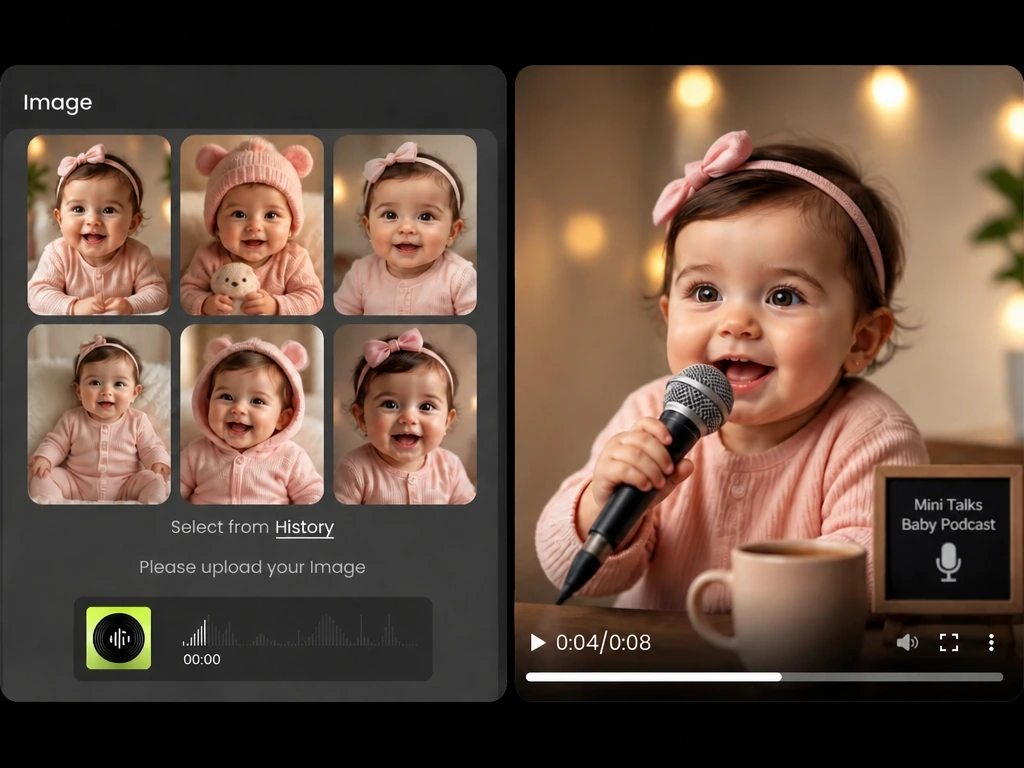
Easily turn a baby photo into a cute talking video with natural lip-sync. Upload an image, choose text-to-speech or your own audio, and let MindVideo AI generate a viral talking baby video while keeping the baby's facial look.

Result

AI baby podcast generator result preview with uploaded image and audio inputs.

What Is an AI Baby Podcast Generator?

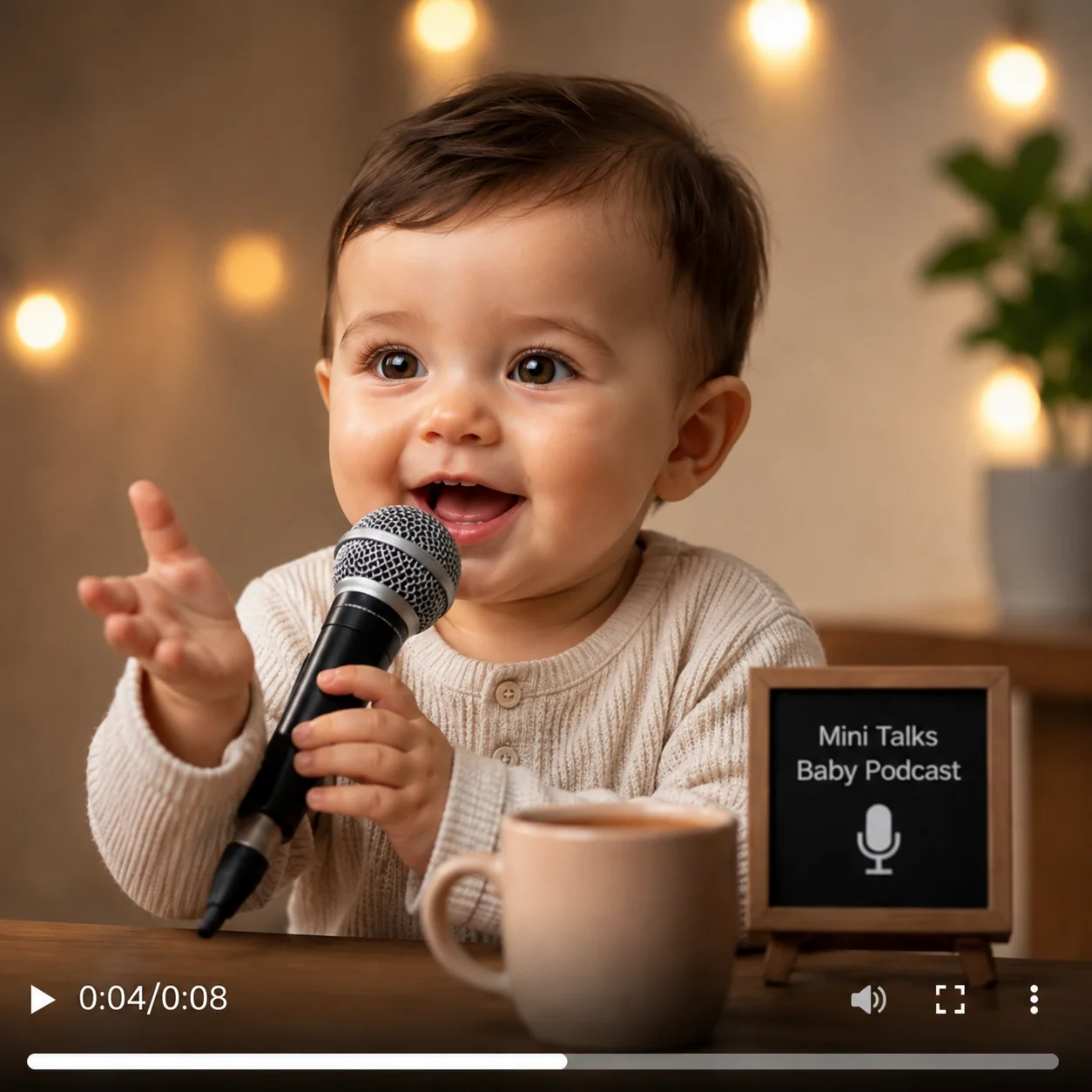
An AI Baby Podcast Generator is an online tool that creates baby-hosted podcast videos from a baby image, script, and audio. Instead of editing a video manually, you can turn a still image into an adorable talking baby clip with natural lip-sync.

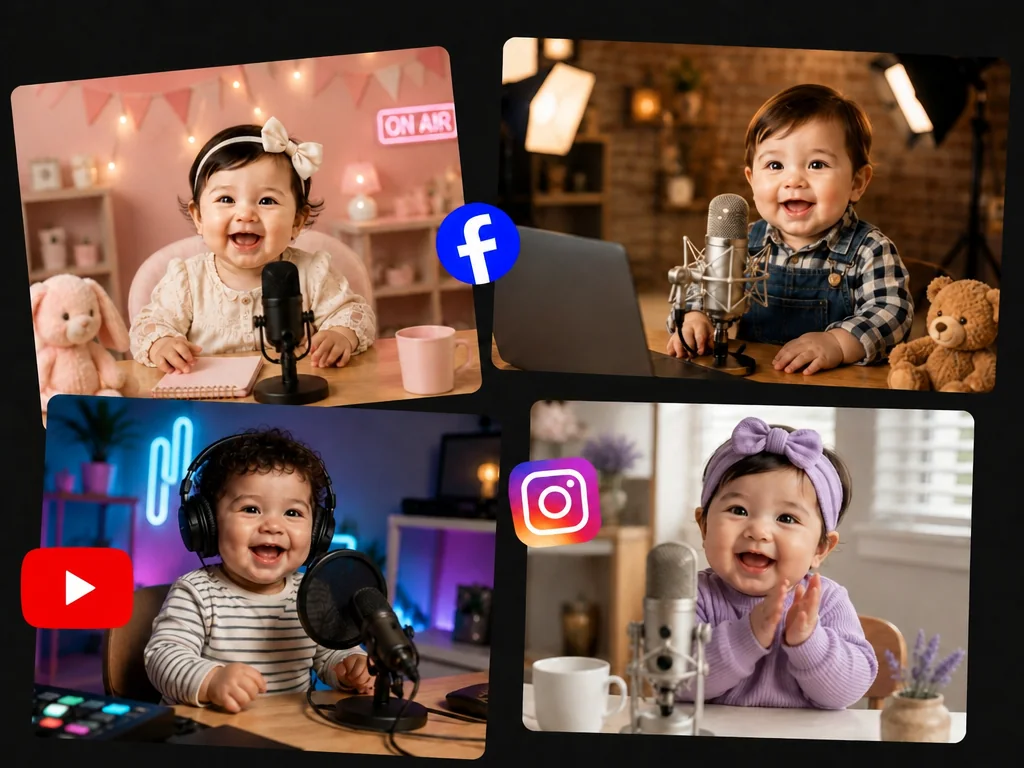
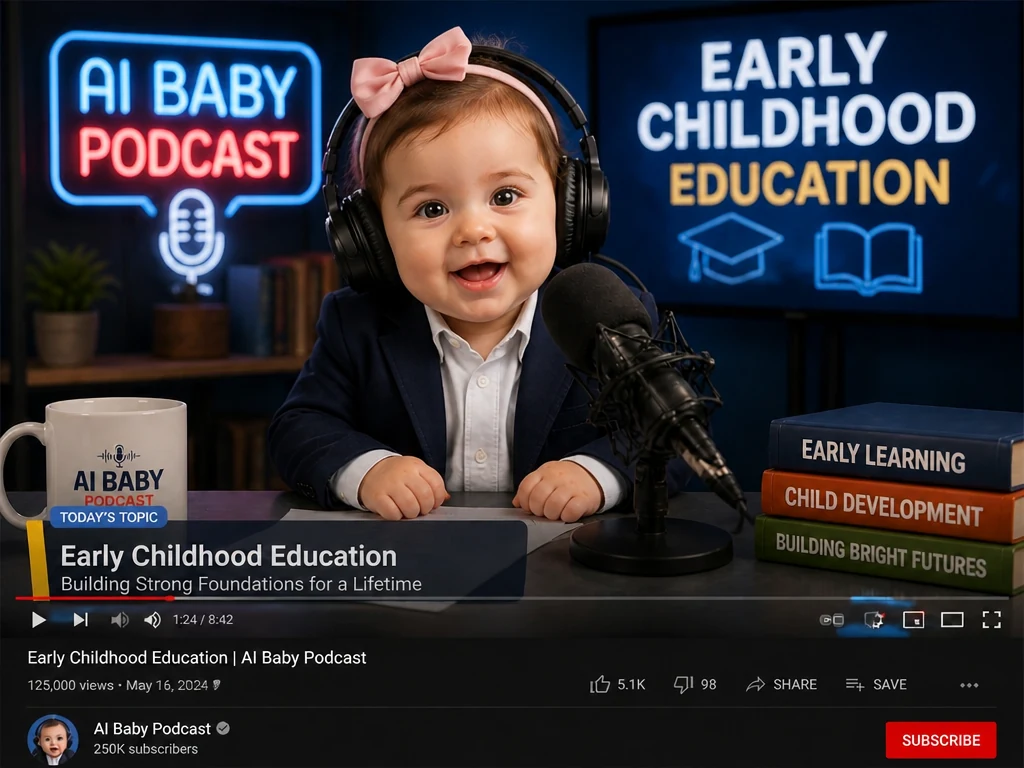
This tool is popular for the AI Baby Podcast trend, where a baby appears to host a tiny podcast, react to daily life, tell a story, or share a funny opinion. The result is ideal for sharing on TikTok, Instagram Reels, YouTube Shorts, or with family and friends.

Baby podcast host scene showing how an AI baby podcast generator works

AI Talking Baby Video Examples for Social Media and Family Moments

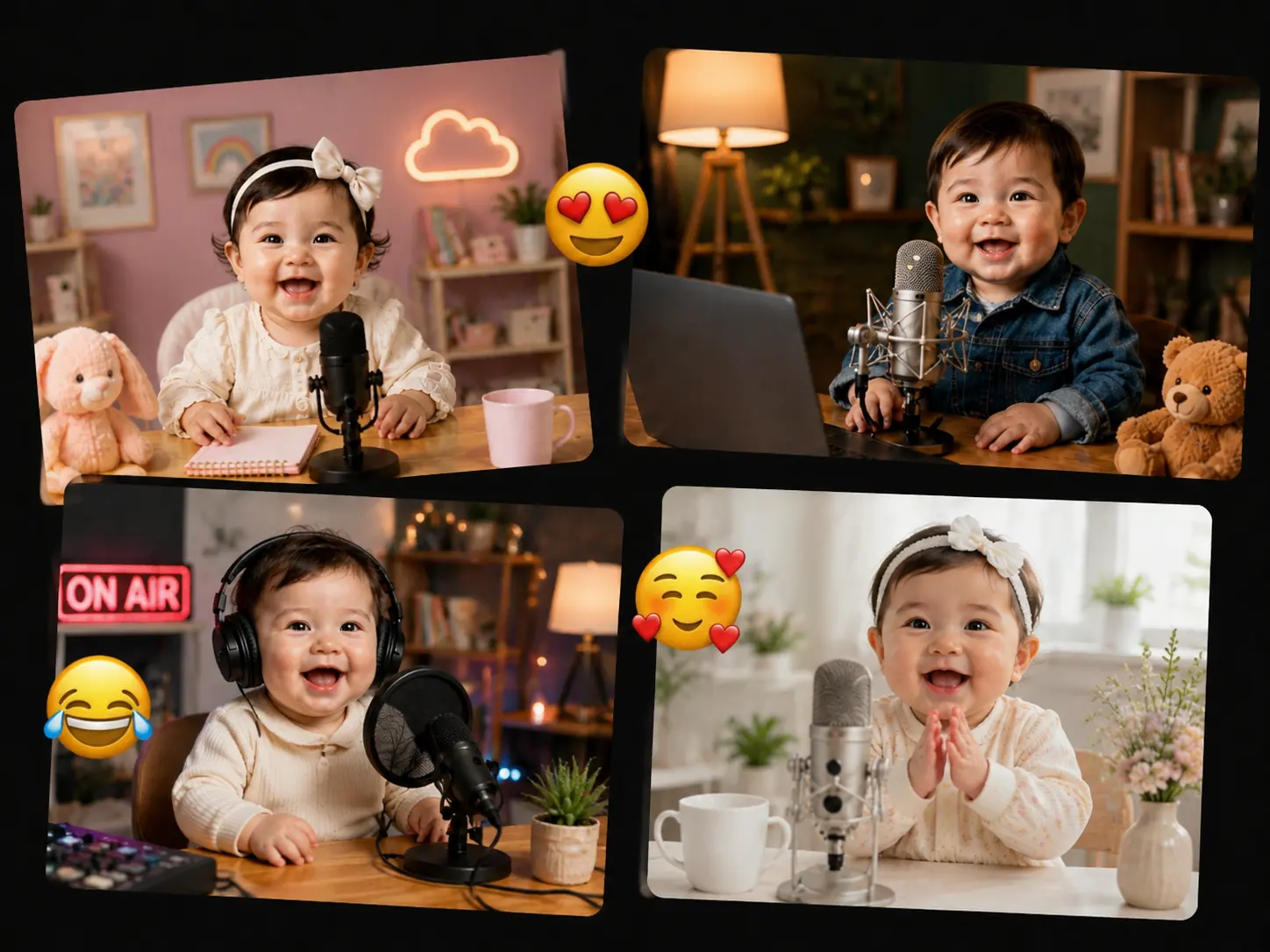
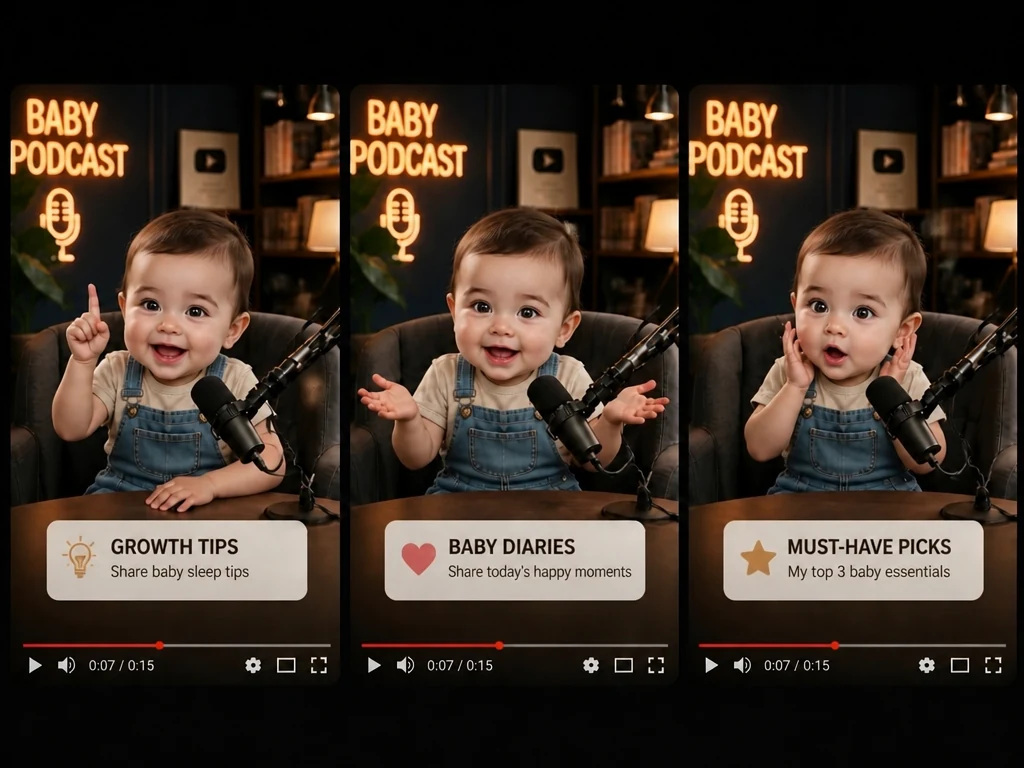
See how one baby photo can become a shareable podcast. Use these examples below as ready-made ideas for family moments, bedtime content and social posts.

How to Create an AI Baby Talking Video

Create a baby podcast video in a few simple steps. Upload a baby photo, prepare the voice or script, add optional scene details, and generate a share-ready talking baby clip.

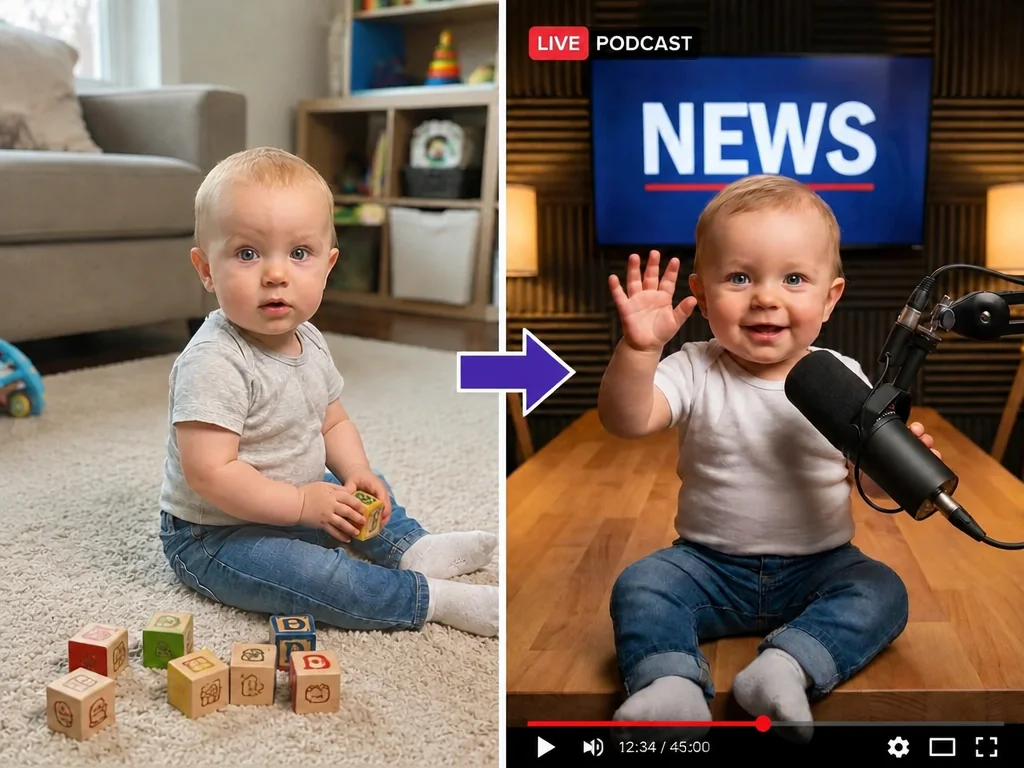
Tip: For the best AI Baby Podcast look, we recommend starting with a podcast-style baby image. If you only have a normal one, you can first use a prompt to turn it into a baby-hosted podcast scene, then continue.
1

Upload a Baby Photo

Upload a high-quality image that is sharp, well-lit, and not blurry. For better lip-sync, choose a front-facing photo where the baby's facial features and mouth shape are clearly visible. Avoid images with masks, hands covering the lips, heavy shadows, strong filters, or anything blocking the mouth area.

2

Choose Text-to-Speech or Upload Audio

Use text-to-speech if you want to type what the baby says. You can also choose from different voice options, including voices in different countries or regions, male or female voices, and different tones. If you already have a voice recording, podcast clip, or prepared message, upload your audio instead.

3

Add an Optional Prompt

Use the prompt box to describe extra details for the video, such as the baby's action, facial expression, camera movement, scene mood, or visual style. For example, you can ask the baby to smile while speaking, look at the microphone, raise one hand, or use a close-up podcast shot.

4

Generate Your AI Baby Podcast Video

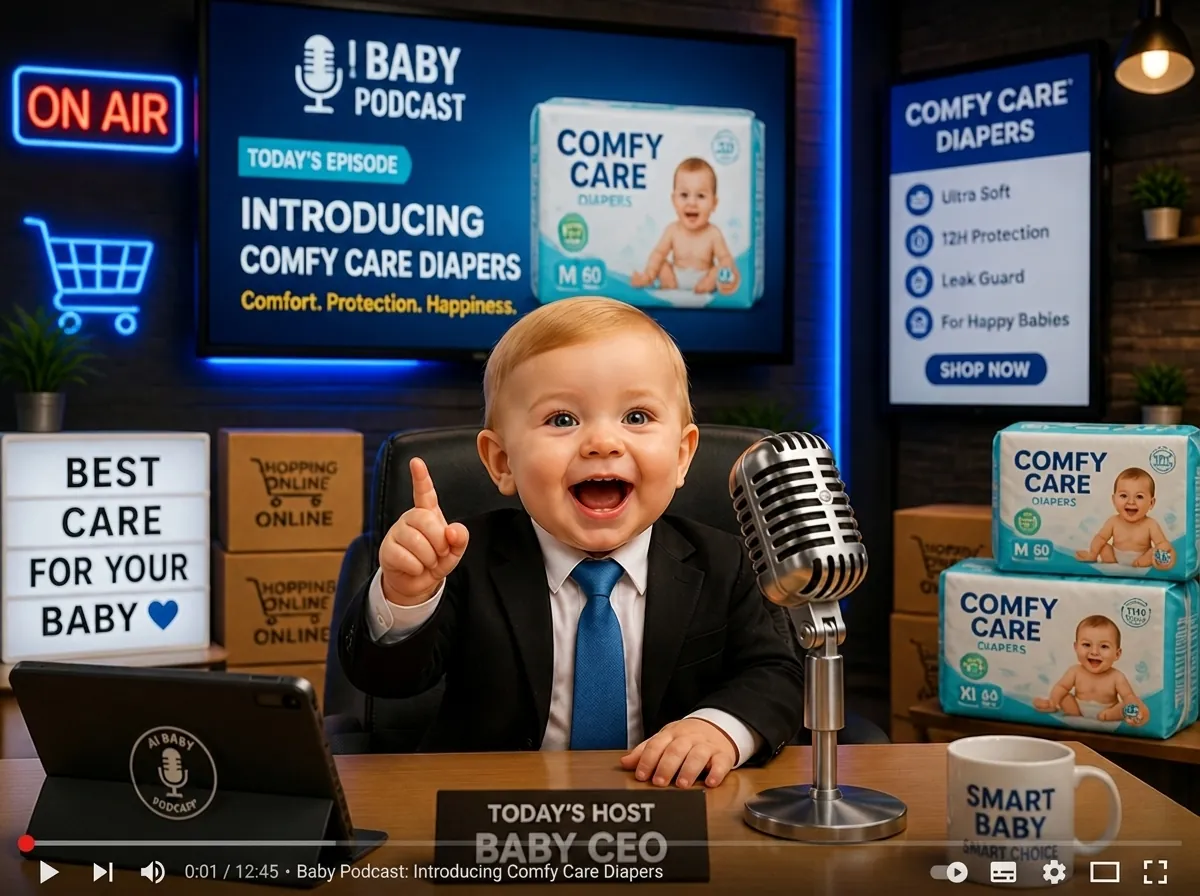
Click "Generate" and our tool will create a talking baby podcast clip where the baby's mouth matches the voice naturally in just a few clicks. You can use the final video for social media posts, family messages, baby memes, baby product brands, or early childhood education content.

Step-by-step workflow for creating an AI baby talking podcast video

Why Choose MindVideo AI Talking Baby Podcast Generator?

Privacy-Safe Creation

Your uploads and generated videos are handled through an encrypted creation process. We do not use them for training or any other purpose without your permission. Paid users can choose whether to keep their creations hidden or make them public.

Keep the Baby's Original Facial Features

Powered by advanced AI models, our tool can preserve the baby's key facial features, so the generated talking baby video still feels like the original baby. This makes it suitable for family sharing, keepsake videos, or personal collections.

Script Templates Available

Not sure how to write a script that works well for a talking baby video? MindVideo AI provides script templates that include lines, expressions, and actions. You can follow the format, customize the words, facial expressions, or movements to match your own story.

Smooth Lip-Sync for a Natural Look

Create talking baby podcast clips where the mouth movement follows the selected voice or uploaded audio, making the video feel more natural and looks closer to a real baby recording a podcast instead of a stiff AI result.

Multiple Voice Options

A baby podcast clip feels more natural when the voice matches the language and audience. Choose from voice options across different countries or regions, male or female voices, and different tones, so your clip feels more authentic and closer to the audience it's made for.

AI Baby Podcast Video Use Cases

Social Media Trend Videos

Join the AI Baby Podcast trend with funny baby-hosted clips made for social feeds. Instead of posting another normal talking-head video, you can turn a baby image into a charming podcast moment that makes people stop scrolling and helps your content get more likes, shares, comments, and new followers.

AI Baby Podcast Script Ideas

Start with these short script templates. Each one includes timing, actions, expressions, and lines, so you can edit the words, mood, or movements to match your own AI baby podcast video.

Funny baby podcast intro

0-1s: (Baby smiles big, leans toward the microphone, and gives a tiny wave.) "Hey, hey, hey!" 1-2s: (Baby tilts head and looks around like a little host.) "Welcome to my show!" 2-4s: (Baby bounces slightly in the chair and points at the mic.) "I'm tiny, but I have big opinions!" 4-6s: (Baby giggles, opens hands, and makes a playful serious face.) "Let's talk about the funny stuff today!" 6-8s: (Baby smiles brightly and gives a confident little nod to camera.) "Stay tuned, it's baby time!"

Baby gives life advice

0-1s: (Close-up shot. Baby rests chin on tiny hands, looking thoughtful.) "Hi friends!" 1-2s: (Baby leans toward the microphone with a serious but cute face.) "Baby has advice." 2-4s: (Baby nods slowly, then points gently at the camera.) "If life feels hard, take one tiny step." 4-6s: (Baby smiles, taps the table softly, then looks upward as if thinking.) "Smile, breathe, and maybe take a snack break." 6-8s: (Baby gives a tiny giggle and waves goodbye.) "You're doing great. Baby believes in you!"

Baby reviews dad's cooking

0-1s: (Camera pans slightly. Baby taps a tiny spoon on the desk, looking like a strict food critic.) "Hi food friends!" 1-2s: (Baby leans closer, looks serious like a tiny food critic.) "Today, I review Dad's cooking." 2-4s: (Baby looks to the side, makes a curious face, then nods slowly.) "It smells good... but I have questions." 4-6s: (Baby pretends to taste, then opens eyes wide in surprise.) "Hmm! Crispy, funny, and maybe a little too salty." 6-8s: (Baby giggles, gives a tiny thumbs-up, then waves.) "Final score: big love, tiny chef skills!"

Baby birthday wish

0-1s: (Wide shot showing balloons in the background. Baby claps hands excitedly and looks directly at the lens.) "Hi birthday star!" 1-2s: (Baby leans closer to the mic and waves with both hands.) "Baby has a wish for you!" 2-4s: (Baby giggles softly, eyes shining, and tilts head sweetly.) "May your day be full of cake, hugs, and happy surprises." 4-6s: (Baby claps hands gently and smiles bigger.) "You are loved more than you know!" 6-8s: (Baby waves goodbye and gives a tiny happy laugh.) "Happy birthday! Big baby kisses!"

Create AI Baby Podcast Videos Faster with Image to Video

If you want to test an idea quickly, you can also create a baby podcast video directly from an image and prompt with native audio. This workflow does not require you to prepare a voice recording or upload an audio file first. Upload your image, write a clear prompt, keep native audio on, choose the model recommended by MindVideo AI, and generate the video.

Note: Lip-sync quality may vary depending on the selected model, prompt, and image. If you want a more stable talking result where the baby's mouth matches the voice more closely, we recommend using the text-to-speech or uploaded-audio workflow.
Image-to-video workflow preview for making AI baby podcast clips faster

Frequently Asked Questions - AI Baby Podcast Generator

What is an AI Baby Podcast?

An AI Baby Podcast is a short video where a baby character appears to host a podcast, tell a story, react to a topic, or speak with lip-sync.

Is it free to create AI talking baby podcast videos?

Yes. You can create AI talking baby podcast videos for free as long as you have enough credits. There is no fixed generation limit, even if you are not a paid member. Credit cost may vary by video length. Free credits may also be earned through check-ins, sharing, invitations, or other available activities.

Are my photos and data safe?

Yes. Your uploads and generated works are processed with privacy in mind. We don't use your uploaded content or creations for training or other purposes unless you give permission. Paid users can also choose whether to keep their works hidden or public.

Can I use generated AI baby podcast videos commercially?

Commercial use is available for paid users. If you plan to use a generated video for ads, brand content, product promotion, or other commercial purposes, please make sure your account and usage rights support commercial use.

Can I share my AI baby podcast videos on TikTok and other platforms?

Yes. You can share your generated videos on TikTok and other social platforms, as long as your content follows the rules of each platform and you have the right to use the uploaded image, audio, and final video.

Do I need to record audio?

It depends on the way you create your video. You can use text-to-speech to create the voice from your script. You can also use the image-to-video workflow with native audio if you want to generate a faster draft without preparing audio first.

What languages are supported?

MindVideo AI supports voice options in multiple languages, including Indonesian, Chinese, English, Spanish, Turkish, Ukrainian, Dutch, French, Russian, German, and more.

How can I get the best result?

Start with a clear, high-quality image where the face and mouth area are easy to see. If your image is a normal baby photo, you can first turn it into a podcast-style baby image with a microphone, headphones, desk, or studio background. Then use text-to-speech or uploaded audio for more stable lip-sync, and keep your script short, natural, and easy to speak.

Make Your Baby Podcast Clip Now

Create a cute talking baby video with lip-sync from an image, text-to-speech, or uploaded audio. Simple to start, easy to share.

Trusted by 21,076 users with an average rating of 4.8.

Explore More AI Video Tools on MindVideo AI

Join MindVideo AI official community on Discord.