
Fotor AI Video Generator
Looking for a simple way to turn text or images into AI videos? With Fotor, you can create cinematic scenes, animated product shots, character clips, and social-ready videos from one easy workspace.
★★★★★ 4.8/5 · Trusted by 10000+ creatorsResult
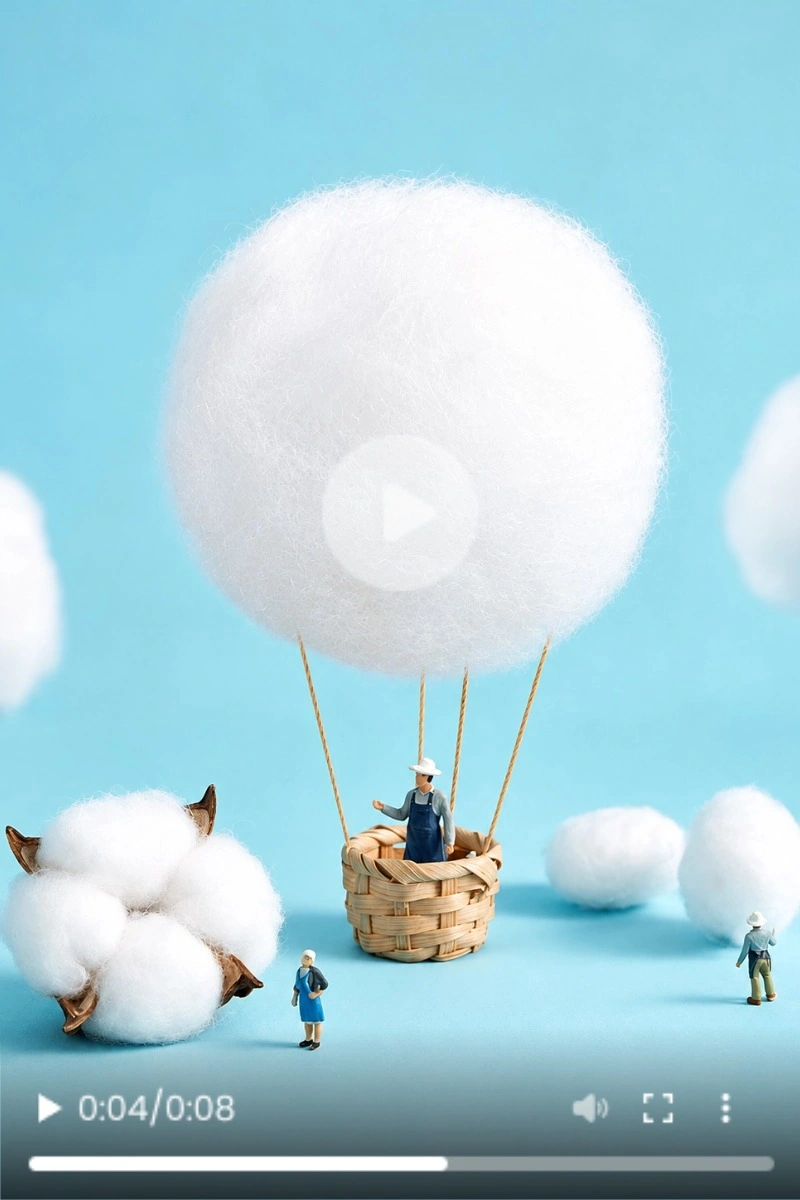
See What You Can Create with an AI Video Generator
See how a simple prompt or still image can become a polished AI video. Create cinematic scenes, animate product photos, or bring characters to life with natural motion.
This video could not load. Check your connection and , or open the video.
Above the Clouds
Prompt: “An epic aerial shot glides slowly over a dramatic mountain landscape above a sea of clouds.”
This video could not load. Check your connection and , or open the video.
Violet Fragrance Drift
Prompt: “The camera slowly pushes toward a purple perfume bottle as water ripples and violet mist curls around it.”
This video could not load. Check your connection and , or open the video.
A Curious Hello
Prompt: “A small pony takes a few natural steps through a sunny flower field, notices the camera, then slowly walks closer.”
This video could not load. Check your connection and , or open the video.
Particle Rewind Sneaker
Prompt: “A white-and-blue sneaker bursts into particles, then rapidly reverses and reforms into its original shape.”
This video could not load. Check your connection and , or open the video.
Butterfly Surprise
Prompt: “A character notices butterflies above, reaches up to catch one, then spots more butterflies beside their hand as the camera gently moves closer.”
This video could not load. Check your connection and , or open the video.
The Little Leaf Finder
Prompt: “Keep the camera still as a small toy comes to life, picks up a fallen leaf, and examines it with curiosity.”
What Can You Create with an AI Video Generator?
Turn a prompt, image, or existing video into new visual content for social media, product marketing, storytelling, and everyday creative ideas.
Turn Ideas into AI Videos
Start with a simple idea and turn it into a short video without filming from scratch. Describe a product reveal, travel moment, character scene, fantasy world, lifestyle clip, or ad concept, then let AI create a visual draft you can explore, refine, and share.

A heavy cut-crystal glass filled with clear carved artisan ice and amber liquid, resting on a raw dark walnut table.
Animate Images for Product and Social Content
Upload a product photo, portrait, poster, artwork, or AI-generated image and bring it to life with motion. Add a slow camera push-in, natural subject movement, changing light, or a new atmosphere to create videos for product pages, ads, Reels, Shorts, and campaign posts.
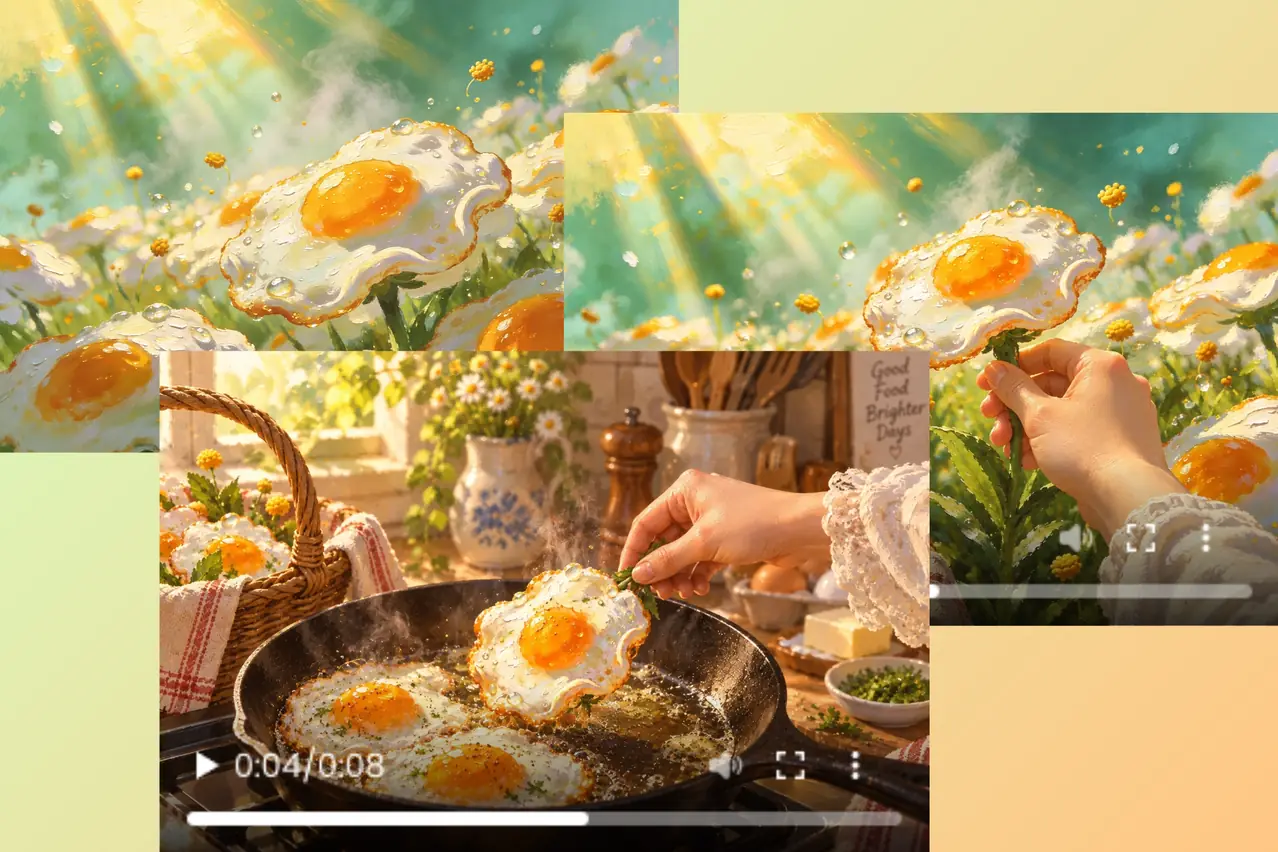
Transform Existing Videos with AI
Give an existing clip a different visual direction without starting over. Change the mood, style, or overall look of your footage to test a fresh creative idea, refresh older content, or make multiple versions for different campaigns and platforms.
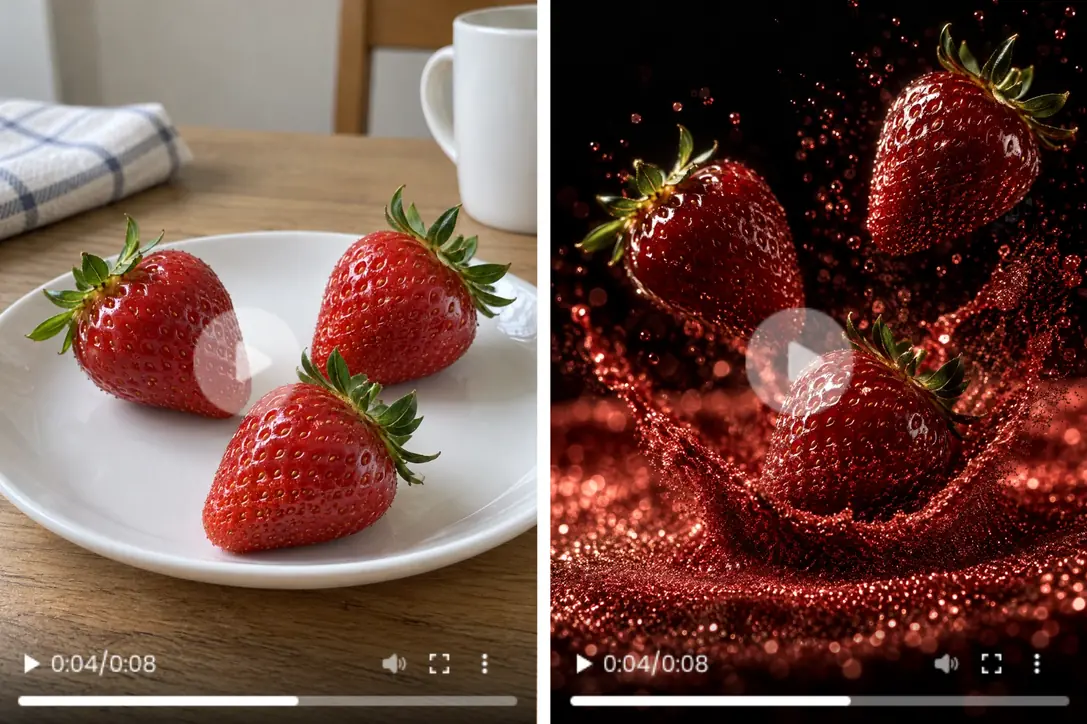
Create Trend-Ready Videos with Effects
Start faster with ready-made AI effects and templates. Turn a selfie, character image, product photo, or simple visual idea into an eye-catching clip for social posts, memes, profile videos, and trend-based content—without writing a detailed prompt or editing frame by frame.
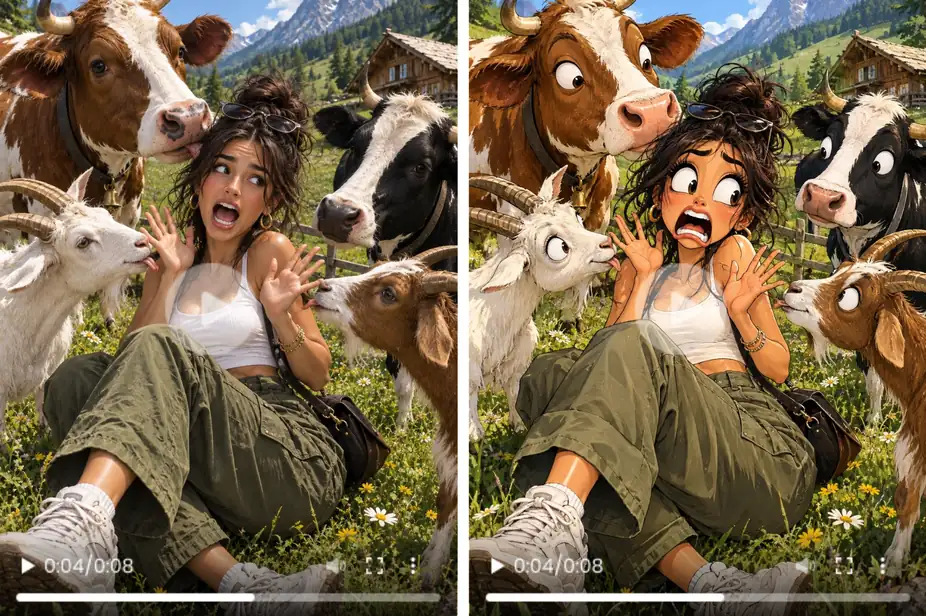
Why Create AI Videos with MindVideo AI?
More Ways to Start
Create a new video from a prompt, animate an image, or transform an existing clip.
Easy Controls
Add your idea, choose the format and visual direction, then generate—no editing skills needed.
Different Styles
Try cinematic, realistic, animated, playful, or trend-driven looks for the same idea.
Any Video Format
Create landscape or vertical videos for ads, product pages, Reels, Shorts, and more.
Test Ideas Faster
Generate different prompts, motions, and moods before committing to a full video concept.
Free to Try
Start creating AI videos for free; more usage may require additional access.
Make an AI Video in 3 Steps
Add a Prompt or Image
Describe the video you want to create, or upload an image or existing video as your starting point.
Choose the Look and Motion
Select the video format, visual style, and motion that fit your idea.
Generate and Download
Click generate, preview your result, and refine the prompt or settings if needed.
FAQs
What Is Fotor AI Video Generator?
Can I Create AI Videos with MindVideo Instead?
Can I Create a Video from Text or an Image?
What Types of AI Videos Can I Create?
Is MindVideo Free to Try?
Do I Need Video Editing Experience?
See Your Idea in Motion
Got a product photo, a story scene, or a quick content idea in mind? Start with a prompt or image, add the motion you want, and watch it become a video.
