
MiniMax H3 AI Video Generator: Create Polished Videos with Less Effort
Create stunning AI videos from a prompt or the content you already have. MiniMax H3 works with text, images, video, and audio to produce complete videos with detailed visuals, natural motion, and native sound. Try it online with free credits.
★★★★★ 4.8/5 · Trusted by 9,305+ creatorsVideo could not load.
Result
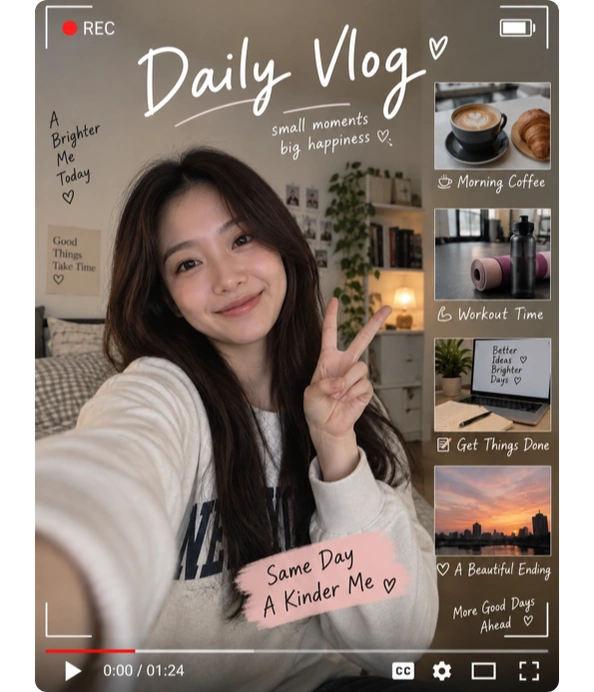
What Is MiniMax H3?
MiniMax H3 is a multimodal AI video model developed by MiniMax that can create and edit videos. It combines different types of references in one generation and uses them to guide motion, visuals, voice, and other details. The model supports videos up to 2K resolution with native stereo sound, making it suitable for product videos, social content, short stories, ads, and other creative projects.
- Text to Video — Turn a written idea into a video with motion and sound.
- Image to Video — Animate a photo, character, product image, or artwork.
- Video Reference & Editing — Reference motion or camera movement, or edit an existing video.
- Audio Reference — Use audio with visual references to guide voice or sound.
Video could not load.
What Can You Create with the MiniMax H3 AI Video Generator?
Turn a prompt, image, or existing video into new visual content for social media, product marketing, storytelling, and everyday creative ideas.
MiniMax H3 for Product Videos, E-commerce & Ads
Turn product images and campaign ideas into launch videos, short ads, and branded content without planning a full production shoot. Create more variations in less time and at lower production costs. Ideal for product pages, ads, and promotions.

Create Social Videos with the H3 AI Video Generator
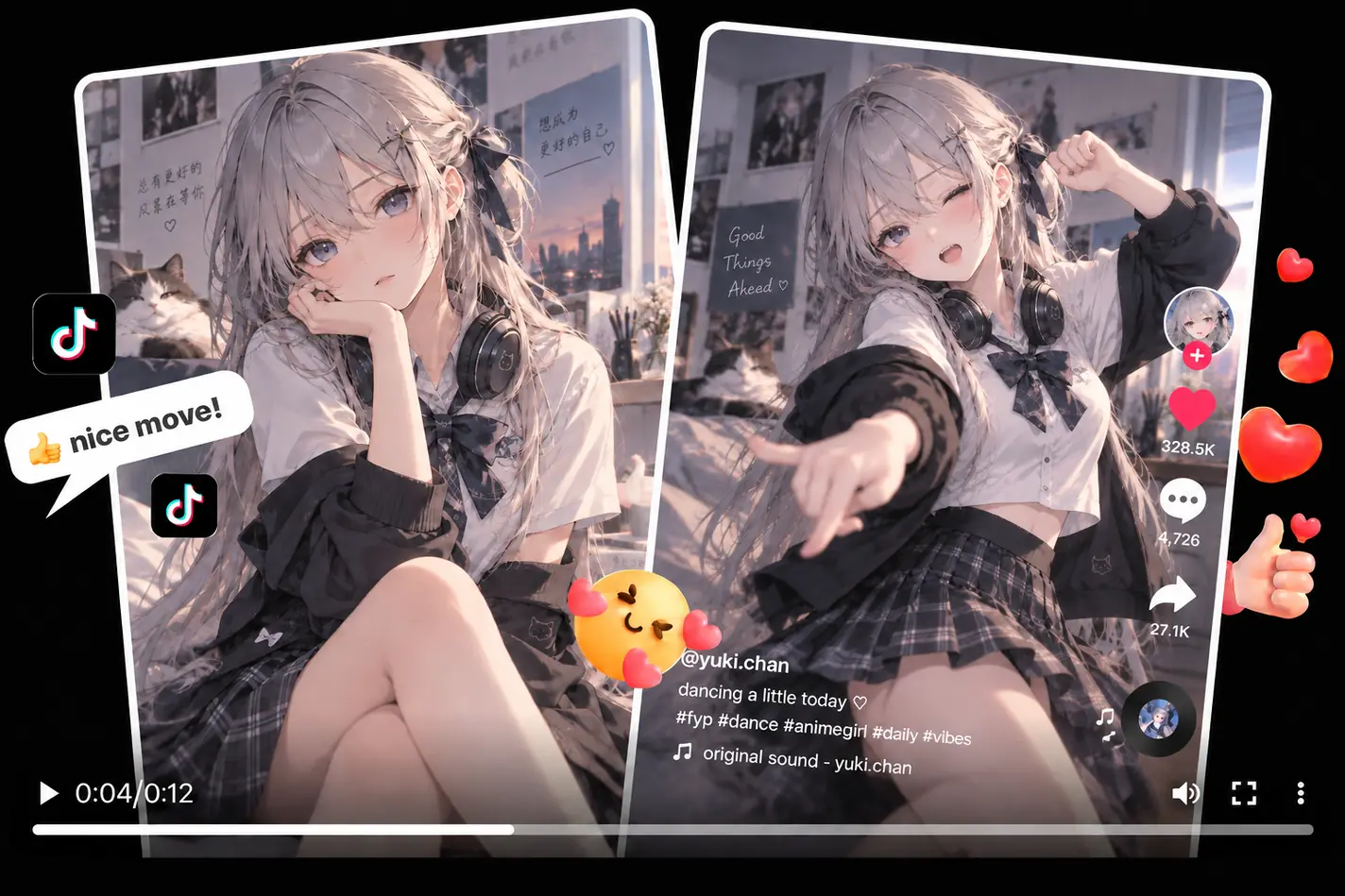
Create ready-to-post videos from creative ideas and existing content for TikTok, Instagram Reels, YouTube Shorts, and other social platforms. Keep up with trends, explore new styles, and make short clips that attract views and encourage comments and shares.
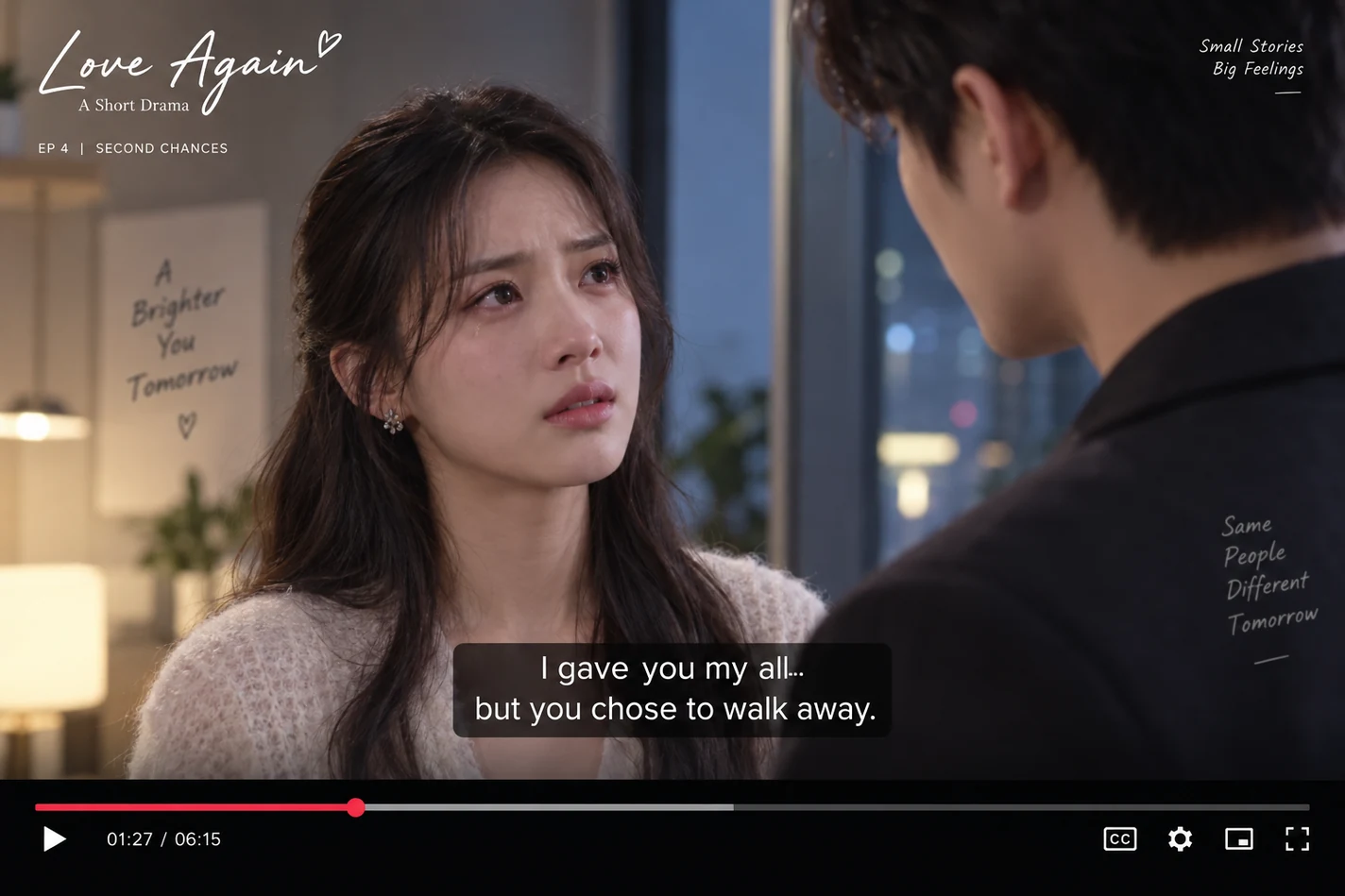
Generate AI Short Dramas & Character Stories
Transform scripts, story ideas, or character references into connected video scenes. Maintain character consistency, keep the story moving naturally, and add dialogue and sound. Create short dramas, character stories, and cinematic sequences with consistent storytelling.
Key Features of MiniMax H3 AI Video Model
Up to 2K Detailed Video Generation
Generate videos up to 2K with high-resolution visuals and rich detail. MiniMax H3 can preserve small text, product details, and other important elements in the final video.
Native Stereo Audio Generation
Generate visuals and audio together in a single creation. The model can produce dialogue, background music, ambient sound, and other audio with native stereo output. No need to create the soundtrack separately.
Up to 12 References in One Video
Use up to 9 images, 3 videos, and 3 audio files in a single generation. This makes it easier to build complex scenes from several source materials instead of describing every detail in one long prompt.
Precise Video and Audio Editing
Change what you want while keeping the rest of the original video. H3 can edit visuals and audio in the same task, such as changing the scene, replacing an object, or adding new dialogue.
11-Language Dialogue Generation
Generate dialogue in 11 stably supported languages: English, Chinese, Japanese, Korean, Spanish, French, German, Italian, Portuguese, Russian, and Arabic. This makes H3 useful for multilingual character scenes, explainers, and other spoken video content.
Why Use MiniMax H3 on MindVideo AI?
Start with Free Credits
Try MiniMax H3 with free credits—no paid membership required. Earn more free credits through registration, daily check-ins, invitations, and other activities.
Access More AI Video Models in One Place
Access other video models on MindVideo AI, such as Seedance 2.5, Wan 3.0, Kling 3.0, and more, without switching between multiple platforms.
Keep Your Content Private
Your uploaded images, videos, and audio are processed privately. They are not used for model training and are automatically deleted within 24 hours.
How to Use MiniMax H3 AI Video Generator
Create AI videos with MiniMax H3 in three simple steps.
Start with a Prompt or References
Use a prompt alone, or upload images, video, and audio as references. Images can define the main subject, such as a character or product. Video can guide motion or camera movement, while clear audio can be used as a voice reference.
Describe Your Video
Describe the scene, story, dialogue, actions, and other details you want in the final video. If you're using references, briefly explain how you want each asset to be used, for example: “Use @Image1 for the character and @Video1 for the camera movement.”
Generate and Download
Choose your video settings and start generating. You can usually get the result within a few minutes. Download and use the finished video for social posts, creative campaigns, character scenes, presentations, or other projects.
FAQs
What’s new in MiniMax H3 compared with Hailuo 2.3?
Can I use images, videos, and audio together in MiniMax H3?
Can I use audio alone as a reference?
How can I write better MiniMax H3 prompts for better results?
Is MiniMax H3 free to use on MindVideo AI?
Explore More Video Models on MindVideo AI
Bring Your Ideas to Life with MiniMax H3
Create product videos, social clips, short stories, and more with one multimodal AI video model.
