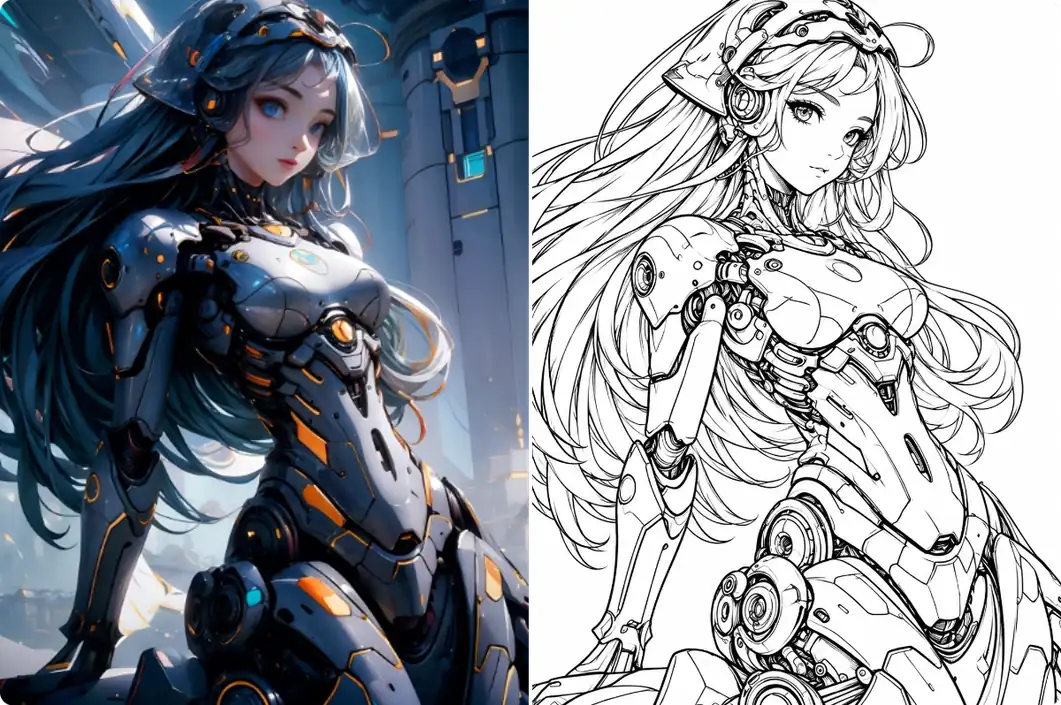
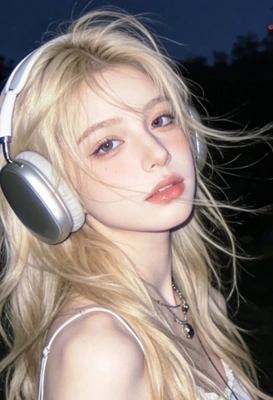
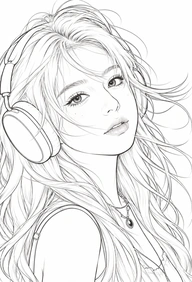

Use our AI Line Art Generator to create clean line drawings from your ideas or favorite photos in seconds. Explore different styles for cartoon characters, portrait sketches, geometric patterns, and more. No paid membership needed.
Start with Free Credits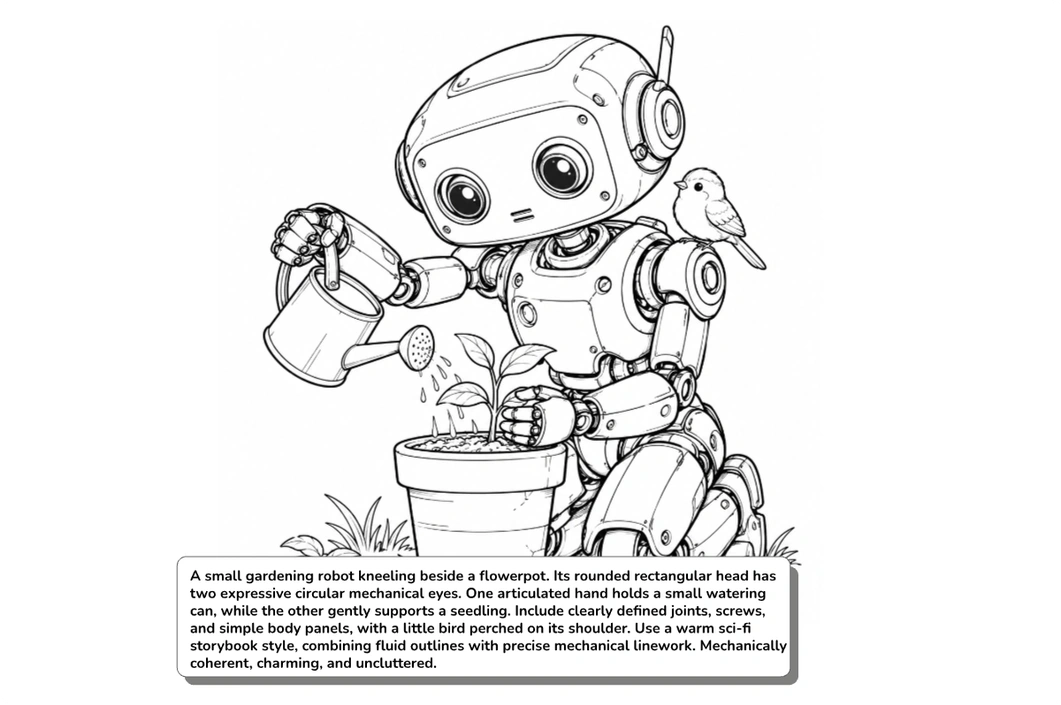
Result
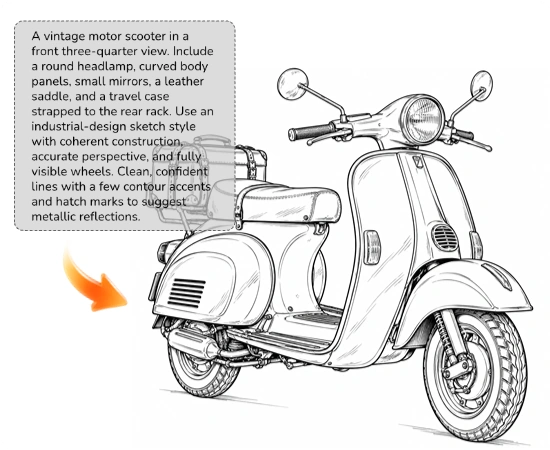
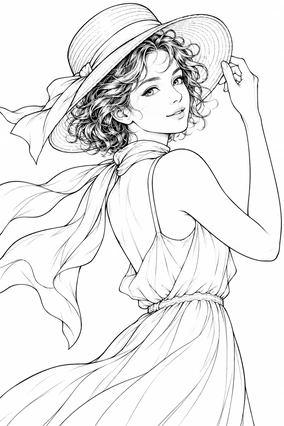
A young woman with short curly hair looking back over her shoulder. A breeze lifts her hair and silk scarf; she wears a subtle smile and holds a wide-brimmed hat with one hand. Use a fashion-illustration style with fluid, varied line weights to describe her face, hair, and fabric. Natural facial features and anatomically accurate hands. Half-body composition with generous negative space and restrained fine hatching for folds and volume.
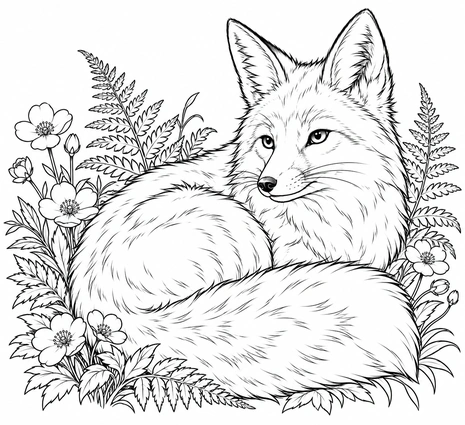
A red fox curled up among wildflowers and fern leaves. Its fluffy tail wraps around its body, its head is slightly raised, and its upright ears suggest a gentle but alert expression. Describe the fur with fine directional strokes, using a slightly heavier outer contour and delicate interior details. Keep the fox clearly separated from the surrounding plants and avoid overcrowded linework.
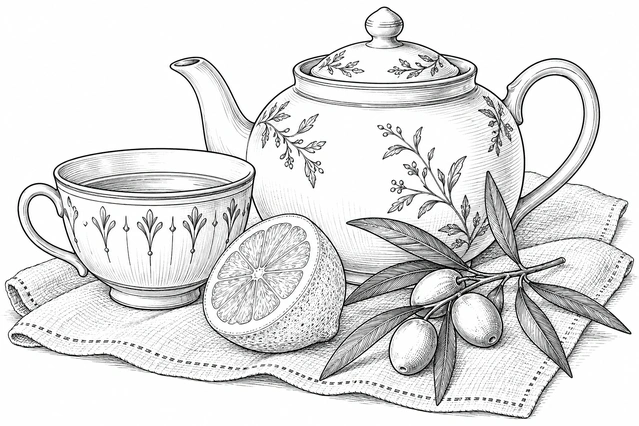
A rounded ceramic teapot, a teacup with a delicate linear pattern, half a sliced lemon, and an olive sprig arranged on a linen cloth. Use a classic pen-and-ink illustration style, distinguishing ceramic, citrus peel, and woven fabric through varied line weights and restrained cross-hatching. Balanced composition with natural overlaps and refined but understated ornamentation.
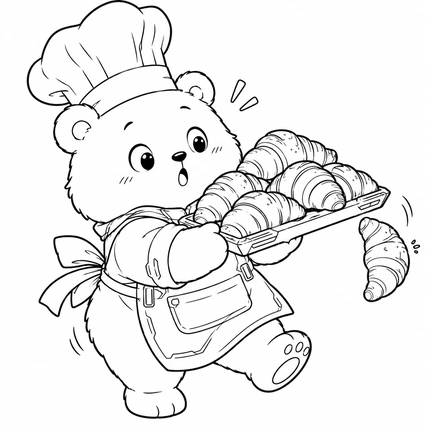
A round little bear baker wearing a tall chef’s hat and an apron. It holds a tray piled with croissants, with one croissant slipping off the edge. Give the bear wide eyes and a tiny O-shaped mouth for a surprised, amusing expression. Use a refined storybook cartoon style with rounded, clear outer contours, simple interior details, and a lively pose.
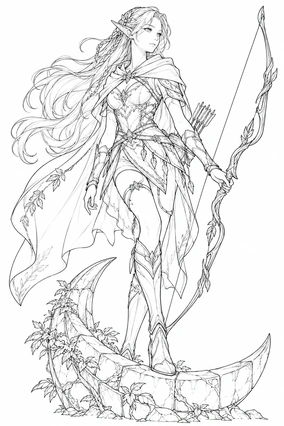
An original fantasy character: a long-eared elven archer standing on a crescent-shaped stone platform. Their long hair includes small braids, and they wear leaf-patterned light armor and a short cloak while holding an elegant curved longbow. Use a high-quality game character concept-art linework style with natural anatomy, accurately drawn hands and bow construction, and clearly separated costume layers. Intricate ornamentation should not obscure the main silhouette.
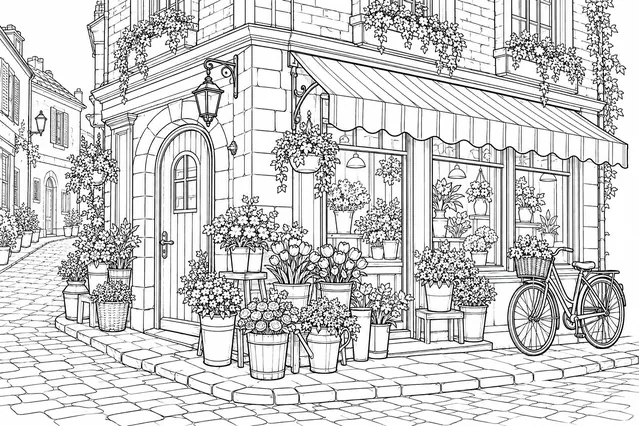
A small flower shop on the corner of an old street. Include an arched wooden door, large display windows, a striped awning, and brick walls. Arrange flower buckets and potted plants of different heights outside, with a vintage bicycle leaning against the wall. Combine architectural sketching with storybook illustration in a three-quarter view, using accurate perspective, restrained brick and window details, and delicate floral linework.

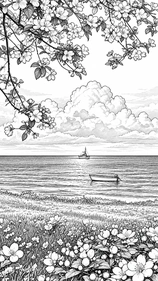
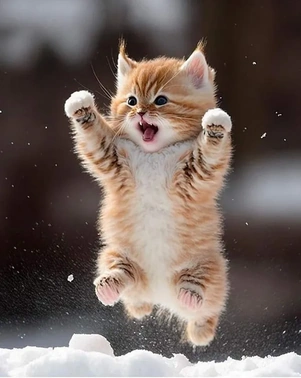
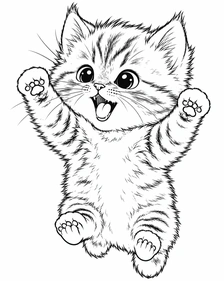
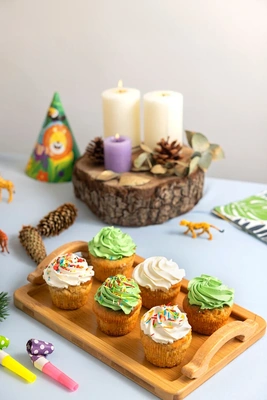
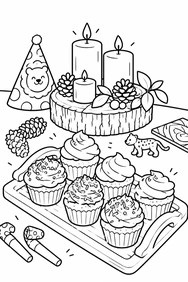
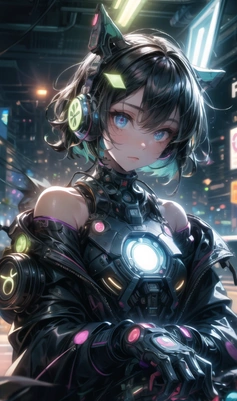
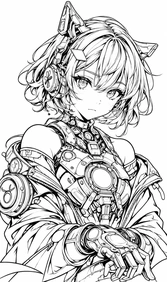

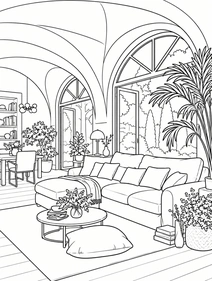
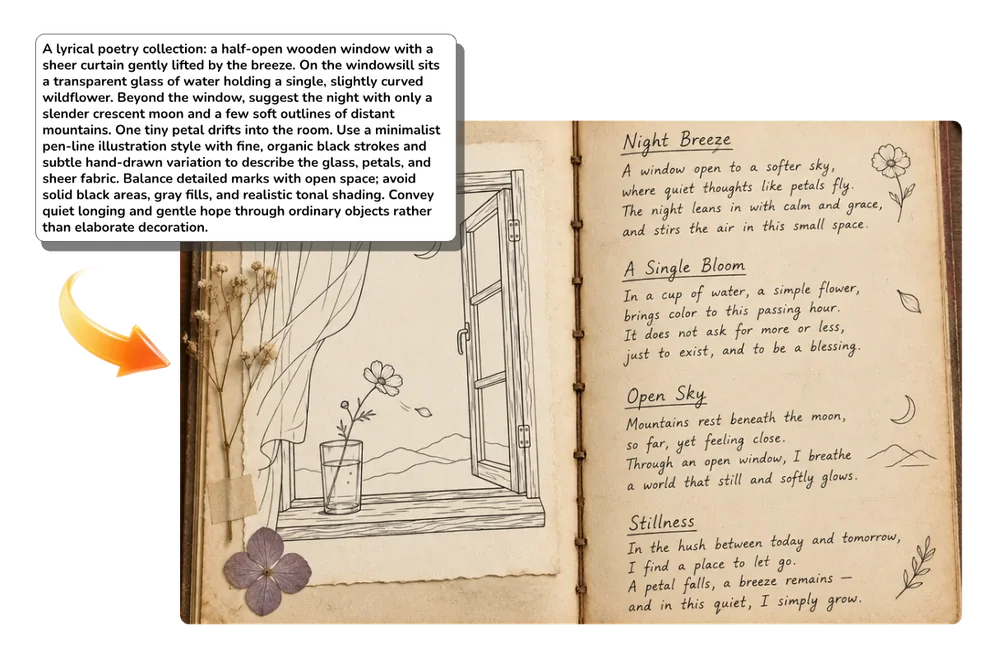
Describe what you want to draw, including details like the subject, action, and setting. If you’re starting with an image, upload a high-resolution photo with a clear subject.
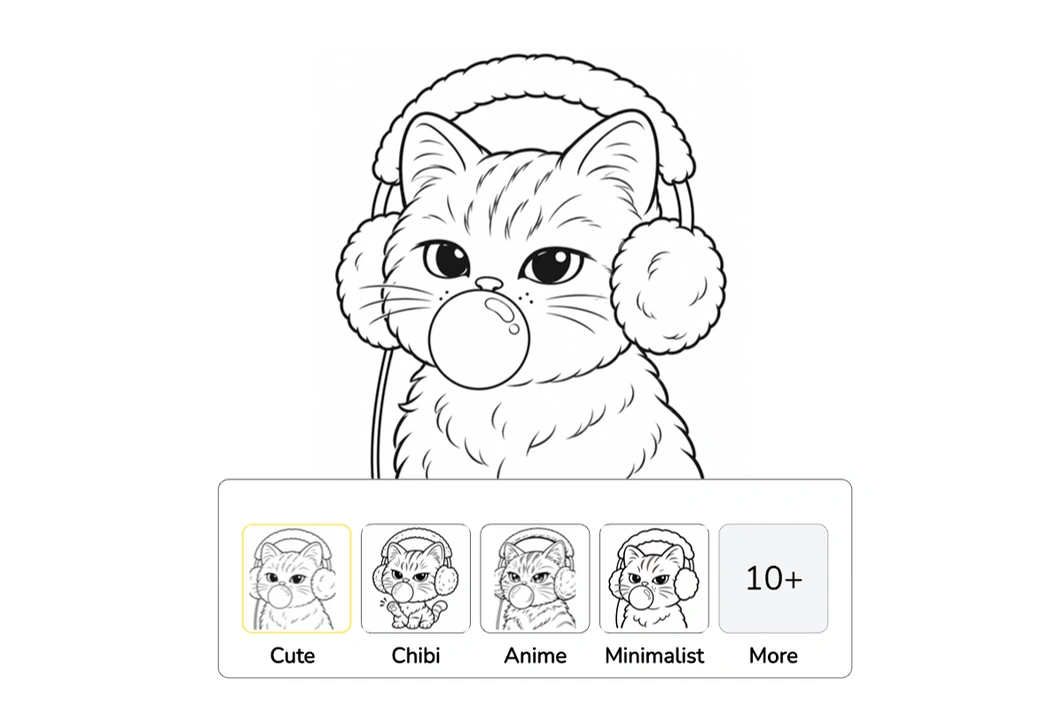
For text prompts, choose from Cartoon, Geometric, Mandala, Stained Glass, and more. For photo conversion, the options include Cute, Chibi, Anime, Minimalist, and Sketch.
Click Generate to create your line art in seconds. Preview the result and download it when you’re happy with it. Print it to practice tracing or add color by hand.
An AI line art generator is a tool that creates digital line drawings from text or photos without manual tracing. With MindVideo AI, you can make portrait sketches, illustrations, and coloring pages in your browser.
Have an idea but don’t know how to draw it? Just describe what you have in mind, and our AI will turn it into a line drawing. No drawing experience needed.
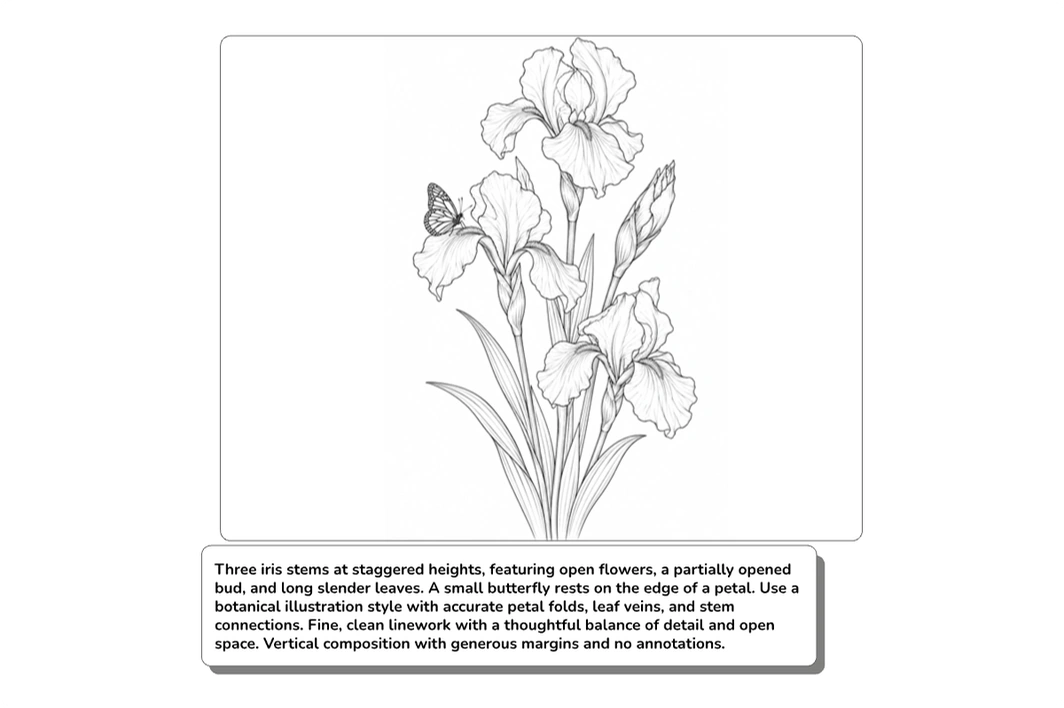
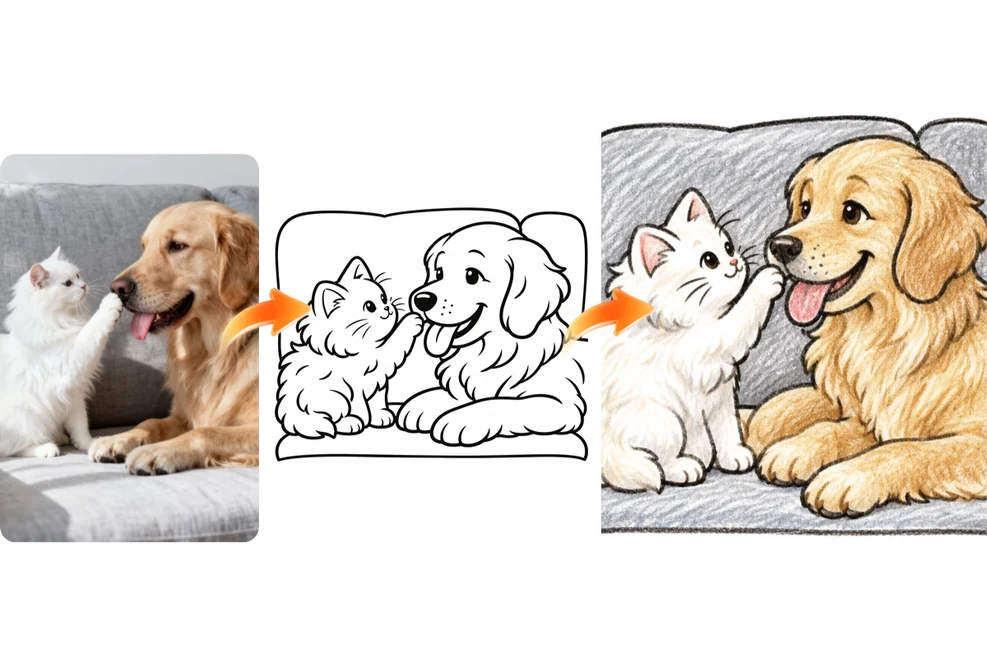
Create clean line art from the photos you already have. Our AI preserves key shapes and details of the original image. No manual tracing required.
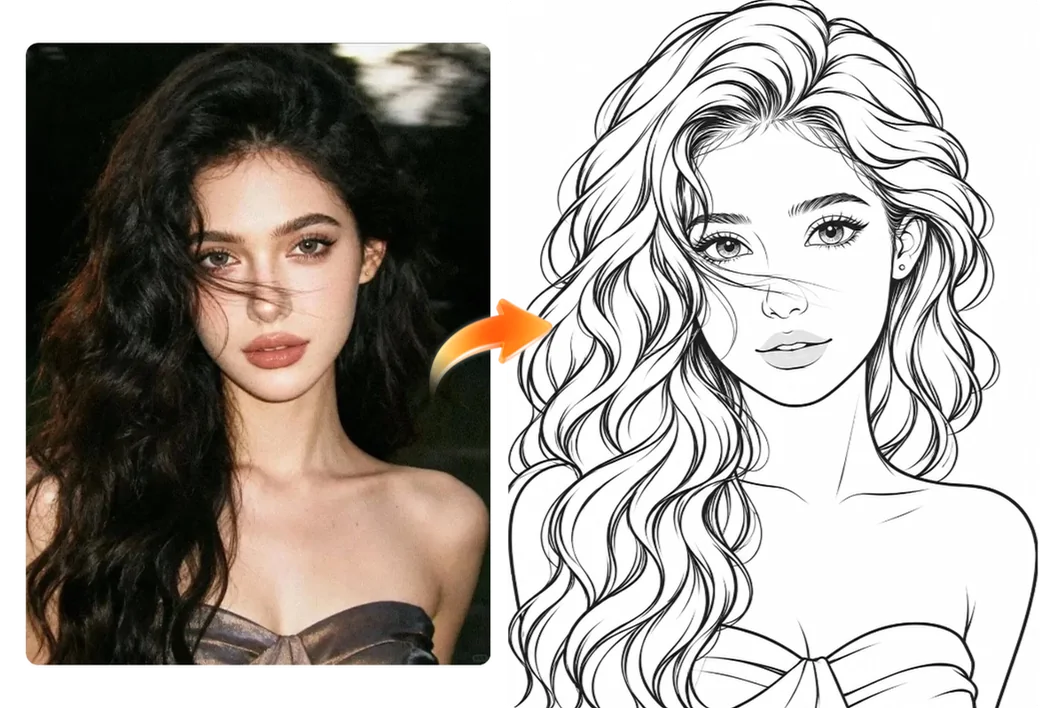
Try Chibi for a playful look or Sketch for a pencil-drawn effect. Choose Cartoon for character illustrations, or explore Geometric and Stained Glass for decorative designs.
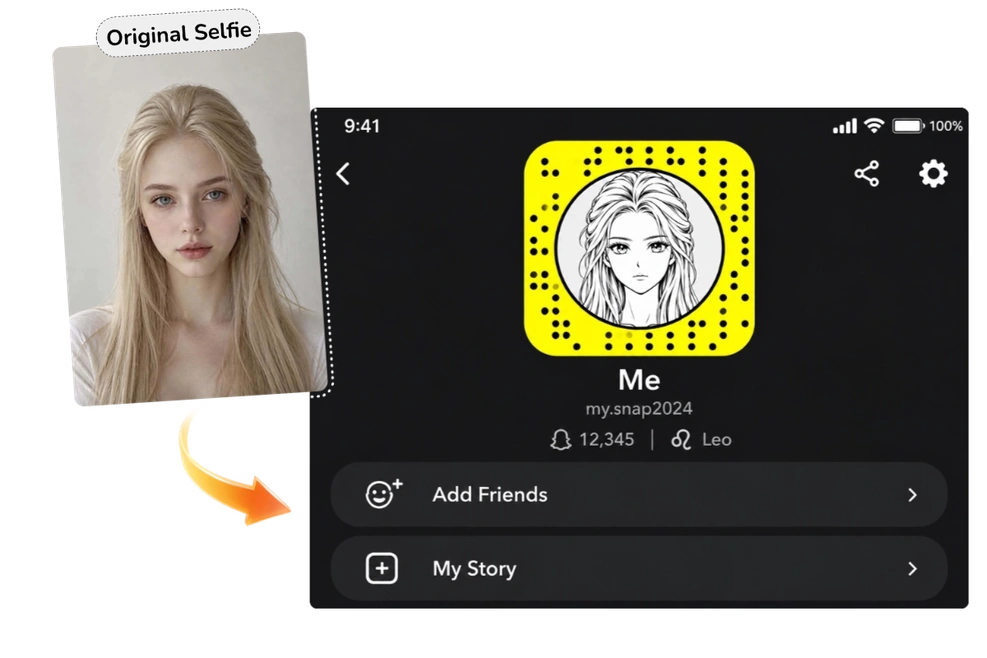
Want an avatar that looks like you without putting your original photo on your profile? Turn your selfie into a custom line drawing. From face shape to hairstyle, AI preserves the details that make you recognizable. Give your profile a fresh look with your new line art avatar.
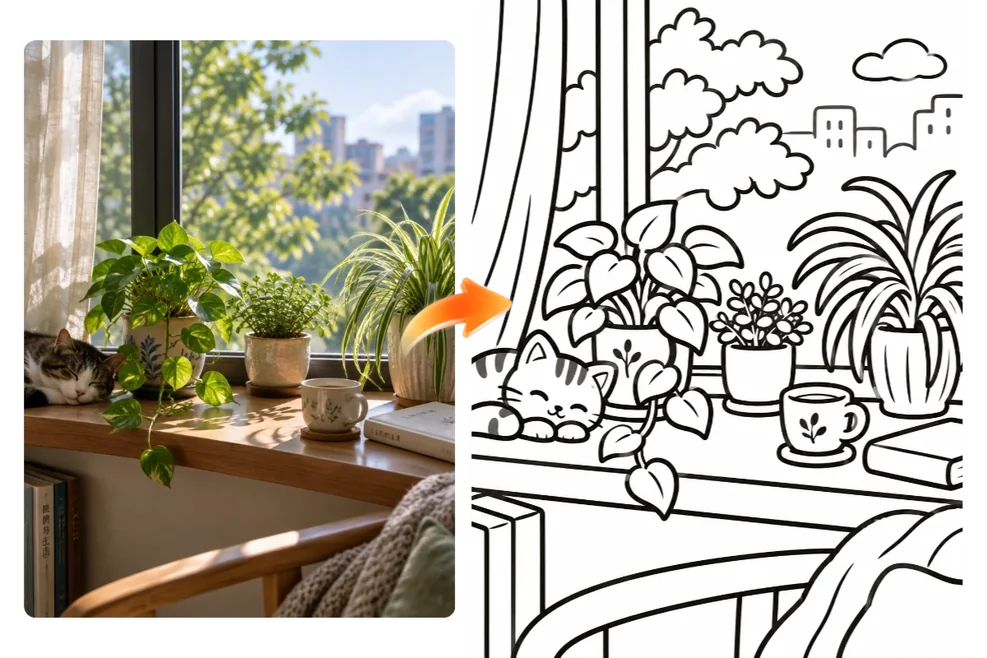
Make a drawing reference from a photo of your windowsill plant, an image of your favorite character, or anything else you’d like to sketch. AI converts the image into line art so you can practice drawing the main shapes or print the outline and trace it by hand. No drawing skills required.
Need a simple illustration for your design? Describe what you want for a poster or book cover, or start with a photo of a street corner for your travel journal. AI turns your idea or photo into custom line art you can add to your project without drawing it from scratch.
Pick a photo you treasure from your album. It could be a snapshot of your dog asleep on the couch, a road trip selfie with friends, or a picture from your first date. Turn it into line art, print it out, and color it by hand. Frame it for your desk, or tuck it into a birthday or anniversary card.
Each generation uses 3 credits. You can use free credits without a paid membership. Earn credits by signing up, checking in daily, or inviting friends.
Downloads from free accounts include a watermark. Paid members can download without one.
Yes, with a paid membership. Paid members can use their line art for client work, ads, or products they sell. Free users can use theirs for personal projects and share them on personal social media accounts. Make sure you have permission to use any images you upload.
Line drawings can include fine details, shading, and cross-hatching. Coloring pages typically have clear outlines, open spaces for coloring, and minimal shading. If you plan to print and color your drawing, ask for bold outlines, large open spaces, and little or no shading.
MindVideo AI processes your uploaded photos securely and deletes them automatically. We do not use your uploads to train AI models.
Find the right tool for your next photo edit or creative project.
