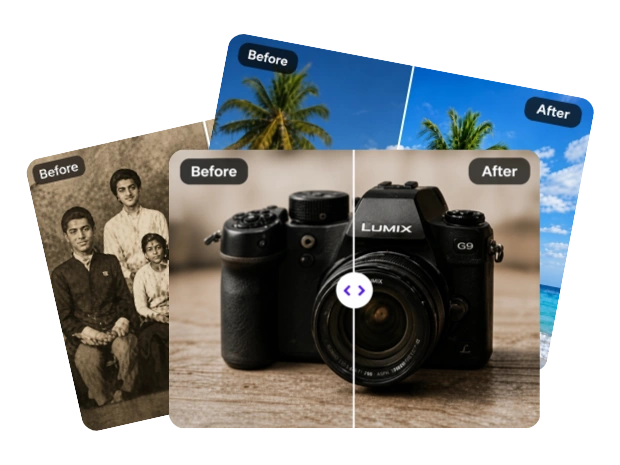

Make photos clearer and sharper with MindVideo AI. Upload any image to sharpen details, reduce blur, and upscale it up to 10x in seconds.
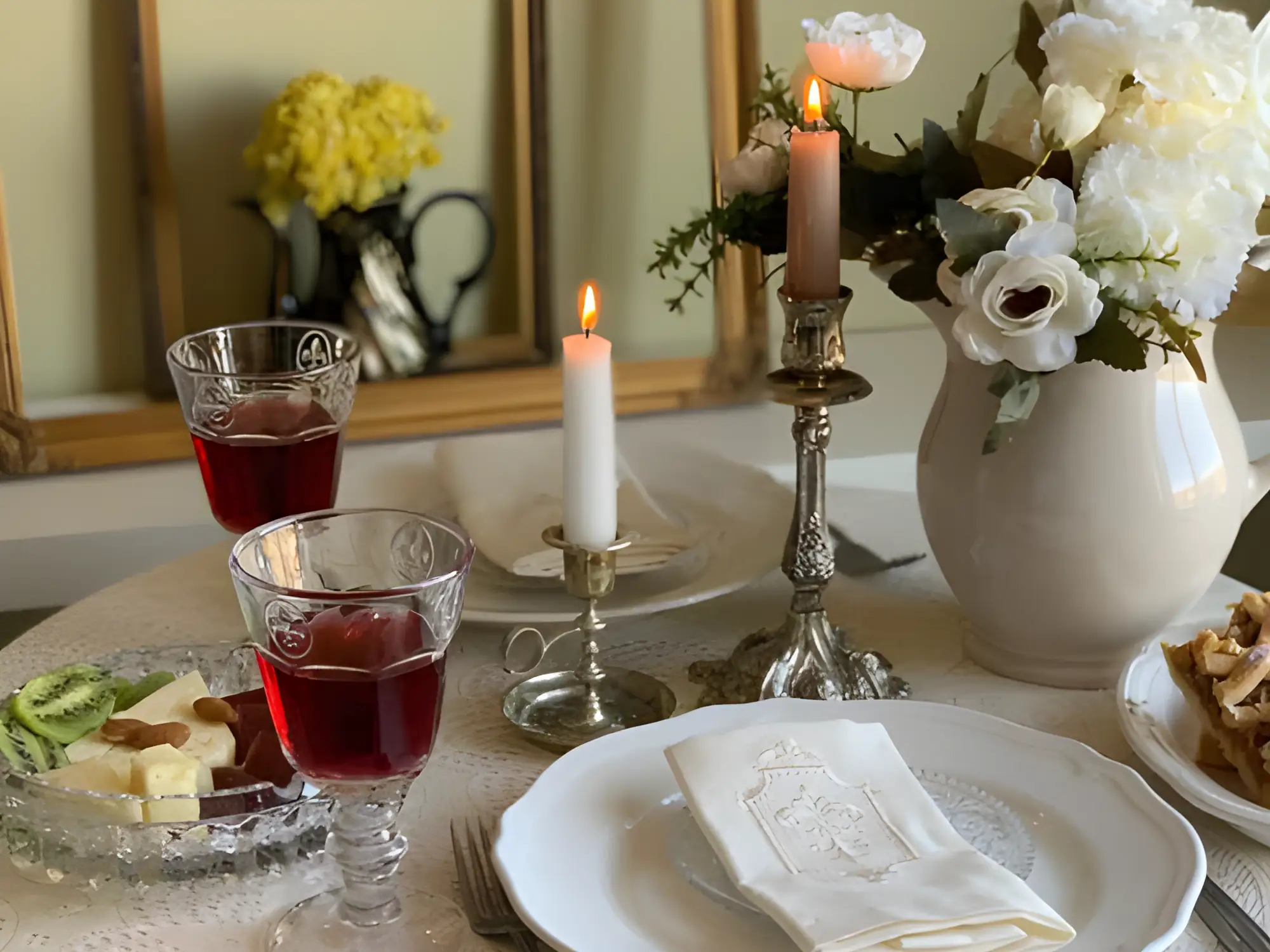

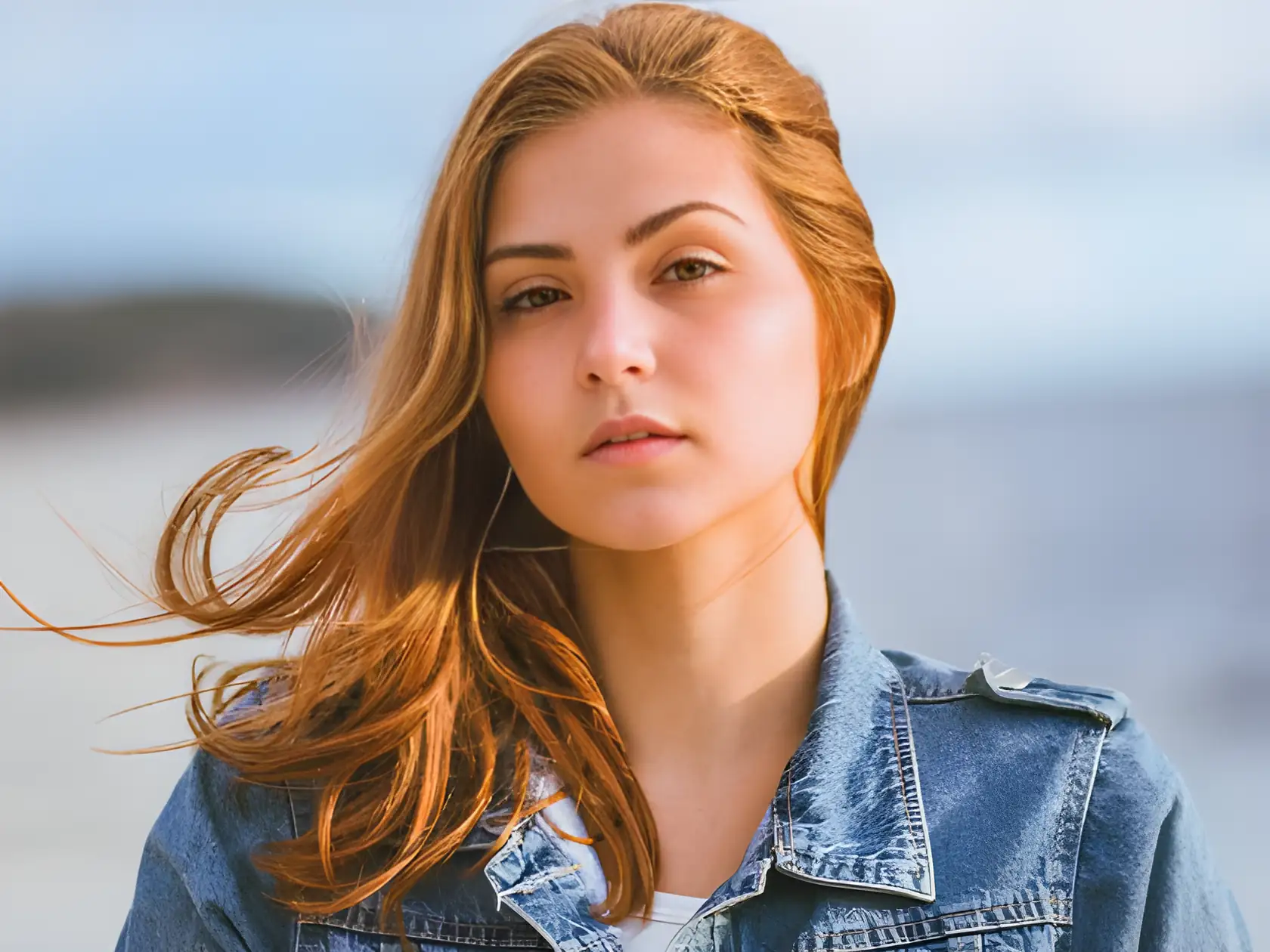
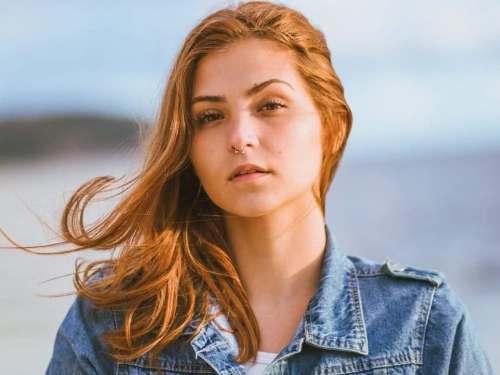
Result

Compare original images with enhanced results that show clearer details, sharper faces, and higher resolution.
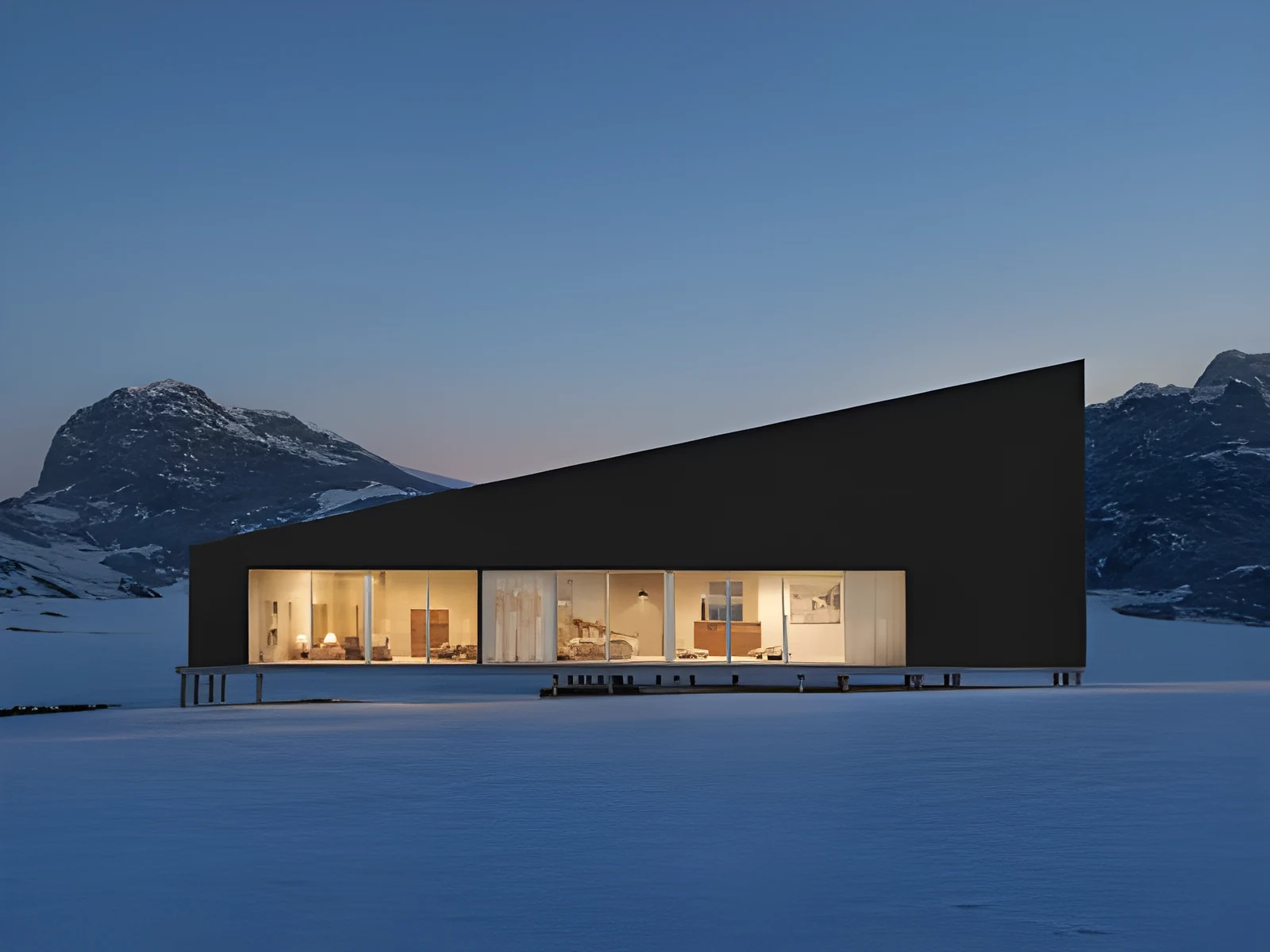
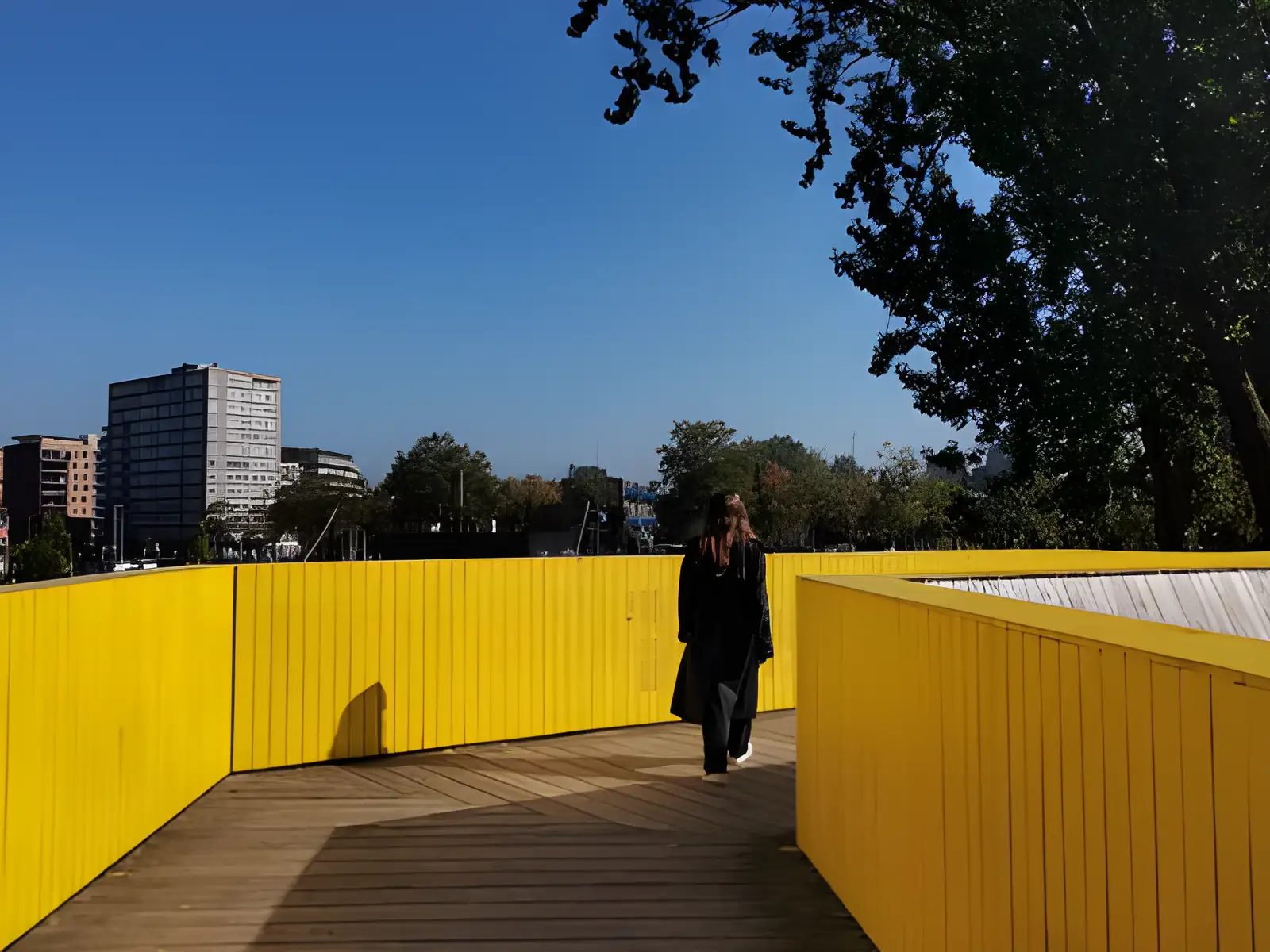
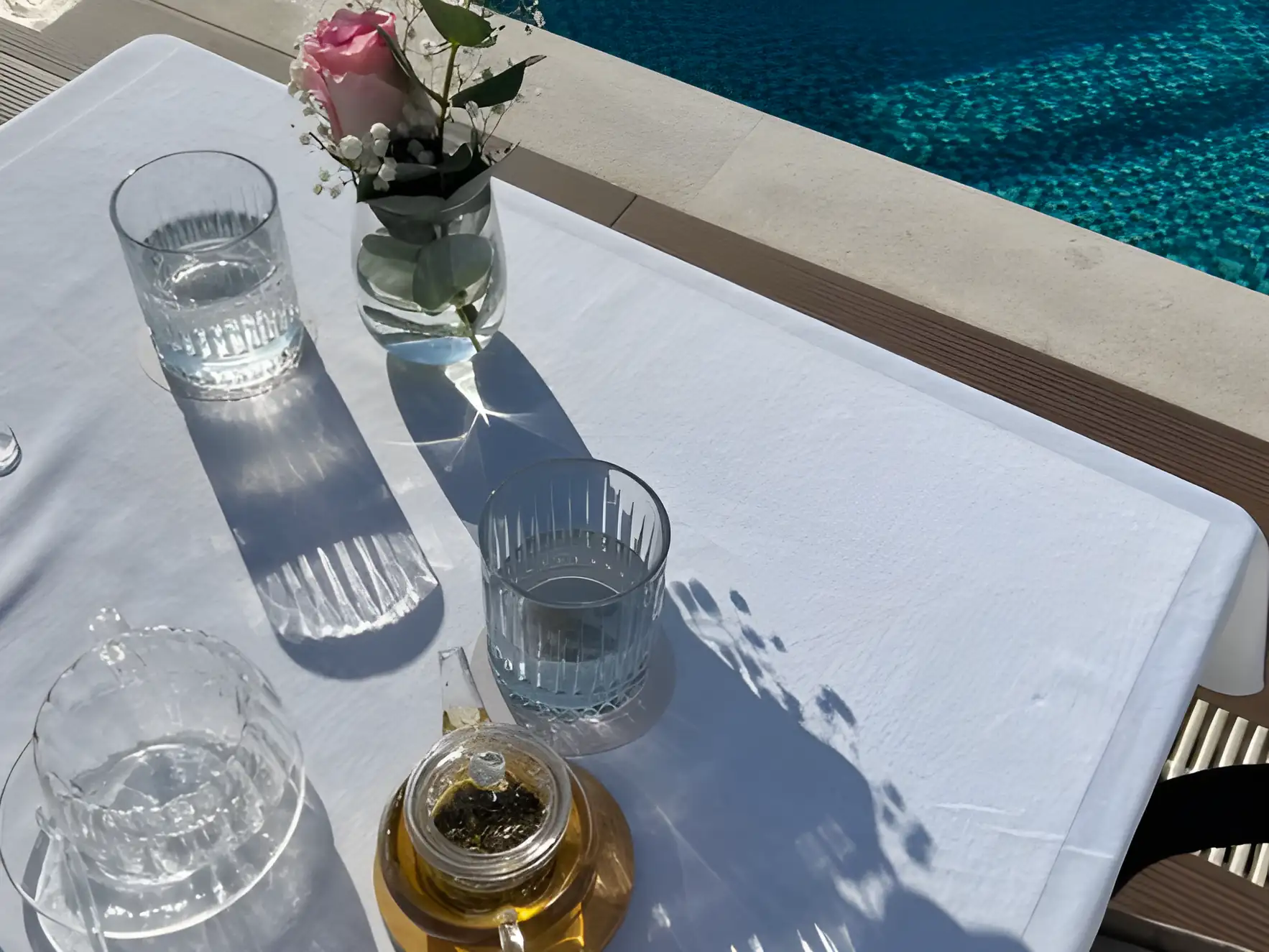

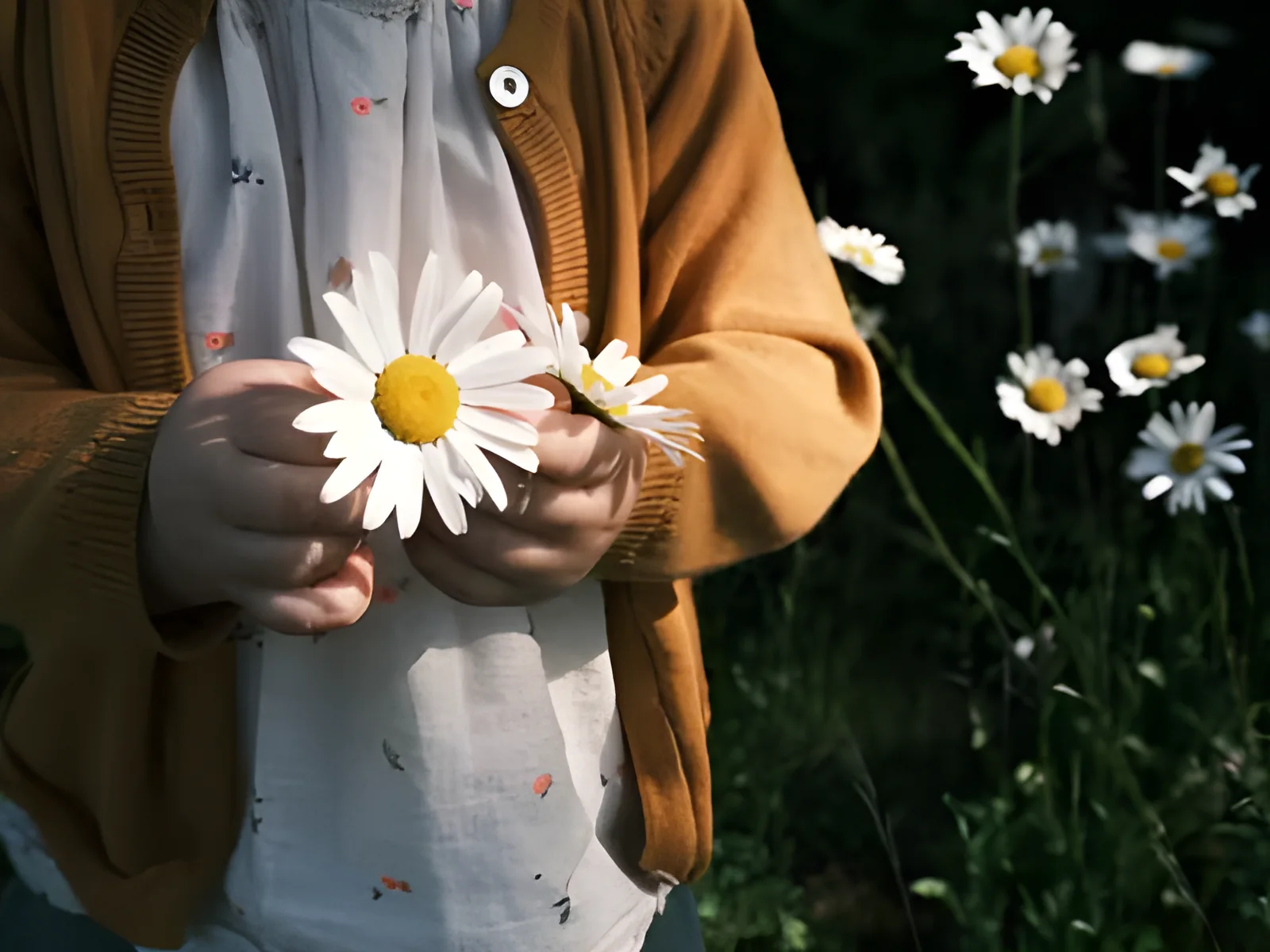


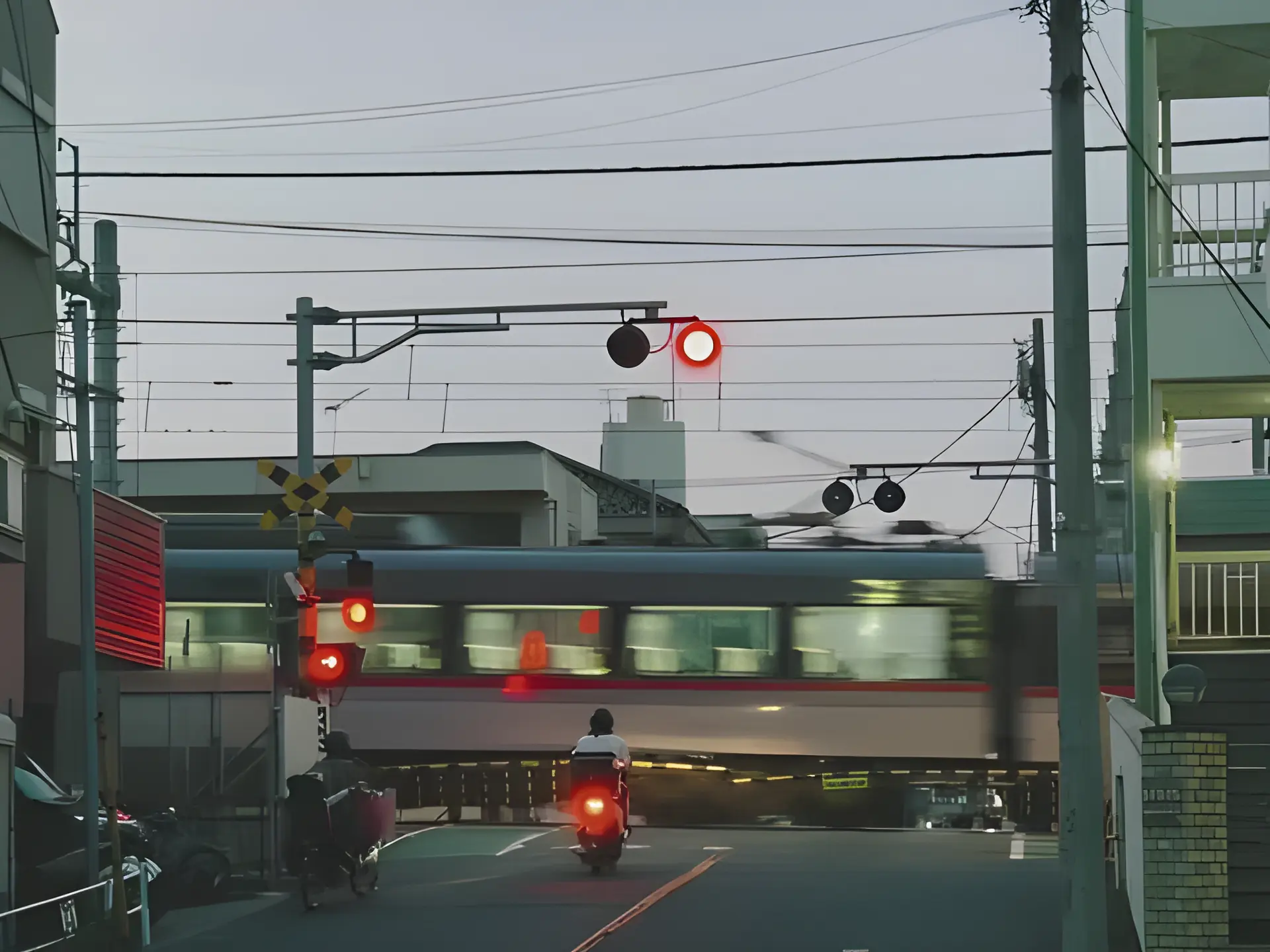
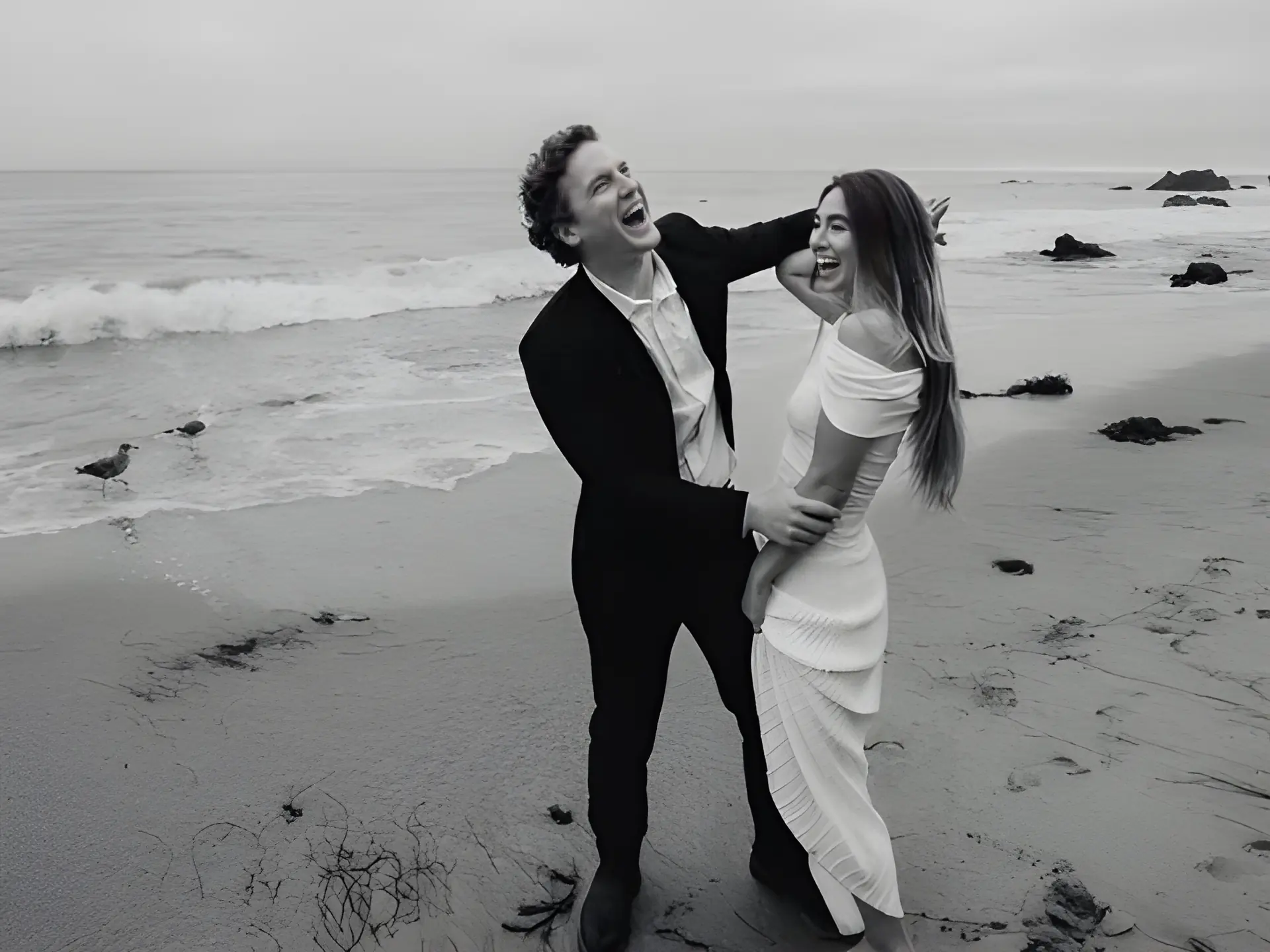
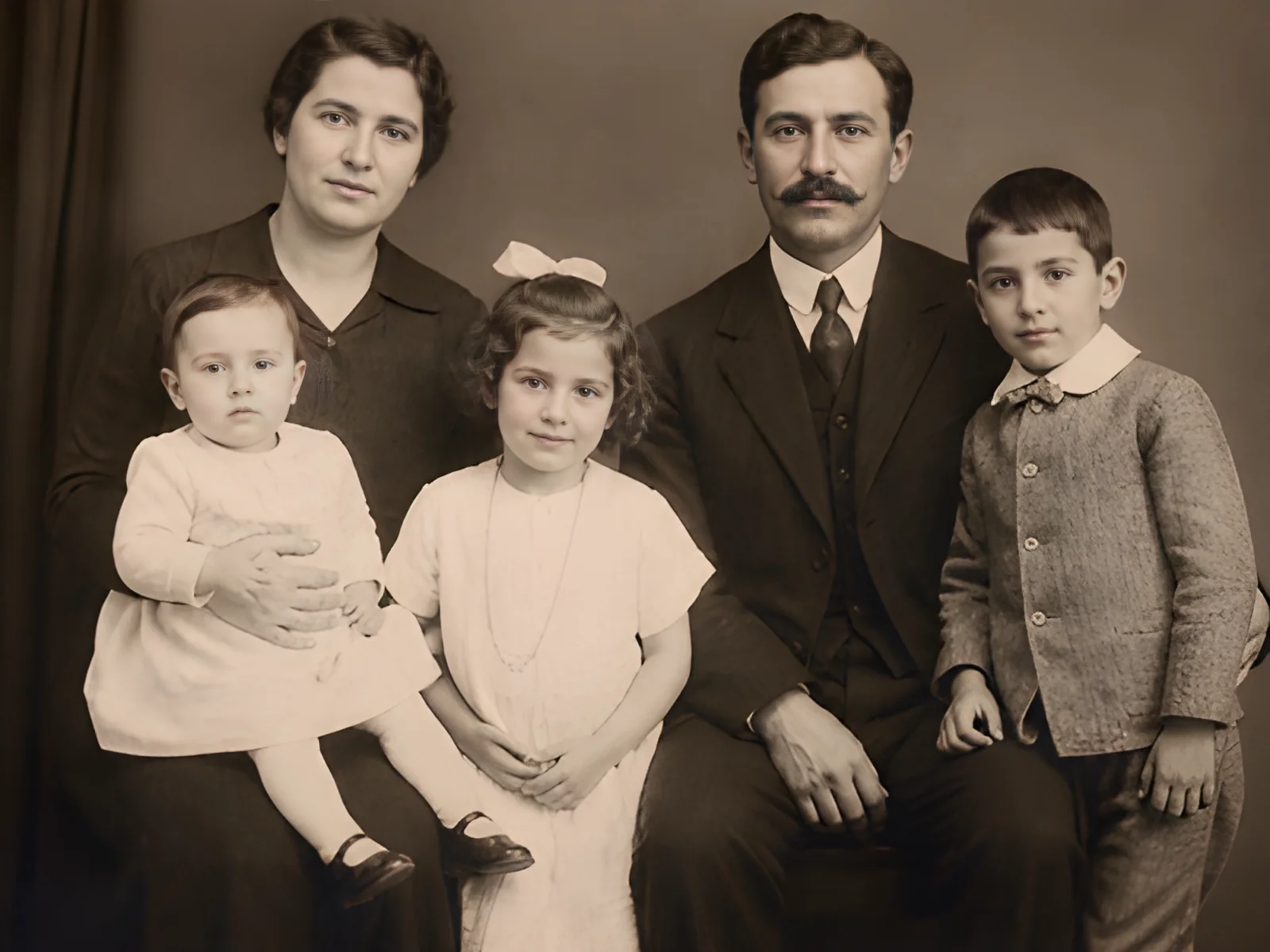
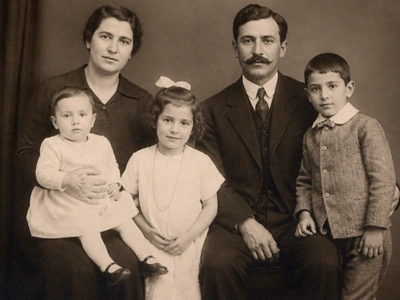
Improve quality, reduce noise, and enhance face clarity in pictures of loved ones, childhood moments, and family gatherings. Transform faded memories into crisp, high-resolution images ready to share, frame, or print.
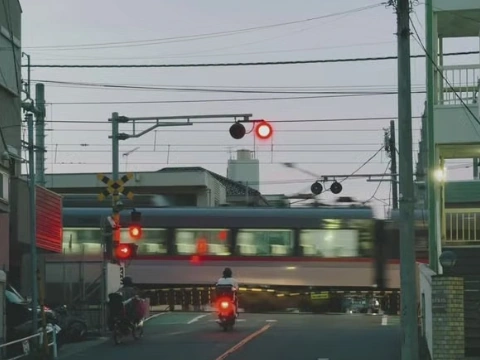
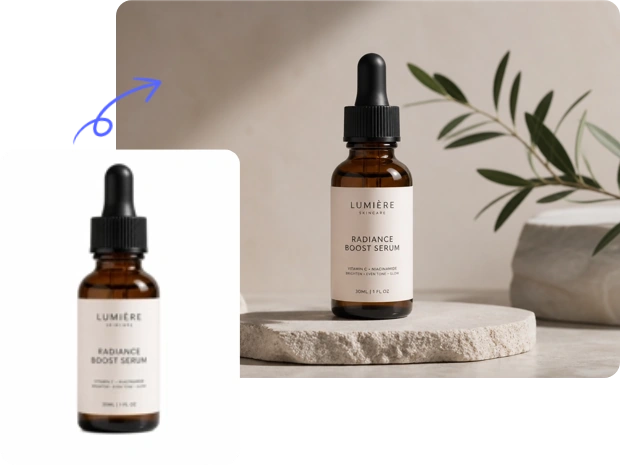
Turn low-resolution product shots, compressed campaign images, and pixelated banners into crisp, high-definition visuals. Sharpen edges, textures, and product details to showcase your message more clearly. Ideal for ecommerce pages, ads, and emails.
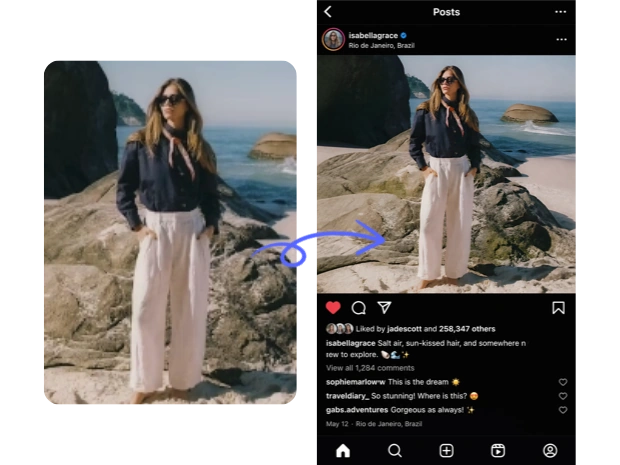
Enhance travel shots, everyday snaps, selfies, and low-resolution phone photos before you post. Sharpen details, fix soft focus, and make your pictures look cleaner on Instagram, TikTok, X, and other social media platforms. Clearer photos help your feed feel more polished and easier to notice.
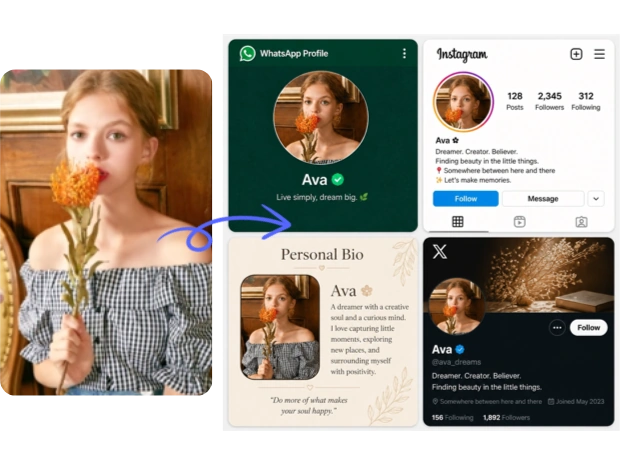
Upgrade casual snaps into sharper headshots, profile pictures, or polished portraits. Fix soft focus, sharpen facial details, and enhance textures naturally. Perfect for improving your resume photo, creator profile, business bio, or social media presence without a studio shoot.
Enhance image quality in just a few clicks. Upload your photo, choose a scale, and let MindVideo AI sharpen details, reduce blur, and upscale your image up to 10x.
Upload any photo you want to enhance, from portraits and product shots to social media images and marketing visuals. Common formats like JPG and PNG are supported.
Select how much you want to upscale your image: 2x, 4x, 6x, 8x, or 10x. For social media or quick clarity improvements, 2x or 4x is often enough. For ecommerce, printing, or other commercial uses, 8x or 10x can give you a larger, higher-resolution result.
Click "Generate" and let the AI image enhancer process your photo. Most images are enhanced in seconds. Larger scale settings may take a little longer because the tool needs to create more image detail.
For the best result, upload the highest-quality original image available. AI can improve clarity, sharpen details, and reduce blur, but very tiny, heavily damaged, or fully out-of-focus images may still have limits.
Our AI Photo Enhancer is available to free users. You can get free credits through registration, daily check-ins, invitations, and other available rewards. Each enhancement only uses a small number of credits based on the scale you choose, starting from just 2 credits.
Upscale your images while keeping the result clean, realistic, and close to the original photo. Our tool can sharpen details, improve clarity, reduce blur, and enhance faces naturally without making the result look overly processed or artificial.
Enlarge your images without making small details look too soft, blurry, or distorted. Our AI helps preserve edges, textures, product details, clothing patterns, and visual structure, so your upscaled images stay clearer and easier to use afterward.
The workflow is simple from start to finish: upload your image, choose a scale, and click generate. Most photos can be improved in seconds. Higher scale settings may take a few seconds longer than 2x or 4x, but they can still finish quickly.
Your images are processed with encryption and are not used for other purposes without permission. MindVideo AI does not permanently store your images. Uploaded and generated files are automatically deleted after a limited period.
An AI image enhancer is a tool that helps improve picture quality automatically. It can sharpen details, reduce blur, improve clarity, and upscale low-resolution images without requiring manual editing skills.
Yes. You can try the AI Photo Enhancer with free credits. Each enhancement uses credits based on your selected scale, starting from 2 credits. If you need more credits, you can earn them through available rewards or upgrade for more usage.
You can choose from 2x, 4x, 6x, 8x, and 10x. For quick photo cleanup, 2x or 4x is often enough. For printing, ecommerce, or commercial use, 8x or 10x may be a better choice.
In most cases, no. MindVideo AI enhances face clarity while keeping the result close to the original photo. However, results may vary depending on the quality of the uploaded image.
Commercial rights are available for paid users. Free users can use enhanced images for personal creative projects, social media posts, and other non-commercial purposes. For commercial use, make sure you have the right to use the original image.
This AI image enhancer is made for photos and still images. If you want to improve video quality, you can explore the AI video enhancer available on MindVideo AI.

Upload any photo and let AI improve clarity, sharpen details, and upscale your image up to 10x in seconds. No editing skills needed.
Enhance Your Image Now