Free to Try
Free users can use the AI hairstyle changer with credits. Each hairstyle generation uses only a small number of credits, and free credits can be earned through sharing, invitations, and other available channels.

Upload your photo to MindVideo AI Hairstyle Changer and try on any hairstyle online. Preview natural-looking long, short, curly, retro hairstyles, and bangs before making a real change.
Try AI Hairstyle Changer
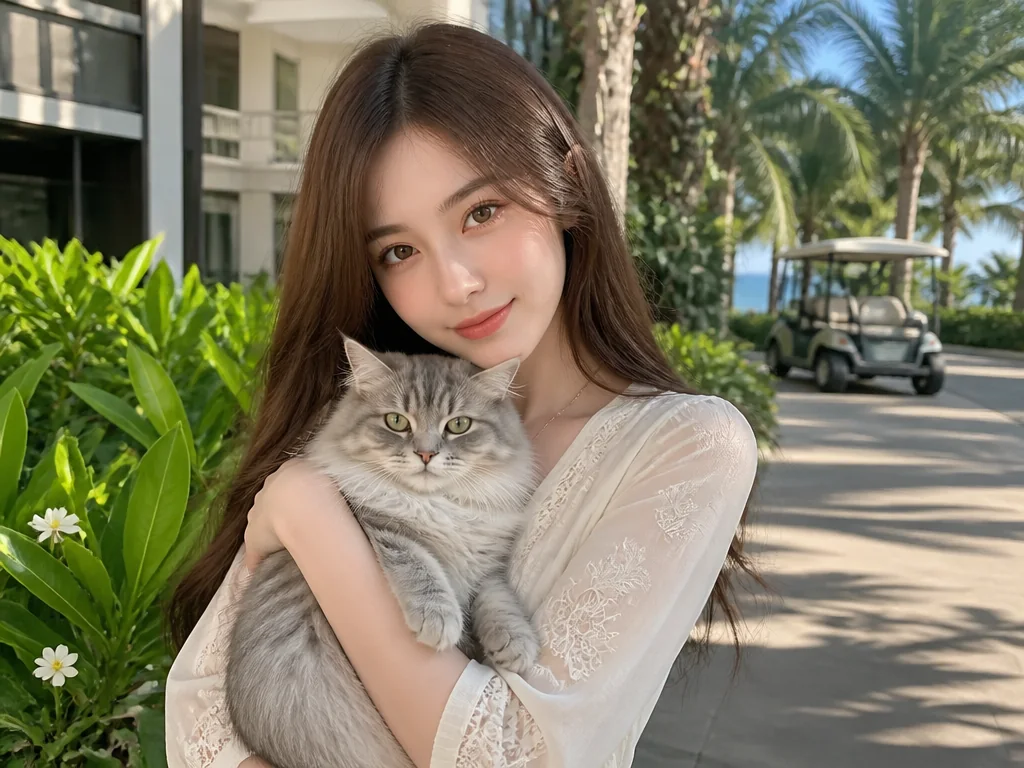
Upload a clear photo and choose a hairstyle style to start your AI hairstyle try-on.
Result
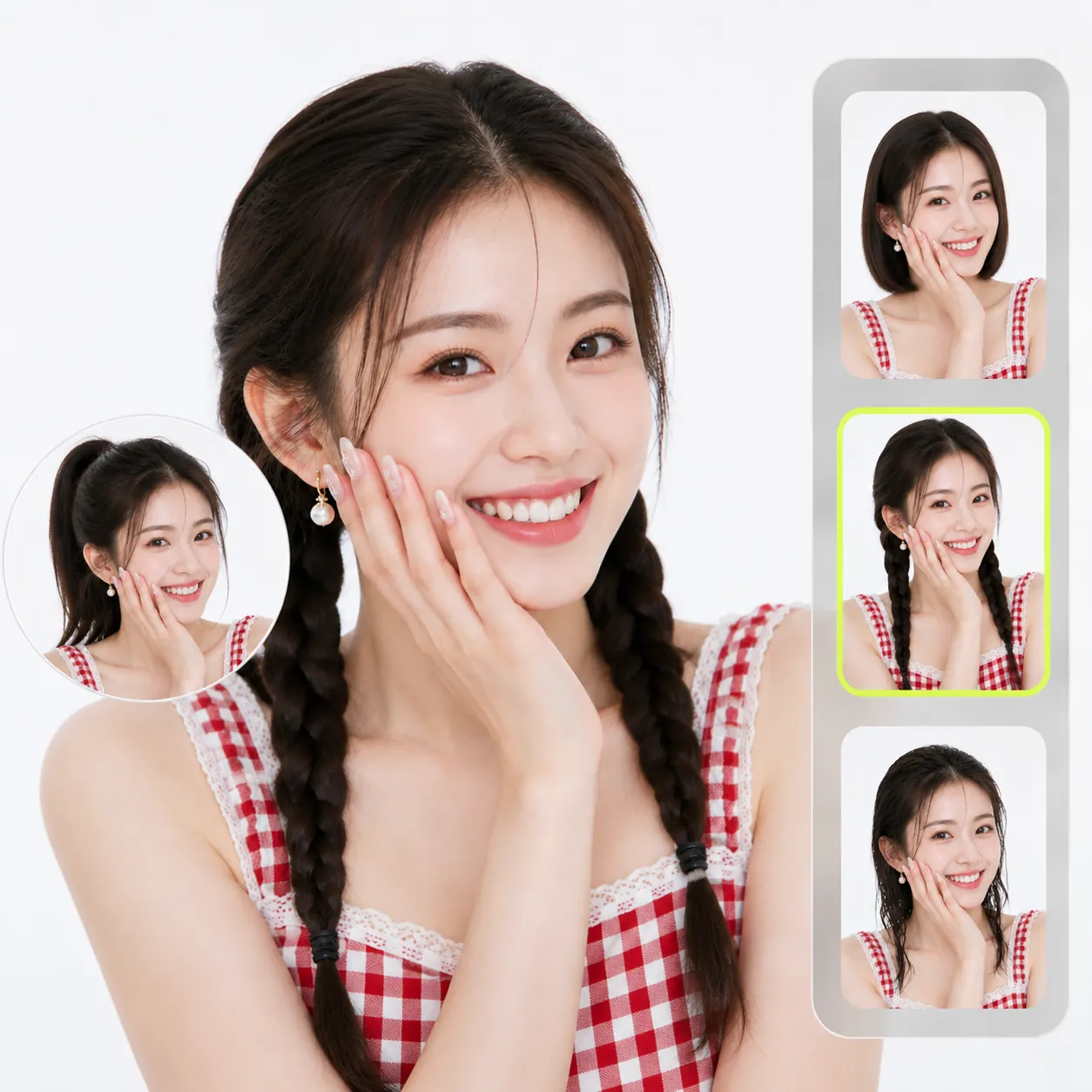
View before and after comparisons to see how our AI Hairstyle Changer creates lifelike hairstyle results while keeping the original face recognizable.
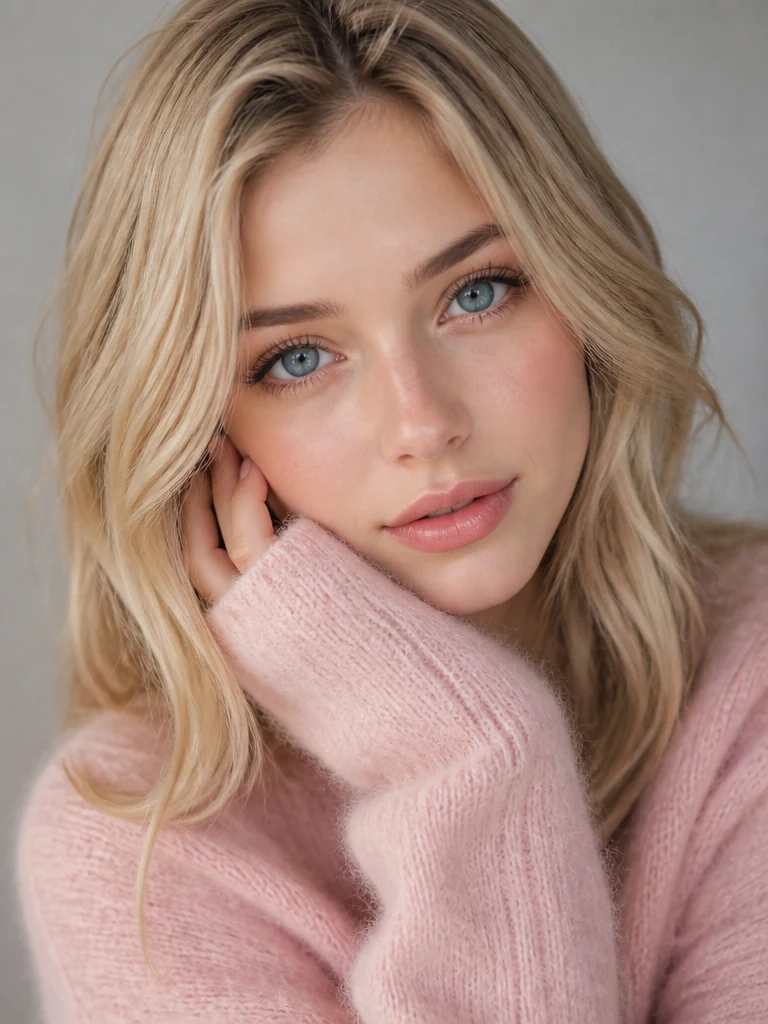
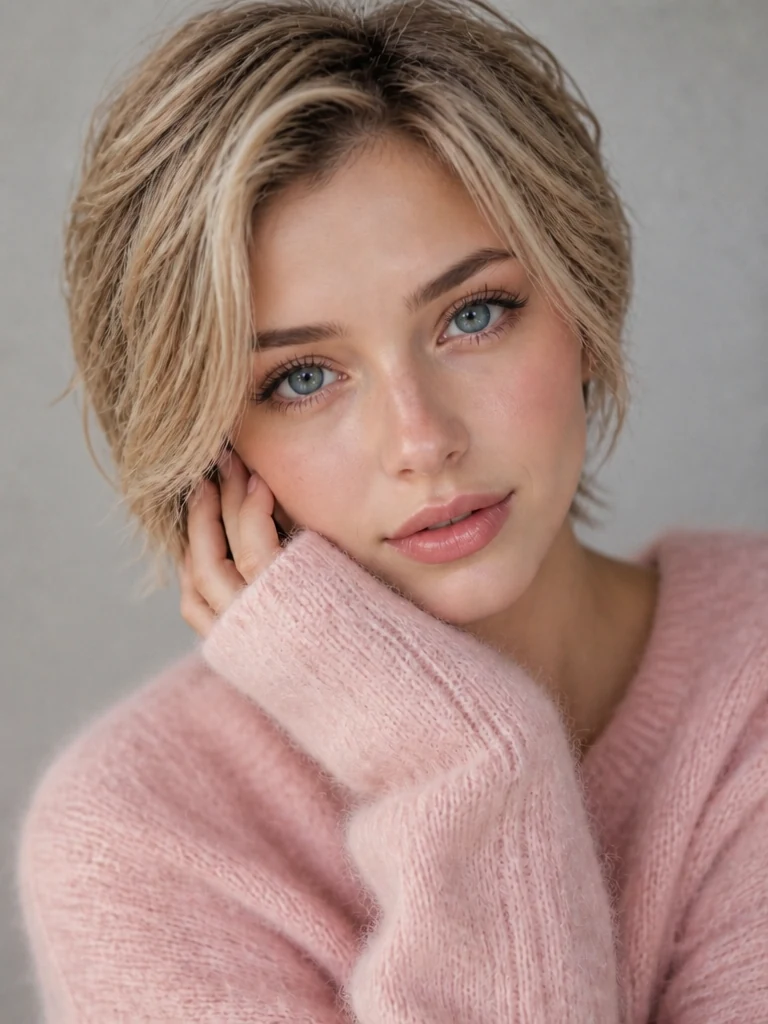
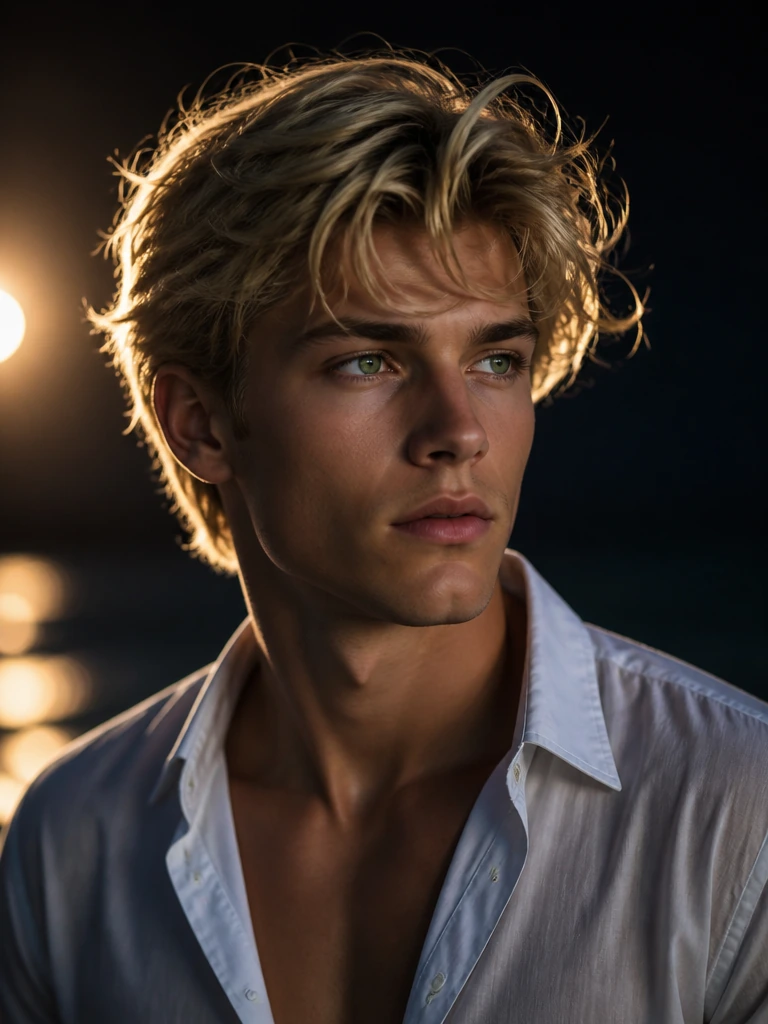
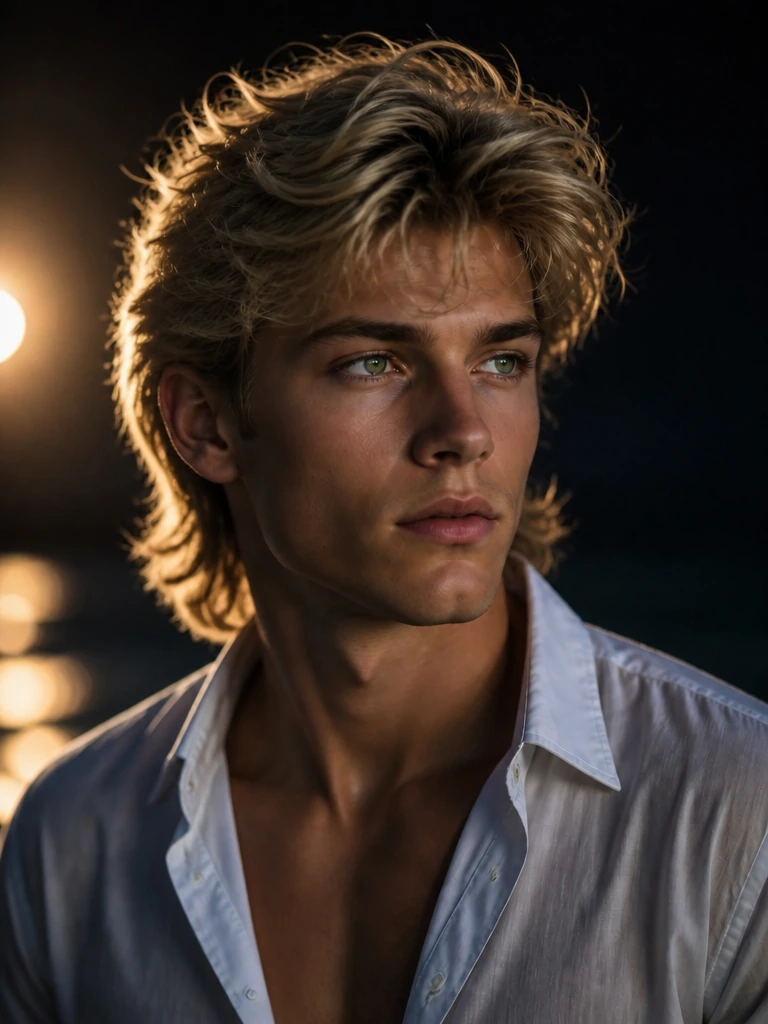
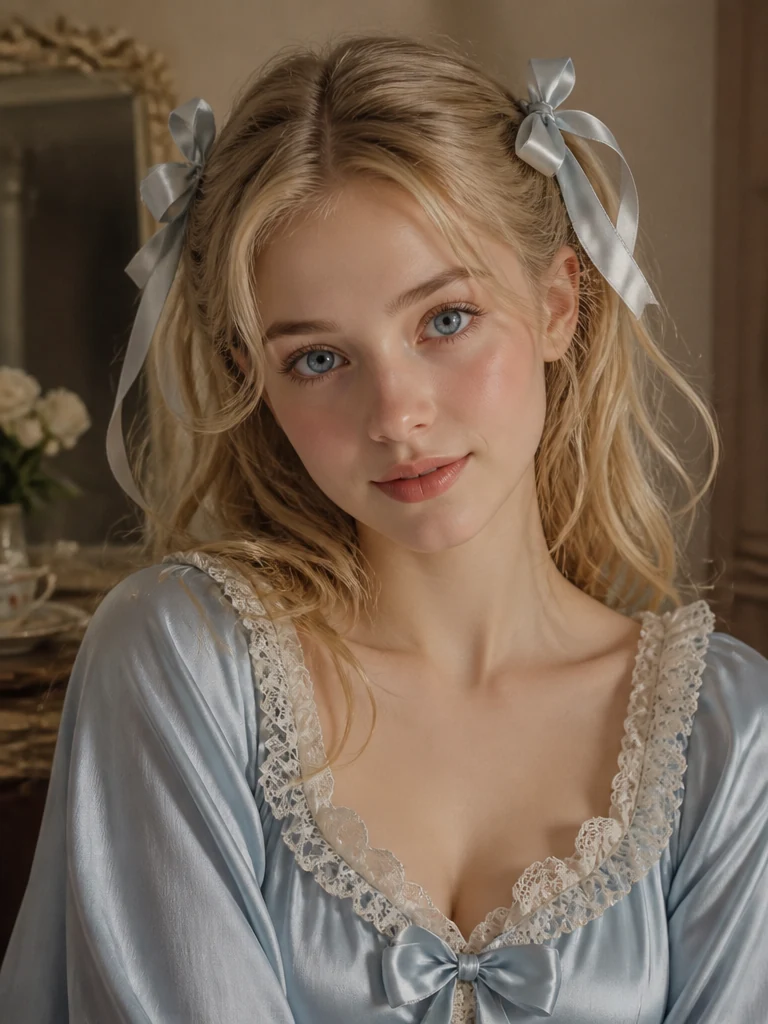
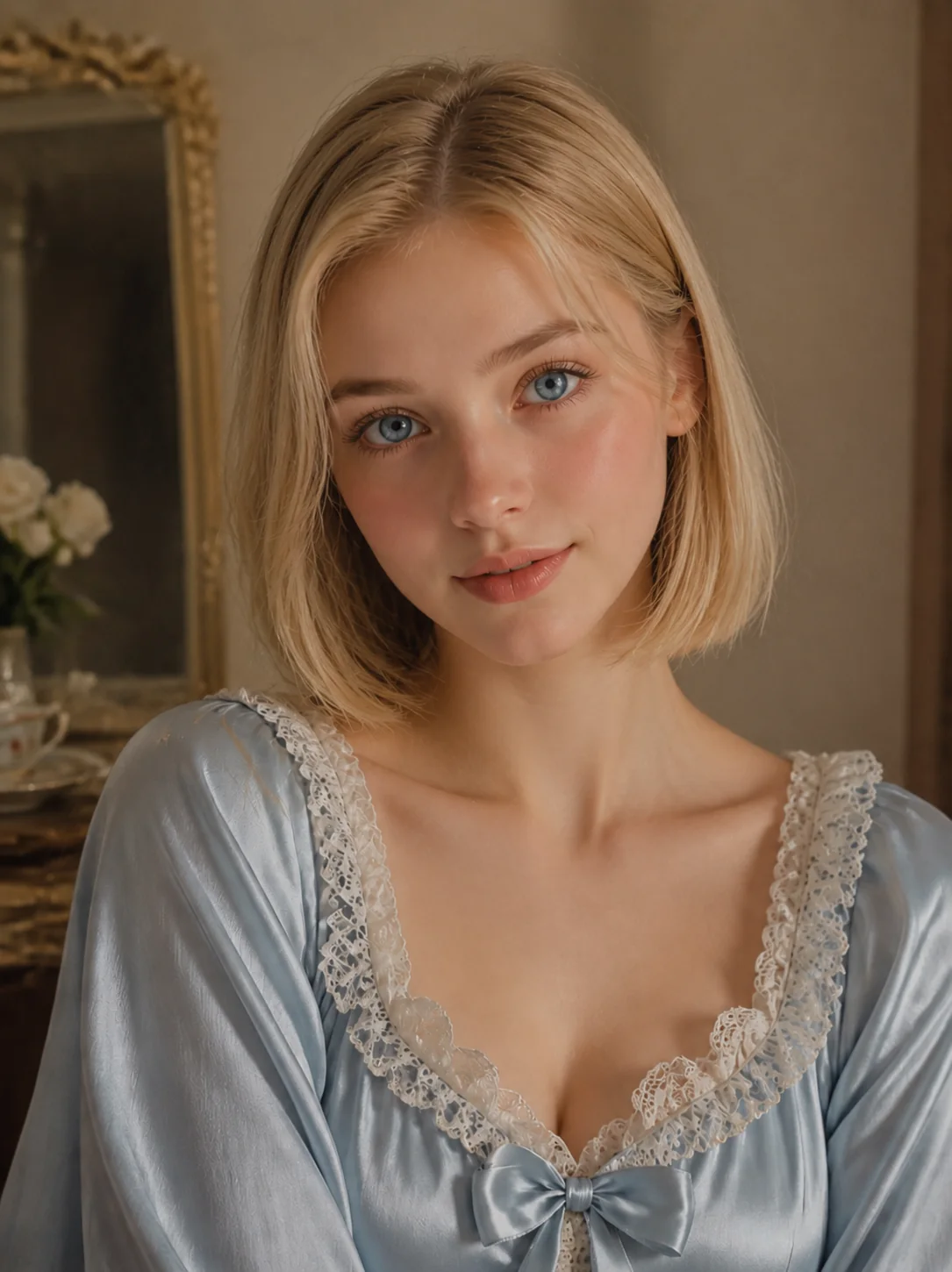
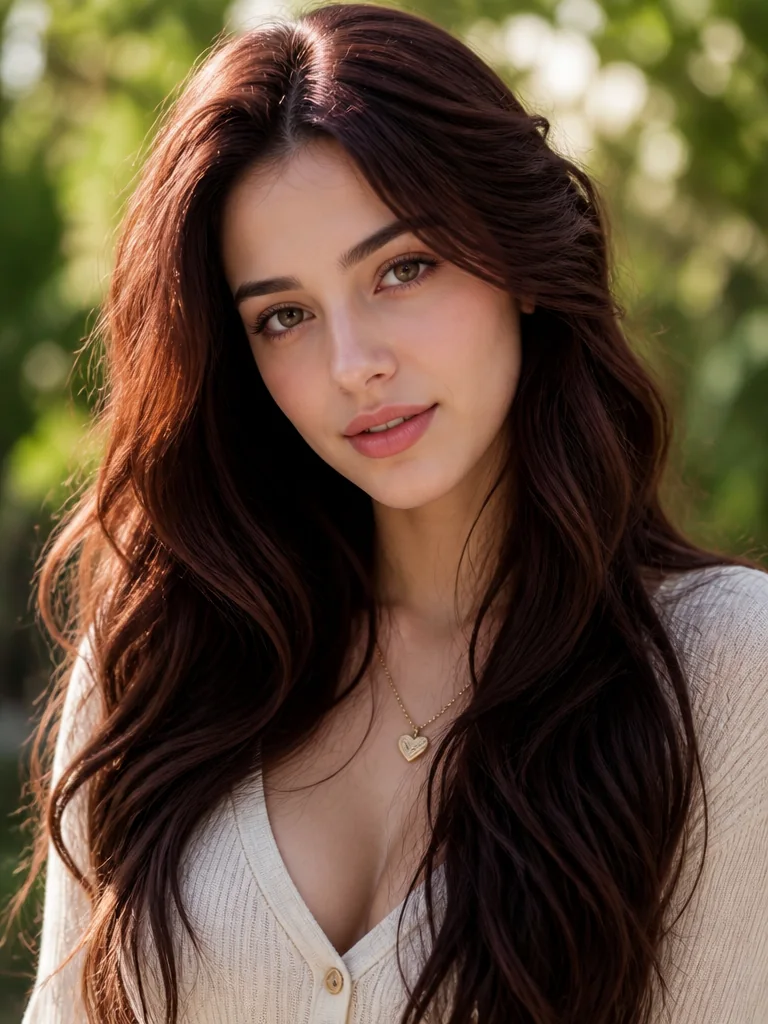
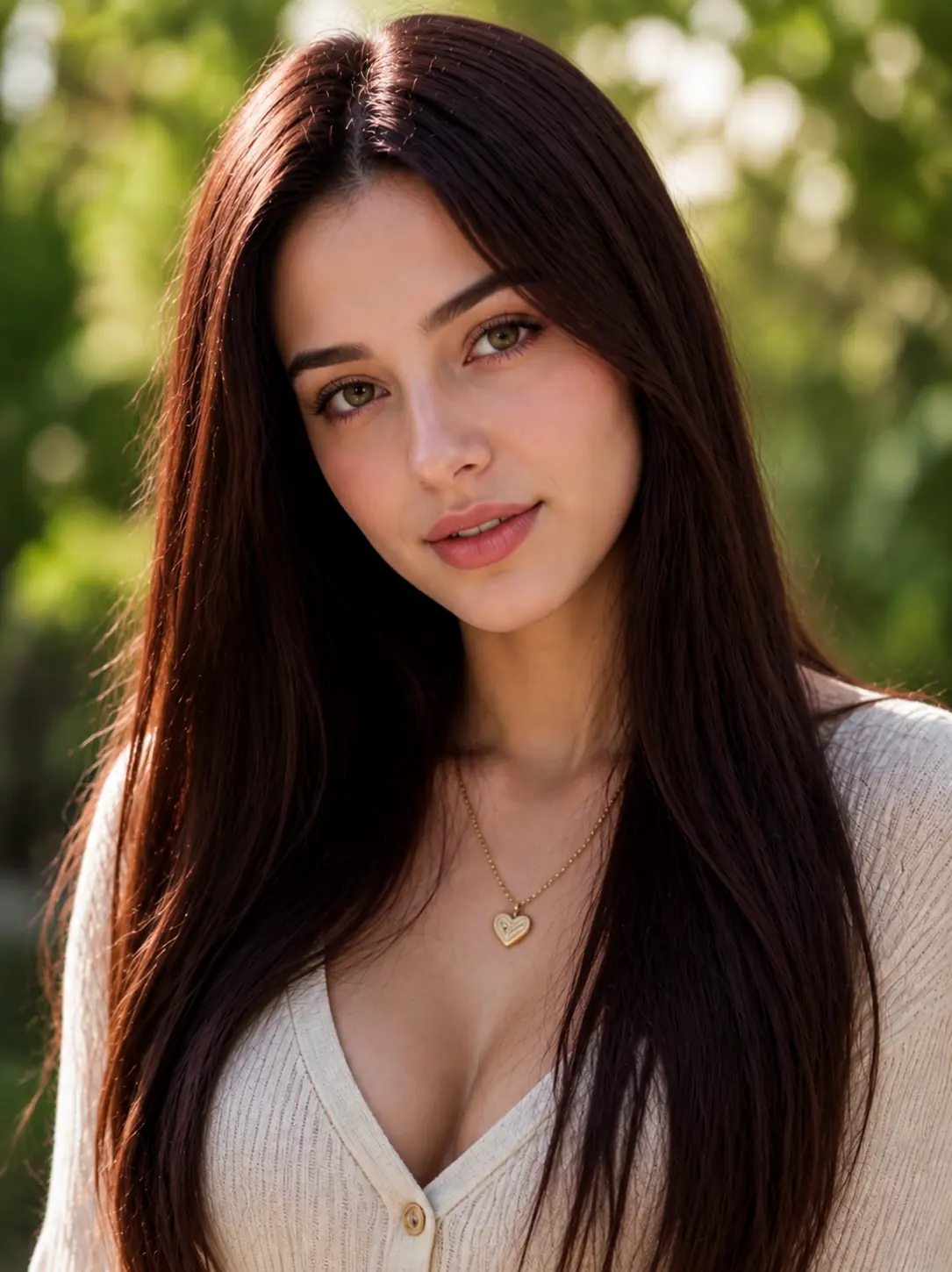
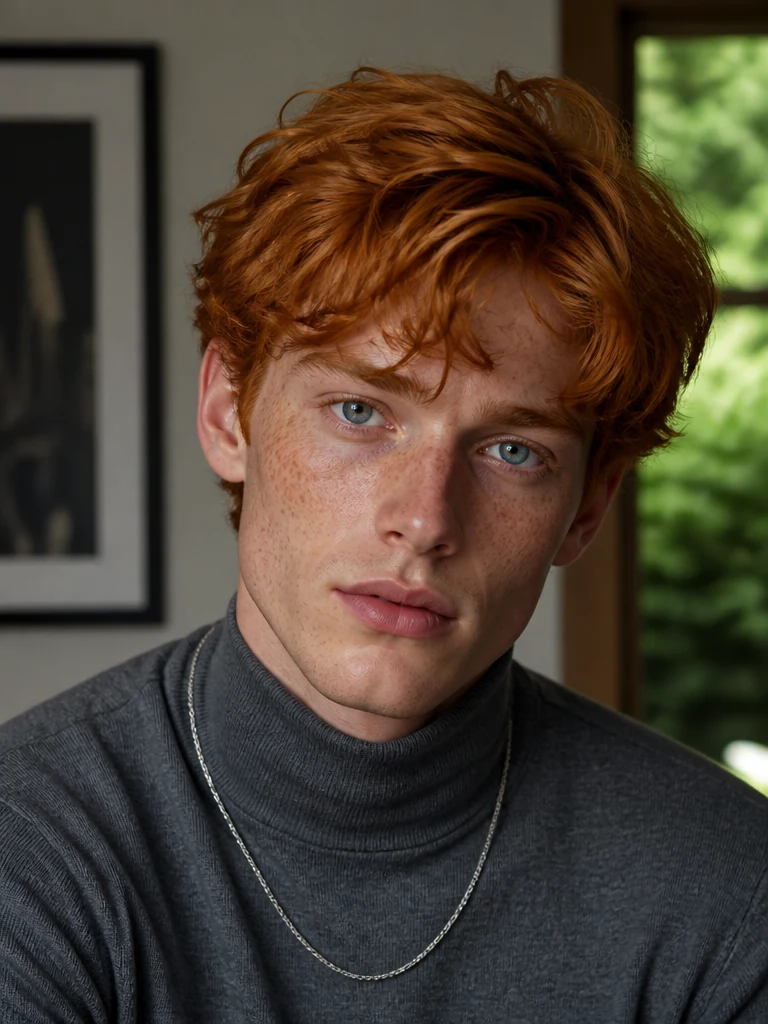
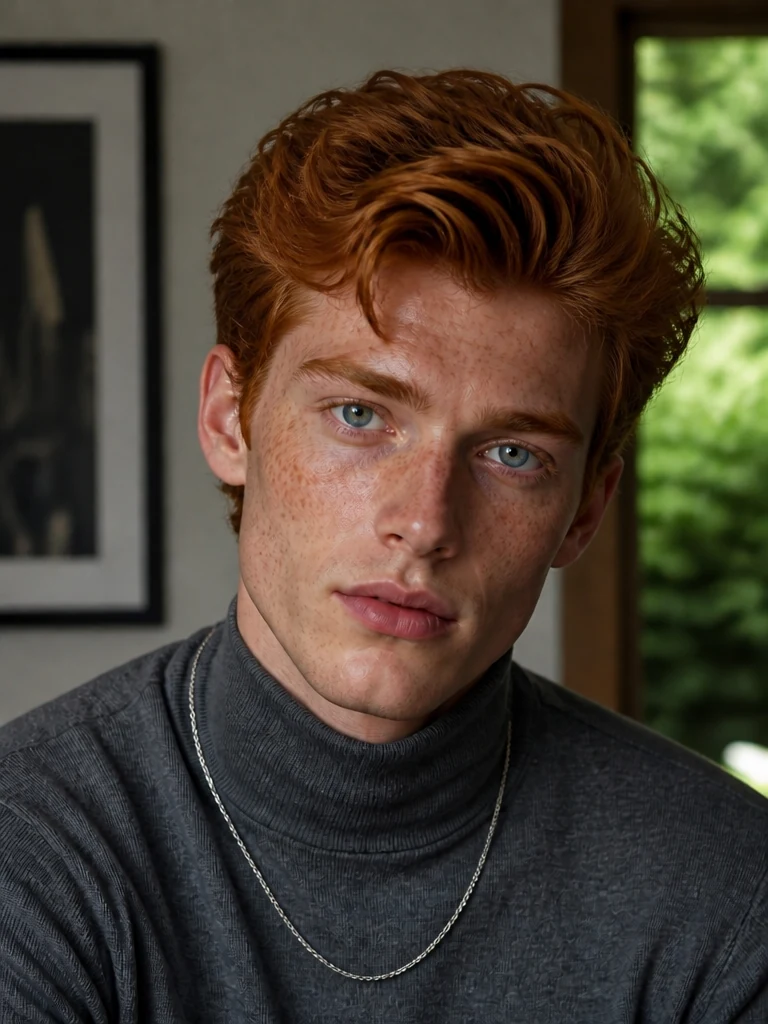
Free users can use the AI hairstyle changer with credits. Each hairstyle generation uses only a small number of credits, and free credits can be earned through sharing, invitations, and other available channels.
Try our tool directly in your browser. Whether you are on a phone, desktop, or tablet, you can upload a photo and generate an AI hairstyle result online.
When changing the hairstyle, the tool helps preserve your facial features, face shape, expression, skin tone, pose, and clothing details. The final image still looks like you with a new style.
MindVideo AI Hairstyle Changer generates new hairstyles based on the face angle, head position, and lighting in your original photo. The hair strands, edges, and volume blend more naturally with the image, so the result does not look like a wig placed on top. It also helps reduce stiff hairlines, broken edges, and uneven lighting that can make edits look fake.
The generation process is encrypted. Uploaded photos and generated images are automatically deleted after a set period. Subscribers can delete their assets at any time.
Try haircuts and hairstyles with AI for different goals. Preview a real haircut before you commit, create a share-ready look, generate a custom hairstyle from your idea, or apply a reference style to your own photo.
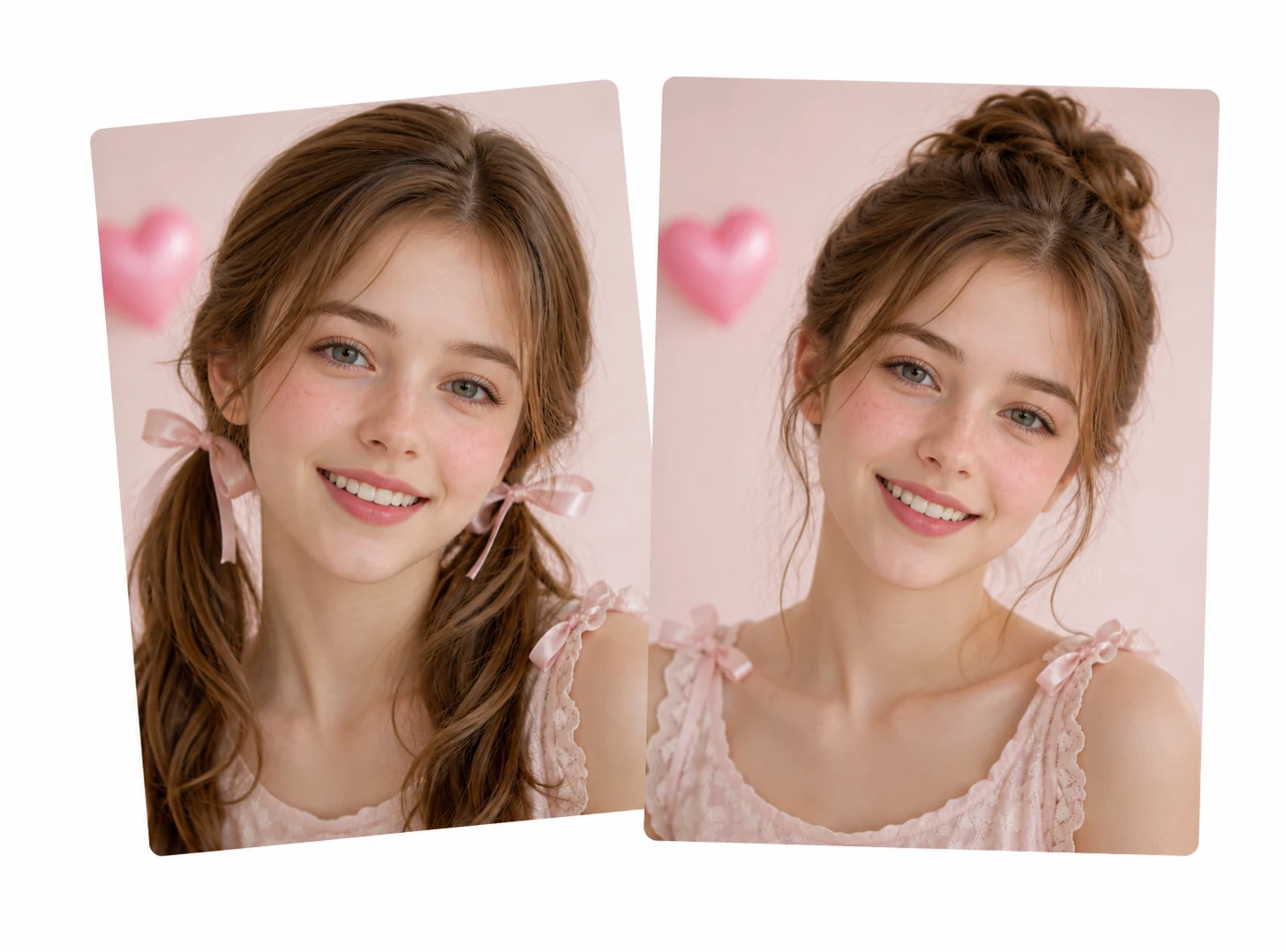
Want to try short hair, bangs, or a new style, but worry it may not suit your face or personal style? Upload your photo and preview the hairstyle before you cut. You can see how the length, shape, and overall look may appear on you, making it easier to decide before making a real change.
Preview Your Hairstyle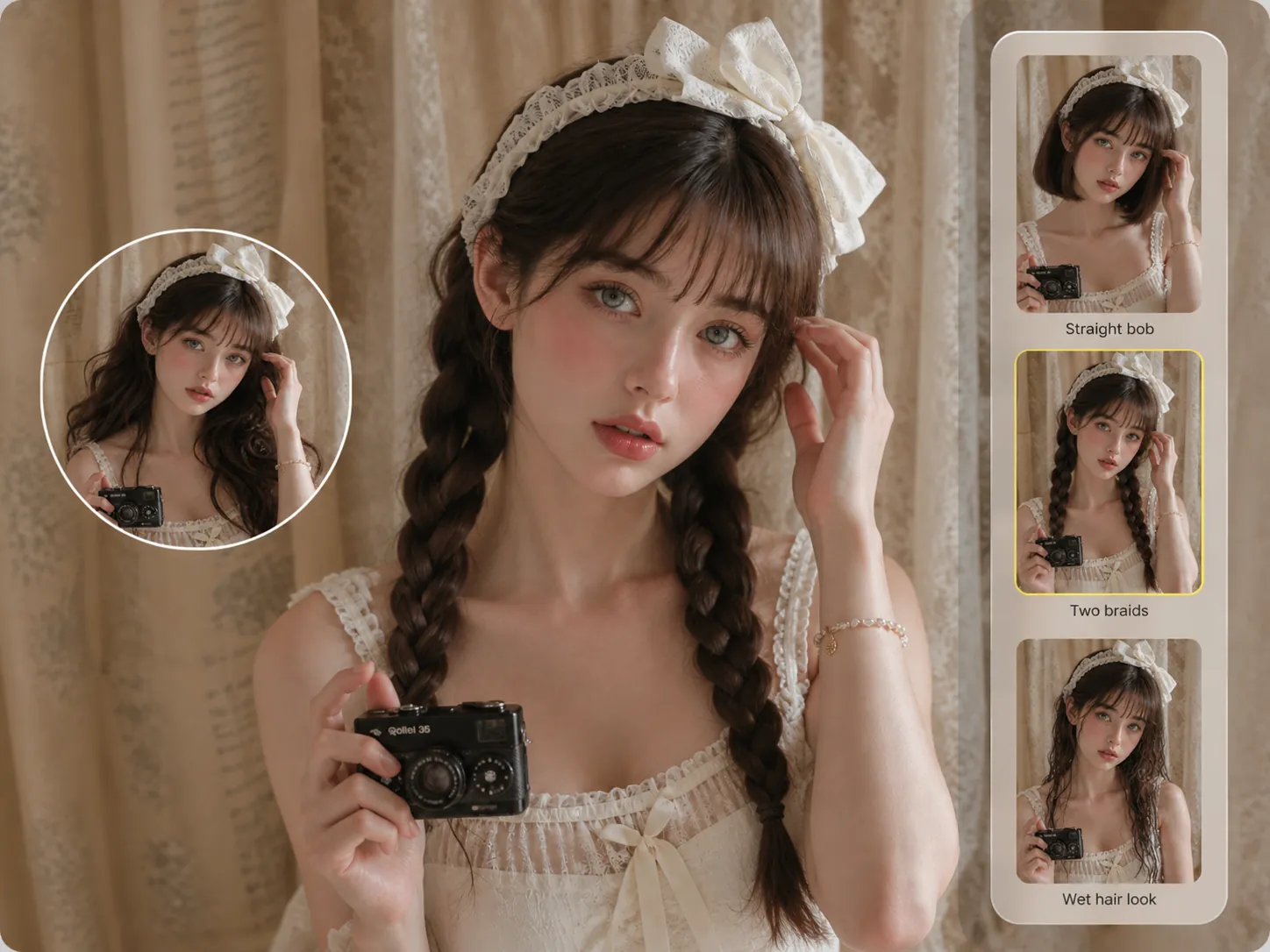
A fresh hairstyle can be just for a post, a profile photo, or a fun share with friends. You do not need to cut or style your real hair to get that new look. With our AI haircut simulator, you can transform your look with long hairstyles, short hairstyles, bangs, wet hair looks, retro hairstyles, or even styles across different gender looks. The generated results look authentic and share-ready.
Try Any Hairstyle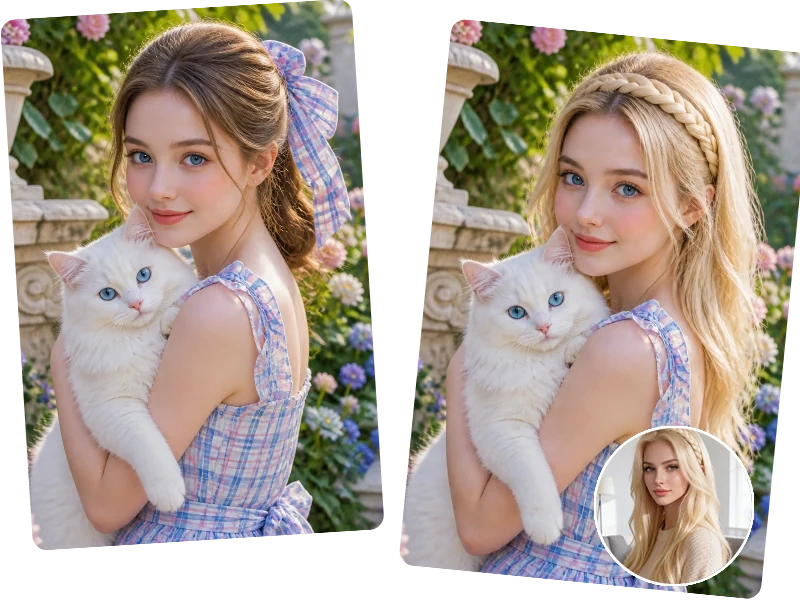
A hairstyle saved from a celebrity, influencer, model, or friend can become your next AI try-on. Upload it as a reference image, and our AI hairstyle simulation tool will apply a similar look to your own photo. The tool can follow key details such as length, shape, bangs, layers, and curl pattern, helping you see how that style could look on you.
Try a Reference Hairstyle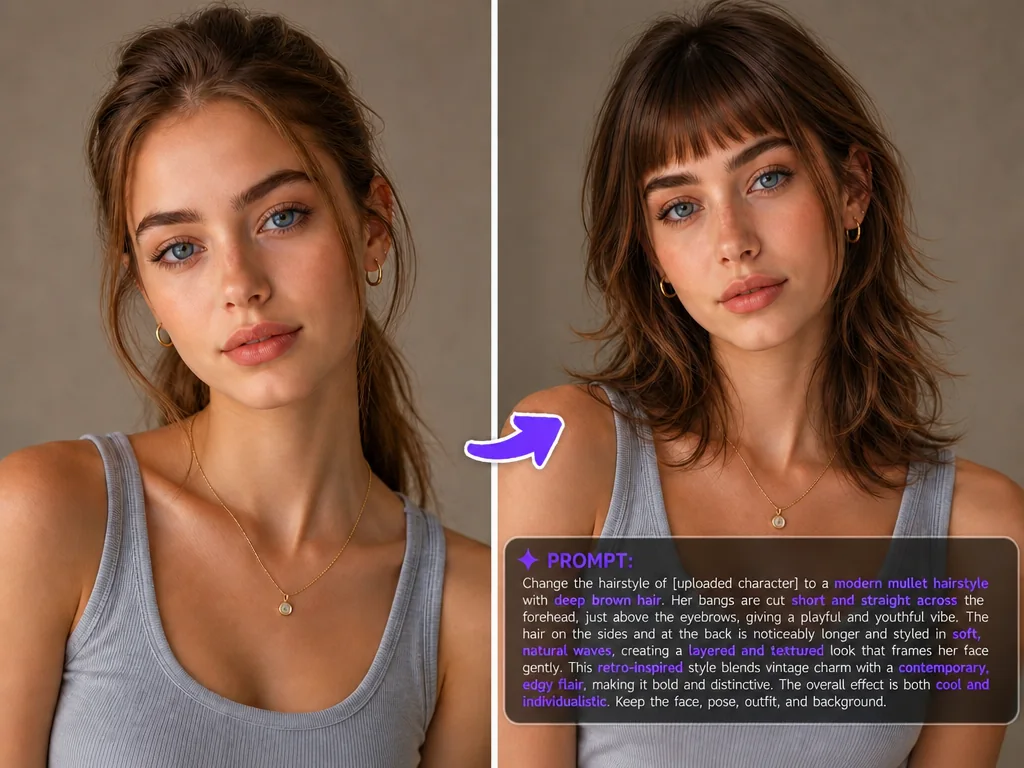
Your hairstyle idea does not have to fit a preset. Type the look you imagine and let MindVideo AI turn it into a custom hairstyle. Go sleek, messy, layered, dramatic, soft, futuristic, retro, or completely unexpected. You can describe the shape, length, volume, bangs, layers, curl pattern, and even hair accessories, so the result follows your own idea instead of a fixed template.
Create Custom Hairstyle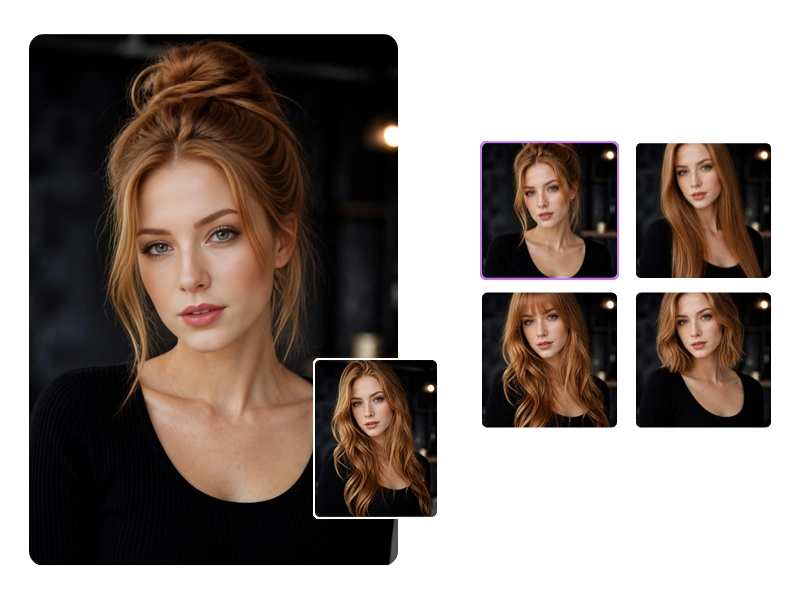
Preview a hairstyle before your appointment and bring the generated image as a visual reference. Instead of explaining your idea with vague words, show your stylist the shape, bangs, and overall look you want. This can reduce communication gaps and make your hairstyle idea easier to understand.
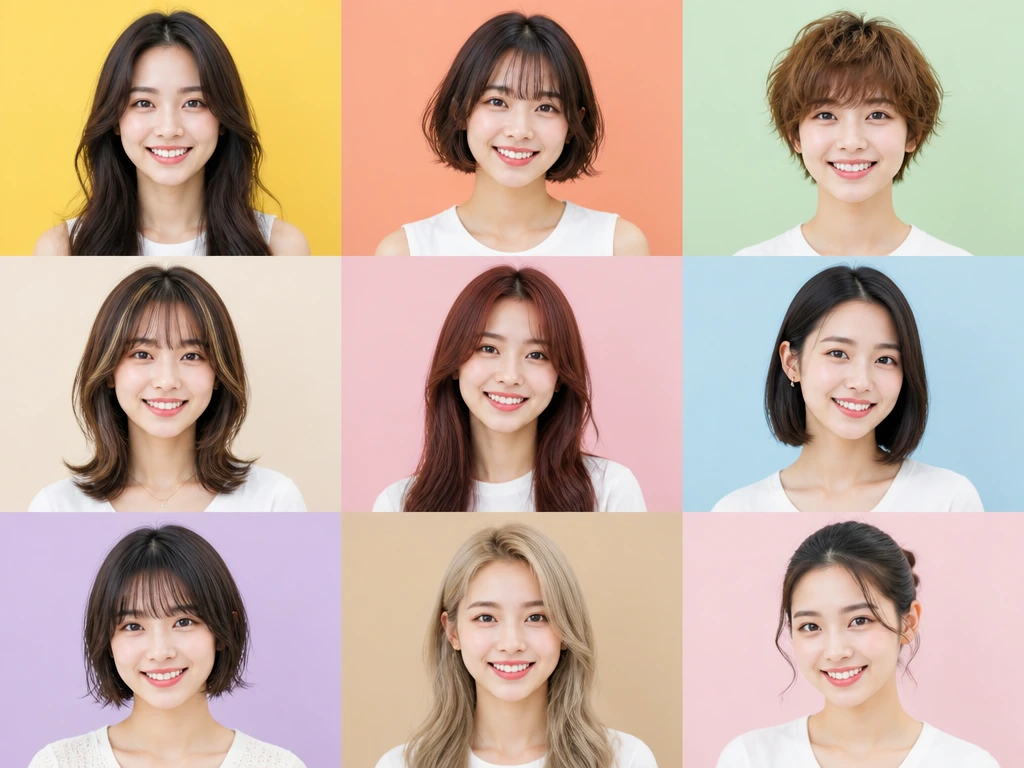
A set of AI hairstyle results can become a hairstyle grid, carousel, or creative comparison post. Show long hair, short hair, bangs, wet hair looks, retro styles, or bold AI hairstyle ideas together to make your content more visually appealing and engaging.
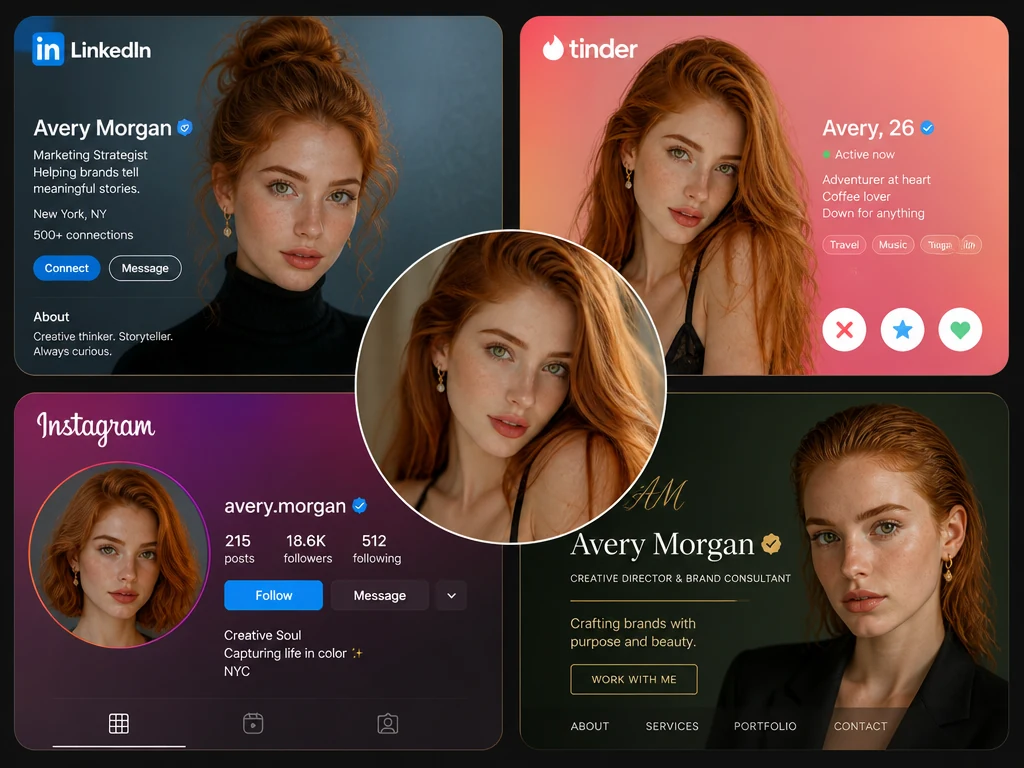
Different platforms call for different versions of you. Try a clean hairstyle for professional profiles, a softer look for dating apps, a stylish version for Instagram, or a more expressive hairstyle for personal branding. One photo can become several profile-ready looks.
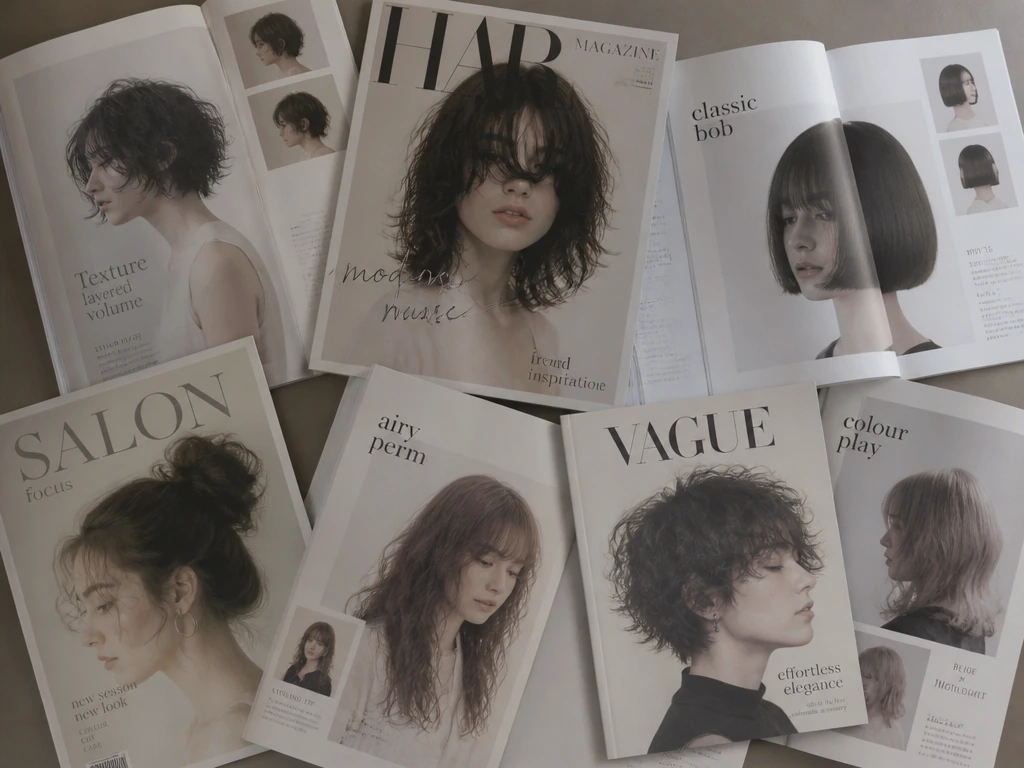
For salons and hairstylists, AI hairstyle results can turn into marketing posters, new hairstyle design visuals, seasonal style promotions, and social media campaign images. They help potential clients see your style options more clearly before they book.
It only takes three simple steps to try a new hairstyle with our AI haircut simulator. Upload a photo, choose a preset, reference image, or prompt, and generate your result in seconds.
Use a clear, front-facing photo with your head facing the camera. Avoid side profiles, upward angles, tilted poses, or unusual camera angles. Keep your facial features fully visible, and avoid covering your face with your hand, a hat, or sunglasses. Remove hair accessories when possible so the AI can better recognize your face shape and hair area.
Select a preset hairstyle, upload a hairstyle reference image, or describe your desired look with a prompt. You can try common styles like short hair, bangs, curls, wet hair, or retro hairstyles, or create something more personal.
Click "Generate," and your new hairstyle will be ready in seconds. Save it as a reference, share it with friends, or post it on social media.
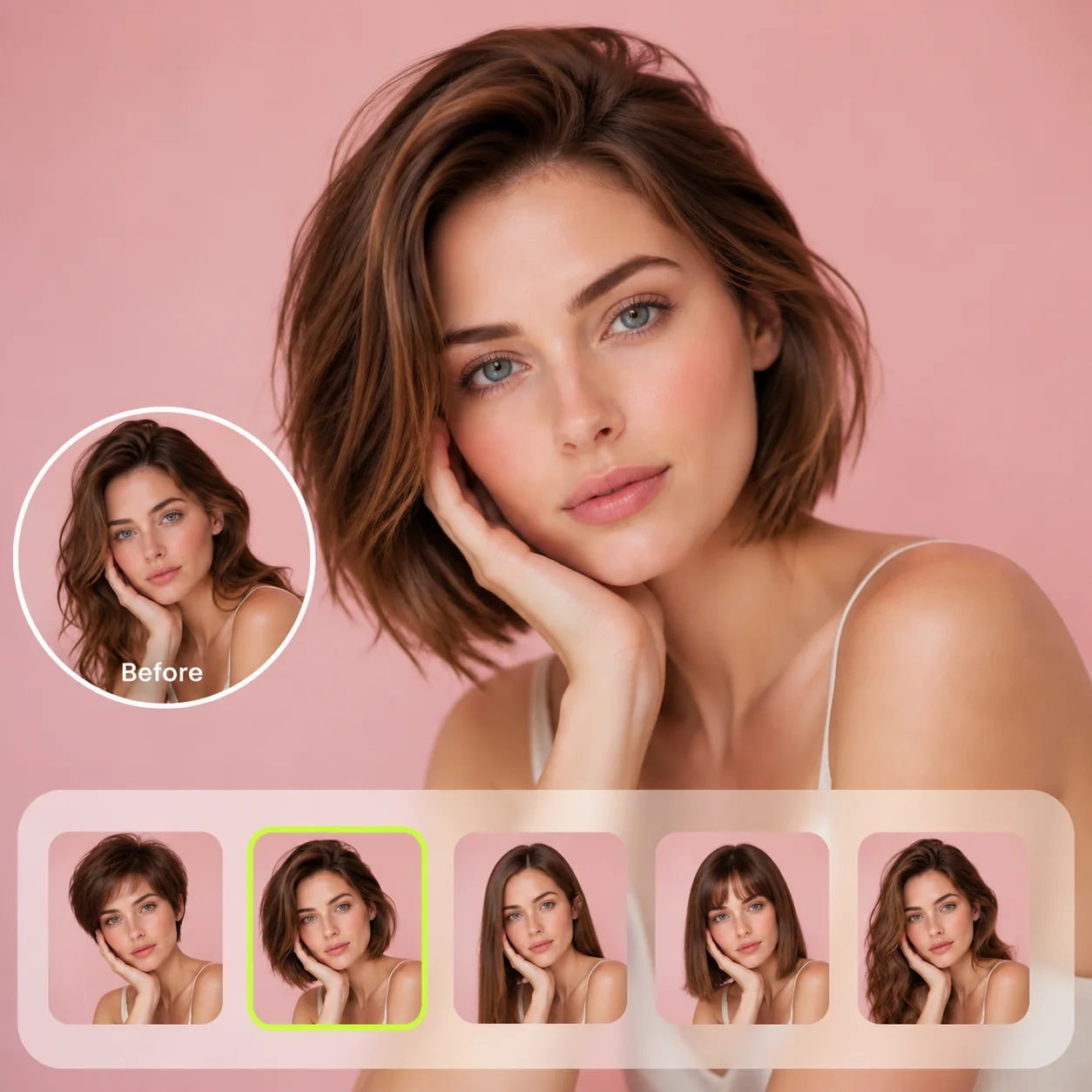
Basic hair filters and photo editing apps can be fun, but the result often needs manual fixes before it is usable. The AI Hairstyle Changer creates more complete hairstyle results that are easier to share, use as references, or preview before a real haircut.
| What Matters | Basic Hair Filters or Editing Apps | AI Hairstyle Changer |
|---|---|---|
| Hair fit | Often looks like a wig, sticker, or pasted layer | Generates hair based on your face angle, head position, and photo structure |
| Edges and hairline | Usually needs manual cleanup around the forehead, ears, and hair edges | Creates softer transitions around the hairline and visible edges |
| Lighting | Hair can look too bright, too dark, or separate from the original photo | Helps match the lighting and shadows of your uploaded image |
| Face identity | May cover or distort facial features | Helps preserve your facial features, face shape, expression, and skin tone |
| Usability | Often needs extra retouching before posting or sharing | Results are designed to be more ready for sharing, references, or creative use |
| Decision value | Hard to judge a real haircut when the edit looks fake | A more lifelike preview can help you decide whether a hairstyle may suit you |
An AI hairstyle changer is an online tool that lets you upload a photo and create different hairstyle previews with AI. With MindVideo AI, you can try preset hairstyles, upload a hairstyle reference image, or describe a custom hairstyle with a prompt.
Upload a clear front-facing photo, choose a preset hairstyle, add a reference image, or enter a prompt, then click "Generate." MindVideo AI will create a hairstyle result from your chosen input.
You can try many hairstyle ideas, including long hair, short hair, bangs, curls, men's hairstyles, and women's hairstyles. For very specific looks, you can use a prompt or upload a reference image to guide the result.
Yes, MindVideo AI is designed to change the hairstyle while helping preserve your facial features, face shape, expression, skin tone, pose, and other details. Results may vary depending on the quality and angle of the uploaded photo.
Yes. You can upload a hairstyle reference image from a celebrity, model, influencer, or a saved hairstyle photo. The tool can use visible hairstyle details such as length, shape, bangs, and curl pattern to create a similar look on your photo.
For now, MindVideo AI Hairstyle Changer focuses on hairstyle transformation. It does not support a dedicated hair color changing feature.
Yes, you can start with free credits. If you need more generations, you can earn additional credits through available reward options or upgrade based on your needs.
Your photos are used to generate the hairstyle result you request, not for public display. Uploaded and generated images are removed after a limited storage period, and account options may give you more control over asset deletion.
Upload your photo and generate share-ready hairstyle results in seconds. Start your own AI hairstyle try-on today.
Want to create more images from your photos? Try these AI tools and effects next.
