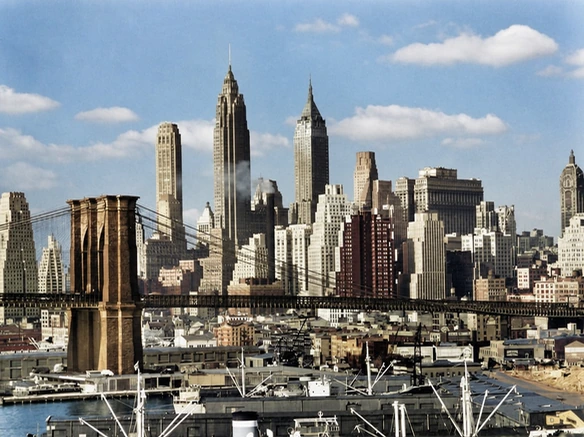
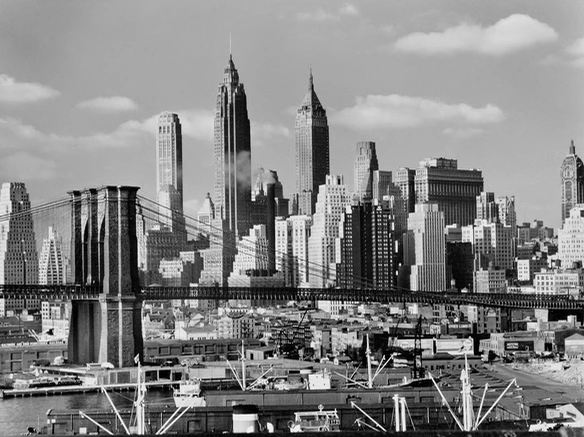

Upload an old or black-and-white photo and colorize it with AI in one click. Add natural, lifelike color while keeping faces, expressions, and key details recognizable—no manual editing needed.
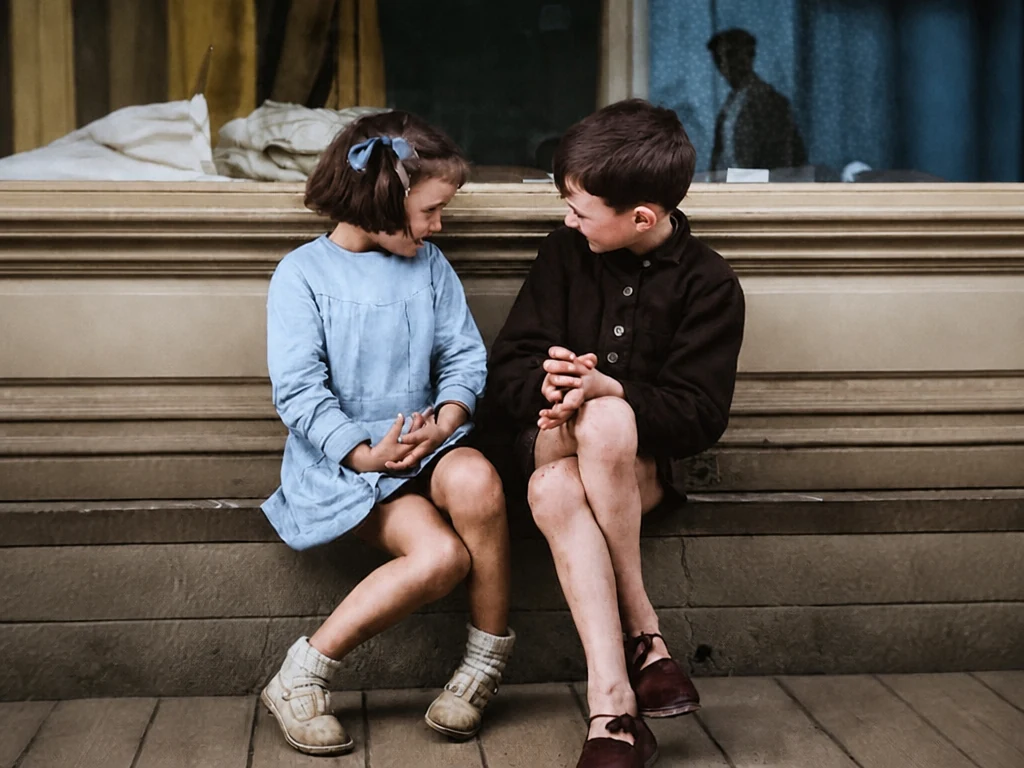
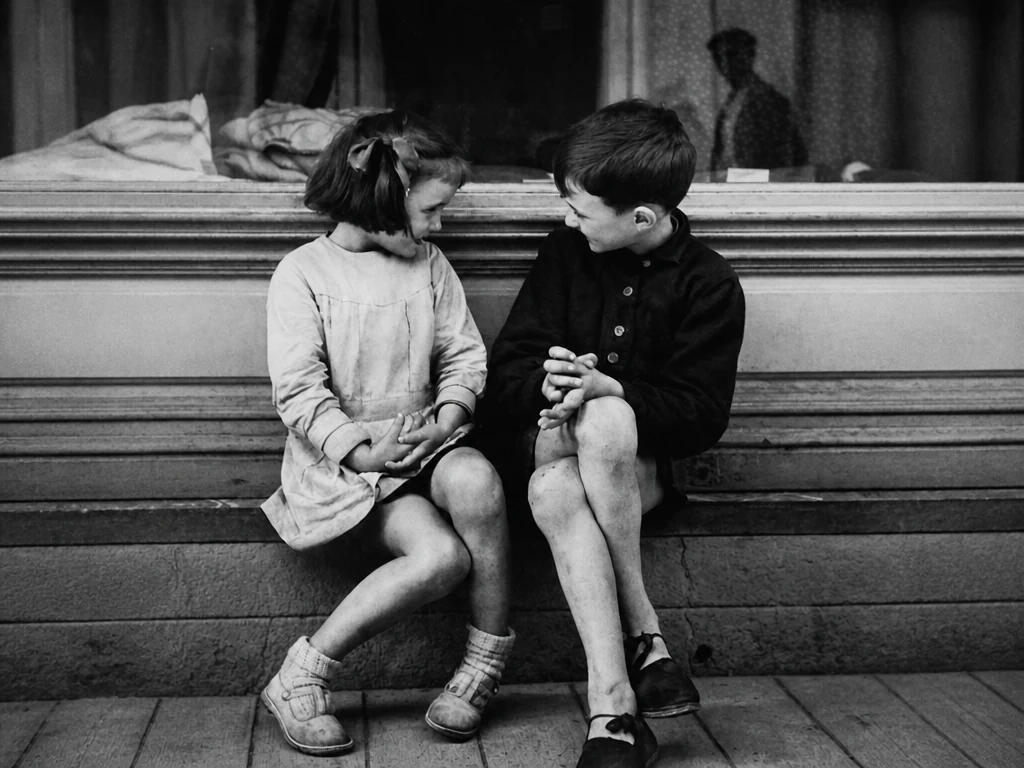
Result

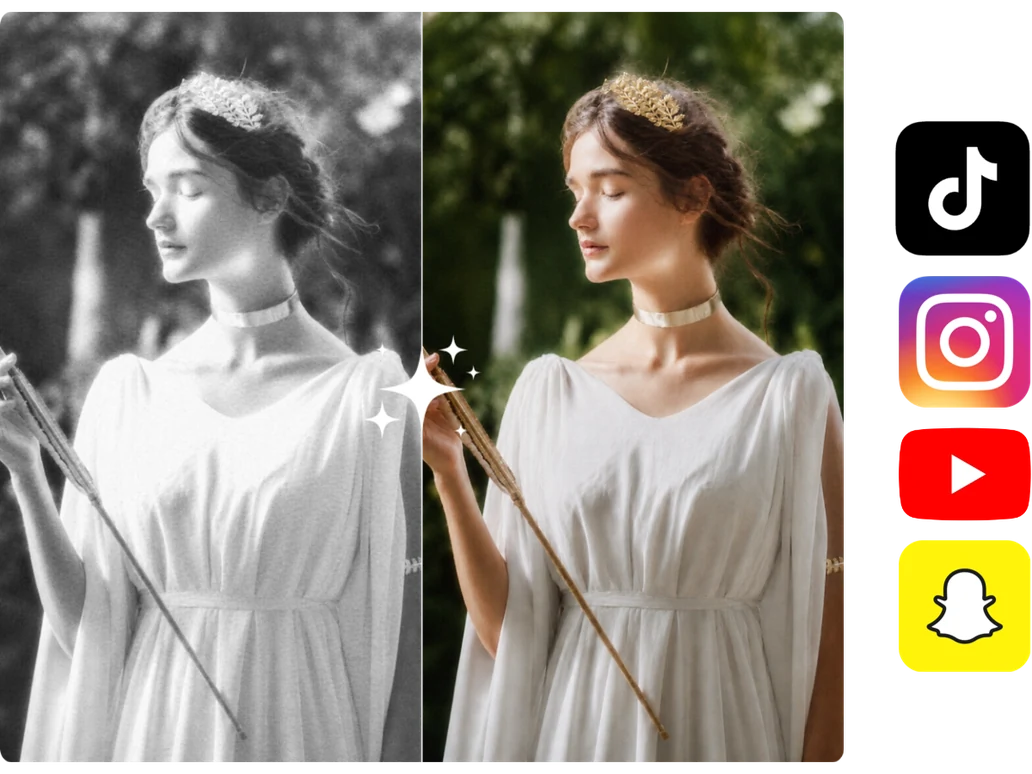
Explore before-and-after examples and see how AI brings realistic color to the original images.
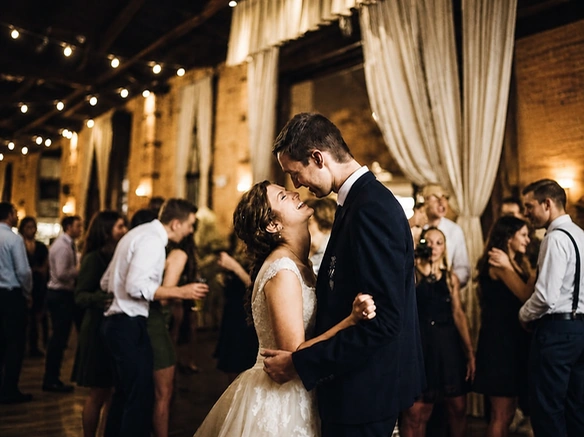
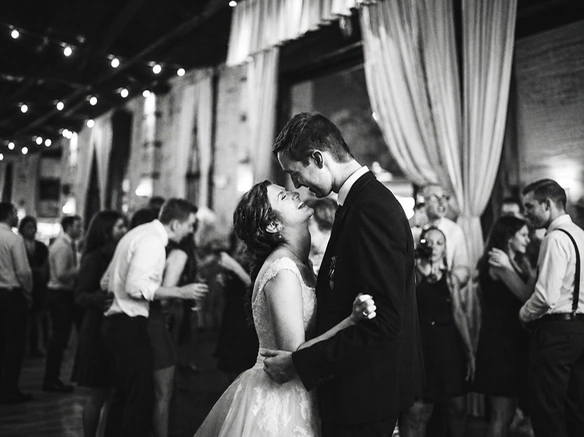
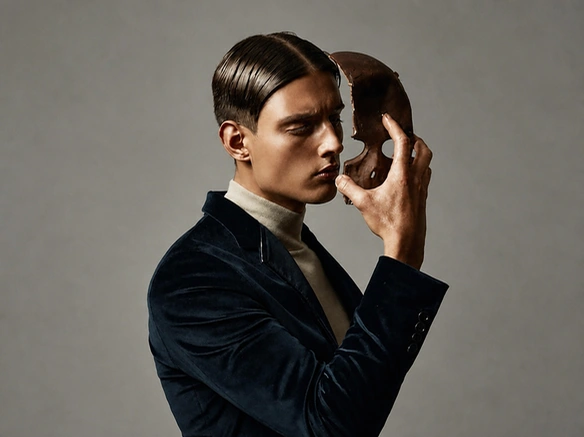
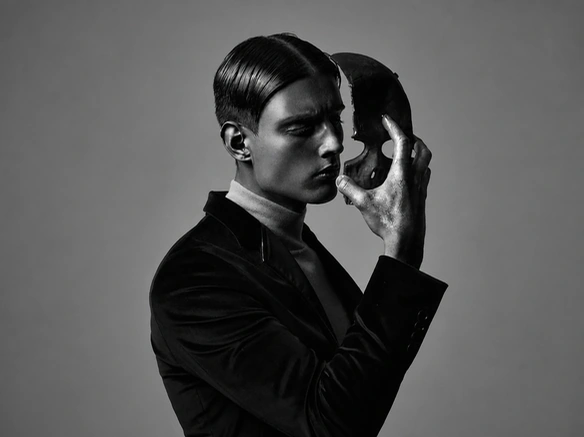
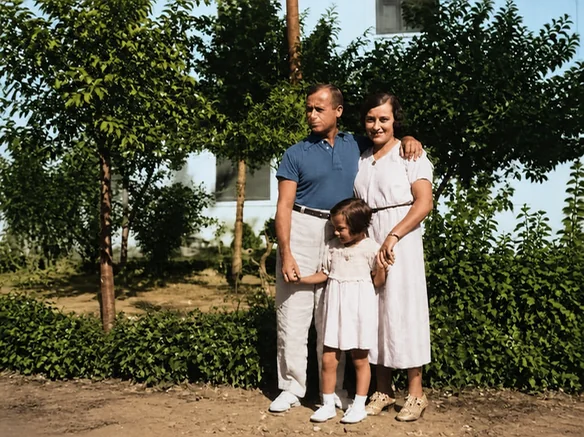
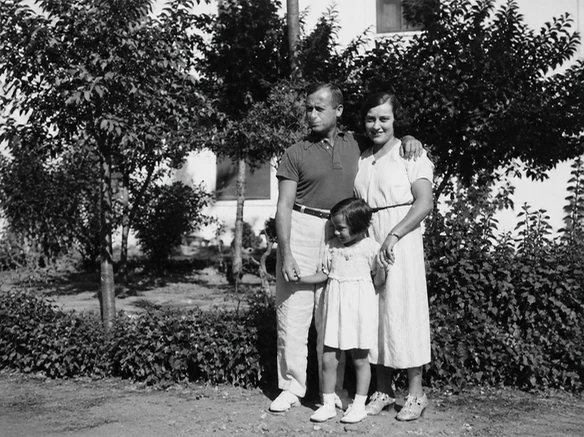
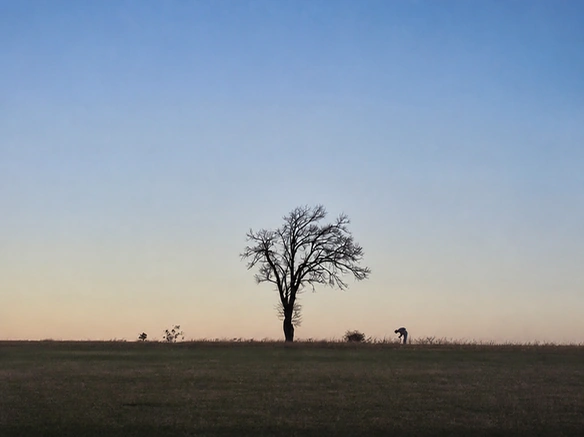
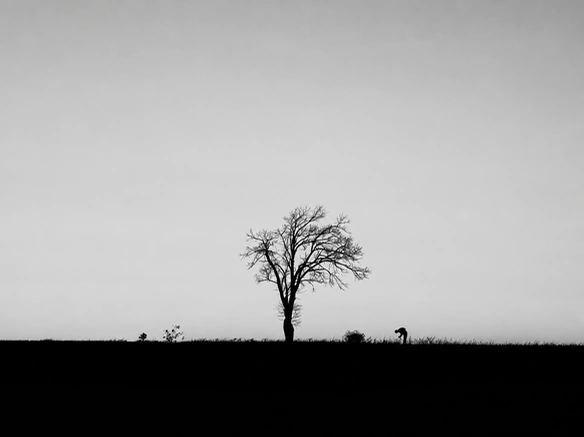
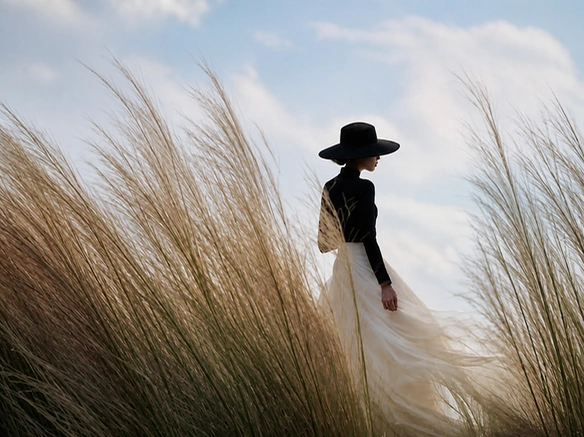
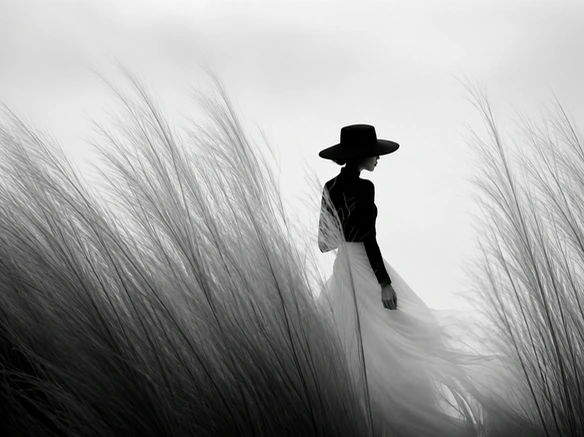
An AI photo colorizer is a tool that automatically adds color to black-and-white or grayscale photos. It analyzes the people, objects, and surroundings in the image to generate authentic-looking colors that fit the scene.
It can be used to colorize old family photos, vintage portraits, childhood pictures, historical images, and other black-and-white photos without coloring each part by hand.
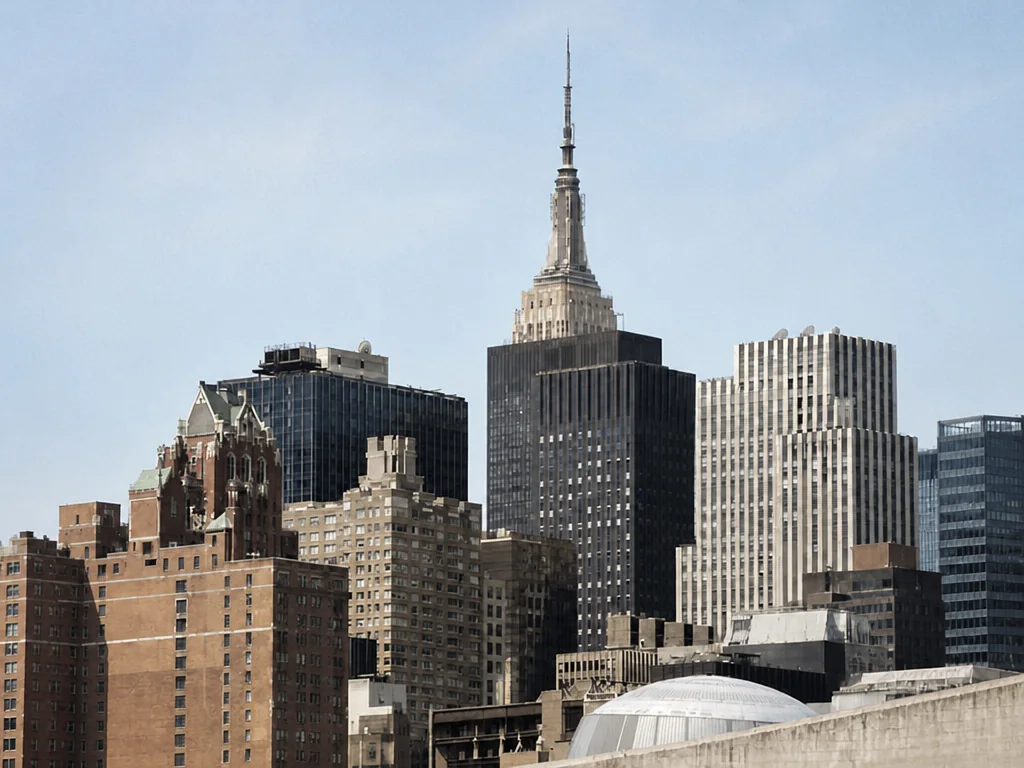
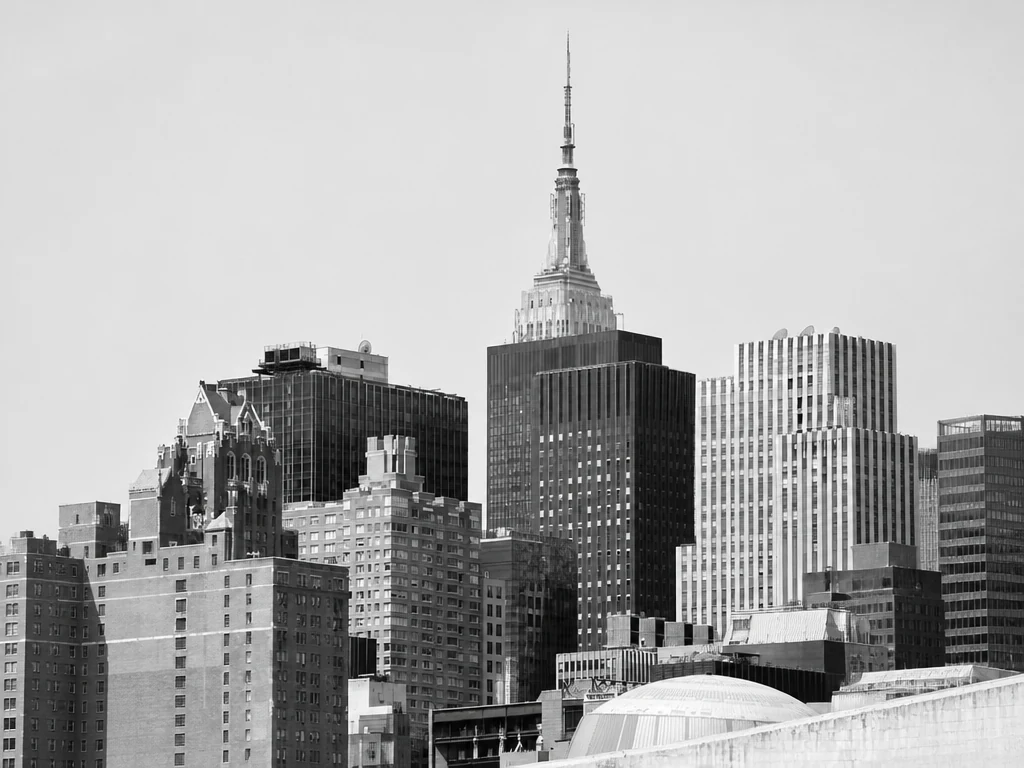
Add natural color to old family photos, from portraits of your parents and grandparents to childhood pictures, weddings, and family gatherings. See familiar faces and meaningful moments from years ago in a more vivid way. Keep the colorized photos in your album or personal collection to enjoy those memories again whenever you want.
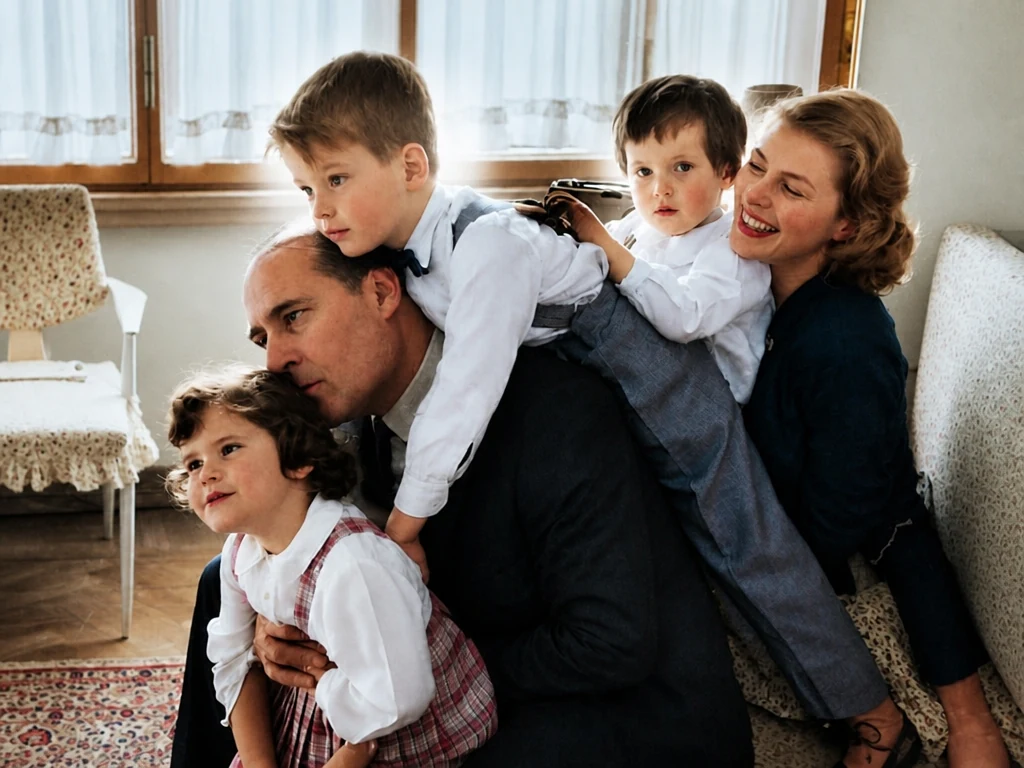
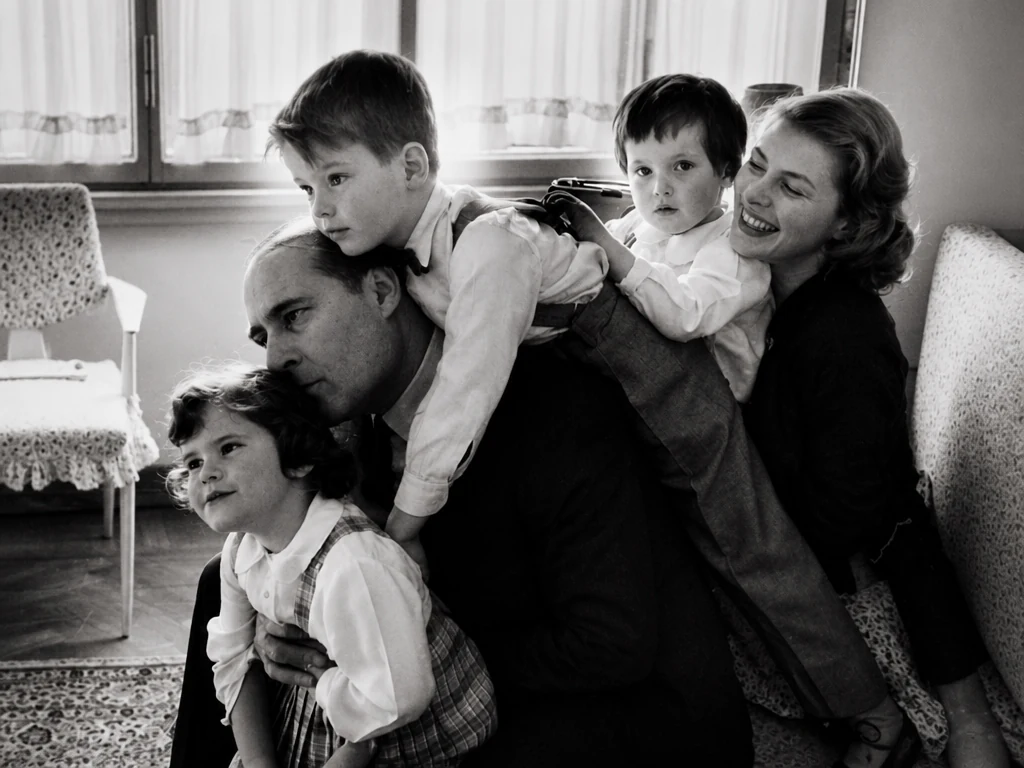
Bring color to historical portraits, old streets, landmarks, and archival images for research, presentations, or personal projects. Explore scenes from the past in color and see people, places, and details more clearly. This can make historical material easier to understand and present.
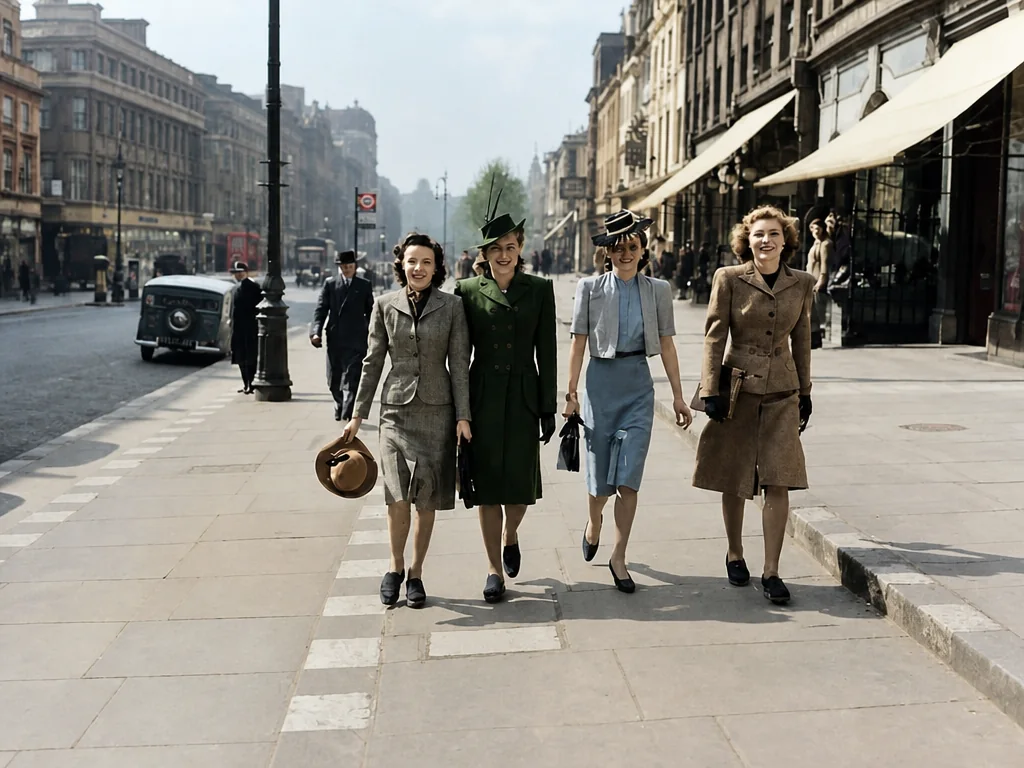
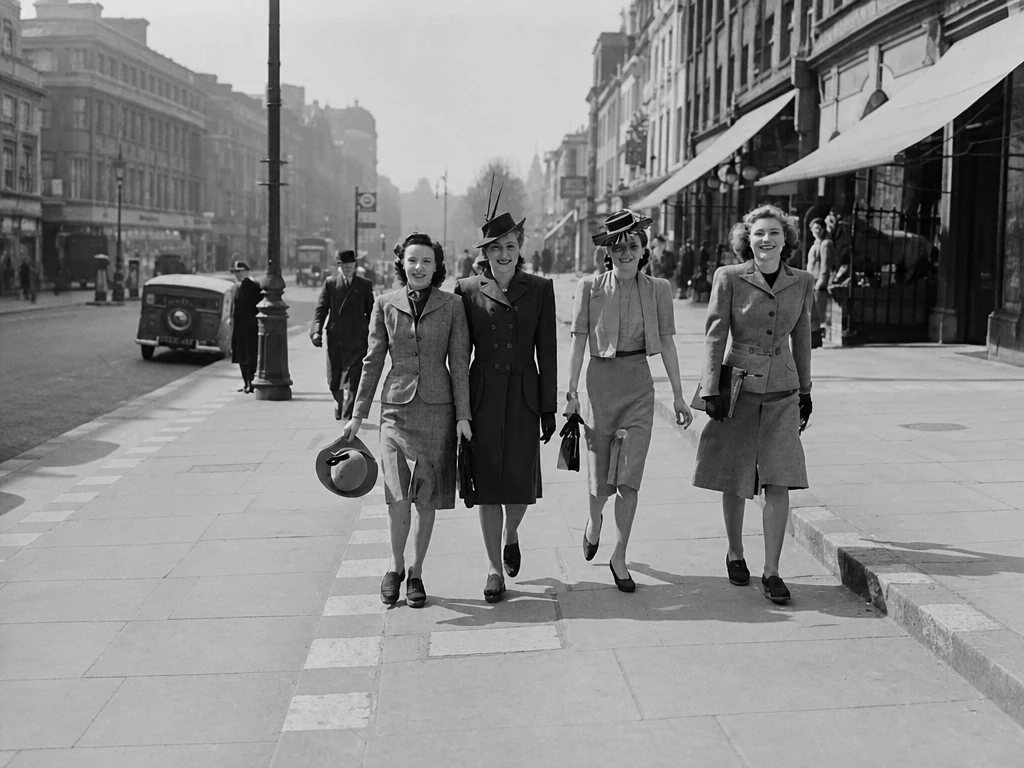
Turn black-and-white photos into color and share the before-and-after transformation on TikTok, Instagram, Facebook, or other social platforms. Use them for throwback posts, family stories, or photo colorization trends. Give old photos a new moment on your feed.
Upload the photo you want to colorize. A clear image with visible subjects and details usually works best.
Click "Colorize" and let AI add color to your photo automatically. No manual coloring or editing is needed.
Get the colorized result in just seconds. Save it to your album, share it online, or use it in your project.
Have an old photo with heavy scratches, blur, missing areas, or other visible damage? Restore the photo first, then colorize the cleaner version.
Colorize your photos without coloring each area by hand or spending time on detailed photo editing. Get believable color, a simple workflow, private processing, and free credits to try it first.
Add balanced, believable tones without changing the overall look of your photo. Instead of looking recreated, the colorized result still feels true to the original.
No need to color skin, clothes, or backgrounds one by one. Just upload your photo and let AI handle the rest. No Photoshop experience or editing skills required.
Your photos are encrypted during processing and never made public or used for AI training. All uploads and creations are automatically deleted within 24 hours.
Try our photo colorization tool without a paid membership. You can earn free credits through check-ins, inviting friends, and other available activities.
For most everyday photo colorization, AI saves a significant amount of manual work. If you need historically researched or precisely specified colors, manual colorization may be the better choice.
| Comparison item | AI Photo Colorizer | Manual Colorization |
|---|---|---|
| Time for One Photo | Usually tens of seconds to a few minutes | From around an hour to several hours or even days, depending on complexity |
| Manual Work | No manual coloring required | Requires selecting, coloring, and adjusting different areas by hand |
| Color Control | Limited. AI decides most colors based on the image context | High. Colors can be researched, selected, and adjusted individually |
| Result Consistency | Results can vary between generations, especially when the original photo gives little color information | More deliberate and controllable, but the final quality depends heavily on the colorist’s skill and experience |
| Best For | Family photos, social posts, personal projects, and quick color previews | Historical restoration, professional work, or projects that require specific colors |
Honestly, I just wanted to see what my grandparents’ wedding photo might look like in color. The result still looked like them, which was the part I cared about most.
Way easier than I expected. Uploaded the photo, clicked colorize, done. I definitely wasn’t going to spend hours doing this in Photoshop.
Some of the colors were probably guesses, but they looked pretty natural together. For an old photo with no color reference, I think it did a solid job.
I showed the colorized version to my mom and she immediately started telling me who everyone was in the photo. That alone made it worth trying.
The before-and-after was fun to look at. I posted both versions on Instagram and people kept asking about the story behind the picture.
I’ve got a bunch of old photos sitting in albums, so I tried this on a few of them. Not every color came out exactly how I pictured it, but overall they felt natural and still looked like the originals.
AI can create believable colors based on the people, objects, clothing, and surroundings it sees in the photo. However, the original image does not always contain enough information to recover the exact original colors, so some tones are educated estimates.
The goal is to add color while keeping the original photo recognizable. Faces, expressions, and the overall appearance should stay close to the source image, although results can vary depending on the quality and condition of the photo.
Yes, but heavy scratches, blur, missing areas, or severe fading may affect the result. If the photo is badly damaged, restoring it first can give the colorizer a cleaner image to work with.
No. You can try the AI Photo Colorizer with free credits without purchasing a membership. More free credits can also be earned through activities such as daily check-ins and inviting friends.
Black-and-white photos can support more than one reasonable color interpretation. AI chooses colors based on the visual information available, so results may vary, especially when clothing, objects, or backgrounds do not provide clear clues.
No. Your photos are only processed to create your colorized result. They are not made public or used to train AI models, and both uploaded photos and generated images are automatically deleted after 24 hours.
Upload your photo, click Colorize, and see the result in seconds. Try it with free credits.
Colorize Your Photo