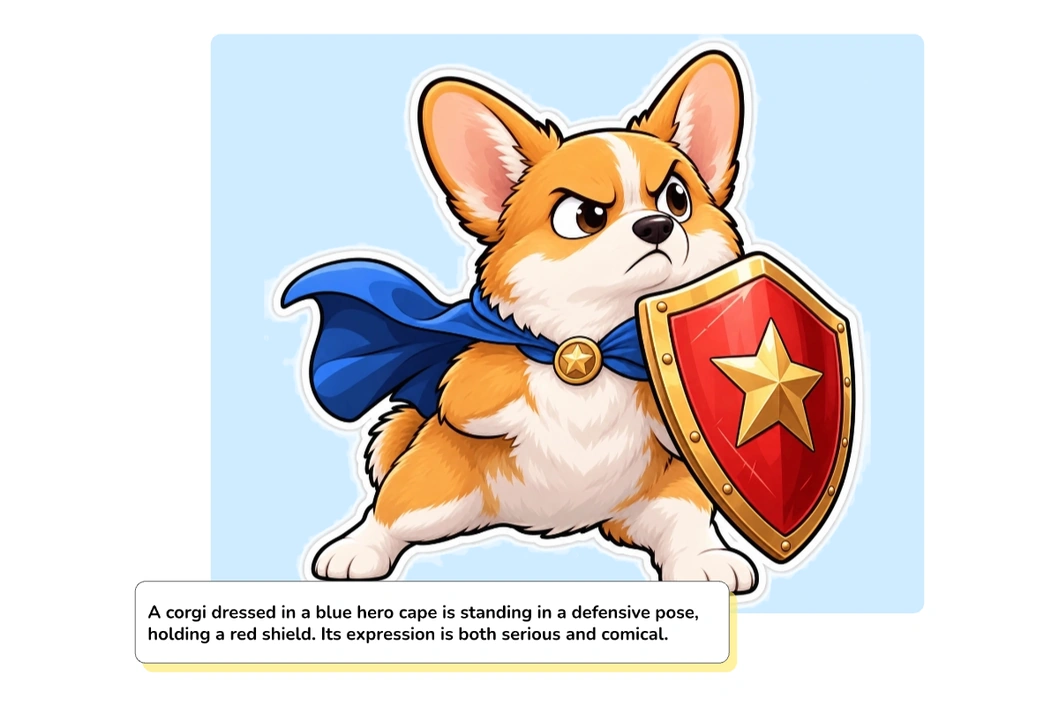

Add a fun touch to your chats with our free AI sticker generator. Create personalized stickers from text or photos with clear outlines and transparent backgrounds. No design experience or paid membership required.
Create Stickers Now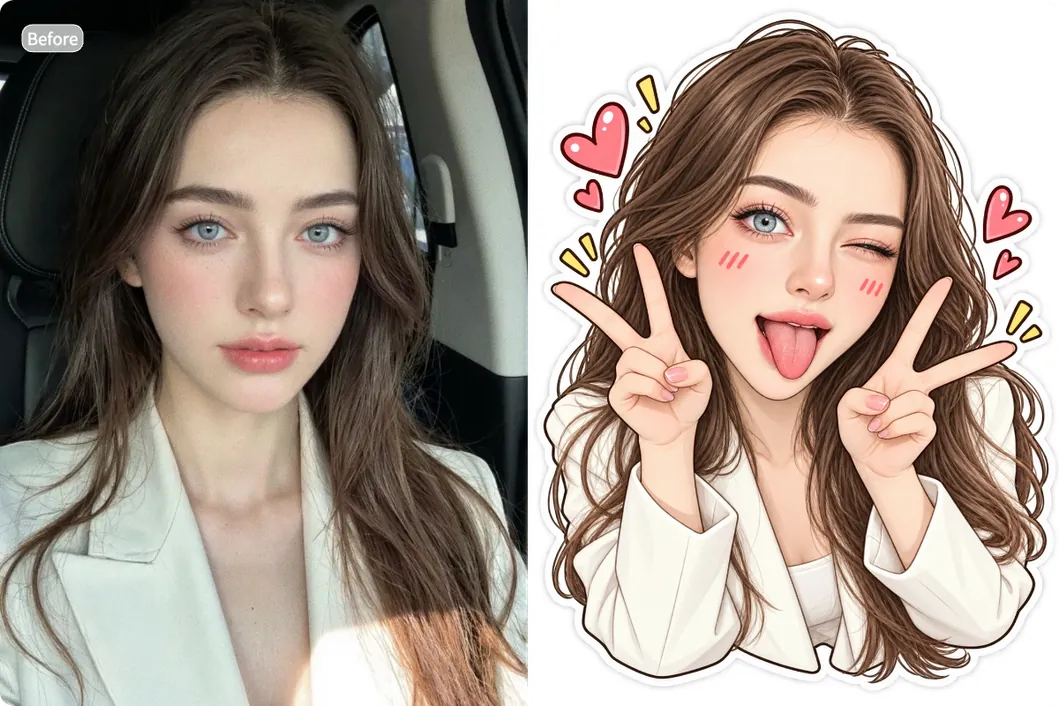
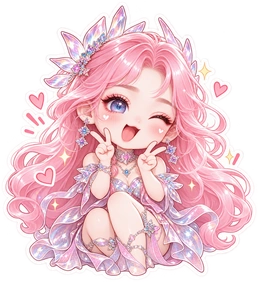
Result
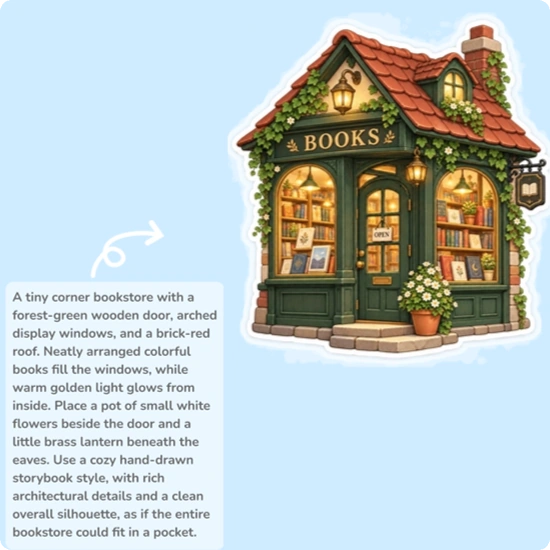
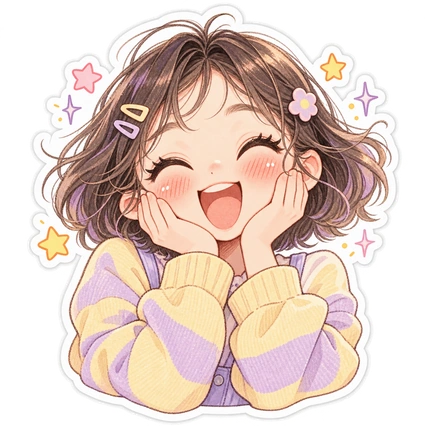
A short-haired girl cupping her cheeks with both hands. Her eyes curve into crescents, and she has a delighted, surprised smile with rosy cheeks. Add a few tiny stars and sparkles around her. Use a peach-pink, buttery-yellow, and soft-lavender palette, with a delicate hand-drawn texture and an expressive face.
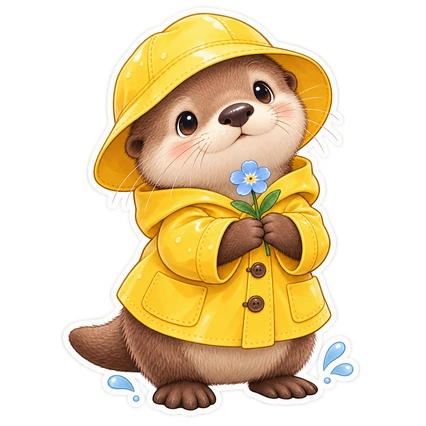
A round little otter wearing a bright yellow raincoat and matching rain hat, holding a small blue flower. Add two playful raindrops near its feet. Give it soft fluffy fur, a shiny nose, and a gentle, curious expression. Use a premium storybook illustration style with soft shading and fine textures.
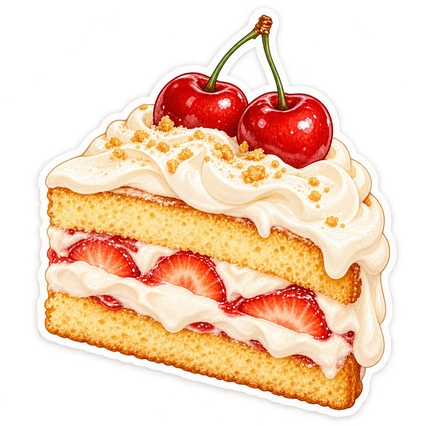
Dessert sticker featuring a small slice of layered strawberry cream cake topped with two glossy red cherries. Let the cream drape naturally over the soft golden sponge. Render it in a vintage dessert-illustration style, with rich but restrained colors, tiny highlights, and soft shadows for an appetizing sense of depth.
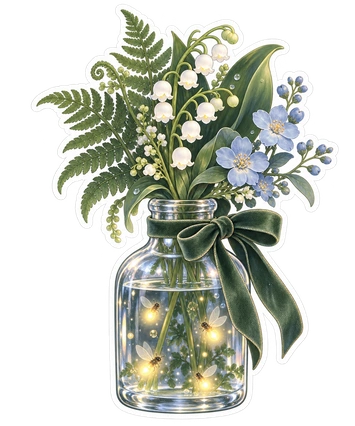
A dreamy botanical sticker of a small clear glass bottle holding fern leaves, lily-of-the-valley, and a few pale-blue flowers. Add softly glowing fireflies inside and a thin velvet bow around the bottle’s neck. Keep the plants distinct and the glass reflections elegant but restrained. Use forest green, misty blue, and moonlit silver, with the feel of a finely crafted botanical specimen illustration.
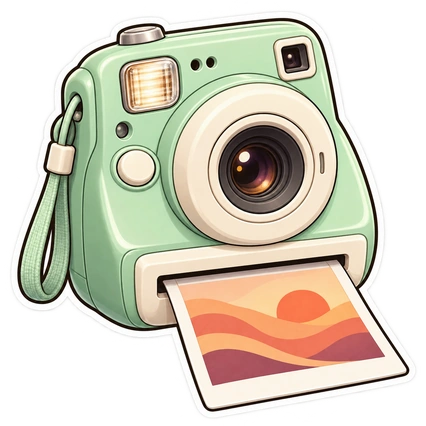
A mint-green instant camera with creamy-white details, a rounded lens, and a small flash. A photo is slowly emerging from the bottom; its image contains only abstract sunset-colored shapes. Use a refined semi-3D illustration style with clearly differentiated plastic and metal textures, a clean silhouette, and a playful nostalgic feel.
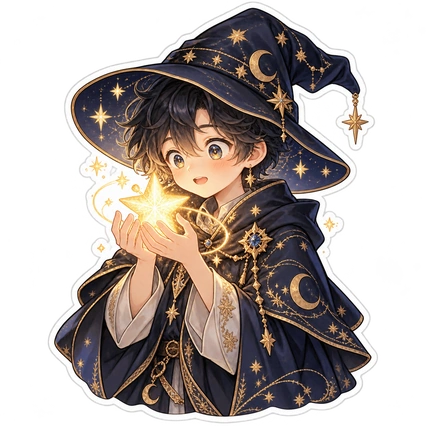
A young wizard wearing a midnight-blue pointed hat patterned with stars. They hold a newly summoned glowing star in both hands, with slightly widened eyes, a shy smile, and blushing cheeks—an expression of surprise and quiet delight. Embroider tiny moons and star trails along the cloak and add a few golden magic particles. Fairy-tale storybook style, midnight-blue and warm-gold palette, rich details with a clear silhouette.
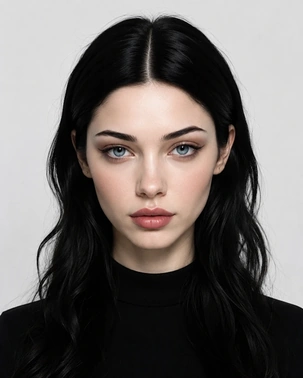
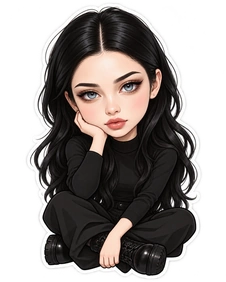
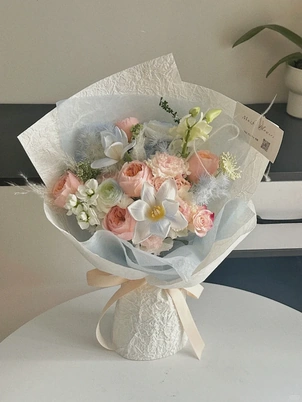
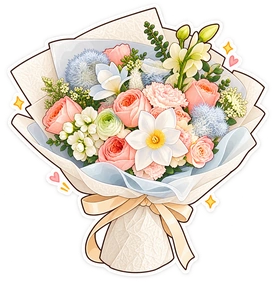
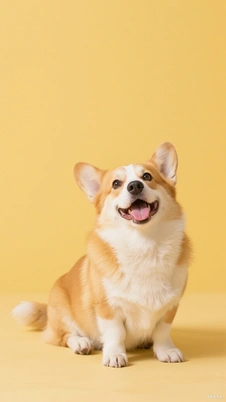
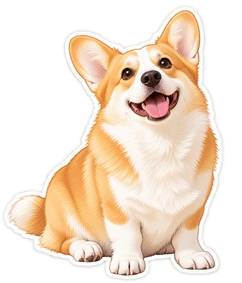
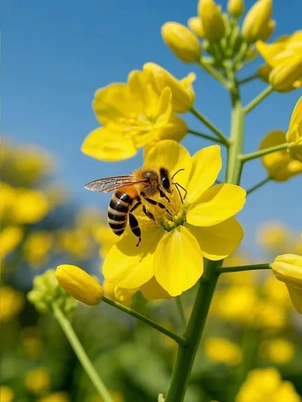
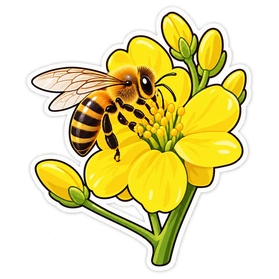
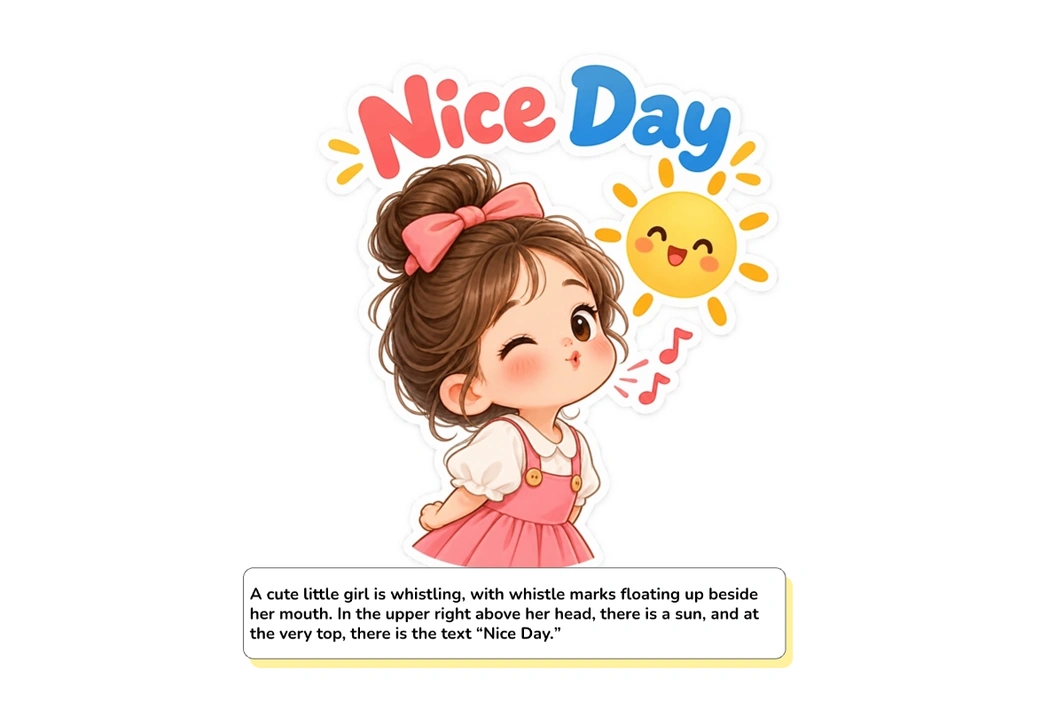
Describe your idea or upload a photo. Use a clear photo with good lighting to help AI preserve the subject’s key features. For text prompts, include the actions, expressions, text, or other details you want.
Choose a style that fits your needs, such as chibi, funny, anime, realistic, cartoon, or simple. If you’re creating a sticker set, use the same style for each design to keep the collection consistent.
Click Generate and let AI create your sticker in seconds. Preview and download the result, then use it for poster designs, personalized reaction sticker packs, or other creative projects.
An AI sticker generator is a tool that turns text descriptions or photos into custom stickers that are ready to use. Explore the features that make sticker creation easy with MindVideo AI.
From a grumpy cat sipping coffee to a smiling slice of pizza, create the stickers you imagine—no drawing or design skills needed. Simply describe the subject, action, colors, expression, or other details, and let our AI sticker generator handle the drawing.
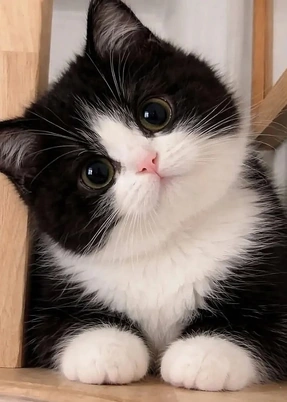
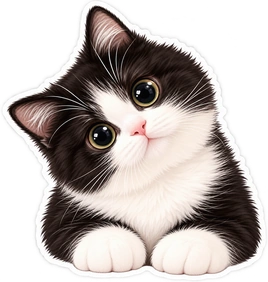
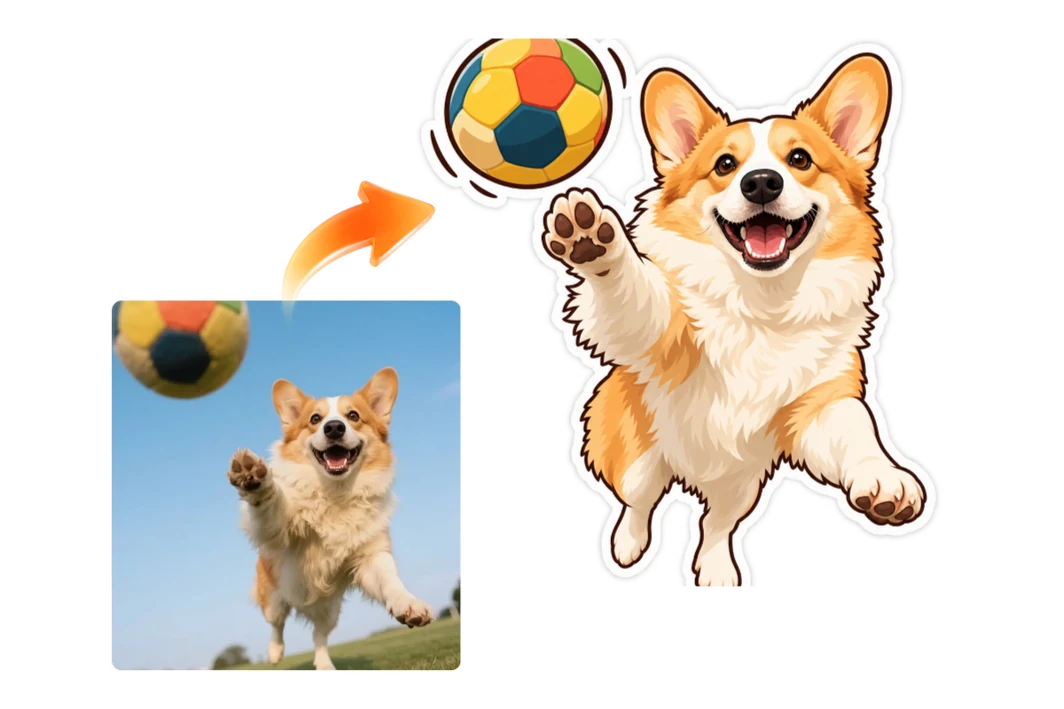
Make eye-catching stickers from selfies, pet photos, or any other image you like. Our tool quickly creates a new design from your uploaded photo, preserving the key features and details that make the subject recognizable.
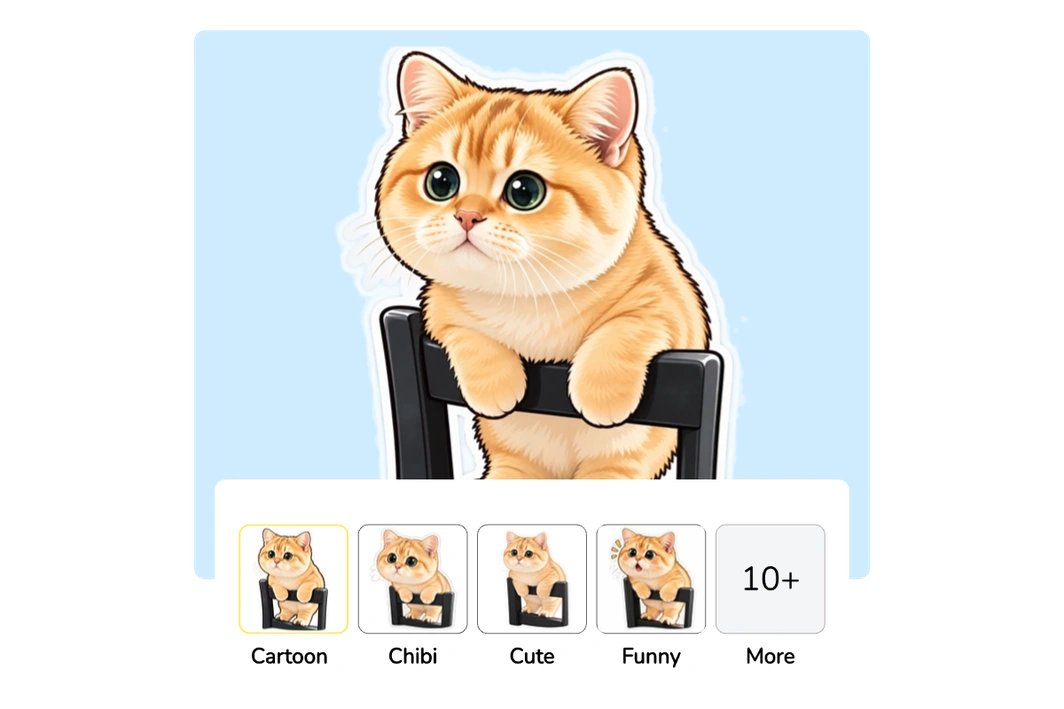
Find the right look for your chats, journals, or design projects with cute, chibi, funny, anime, realistic, and other styles. Ready-made presets let you choose a style without having to describe it.
Our AI creates stickers with clear white outlines and transparent backgrounds. Share them in chats, print your favorites, or add them to other creative projects—no extra editing needed.
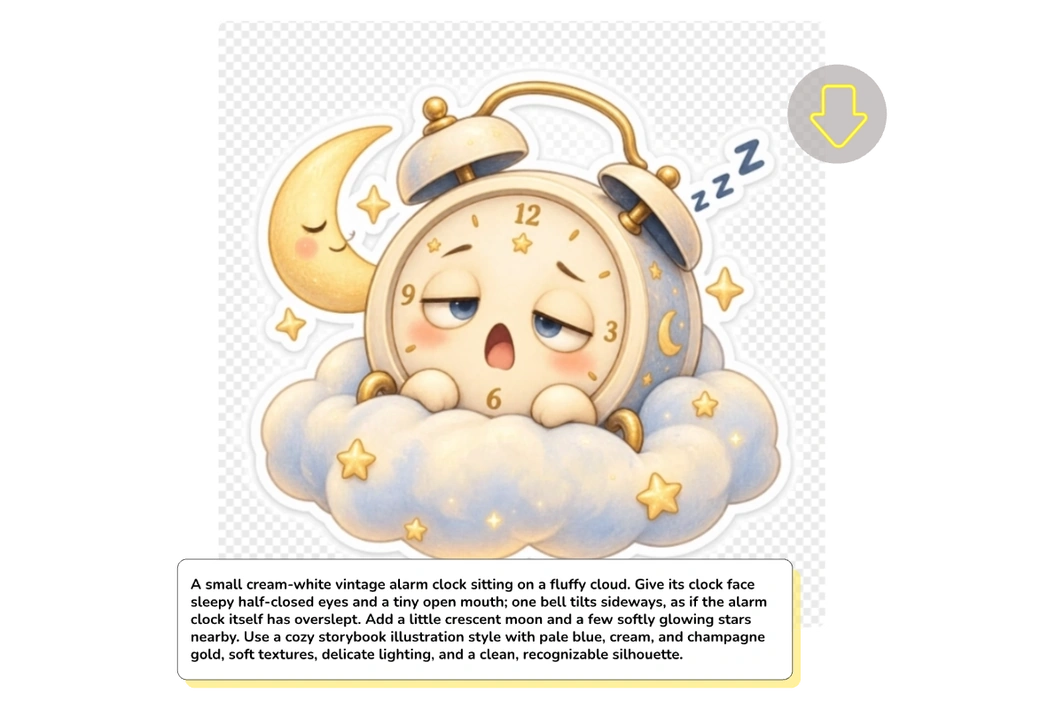
Use them to make chats more personal, decorate everyday items, and create branded visuals for your marketing campaigns.
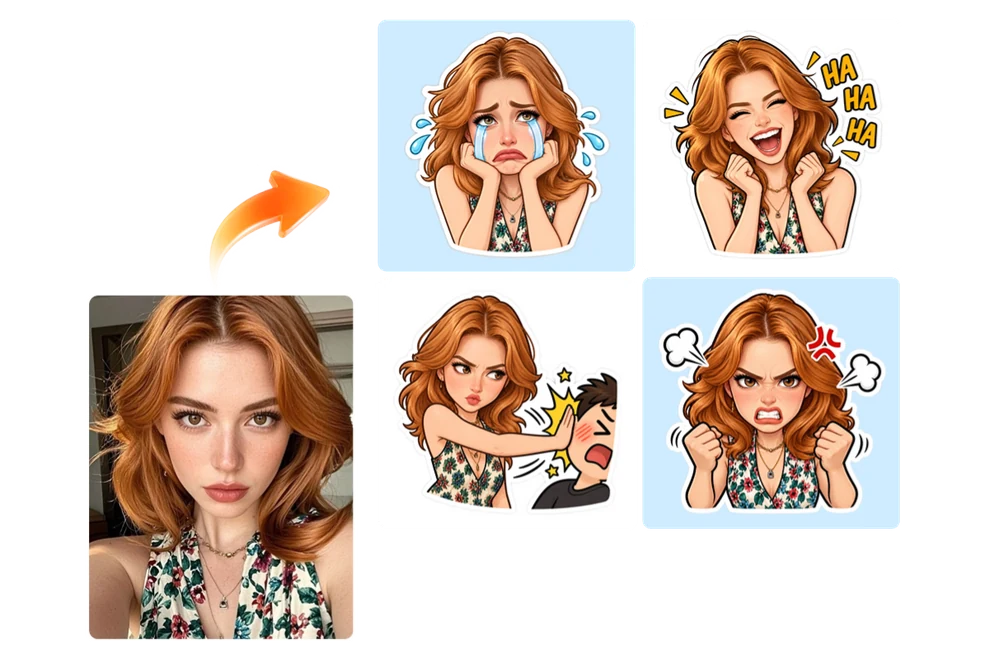
Build a sticker collection with your own face or your pet for everyday conversations. From cheerful greetings to surprised reactions and playful celebrations, express your mood while adding personality and humor to your replies. Share your creation with friends or followers, and they can enjoy using the same reactions in their chats.
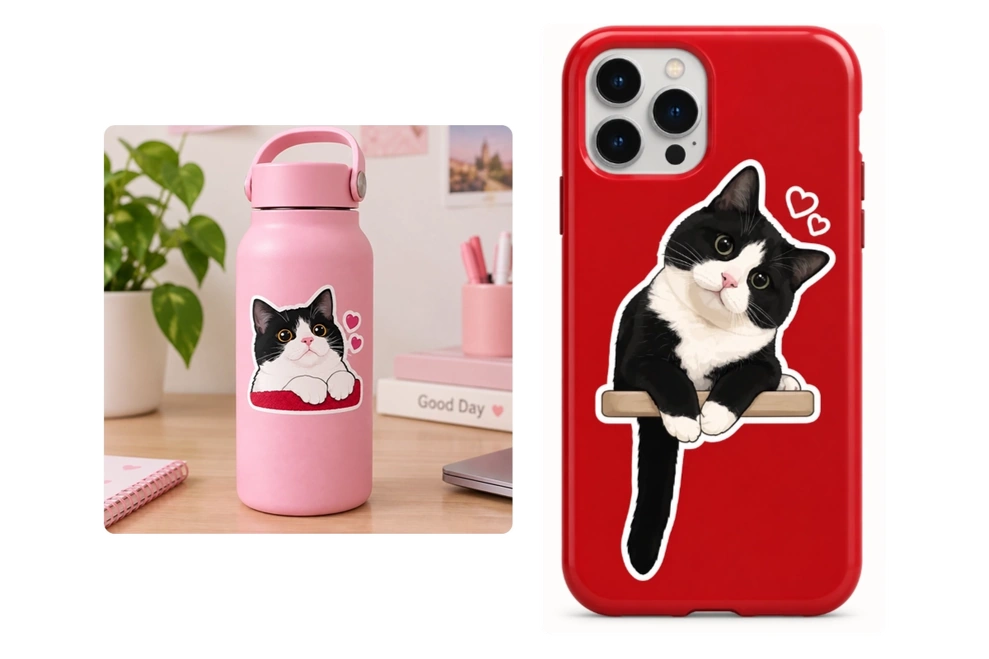
Print your favorite designs and give everyday items a playful touch. Decorate your journal pages, dress up a plain water bottle, or put your pet’s face on your phone case. Add them to gift wrapping or handwritten cards to make a small gift more thoughtful. Use these simple decorations to add a little fun to your routine.
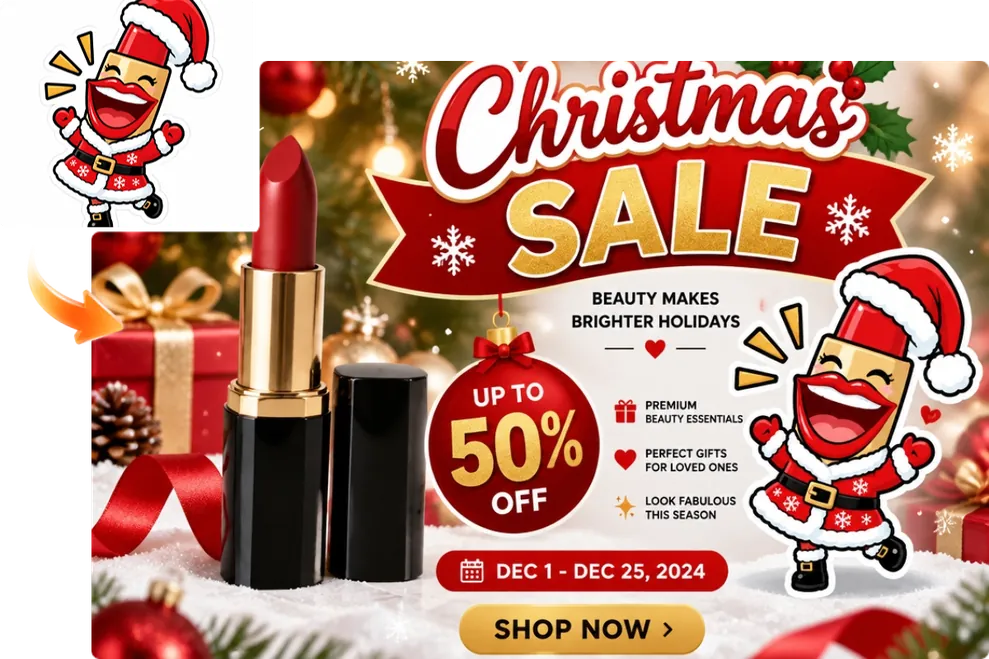
Tired of the same old stickers for your campaigns? Give holiday promotions and product launches a distinctive look with designs that reflect your brand. Quickly create stickers with transparent backgrounds for banners, posters, or ads. Make key details easier to notice, and encourage customers to click through.
Yes. You can use free credits to generate stickers without a paid membership. Each generation currently uses 5 credits. Earn free credits by signing up, checking in daily, or inviting friends.
Stickers generated by free users include a watermark. Paid users can generate stickers without one.
Paid users can use their generated stickers commercially, including in advertising and product promotions. Free users can use stickers for personal projects, such as chats, social posts, and gifts.
Change one detail in your text prompt, such as the pose or expression, before generating another version. For photos, crop a busy image around the person or pet you want to focus on, then upload it again.
Your uploaded photos are processed securely and deleted automatically. They are not used to train AI models.
Find the right tool for your next photo edit or creative project.
Make stickers from your ideas or favorite photos in a style you love. Start with free credits—no design experience required.
Create Stickers Now