Ceramic Mug Lifestyle Photo
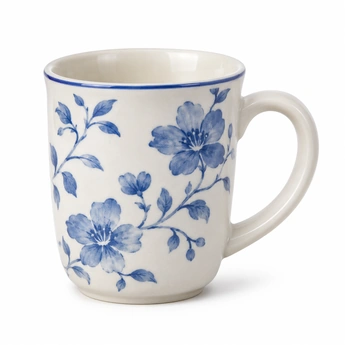 (opens image in a new tab)
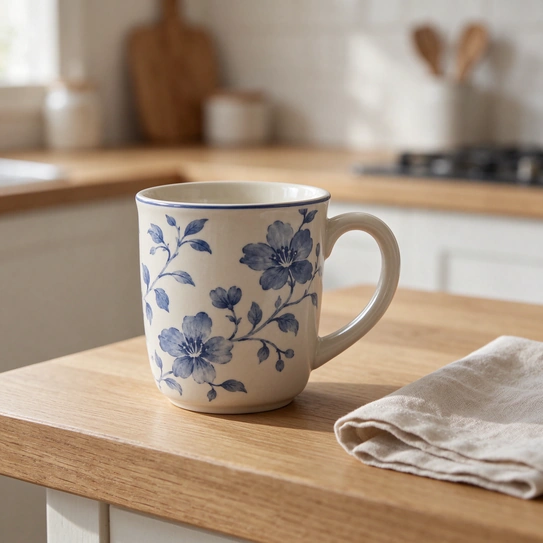 (opens image in a new tab)


Have an idea in mind? Quickly create realistic, stunning images with Seedream 5.5 on MindVideo AI. Make precise changes across multiple edits while keeping untouched details consistent. Ideal for product visuals, social media posts, and personal designs. Try it with free credits today.
Try Seedream 5.5 FreeResult
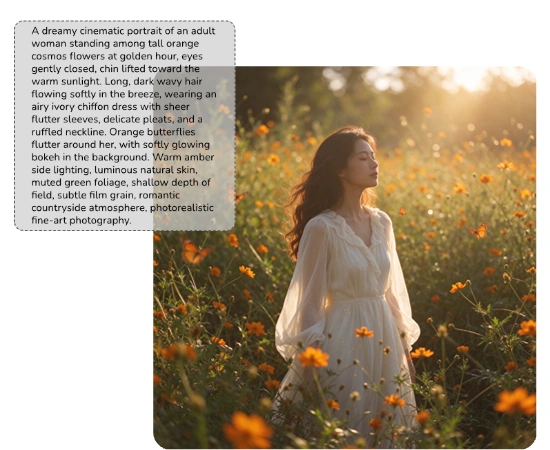
Browse examples for marketing, design, and personal projects. See how each image was created and try the prompts behind it.
(opens image in a new tab)
(opens image in a new tab)
 (opens image in a new tab)
 (opens image in a new tab)
 (opens image in a new tab)
 (opens image in a new tab)
 (opens image in a new tab)
 (opens image in a new tab)
 (opens image in a new tab)
 (opens image in a new tab)
 (opens image in a new tab)
 (opens image in a new tab)
 (opens image in a new tab)
 (opens image in a new tab)
 (opens image in a new tab)
 (opens image in a new tab)
 (opens image in a new tab)
 (opens image in a new tab)
 (opens image in a new tab)
 (opens image in a new tab)
Key Feature
Give your image a new background, try a different color, or replace an object—just describe what you want. Seedream 5.5 makes targeted changes and keeps the surrounding details consistent across multiple rounds. With fewer unexpected changes and less quality loss, you can build on the result without starting over.
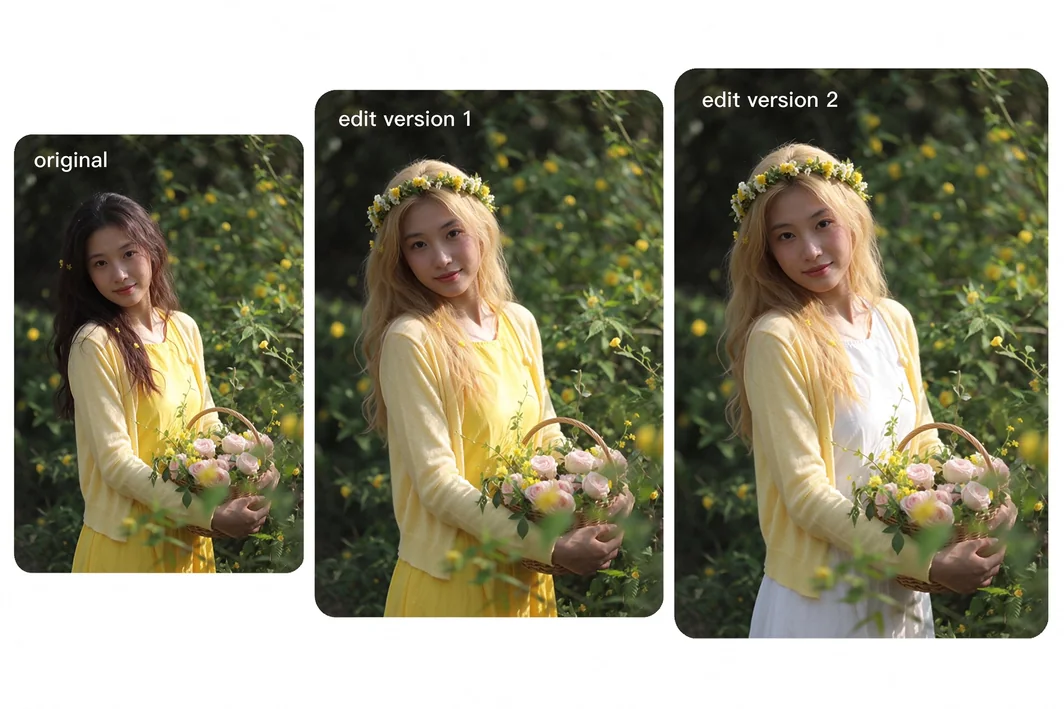
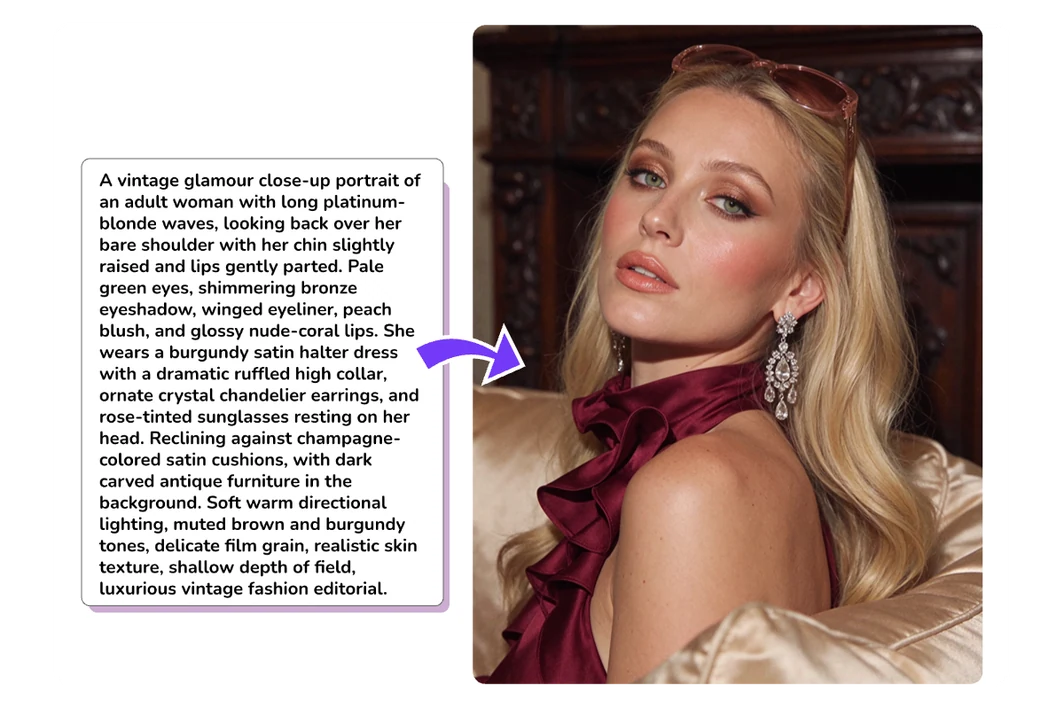
Generate realistic images with detailed skin texture, natural lighting, and materials that look true to life. The model captures fine details, from strands of hair to folds in a shirt, with smooth transitions between light and shadow. Give your images a more photographic look with less artificial shine.
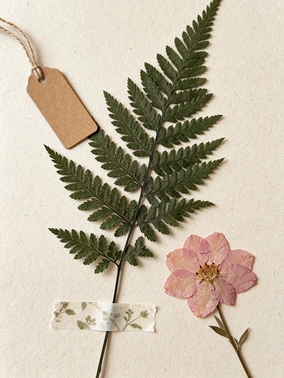
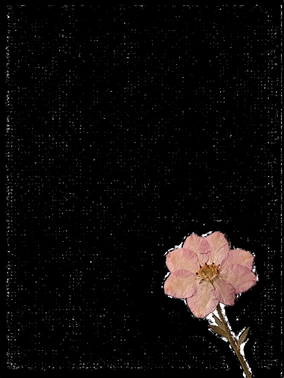
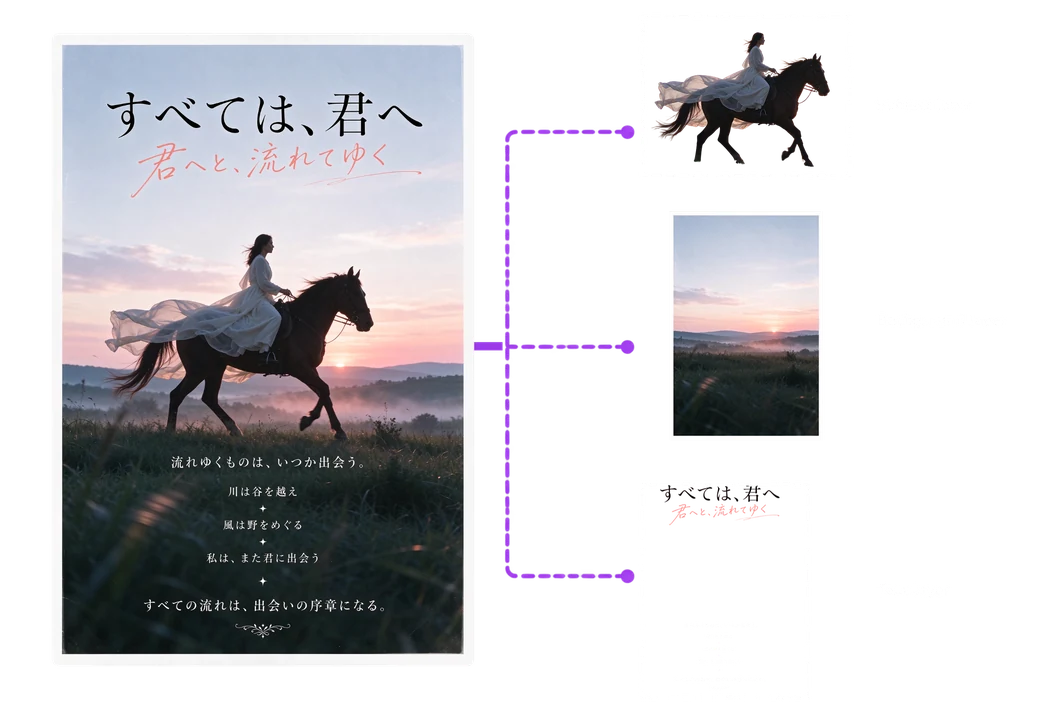
Use Seedream 5.5 to generate images with transparent backgrounds or extract elements from existing pictures. You can also split the whole image into separate layers for further editing. Combine and reuse these elements across posters, product visuals, and social posts without manually cutting them out.
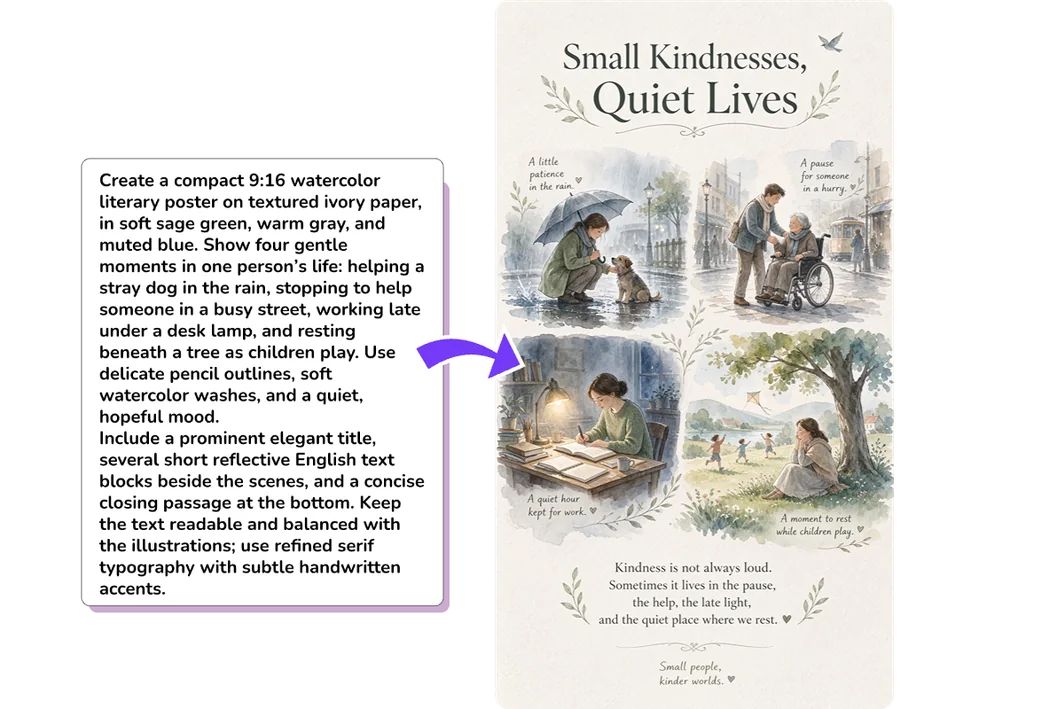
From bold headlines to small captions, the model keeps your words clear and readable. It organizes titles, body copy, and images into well-structured layouts. You can create designs that are easy to follow, even with densely arranged content. Make versions in different languages while preserving the original image details.
See how both models handle the same prompts and reference images. Compare their results side by side, then check which output and editing options fit your project.
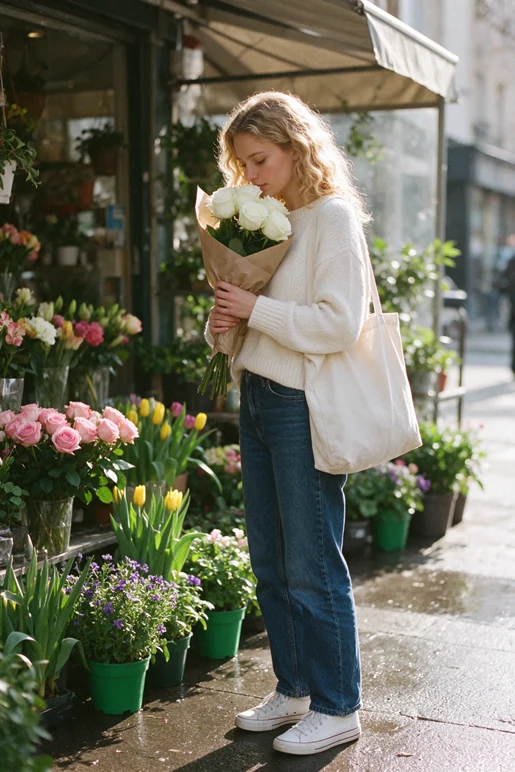
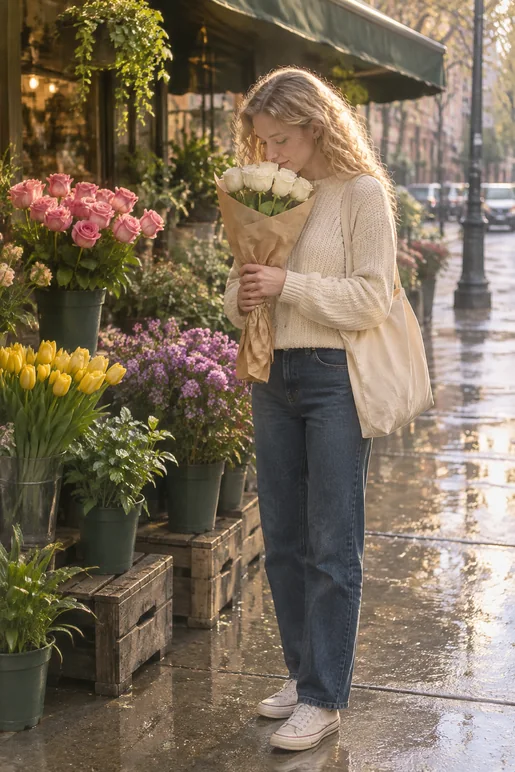
A natural, gentle lifestyle documentary photograph of a young woman standing at a street-side flower shop in the early morning. Her golden curls fall naturally around her shoulders. She wears a relaxed ivory knit sweater, straight-leg dark blue jeans, and white canvas sneakers, with a cream canvas tote bag over one shoulder. She looks down as she softly smells a bouquet of white roses held close to her chest, wearing a quiet, content expression. The bouquet is simply wrapped in light brown kraft paper and accented with a few green leaves. The flower shop is filled with pink roses, yellow tulips, small purple flowers, and leafy plants in simple green plastic pots. A shop awning is visible behind her, with the distant street softly out of focus. The pavement is slightly wet from recent rain and catches a subtle reflection, creating a fresh, authentic everyday atmosphere. Warm backlighting falls across her golden curls, shoulders, and the flower petals. Soft, fresh colors, with a palette of creamy whites, floral pinks, and leafy greens. Realistic film photography, natural skin texture, and detailed rendering of the knit fabric, curls, and flower petals. Avoid excessive retouching, a posed look, or unnatural body posture. Full-body composition, subject placed slightly right of center, with the flower shop clearly visible around her.
 (opens image in a new tab)
 (opens image in a new tab)
Scroll to see both edits.
 (opens image in a new tab)
 (opens image in a new tab)
 (opens image in a new tab)
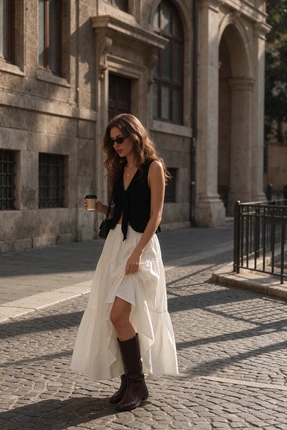
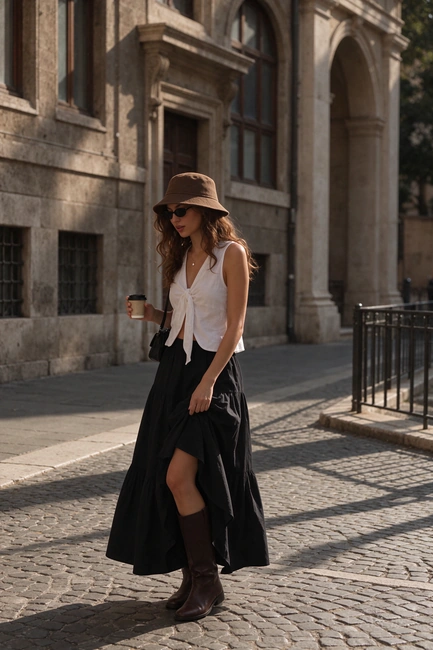
Change the character's shirt color to white and the skirt color to black, and add a brown fisherman's hat to her head.
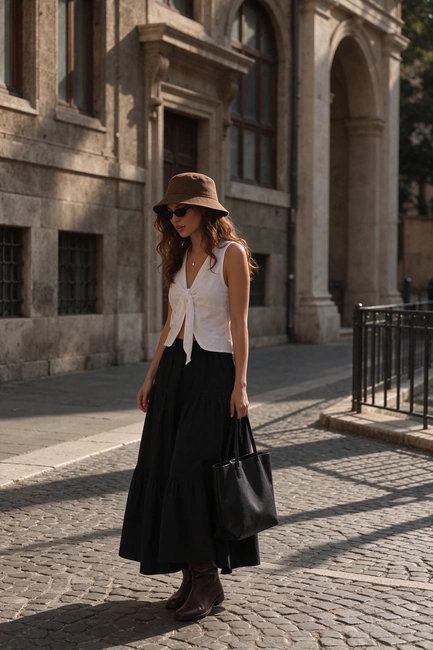 (opens image in a new tab)
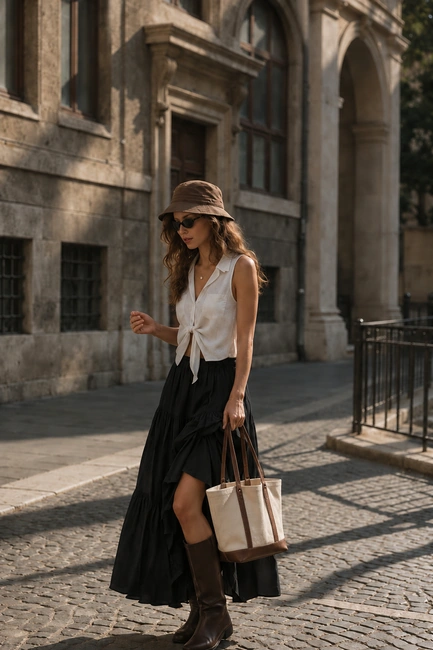 (opens image in a new tab)
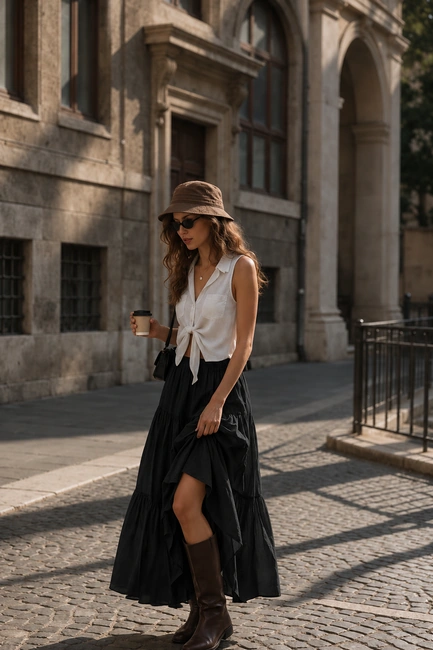
Remove the coffee from the character's hand and change the crossbody bag to a tote bag held in the left hand.
Create a poetic Japanese film poster, vertical 2:3. An adult woman in an ivory dress rides a dark brown horse through a misty meadow at sunset. Dreamy horizontal motion blur, pale blue sky, blush-pink horizon, deep teal foreground, subtle film grain. Leave generous sky space for typography. Large black Japanese Mincho headline at the top: 「すべては、君へ」 Overlay expressive coral-pink Japanese handwriting: 「君へと、流れてゆく」 Small centered subtitle: 「流れゆくものは、いつか出会う。」 Centered poem beneath: 「川は谷を越え」 「風は野をめぐる」 「私は、また君に出会う」 White text near the bottom: 「すべての流れは、出会いの序章になる。」 Elegant editorial layout, clear Japanese glyphs, balanced spacing, narrow white border, cinematic photography. All visible text in Japanese.
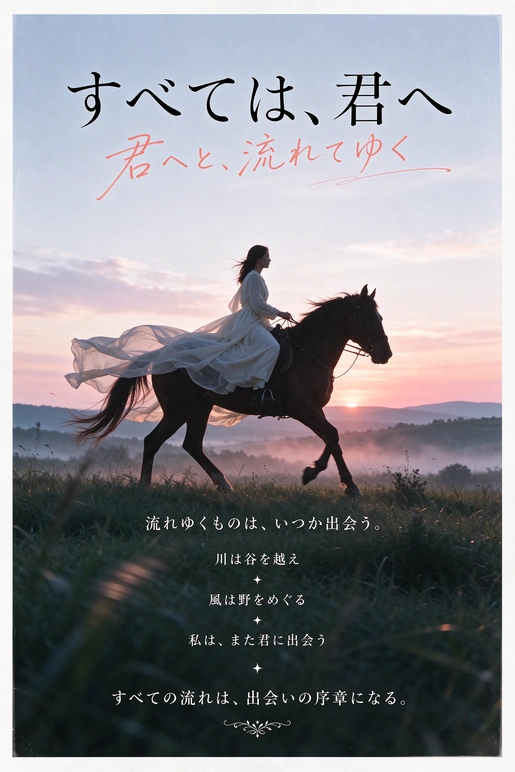 (opens image in a new tab)
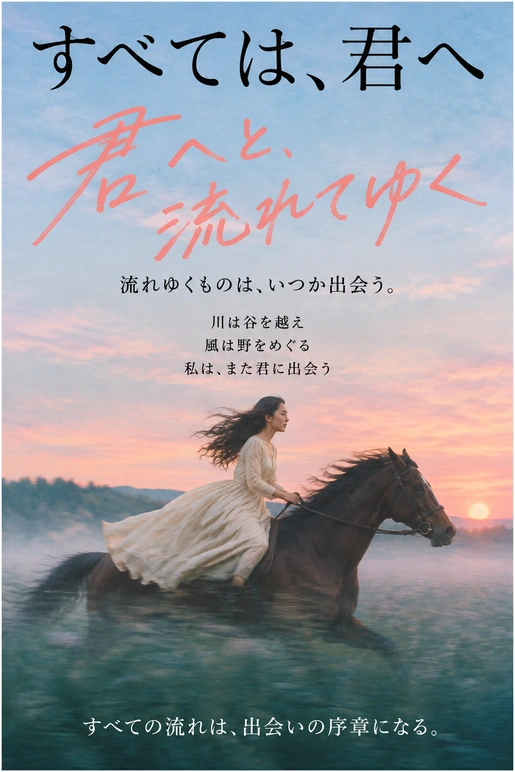 (opens image in a new tab)
| Aspect | Seedream 5.5 | GPT Image 2.6 |
|---|---|---|
| Observations from These Examples | ||
| Image realism | The person looks more natural, with less of a plastic look to the skin. | The skin has a more noticeable plastic look. |
| Consistency across edits | Preserves more detail outside the edited areas, with less visible change in lighting and shadows across edits. | Keeps the overall scene consistent, with slightly more visible changes in unedited details, lighting, and shadows. |
| Multilingual text and layout | Clear, readable text with a well-organized layout. | Comparable text clarity, readability, and layout quality. |
| Features | ||
| Direct GIF and SVG output | Not listed | Supports animated GIF and SVG output. |
| Image layer separation | Extracts image elements as separate transparent layers. | Not listed |
| Transparent backgrounds | Supports full and partial transparency. | Supports transparent PNG output. |
Feature availability can vary by platform. Seedream 5.5 model guide GPT Image 2.6 model guide
Create a new image from a text prompt or edit an existing one in three simple steps.
Describe the image you want to create in detail, including the subject, setting, and style. If needed, add a reference image to show the look you want. For edits, upload the original image and specify what should change and what should stay the same.
Choose an aspect ratio that fits your project. Use a square format for social media posts or a wider format for headers to give the content more room. Then set the resolution based on the image size you need. Go higher if you want fine details to stay clear.
Click Generate to create your image in seconds. Preview the result. If you’d like to refine it, use it as a reference and describe what to change. Once you’re happy with the image, download the final version to share or use in your own designs.
Seedream 5.5 is an AI image generation and editing model developed by ByteDance. It can create images from text prompts or reference images and make targeted edits to existing pictures based on your instructions.
You can try Seedream 5.5 with free credits on MindVideo AI. No paid membership is required. Sign up to get free credits, and earn more through daily check-ins, sharing, or inviting friends. Each generation or edit uses credits.
Images downloaded with a free account include a watermark. Paid members can download their results without one.
Paid members can use their results for ads, product listings, client work, and other commercial projects. Free users can download, edit, and share their images for personal, non-commercial use. Make sure you have permission to use any photos, logos, or other materials you upload.
Your uploaded photos stay private and are not used to train AI models. Uploaded files are automatically deleted after a limited period.
You can access your generated images for up to 24 hours without a subscription or up to six months with one. Download any versions you want to keep before they expire.
Create a product visual from a prompt, or change an outfit or background while keeping the rest of your photo consistent.
Try with Free Credits