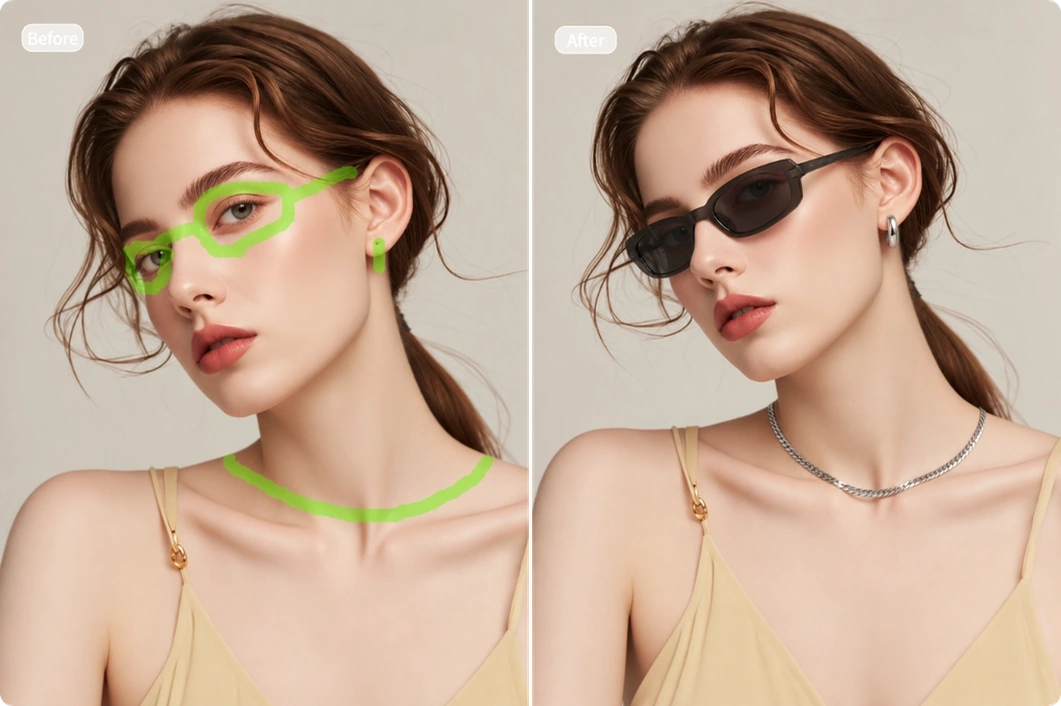
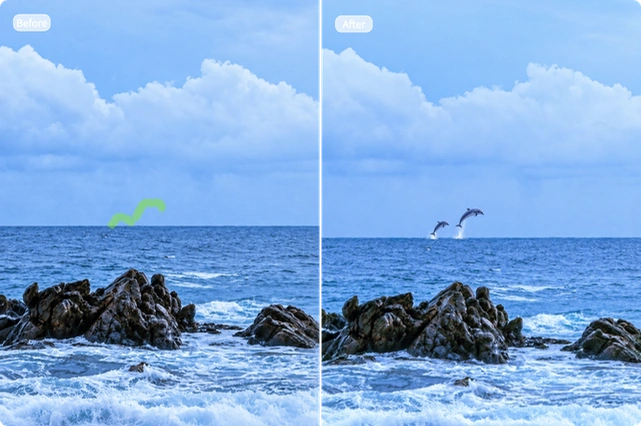
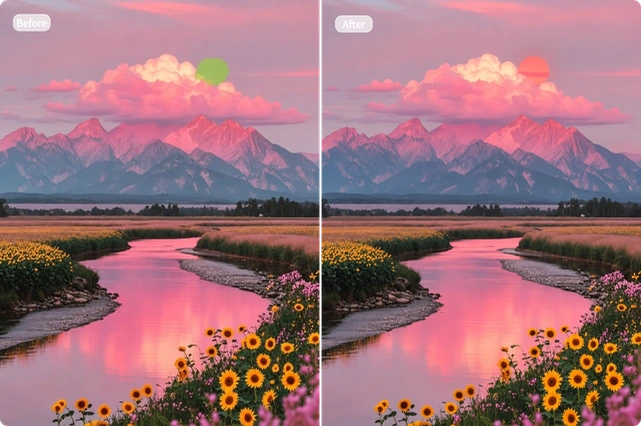
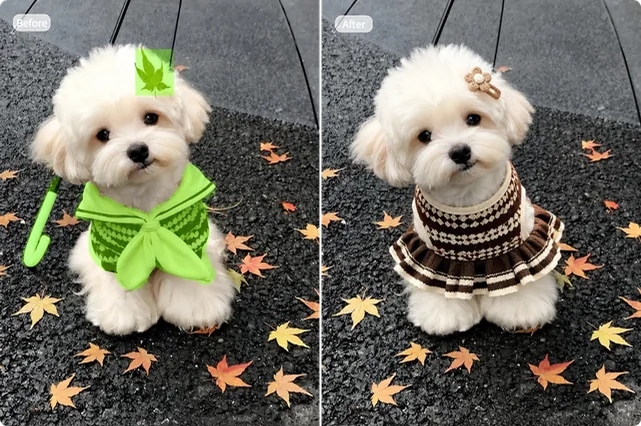
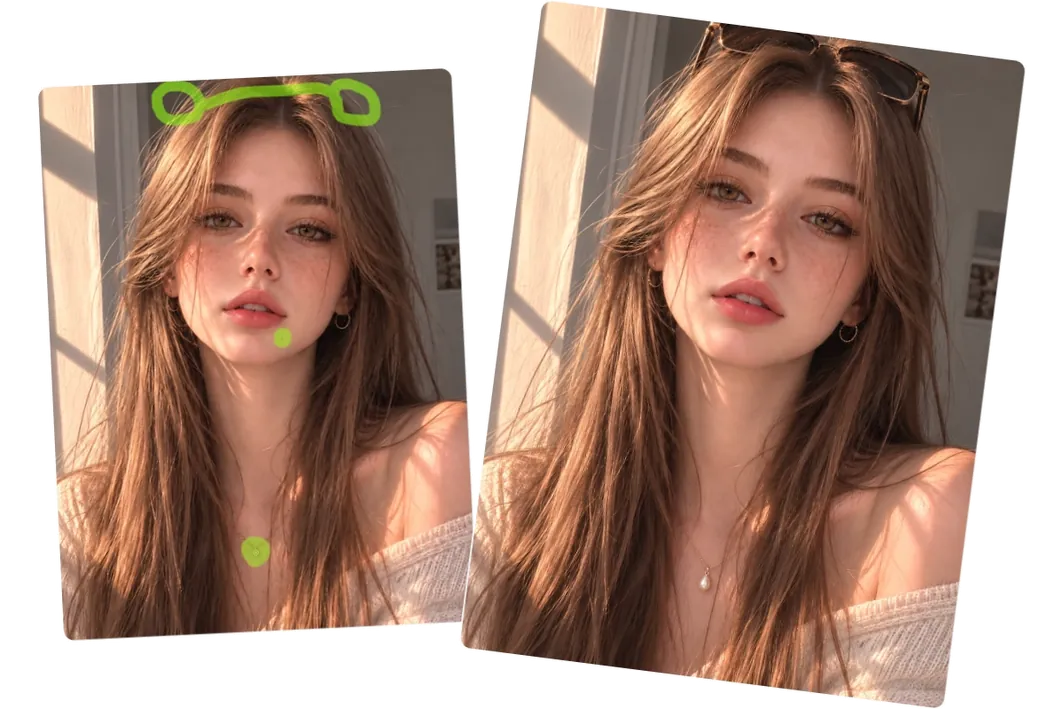
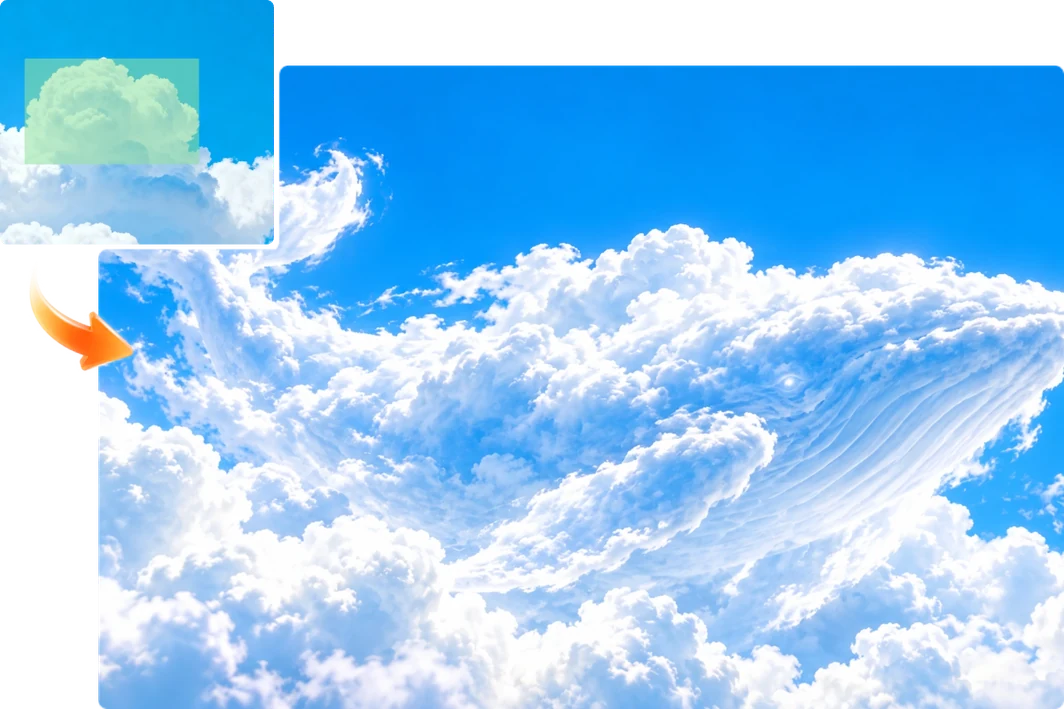
What is AI inpainting?
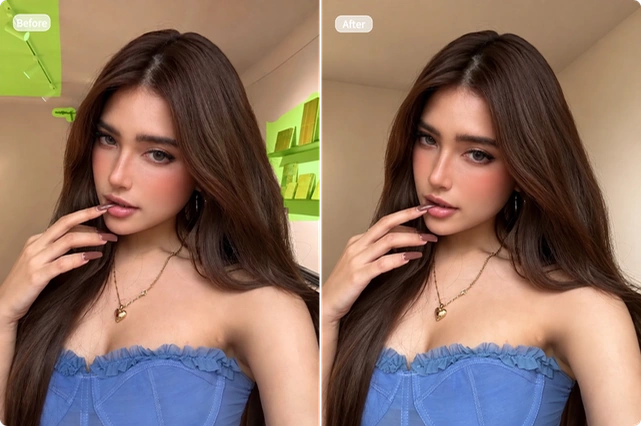
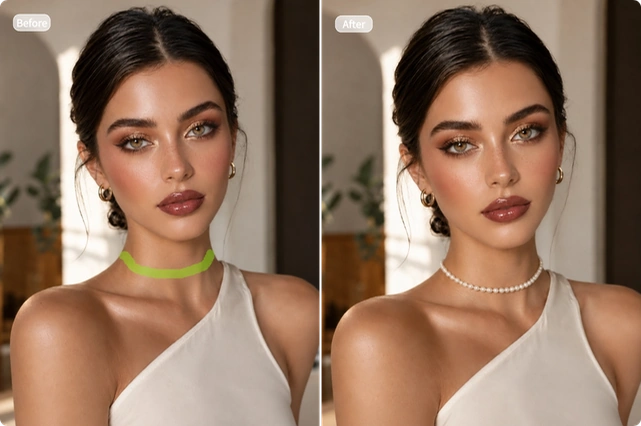
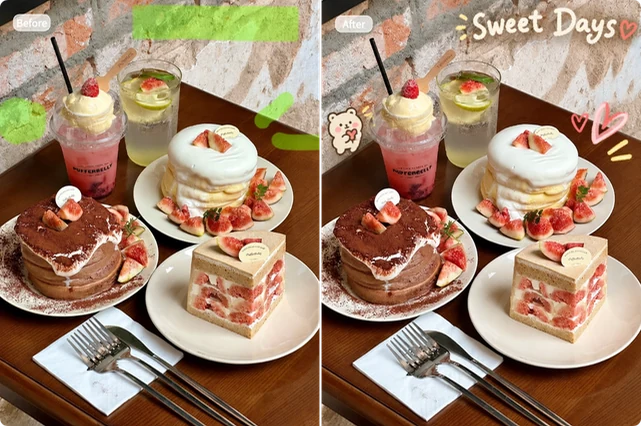
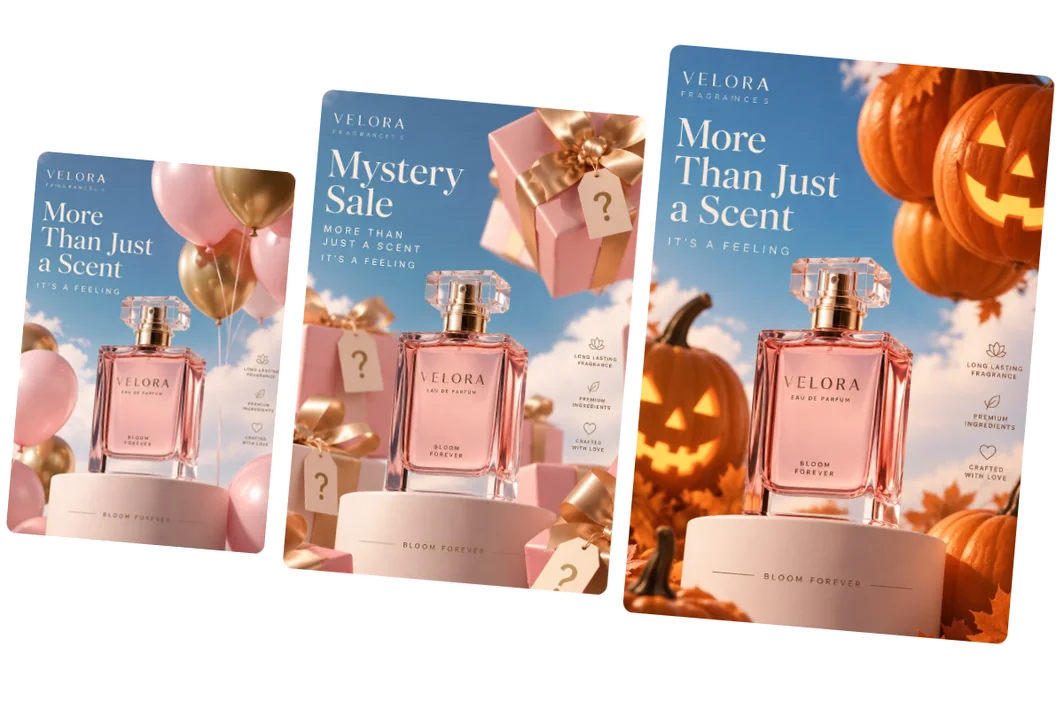
AI inpainting is a tool that lets you add, remove, or replace content in a selected area of an existing image. It uses your description and the surrounding scene to generate new details that fit the picture. You can use it on photos, AI-generated images, and design assets.
Is your AI inpainting tool free to use?
Yes. Each generation uses 2 credits. You can earn free credits by signing up, checking in daily, or inviting friends. No paid membership is required.
What’s the difference between AI inpainting and an object remover?
Our AI Object Remover only removes selected content and automatically fills in the background. With AI inpainting, you can also describe what should appear in the selected area—such as a replacement object, a new element, or a different background.
Will my downloaded image have a watermark?
Images downloaded with a free account include a watermark. Paid users can download their results without one.
Can I use the edited images commercially?
Free users can download, further edit, and share their images for personal, non-commercial use. Paid users can also use them in ads, product listings, client work, and other commercial projects. Make sure you have the necessary rights to the original images and any content you use.
Are my uploaded photos private?
Your images are processed securely, kept private, and never used to train AI models. Uploaded and generated files are deleted automatically. You can download any results you want to keep.