Remove Objects from Photos Online with AI for a Natural Look

Easily remove unwanted objects and people with our AI object remover online. AI seamlessly fills the erased areas to match the surrounding background. Try it with free credits—no subscription required.

Try AI Object Removal
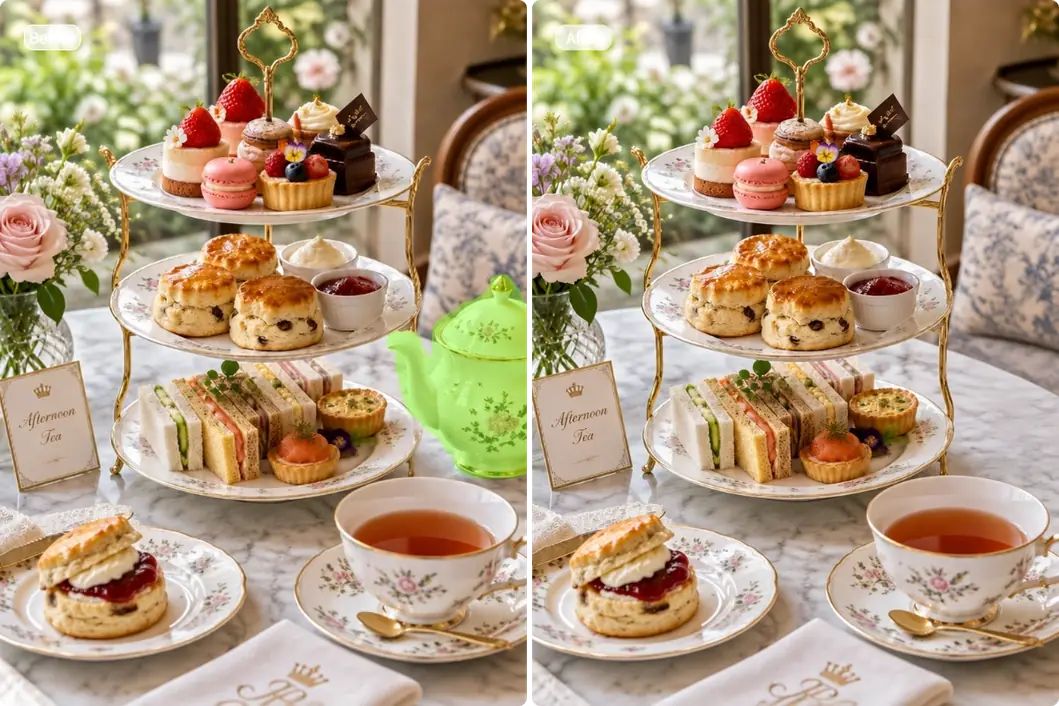
Afternoon tea table before and after a teapot is removed with the AI object remover

AI Object Removal Before and After

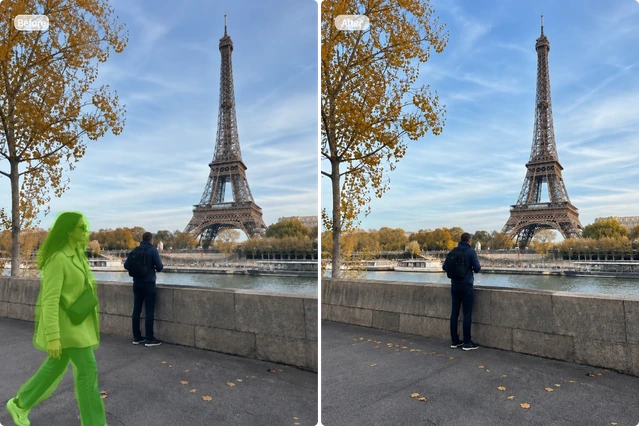
Before and after removing an unwanted passerby from a travel photo near the Eiffel Tower
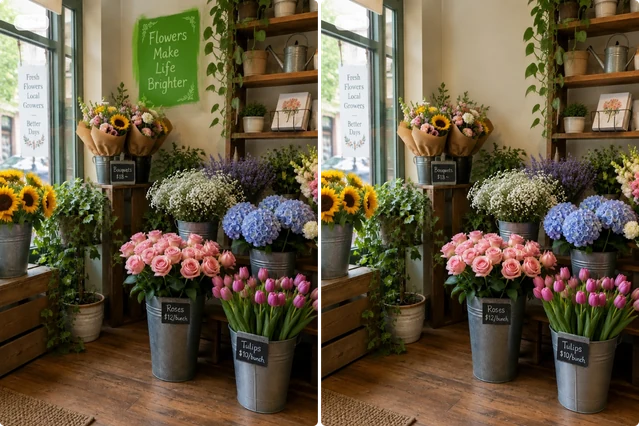
Flower shop window before and after removing lettering while keeping the floral display intact
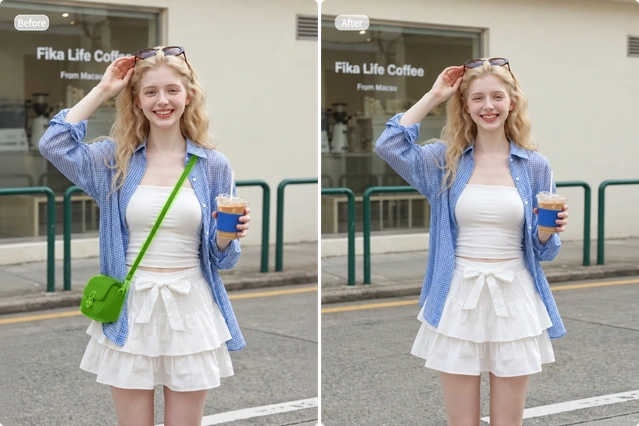
Woman outside a cafe before and after her green shoulder bag is removed with the AI photo eraser
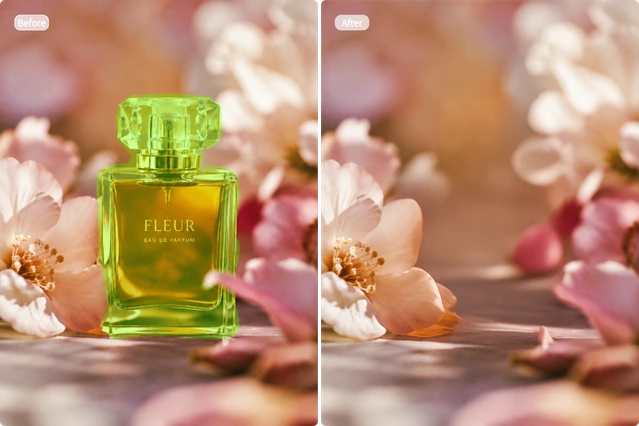
Perfume bottle erased from a floral product scene, leaving the soft pink background intact
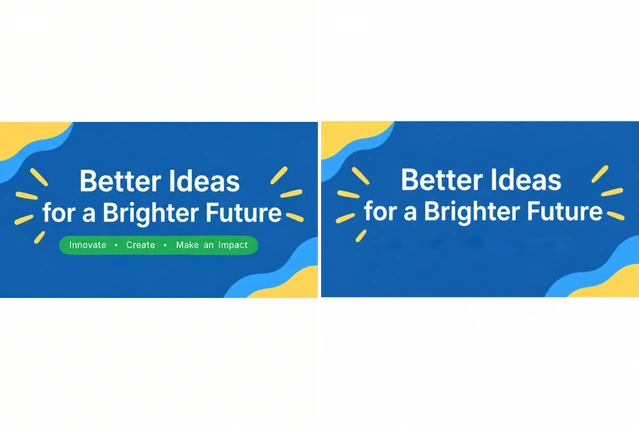
Blue marketing banner before and after removing the small tagline below its main headline
Fashion sale poster before and after removing the highlighted discount numbers

How to Remove Objects from Photos with AI

Clean up your photos in three simple steps. No editing experience needed.

  1. Step 1: Upload or Choose a Photo

    Click to upload an image from your device, or paste one copied from the web. WEBP, JPG, PNG, and other common formats are supported.

  2. Step 2: Brush Over Unwanted Areas

    Paint over the objects, people, text, logos, or other areas you want to erase. It’s fine to brush slightly beyond the edges. For small details, switch to Drag Mode and zoom in for easier brushing.

  3. Step 3: Click Generate

    Click “Generate,” and AI will clean up your photo in seconds. It removes the marked content and fills in the erased areas to create a clean, ready-to-use image.

What Can You Do with Our AI Object Remover?

Use our eraser to clean up AI images and design assets, refresh marketing materials, and get photos ready for social media.

Clean Up AI Images and Design Assets in Seconds

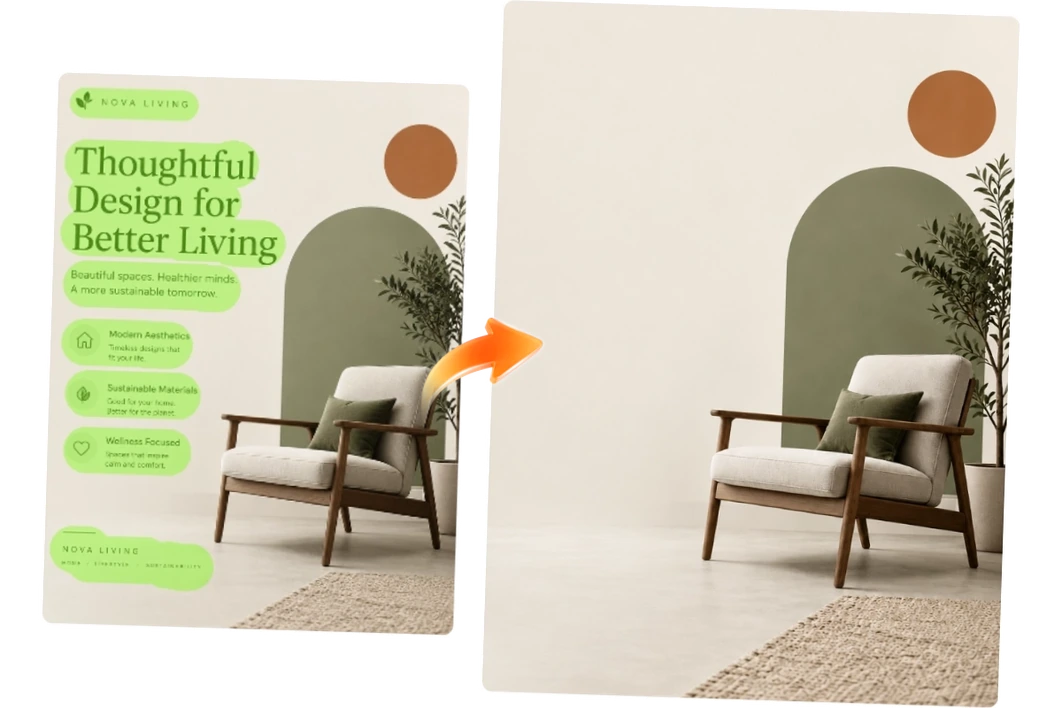
Clear extra objects, outdated text, or unwanted stickers and decorations from AI images and design assets. Our editor automatically fills in the background, so you can quickly get a clean version. Keep your creative projects moving while spending less time retouching by hand or tweaking prompts.

Furniture design poster with selected text erased to reveal a clean chair and plant layout

Update Marketing Materials Faster with AI

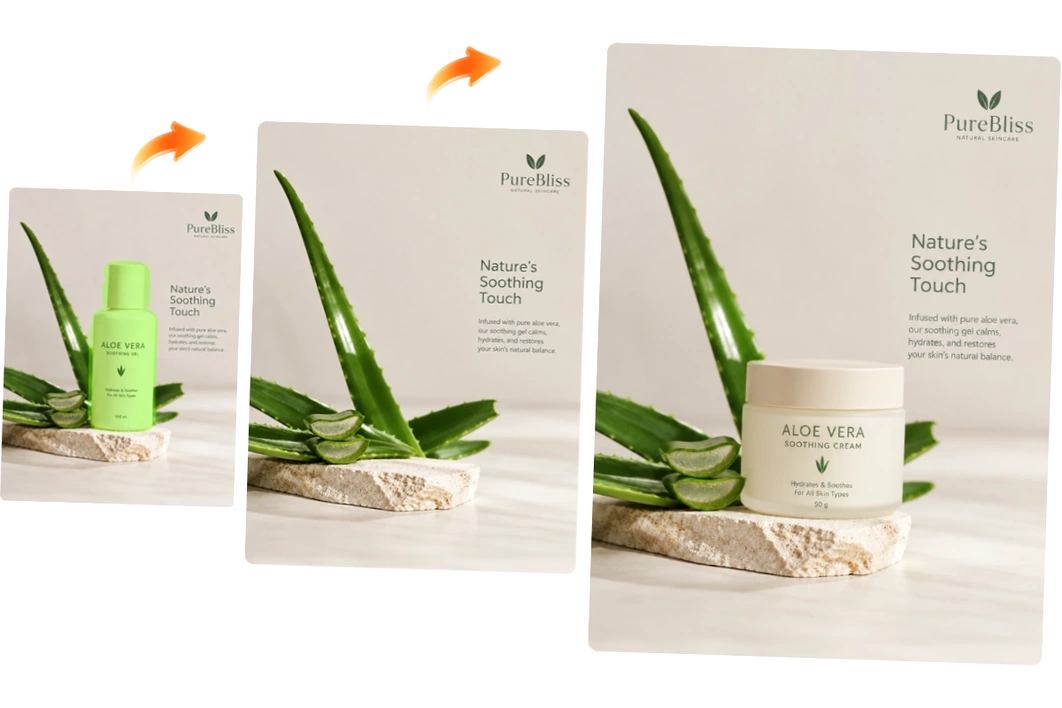
Reuse your existing designs for new campaigns. Quickly remove old text, dates, or logos from promotional banners, product brochures, and other marketing images. Save time and money on design work while maintaining brand consistency from one campaign to another.

Skincare campaign images showing a green product tube removed while the aloe scene stays intact

Remove Unwanted Objects from Pictures for Social Media

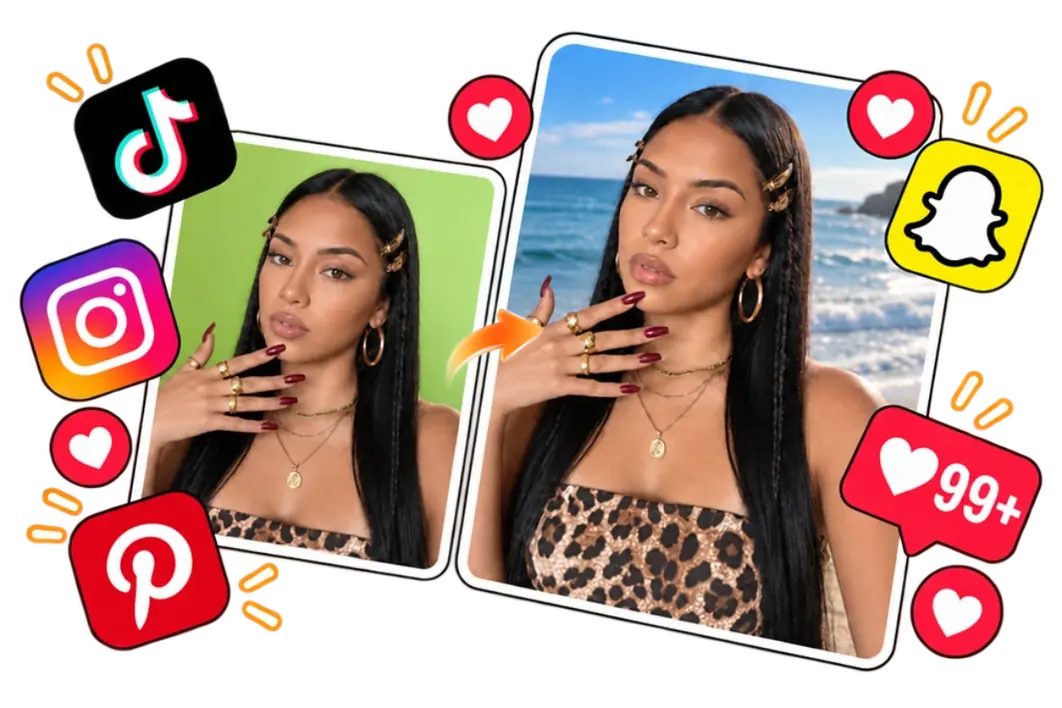
Give your travel photos and everyday snapshots a cleanup before you post. Remove unwanted people and stray objects to keep the focus on the moments you share. Post polished photos on Instagram, Pinterest, or TikTok to encourage more likes, comments, and saves.

Portrait adapted for social media with an ocean background and surrounding reaction icons

Why Use Our AI Photo Eraser?

Choose our tool to get clean, natural results with simple controls and free online access.

Free Online AI Object Removal

Clean up photos right in your browser with free credits. Each generation uses just 2 credits—no subscription or app needed.

Clean Removal and Natural Results

Our tool clears unwanted content while rebuilding the scene behind it. The filled areas match the original content, style, colors, lighting, and other details for a consistent look.

Easy Brushing with Undo and Zoom

Undo accidental brush strokes and adjust the brush size as needed. Zoom out to cover large areas quickly, or zoom in for a closer view of small details.

FAQs About Our AI Image Remover

What is an AI object remover?

An AI object remover erases unwanted content from photos and fills in the area left behind. You can use it on portraits, AI-generated images, design assets, and other types of pictures.

Will my edited photos have a watermark?

Free users get results with a watermark. Paid users can download watermark-free images.

Will the tool compress my photos?

No. Our AI object remover does not apply additional compression to your photos.

Can I use my edited photos commercially?

Commercial use is available to paid users, including use in product listings, ads, and other business materials. Free users can use their results for personal projects and social sharing.

Why doesn’t the result look the way I expected?

AI may not get every detail right, especially in complex scenes. If small details look off, try uploading an original image with sharper, clearer details. You can also generate a few versions and choose the one you prefer.

What if I don’t like the filled-in background?

AI generates the replacement based on the surrounding image, so it may differ from what you had in mind. For more control over what appears in the erased area, try our AI Inpaint tool.

Are my uploaded photos private?

Yes. Your uploads are not shared publicly or used to train AI models. They are automatically deleted after 24 hours.

Explore More AI Image Tools

Give Your Favorite Photo a Quick Cleanup with AI

Remove unwanted objects in seconds and get a photo that’s ready to share. Try it for free.

Remove Objects Now
4.9/5 average rating from 12,029+ users

Join MindVideo AI official community on Discord.