Repair Scratches, Tears & Other Damage
Clean up scratches, cracks, creases, stains, tears, holes, and worn edges in aging photos. Reduce visible damage to make worn or broken areas look more complete again.

Restore faded, scratched, blurry, or damaged photos with free credits to try. Upload your image, click "Restore", and let AI recover lost clarity while keeping the original photo recognizable.
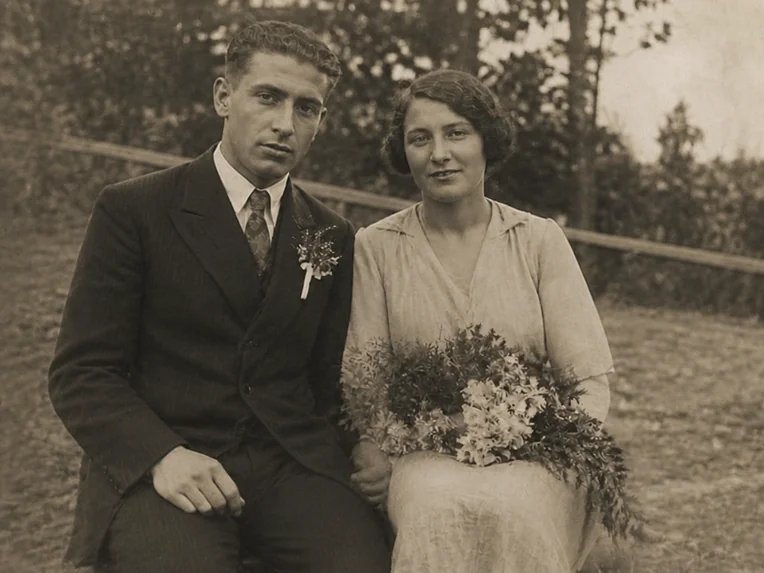
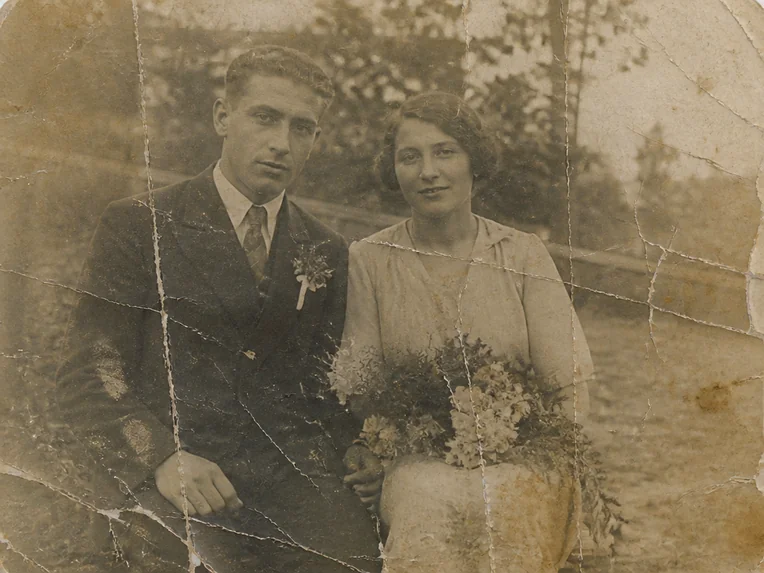
Result

AI photo restoration uses artificial intelligence to repair old, faded, or damaged photos and recover details that have become difficult to see. It can repair scratches, tears, fading, blur, stains, and noise while preserving the original subject and composition.
Instead of manually retouching each damaged area, AI automatically analyzes the whole photo and uses surrounding visual information to restore lost contours, textures, tones, and details.
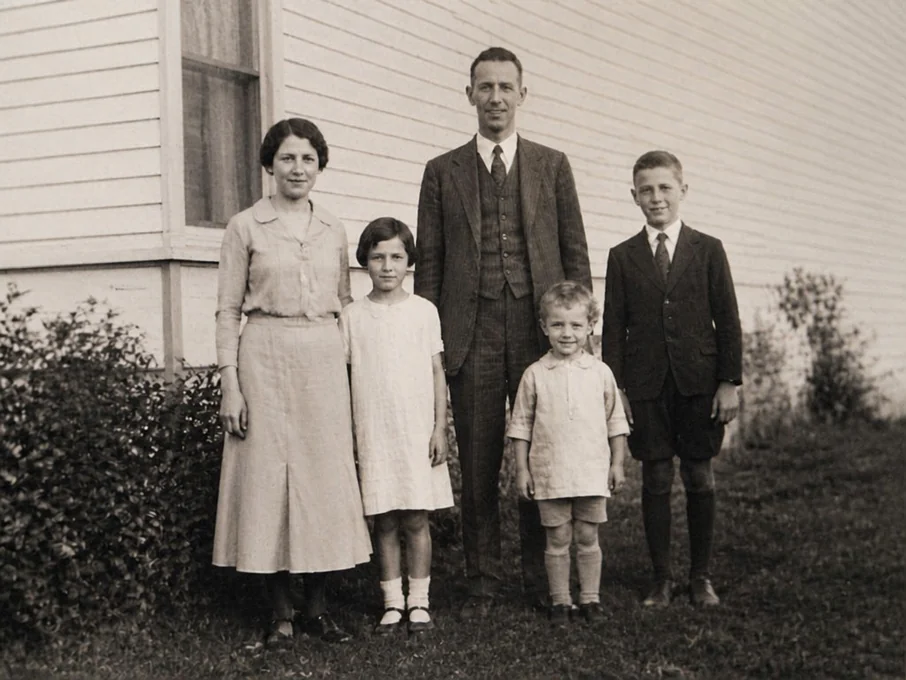
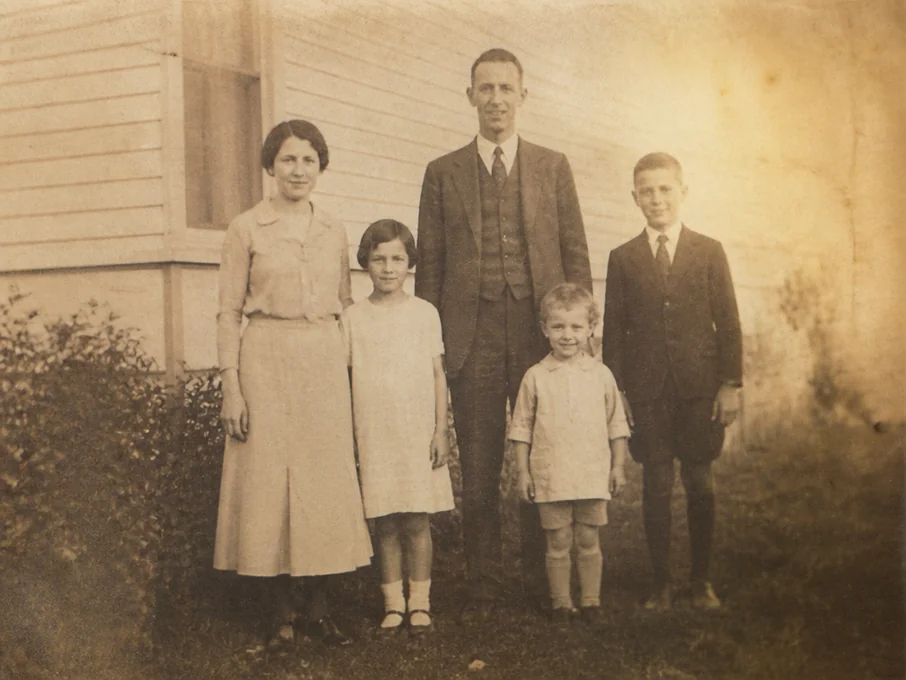
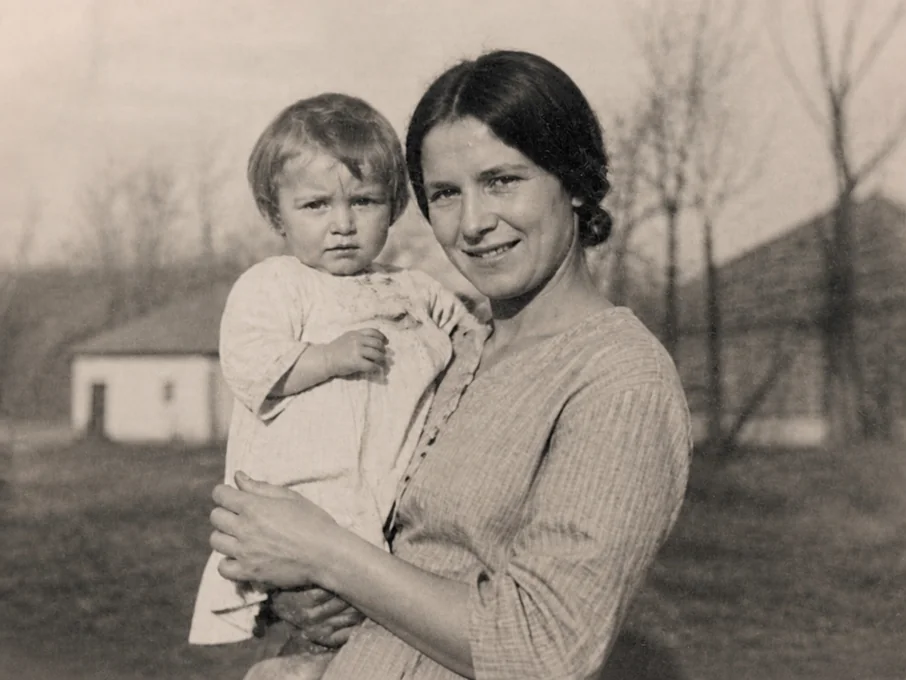
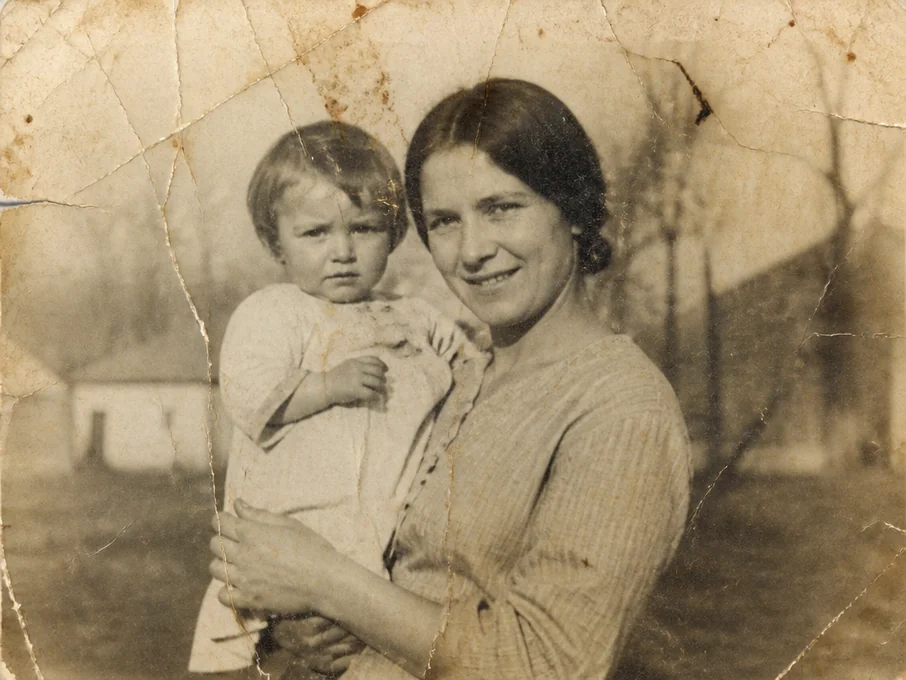
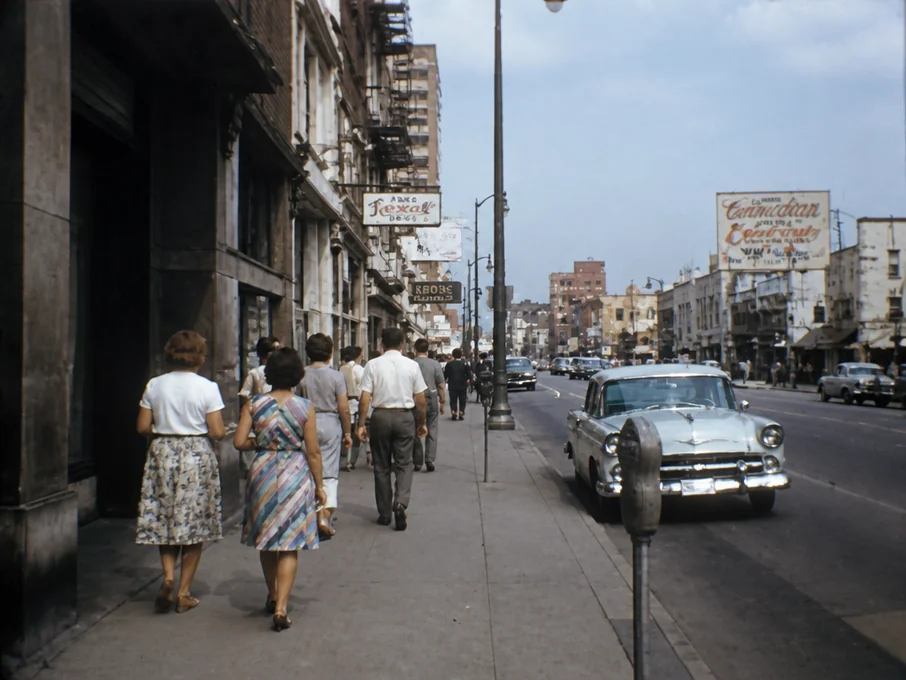
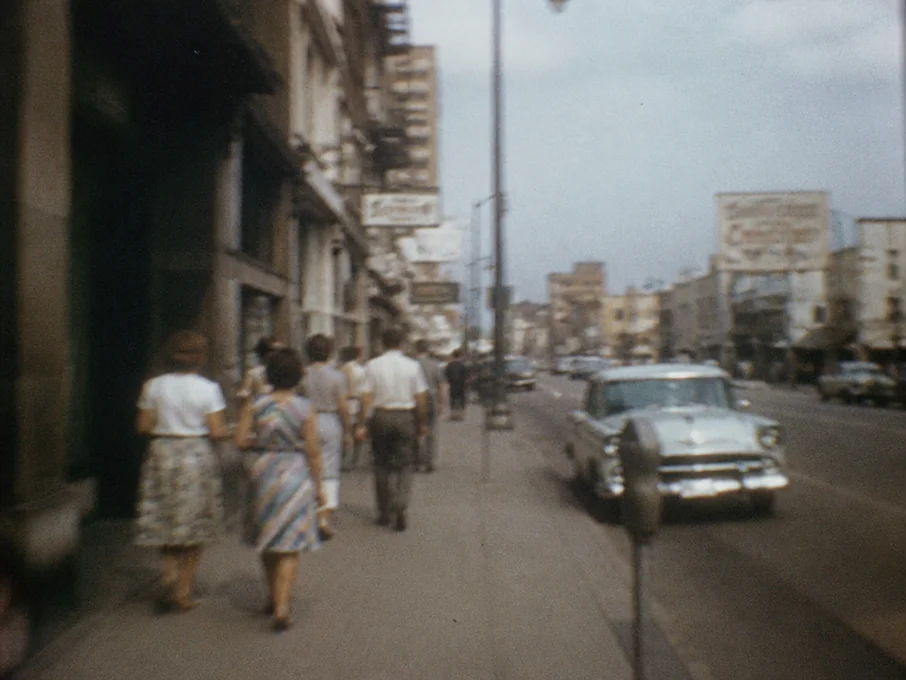
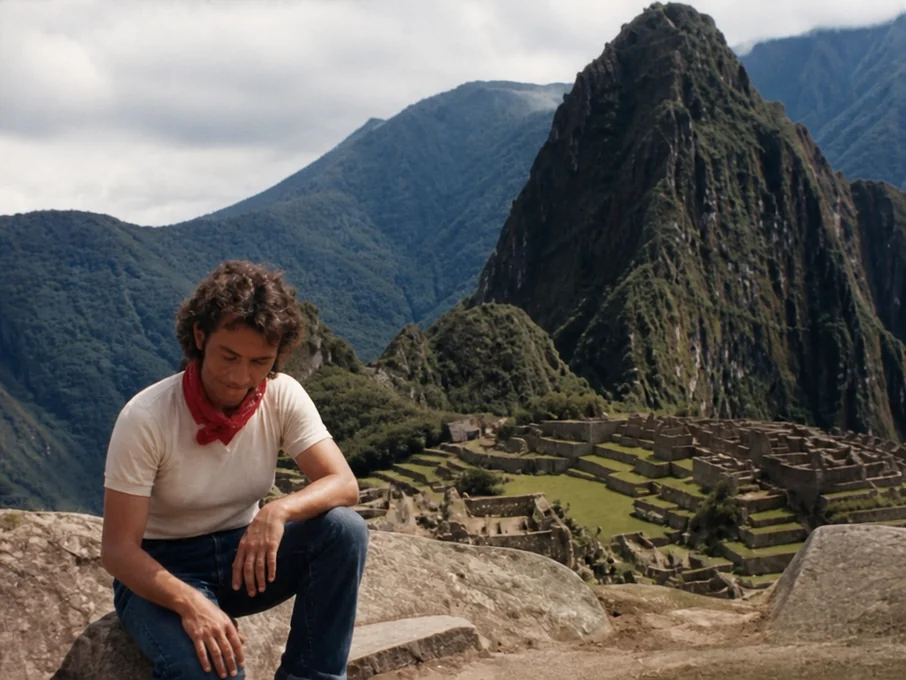
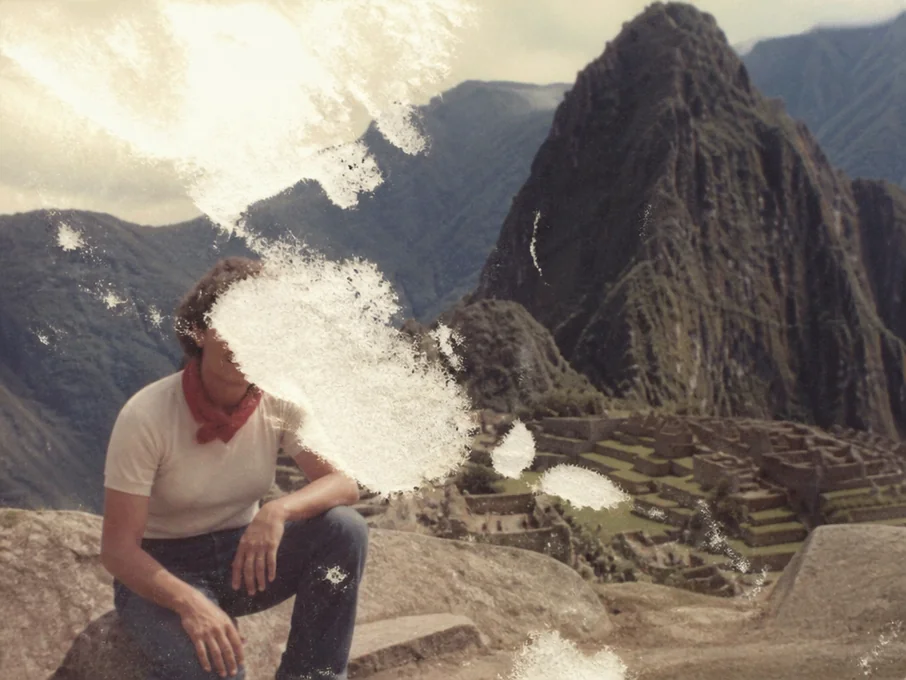
Restore old photos in three easy steps, with no manual photo editing required.
Upload the old, faded, scratched, blurry, or damaged photo you want to restore.
Click "Restore" and let AI automatically repair visible damage and recover clearer details.
Preview and download your restored photo. Save it to your digital album, share it with family and friends, or print a new copy to keep.
Restore photos with faces and details kept true to the original, free credits to use, and private photo processing.
Improve faded or unclear facial details while keeping the person recognizable. Features, expressions, and age characteristics stay true to the original without unnecessary changes.
Repair worn or missing details without over-editing or regenerating the photo. Handle unclear areas carefully, limiting changes to what the original image supports.
Each restoration uses only 1 credit. Get free credits by signing up, checking in, inviting friends, and completing other available activities to use the tool without paying.
Your uploaded photos stay private throughout the restoration process. They are securely processed, never used for AI training, and automatically deleted after 24 hours.
Repair many types of aging or damaged photos, from family portraits and milestone events to historical images and old travel photos.
Bring aging family portraits and photos of parents, grandparents, and other loved ones into clearer digital versions. Save the restored photos in your family album, share them on social media, or print new copies to keep.
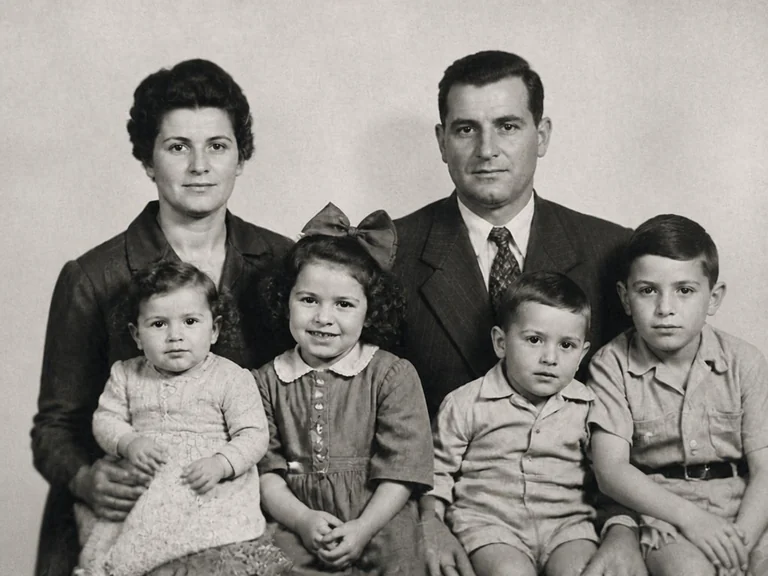
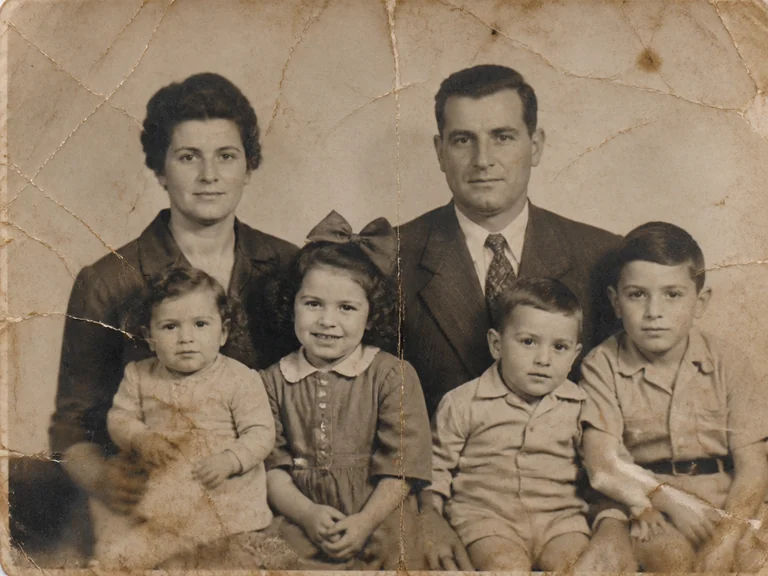
Fix faded or damaged photos from weddings, graduations, birthdays, anniversaries, and other important events. Make the people and surroundings easier to see again while keeping the original scene intact.
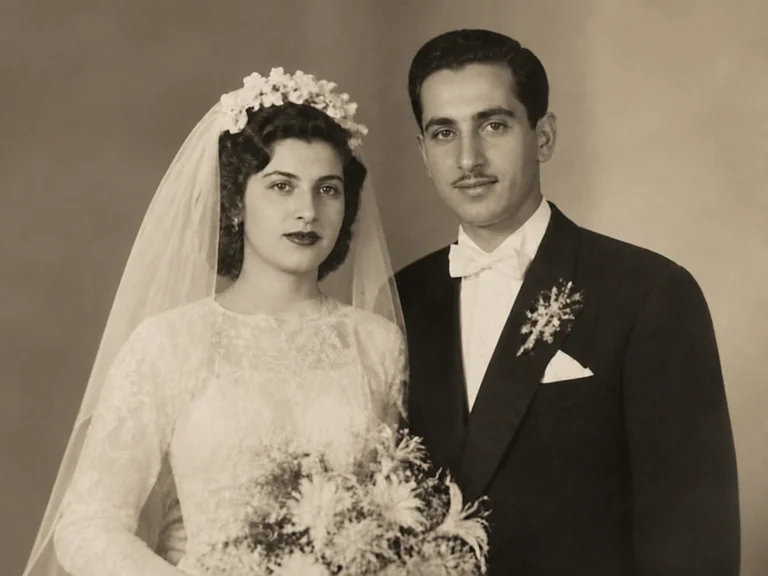
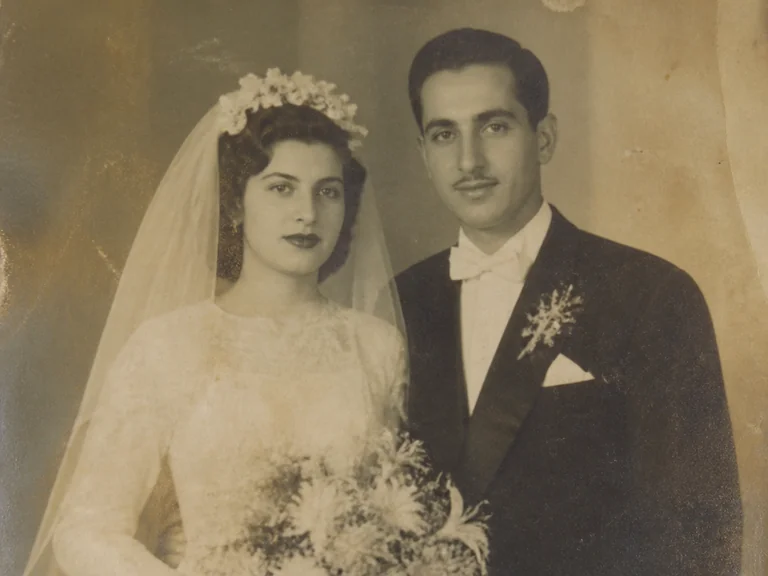
Repair faded or damaged historical photos to reveal more visible detail across people, places, clothing, and surroundings. Use the restored images for historical research, documentation, or digital archiving.
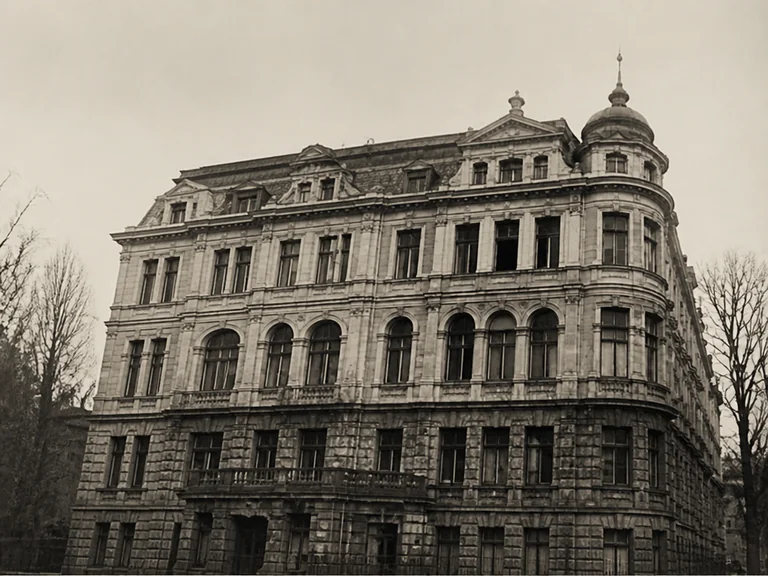
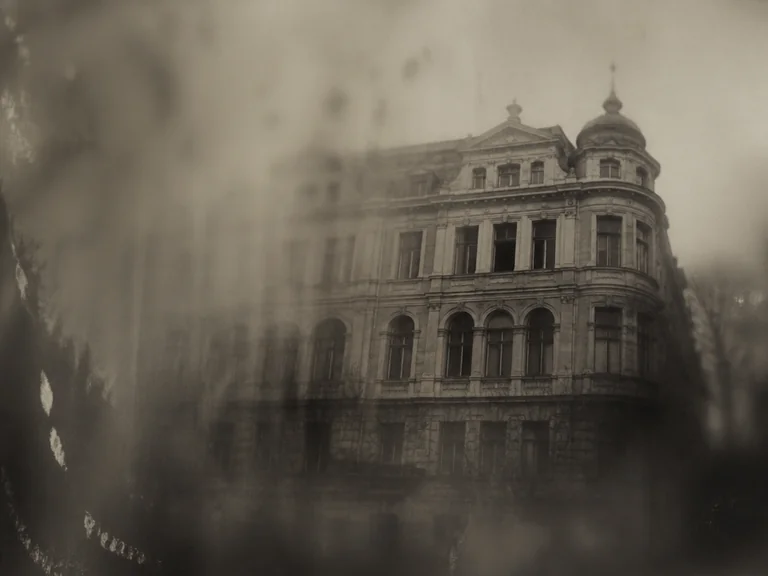
Restore aging travel photos to reconnect with where you went, what you experienced, and who shared the journey with you. Create a travel book, slideshow, or keepsake you can return to whenever you want to look back on the trip.
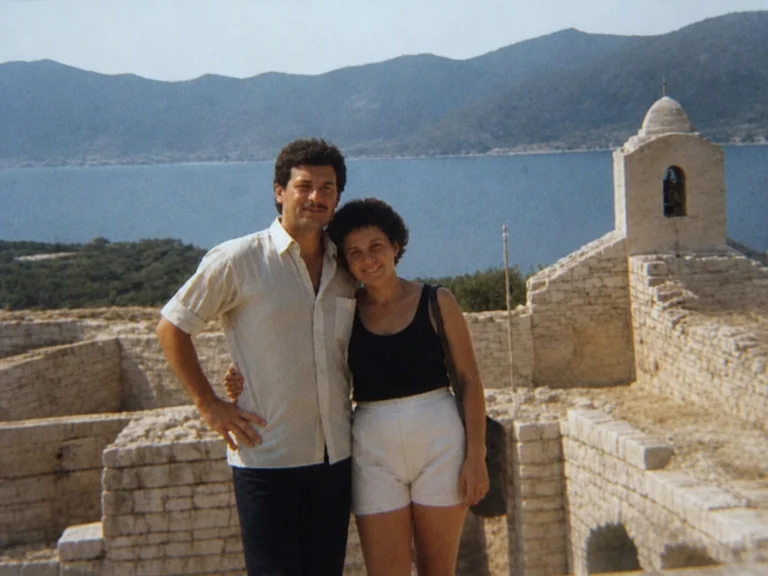
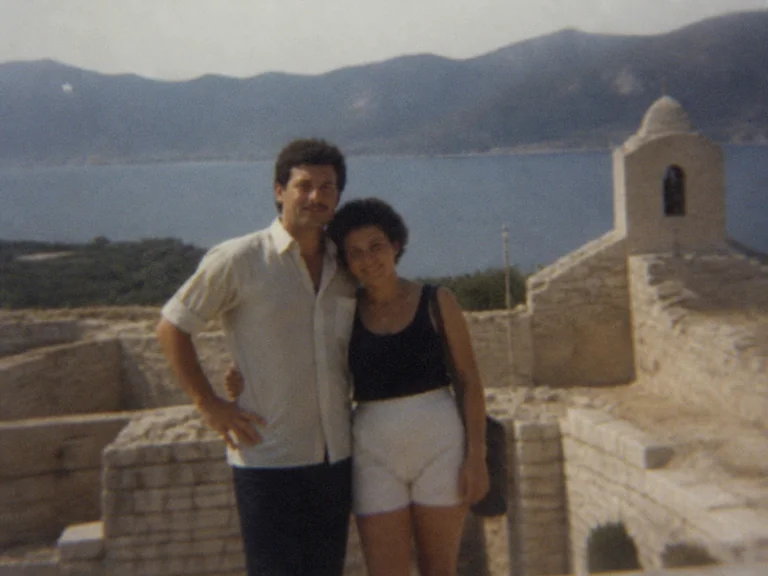
No intentional face replacement or beautification is applied during restoration. Facial features, expressions, and age characteristics are kept true to the original so the person remains recognizable.
It depends on how much original information is still visible. Scratches, tears, fading, and partially missing areas can often be repaired, but large missing sections or completely lost facial details may limit how accurately the photo can be restored.
Missing or unclear areas are handled conservatively using visual information that remains in the photo. If the source does not provide enough evidence for a detail, the restoration avoids adding unsupported details.
No. Black-and-white or monochrome photos remain that way during restoration. For faded color photos, the tool focuses on recovering the existing color character rather than applying a new color style.
Yes. Each restoration uses only 1 credit. You can get free credits through sign-up rewards, check-ins, friend invitations, and other available reward activities, so the tool can be used without paying.
Yes. Your photos remain private during restoration and are securely processed. Uploaded images are automatically deleted after 24 hours.
Repair old photos without turning them into something new. Keep original details true to the source.
Start Restoring