Create Looping AI GIFs from Text or Images for Free

Give your pet photo a playful twist or turn a funny idea into a reaction GIF. Our AI GIF generator makes it easy to create custom animations for chats, marketing materials, or creative projects. No frame-by-frame editing needed.

Create a GIF
  • Free credits to try
  • Direct .gif download
  • No app required

Create AI GIFs Online

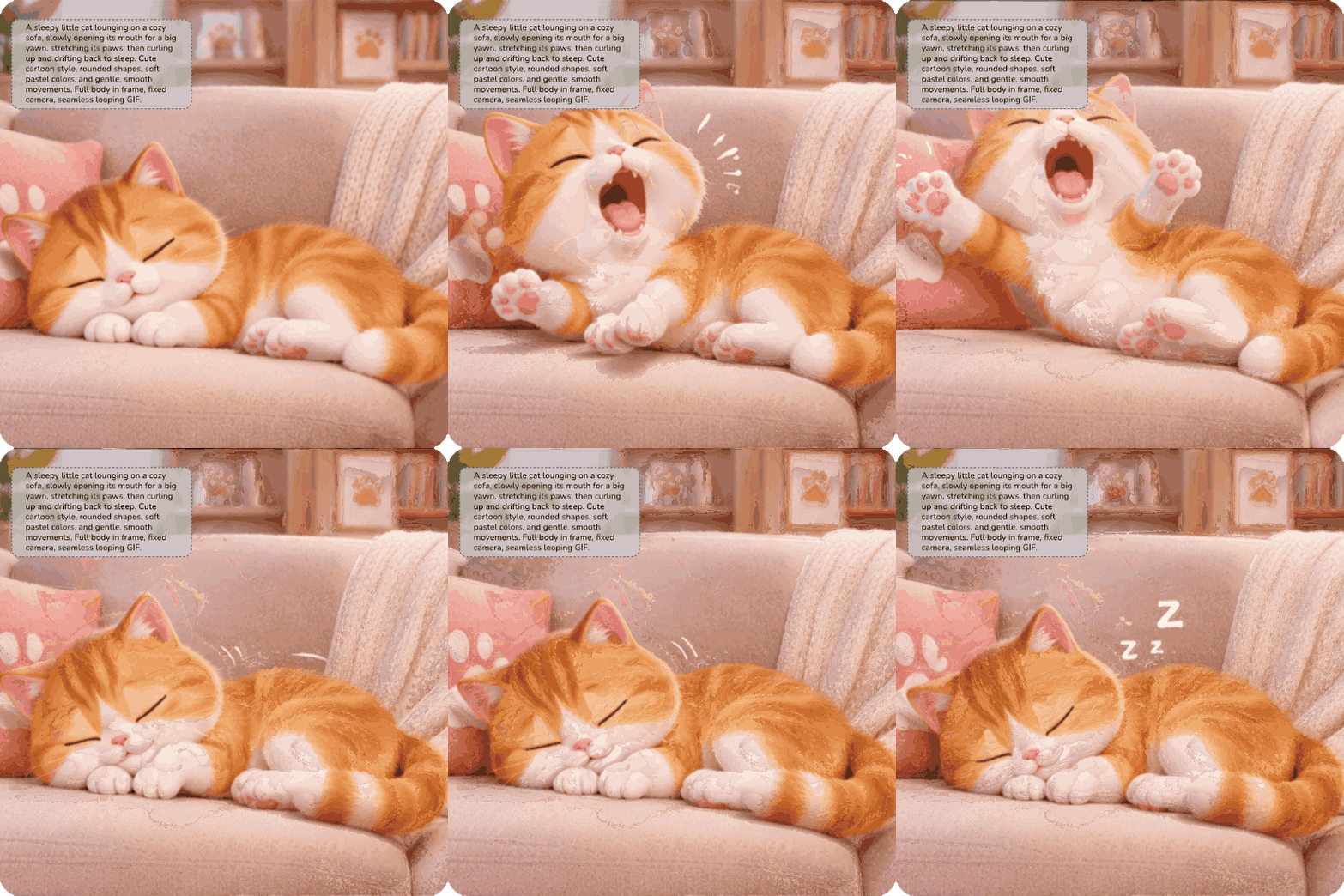
Result

AI GIF Generator result showing an orange cat yawning, stretching, and dozing on a sofa

How to Make a GIF with AI in Three Steps

  1. Step 1. Choose Text to GIF or Image to GIF

    Enter a prompt in the generator above to start from text. To animate a still photo, open Image to GIF and upload the original image.

  2. Step 2. Describe the Motion

    Tell AI what should move and how. If you’re creating a scene from scratch, include a few details about the subject and setting.

  3. Step 3. Generate and Download

    Generate your animation, then download it directly as a looping .gif file for your personal projects.

What Is an AI GIF Generator?

An AI GIF generator is an AI tool that makes looping GIFs from text prompts or still images. Just describe the motion you want and let AI handle the animation.

Text to GIF

Make Custom GIFs from Text with AI

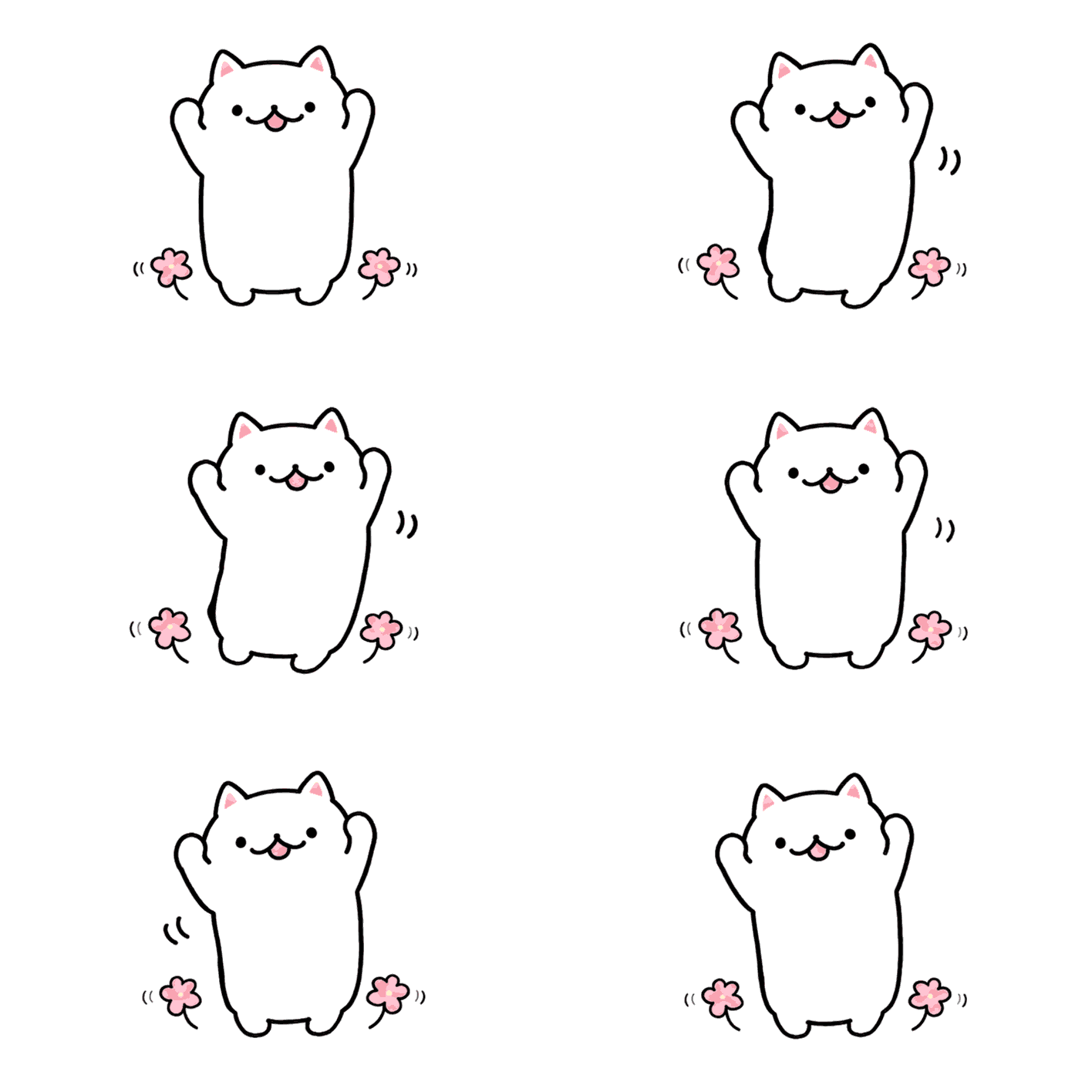
Have a scene in mind but can’t find a GIF that fits? With our AI GIF generator, you can create a custom GIF from a short description of the character, setting, and action.
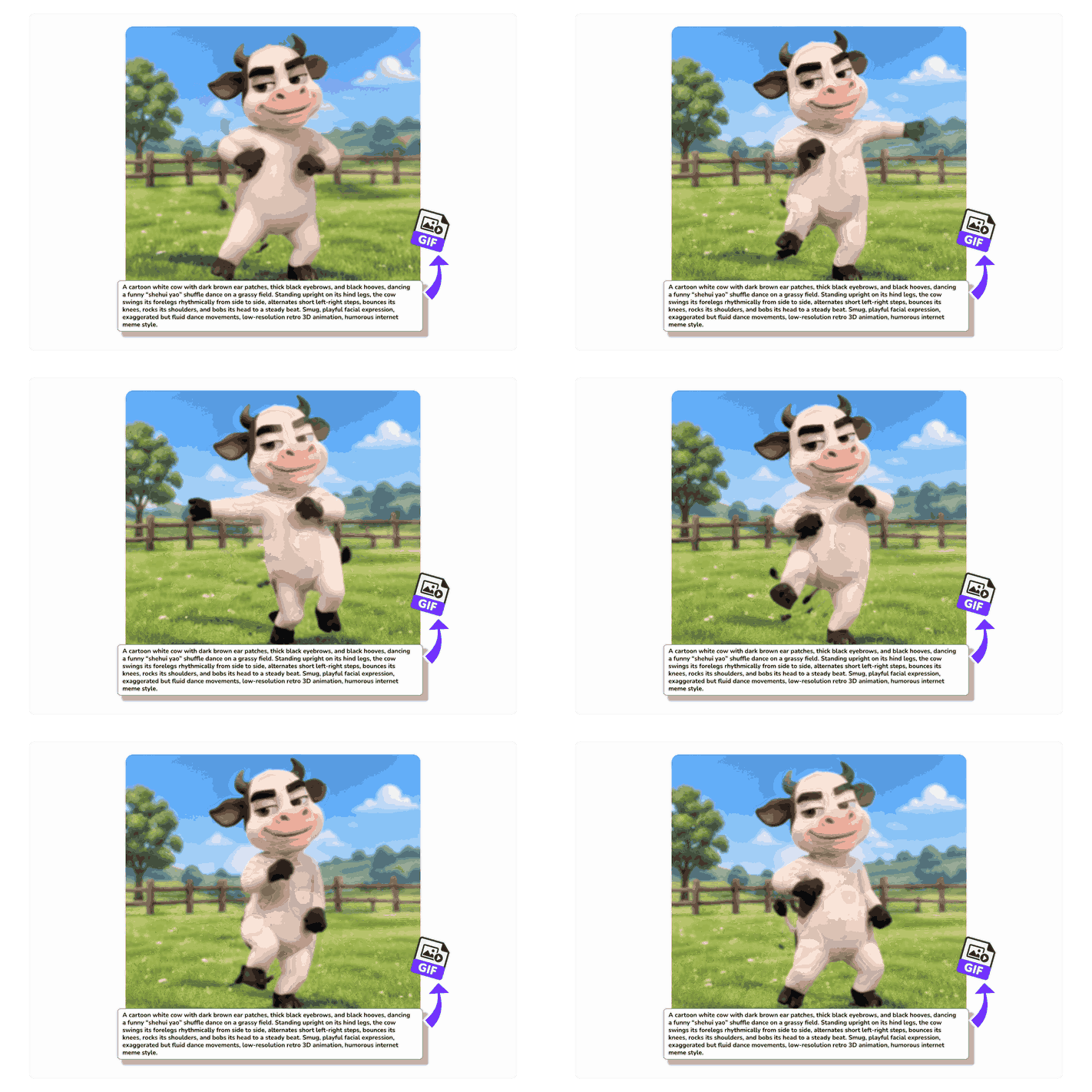
A simple text prompt turns into a looping GIF of a cartoon cow dancing in a grassy field
Image to GIF

Turn Your Favorite Image into a Fun GIF

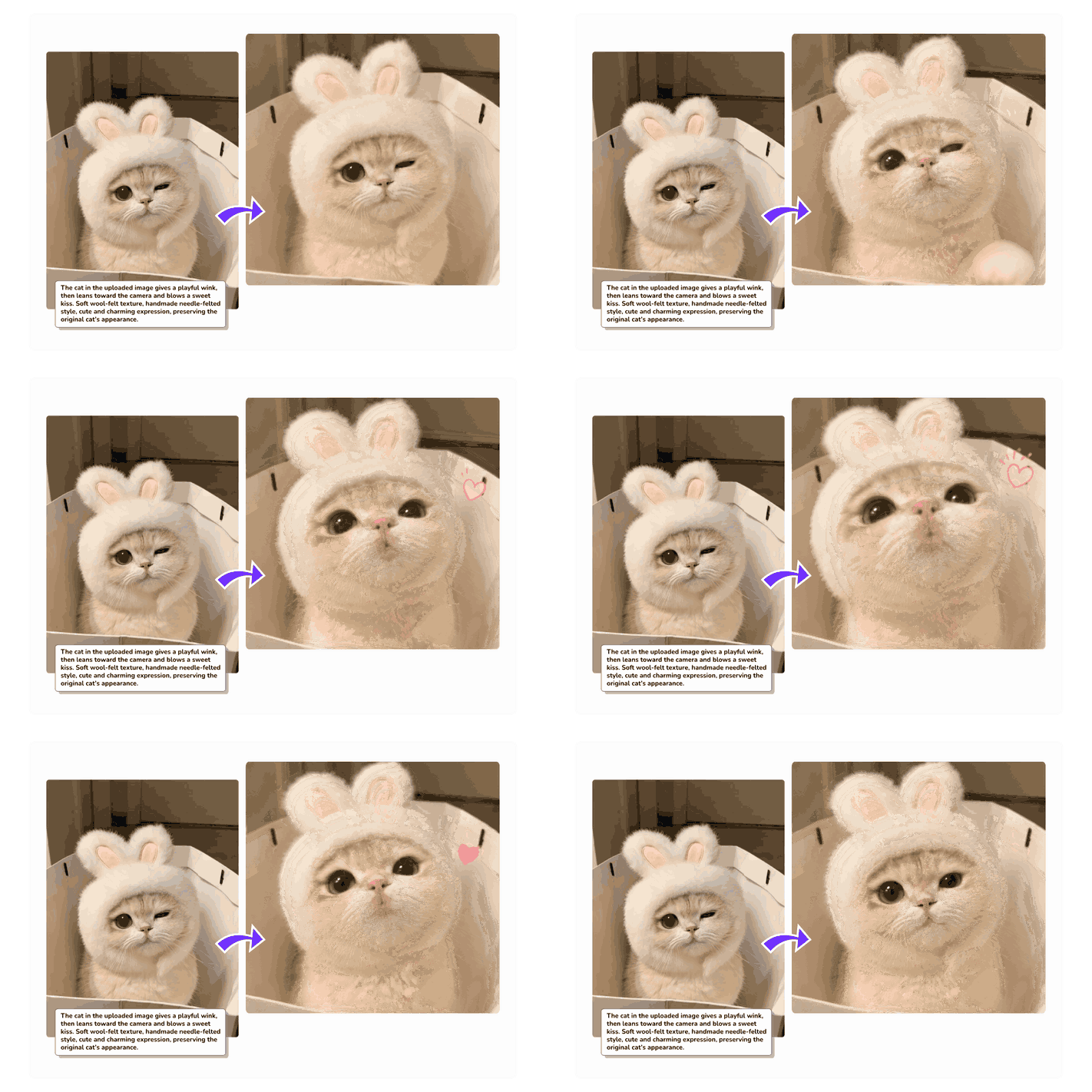
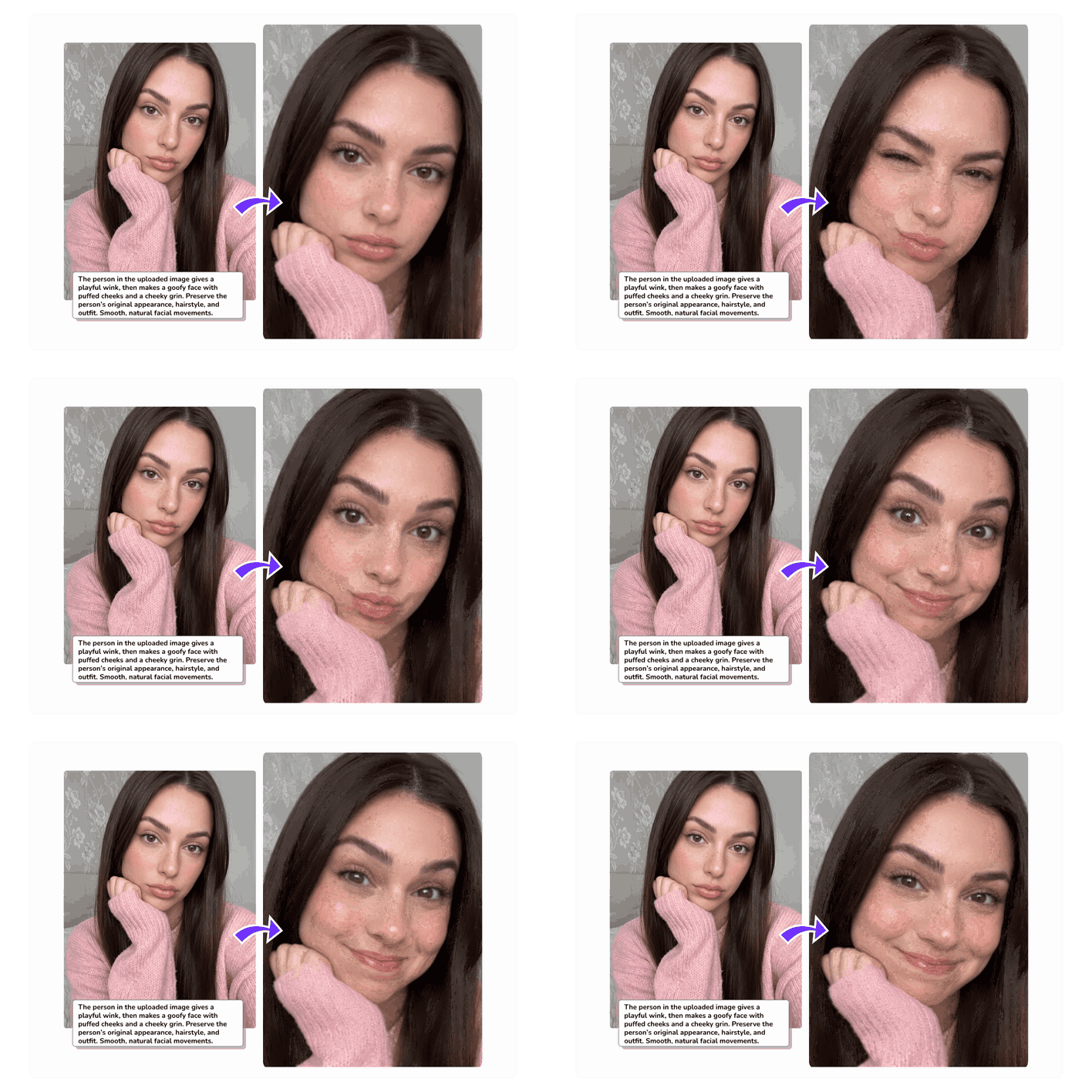
Tell AI what should move in your photo. It uses the original image as a reference to add motion while preserving the subject, background, and visual style. No animation experience needed.

Before-and-after view of a cat in a bunny hat winking and blowing a kiss in a looping GIF
Multiple GIF Styles

Make AI GIFs in Different Visual Styles

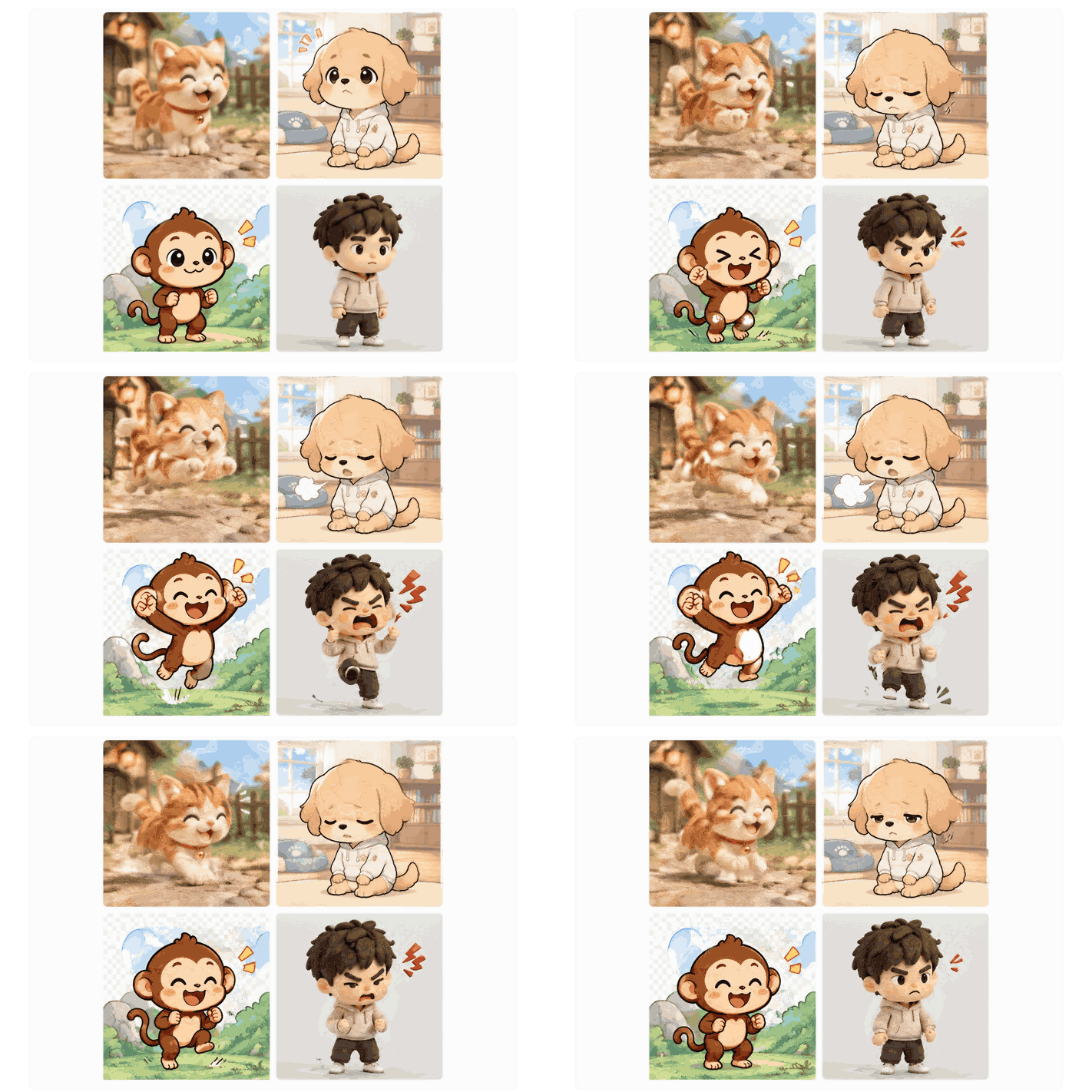
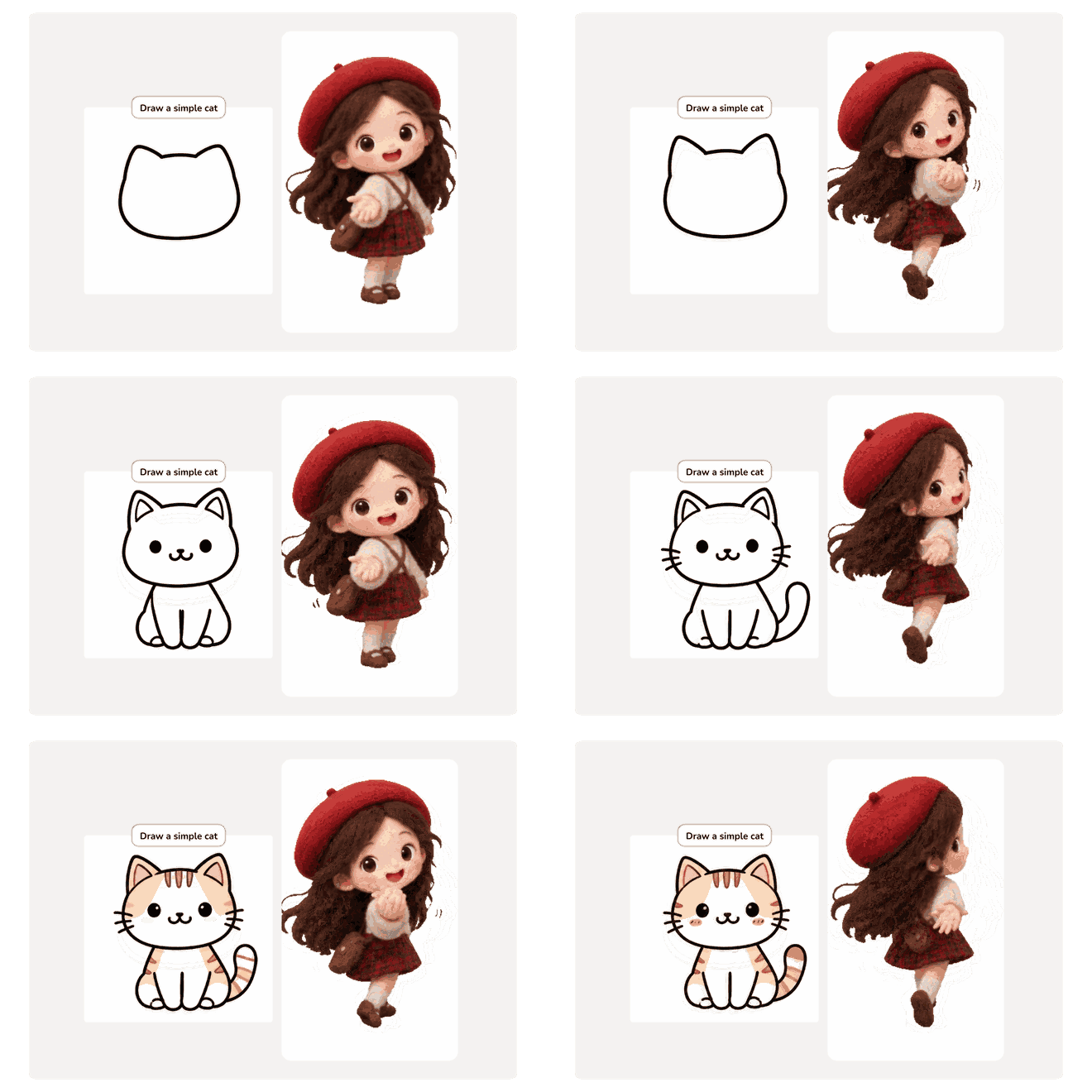
Go bold with anime, keep it playful with cartoons, or give your GIF a handmade feel with felt or clay textures. Explore these styles and more to find a look that fits your idea.

Four animated GIFs made with AI show a running kitten, cartoon puppy, jumping monkey, and clay-style boy

What Can You Make with an AI GIF Creator?

Create reaction GIFs that match your mood, animate key details in ads and emails, or make tutorials easier to follow with a short loop.

Create Personalized Reaction GIFs and Memes

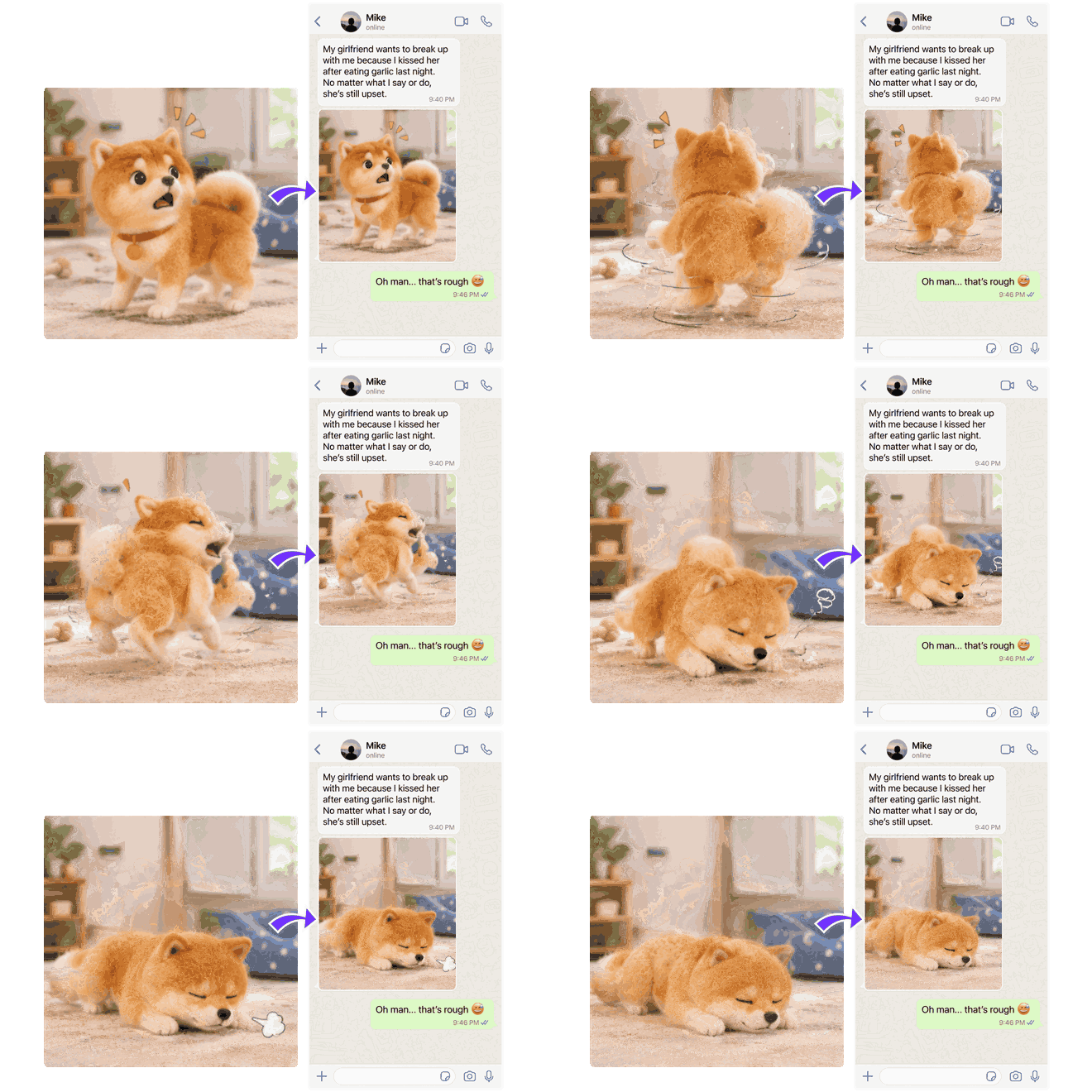
Tired of the same old reaction GIFs? Make a meme that captures your mood. Start with a photo of your dog and make it sigh, or animate a sleepy cartoon bear sipping coffee. Share it in a group chat, add it to a social post, or drop it into a reply.

A small dog reacts in a chat conversation in a looping meme made with the AI GIF Creator

Frequently Asked Questions

Is your AI GIF generator free to use?

Yes. You can make GIFs with free credits without a paid subscription. Earn free credits by checking in daily or inviting friends to MindVideo AI.

What file format can I download?

You can download your animation directly as a .gif file without converting it first.

Will my downloaded GIF have a watermark?

GIFs downloaded with a free account include a MindVideo AI watermark. Paid subscribers can download GIFs without a watermark.

Can I use generated GIFs for ads or client projects?

Yes. Paid subscribers can use generated GIFs commercially, including in ads, marketing emails, product listings, and client projects. With a free account, you can download GIFs for personal projects and share them on your personal social media accounts.

What does GIF frame count mean?

GIF frame count is the number of individual images that make up your GIF. A simple motion like a blink may need only a few frames. For a more complex action, such as a character turning around, try more frames to show the movement in greater detail.

What does GIF frame duration (ms) mean?

GIF frame duration (ms) is how long each frame stays on screen. If your model offers this setting, enter a multiple of 10 from 20 to 1,000 ms. Higher values slow down playback. Try 200–400 ms if you want viewers to have more time to see each frame. Use a lower value for faster playback.

Are my uploaded photos safe?

We handle your uploaded photos securely and don’t use them to train AI models. Generated GIFs are stored for up to 24 hours without a subscription or up to six months with a subscription. They may be automatically deleted after that period. See our Privacy Policy and Terms of Service for details.

Explore More AI Tools for Images and Videos

Give Your Photo a Little Motion with AI

Make your cat blink, your dog tilt its head, or the leaves in a travel photo sway. Try it with free credits.

Animate a Photo
Rated 4.8 out of 5 by 7,018 users

Join MindVideo AI official community on Discord.