
Reference to Video AI: Create Coherent AI Videos Online
Easily create engaging videos with MindVideo AI reference to video generator. Use image, video, and audio references to guide subjects, motion, camera movements, and background music. Keep characters, objects, and scenes consistent across frames, with natural flow and smooth transitions.
★★★★★ 4.8/5 · Trusted by 10,017+ creatorsReference Inputs
Video Prompt
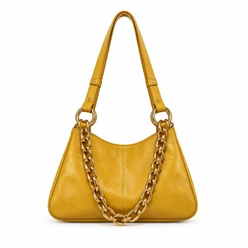
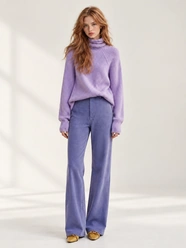
Use @Image1 for the product and @Image2 for the character. Create a 6-second photorealistic fashion runway video in one continuous shot. Preserve the model's face, long auburn hair, lavender turtleneck sweater, purple trousers, and mustard-yellow handbag with its gold chain. Keep the original architectural setting and natural daylight. 0–2s: The model takes one confident step forward. With the hand already holding the bag, she lifts it by the strap to waist height, slightly away from her body so the bag is clearly visible. 2–4.5s: Keeping the bag raised, she gracefully completes one full turn in place and finishes facing the camera. The handbag moves with her body, held slightly outward. The strap maintains realistic tension, the gold chain sways gently, and her hair and clothing follow the movement naturally. 4.5–6s: She settles into a steady pose and presents the bag slightly toward the camera, with its front facing the lens. The camera continuously dollies forward from the initial full-body framing, gradually centering on the handbag. End on a sharp close-up showing the yellow leather texture, stitching, and gold chain against a softly blurred background. Hold the final close-up steady for the last half-second. Fluid movement and a composed pace. Smooth camera movement, no cuts or sudden zooms. Keep the hands anatomically natural and the bag's shape and color consistent. No twisted straps, chain clipping, extra limbs, or added text.
Video Output
Result

What Is Reference to Video AI?
Reference to Video AI is an AI video generation tool that creates new videos using reference images, videos, audio, and a text prompt. It lets you build on your existing assets without describing every detail from scratch.
Each reference guides a different part of your video:
- Images: Product images and character photos define how your subjects look.
- Audio: Audio references guide voices, background music, or rhythm.
- Videos: Reference clips guide actions and camera movements.
Use your prompt to bring these elements together, specifying what to keep and what should happen in the new scene.
Reference Input
Video Prompt
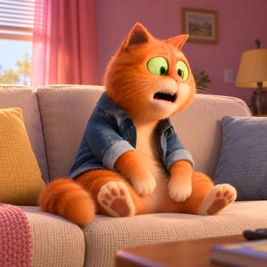
Use @Image1 for the character. 15s continuous 24mm Steadicam shot, 148 BPM. 3D cartoon style. The hyperactive orange cat in a denim jacket runs a chaotic urban loop: apartment, balcony, garden, rooftop, alley, then back to bed. High-energy slapstick motion, no cuts, fast whip transitions. Lighting shifts from morning pink to warm amber. Expressive, clumsy, and energetic mood.
Video Output
What Can You Create with Reference to Video AI?
Turn a prompt and your existing images, videos, and audio references into new visual content for social media, product marketing, storytelling, and everyday creative ideas.
AI Videos for Product Showcases & Ads
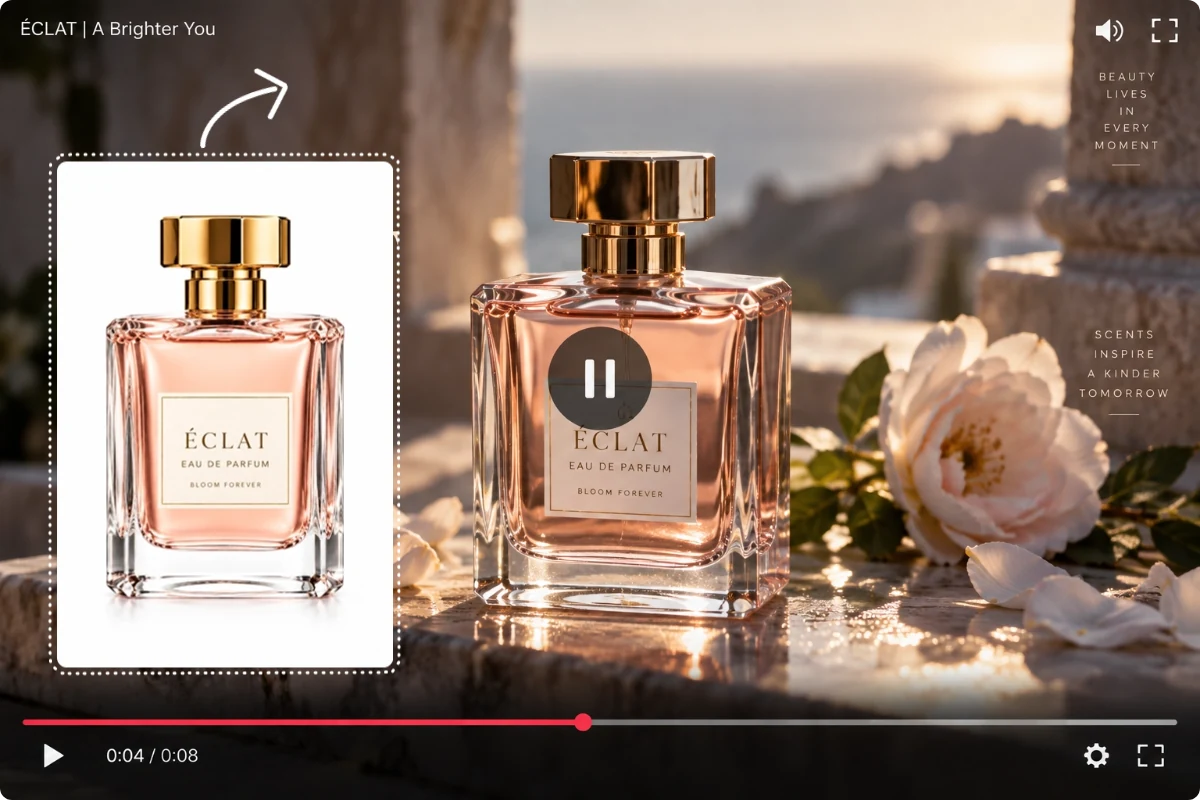
Create product showcases, UGC-style videos, and other ads faster using the assets you already have. Give each campaign fresh content while keeping your product consistent. Reduce reshoots to save time and lower production costs.
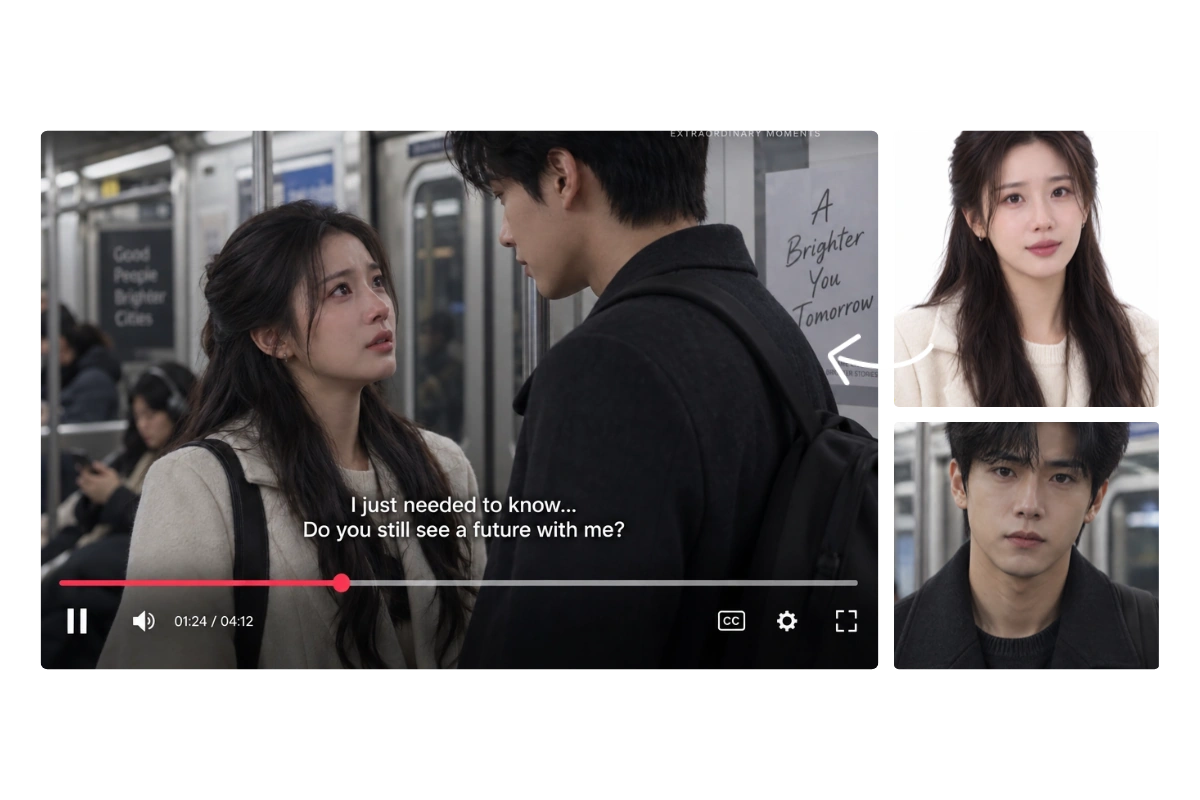
Create Short Dramas & Character Stories with AI
Whether you start with photos of people, anime images, or your own designs, any character can star in your next story. Easily build scenes for short dramas, episodic series, and character videos. Make your content more engaging so viewers want to keep watching.
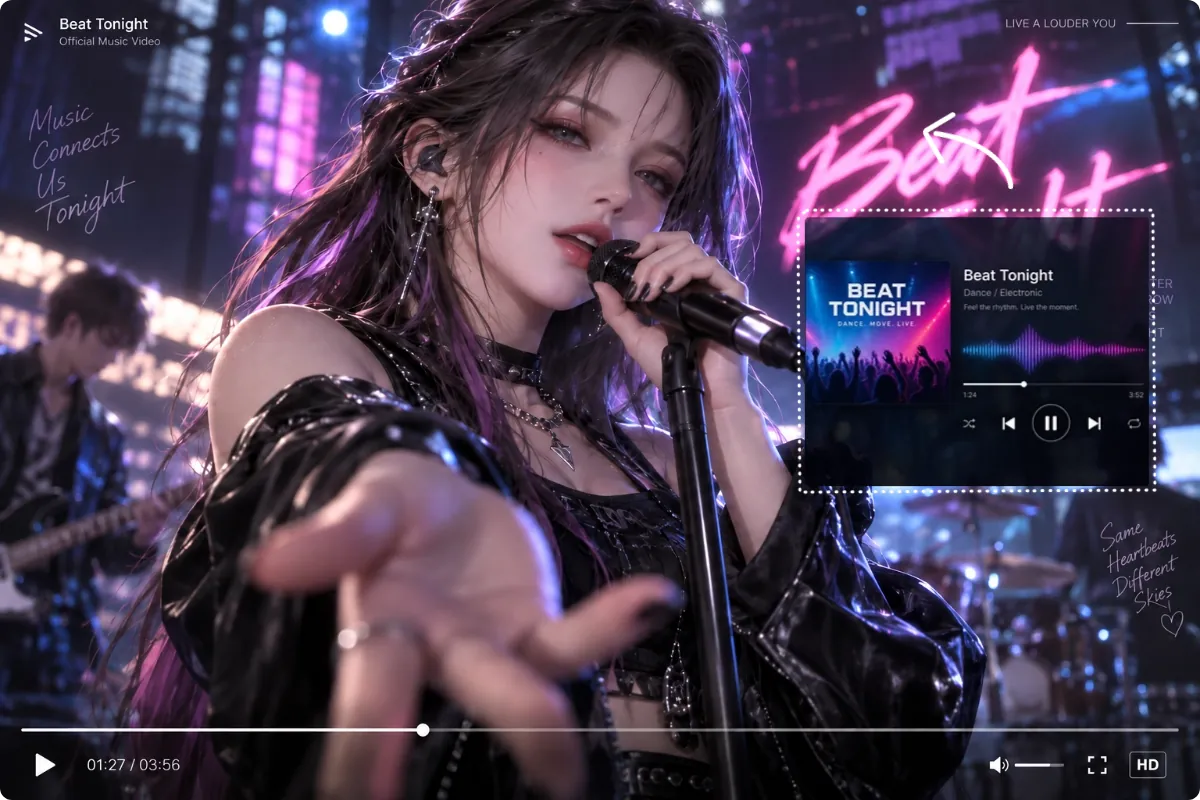
Make AI Music Videos & Dance Clips
Combine a portrait, a music track, and performance references to create music video scenes, singing clips, or dance videos. Match the visuals to your song's mood and rhythm. Give listeners a richer experience with imagery that brings the music to life.
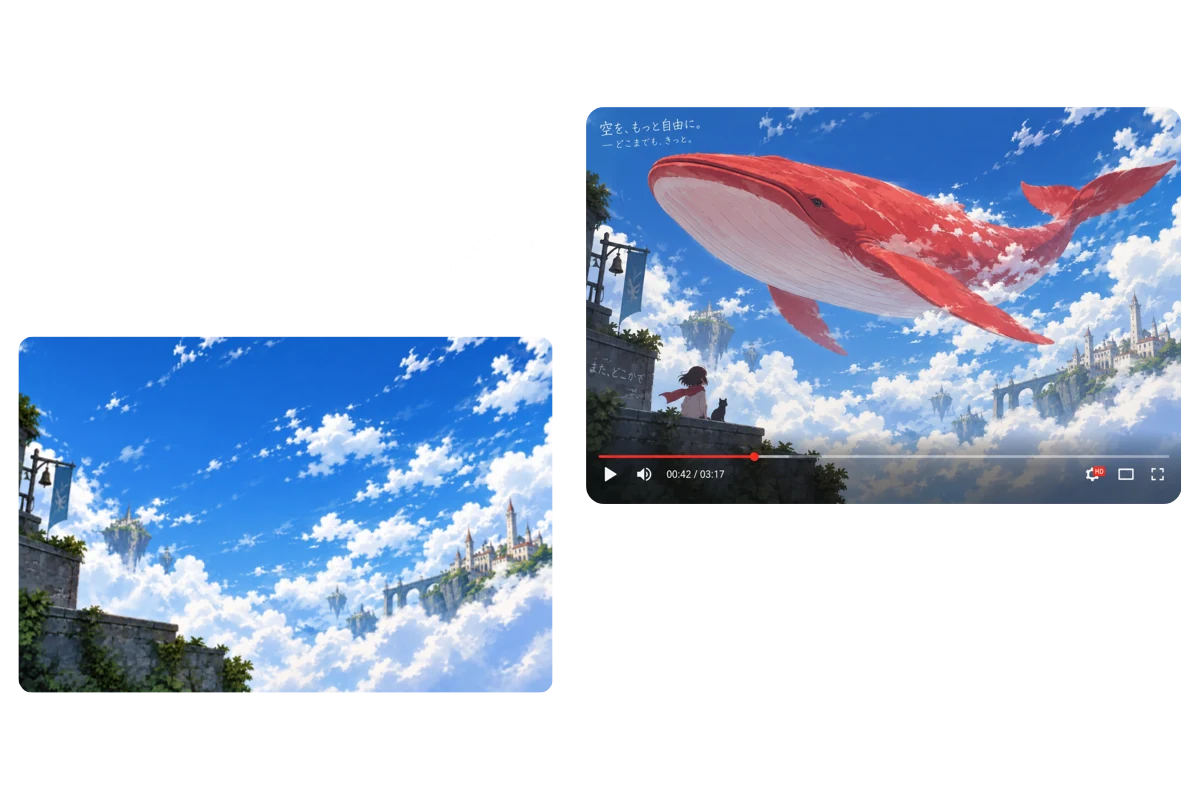
Turn Your Ideas into Creative AI Videos
Transform your boldest ideas into creative videos with ease, from fantasy worlds to unexpected scenes and playful animations. No need to describe every detail in words. Enjoy more creative control and create videos that better match your vision.
Why Choose MindVideo AI for Reference to Video Generation
Keep Subjects Consistent Across Scenes
Your subjects remain consistent across different scenes, actions, and shots. Our Reference to Video AI preserves key details in your references—from a character's facial features, hairstyle, body proportions, and outfit to a product's design, colors, and branding.
Maintain Scene Continuity and Style
Bring your idea to life with a cohesive visual style. Backgrounds, props, lighting, and colors stay coordinated across shots. Fluid movement and smooth transitions carry the action from one shot to the next. Your story unfolds naturally and is easy to follow.
Combine Multiple References in One Video
Use image, video, and audio references together to shape your video. Pair a character photo with a product image, then guide the movement and mood with a clip and music track. Build rich scenes with multiple subjects without describing every element in words.
Access a Range of Multimodal Video Models
MindVideo AI brings together MiniMax H3, Wan 3.0, Seedance 2.5, Seedance 2.0, and more. Reference limits vary by model, as do strengths in motion, detail, and style. Choose the model that fits your creative needs without switching platforms.
Protect Your Creative Privacy
Create with confidence using personal photos or unreleased product images. Your references stay private, and you choose whether to make your creations public. Uploaded files are never used to train AI models and are automatically deleted within 24 hours.
How to Create Cohesive Videos with MindVideo AI
Upload your references, describe the scene, action, and camera movement, and bring your ideas to life in three simple steps.
Upload Your References
Add images, videos, or audio based on your creative needs. Choose photos that show facial features or product details clearly. Use clips with simple actions or camera movements. For audio, try voice or music recordings free of unwanted noise.
Describe Your Video
Tell the AI how to use each reference—use @Image1 for the character, @Video1 for the camera movement, and @Audio1 for the background music. Describe the scene, actions, and dialogue in detail. Add timing cues for key moments and any other details you want.
Generate, Preview & Download
Click Generate, and your video will be ready in just a few minutes. Preview the result, then download it when you're happy with it. You can use the generated video for social media content, product ads, short films, or other creative projects.
Frequently Asked Questions
Can I use Reference to Video AI for free?
What are the upload limits for reference files?
What should I do if the video doesn't follow my references?
Will my downloaded video have a watermark?
Can I use the generated videos commercially?
Explore More AI Video Generators
Create Videos That Better Match Your Vision
Go beyond words with Reference to Video AI. Guide the look, movement, and sound with your own references.
Free credits to try.
