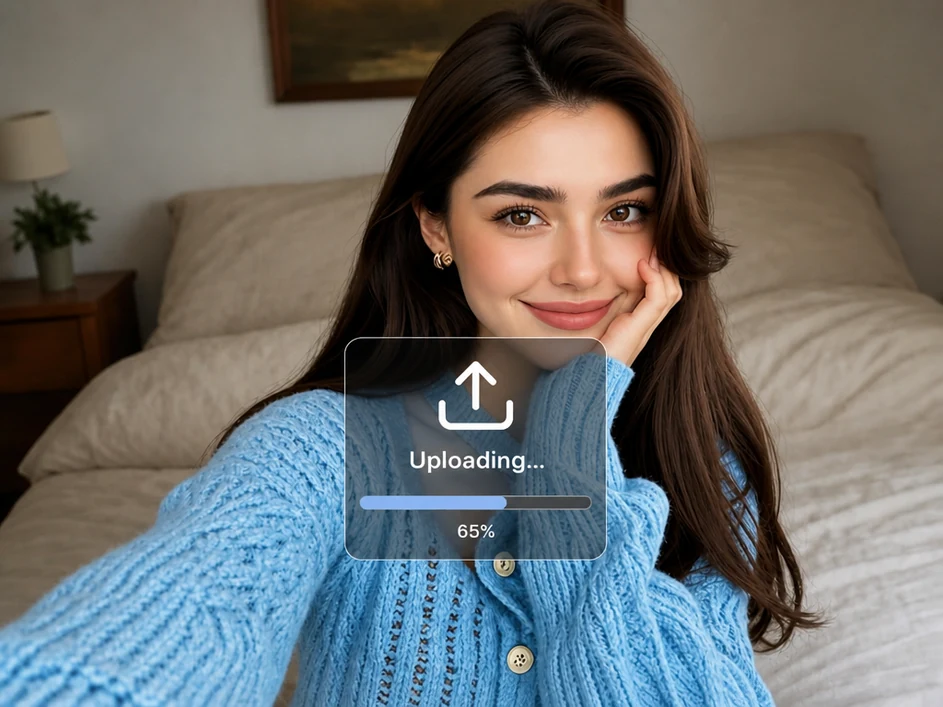
Step 1: Upload a Photo
Upload a clear, high-resolution portrait or group photo. For better results, make sure every face is well lit and easy to see. Avoid blurry images, heavy shadows, masks, or sunglasses.

Use our free AI age filter to change how old you look in seconds. Upload one photo to see your younger or older self while keeping the facial features that make you recognizable.
Try AI Age Filter Free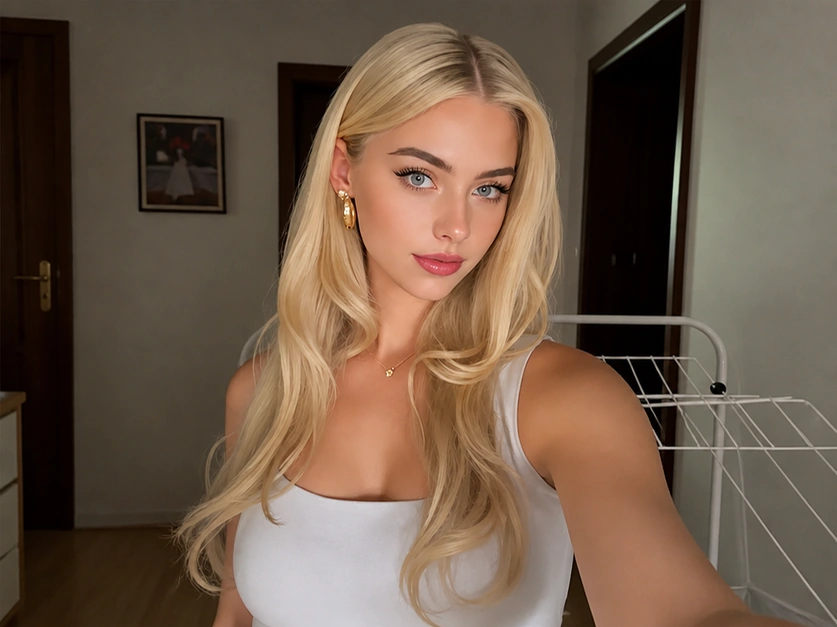
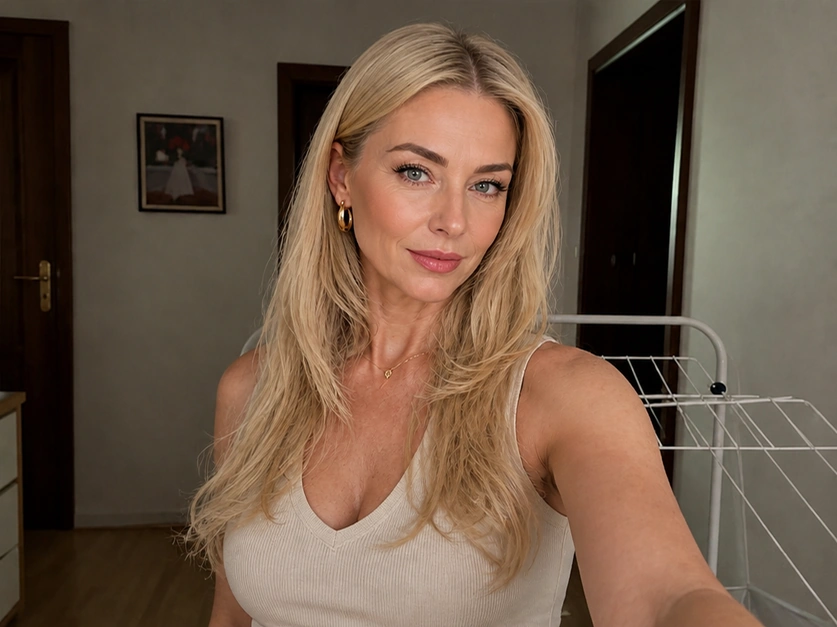
Result
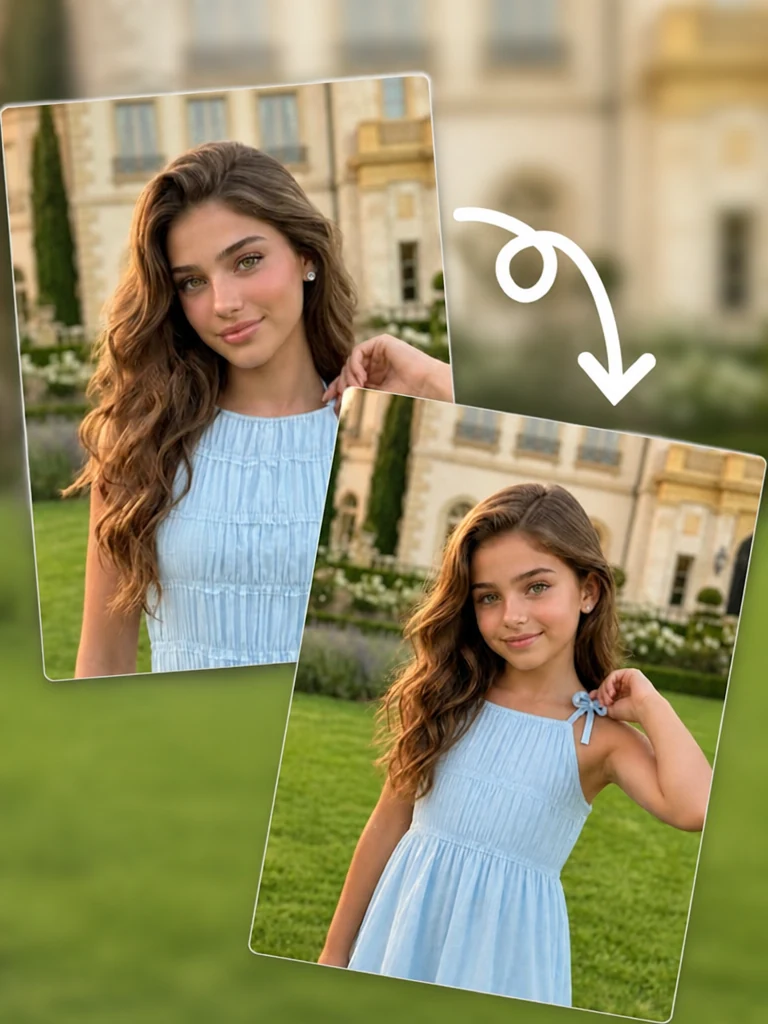
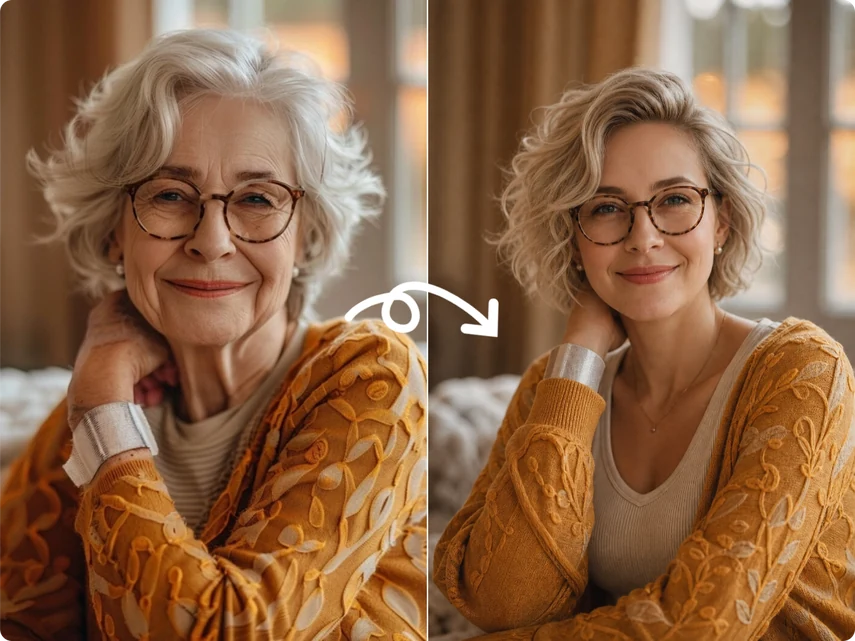
Compare natural-looking age transformations while the person’s defining facial features remain recognizable.
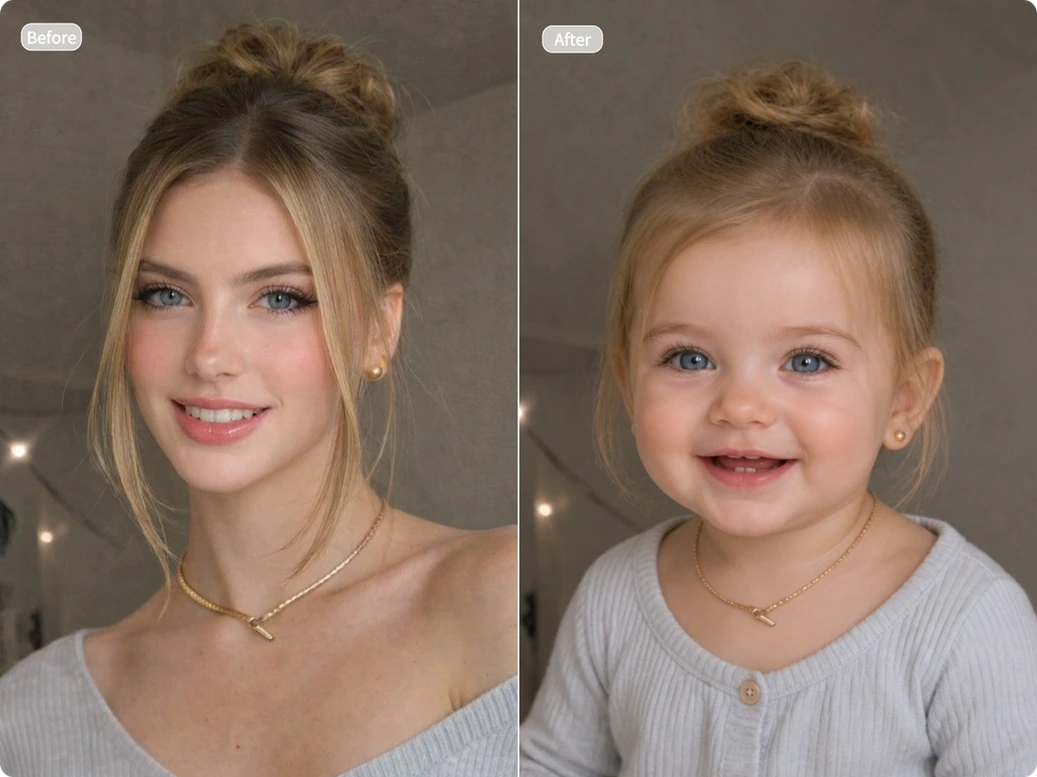
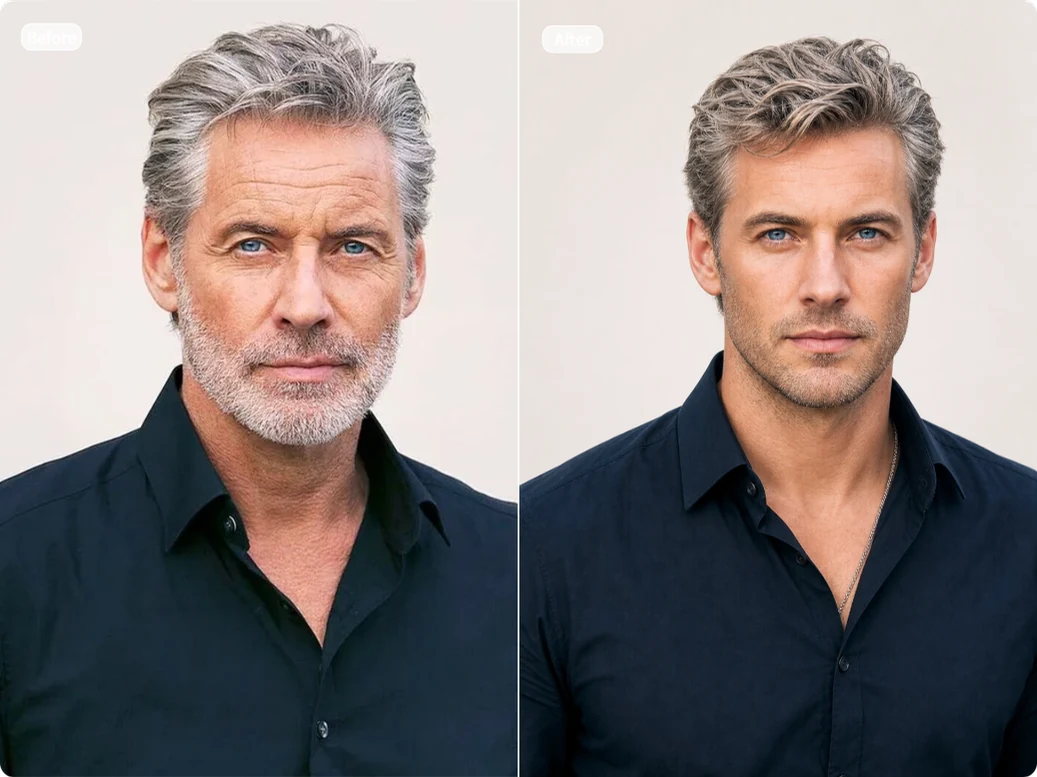
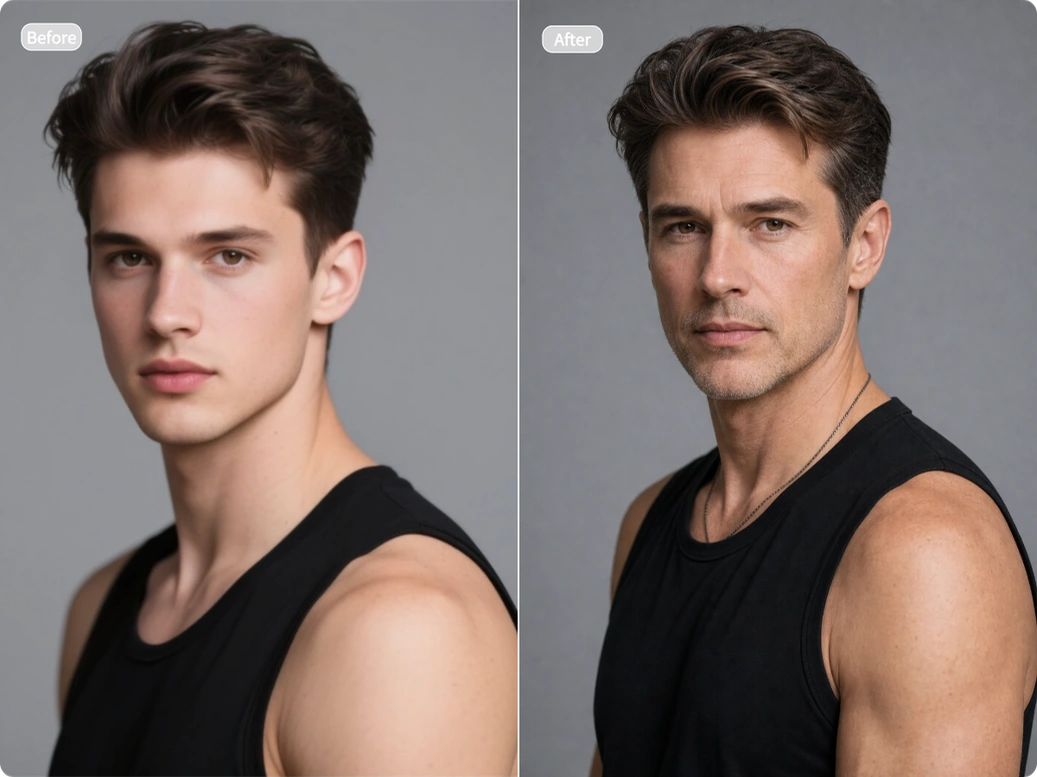
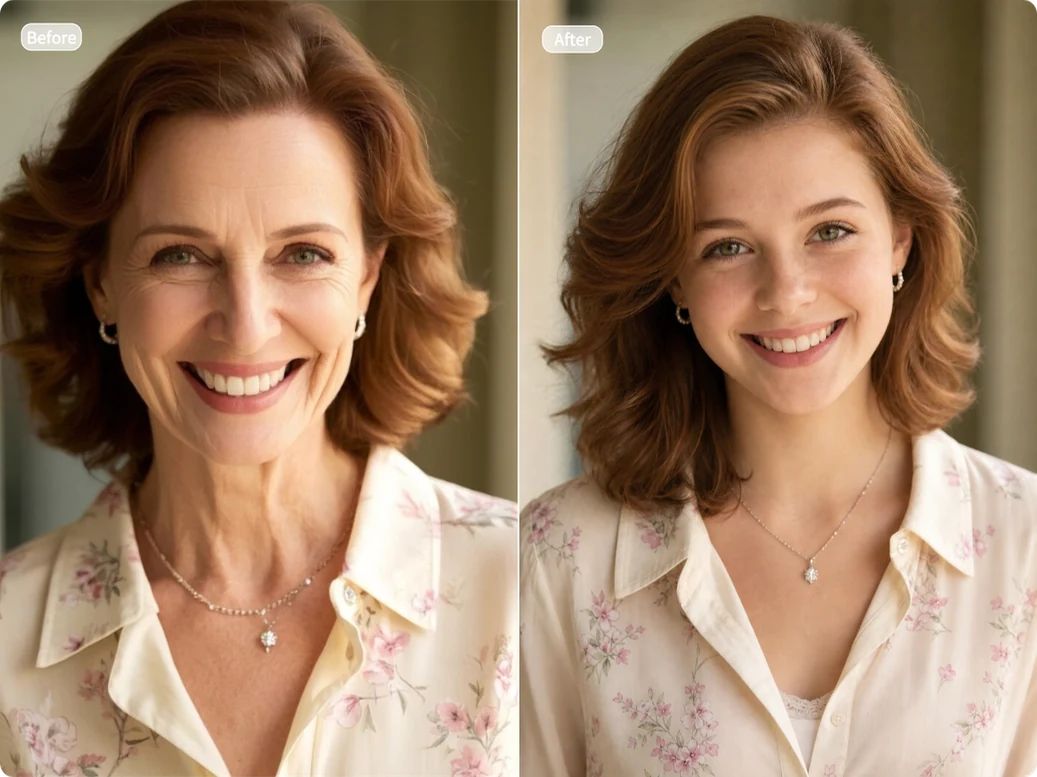
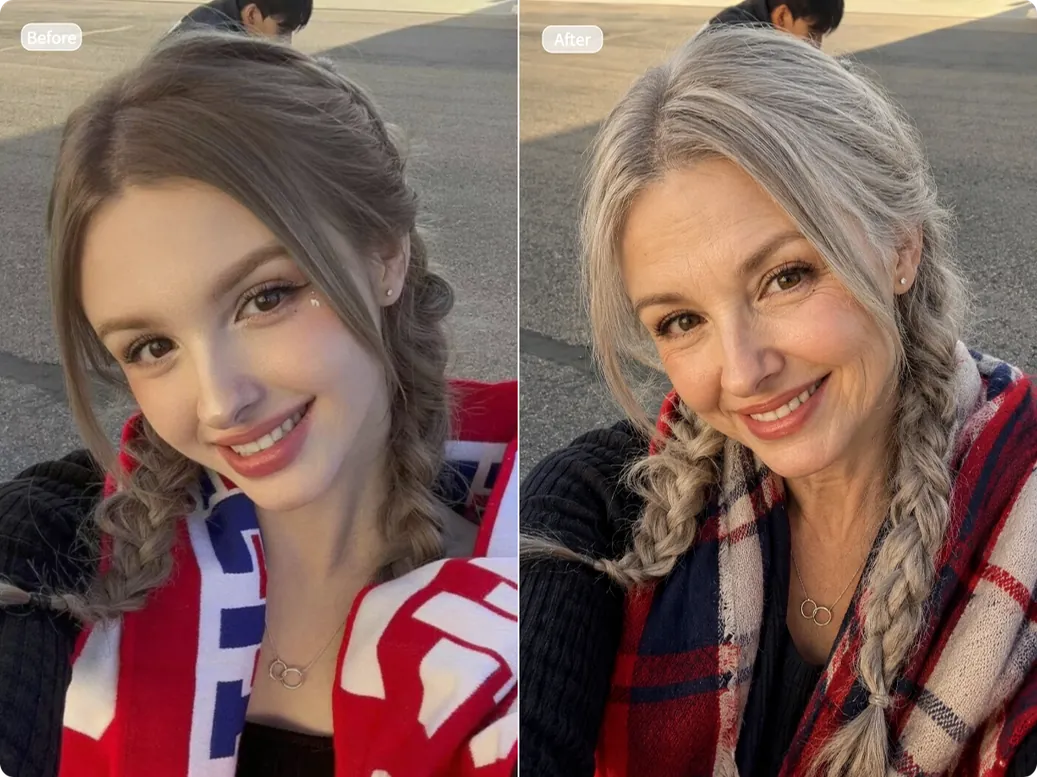
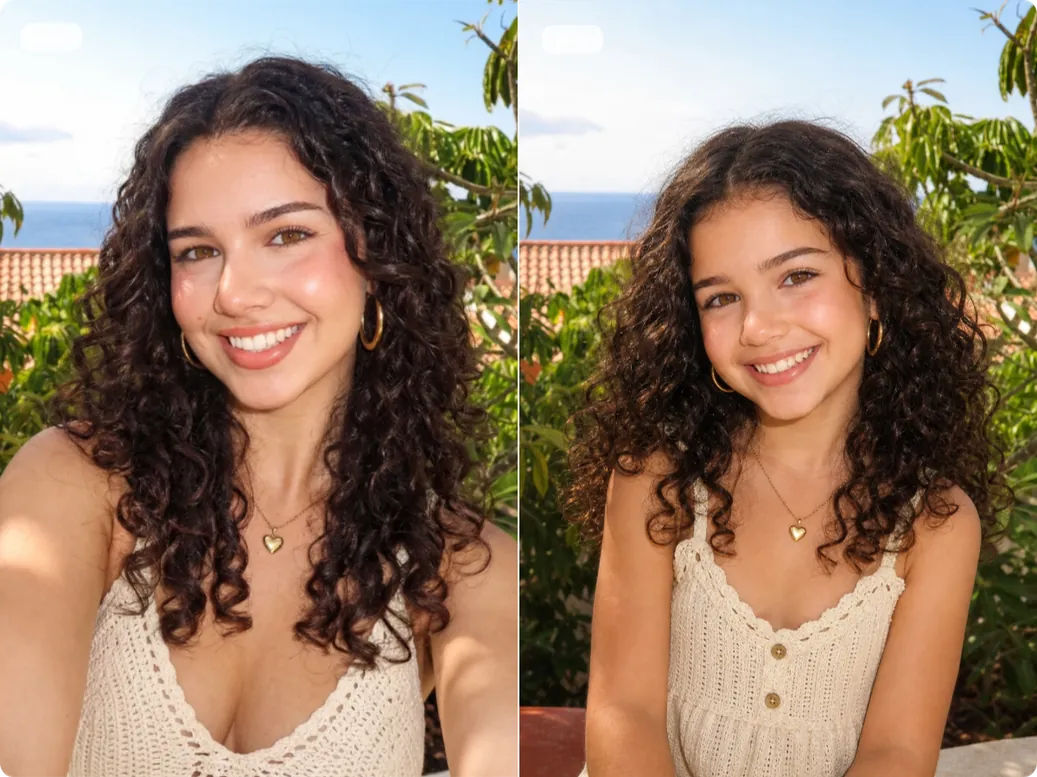
Changing your age in a photo takes only three simple steps—no editing skills needed.
Upload a clear, high-resolution portrait or group photo. For better results, make sure every face is well lit and easy to see. Avoid blurry images, heavy shadows, masks, or sunglasses.
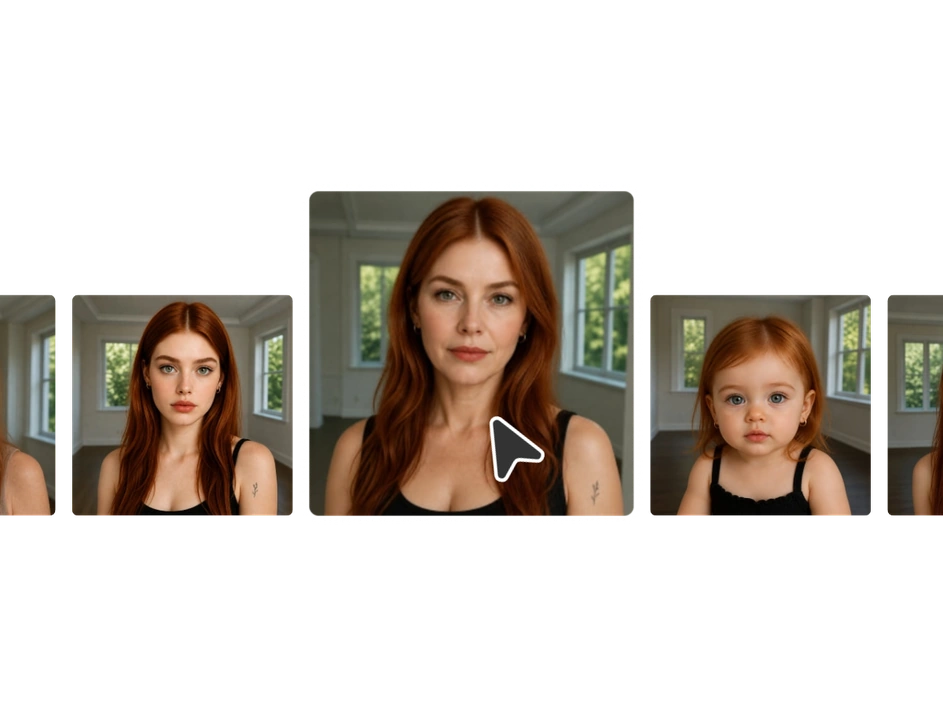
Choose from six age options, ranging from Baby (0–2) to Elderly (60+). Select a younger stage to revisit an earlier version of yourself, or an older age to see how you may look years from now.
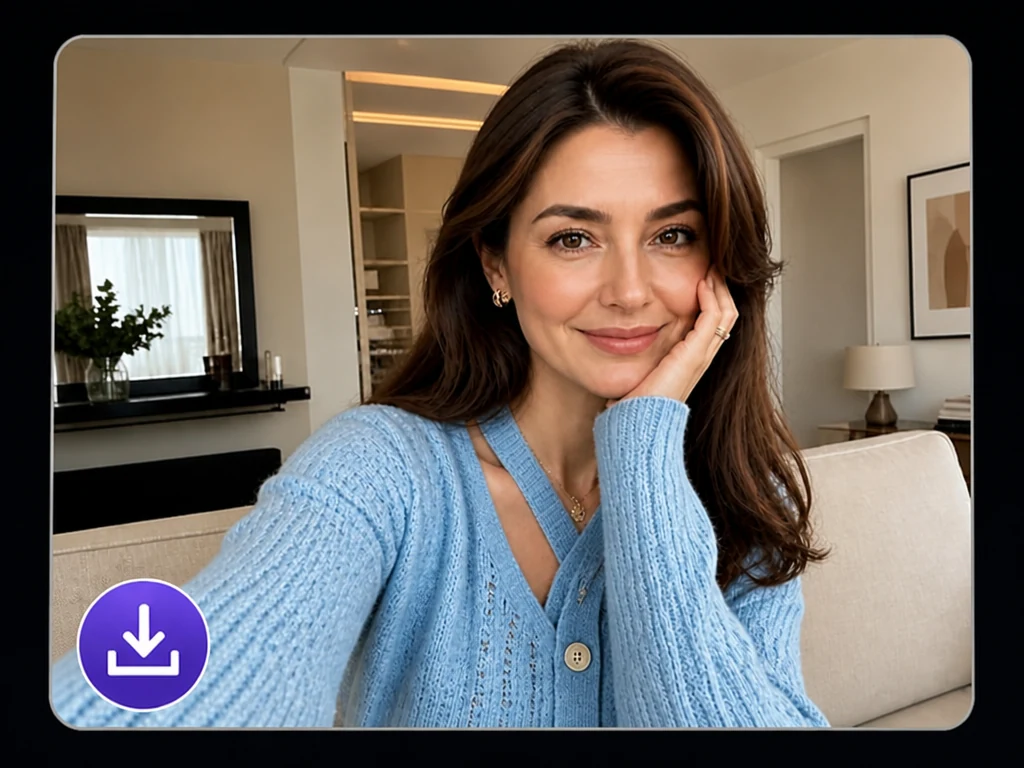
Click “Generate” to get your result in seconds. The filter applies age-appropriate changes to facial details, skin, hair, and clothing while keeping the person recognizable.
You can try the tool without subscribing to a paid plan. Each generation uses just 1 credit, and you can get free credits by signing up, checking in, or inviting friends.
Our filter keeps details such as facial features, hairstyle, and expression consistent. It makes age-appropriate changes to skin texture, facial contours, hair color, and clothing, so the result still looks like the same person.
The tool also works with couple photos, family portraits, and group pictures. As long as each face is clear and visible, you can change everyone’s age in one go—no need to edit each person separately.
All photos are processed in a secure, encrypted environment. We never use them to train AI models. Uploaded images and generated results are automatically deleted after a short time.
Go beyond a simple younger or older effect. Choose from Baby, Childhood, Teenager, Adult, Middle Age, and Elderly. Whether you want to revisit childhood or get a glimpse of how you may look years from now, try each option to see yourself at different points in life.
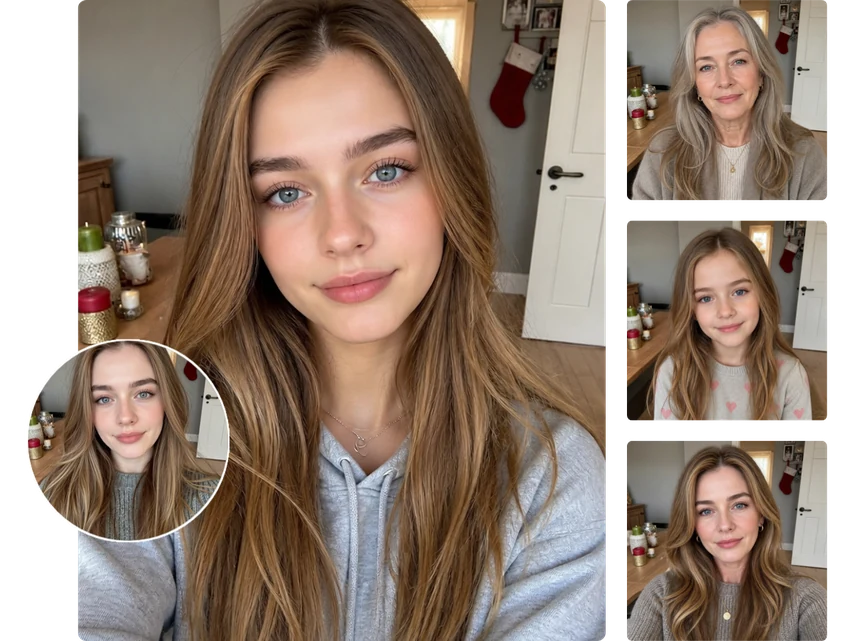
Have you ever imagined growing old beside your partner, wondered what your child may look like as they grow up, or wanted to see your parents as they looked when they were younger? Our AI age filter brings these moments to life. Simply upload a photo to create meaningful portraits of your loved ones at different ages.
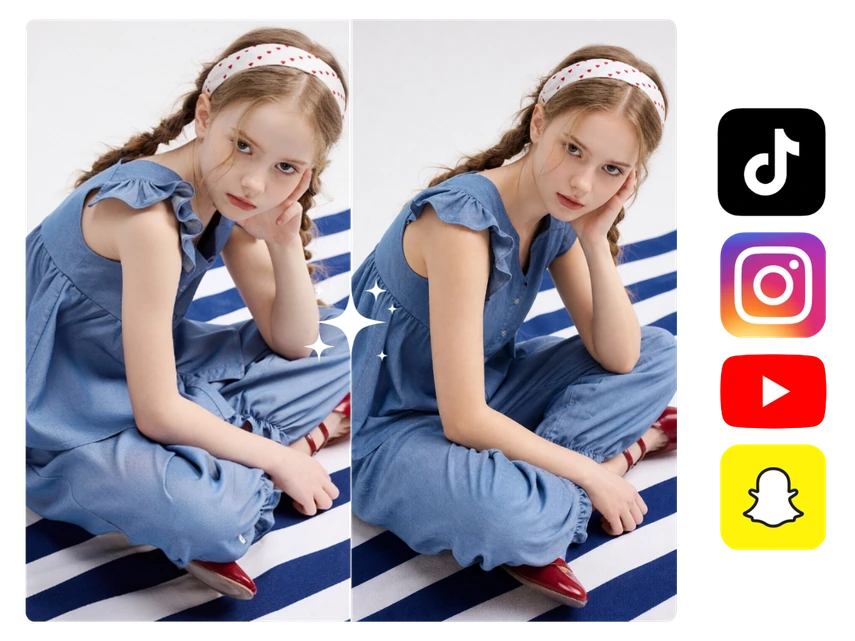
Choose an age, generate a new look, and share it on TikTok, Instagram, or other social platforms to join the time travel trend. Post photos of yourself at different ages, invite your followers to compare the results, and encourage them to create and share their own transformations.
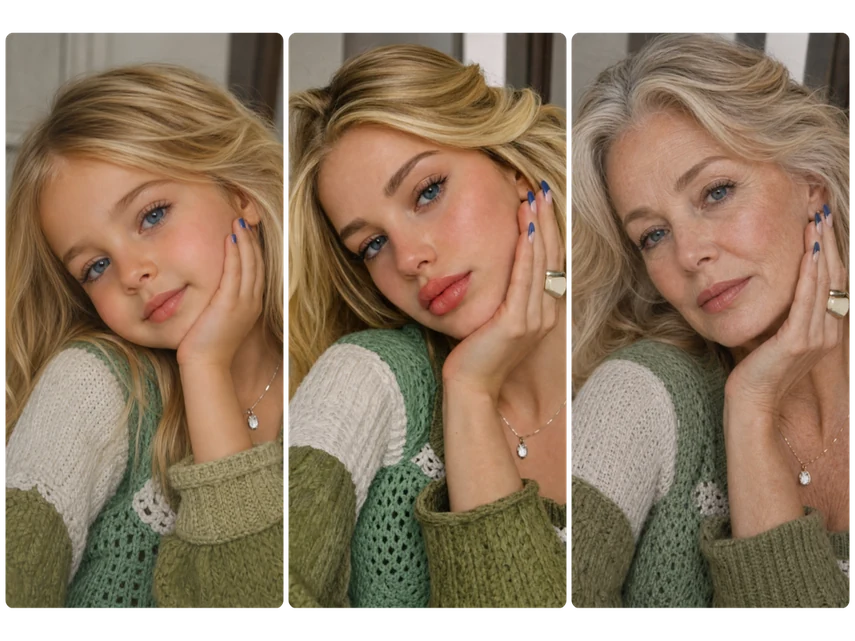
Create the same character as a child, an adult, and an older person for short dramas, character biographies, or serialized stories. Show different stages of a character’s life while keeping their visual identity consistent—without extensive special-effects makeup.
No. The result is an AI-generated visualization based on the age option you choose. Genetics, lifestyle, health, and other real-life factors can all affect how your appearance changes over time.
Yes. Simply choose another age option to generate a different result. You can try several stages and compare them.
Yes. Couple photos, family portraits, and group pictures are all supported. Make sure each face is large enough to see clearly and is not blurry or partly hidden by another person.
Yes, as long as the faces are still easy to recognize. Slightly faded or damaged photos may also work, but a clearer image gives the AI more facial details to work with.
No. You can start using it as long as you have credits. You can earn free credits by signing up, checking in daily, inviting friends, and taking part in other activities.
Your original uploads and generated results are kept only temporarily and deleted automatically.
You can choose from Baby, Childhood, Teenager, Adult, Middle Age, and Elderly to explore different points in life.
Upload a clear, high-resolution portrait or group photo. Make sure every face is well lit and easy to see, and avoid blurry images, heavy shadows, masks, or sunglasses.
Upload a photo, choose an age, and discover a look you have never seen before.
Try the Age Filter Free★★★★★ ★★★★★ Join 6,309 users who have already created their own age transformations.
