Keep You Recognizable
Our tool takes your uploaded photo as a visual reference to retain key traits such as your face shape, facial features, and body shape. So the final portrait still looks like you instead of a different person.

Turn your photo into an authentic retro portrait while keeping your facial features recognizable. Add classic hairstyles, outfits, settings, and vintage photo details. Start with free credits—no membership required.
Generate Your 80s Photo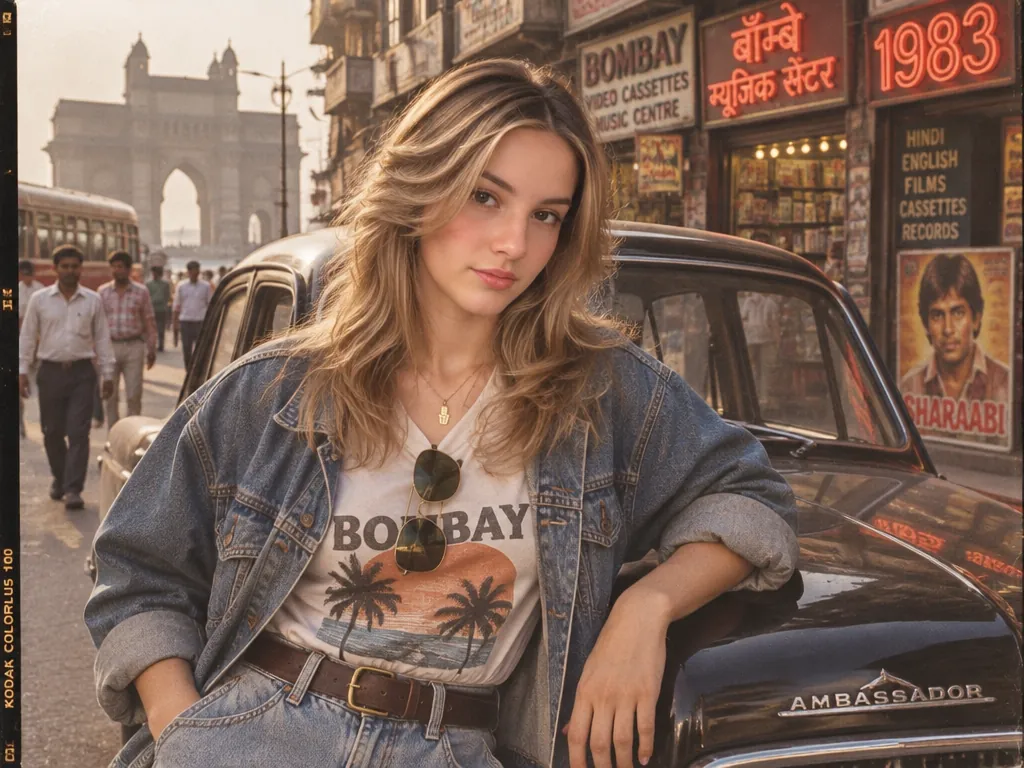
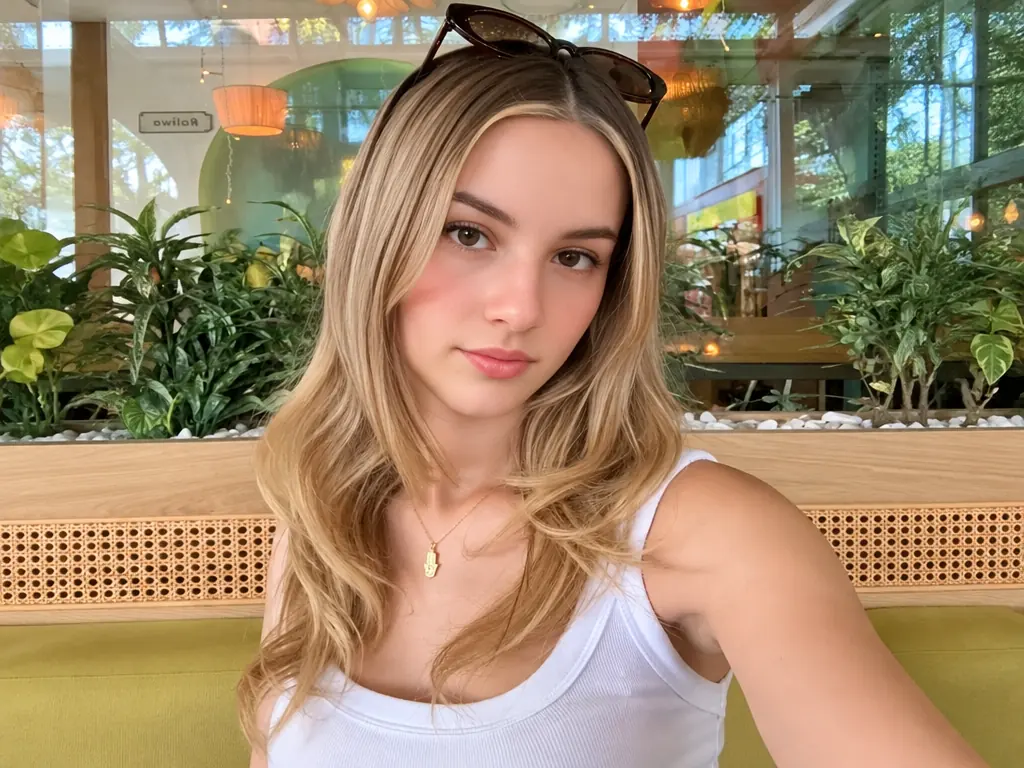
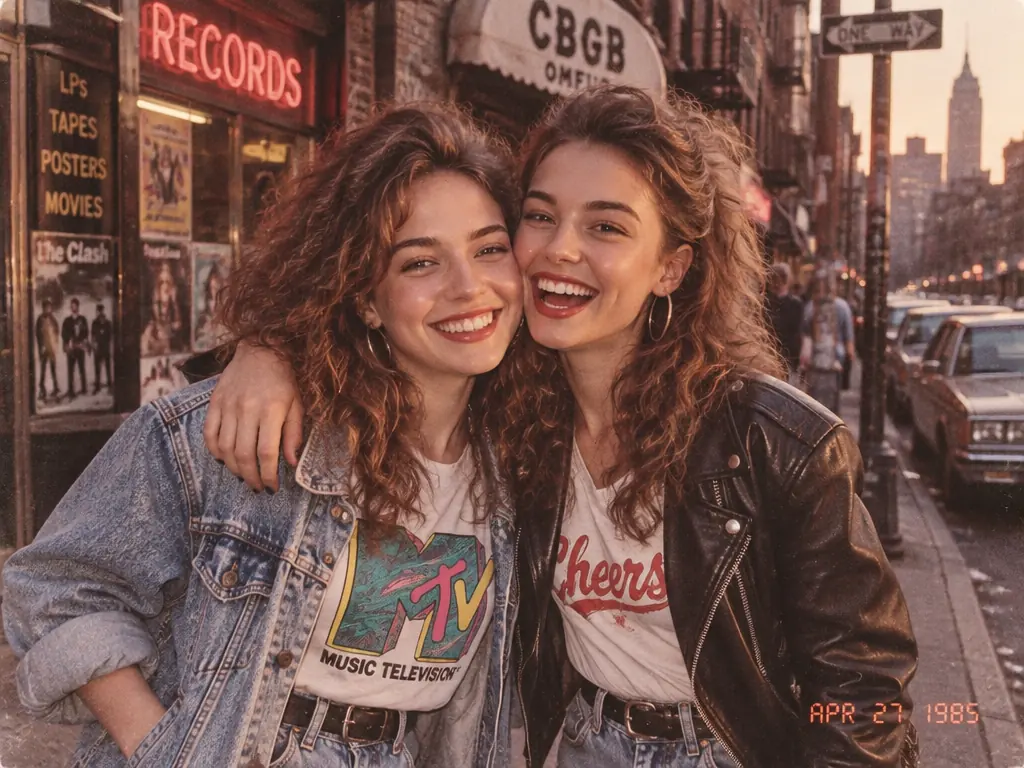
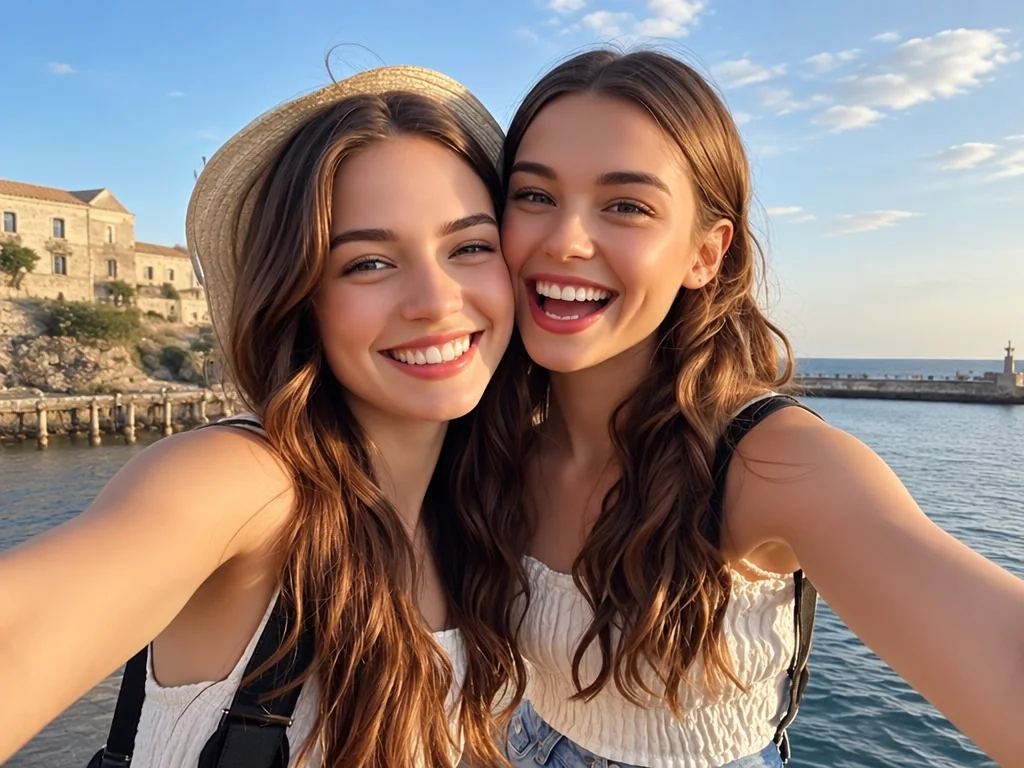
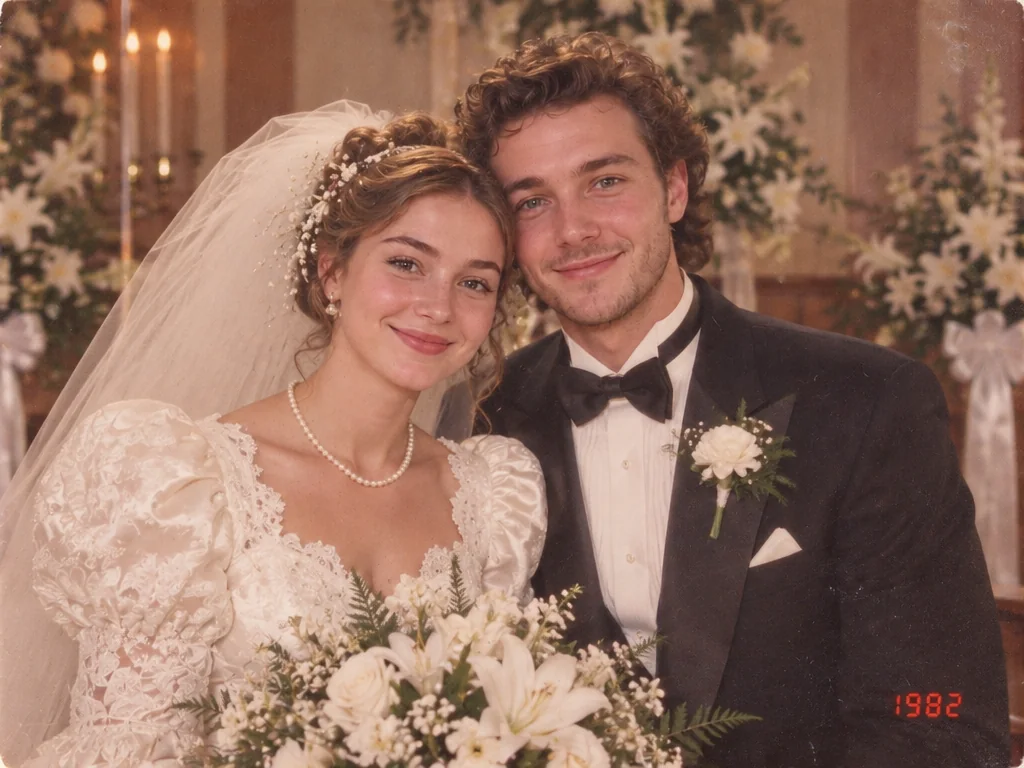
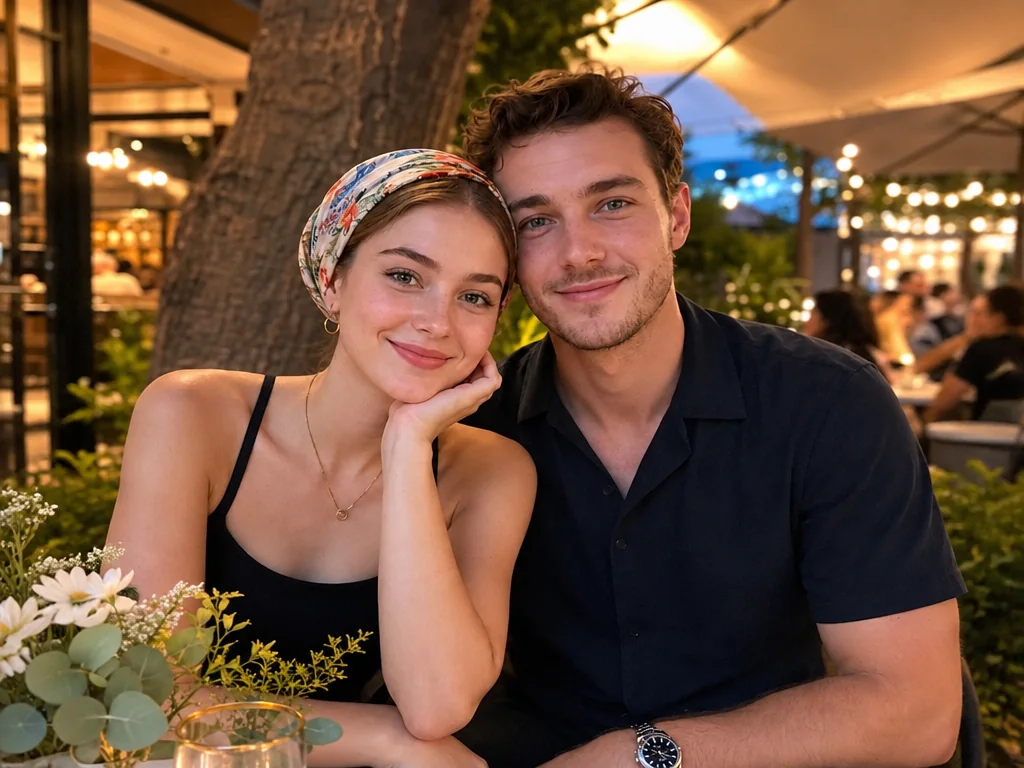
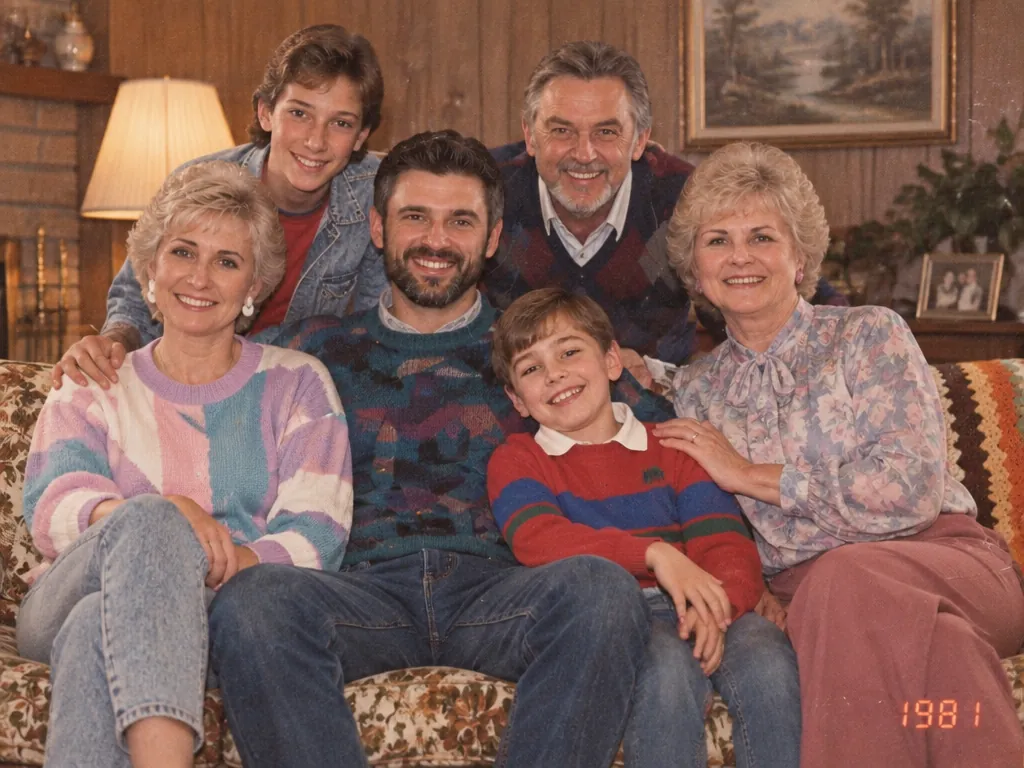

Result
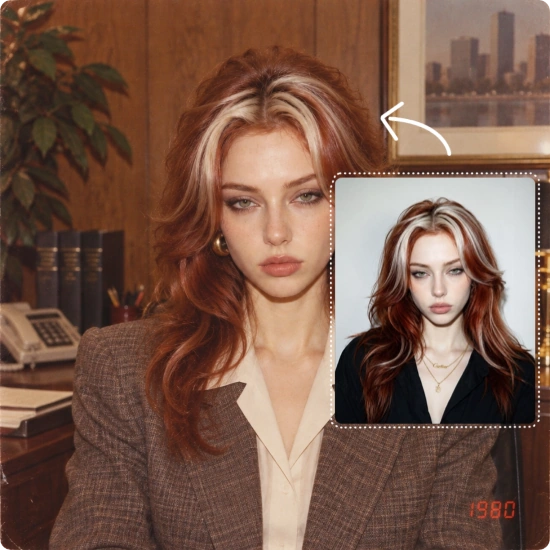
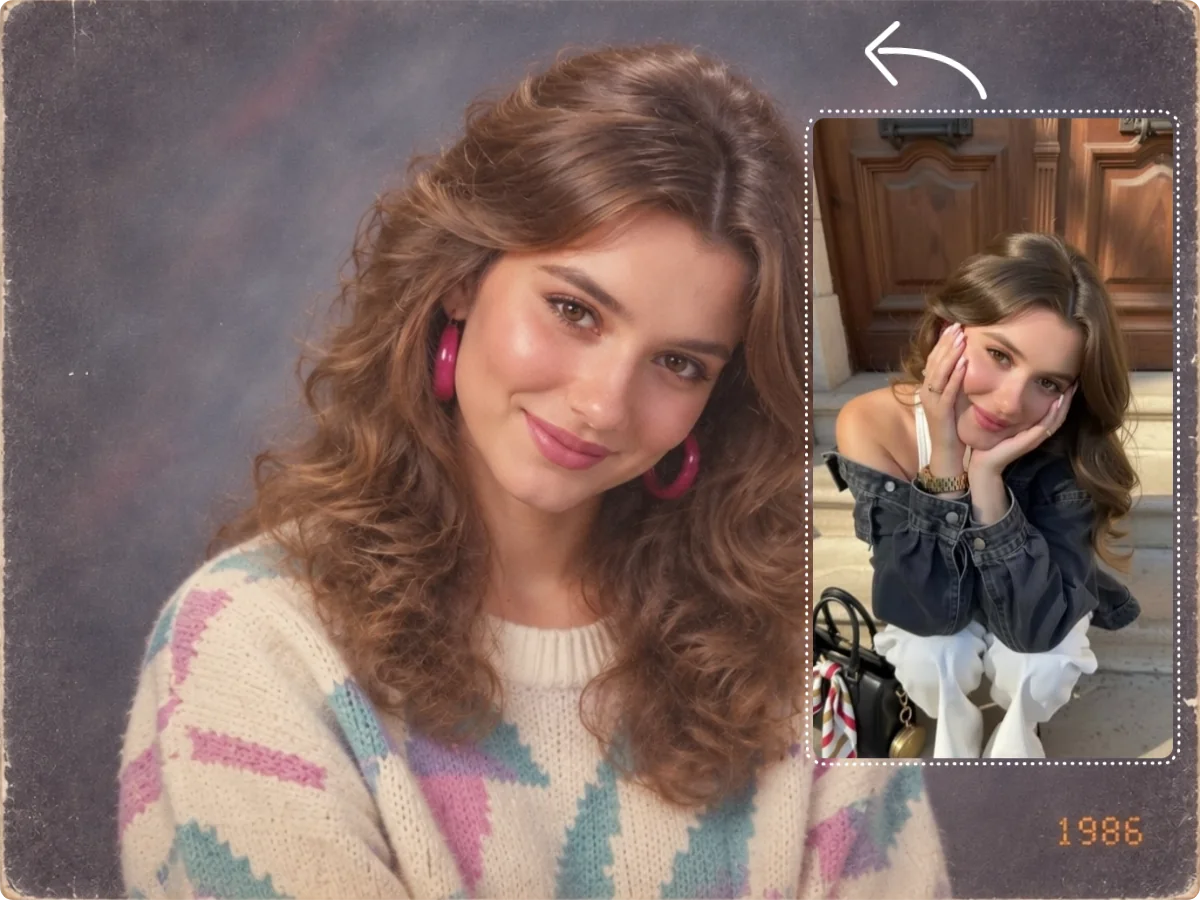
An AI 80s Photo Generator is a tool that uses AI to turn a modern photo into a 1980s-style portrait. It brings the era to life through hairstyles, clothing, settings, lighting, and vintage photography while keeping the people in the photo recognizable.
Unlike a traditional vintage filter, it does more than add faded colors or film grain. Classic styling and backgrounds, soft focus, direct-flash lighting, film texture, and aged tones make the photo feel like it was actually taken in the 1980s.
Generate Your 80s Photo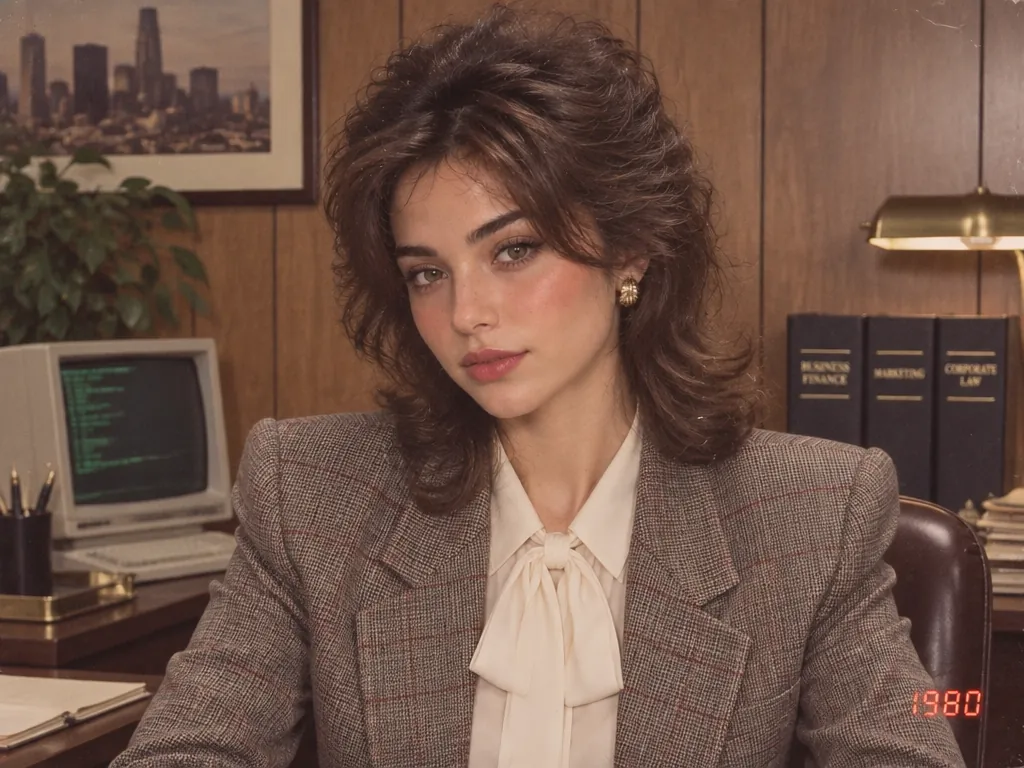
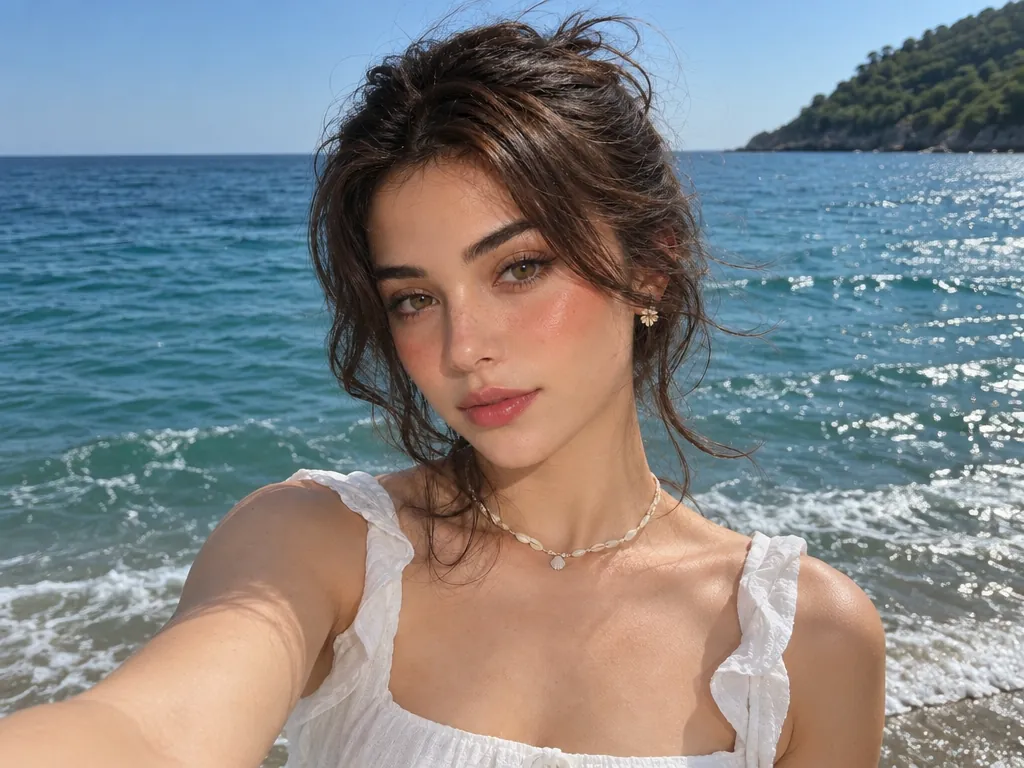
Our tool takes your uploaded photo as a visual reference to retain key traits such as your face shape, facial features, and body shape. So the final portrait still looks like you instead of a different person.
Whether it’s a solo portrait, couple photo, family picture, or group shot, you can choose a matching template or create a more personalized result with your own prompt.
You don’t need a membership to use the tool. Each generation costs 5 credits, and you can earn free credits through sign-up, daily check-ins, and invitations.
Your images are securely processed and never made public or used to train AI models. They are automatically deleted within 24 hours after processing.
Use AI 80s photos to see what you might have looked like in the 1980s, create a distinctive profile picture or avatar, or join retro photo trends on social media.
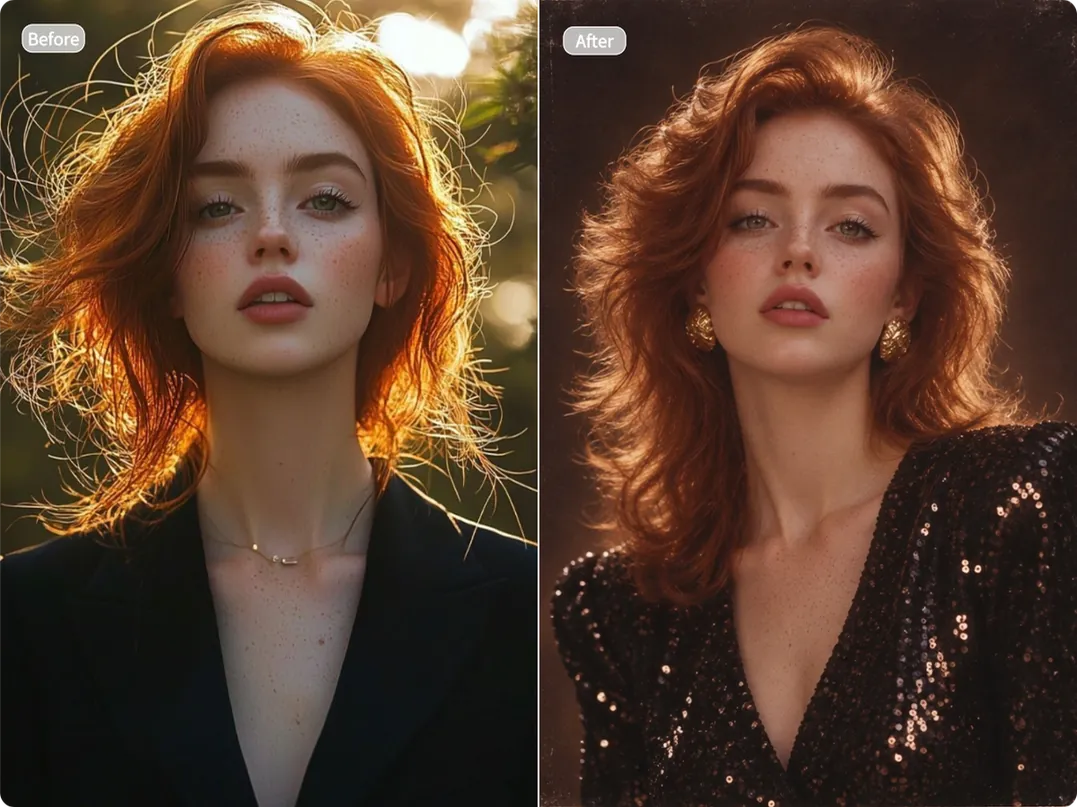
Ever wondered what you would have looked like in the 1980s? Use our AI 80s Photo Generator to reimagine yourself in another decade and explore different versions of your retro look. See yourself in a classic yearbook portrait, walking the streets in vintage fashion, or posing for a studio photo. Satisfy your curiosity, have fun, and share the result with friends and family.
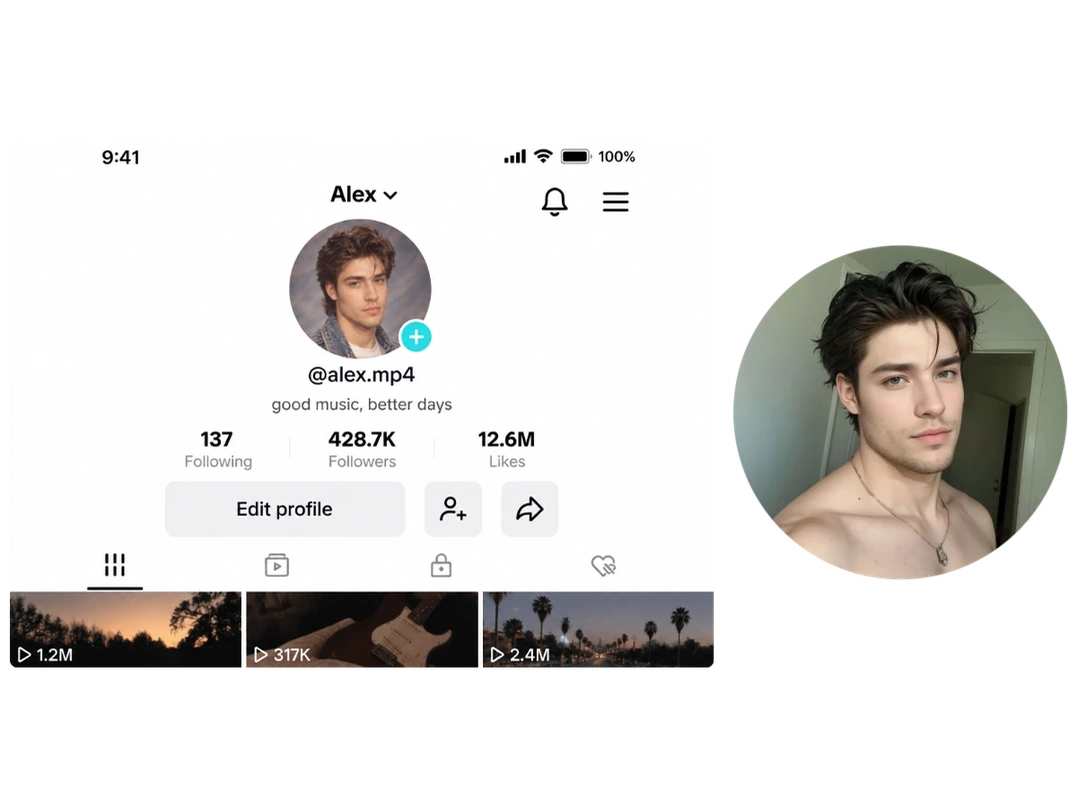
Give your online profile a distinctive look with a retro portrait. Turn your photo into an eye-catching profile picture or avatar that keeps your facial features recognizable. Stand out at first glance and make your online identity more memorable. Ideal for social media, messaging apps, forums, blog profiles, personal websites, creator channels, or online communities.
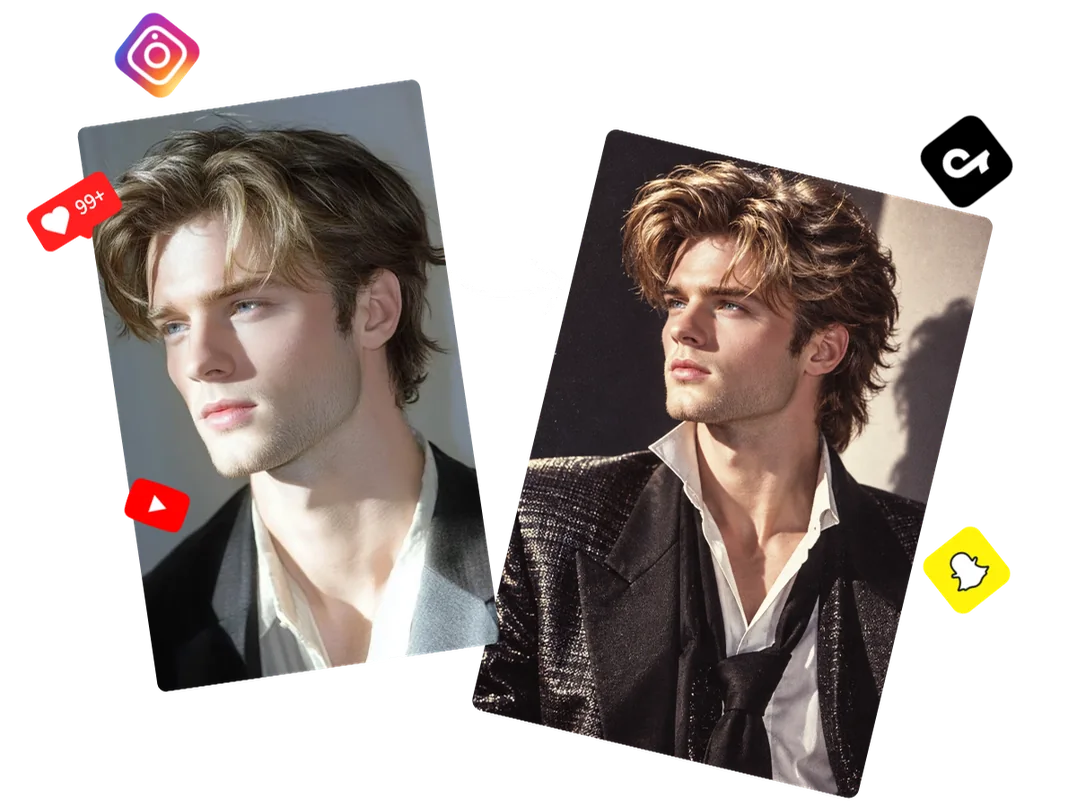
Turn your photo into a scroll-stopping retro post and join the 80s photo trend with your own look. Try different styles, pick your favorite result, and share it on TikTok, Instagram, Facebook, or other social platforms. Spark likes, comments, and engagement while encouraging your followers to create and share their own retro looks too.
Upload a clear, front-facing photo with good lighting to help the AI preserve your facial features. Selfies, portraits, couple photos, and group photos are all supported.
Choose from templates such as Yearbook, Mumbai Street, Family Album, Vintage Wedding, and more. You can also enter your own prompt to create a unique look.
Click "Generate" and let AI create your 80s photo in seconds. Once it’s ready, download the image for social media, profile pictures, keepsakes, or other creative projects.
You can start without buying a membership. Free credits are available through sign-up, daily check-ins, invitations, sharing, and other activities.
Use a clear, front-facing photo with good lighting and visible facial features. Avoid blurry images, heavy shadows, or photos where the face is partially covered.
Yes. Couple, family, and group photos are all supported. Simply choose a template designed for multiple people.
Yes. Your images are processed securely, are not made public, and are not used to train AI models. Uploaded files are automatically deleted within 24 hours after processing.
Free users can download and use their generated photos for personal purposes, such as profile pictures, social posts, or sharing with friends and family. Members can download watermark-free images and use them for commercial projects. In either case, make sure you have the necessary rights or permissions for any people or source images used.
There’s only one way to find out. Upload a photo, pick your favorite retro style, and have fun discovering your 1980s look.
