


AI Halloween Filters: Create Spooky Photos & Videos Online
AI Halloween Filters: Create Spooky Photos & Videos Online
Turn your photo into a Halloween portrait or a spooky video with MindVideo AI. Choose a photo filter or video template to transform your look, add an eerie setting, or bring a haunting scene to life—without dressing up or applying makeup.
Free credits to try
Result
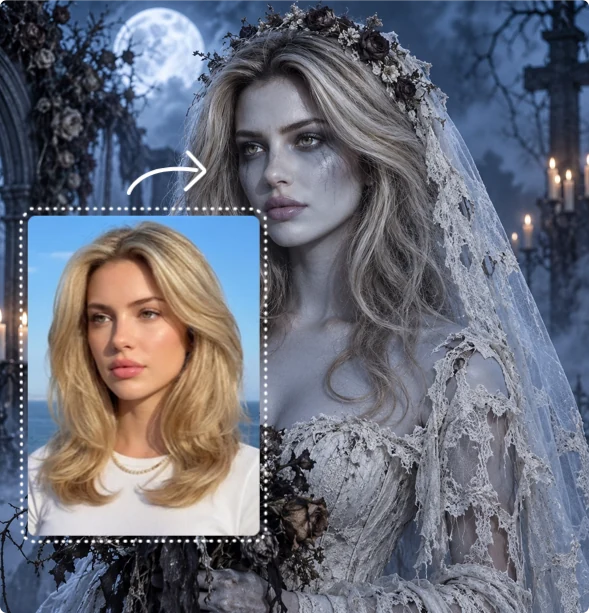
Explore Halloween Photo Filters & Video Effects
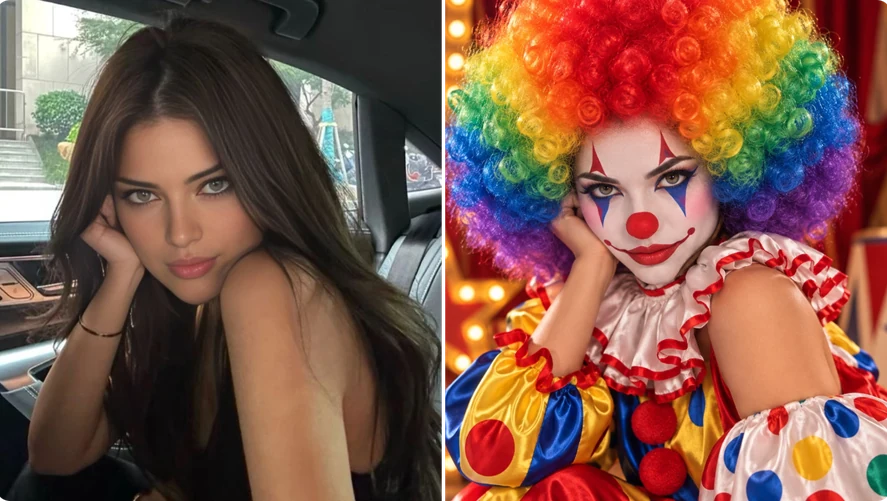
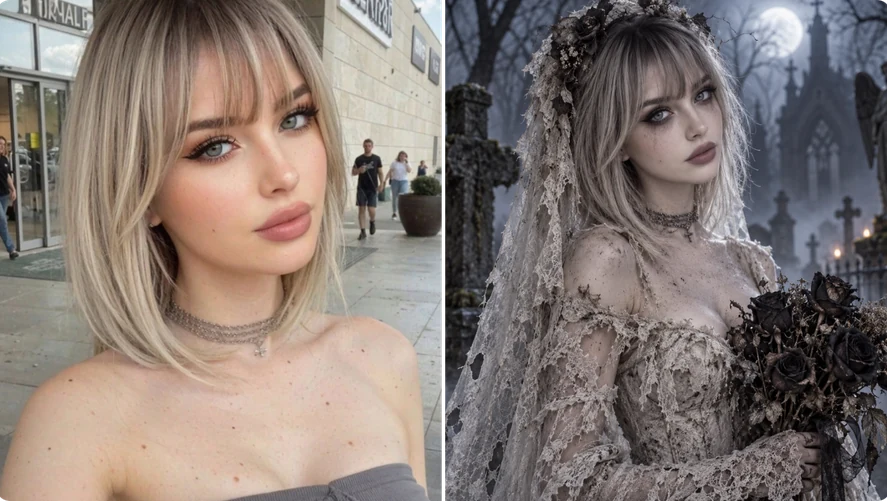
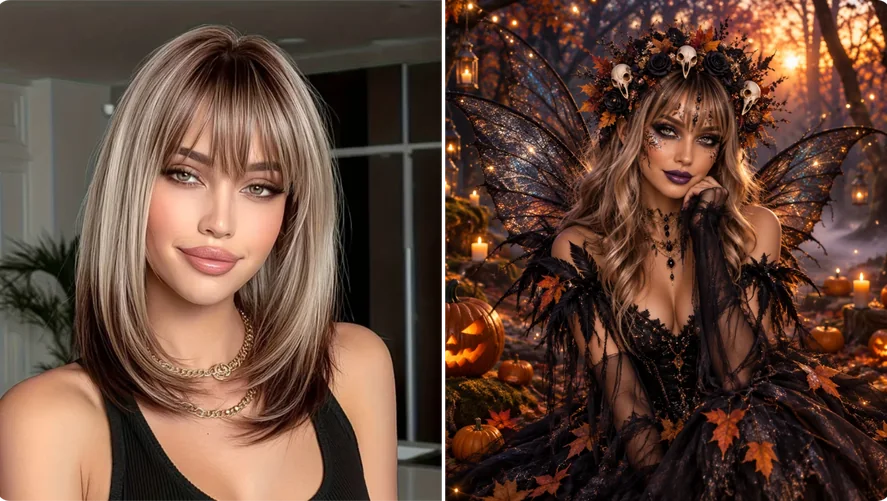
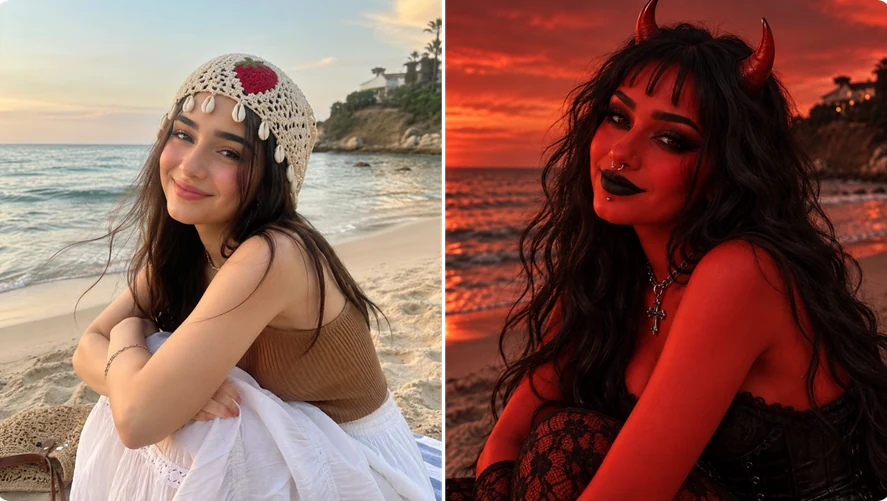
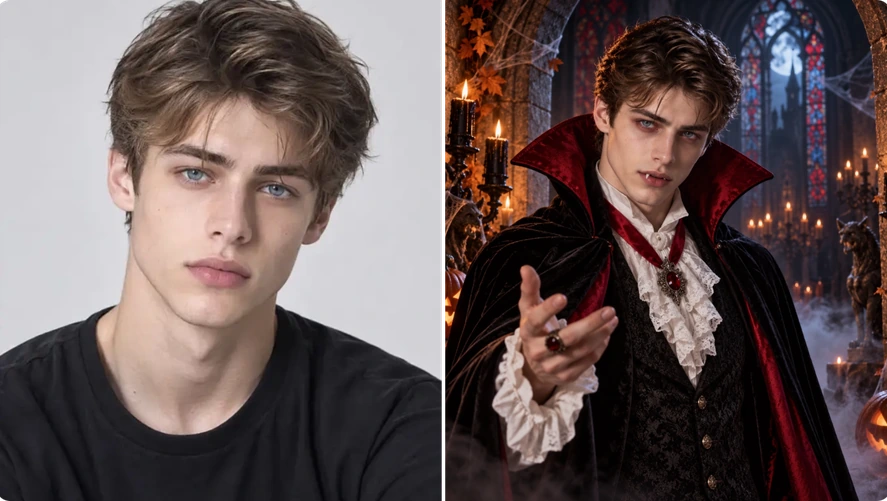
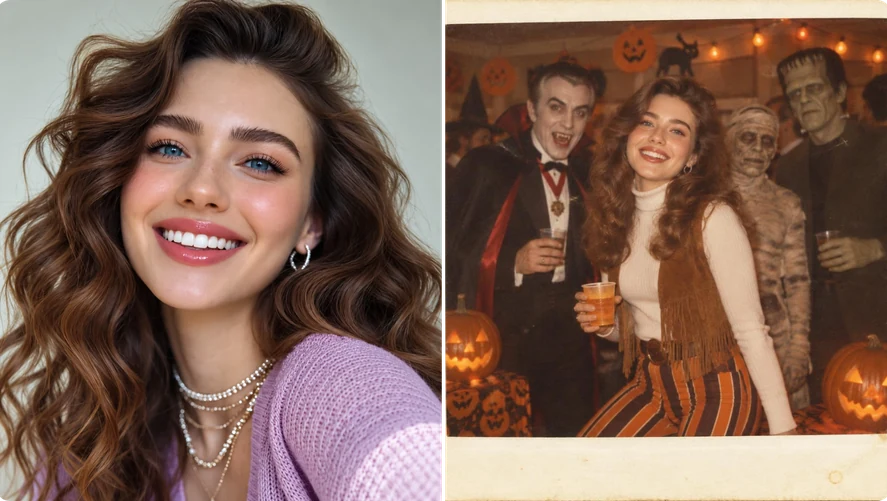
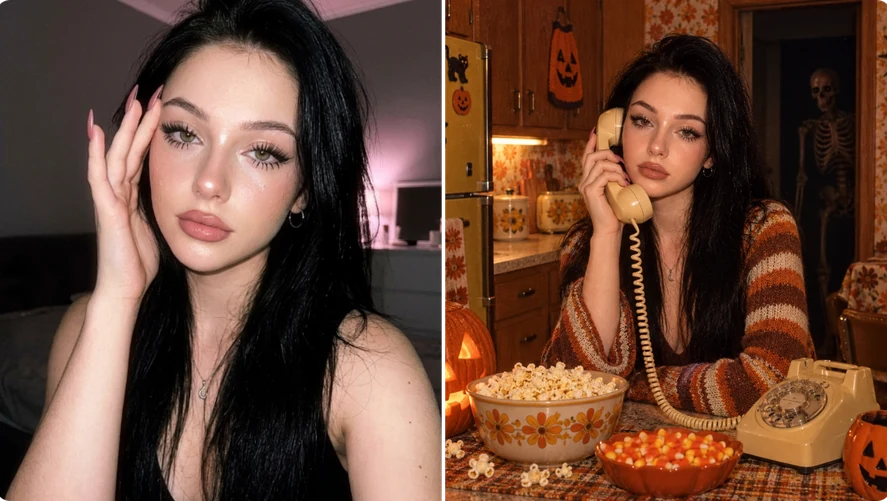
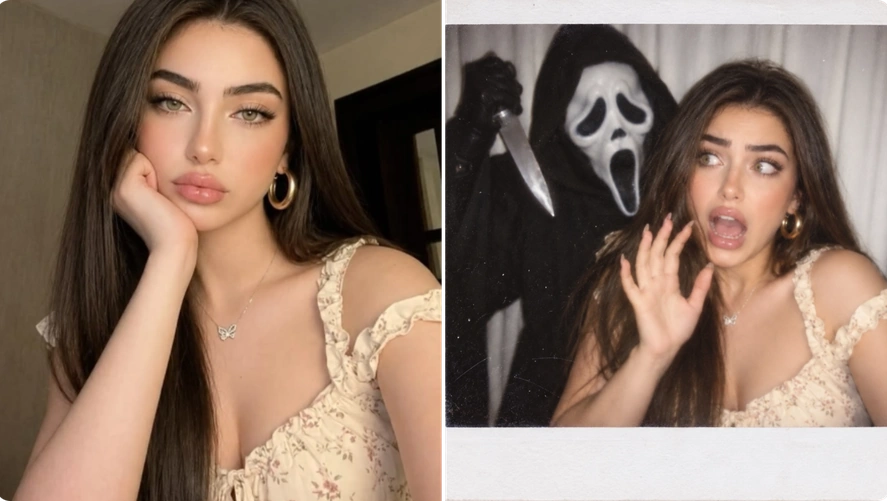
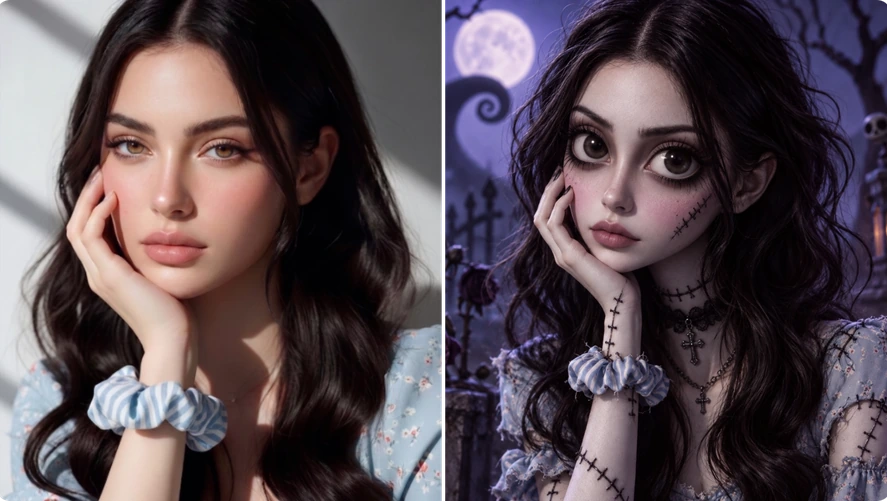
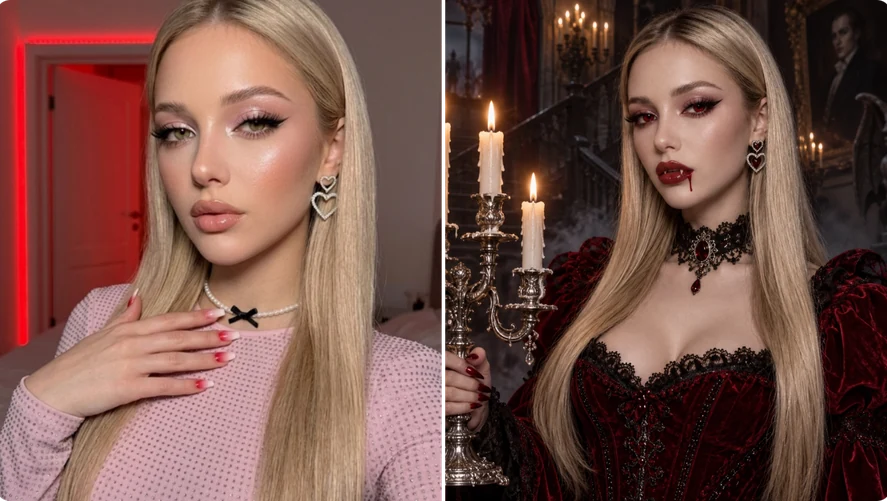
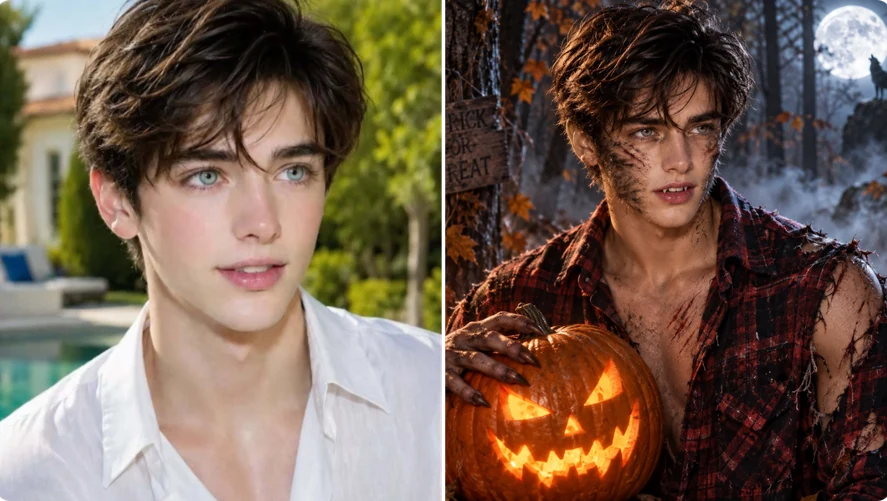
What Can You Create with Our AI Halloween Filters?


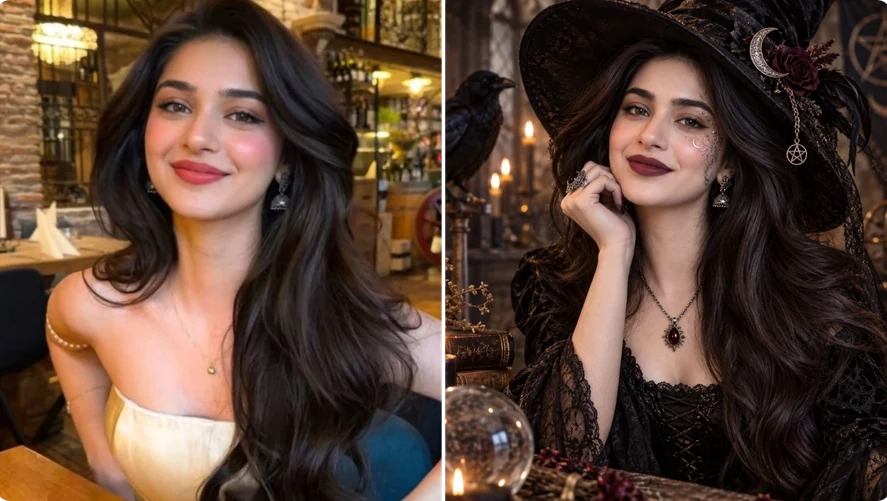
Create a Unique Halloween Profile Picture with AI
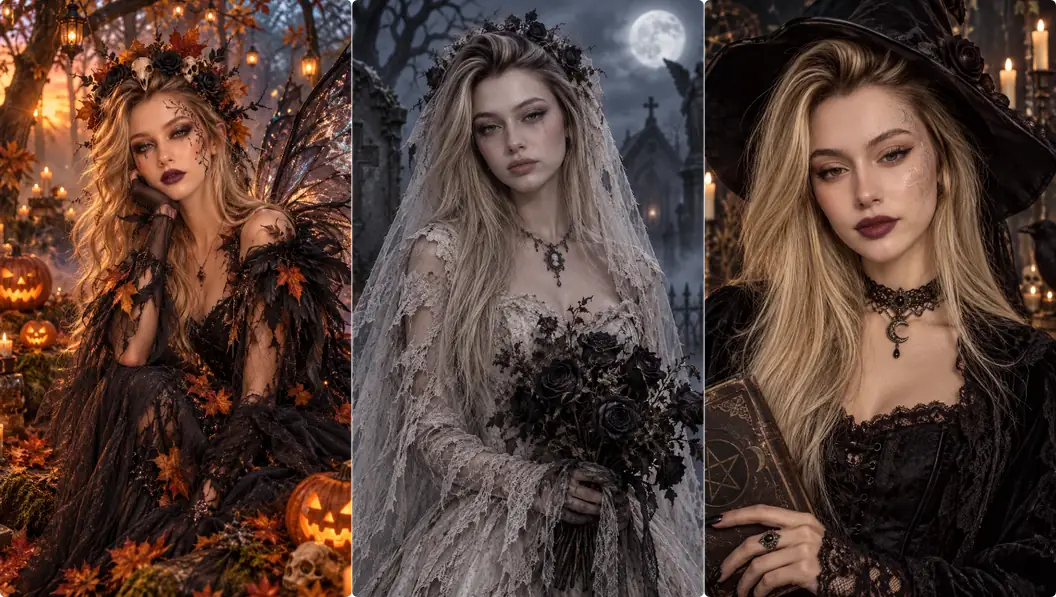
Give your profile a Halloween makeover with a vampire portrait, witch costume, Ghostface look, or another classic character. Our AI Halloween image generator turns your existing photo into a creepy avatar—no makeup, photoshoot, or manual editing needed. Try different styles, pick your favorite, or switch up your look throughout the Halloween season.
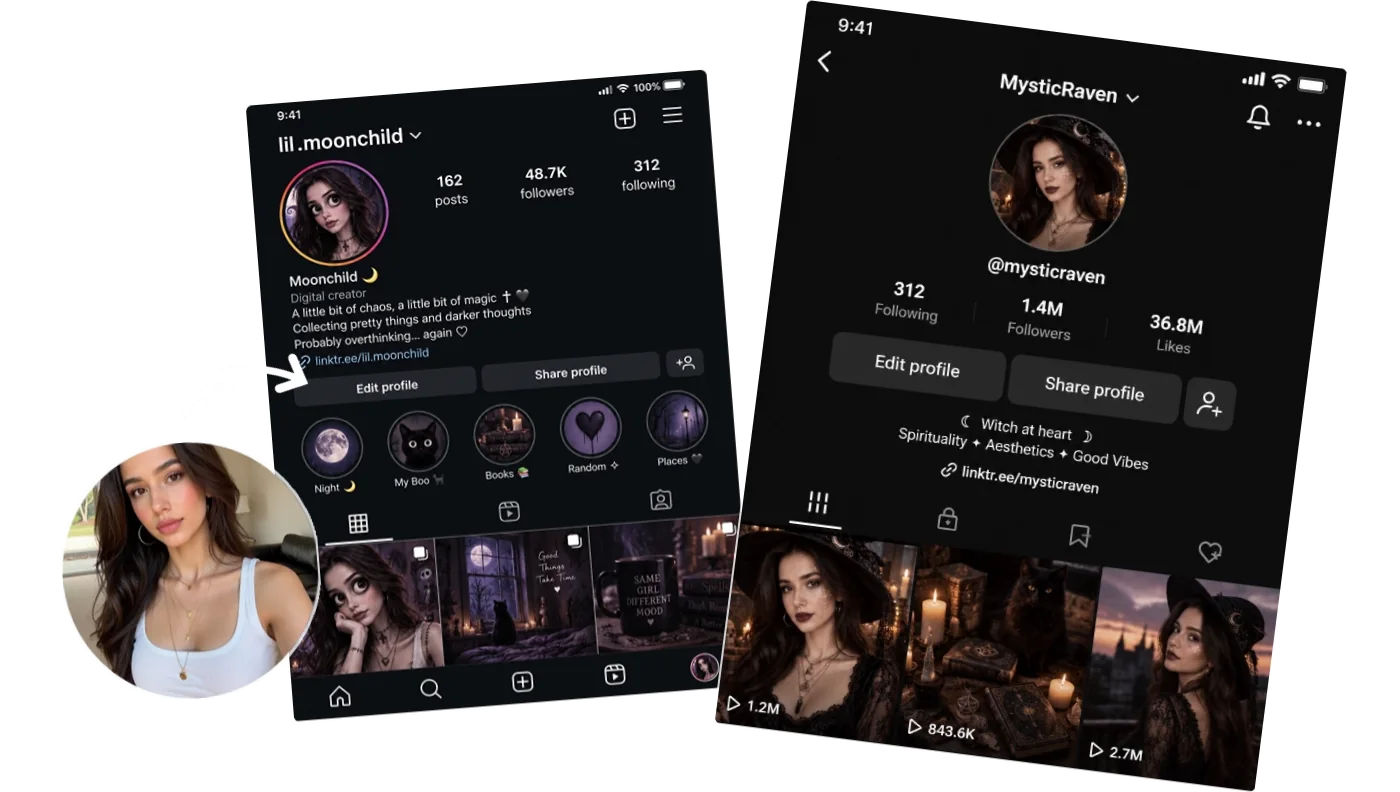
Generate Spooky AI Visuals for Social Media
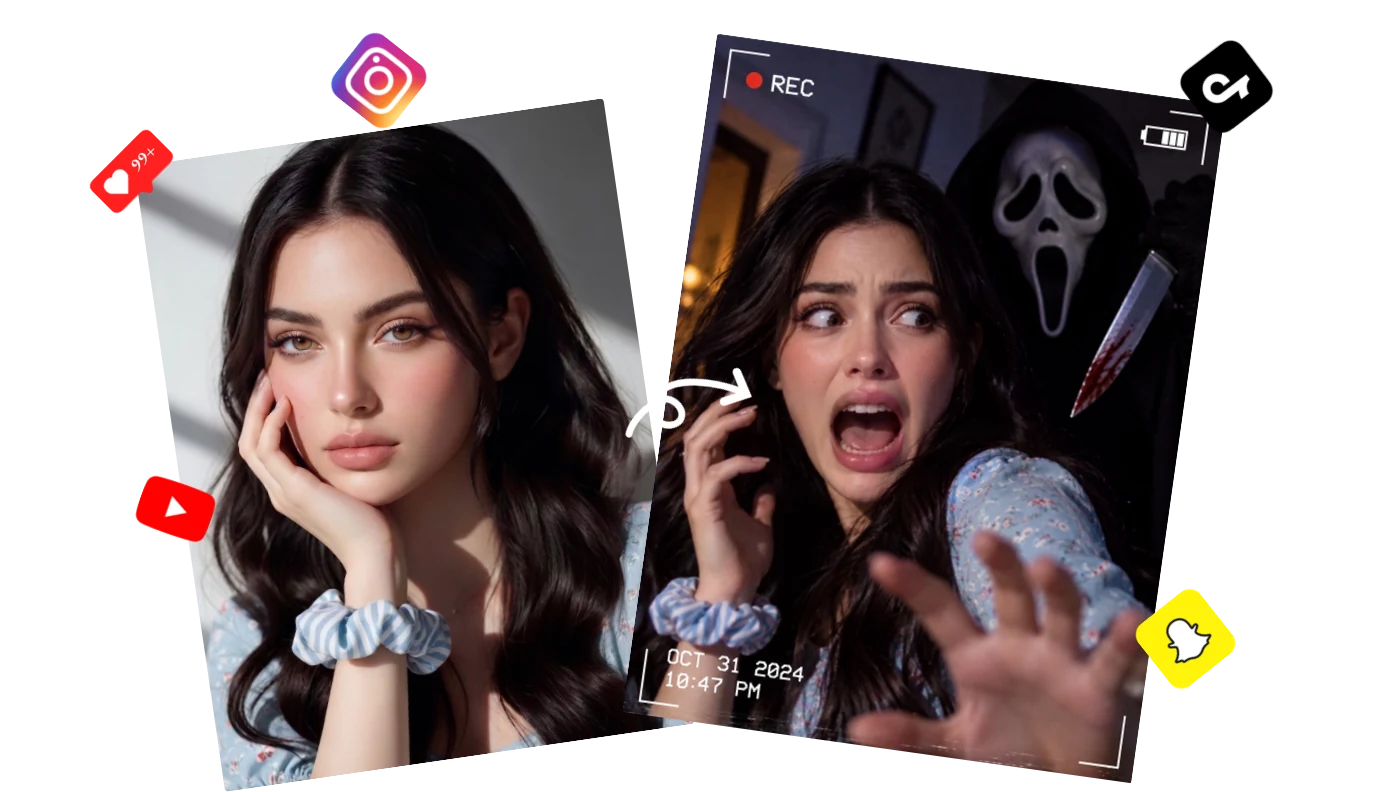
Bring your spooky ideas to life with a Voodoo Doll transformation, a skeleton portrait, or a Ghostface encounter. Join the Halloween trend with photos and videos for TikTok, Instagram, YouTube, and more. Grab attention with your transformation and spark comments and conversations. You can also invite followers to vote for your scariest look.
Preview Makeup & Costumes Before You Choose
Not sure what to wear this Halloween? Preview a devil look, Harley Quinn costume, or Joker makeup using your own photo before shopping or applying makeup. Compare different styles and choose your favorite or the one that suits you best. No need to order several costumes just to pick one.
Prank Your Friends with AI Halloween Effects
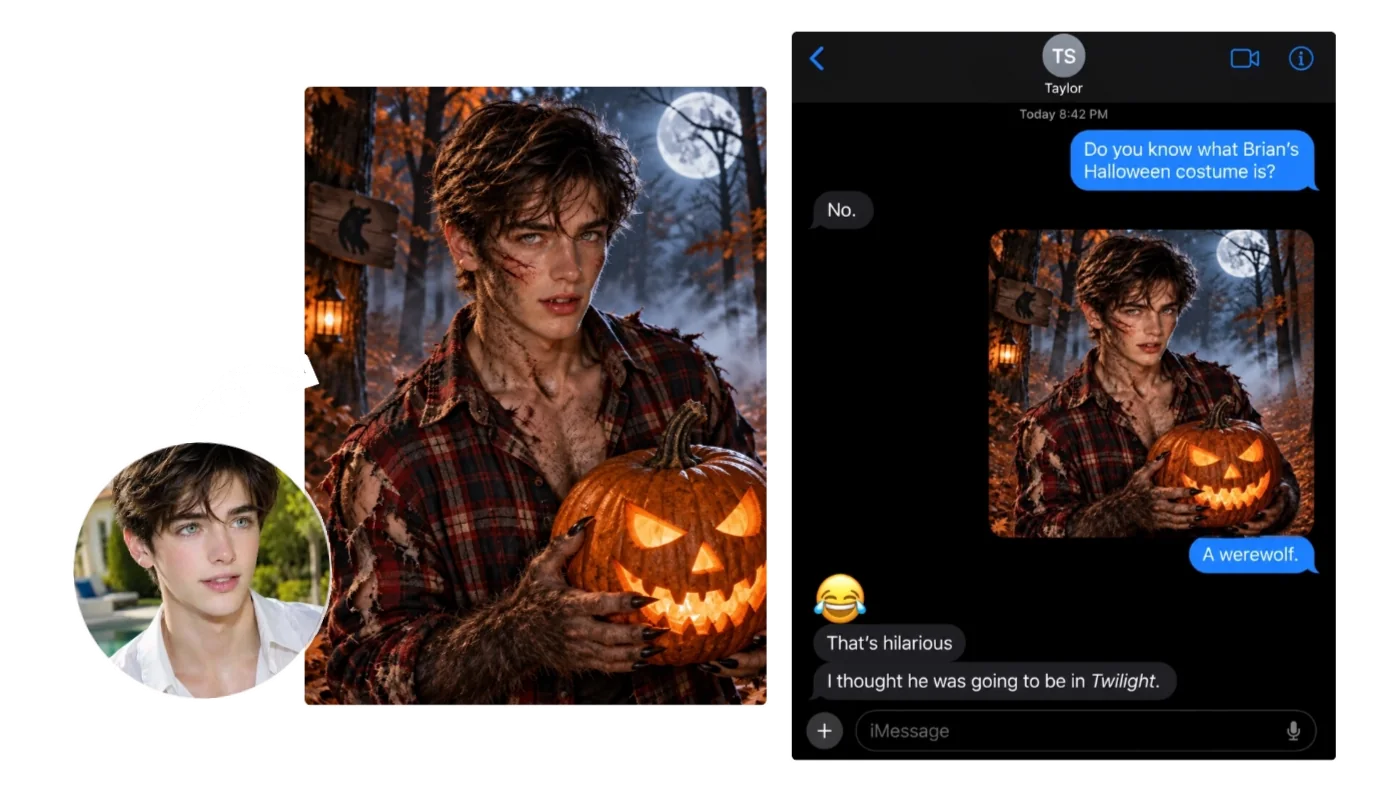
Give your friends’ photos a spooky twist! Turn them into creepy clown portraits or create a clip with a skeleton lurking behind them. Send the results to your friends for a fun Halloween scare. You can also share them with mutual friends or in a group chat. Watch everyone’s reactions and enjoy the scares and laughs together.
How to Add a Halloween Filter to a Photo with AI
Create Halloween photos or videos with AI in just 3 easy steps. Choose an effect, upload your photo, and let AI create your Halloween transformation. No editing skills needed.

Step 1: Choose a Template
Browse the Halloween templates and choose an effect you’d like to try. Photo filters give your picture a Halloween makeover, while video effects turn it into a spooky clip.

Step 2: Upload Your Photo
For best results, upload a clear, well-lit, front-facing half-body or full-body photo. Make sure your face is clearly visible, and avoid tightly cropped headshots or close-up selfies.
Step 3: Generate & Download
Click “Generate” to quickly create your Halloween photo or video. Download the result to update your profile picture, share with friends, post on social media, or use in other personal projects.

Why Choose Our AI Halloween Art Generator?



Keep Your Facial Features
Become a vampire, witch, or another Halloween character while keeping your facial features. You’ll still look like yourself in the generated photos and videos.

Natural Halloween Transformations
From portraits to animated clips, create convincing Halloween looks with lifelike makeup and detailed costumes that blend naturally with the background.

All-in-One Halloween Effects
Use both Halloween photo filters and video effects on MindVideo AI without switching between tools. Try different styles and choose how you want to bring your Halloween ideas to life.

Start with Free Credits
Try our Halloween AI art generator without a paid membership. You can get free credits through sign-up, daily check-ins, friend invitations, and other available options.What Users Say About Our Halloween AI Filters

“I tried the witch look for a Halloween post and loved how it turned out. It still looked like me, just with a much spookier vibe.”
“The Summoning Succubus effect was fun to try. I used a regular photo, and the video had a cool horror vibe. I can see myself using it in a Halloween edit.”
“I usually spend ages editing photos, so this was a nice shortcut. I picked a template, uploaded my photo, and got a Halloween look without doing all the edits myself.”
“We used a few of the images in our Halloween campaign. Having something to work with right away saved us a lot of time.”
“I sent my zombie picture to my roommate, and her reaction was hilarious. Now she wants to try it too.”
“I tried the witch look for a Halloween post and loved how it turned out. It still looked like me, just with a much spookier vibe.”
“The Summoning Succubus effect was fun to try. I used a regular photo, and the video had a cool horror vibe. I can see myself using it in a Halloween edit.”
“I usually spend ages editing photos, so this was a nice shortcut. I picked a template, uploaded my photo, and got a Halloween look without doing all the edits myself.”
“We used a few of the images in our Halloween campaign. Having something to work with right away saved us a lot of time.”
“I sent my zombie picture to my roommate, and her reaction was hilarious. Now she wants to try it too.”
“I couldn’t decide on a costume, so I tried a few looks with my photo. It helped me narrow things down before buying anything.”
“I tried the same photo with a few Halloween filters. Some worked better than others, so I had to experiment a bit to find one I liked.”
“The Ghostface effect gave me a clip to use in my Halloween video. I still did some trimming and added sound effects afterward, but it was a useful starting point.”
“I made a Halloween avatar for myself and showed it to my class. The funny part was that they recognized me straight away.”
“My kids and I kept picking new looks to try. The Tim Burton one was our favorite. We ended up laughing at the pictures for ages.”
“I couldn’t decide on a costume, so I tried a few looks with my photo. It helped me narrow things down before buying anything.”
“I tried the same photo with a few Halloween filters. Some worked better than others, so I had to experiment a bit to find one I liked.”
“The Ghostface effect gave me a clip to use in my Halloween video. I still did some trimming and added sound effects afterward, but it was a useful starting point.”
“I made a Halloween avatar for myself and showed it to my class. The funny part was that they recognized me straight away.”
“My kids and I kept picking new looks to try. The Tim Burton one was our favorite. We ended up laughing at the pictures for ages.”
AI Halloween Filters FAQs
Do I need an account to use the Halloween filters?
Yes, a free account is required. Once you sign up, you can collect credits and use them to generate Halloween photos and videos.
Can I use the Halloween filters without a paid membership?
Yes. You don’t need a paid membership, but each generation requires credits. You can use the filters as long as your account has enough credits for the selected effect.
What can I do if the result doesn’t look right?
Try another clear photo with your face unobstructed and enough of your body visible. Avoid heavy filters and complex backgrounds. If a template changes your appearance more than you want, try a different style that better suits your photo.
Will my downloaded photos and videos have a watermark?
Photos and videos generated by free users include a watermark. Paid users can download their results without a watermark.
Can I share, edit, or commercially use the results?
Free users can update their profile pictures, share results on social media, and use them in personal projects. You can also download the files for further editing. Commercial use is available to paid users.
Are my uploaded photos private?
Yes. Your uploaded photos are not made public or used to train AI models. They are automatically deleted within 24 hours.

Ready to Go Viral This Halloween?
Turn your photo into a creepy portrait or spooky video. Choose your favorite effect and create something worth sharing.
