Turn Yourself into a Dragon Ball Character Online with AI
Transform your photo online with our Dragon Ball AI Character Creator while preserving your key features. Create your own classic anime look with free credits—no prompts needed.
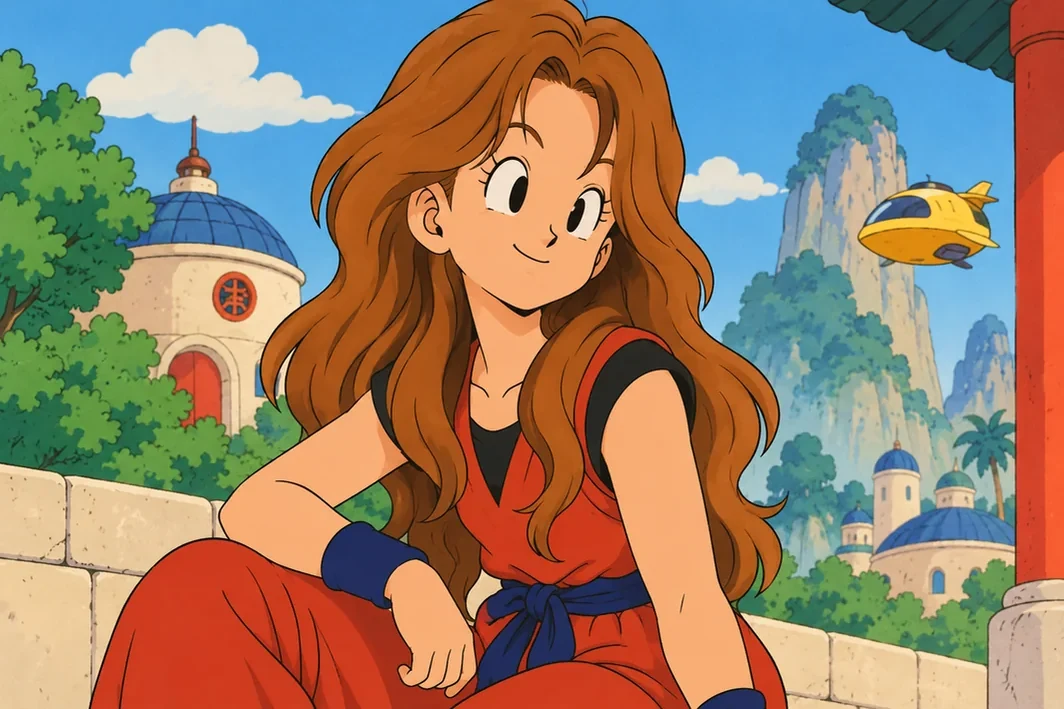
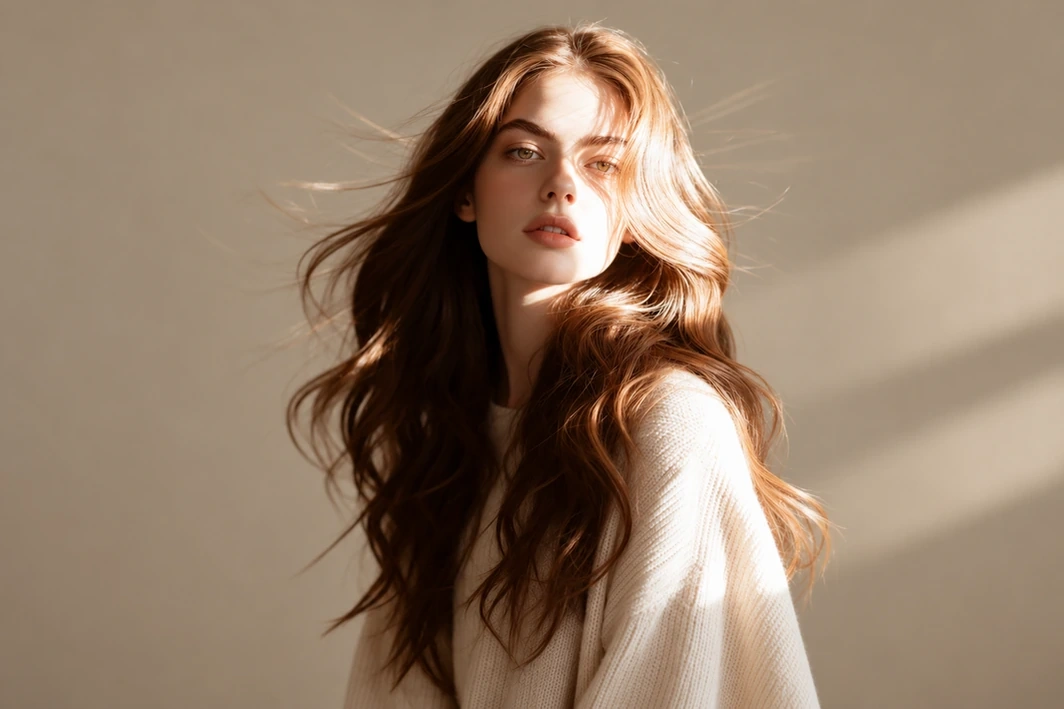
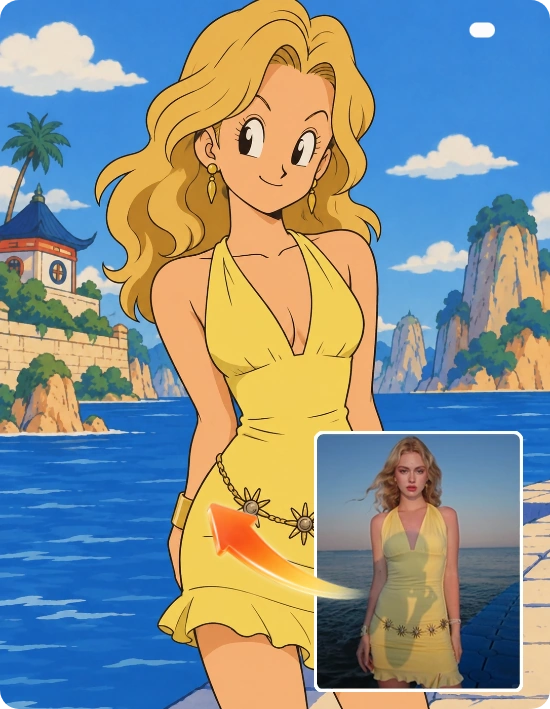
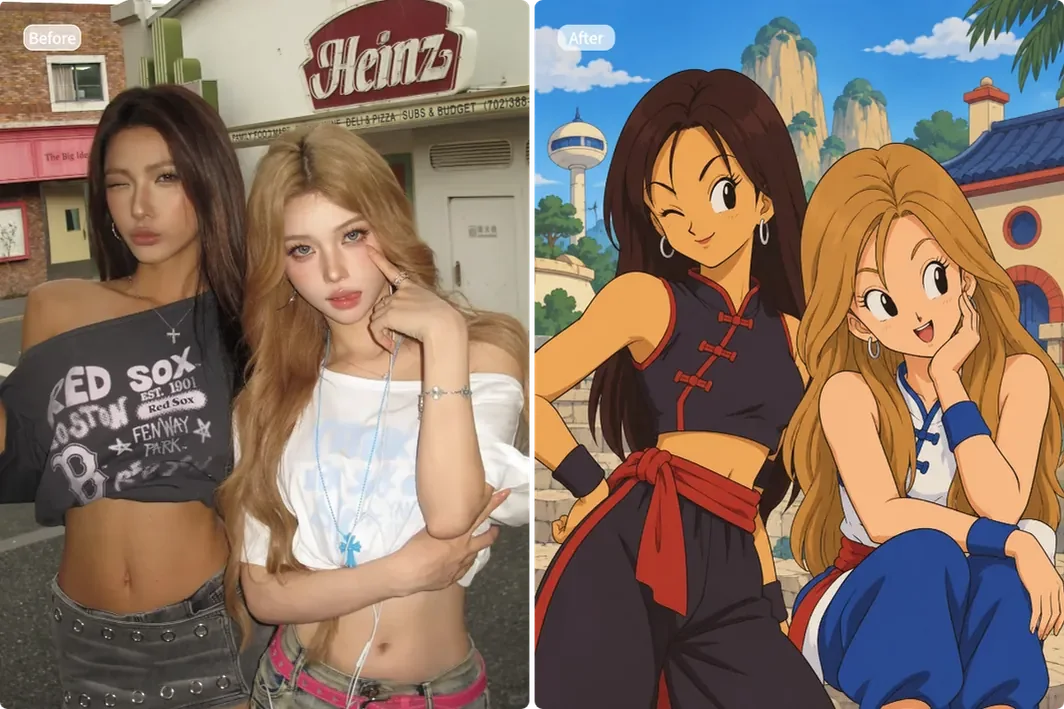
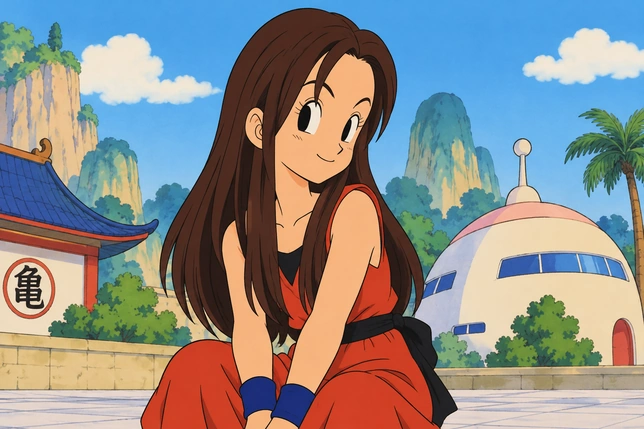
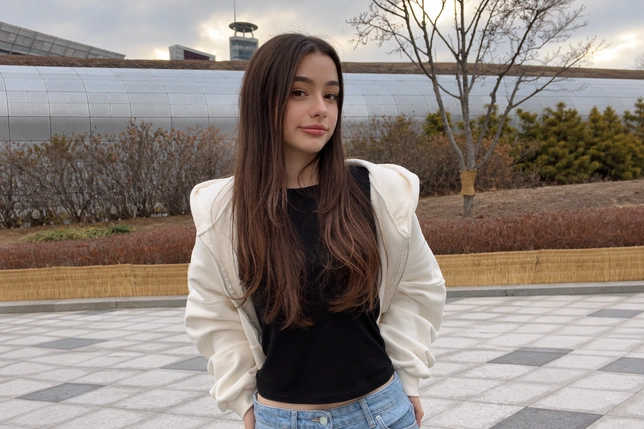
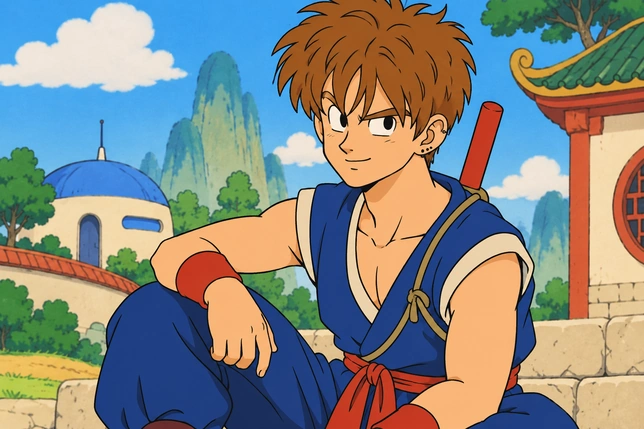
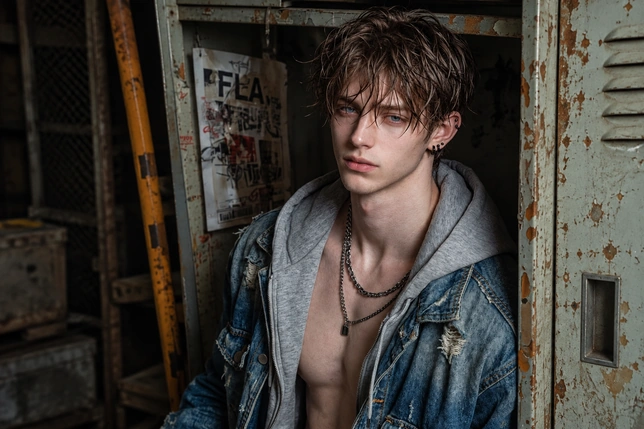
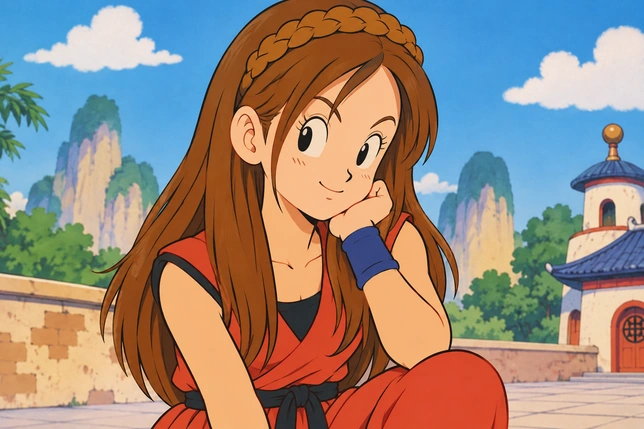
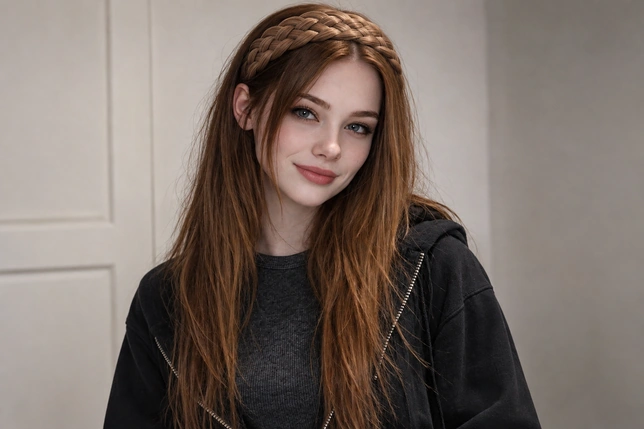
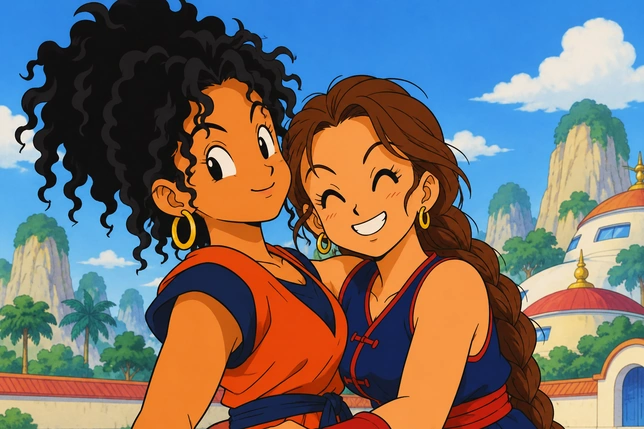
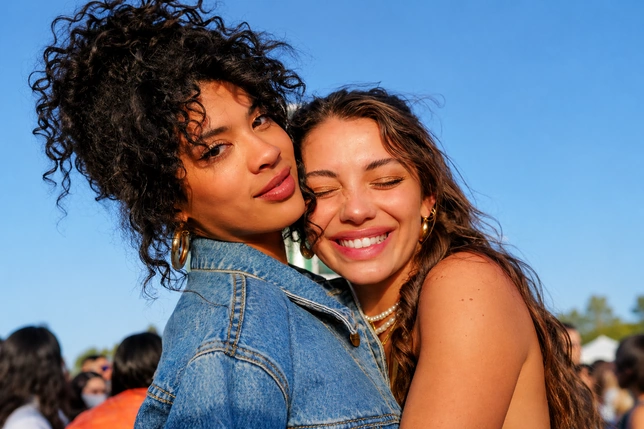
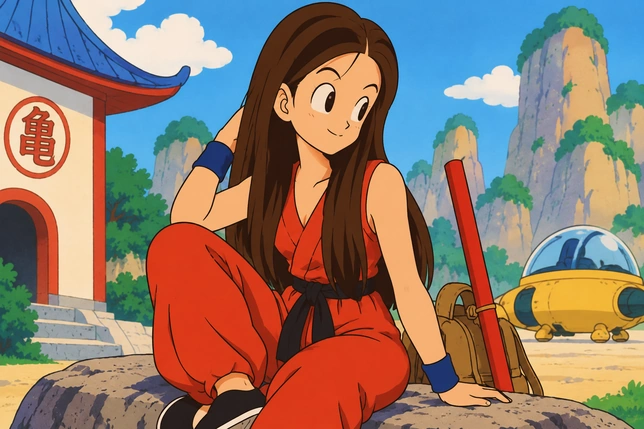
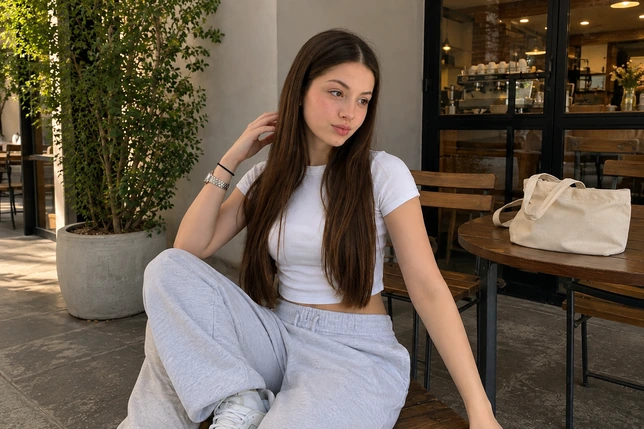
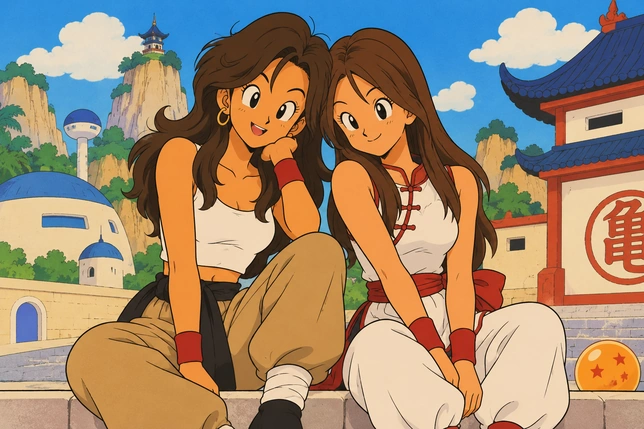
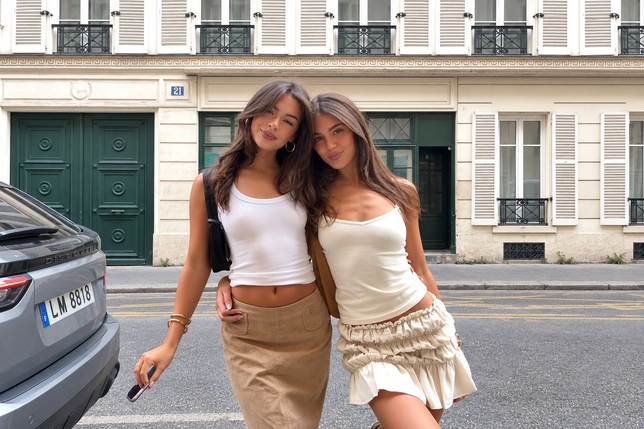
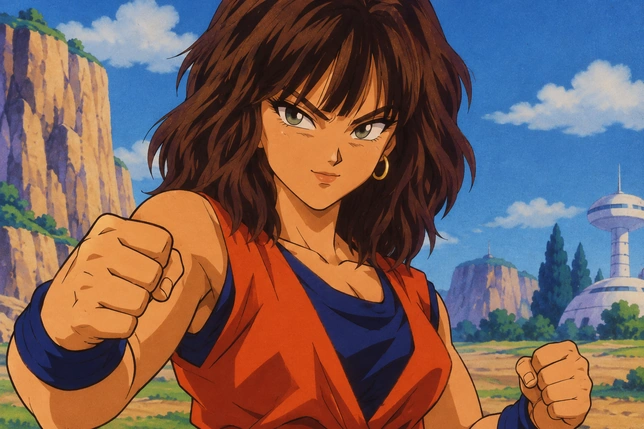
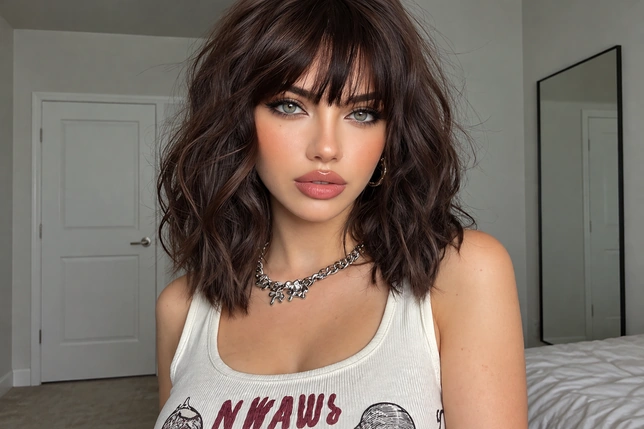
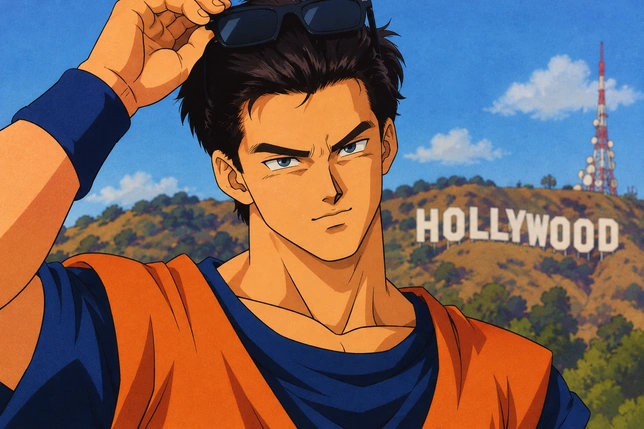
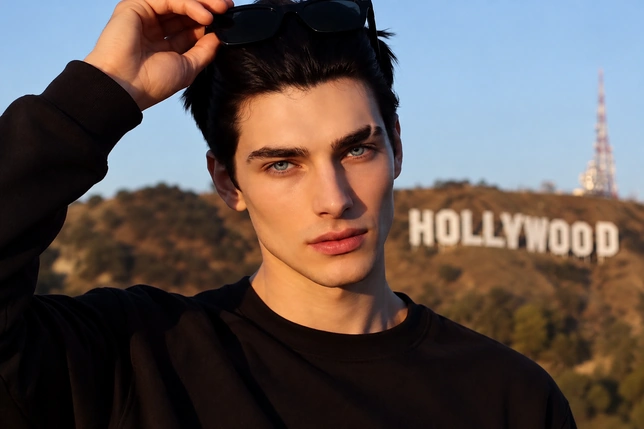
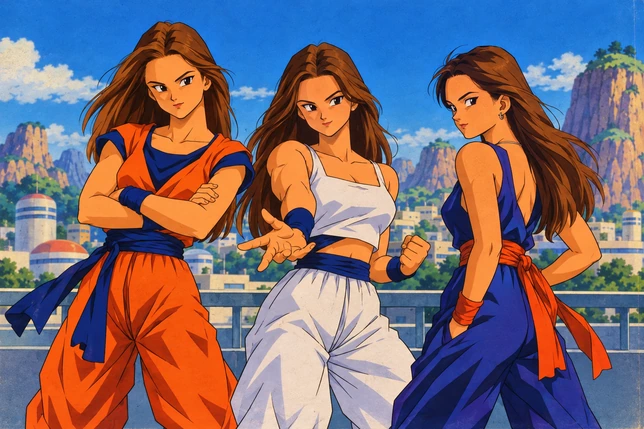
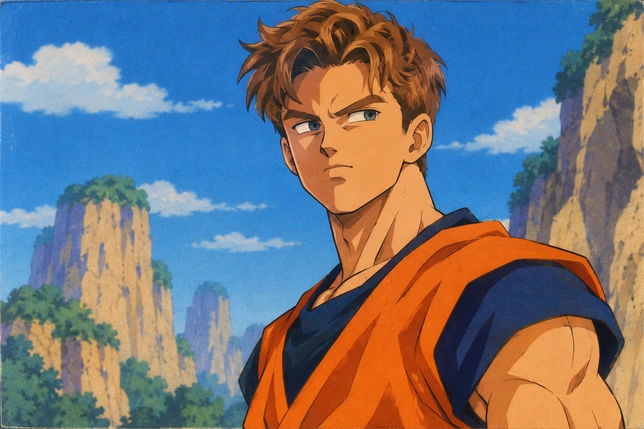
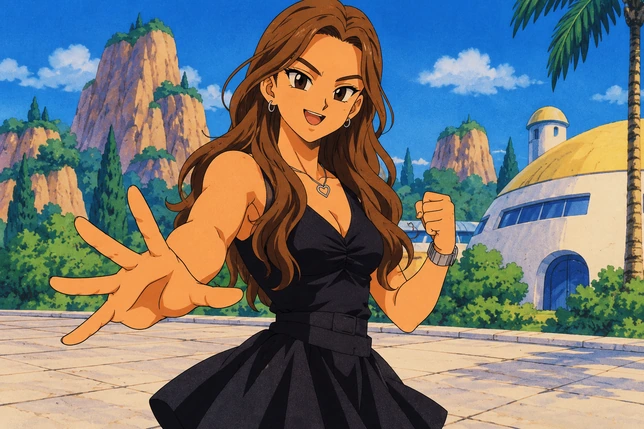
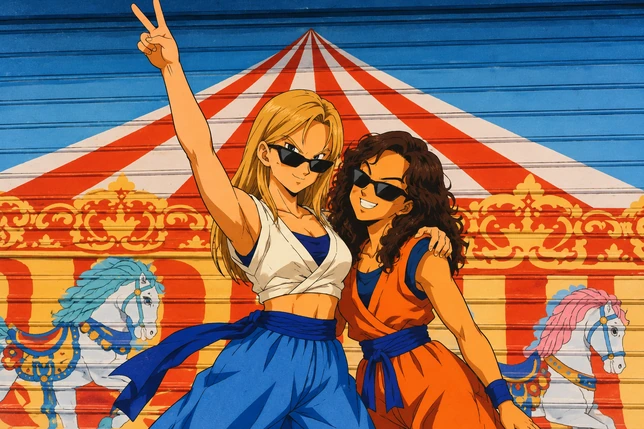
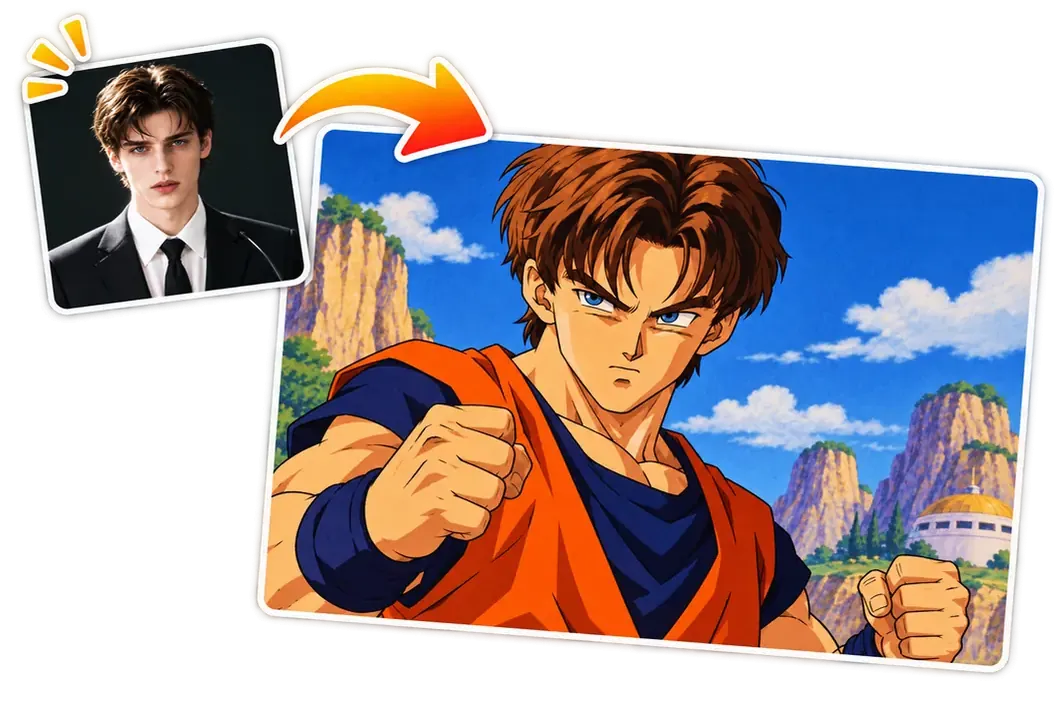
MindVideo AI’s Dragon Ball Character Creator is an online photo filter that redraws your photo in the classic anime’s art style. It reimagines the people, outfits, and background while keeping your features recognizable.
Choose from two styles:
Early Dragon Ball: Inspired by the original anime’s early adventures with young Goku.
Dragon Ball Z: The sequel’s classic style, featuring adult Goku from the Saiyan saga onward.
Use your new look for profile pictures, social media posts, or personal fan art.
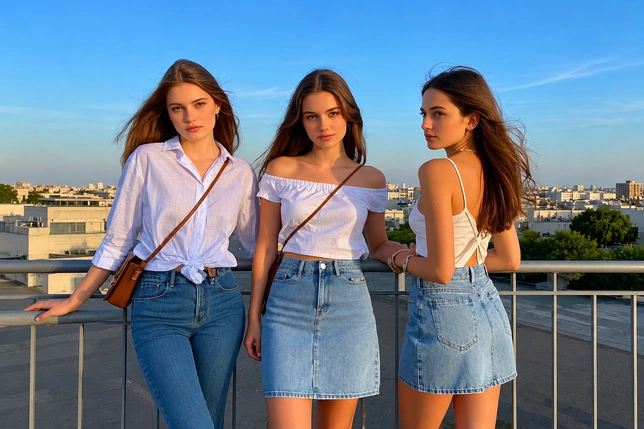
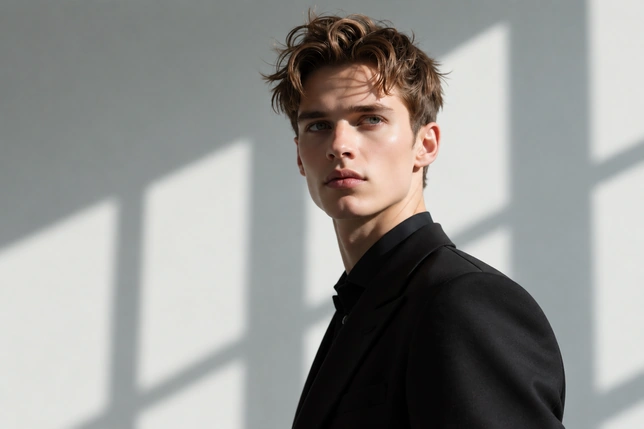
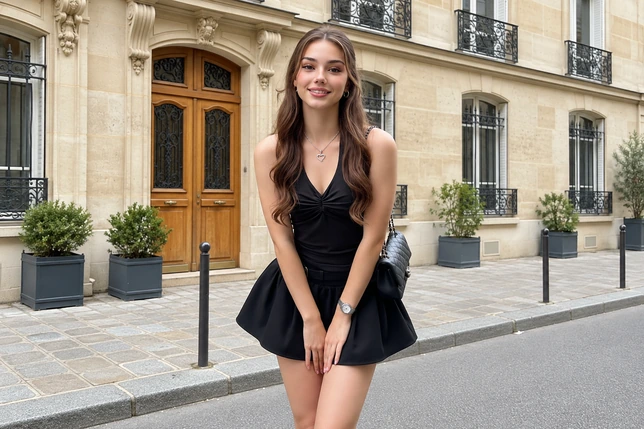
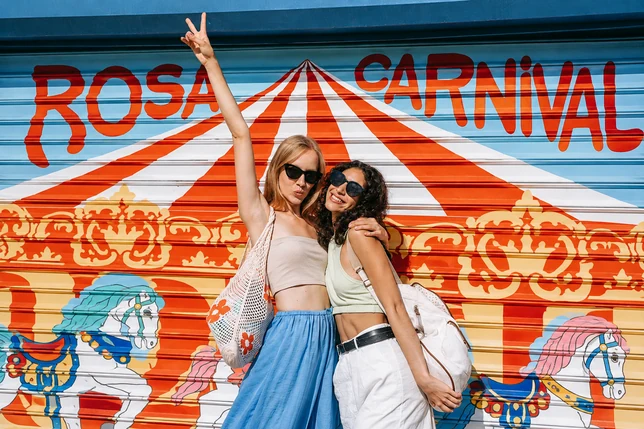
Explore the Results of Our Dragon Ball AI Filter: Before & After
How to Create Your Dragon Ball Look with AI
1
Upload Your Photo
Upload a clear selfie, portrait, or group photo. For best results, make sure everyone’s face is visible and well lit.
2
Choose a Style
Select Early Dragon Ball or Dragon Ball Z and choose your preferred aspect ratio. No prompt writing is needed.
3
Generate in Seconds
Click Generate to transform your photo in seconds. Download the result to your device or share it directly on social media.
Turn your own photo or another portrait into a character illustration for your fan story—no drawing or design experience required. You can use the result as a character reference for a short AI animation, or add it to a digital art book or your personal collection.
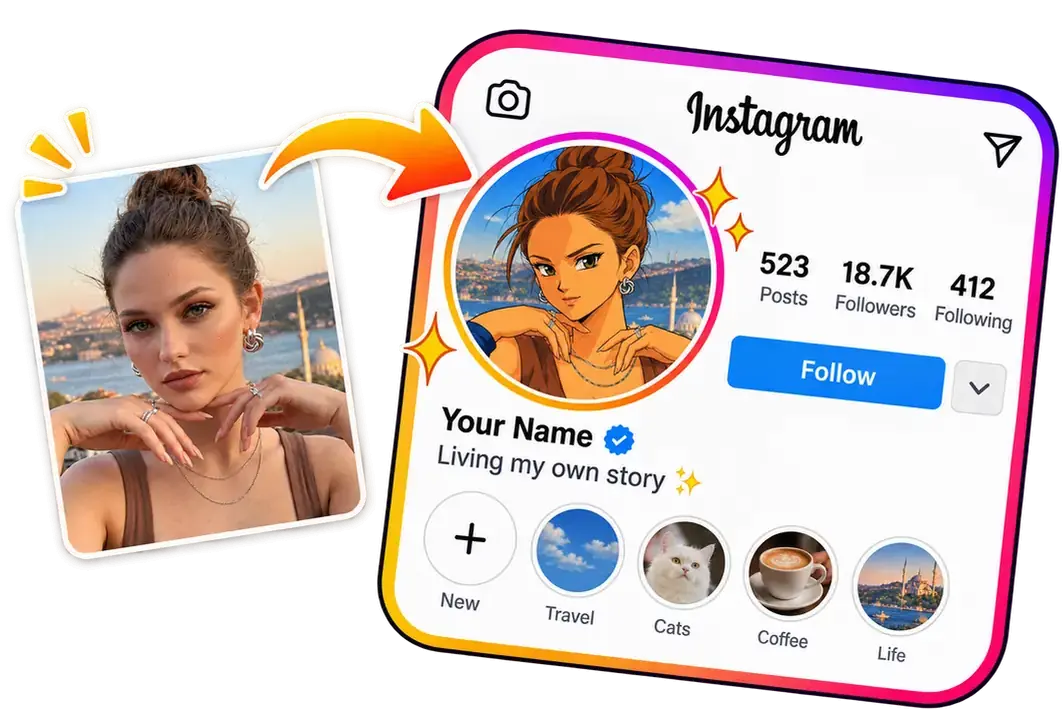
Convert Your Selfie to a Dragon Ball Profile Picture
Give your profile picture an iconic anime look. Our AI turns your selfie into an avatar that still looks like you. Show your love for the series and make a memorable first impression on your gaming account, community profile, or social media pages.
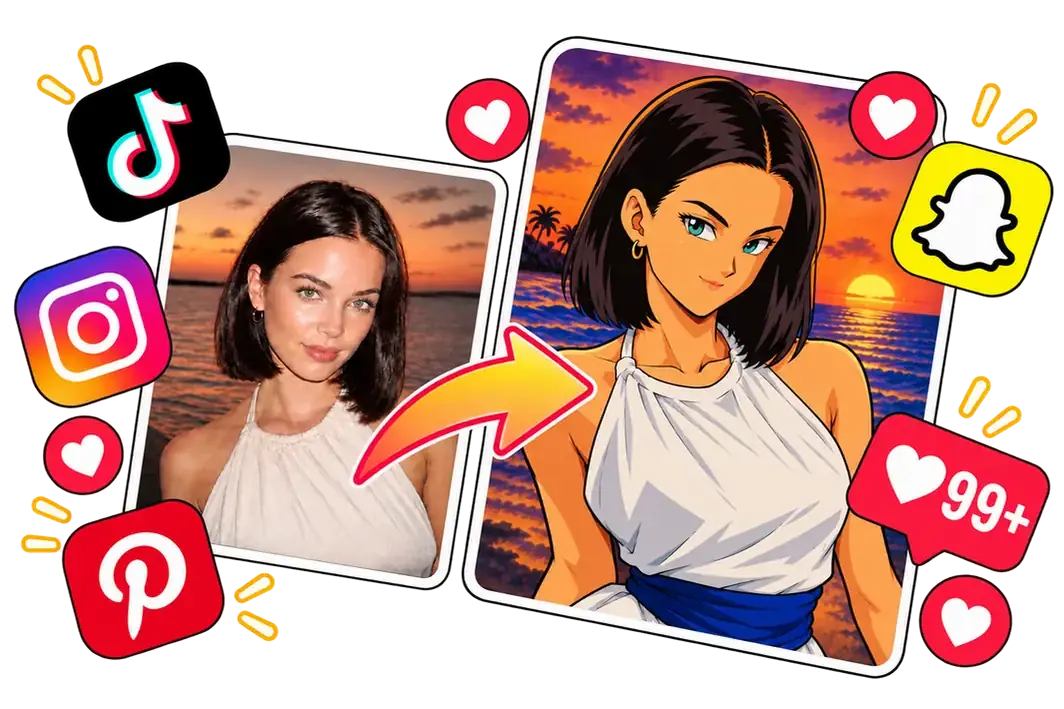
Create Engaging Dragon Ball Posts for Social Media
Share your anime makeover on Instagram, TikTok, Pinterest, and more. Post a before-and-after comparison, launch a challenge with your own hashtag, or invite followers to share their own transformations. Get more people talking and joining in.
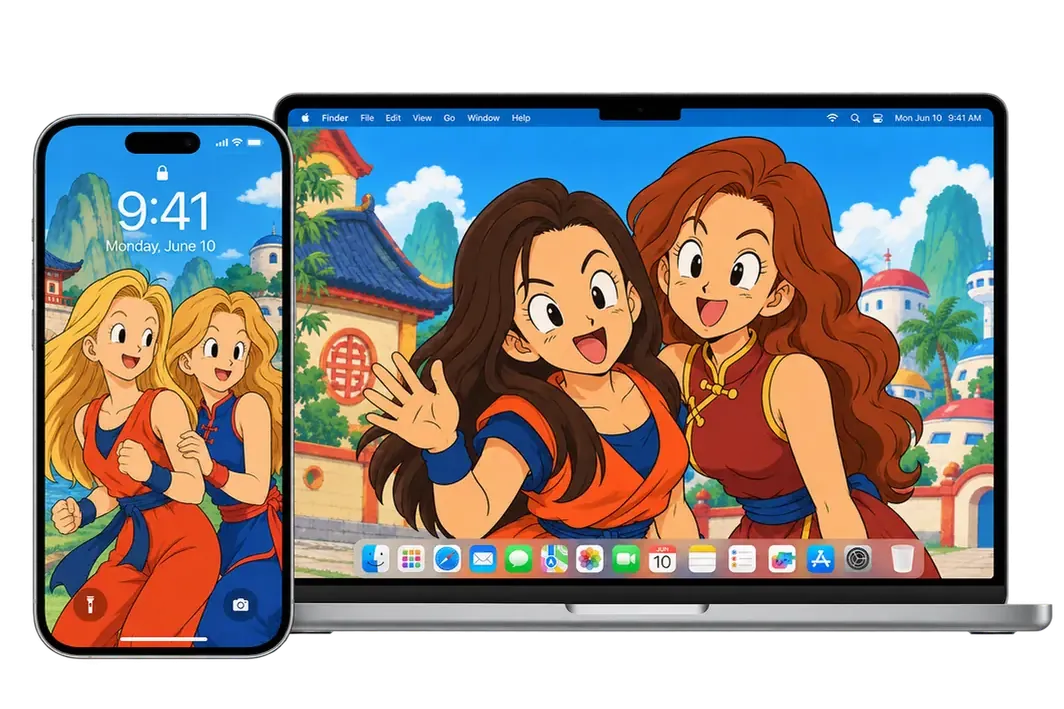
Customize Your Wallpapers with Our Dragon Ball AI Filter
Give your phone or desktop a personal touch with a classic anime wallpaper. Just upload your photo and pick an aspect ratio that suits your screen. Our AI turns it into a custom illustration, ideal for your lock screen, home screen, or desktop background.
Why Choose Our Dragon Ball AI Character Generator?
Free Credits to Start
Use the filter with free credits, no paid membership needed. Each generation uses just 2 credits, and you can earn more by signing up, checking in daily, or inviting friends.
Authentic Dragon Ball Transformation
Our AI captures the signature character designs and colors. It also redraws outfits and backgrounds to match. Turn an everyday photo into artwork that looks right at home in the series.
Keep Your Look Recognizable
From facial features and skin tone to hairstyle and hair color, the filter takes cues from your appearance to create your anime look. The result still looks like you.
Privacy and Security
Your photos are encrypted during processing and used only to generate your images. All uploads are automatically deleted after 24 hours.
Frequently Asked Questions
How is this different from a Dragon Ball OC maker?
OC makers often let you design a character from scratch using prompts or custom settings. Our filter starts with your photo and a preset style. The AI redraws the people, outfits, and background automatically, without separate controls for each character detail.
What if the result doesn’t look enough like me?
Try a more front-facing photo without sunglasses, heavy beauty filters, or hair covering the eyes. Another generation may produce a closer likeness, though expressions and other details can change between attempts.
Will everyone in my group photo appear in the result?
The filter is designed to keep the original number of people. Choose a group shot where each face is large enough to distinguish and people aren’t blocking one another, especially in crowded photos.
Will my images have a watermark?
Free users’ images include a watermark. Paid users can download their results without one.
Can I use the generated images commercially?
Commercial use requires a paid membership. Without one, you can download, share, and use your results for personal, non-commercial projects.
How can I turn my character image into an animation?
Use your downloaded illustration as the starting image in an image-to-video tool, then describe the movement you want. This filter creates still images, so making an animation is a separate step.