
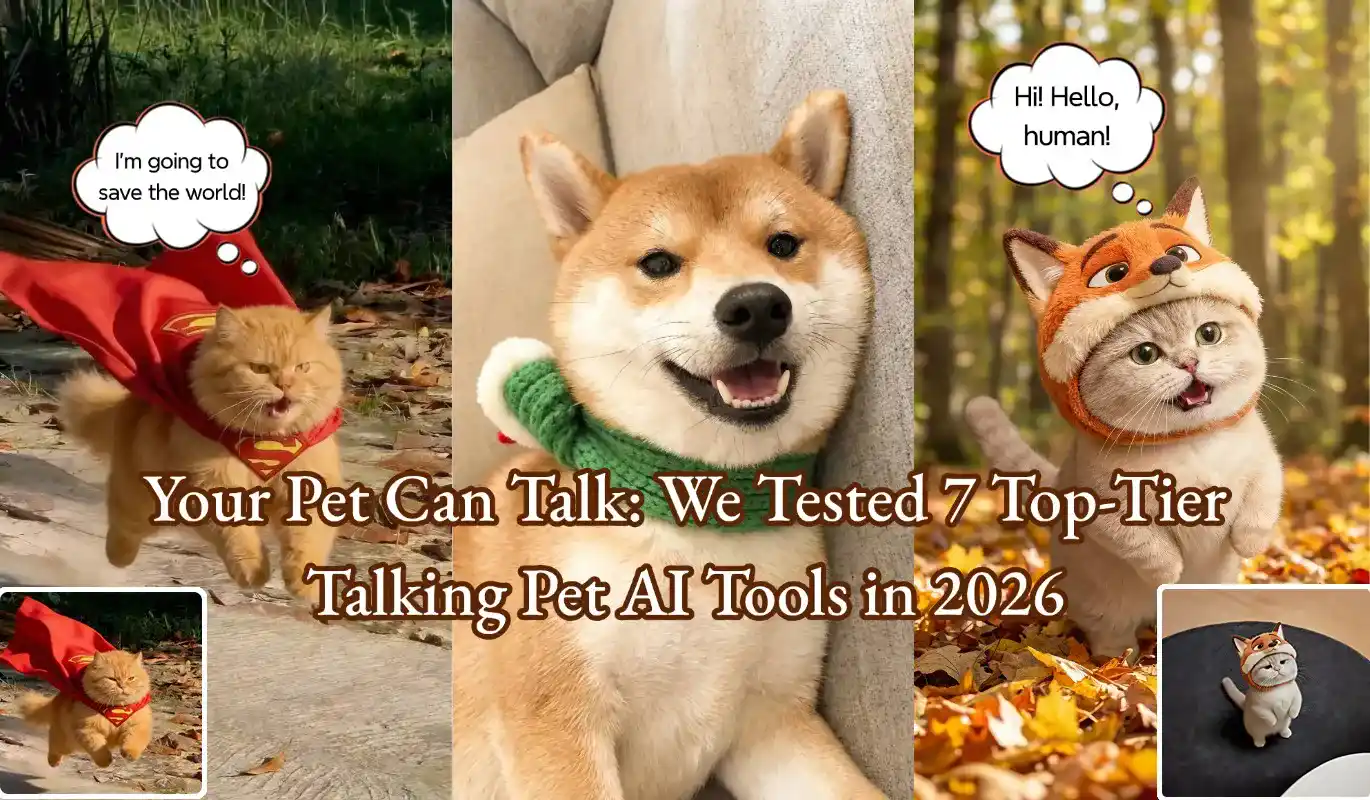
Your Pet Can Talk: We Tested 7 Top-Tier Talking Pet AI Tools in 2026
Have you ever watched your dog tilt its head or your cat meow at the wall, wondering what they were thinking? If they could speak, what kind of world would they share? Would they complain about not having enough treats, or express their silent companionship and love?
In the past, we could only guess. But now, AI technology makes this fantasy a reality. From hilarious TikTok videos to heartwarming family moments, making pets "talk" has become a new trend. With so many apps and websites available, which tool performs best? And which ones might fall short?
To answer these questions, we conducted a week-long in-depth test of 7 of the most popular tools. This review will provide a detailed and realistic analysis to help you find the best talking pet AI for your needs.
More Than Just Entertainment: Why Is Everyone Making Their Pets Talk?
You might think it's just a novelty, but as we explore further, we discover that its appeal goes far beyond that.
● Boosting Social Media Content Creativity
A Corgi commenting on current events with a unique tone, or a cat reciting poetry in a lazy voice, will undoubtedly stand out in the sea of pet content. A quality talking pet video generator helps creators transform funny scripts into pieces with viral potential.
● Capture One-of-a-Kind Memories
Imagine playing a video at your pet's birthday party in which they "personally" recount family anecdotes. With AI pet voiceover technology, you can turn those silent moments of companionship into emotionally charged, cherished memories.
● Craft Highly Personalized Gifts
For a friend's birthday or special anniversary, transform photos of their beloved pet into a video where it sings or delivers a personalized message. This thoughtful gesture far surpasses traditional greeting cards. That's the magic of the cat talking video creator tool—it presents your blessings in a uniquely creative and surprising way.
Our Evaluation Criteria: How to Distinguish Between Good and Bad Pet Talking AI Tools?
To ensure objectivity and fairness in our evaluation, we have established four core criteria that you can also refer to when choosing a tool.
● Criterion 1: Lip-Sync Realism
This is the gold standard for judging effectiveness. Inferior AI will produce uncoordinated mouth animations, resulting in a fake effect. We seek highly realistic talking animal AI that can accurately analyze the phonemes and rhythm of audio, capturing the rise and fall of your voice to drive natural and realistic lip movements and facial expressions in photos.
● Criterion 2: Voice & Audio Quality
Is the tool's built-in voice library rich and natural? Does it offer mechanical, electronic voices or emotional voiceovers? The best tools even support uploading the user's own voice to create perfect AI pet voiceovers, giving videos a stronger personal touch.
● Criterion 3: User Experience and Ease of Use
Even the most powerful features can deter most users if the interface is complex. We prefer online talking pet generators with clear workflows, drag-and-drop upload support, and one-click generation, allowing users with no video editing experience to get started in minutes.
● Criterion 4: Pricing vs. Features
We will analyze the business model of each tool in detail. Is there a free talking pet AI option? To what extent are the features of the free version limited (e.g., watermark, image quality, duration)? How cost-effective are the paid plans?
In-Depth Horizontal Comparison: A Comprehensive Review of the 7 Best AI Talking Pet Tools
Below are our real-world review results for the 7 tools.
MindVideo AI
Summary: Achieves a near-perfect balance between realistic lip-sync, ease of use, and powerful functionality, making it especially suitable for users seeking high-quality video output.
Pros:
● Top-Tier Realism: Its lip-sync technology is among the best we've tested. The subtle movements of the mouth and facial muscles are handled with remarkable finesse, almost flawlessly, reaching the high standard expected of realistic talking animal AI.
● Convenient Web-Based Experience: As a highly efficient online talking pet generator, it requires no downloads or installations and can be accessed from any computer. The cloud-based processing architecture ensures fast generation speeds and smooth export of high-definition videos.
● High Degree of Audio Customization: Not only is its built-in sound library of excellent quality, but it also boasts great compatibility and processing capabilities for user-uploaded custom recordings, perfectly matching tone and emotion.
Cons:
When there are too many users, video generation can be relatively slow, and this aspect needs further improvement.
My Talking Pet
Summary: A classic mobile pet-talking app, ideal for quick creation and instant social sharing.
Pros:
Extremely simple, with virtually no learning curve. Just open the app, select a photo, record audio, and instantly generate content—this quintessential "make my dog talk" app offers strong entertainment value.
Cons:
The animation effects lean toward the cartoonish, lacking realism. The free version displays a prominent watermark, and the limited selection of sound effects does not meet higher-quality creative demands.
HeyGen
Summary: Positioned as a professional and commercial-grade application, it is ideal for creating advertisements or high-standard videos. If you need to produce commercial-grade pet talking videos, this is your top choice—though its price and learning curve are also "professional."
Pros:
Industry-leading lip-sync accuracy with flawless detail handling, delivering broadcast-quality visuals.
Cons:
Premium pricing and a subscription model pose financial barriers for individual users. Its professional interface and feature set require a significant time investment to master, making it better suited for experienced video production teams.
CapCut
Summary: Ideal for users who are already proficient with this editing software and are willing to invest significant time in manual editing.
Pros:
Completely free, with a powerful video editing suite that allows for the addition of music, subtitles, and special effects at no cost.
Cons:
Lacks one-click AI generation. Users must manually adjust stickers or animations frame by frame using "keyframe" technology to achieve lip-sync, a tedious and time-consuming process that yields results far less natural than those from dedicated AI tools.
D-ID
Summary: A pioneer in AI talking avatars, renowned for its robust API and professional-grade studio capabilities.
Pros:
Mature technology delivers highly reliable and high-quality lip-syncing and facial animation. Offers extensive language and voice options, with its API interface favored by developers.
Cons:
Its interface may appear slightly technical for beginners compared to consumer-grade apps. It uses a points-based pricing model, which may prove costly for users requiring large-scale video generation.
Vidnoz AI
Summary: An online tool offering free "AI talking avatar" functionality as part of a larger video toolkit.
Pros:
Provides relatively generous free usage limits, making it a popular choice for users seeking free talking pet AI. Its interface is straightforward and intuitive—simply upload a photo, input text, or upload audio to generate content, ensuring quick onboarding.
Cons:
In our testing, its lip-sync realism is decent among free tools but falls short compared to top-tier paid platforms. Facial animations can sometimes appear slightly mechanical, with limited emotional expression. Free videos carry a watermark.
Veed.io
Summary: A powerful online video editor with a convenient "AI Avatar" feature for one-stop content creation.
Pros:
Its greatest strength lies in its seamless workflow. After generating pet-speaking clips, users can directly leverage Veed's robust video editing tools to add subtitles, music, transitions, and effects without switching software.
Cons:
While lip-sync accuracy is impressive, there remains a noticeable gap compared to top platforms specializing in this technology. Its subscription pricing reflects its value as a full-featured video editing suite, which may be cost-prohibitive for users requiring only a single feature.
Quick Start Guide: How to Create Your First Talking Pet Video
After reading the review, you're probably eager to try it out. We'll use the best-performing tool from this review as an example to demonstrate how convenient the creation process is.
Step 1: Choose a High-Quality Photo.
Prepare a high-resolution photo of your pet from the front view, taken in good lighting, with its mouth naturally closed. A clear source file is essential for generating a high-quality video.
Step 2: Prepare Audio or Script.
This is the core of your creativity. Think about what you want your pet to say. You can input text directly to have the AI generate the voiceover or record your own voice for a more personalized effect.
Step 3: Let AI Process It.
Upload the photo and audio (or text) to the platform. The AI will automatically analyze and render it; this process usually only takes a few moments.
Step 4: Download and Share Your Creation.
Preview the generated video. Once you're satisfied with the lip-sync and audio-visual effects, download the high-resolution version and share it on your social media platforms to receive praise from your friends.
Frequently Asked Questions
Are there any completely free tools that deliver outstanding results?
Frankly, it's challenging. So-called "free pet-talking AI" often comes with feature limitations, forced watermarks, or low-quality output. A smarter approach is to leverage the free trial credits offered by premium tools, allowing you to experience their top-tier performance firsthand and then decide if they are worth paying for.
If I seek ultimate realism, how should I choose?
Without considering budget or learning curve, HeyGen is the industry benchmark. However, when balancing cost, ease of use, and final output quality, our top-ranked choice strikes the optimal balance—offering the best path for average users to achieve professional-grade results.
Can I use my own voice for voiceovers?
Absolutely, and we strongly recommend it. Top-tier tools all support uploading your own recordings for AI pet voiceovers. Using your own voice not only conveys emotions more accurately but also gives the final video a uniquely personal touch.
Conclusion: It's Time to Give Your Pet a "Voice"
This in-depth review clearly shows that different tools cater to different needs. My Talking Pet suits mobile users seeking quick entertainment, while HeyGen serves professional content creators with ample budgets.However, if you share our desire for professional-grade video quality and realism without being hindered by complex operations or high costs, MindVideo stands out as the most comprehensive choice in our review.
Don't let your creativity stay locked in your mind. Your pet has its own unique personality and story—now you have the tools to let it "tell" them. Try our recommended AI tools and bring those warm, fun ideas to life. We believe the creative process itself is pure enjoyment.
